Spider Notes logo

Spider Notes

A note structure built for recall, not filing.

macOS 26 or later Apple silicon and Intel One purchase · $10 Complete app — nothing locked No account Apple notarizedDeveloper ID signed
Website Direct edition

Pay once. Fully unlocked. Verified by Apple.

This website download is a separate direct-distribution build from the Mac App Store edition. It contains no StoreKit purchase flow or subscription screen: every feature is available after the one-time website purchase.

Apple notarized this exact disk image after an automated malware check. It is signed with the publisher's Developer ID and its notarization ticket is stapled to the download, so Gatekeeper can verify it even when your Mac is offline.

How signing, notarization and installation work
Version
1.1 (build 120)
Released
2026-08-23
Requires
macOS 26 or later
Architecture
Apple silicon and Intel
Download
4.3 MB DMG
Apple check
Notarized · Developer ID signed
SHA-256
795e1e740c7dff8d2d387c83ae198c7bd300cd3b74c0f85706a02514b5c7c05c
What it is

What Spider Notes does

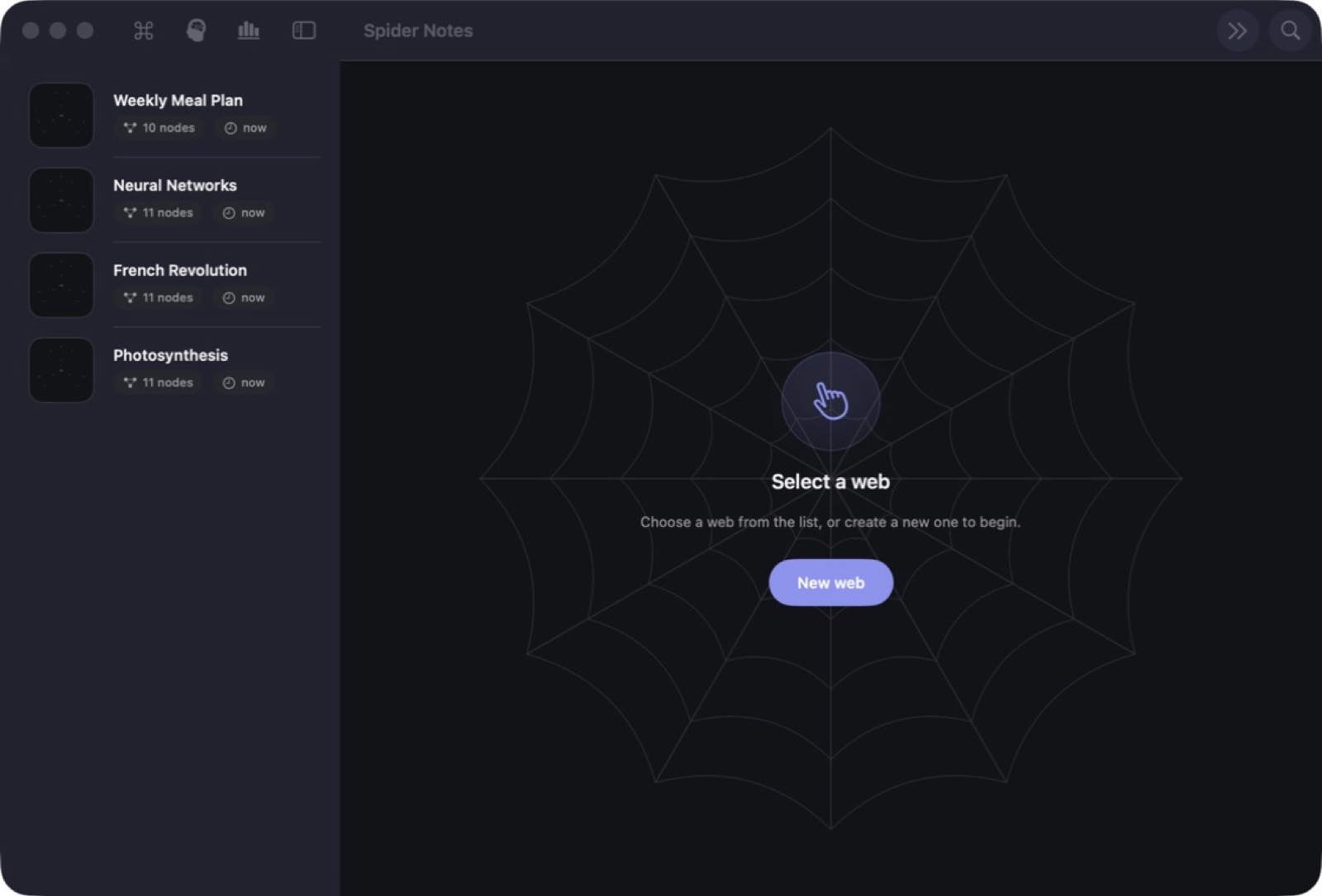
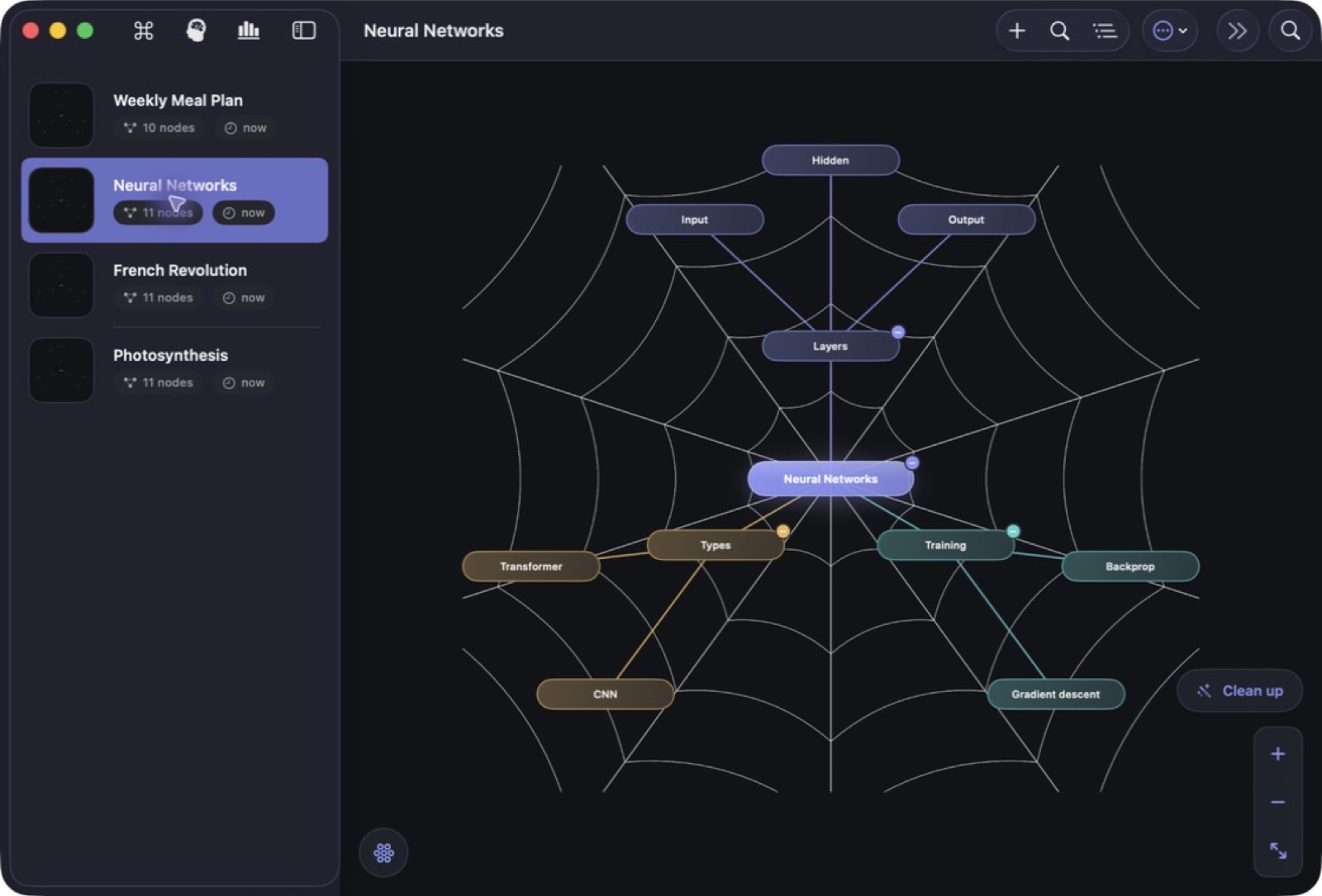
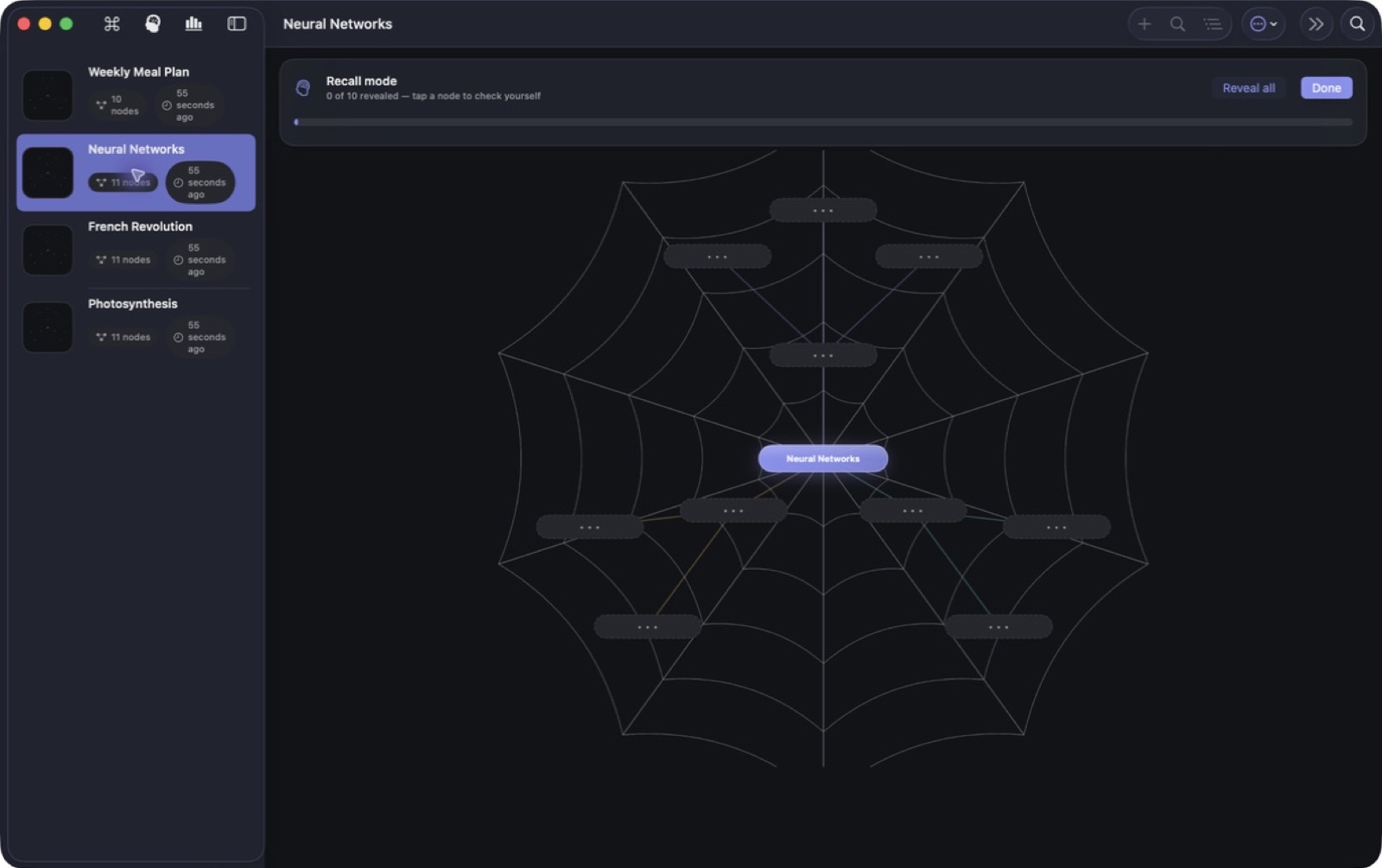
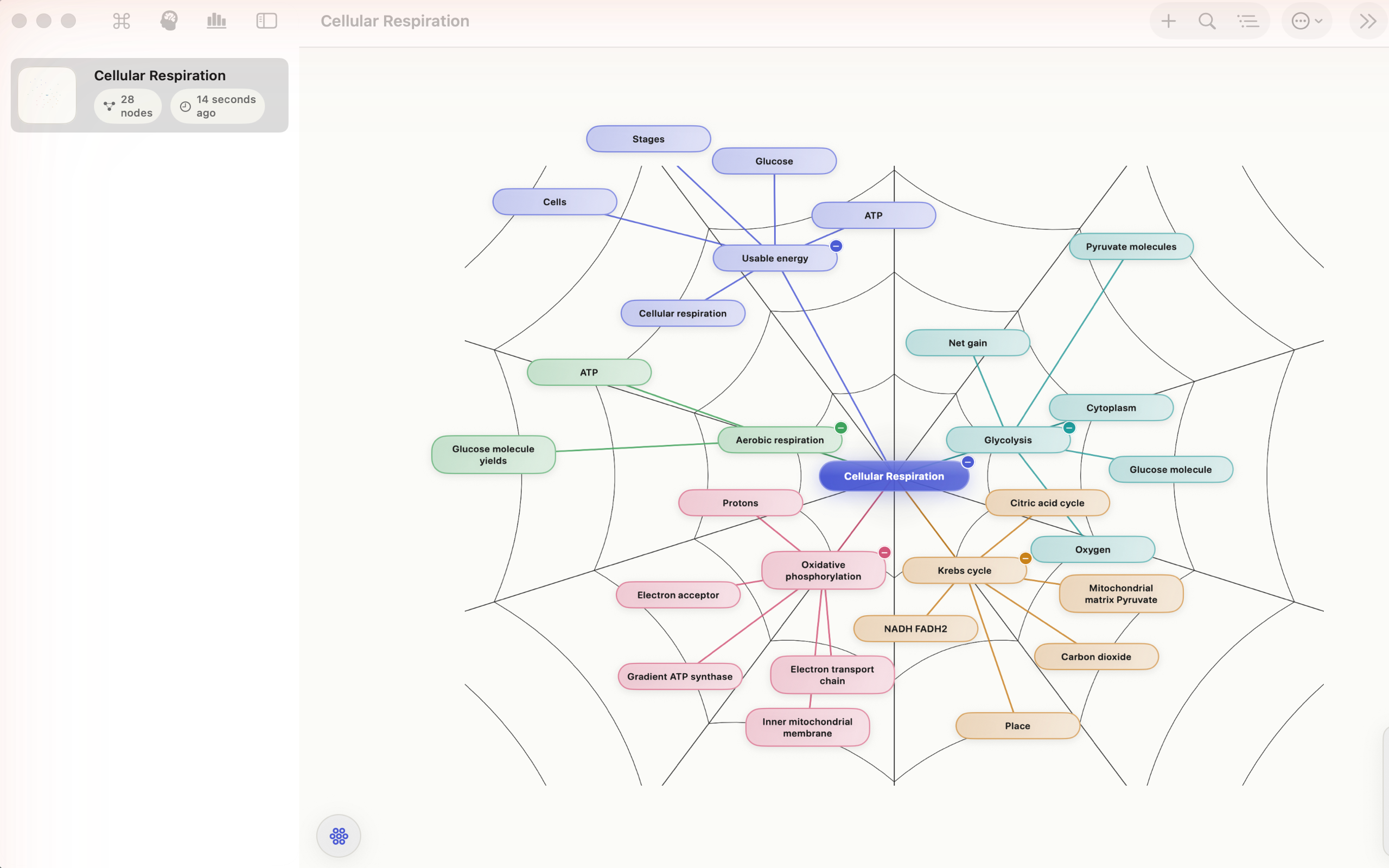
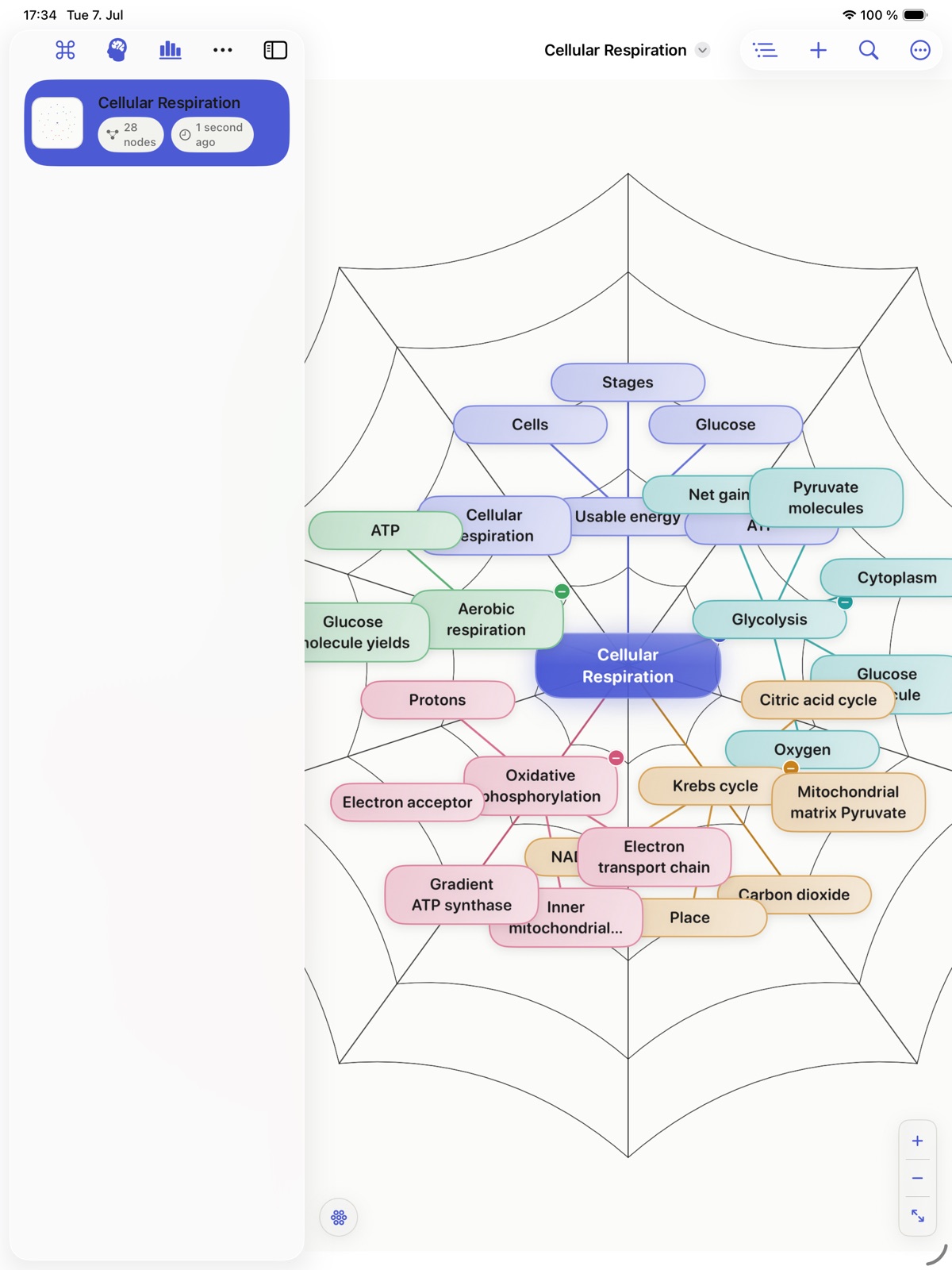
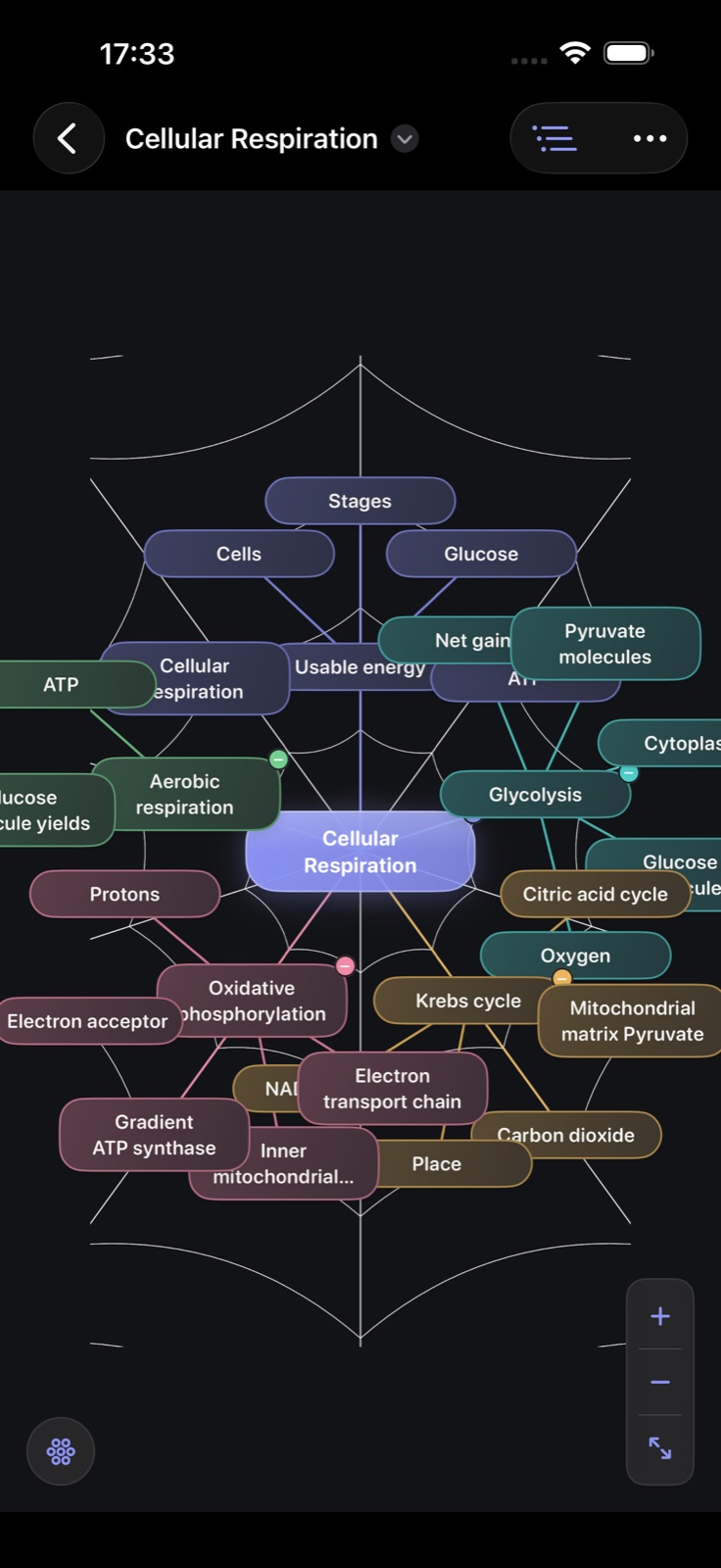
Notes arranged as a spider web — one central topic, branches on radial spokes, siblings linked by rings. Recall mode blanks the labels and asks you to rebuild the web from memory, which is what makes the spatial layout do work rather than just look different.

Spider diagrams are a well-established memory technique: spatial position and radial relationships give recall something to hold onto that a linear list does not. Most apps treat mind-mapping as a drawing feature. Here it is the primary model — nodes auto-arrange into a clean web instead of drifting wherever you drop them.

Recall mode is the payoff. It blanks the labels and asks you to rebuild the structure from memory, turning the note into a test.

How it does its job

Enforced web layout

Nodes arrange automatically; the structure stays legible as it grows.

Recall mode

Labels blank out so you can rebuild the web and test retention.

Search and export

Filter with is:task or #tags, export to PDF, RTF, Markdown, HTML, OPML or a calendar.

What it doesn't do

The radial structure suits concepts and revision. Long-form linear writing belongs in a different tool.

Turn one chapter into a recall exercise

Start with a small topic, not the whole textbook. The example below is a suggested study exercise, not a claim that the app generates a chapter summary for you.

  1. Read a short section and put its central question in a new web.
  2. Create three or four spokes for the main ideas, with brief prompts rather than copied paragraphs.
  3. Add one explanation or example to each spoke and check it against the source.
  4. Use recall mode to hide information, answer from memory, then reveal and correct what you missed.

For a photosynthesis chapter, use prompts such as inputs, outputs, location and role of light. Explain the relationship in your own words before adding more detail. See a complete map-to-recall session.

The website Direct release requires macOS 26 or later. A web is a study aid, not evidence that the material has been learned: judge it by what you can explain without looking.

Native, local-first, and yours

Spider Notes is a native Mac app distributed as a complete, fully activated download. No subscription, no account, no locked features, no tracking.

Buy & download

Get Spider Notes

Choose $10 for one app, $20 for two different apps, or $49 for every published app through Stripe's hosted checkout. Download on the confirmation page or open the delivery email on your Mac. Each link is single-use; your email shows its exact expiry. Keep the installer for future use. If your link expires or the download fails, ask for a replacement link with your receipt; do not buy again.

Common questions

What is Spider Notes?

Take notes as a spider web - a central topic with ideas radiating outward on radial spokes, siblings linked by concentric rings. The spatial, associative structure is a proven memory-retention technique, and here it is the primary model of the app rather than an afterthought.

Who is Spider Notes for?

Spider Notes is for Mac users looking for notes & study. Notes arranged as a memory web, with a recall mode that blanks the labels and tests you.

Which Macs can run Spider Notes?

Spider Notes requires macOS 26 or later. Supported architecture: Apple silicon and Intel. Check About This Mac before purchasing.

Is this the same Spider Notes edition as the Mac App Store version?

No. The Mac App Store edition can include Apple's in-app subscription system. The website Direct edition is a separately signed build with no StoreKit purchase flow: one website purchase unlocks the complete app with no recurring charge.

Is Spider Notes the full version, or are features locked?

The download is the complete app. There is no subscription, no locked tier, no account, and no trial timer — every feature is included.

How do I get Spider Notes?

Choose $10 for one app, $20 for two different apps, or $49 for every published app through Stripe's hosted checkout on this page. Download links are delivered on the confirmation page and by email. Each link is single-use; its exact expiry is shown in your delivery email. Keep the installer. If the link expires or a download fails, contact support@macossoftware.com with your receipt instead of buying again.

Is the Spider Notes Direct edition notarized by Apple?

Yes. Version 1.1 is signed with a Developer ID certificate, notarized by Apple, and distributed with a stapled notarization ticket. Its published SHA-256 checksum is 795e1e740c7dff8d2d387c83ae198c7bd300cd3b74c0f85706a02514b5c7c05c.

Spider Notes One purchase · from $10 Buy & download