
InQ
Write, calculate and present in one document.
Bring words, tables, formulas and charts into a connected document.
What you can do with InQ
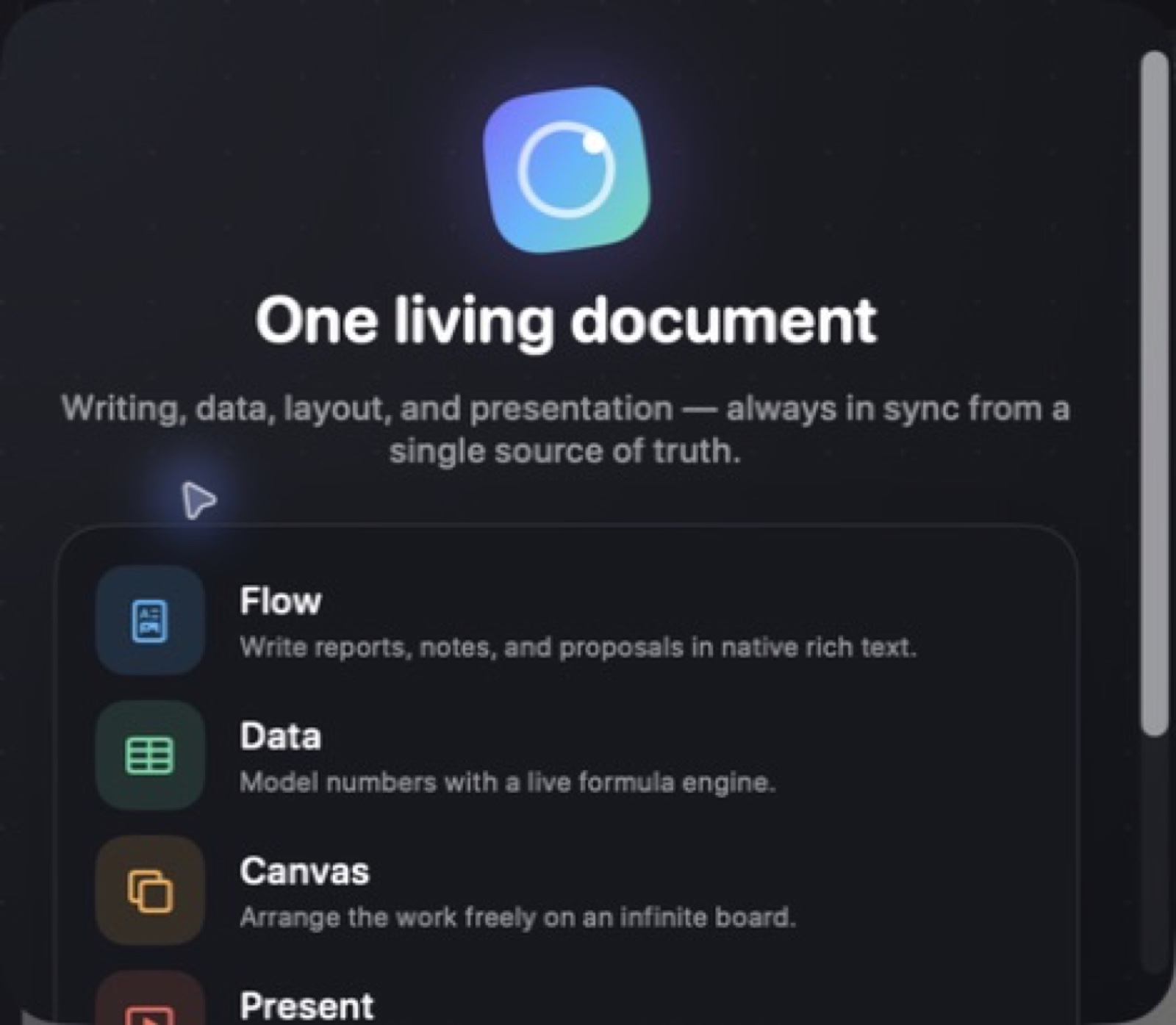
Bring words, tables, formulas and charts into a connected document. InQ lets you work through document, canvas and presentation views while keeping the narrative and data together. Develop an idea, shape the supporting information and prepare the result for sharing without rebuilding the same material in separate files. On Mac, switch the same .inq file between Flow, Data, Canvas and Present, with formulas, charts and narrative references connected to the source data.
- Keep writing, tables and charts in one document
- Move between document and presentation views
- Carry connected narrative and data into your output
See the workspace
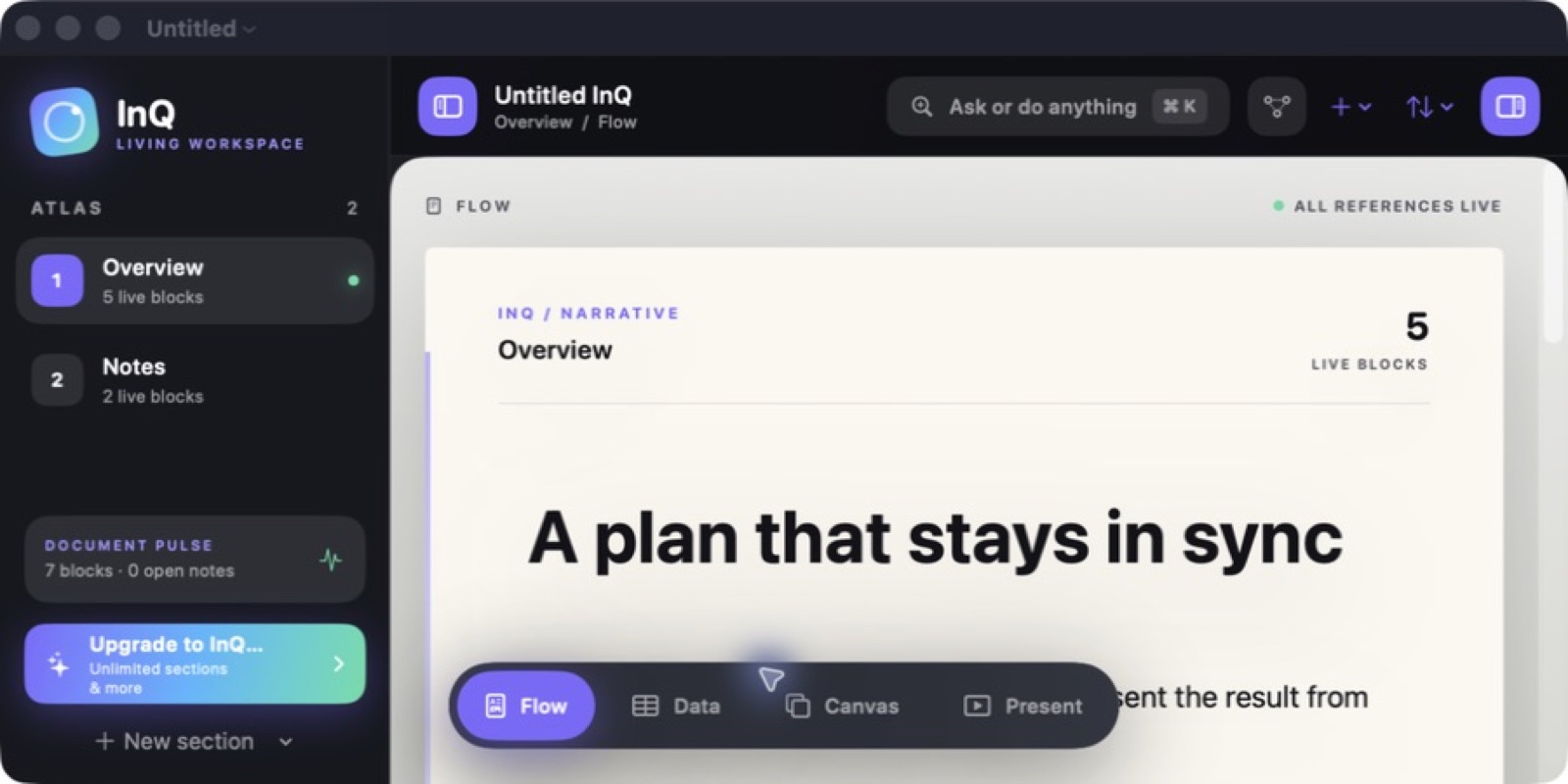
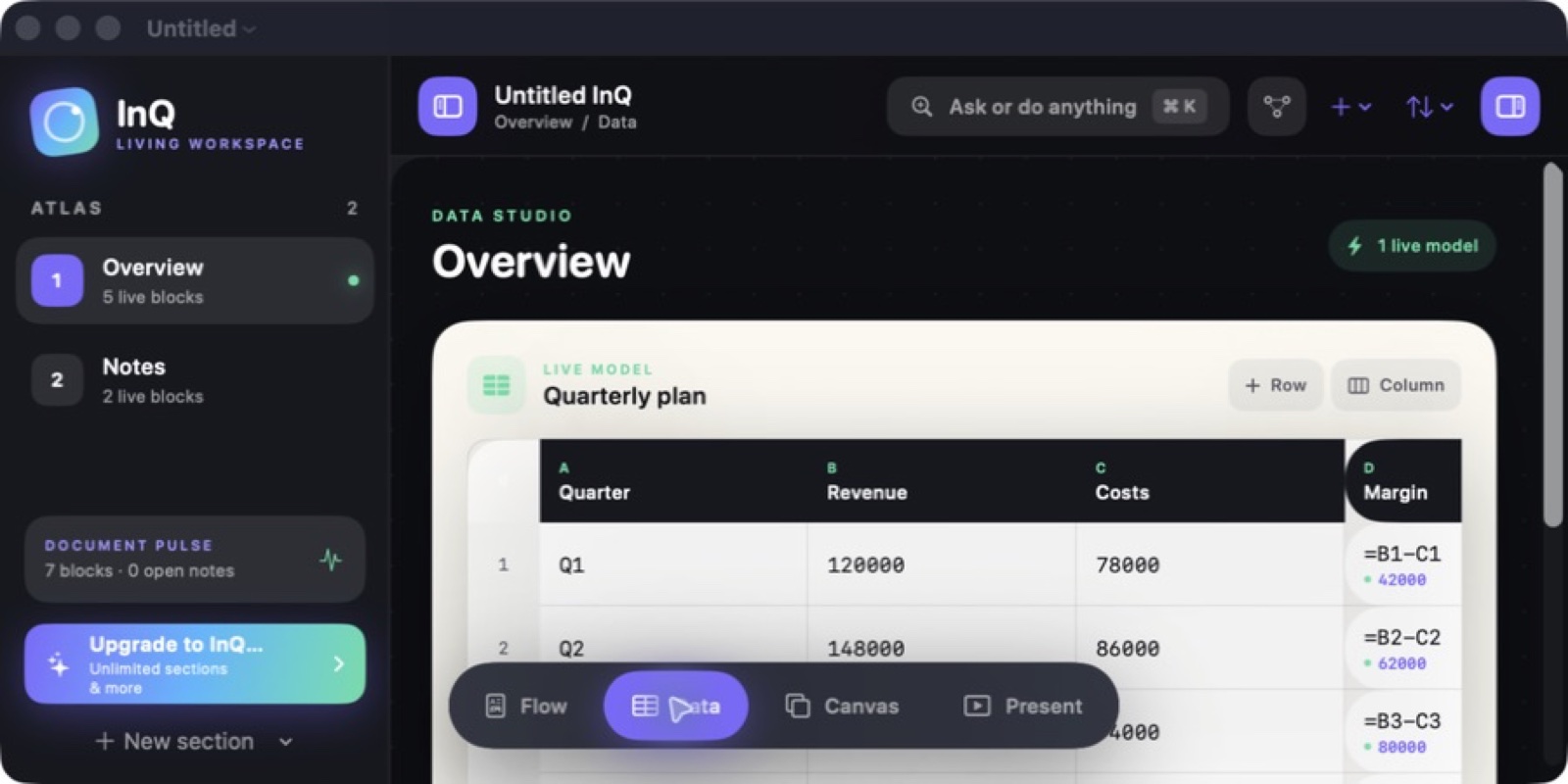
Explore 2 more screenshots
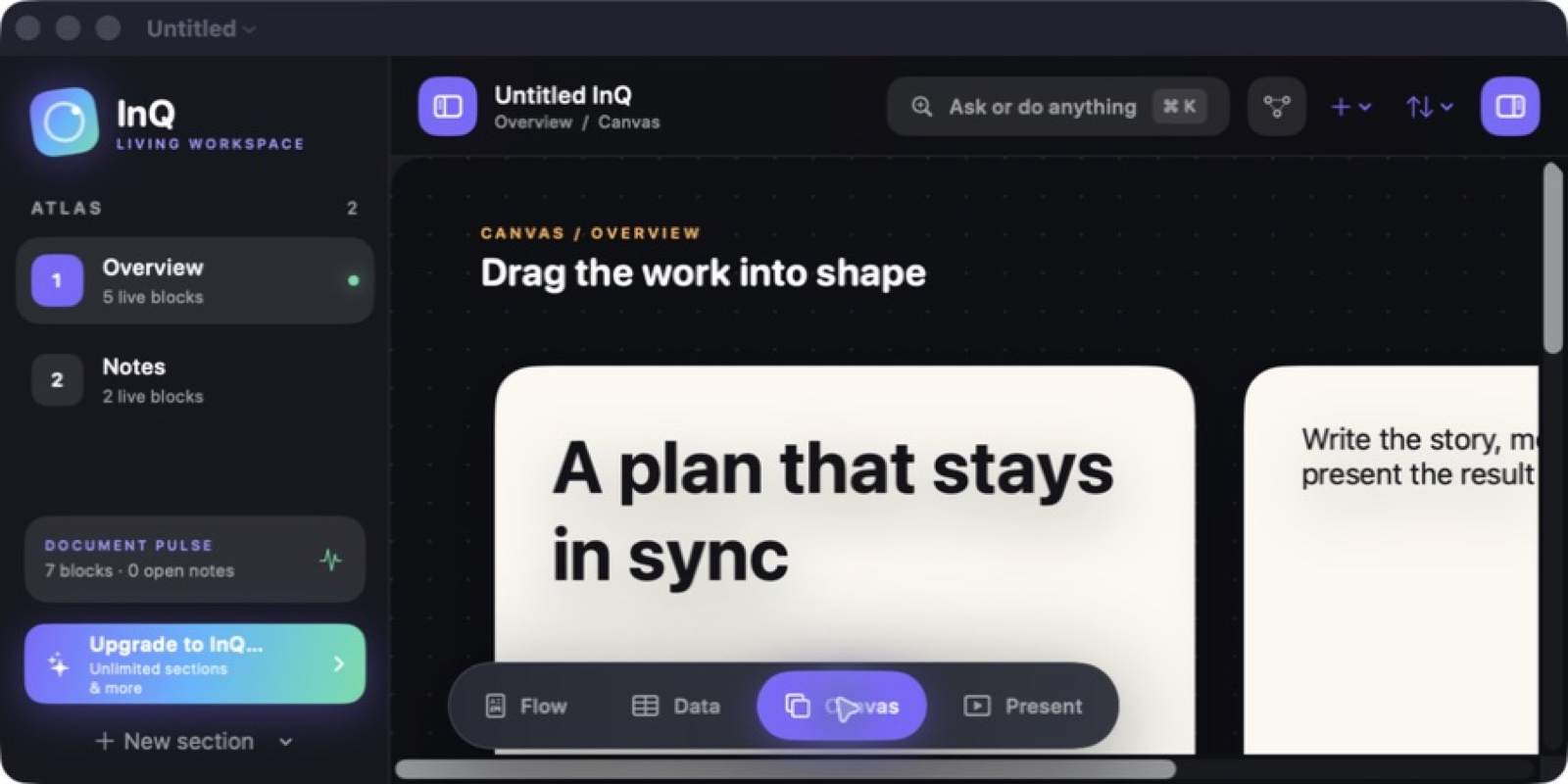

A simple way to get started
Bring in your material
Start with the notes, pages or recording you want to work with.
Make it useful
Read, organise or shape the material in a focused workspace.
Return with context
Keep the useful details ready for your next session.
Explore more features
- Flow, Data, Canvas and Present views over one source document
- Change source data and every dependent formula, chart and reference follows
- Spreadsheet analysis and charting without leaving the document
- Native SwiftUI for Mac, iPad and iPhone
Get InQ
Compatibility and installation details
- Requires
- macOS 15 or later
- Architecture
- Apple silicon and Intel
- Version
- 0.1.0
- Download
- 5.8 MB
- Publisher signature
- Developer ID Application
- Apple notarization
- Notarized
- SHA-256
616caaa7c71de8aa9e0e10478f50d861bae6e1a7574c2481b4bf5783d7ca423e
Download the Mac disk image from your receipt, open it and follow the included installation instructions.
Useful to know
What can I do with InQ?
Bring words, tables, formulas and charts into a connected document. InQ lets you work through document, canvas and presentation views while keeping the narrative and data together. Develop an idea, shape the supporting information and prepare the result for sharing without rebuilding the same material in separate files. On Mac, switch the same .inq file between Flow, Data, Canvas and Present, with formulas, charts and narrative references connected to the source data.
How do I start?
Start with the notes, pages or recording you want to work with. Read, organise or shape the material in a focused workspace. Keep the useful details ready for your next session.
How do I receive my download?
After your purchase, the receipt page provides your download link. The exact expiry is shown with your delivery link. Keep your receipt and installer. If a link expires or a download fails, contact support with your receipt instead of buying again.
Where can I find setup help?
Compatibility and installation details are on this page. The installation guide and support team can help with the next step.