
VideoNotes
Turn recordings into study material you can revisit.
Bring a lecture, lesson or recorded explanation into VideoNotes and turn it into editable notes linked to the source.
What you can do with VideoNotes
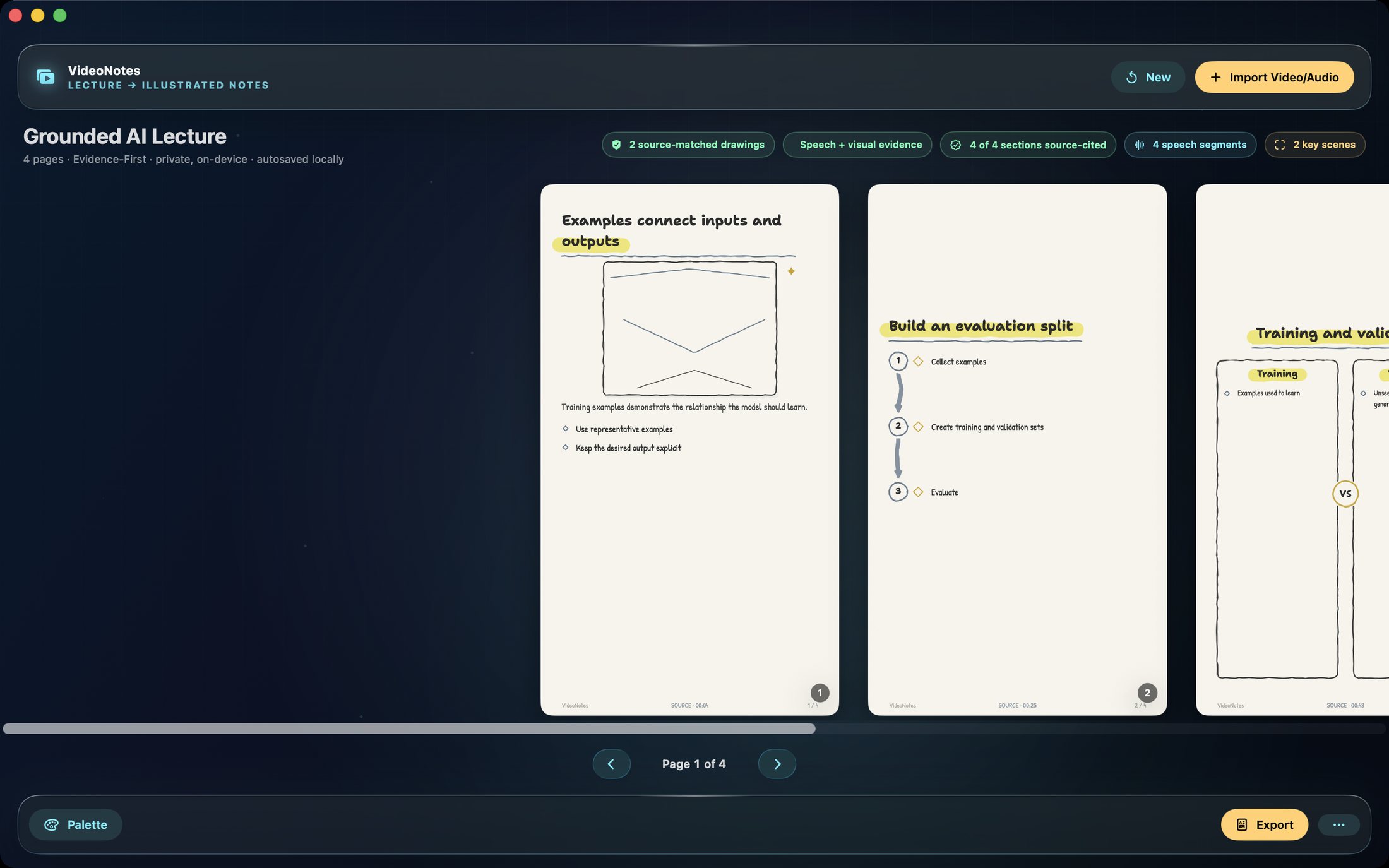
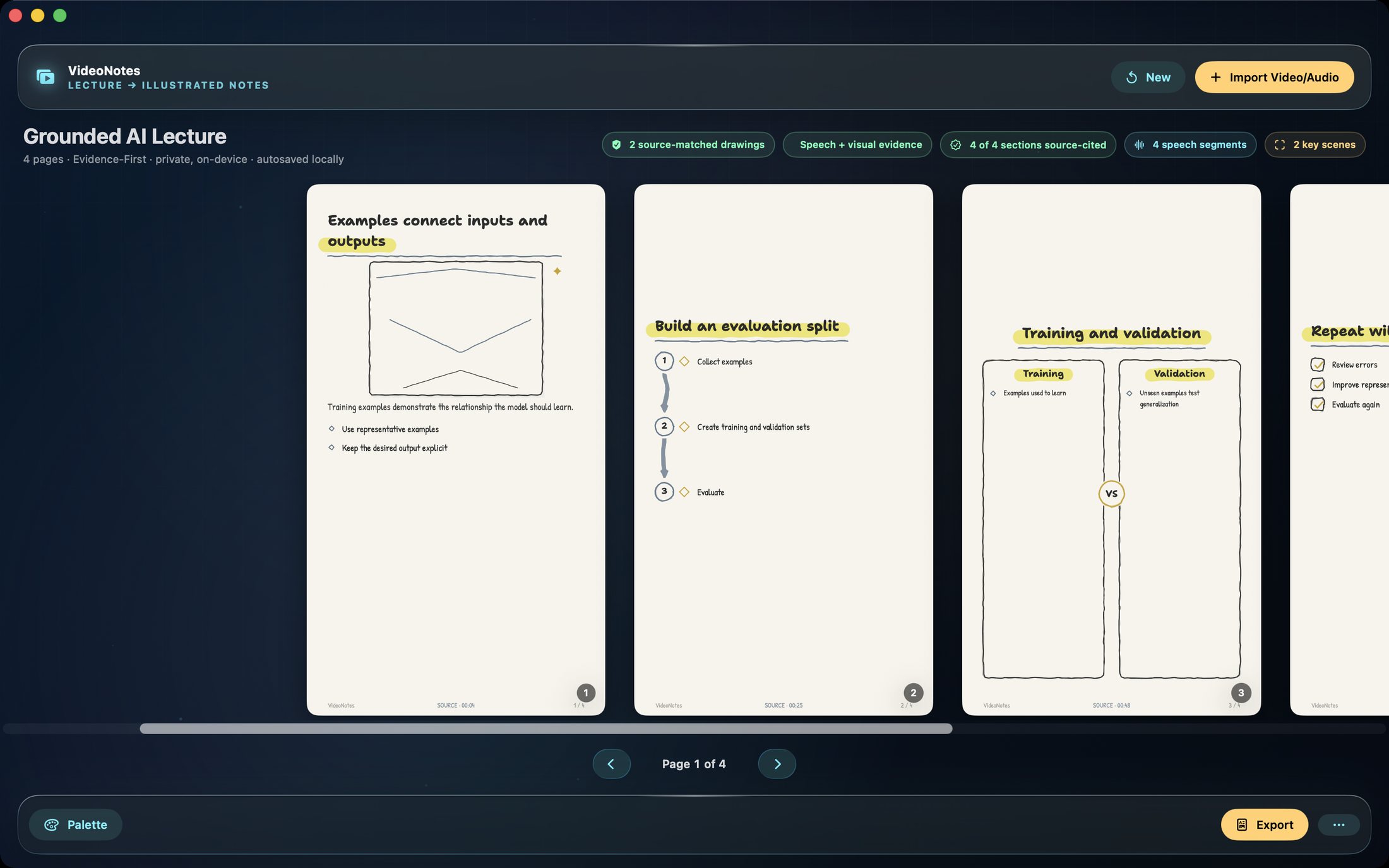
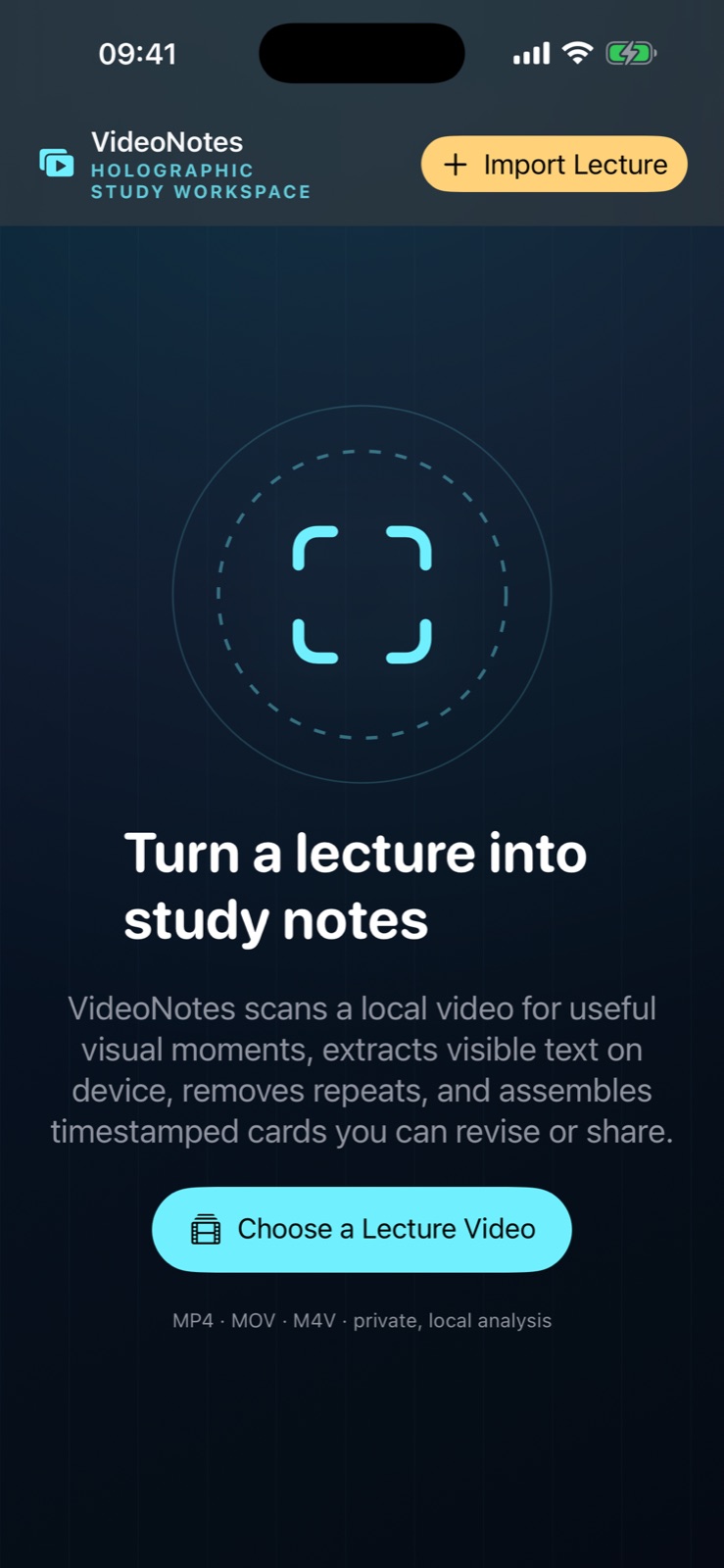
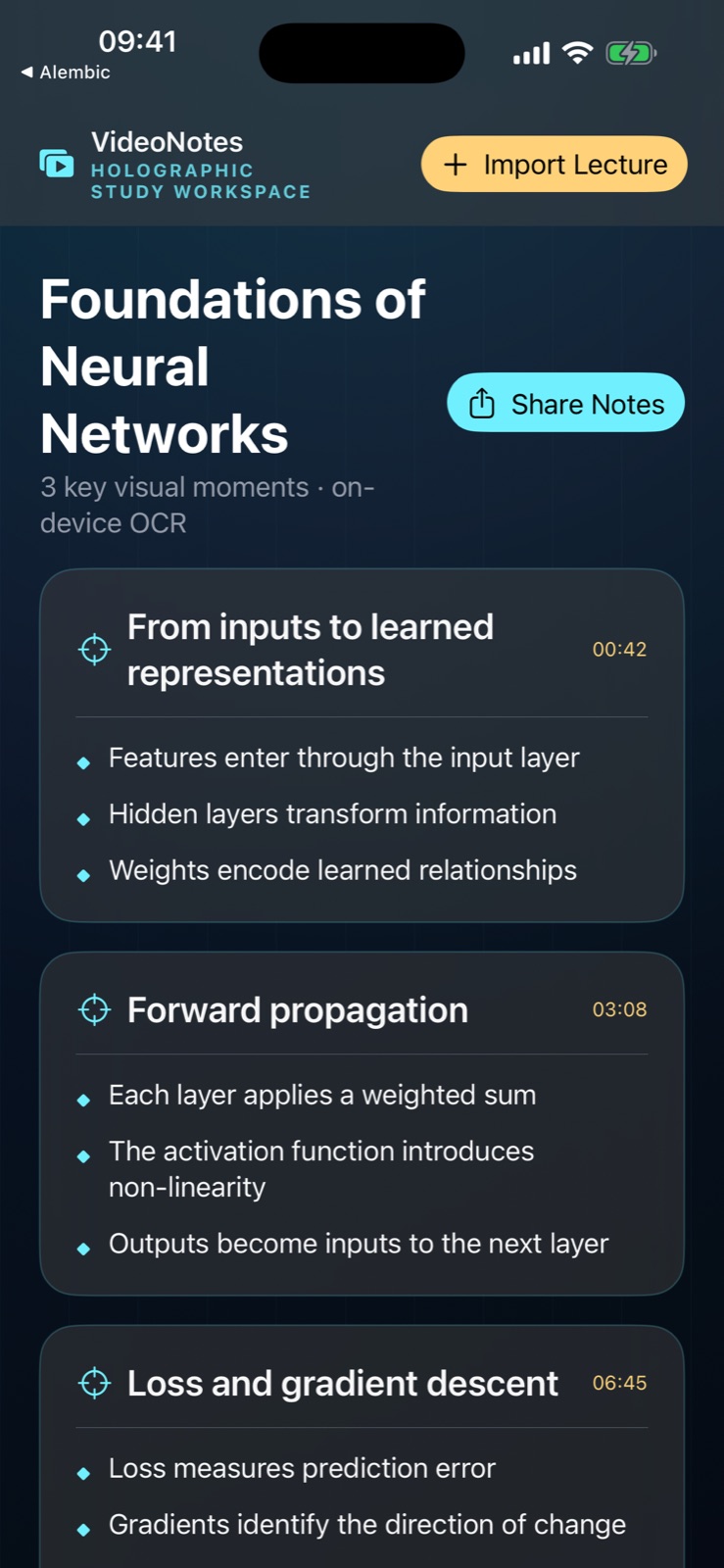
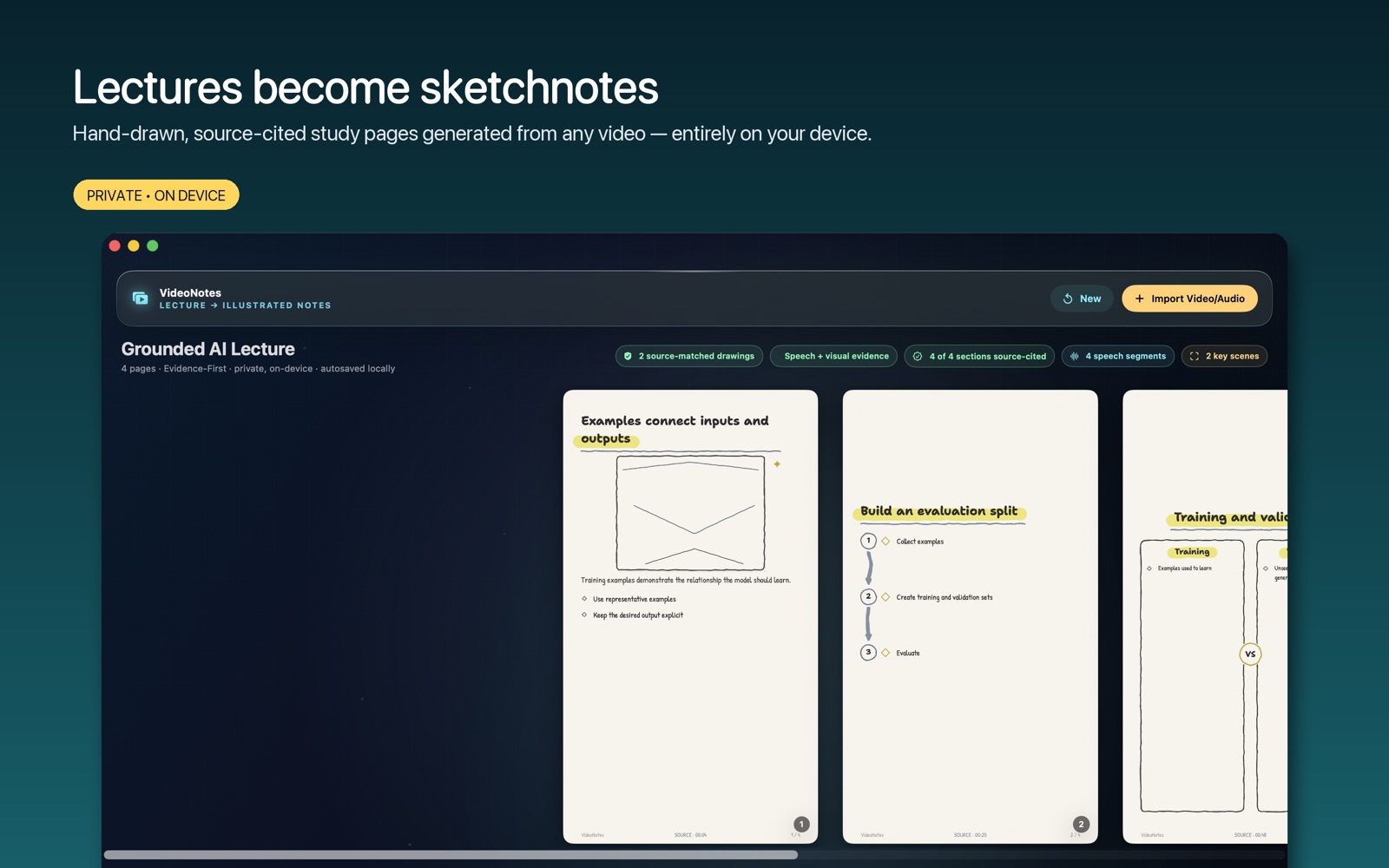
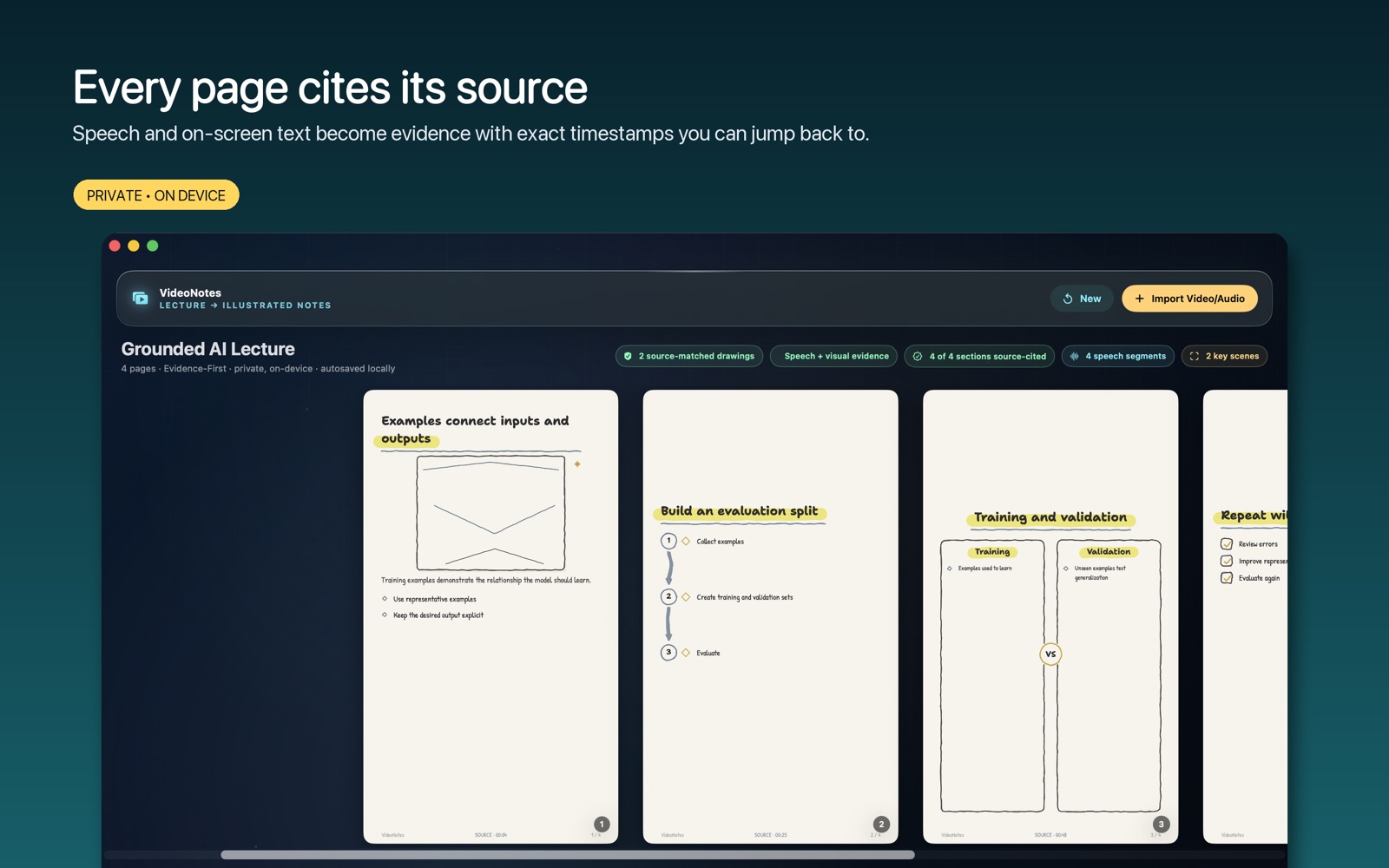
Bring a lecture, lesson or recorded explanation into VideoNotes and turn it into editable notes linked to the source. Local transcription and frame OCR help capture spoken and visual material together. Review important points, jump back to the recording for context, and export useful study material in the format that suits your next session. On Mac, sketchnote pages, 14 note formats and exports including searchable PDF and Anki give the same recording several useful study forms.
- Capture spoken and visual material together
- Keep notes linked to the original recording
- Export study material for your next session
See the workspace
Explore 5 more screenshots
A simple way to get started
Bring in your material
Start with the notes, pages or recording you want to work with.
Make it useful
Read, organise or shape the material in a focused workspace.
Return with context
Keep the useful details ready for your next session.
Explore more features
- Hand-drawn sketchnote pages with real hand-lettering fonts and four palettes
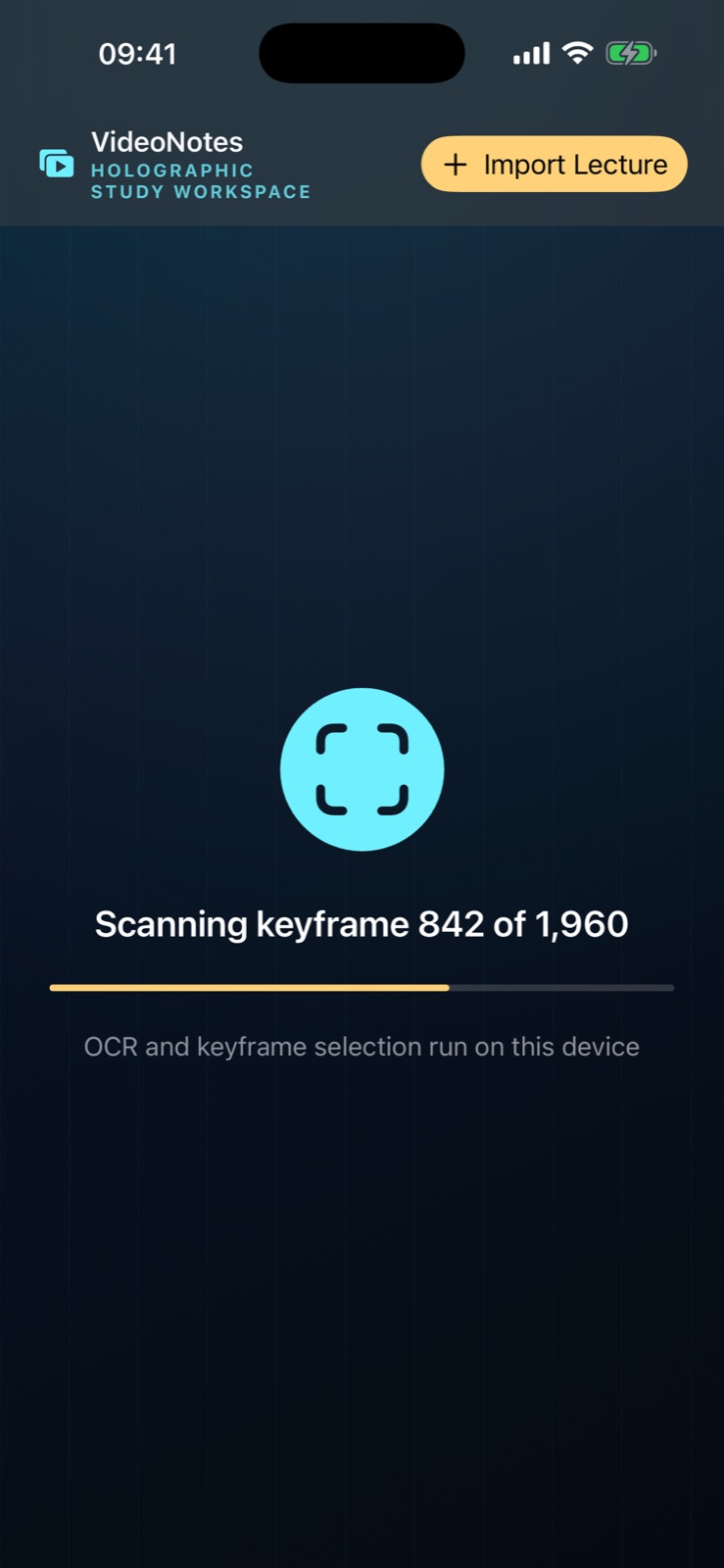
- On-device speech transcription plus Vision OCR for slides and boards
- Evidence Inspector: every claim cites its exact source timestamp
- 14 note formats and 10 export formats, including searchable PDF and Anki
Get VideoNotes
Compatibility and installation details
- Requires
- macOS 14 or later
- Architecture
- Apple silicon and Intel
- Version
- 1.1
- Download
- 5.1 MB
- Publisher signature
- Developer ID Application
- Apple notarization
- Notarized
- SHA-256
47ee79e54dc9342ccc3ffa4f58a676cc97f0252dec4ceb0928e4a6b2bd965ff0
Download the Mac disk image from your receipt, open it and follow the included installation instructions.
Useful to know
What can I do with VideoNotes?
Bring a lecture, lesson or recorded explanation into VideoNotes and turn it into editable notes linked to the source. Local transcription and frame OCR help capture spoken and visual material together. Review important points, jump back to the recording for context, and export useful study material in the format that suits your next session. On Mac, sketchnote pages, 14 note formats and exports including searchable PDF and Anki give the same recording several useful study forms.
How do I start?
Start with the notes, pages or recording you want to work with. Read, organise or shape the material in a focused workspace. Keep the useful details ready for your next session.
How do I receive my download?
After your purchase, the receipt page provides your download link. The exact expiry is shown with your delivery link. Keep your receipt and installer. If a link expires or a download fails, contact support with your receipt instead of buying again.
Where can I find setup help?
Compatibility and installation details are on this page. The installation guide and support team can help with the next step.