
Lectern
Keep the useful parts of every recording.
Record or import audio, work with a local transcript, and turn the session into notes and actions you can return to.
What you can do with Lectern
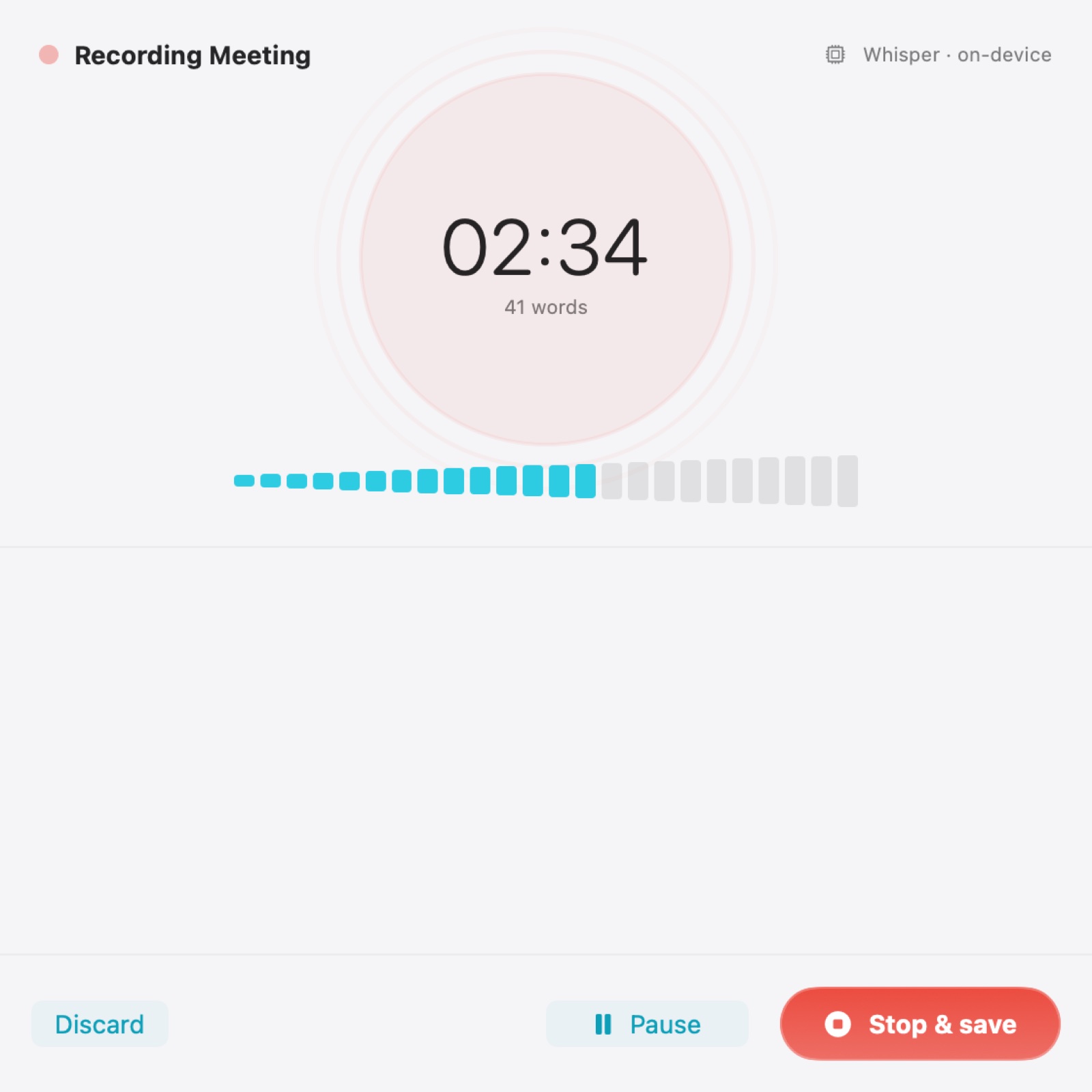
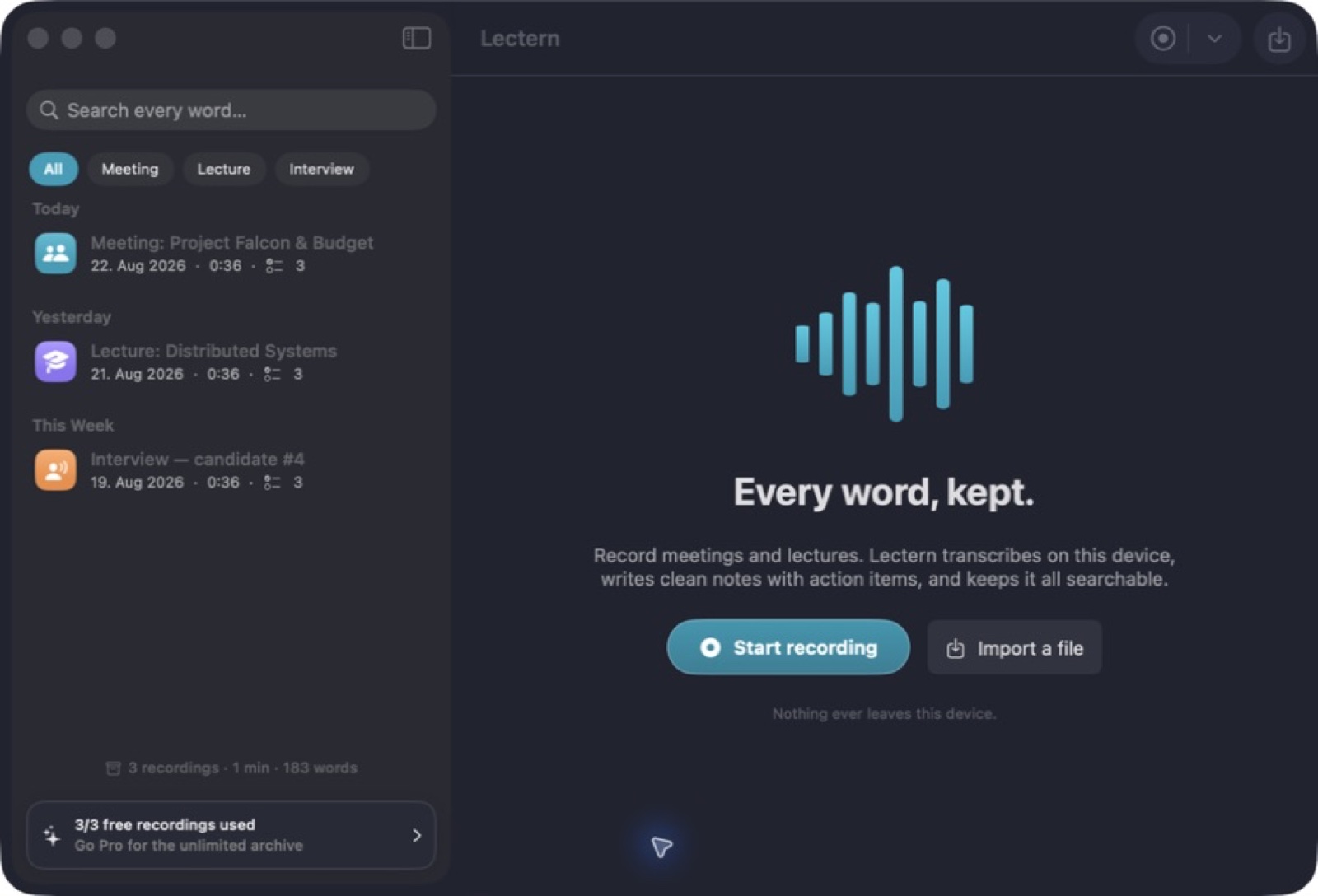
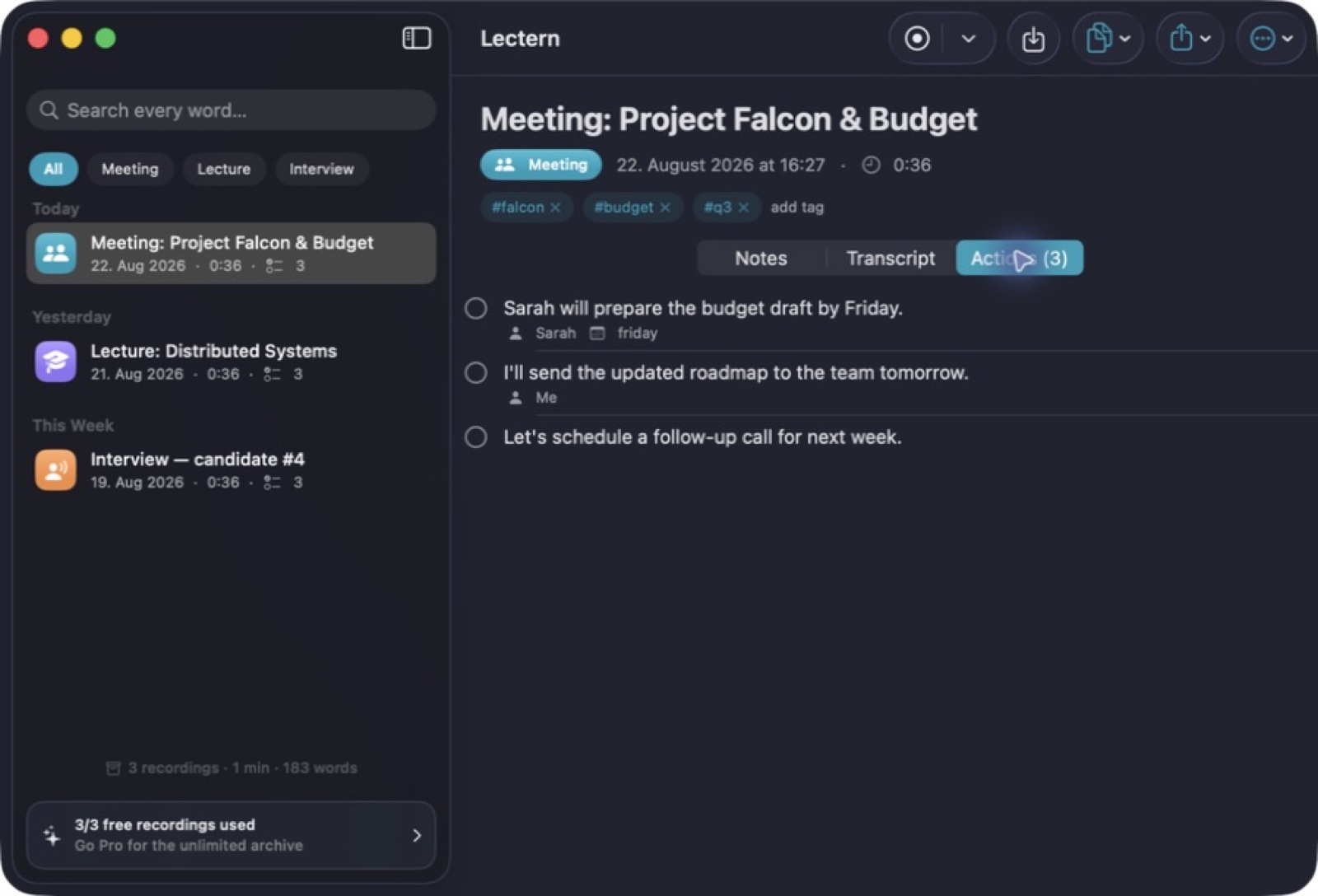
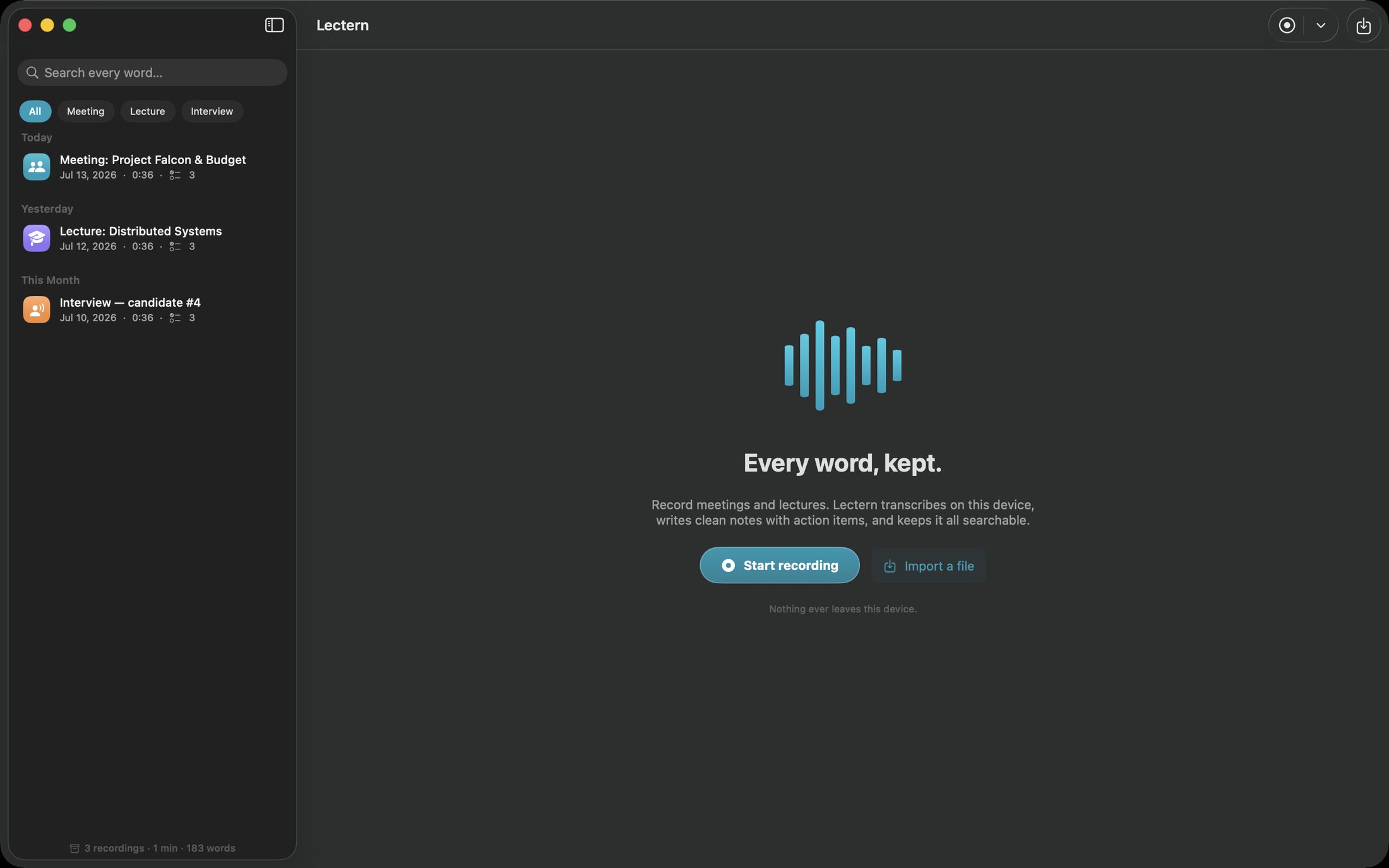
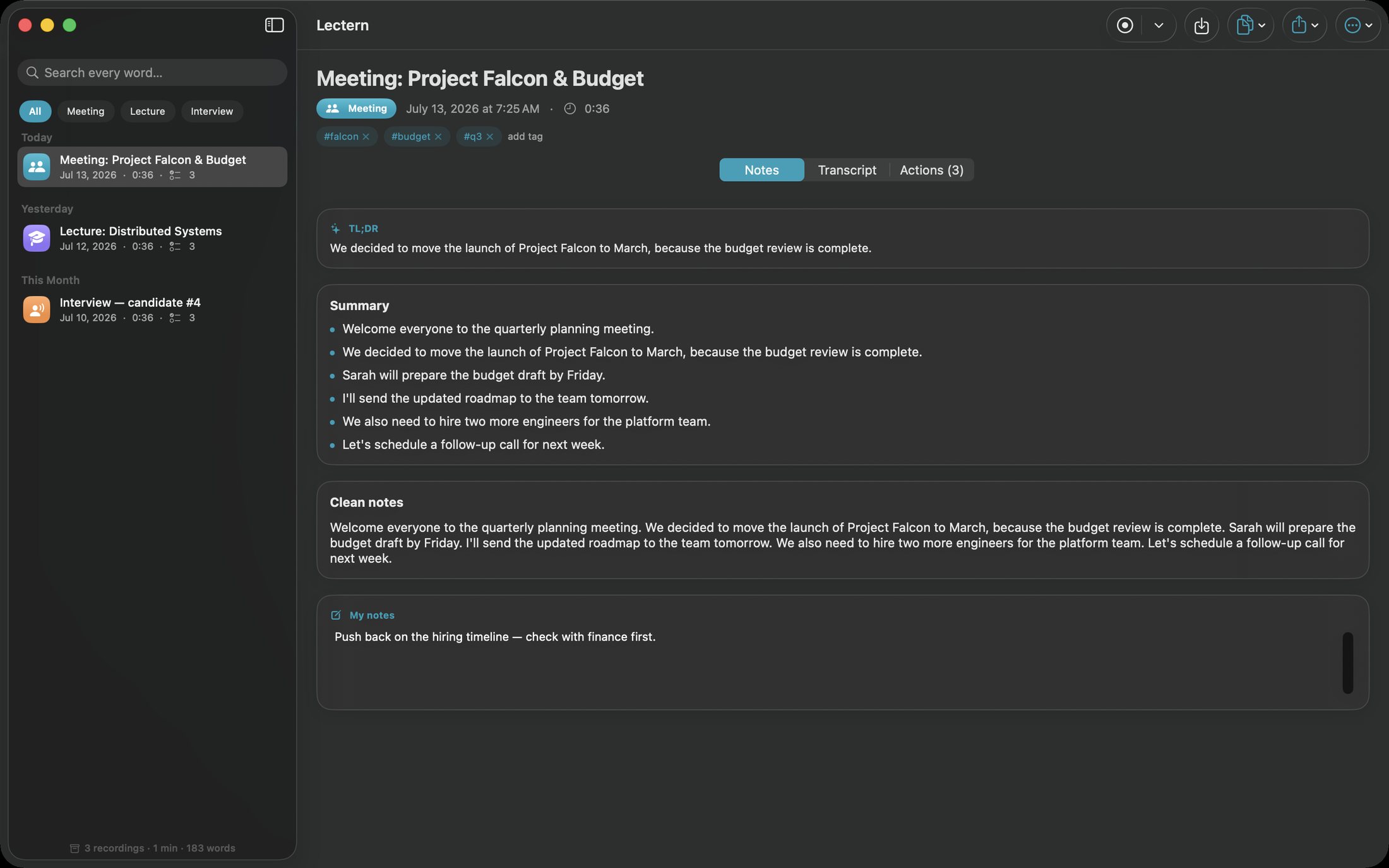
Record or import audio, work with a local transcript, and turn the session into notes and actions you can return to. Lectern brings playback and searchable saved sessions together, helping you find a useful moment long after a meeting or lecture ends. Export the material you want to carry into your next task. On-device transcription creates a searchable archive, with summaries and action items beside the recording.
- Record or import audio for local transcription
- Find useful moments in saved sessions
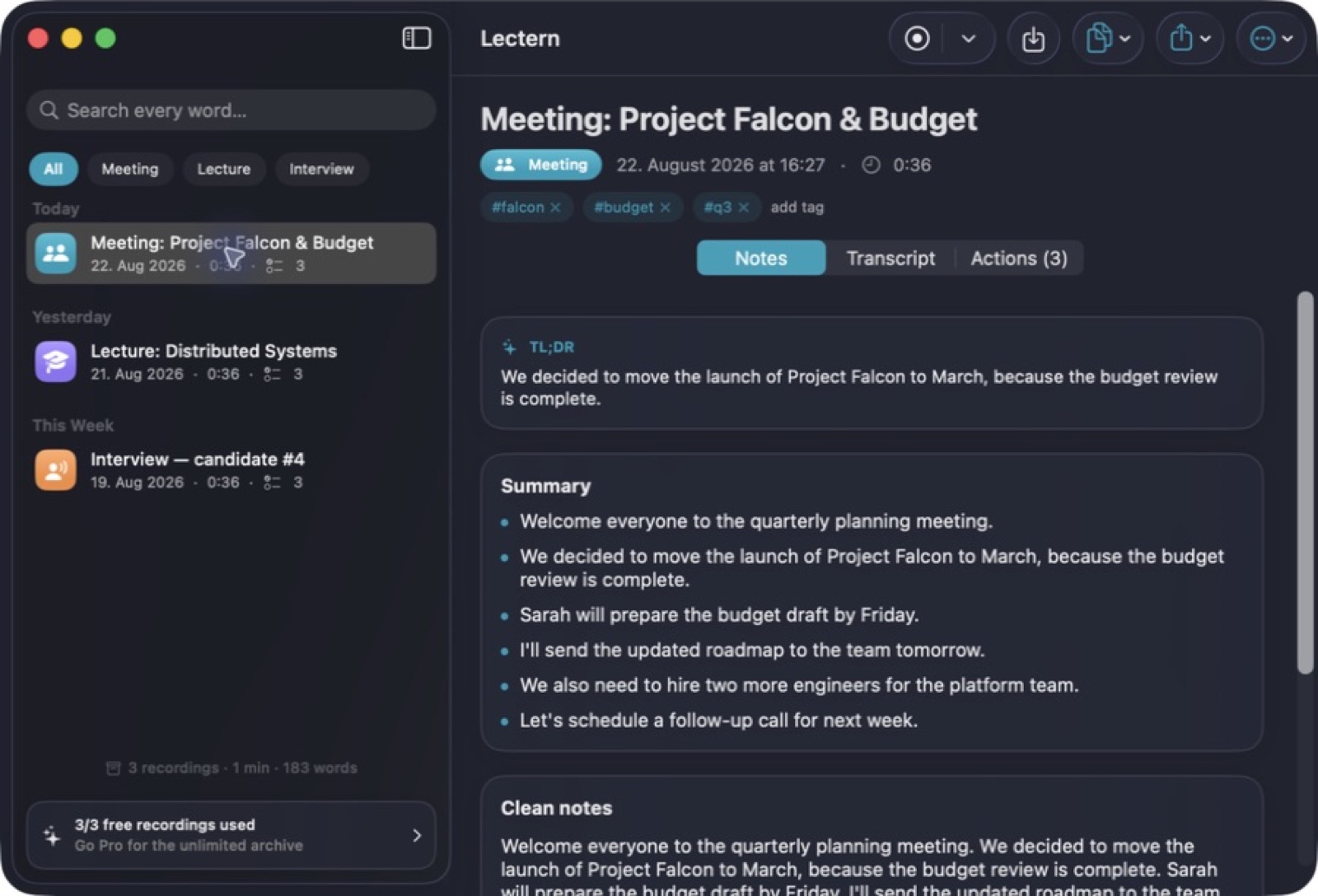
- Turn transcripts into notes you can return to
See the workspace
Explore 5 more screenshots
A simple way to get started
Record or import
Capture the session or bring in an audio recording for transcription.
Review the transcript
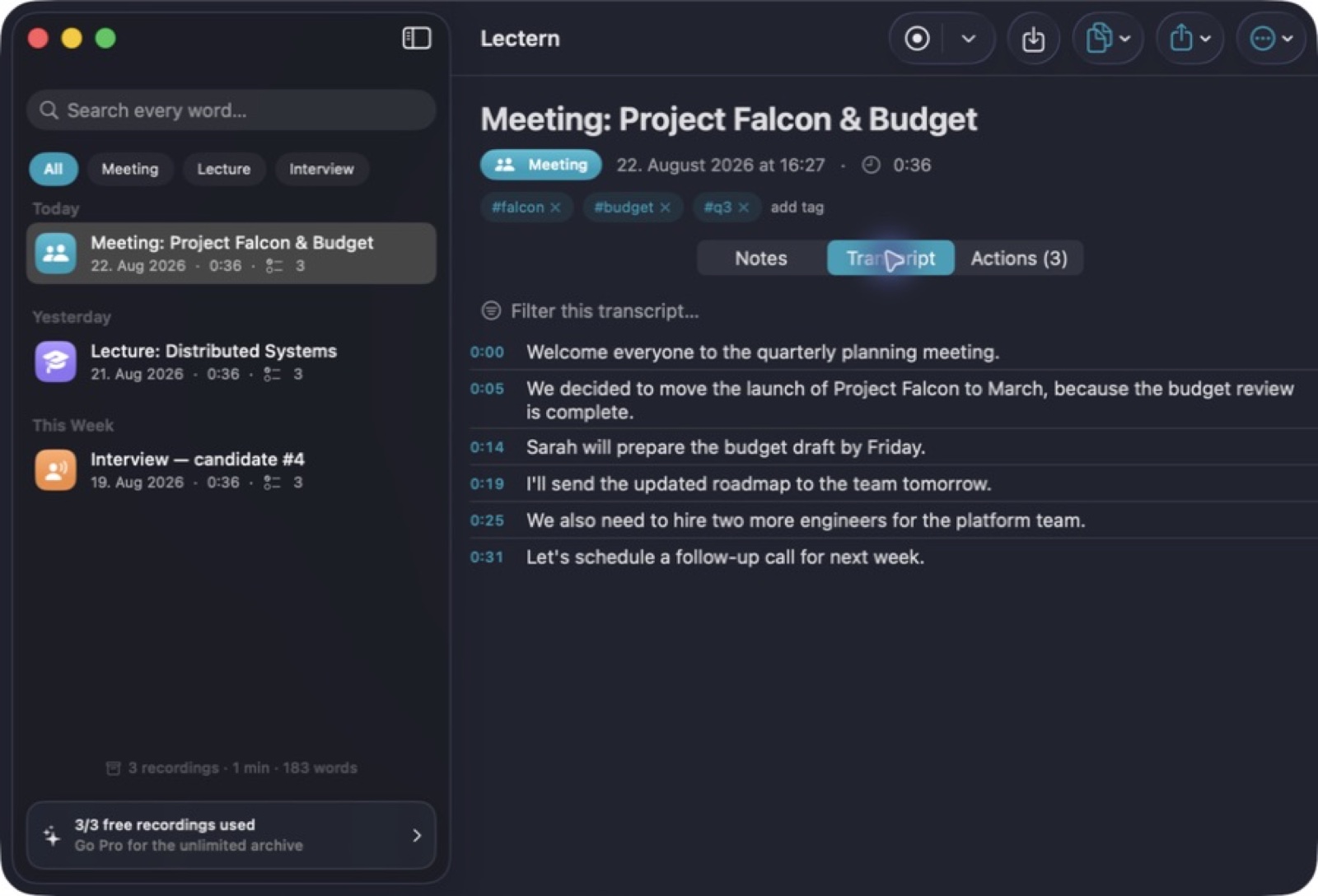
Read the text beside playback and find useful moments in the recording.
Keep the useful parts
Save your session, return through search and export material for the next task.
Explore more features
- On-device Whisper on the Neural Engine, or instant Apple Speech
- Live transcript, level meter and interruption-proof capture
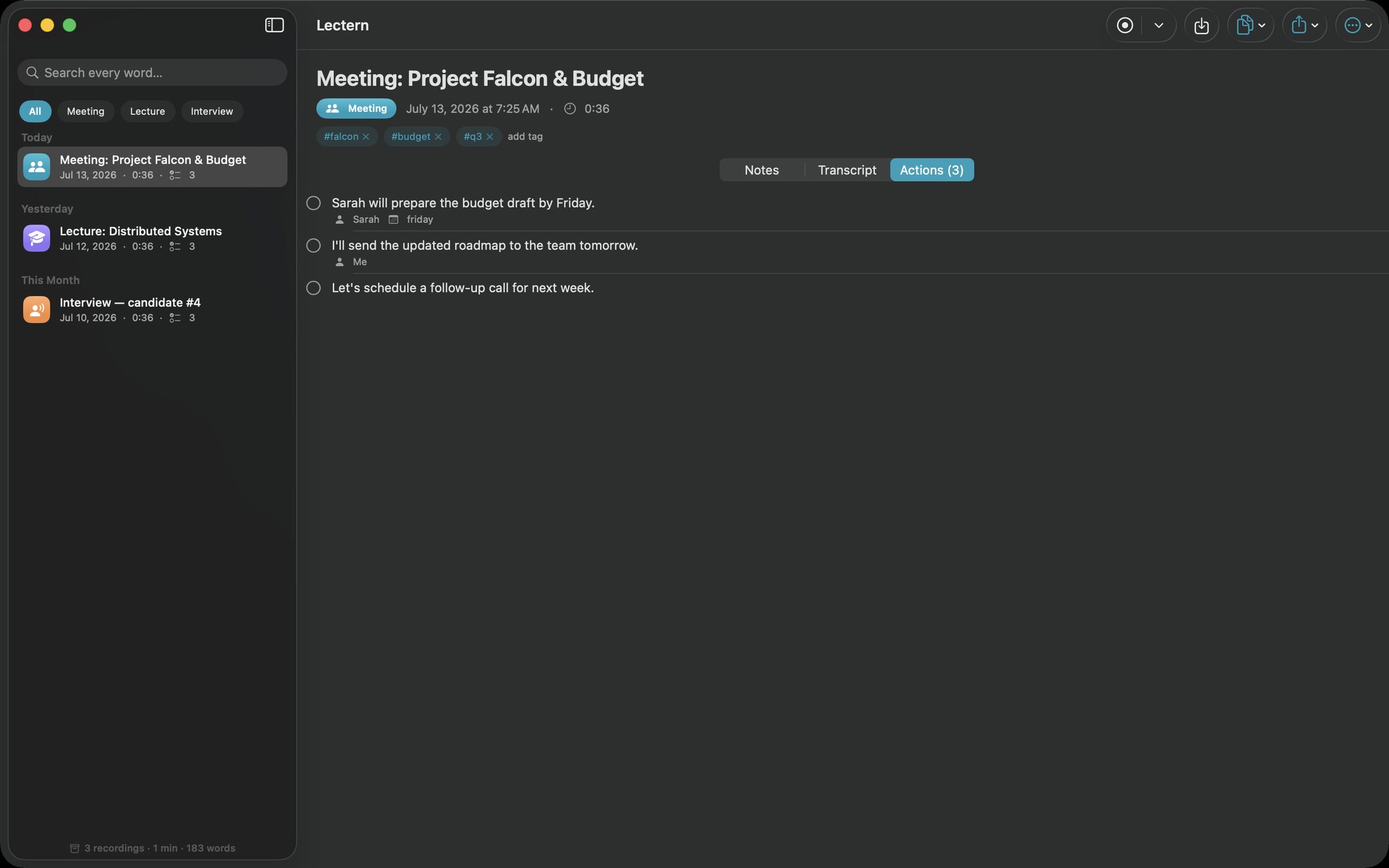
- TL;DR, summaries, tags and action items with owners and due dates
- Full-text search with jump-to-audio at the exact segment
Get Lectern
Compatibility and installation details
- Requires
- macOS 14 or later
- Architecture
- Apple silicon and Intel
- Version
- 1.0
- Download
- 4.4 MB
- Publisher signature
- Developer ID Application
- Apple notarization
- Notarized
- SHA-256
5230b11738eb89c761163386a796d6896d11f7b7eccf462250b2f036f291733b
For a first recording, confirm language and file support in the setup guide.
Download the Mac disk image from your receipt, open it and follow the included installation instructions.
Useful to know
What can I do with Lectern?
Record or import audio, work with a local transcript, and turn the session into notes and actions you can return to. Lectern brings playback and searchable saved sessions together, helping you find a useful moment long after a meeting or lecture ends. Export the material you want to carry into your next task. On-device transcription creates a searchable archive, with summaries and action items beside the recording.
How do I start?
Capture the session or bring in an audio recording for transcription. Read the text beside playback and find useful moments in the recording. Save your session, return through search and export material for the next task.
How do I receive my download?
After your purchase, the receipt page provides your download link. The exact expiry is shown with your delivery link. Keep your receipt and installer. If a link expires or a download fails, contact support with your receipt instead of buying again.
Where can I find setup help?
Compatibility and installation details are on this page. The installation guide and support team can help with the next step.