MultiAgentOS logo

MultiAgentOS

Bring your own model; keep the tool harness and the audit trail.

macOS 12 or later Apple silicon One purchase · $10 Complete app — nothing locked No account Apple notarizedDeveloper ID signed
Website Direct edition

Pay once. Fully unlocked. Verified by Apple.

This website download is a separate direct-distribution build from the Mac App Store edition. It contains no StoreKit purchase flow or subscription screen: every feature is available after the one-time website purchase.

Apple notarized this exact disk image after an automated malware check. It is signed with the publisher's Developer ID and its notarization ticket is stapled to the download, so Gatekeeper can verify it even when your Mac is offline.

How signing, notarization and installation work
Version
1.0.0 (build 7)
Released
2026-08-23
Requires
macOS 12 or later
Architecture
Apple silicon
Download
254.9 MB DMG
Apple check
Notarized · Developer ID signed
SHA-256
d736c98cccb8209e815f70847fb83ddf0053a2b639a0c38554ff502b8e088a99
What it is

What MultiAgentOS does

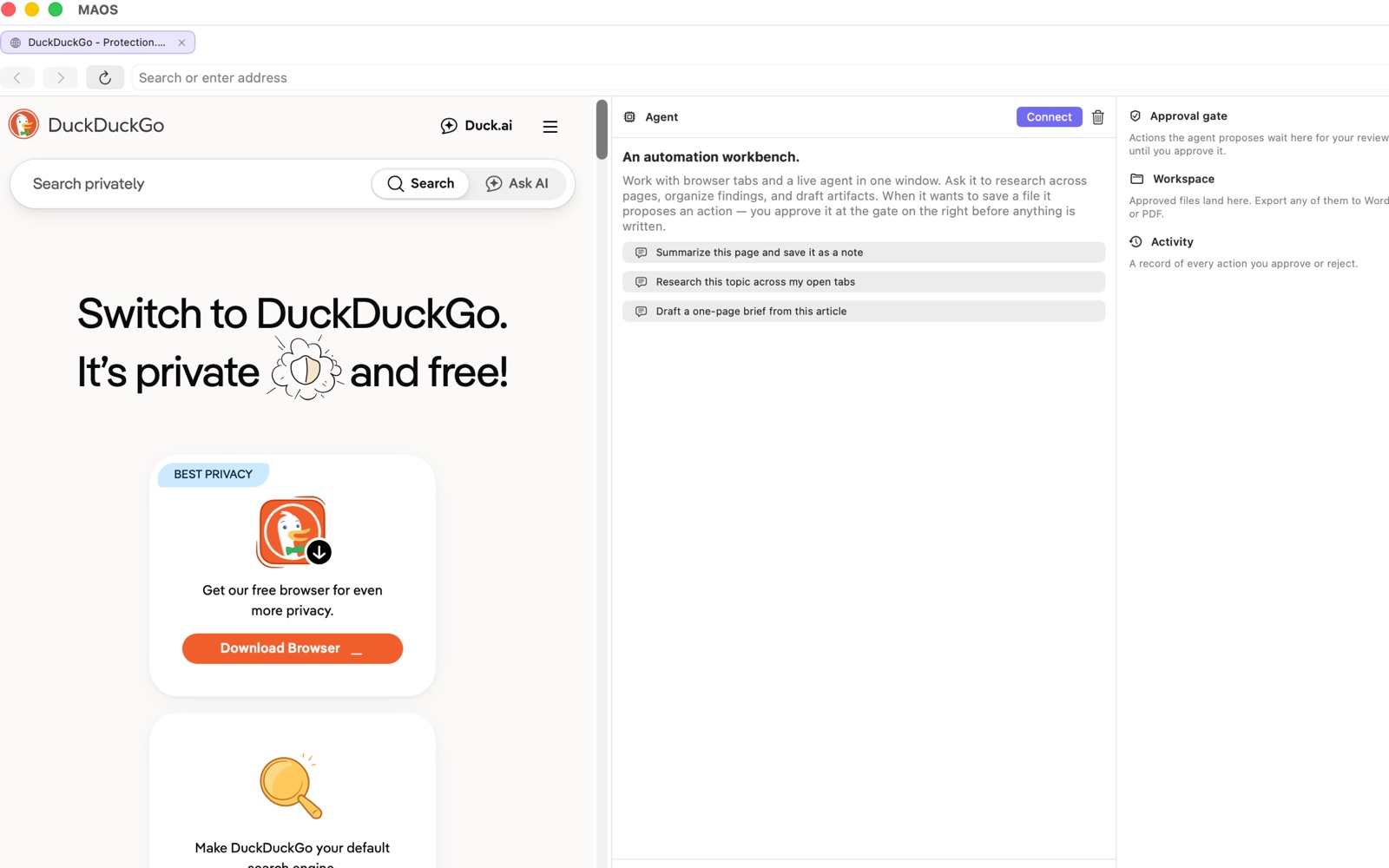
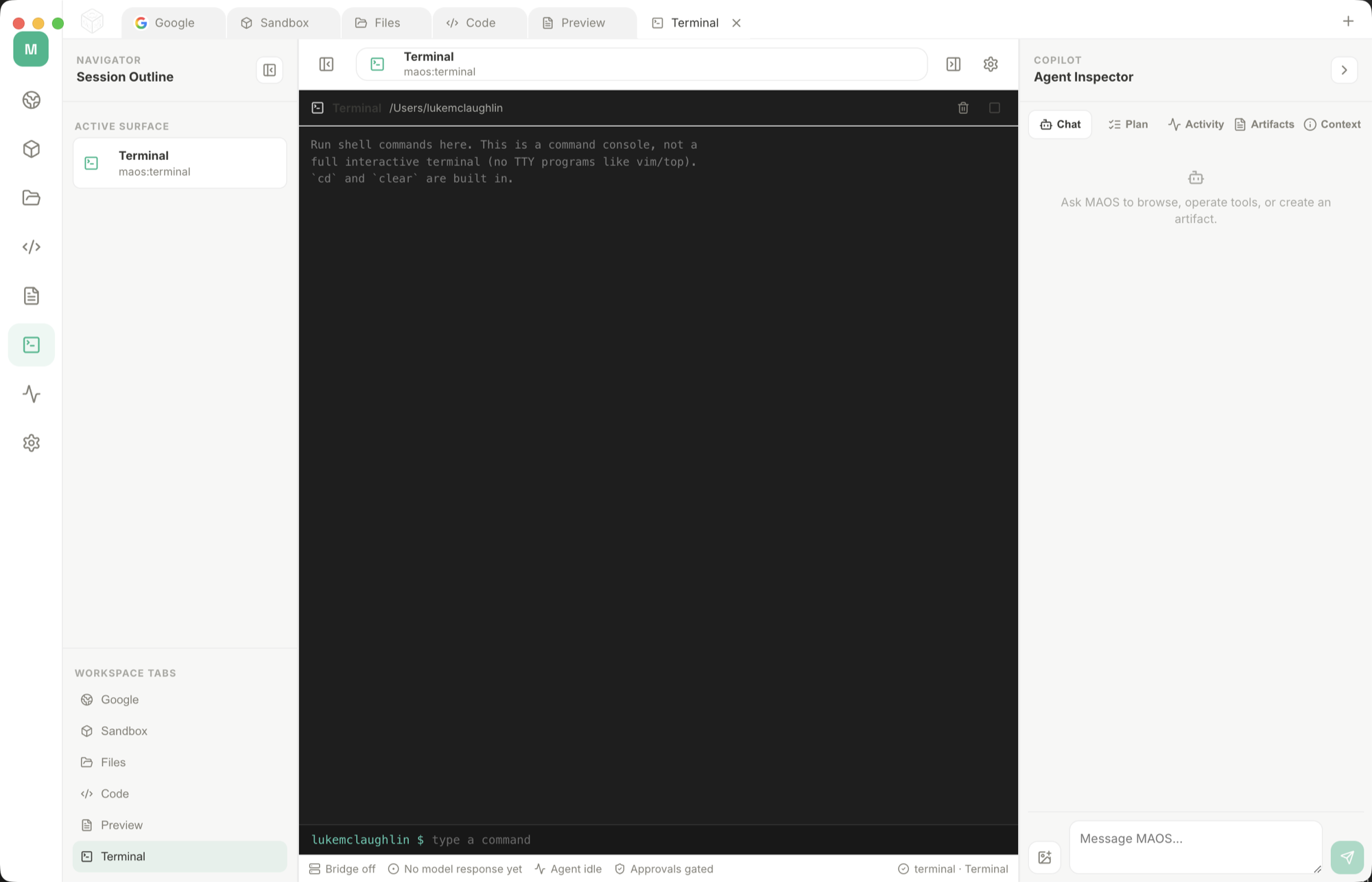
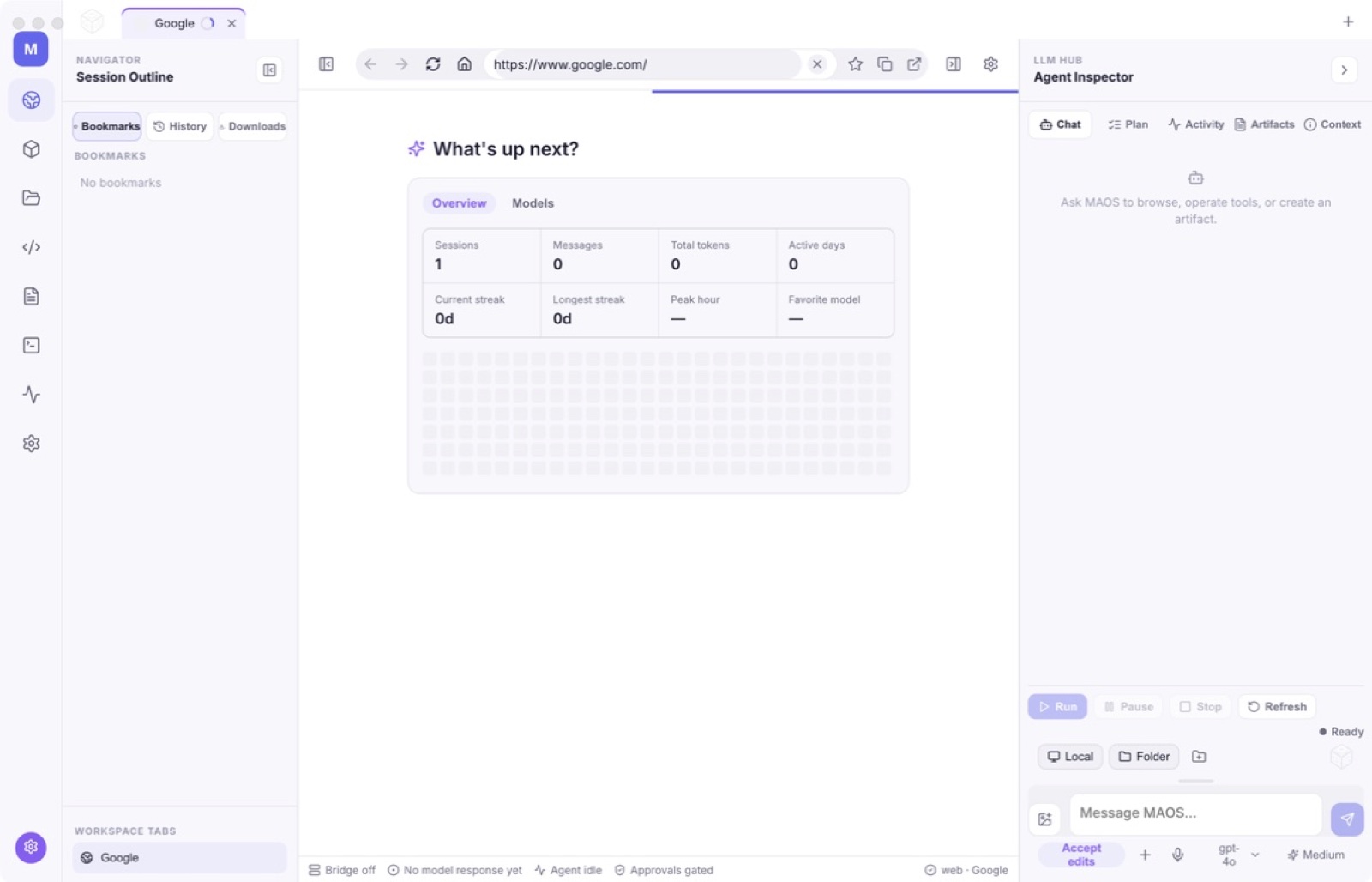
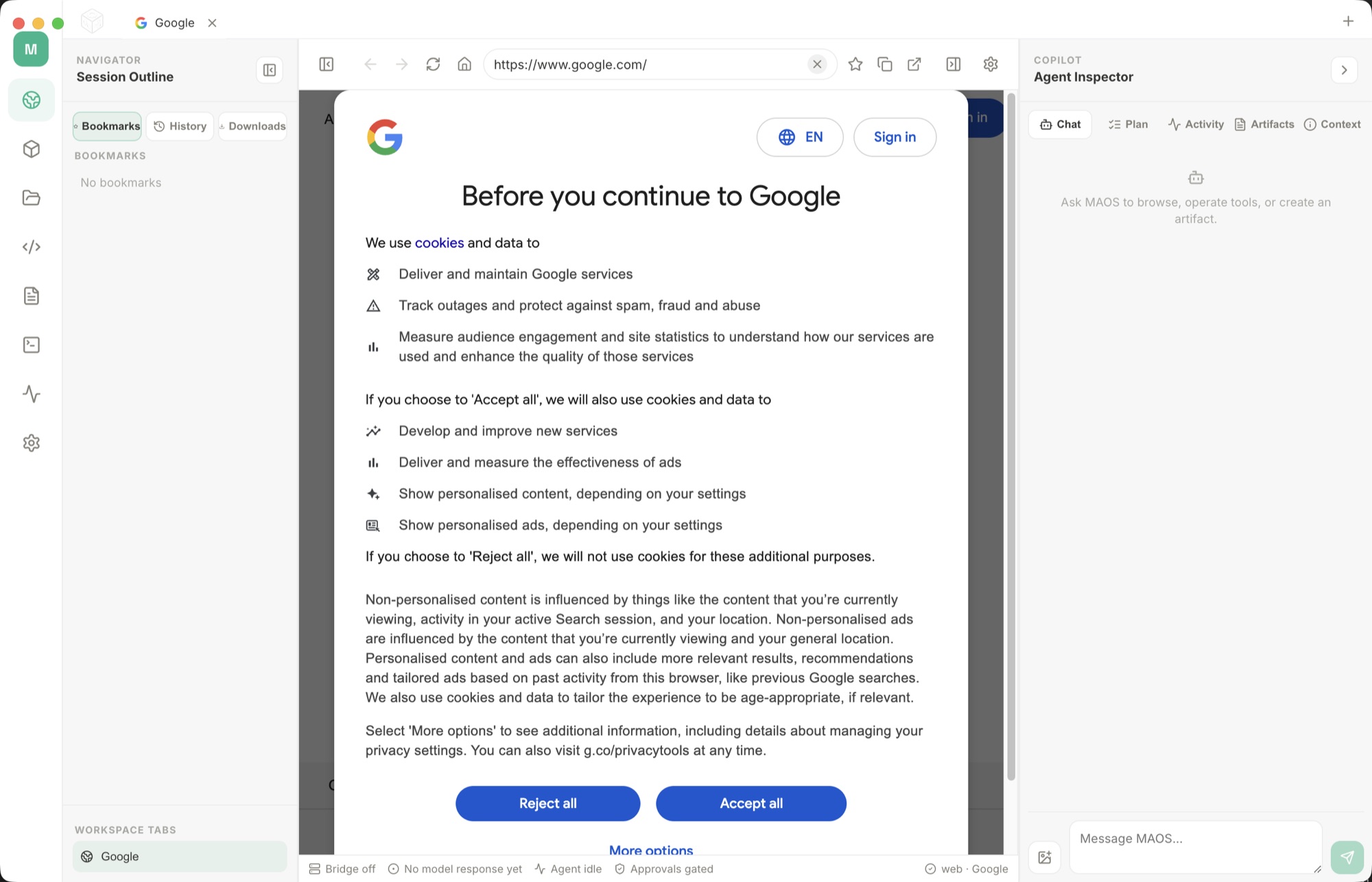
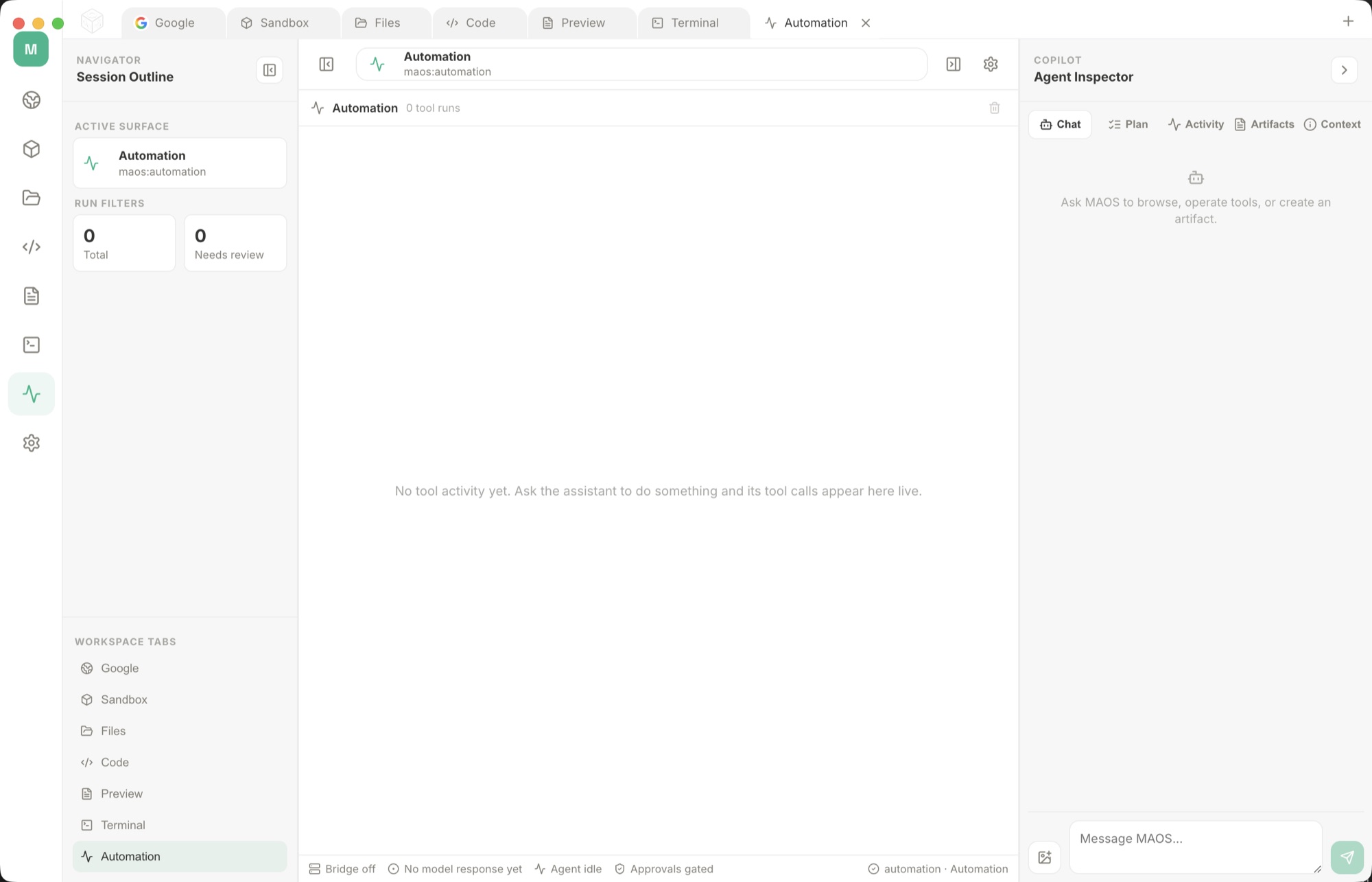
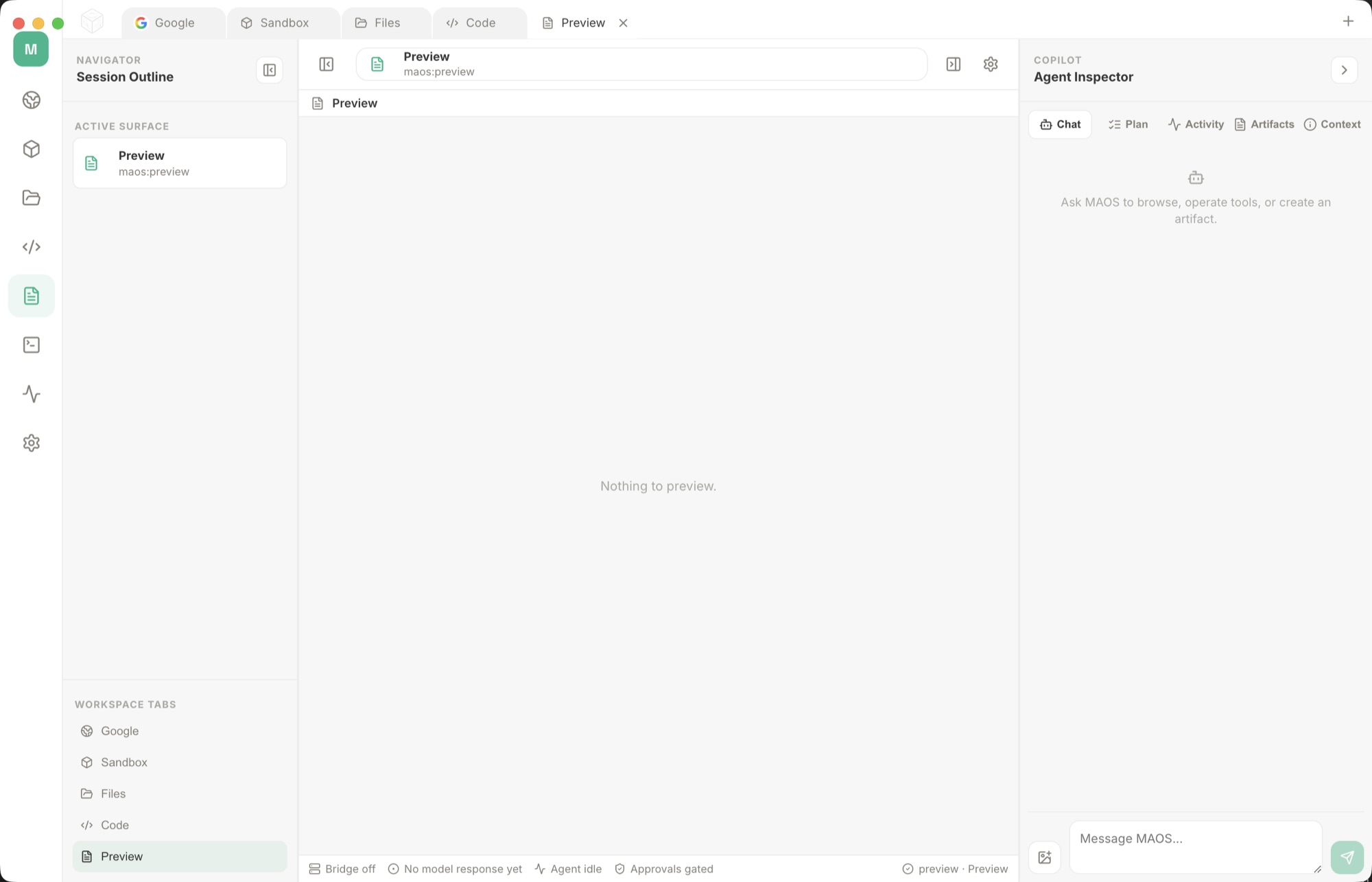
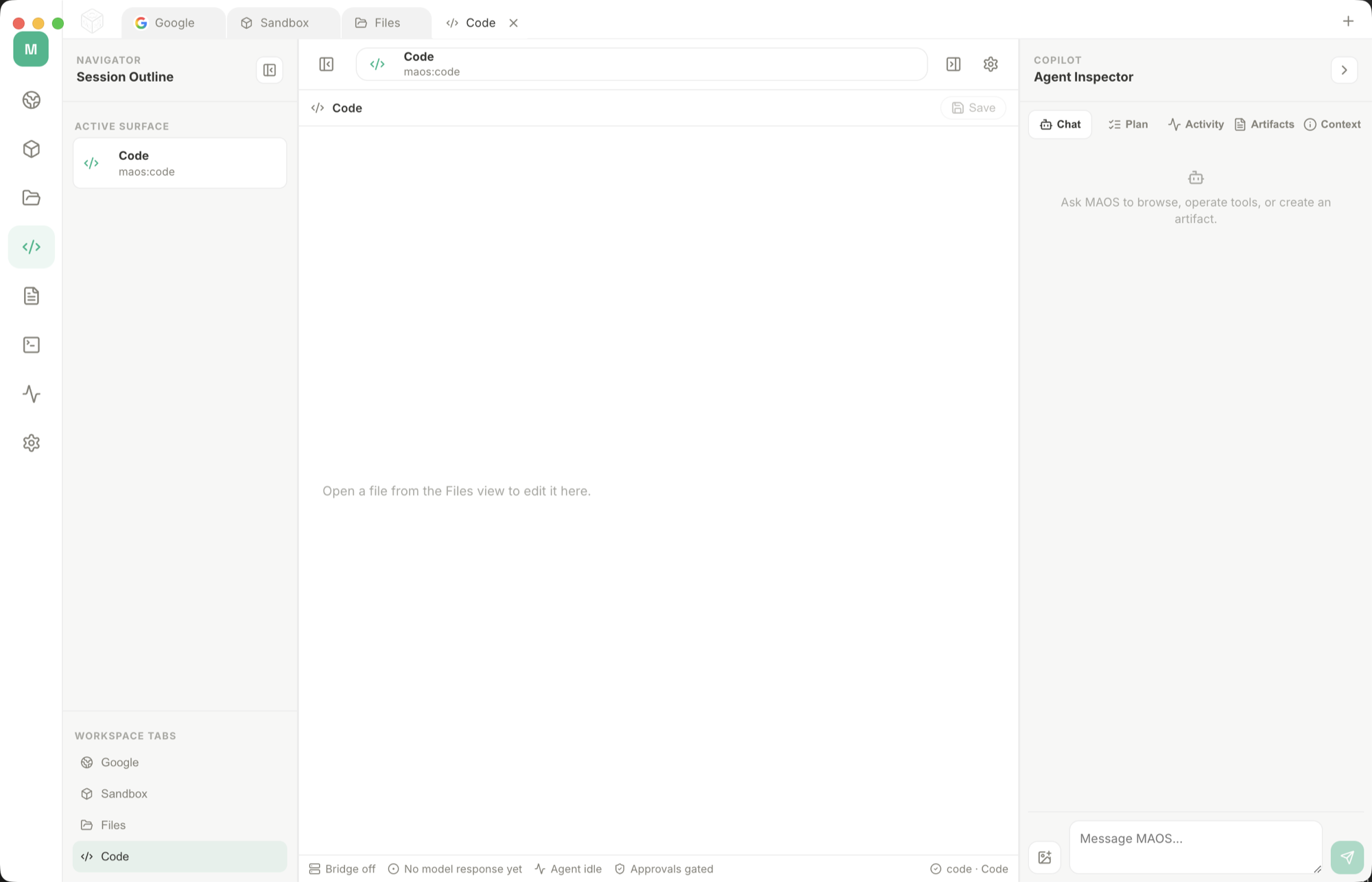
A desktop workspace that connects a language model to your Mac and then shows you every action it takes. You supply the model — a cheap provider API key or a local GGUF file — and it supplies the browser, terminal, file and screenshot tools the model drives, with each tool call visible before and after it runs.

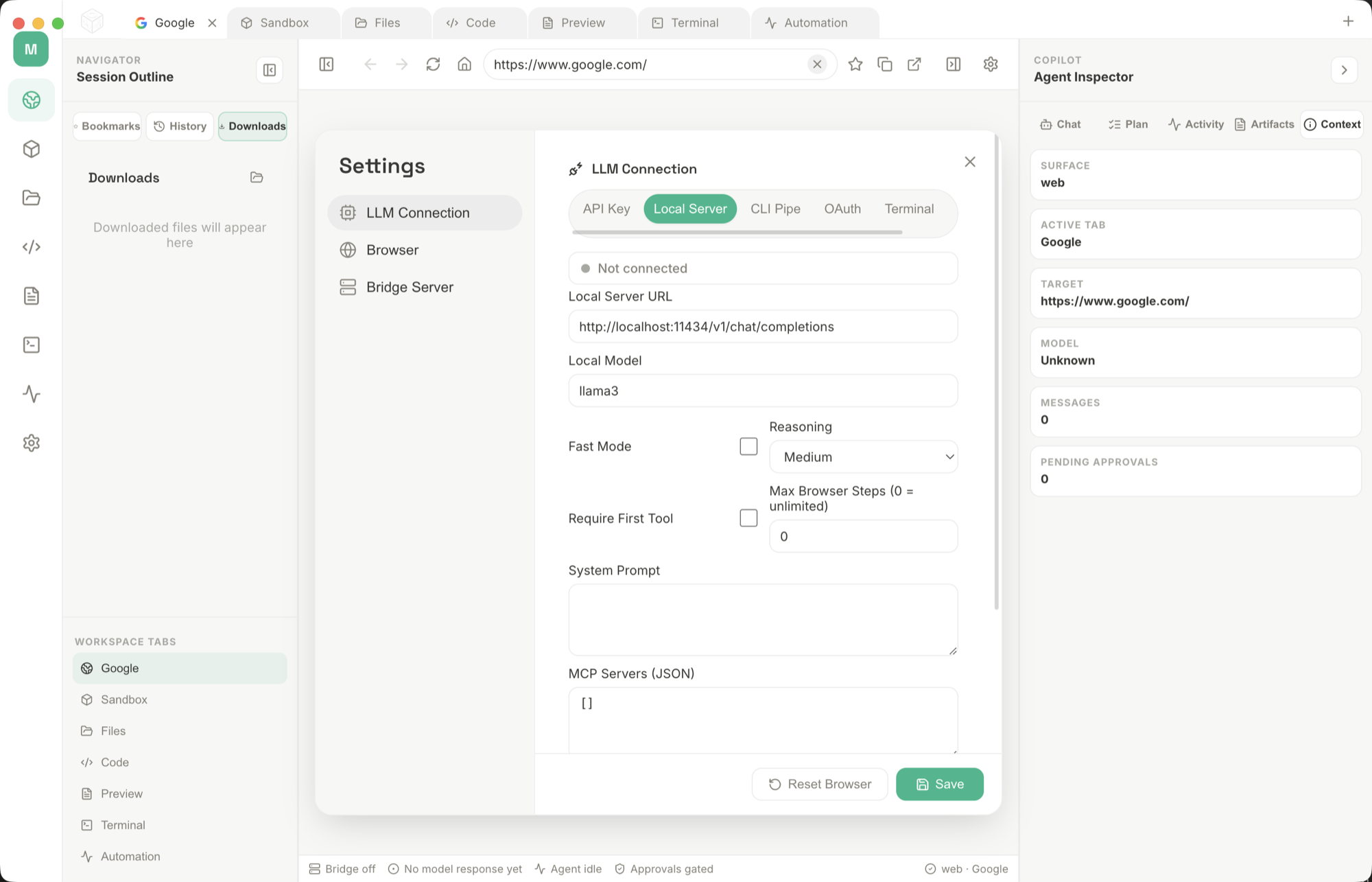
Most AI desktop tools bundle the model and charge a subscription for it. MultiAgentOS separates the two. You connect through six modes — API key, local server, CLI pipe, OAuth, Terminal, or a local GGUF file — and the app supplies the part that is actually hard to build: a supervised harness of browser, desktop, code, terminal, file and screenshot sidecars.

Every tool call is rendered with its arguments and its result. Nothing runs invisibly. Subagents are configured with an explicit goal, a tool allow-list, a recursion limit, a turn budget and a defined result handoff, so a runaway loop is bounded by construction rather than by hope.

How it does its job

Six connection modes

API key, local server, CLI pipe, OAuth, Terminal and local AI. Point it at OpenAI, Anthropic, DeepSeek, Ollama, LM Studio, llama.cpp or a raw GGUF file.

Visible tool runs

Each call shows arguments and results in the Bridge panel, so you can stop a wrong action before it takes effect rather than reading about it afterwards.

Bounded subagents

Goal, allow-list, recursion depth, turn budget and handoff are set per subagent. The limits are enforced by the runner, not suggested to the model.

Beginner Mac workflows

Plain-English ways to use it in your first week.

Private file summary

Attach a folder of notes, PDFs, or meeting files and ask: "Summarize the key decisions, list open questions, and do not edit the files." Use a local model when the material should stay on the Mac.

Local model setup

Open Settings, choose Local Server or Local AI, point at Ollama, LM Studio, llama.cpp, or a GGUF file, then send a short test prompt before adding files, screenshots, or desktop control.

Browser research

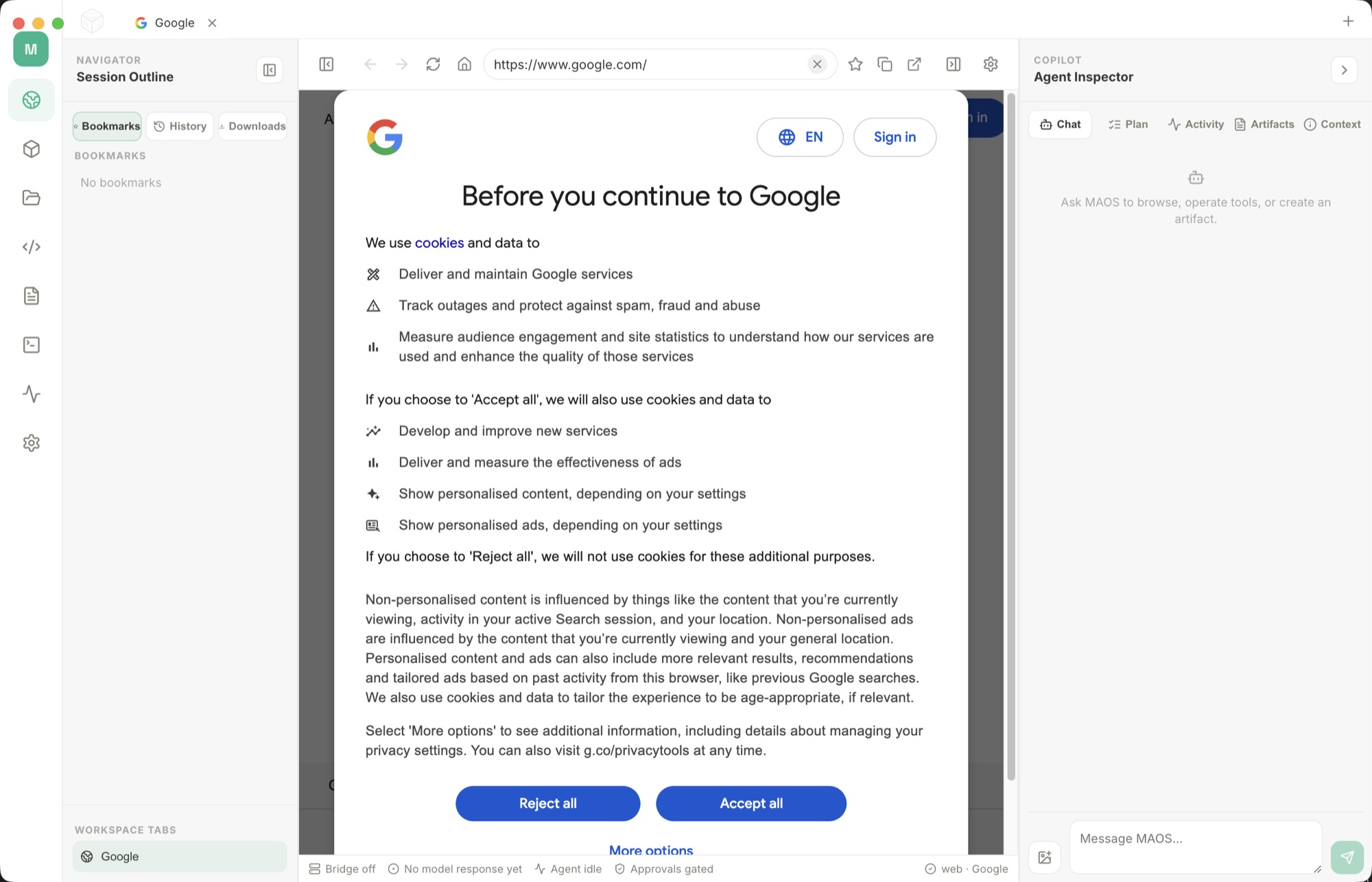
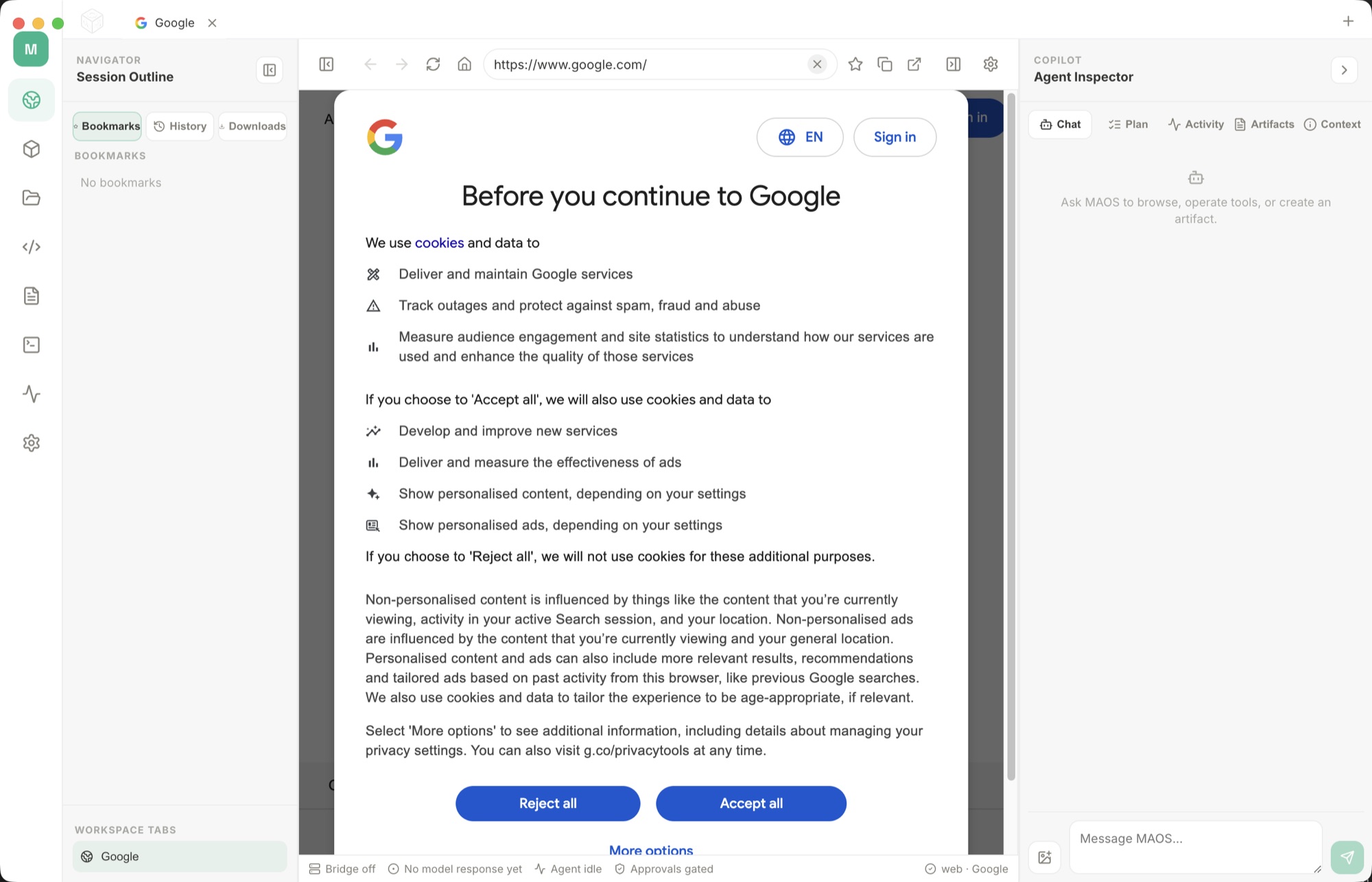
Open a page in the browser sidecar and ask for a comparison, summary, or source list. Tell the assistant to quote the page title, keep links, and stop before logging in or submitting forms.

Folder cleanup plan

Ask it to inspect Downloads, Desktop, or a project folder and create a cleanup plan. Keep the first pass read-only, then approve moving or renaming files one batch at a time.

Terminal draft first

For command-line work, ask for the command, the reason, and the expected output before anything runs. This is useful for Git checks, file searches, dependency installs, and local server setup.

Saved weekly routine

When a prompt works, save it as a repeatable checklist: folder to read, model route, allowed tools, output format, and the exact actions where the assistant must pause for approval.

What it doesn't do

It does not include a model. Running fully offline means downloading a local model first, and a small local model will not match a frontier API for hard reasoning.

Choose local or cloud AI deliberately

ConnectionWhere model work happensWhat you supply
Provider APIAt the selected provider; prompts and tool context may leave your MacA supported account/key, network access and a separate usage budget
Local model serverAt the server endpoint you configure; local only when you actually run it locallyA compatible running server, model and enough memory
Local GGUFOn your Mac for model inferenceA compatible downloaded model, storage and working memory

The app purchase does not include model credits. A local model also does not make web browsing or remote tools offline. Review what each tool sends before enabling it.

First-run checklist

  1. Match the Direct release requirements: Apple silicon and macOS 12 or later.
  2. Choose one connection and send a short, non-sensitive prompt without tools.
  3. Check the provider's usage controls or the local process's memory use.
  4. Enable one read-only tool on a disposable folder, inspect its arguments and result, then expand the workflow carefully.

Plan memory and local model setup, connect a local server, or follow the API setup guide. No model speed or task-success benchmark is implied by the hardware minimum.

Native, local-first, and yours

MultiAgentOS is a native Mac app distributed as a complete, fully activated download. No subscription, no account, no locked features, no tracking.

Buy & download

Get MultiAgentOS

Choose $10 for one app, $20 for two different apps, or $49 for every published app through Stripe's hosted checkout. Download on the confirmation page or open the delivery email on your Mac. Each link is single-use; your email shows its exact expiry. Keep the installer for future use. If your link expires or the download fails, ask for a replacement link with your receipt; do not buy again.

Common questions

What is MultiAgentOS?

A complete agentic workspace for Mac. Connect API providers, local servers, CLI tools, Terminal commands, OAuth providers, or local GGUF models, then supervise the LLM across browser automation, code, files, terminal, documents, screenshots, subagents, and sidecars.

Who is MultiAgentOS for?

MultiAgentOS is for Mac users looking for ai on your mac. A desktop AI workspace that runs on your API key or a local model - every tool call visible, no subscription.

Which Macs can run MultiAgentOS?

MultiAgentOS requires macOS 12 or later. Supported architecture: Apple silicon. Check About This Mac before purchasing.

Is this the same MultiAgentOS edition as the Mac App Store version?

No. The Mac App Store edition can include Apple's in-app subscription system. The website Direct edition is a separately signed build with no StoreKit purchase flow: one website purchase unlocks the complete app with no recurring charge.

Is MultiAgentOS the full version, or are features locked?

The download is the complete app. There is no subscription, no locked tier, no account, and no trial timer — every feature is included.

How do I get MultiAgentOS?

Choose $10 for one app, $20 for two different apps, or $49 for every published app through Stripe's hosted checkout on this page. Download links are delivered on the confirmation page and by email. Each link is single-use; its exact expiry is shown in your delivery email. Keep the installer. If the link expires or a download fails, contact support@macossoftware.com with your receipt instead of buying again.

Is the MultiAgentOS Direct edition notarized by Apple?

Yes. Version 1.0.0 is signed with a Developer ID certificate, notarized by Apple, and distributed with a stapled notarization ticket. Its published SHA-256 checksum is d736c98cccb8209e815f70847fb83ddf0053a2b639a0c38554ff502b8e088a99.

MultiAgentOS One purchase · from $10 Buy & download