
Codemonkey AI
Build coding confidence through practice.
Learn with a structured curriculum, put ideas into practice in a coding playground, and turn new skills into projects.
What you can do with Codemonkey AI
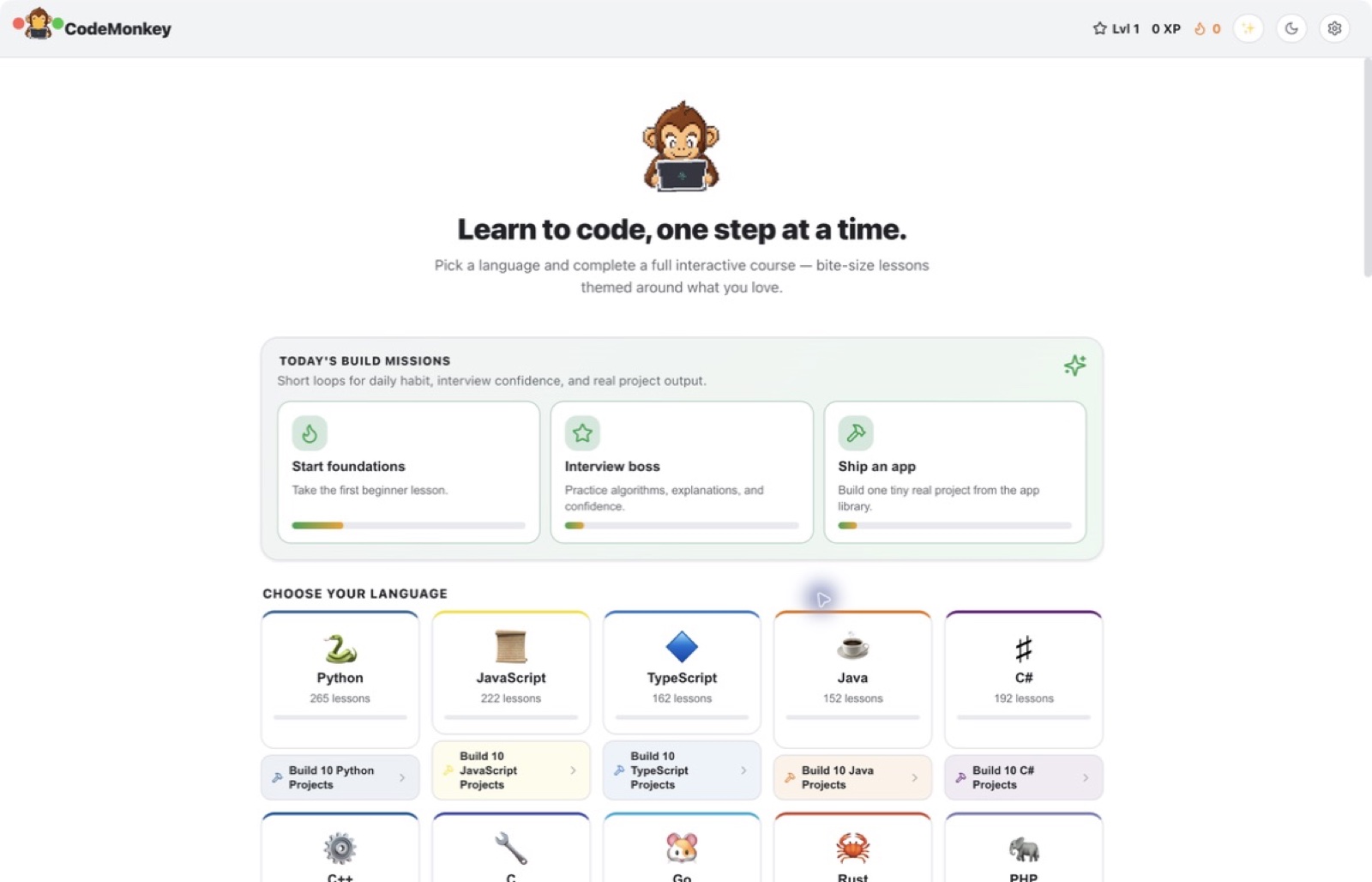
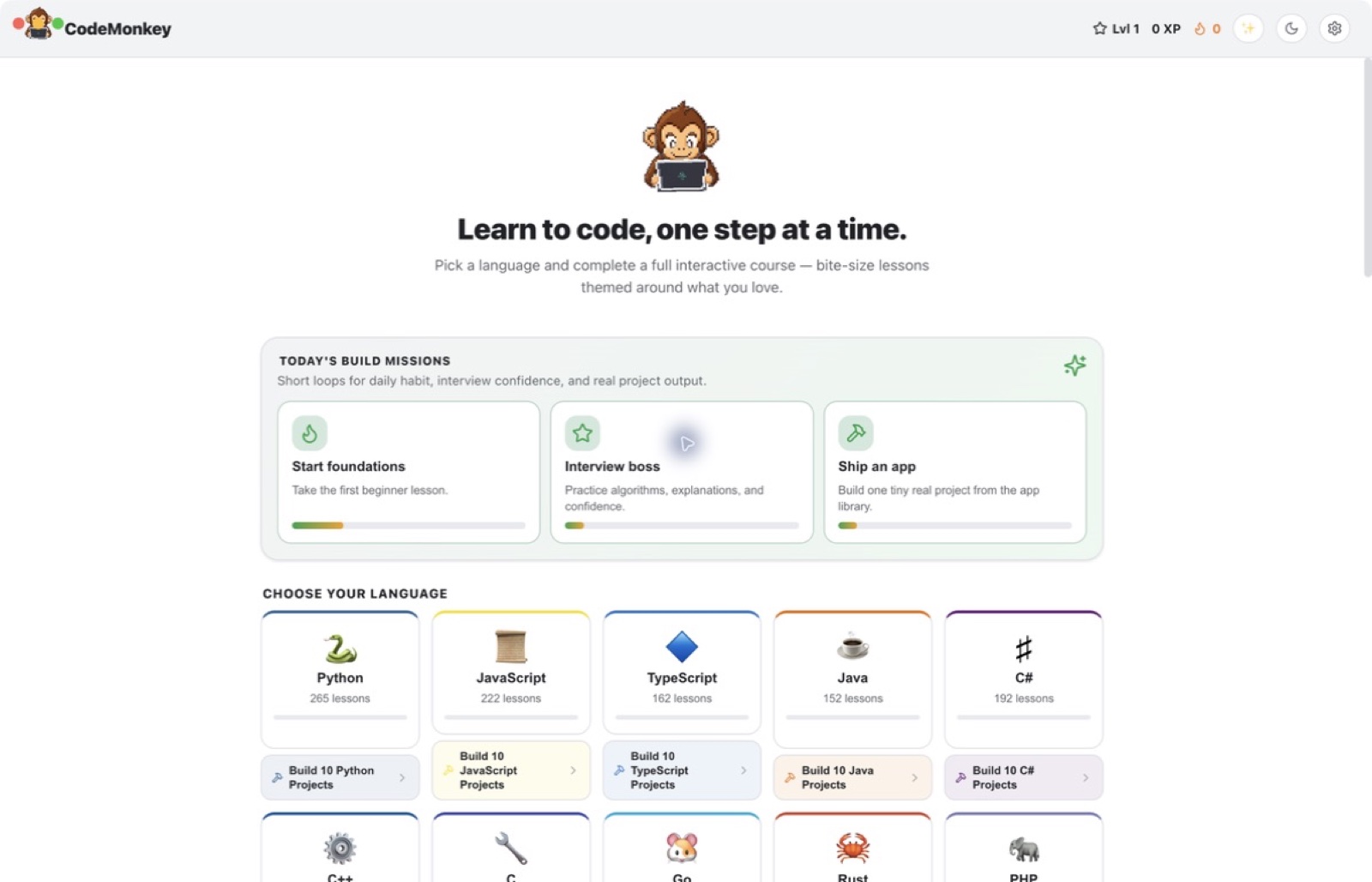
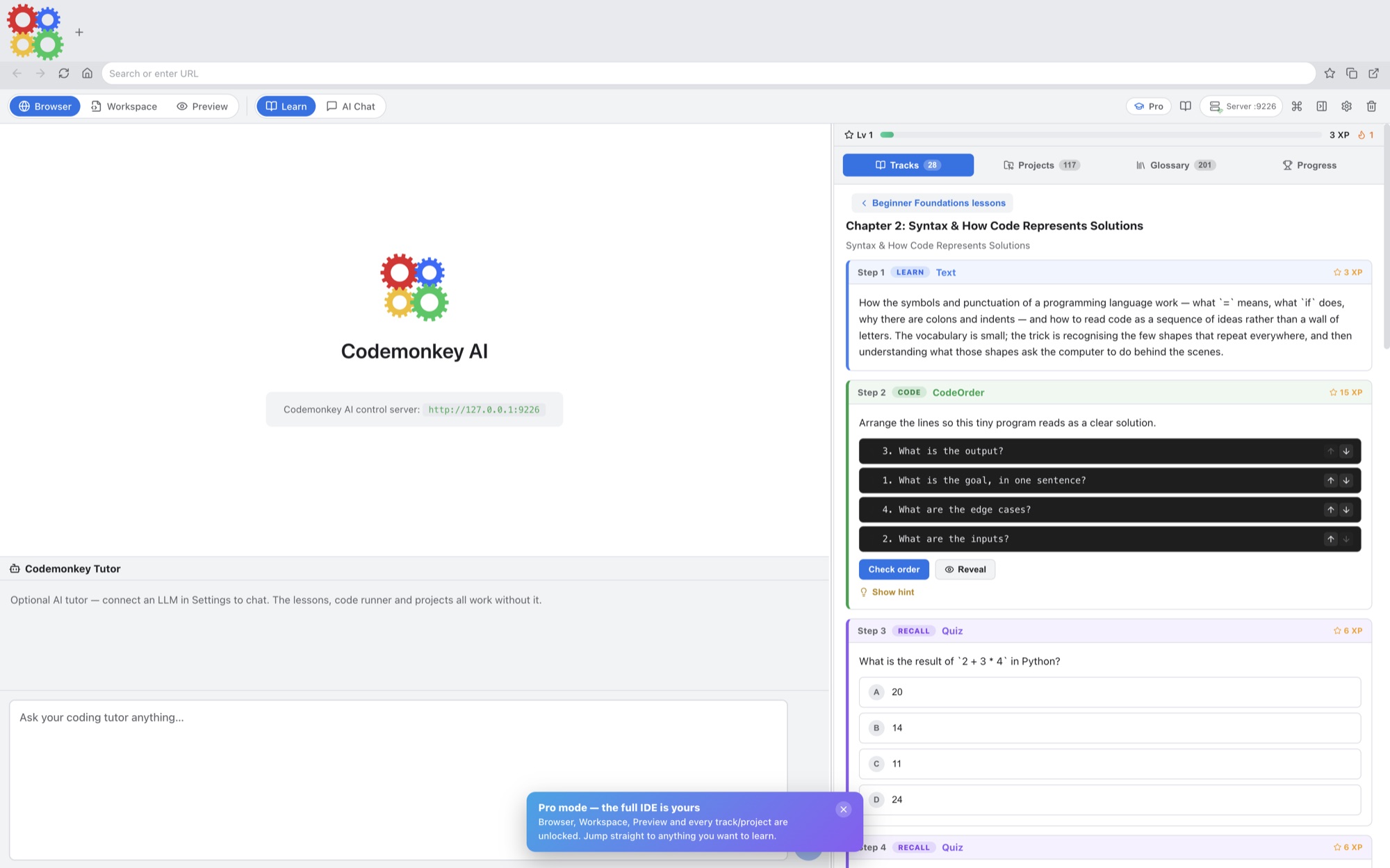
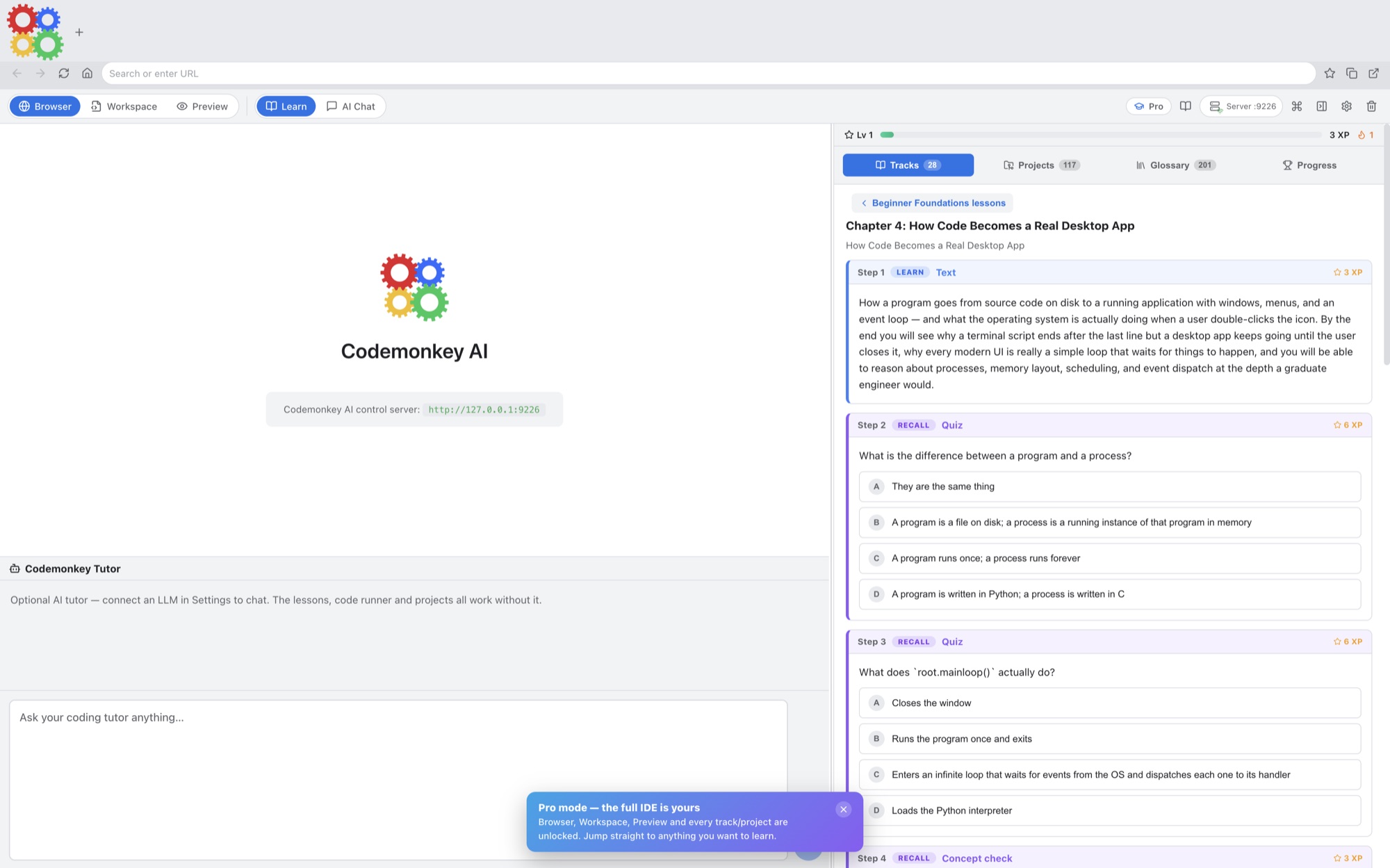
Learn with a structured curriculum, put ideas into practice in a coding playground, and turn new skills into projects. Codemonkey AI brings lessons and hands-on work together so you can move from reading an explanation to trying it yourself. Add a connected AI tutor to help you work through questions along the way. Explore 21 learning tracks and 2,558 interactive lessons, with a built-in editor, guided projects and a lesson-aware AI tutor.
- Learn through interactive lessons
- Turn practice into working projects
- Keep a connected AI tutor beside your code
See the workspace
Explore 5 more screenshots
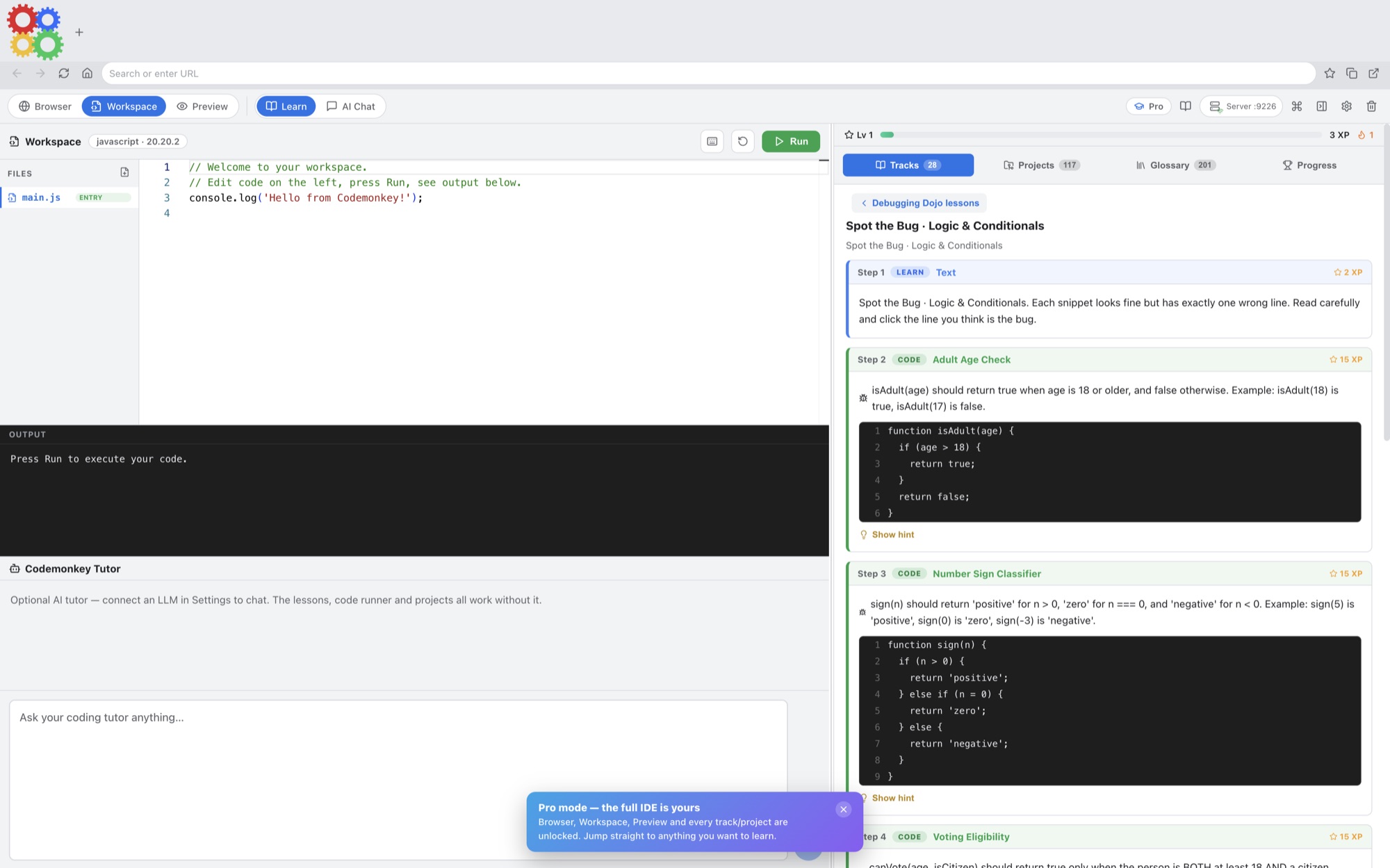
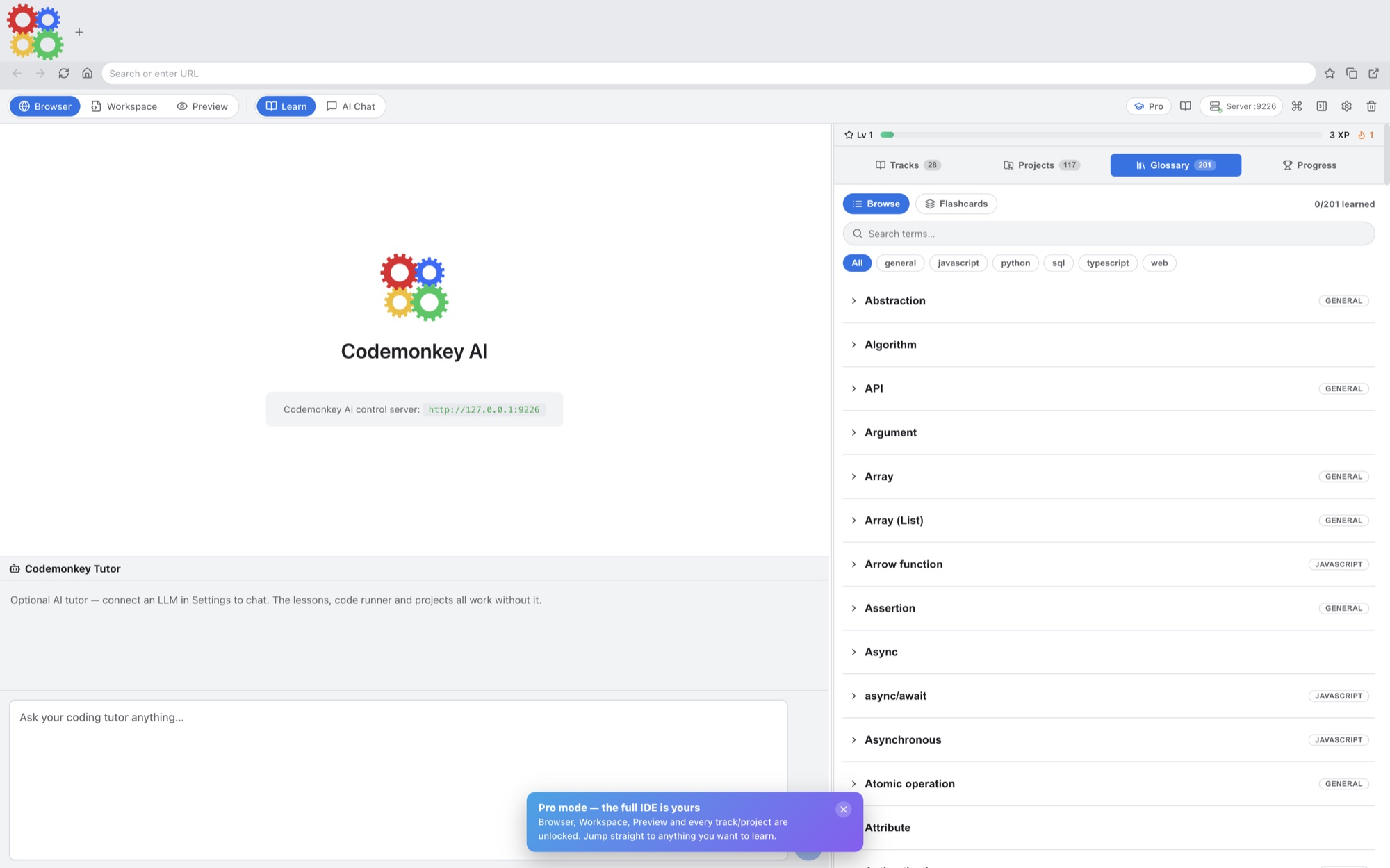
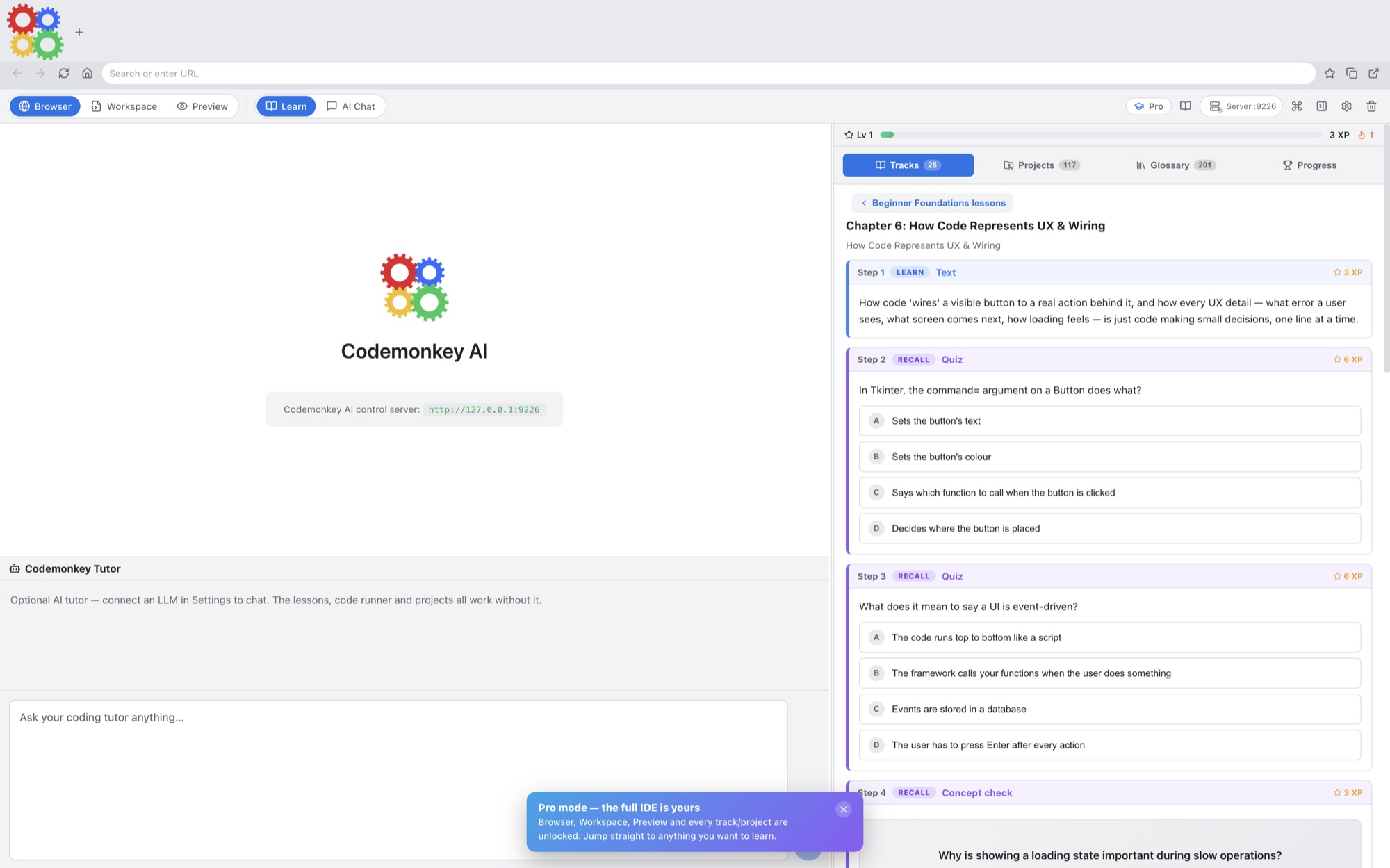
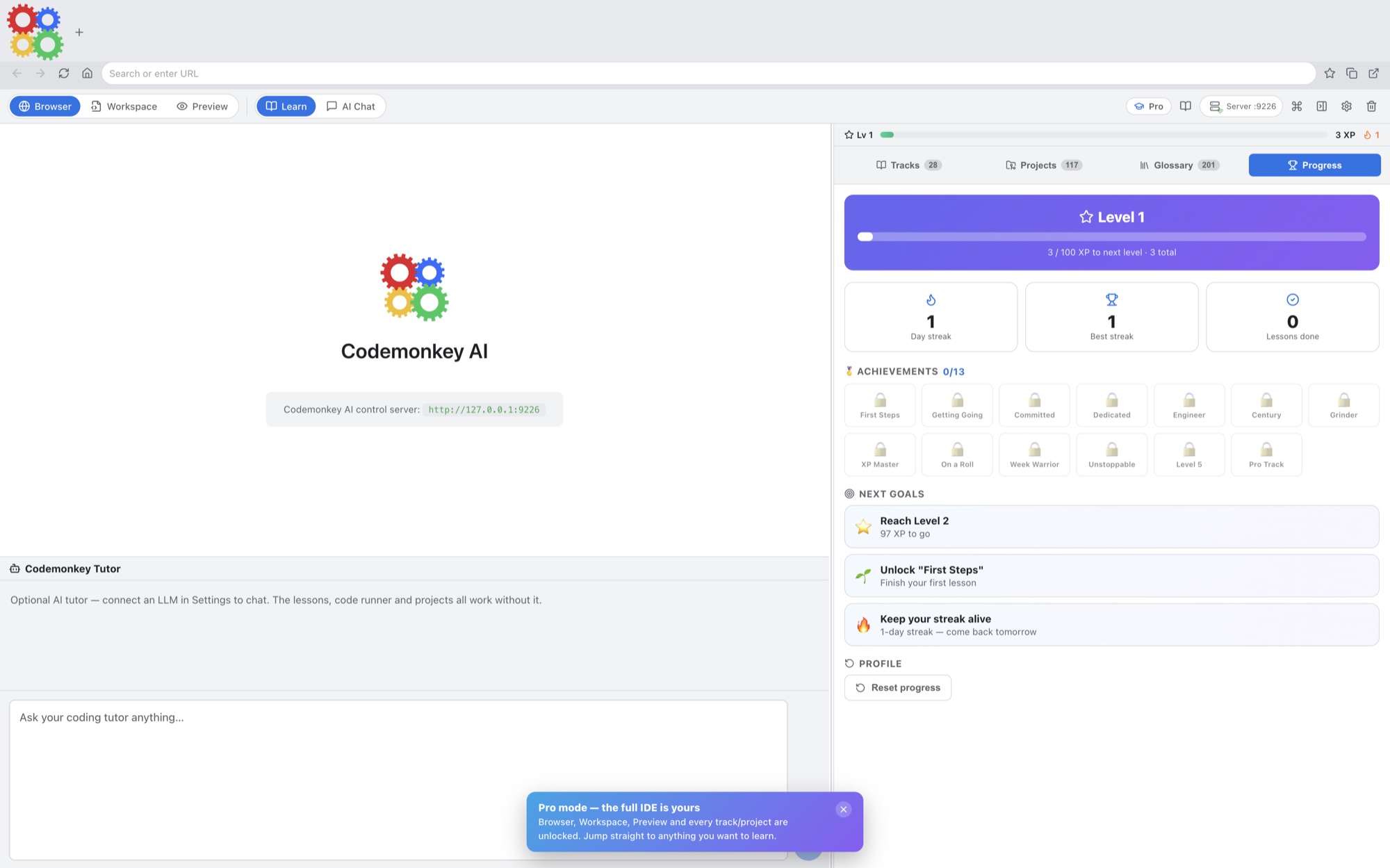
A simple way to get started
Choose a lesson
Open an interactive coding lesson and work through its explanation.
Write and practise
Try the exercise and use your connected AI tutor as you develop a solution.
Build a project
Bring the ideas together in a working project you can continue improving.
Explore more features
- Runnable practice, quizzes, guided Tiny Apps, 180 language projects, a 100-app build library, and 500 algorithm challenges
- Built-in code workspace, lesson-aware AI tutor, progress tracking, glossary, streaks, and hands-on project coaching
- Six connection modes and 32 AI providers, including private local-server and local-model options
Get Codemonkey AI
Compatibility and installation details
- Requires
- macOS 12 or later
- Architecture
- Apple silicon and Intel
- Version
- 1.1.0
- Download
- 218.7 MB
- Publisher signature
- Developer ID Application
- Apple notarization
- Notarized
- SHA-256
b3b59f32df14cb94eecf23ae564f6659d6a9654569debe6f04a35986d758dd10
Choose a supported model provider or local model connection. Any connected provider account and usage charges belong to the service you choose.
Download the Mac disk image from your receipt, open it and follow the included installation instructions.
Useful to know
What can I do with Codemonkey AI?
Learn with a structured curriculum, put ideas into practice in a coding playground, and turn new skills into projects. Codemonkey AI brings lessons and hands-on work together so you can move from reading an explanation to trying it yourself. Add a connected AI tutor to help you work through questions along the way. Explore 21 learning tracks and 2,558 interactive lessons, with a built-in editor, guided projects and a lesson-aware AI tutor.
How do I start?
Open an interactive coding lesson and work through its explanation. Try the exercise and use your connected AI tutor as you develop a solution. Bring the ideas together in a working project you can continue improving.
How do I receive my download?
After your purchase, the receipt page provides your download link. The exact expiry is shown with your delivery link. Keep your receipt and installer. If a link expires or a download fails, contact support with your receipt instead of buying again.
Where can I find setup help?
Compatibility and installation details are on this page. The installation guide and support team can help with the next step.