Twenty browser tools
Navigate, snapshot, read text or HTML, click, fill, type, select, press keys, scroll, highlight, capture screenshots, reload, move through history, manage tabs and execute page JavaScript.
A browser humans, AI models and your own programs can all drive.


This website download is a separate direct-distribution build from the Mac App Store edition. It contains no StoreKit purchase flow or subscription screen: every feature is available after the one-time website purchase.
Apple notarized this exact disk image after an automated malware check. It is signed with the publisher's Developer ID and its notarization ticket is stapled to the download, so Gatekeeper can verify it even when your Mac is offline.
How signing, notarization and installation workf28f6c4215d8e3c7b08ddf3a73a825e7d15e9b3e65a0a61cd96ae36602e87c96A desktop browser and coding harness with a control API. Browse normally; when you want automation, a connected cloud or local model drives the web and works inside a chosen project folder through a visible AI Workbench. Your own scripts and external agents can drive the same browser over an authenticated local API.
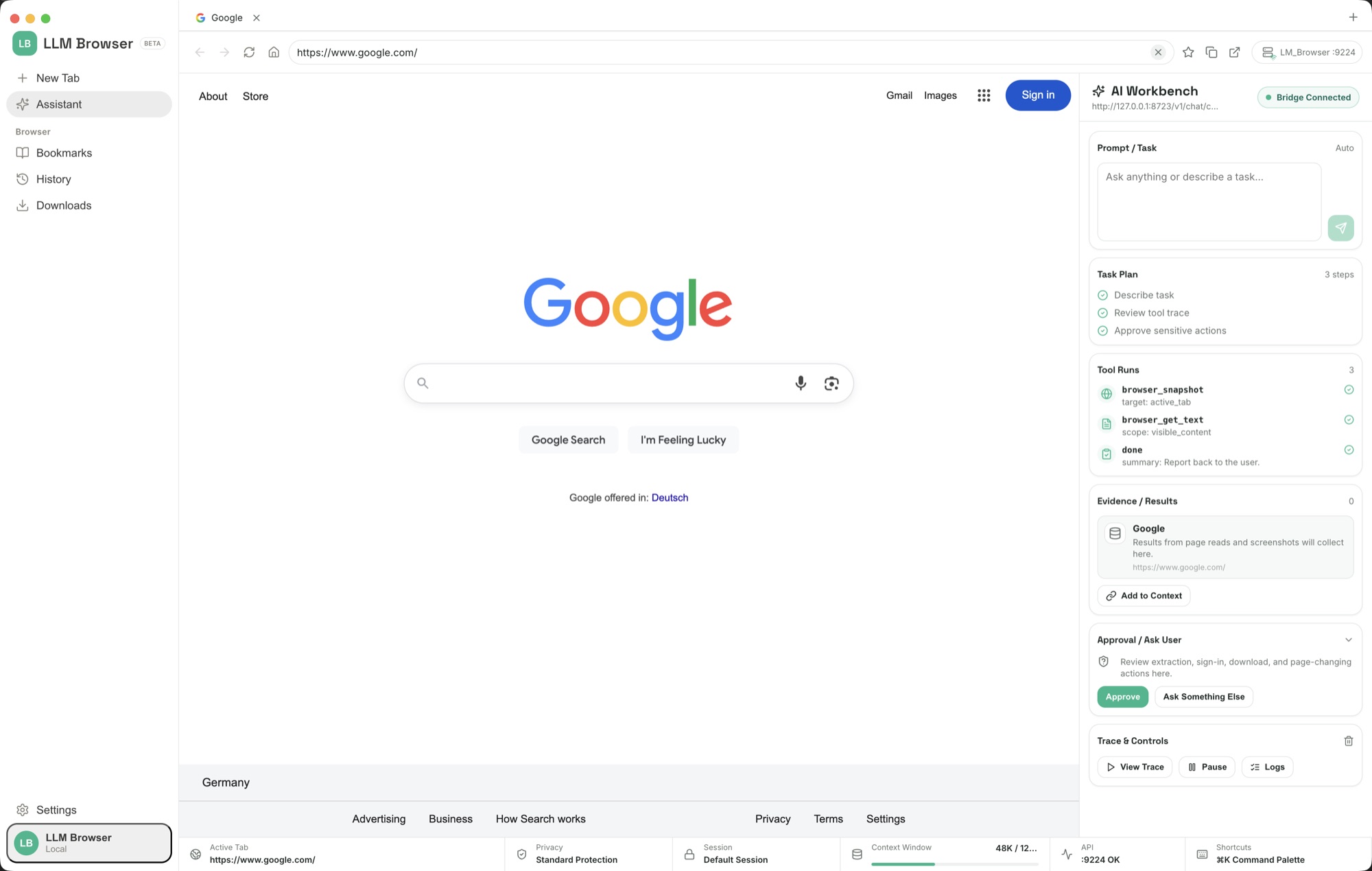
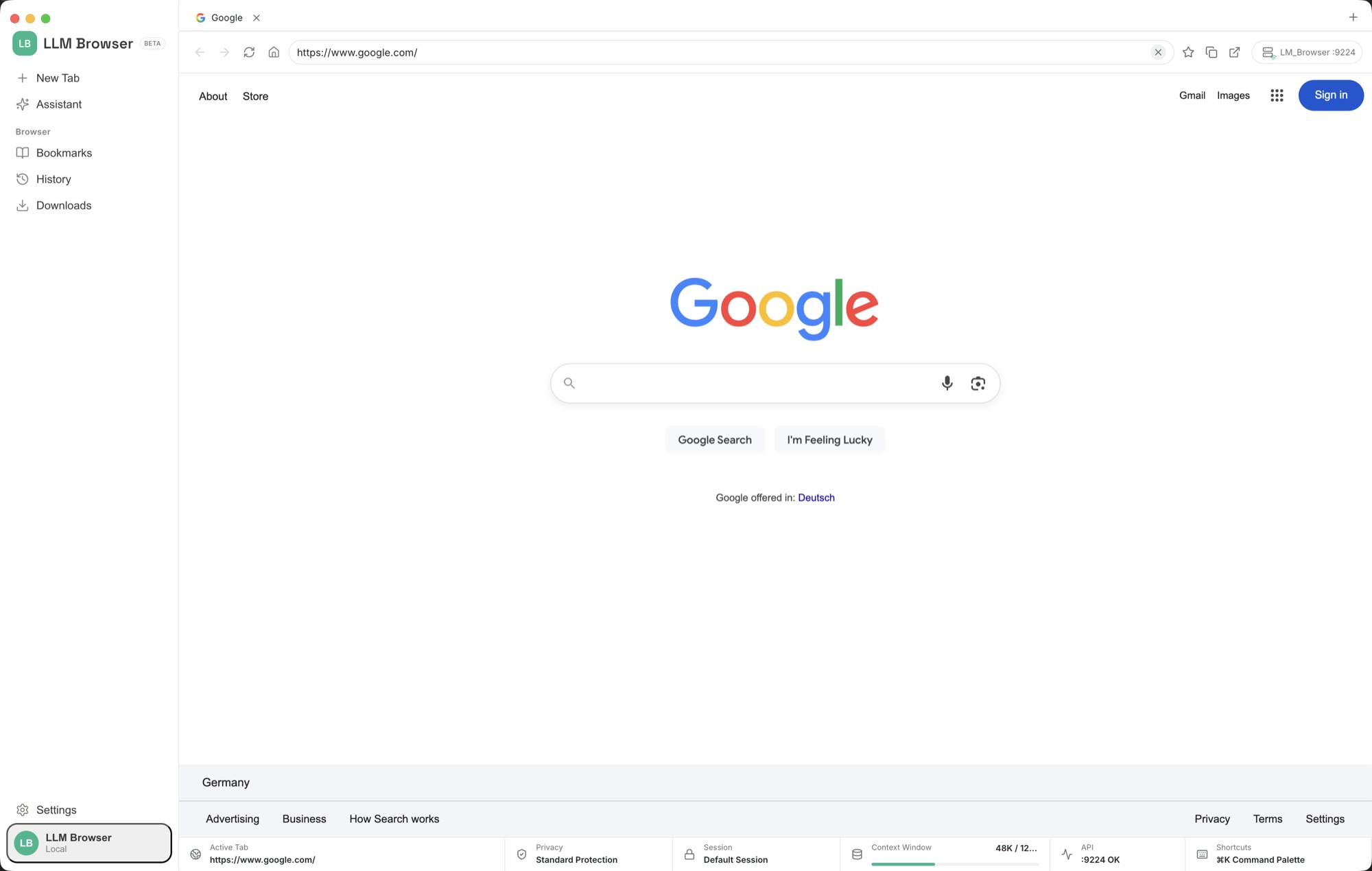
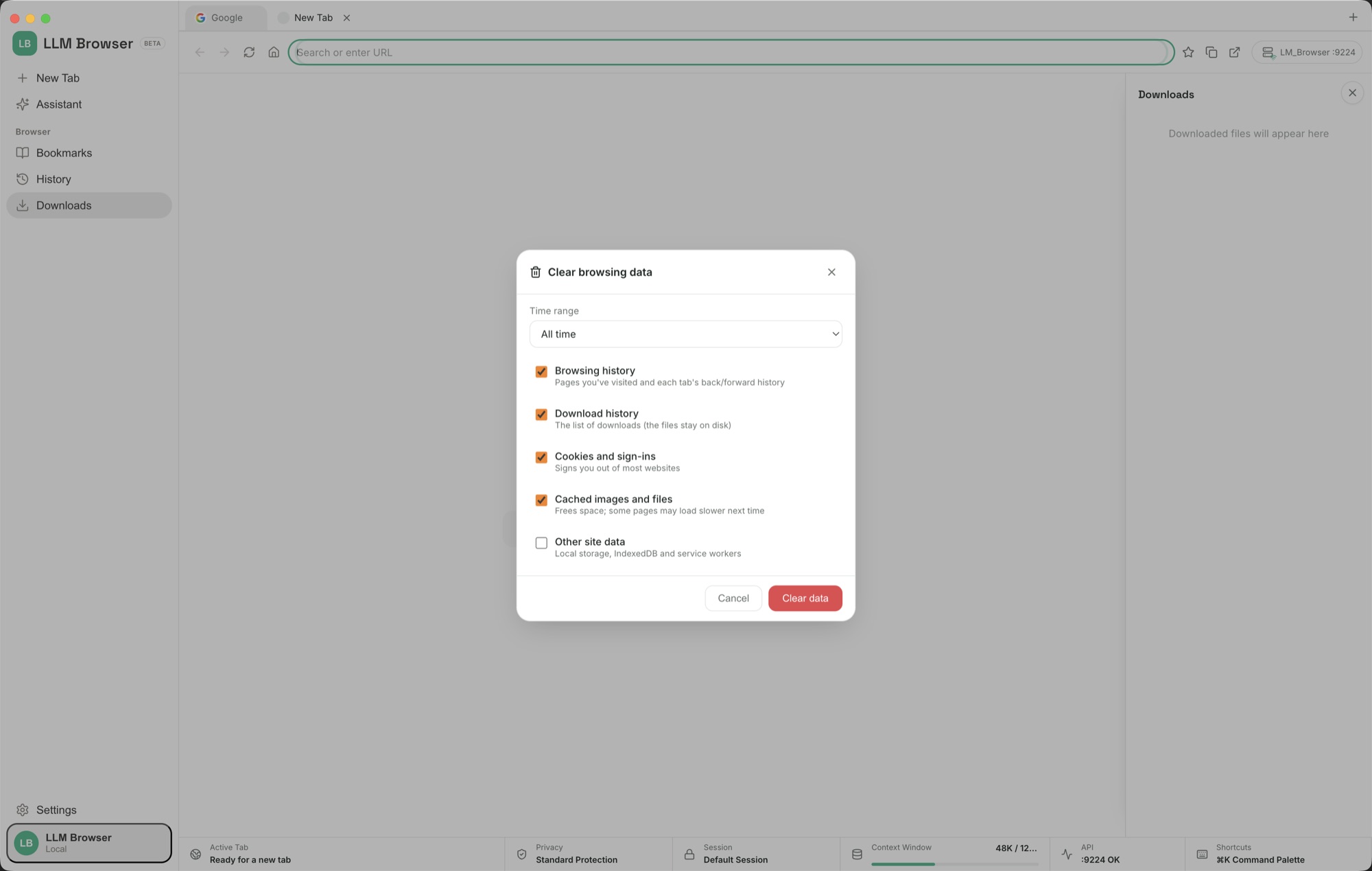
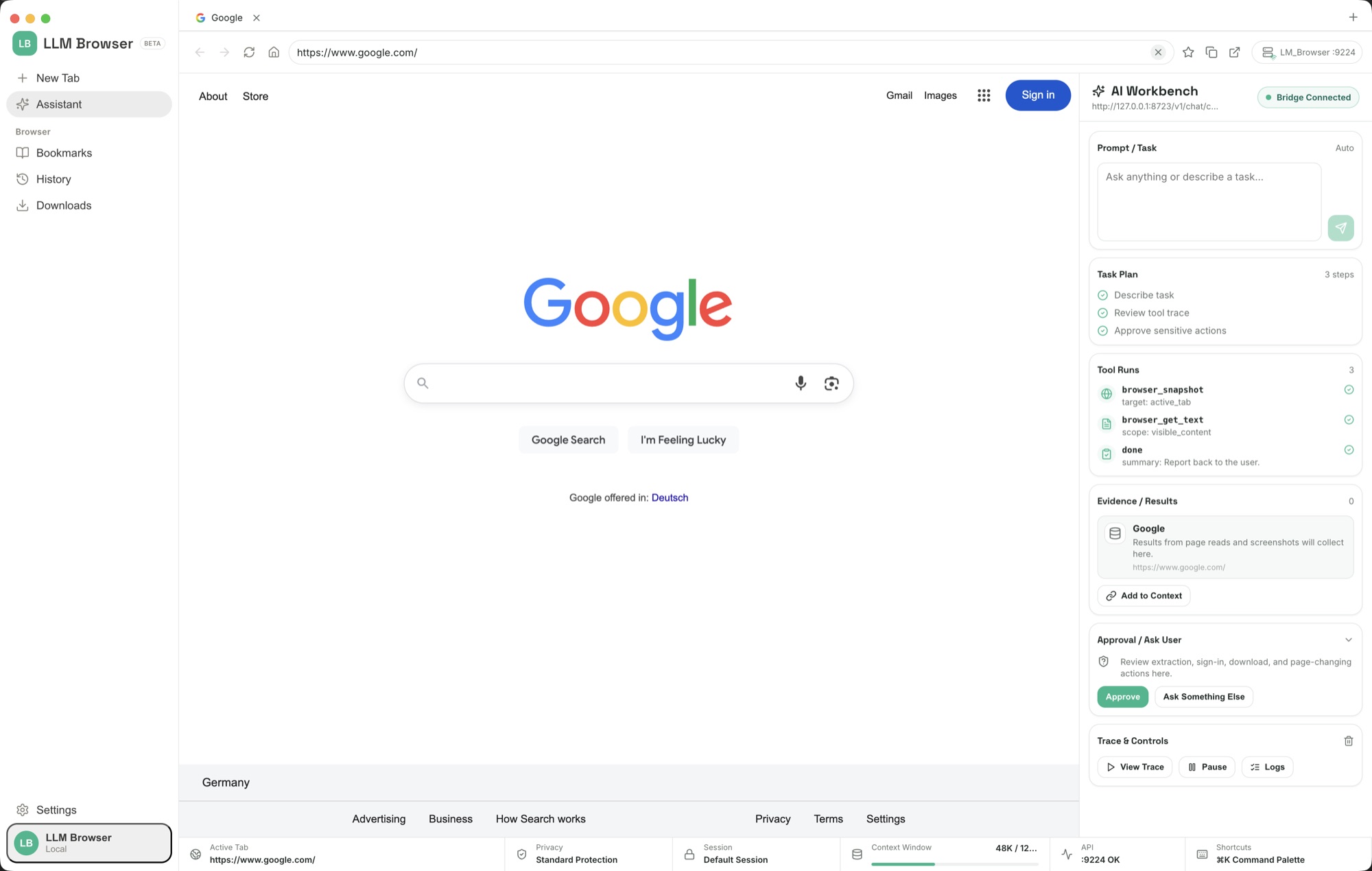
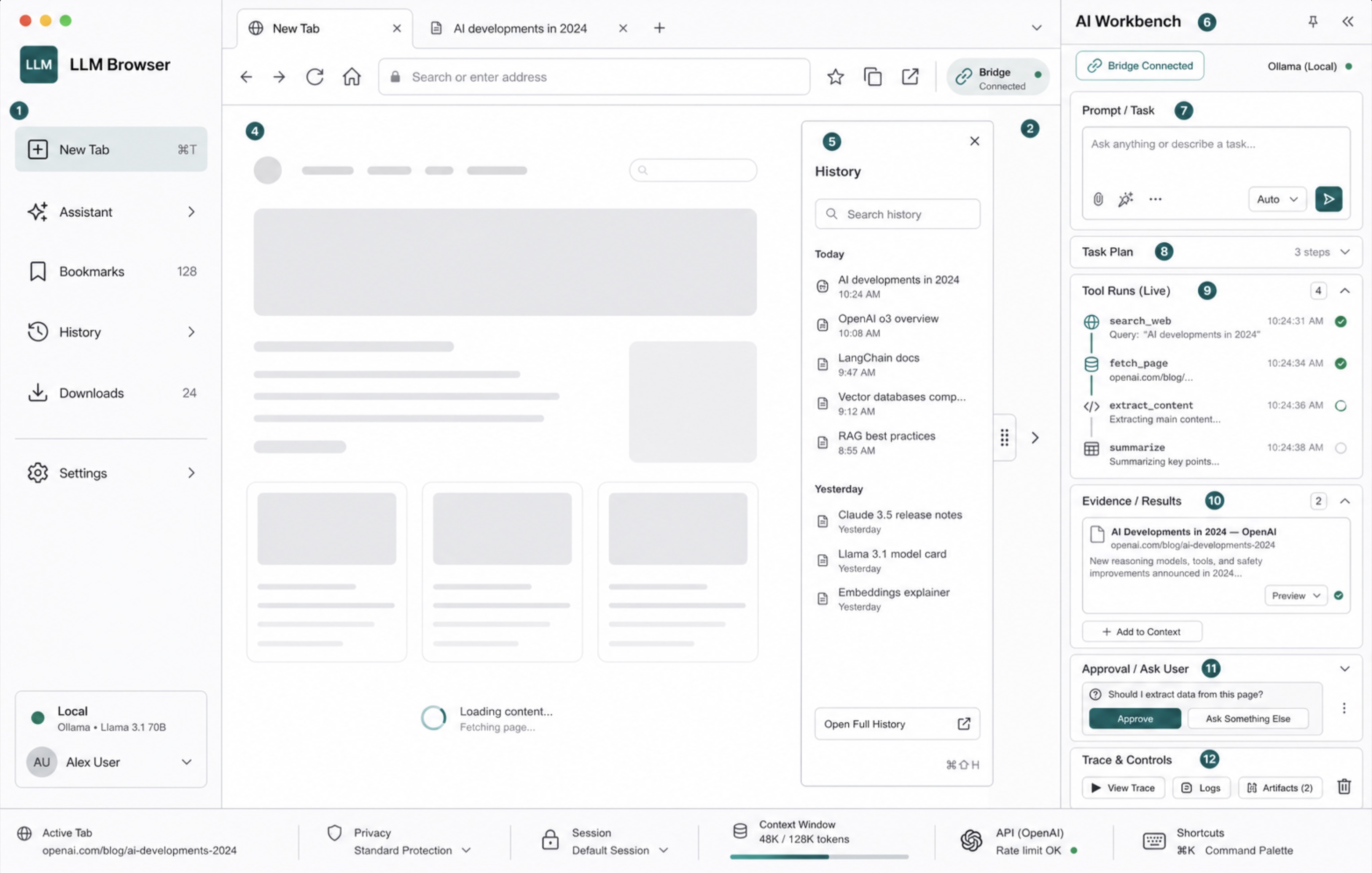
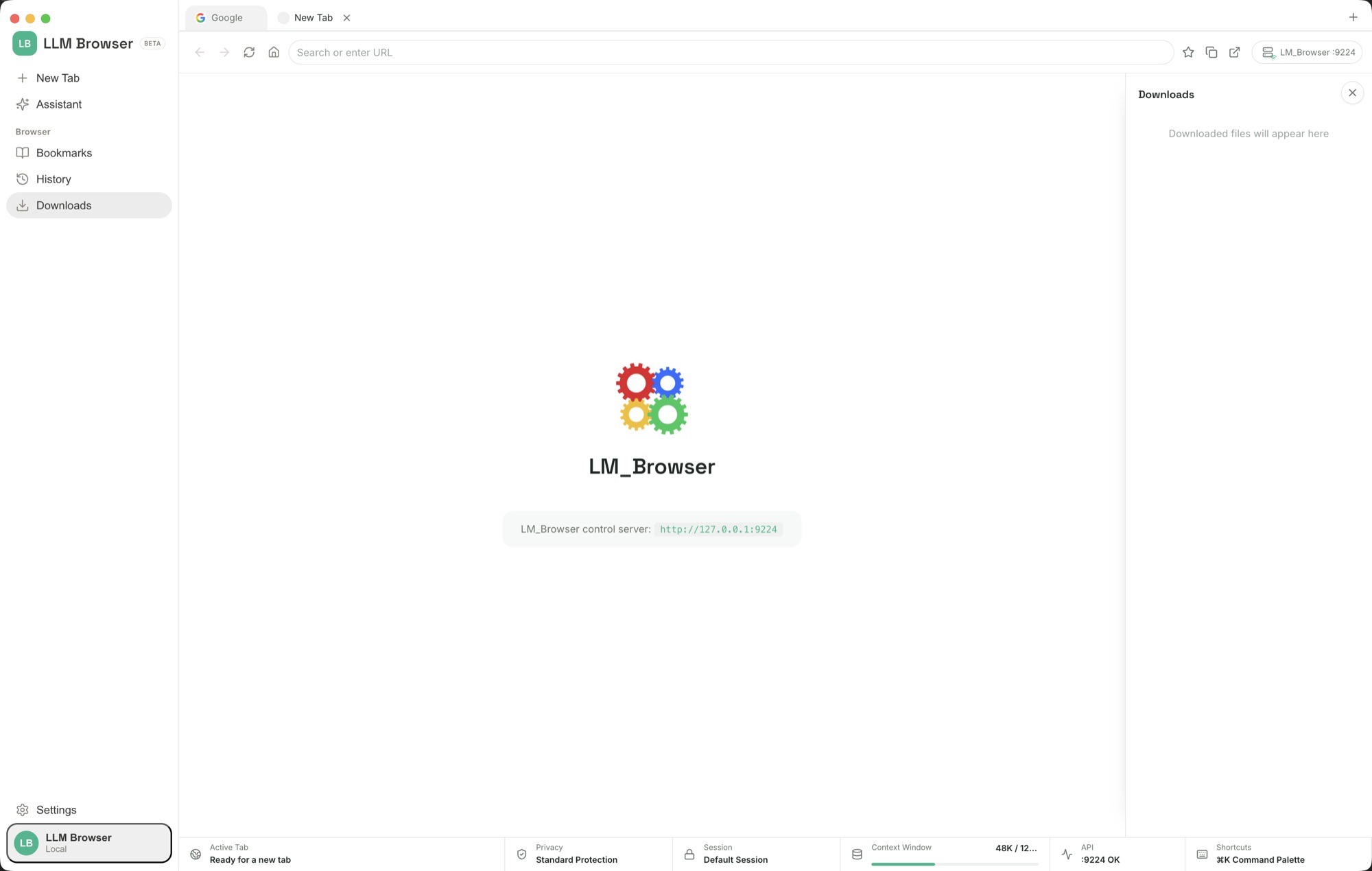
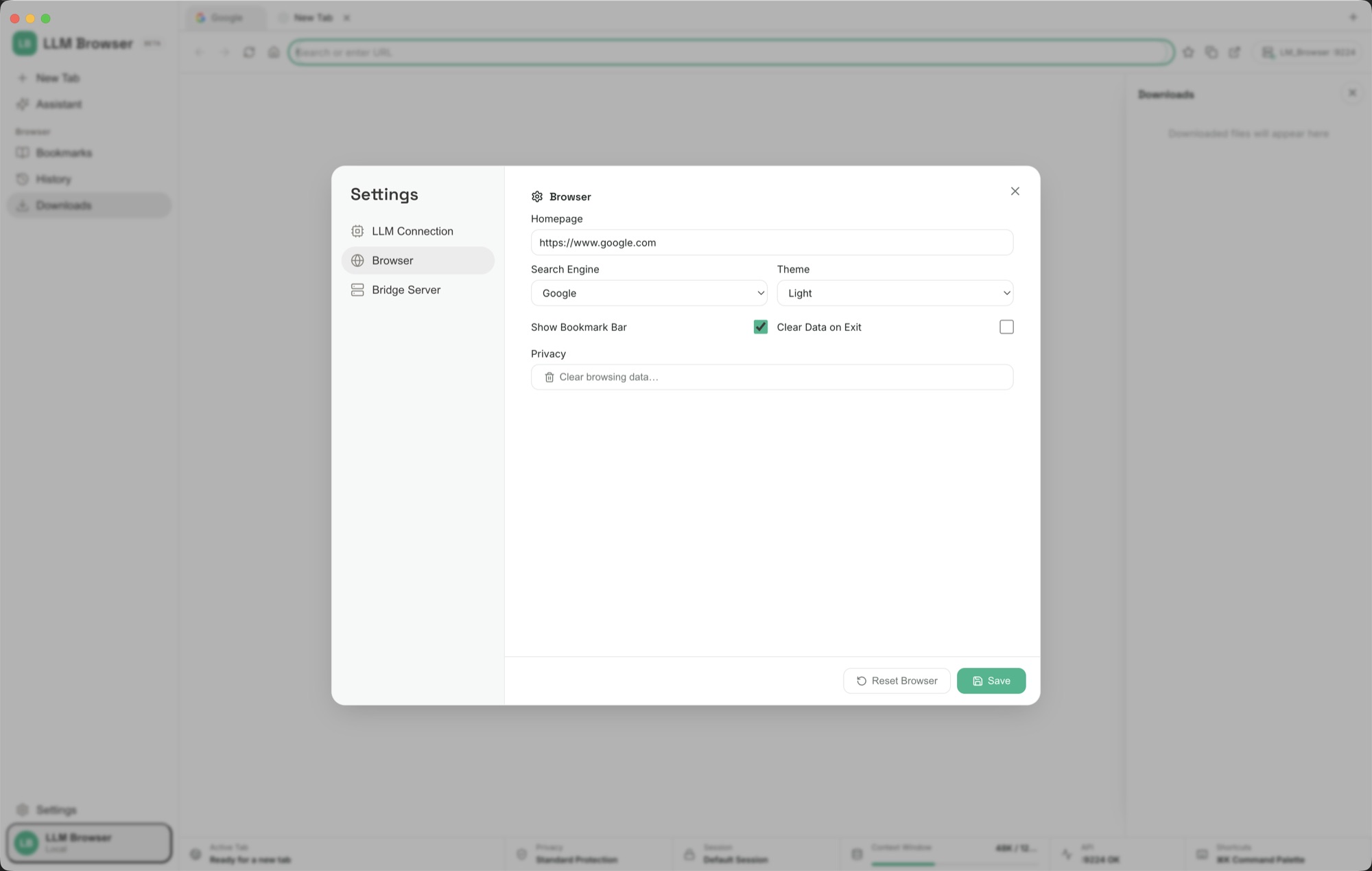
The interface is a conventional browser — tabs, address bar, bookmarks, history, downloads, privacy controls and settings. The difference is a visible AI Workbench where a connected model plans a task, navigates, reads pages, clicks, fills forms, runs JavaScript, takes screenshots and gathers evidence. Tool calls, results and approval requests remain in view instead of disappearing into a background agent.
LLM Browser is also a coding harness. Inside the project folder you choose, an agent can inspect and edit files, run shell commands, use bundled Node 22 and Python 3.12 runtimes, start development servers, inspect logs, work with GitHub, create documents, conduct research and verify the running result in the browser. Writes are scoped to that workspace and consequential actions pass through approval controls.
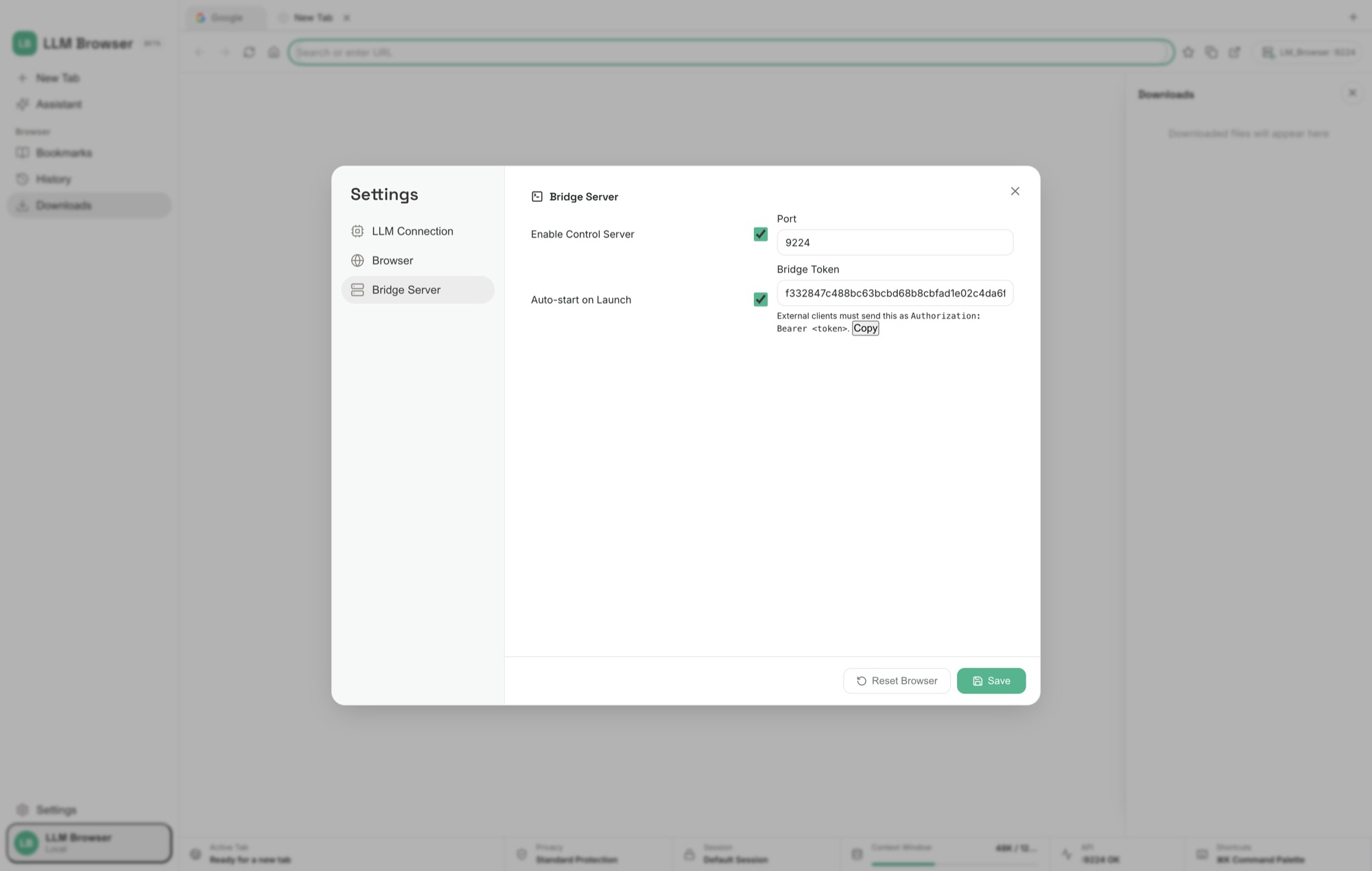
The same browser surface is exposed through 33 authenticated JSON-RPC methods over HTTP and WebSocket on localhost port 9224. A per-launch bearer token, loopback-only host checks and origin checks prevent ordinary websites from reaching that control surface. Your own scripts, Codex, Claude Code or another authorized client can therefore automate the browser without putting a model inside the app.
Model choice stays separate from the software purchase. Six connection modes cover 32 hosted providers, OAuth, Ollama or LM Studio, command-line pipes, terminal commands and local AI endpoints. The website edition is a separate Apple-notarized build with no StoreKit or subscription screen: every app feature is available after one purchase.
Navigate, snapshot, read text or HTML, click, fill, type, select, press keys, scroll, highlight, capture screenshots, reload, move through history, manage tabs and execute page JavaScript.
Plans, tool runs, evidence, approvals, user questions, logs and stop controls are rendered beside the page while the agent works.
Workspace-scoped file changes, shell execution, bundled Node and Python, background processes, GitHub workflows, documents, research, memory and code verification turn browsing into end-to-end work.
Thirty-three JSON-RPC methods over HTTP and WebSocket on port 9224, protected by a per-launch token and loopback host and origin checks.
Connect by API key, OAuth, local server, local AI endpoint, CLI pipe or terminal command; cloud model charges, if any, stay with the provider you choose.
Open official product pages, collect price, platform support, privacy notes, refund terms, and limitations, then make a source-linked table without signing up or buying.
Find the visible list or table, normalize rows into useful columns, and mark missing values as not shown instead of guessing.
Fill visible fields from details the user provides, leave uncertain fields blank, stop before submit, and report filled and skipped fields.
Collect matching roles, salary if shown, location, skills, fit notes, and source links, then stop before applying.
Group visible items into urgent, reply later, archive candidate, and ignore, without deleting, archiving, sending, or marking anything without approval.
Connect Ollama, LM Studio, or a local GGUF model, test it, and use it for sensitive inbox, dashboard, client, or internal browsing tasks.
It is a supervised desktop browser, not a captcha bypasser or scraper farm. Websites can change their markup or block automation, and sensitive or consequential actions still require your review. The current Direct release requires an Apple-silicon Mac; model-provider API fees, if you choose a paid cloud model, are separate from the one-time app purchase.
LLM Browser is a native Mac app distributed as a complete, fully activated download. No subscription, no account, no locked features, no tracking.
Buy & downloadChoose $10 for one app, $20 for two different apps, or $49 for every published app through Stripe's hosted checkout. Download on the confirmation page or open the delivery email on your Mac. Each link is single-use; your email shows its exact expiry. Keep the installer for future use. If your link expires or the download fails, ask for a replacement link with your receipt; do not buy again.
A desktop browser and coding harness built for humans and AI agents. Browse normally, or let a connected model research, navigate, click, fill forms, execute JavaScript, take screenshots, work with files, run code, and report back through a visible AI Workbench and authenticated local control API.
LLM Browser is for Mac users looking for ai on your mac. A browser and coding harness an AI can drive through a visible Workbench and authenticated local API - one purchase, no subscription.
LLM Browser requires macOS 12 or later. Supported architecture: Apple silicon. Check About This Mac before purchasing.
No. The Mac App Store edition can include Apple's in-app subscription system. The website Direct edition is a separately signed build with no StoreKit purchase flow: one website purchase unlocks the complete app with no recurring charge.
The download is the complete app. There is no subscription, no locked tier, no account, and no trial timer — every feature is included.
Choose $10 for one app, $20 for two different apps, or $49 for every published app through Stripe's hosted checkout on this page. Download links are delivered on the confirmation page and by email. Each link is single-use; its exact expiry is shown in your delivery email. Keep the installer. If the link expires or a download fails, contact support@macossoftware.com with your receipt instead of buying again.
Yes. Version 1.0.0 is signed with a Developer ID certificate, notarized by Apple, and distributed with a stapled notarization ticket. Its published SHA-256 checksum is f28f6c4215d8e3c7b08ddf3a73a825e7d15e9b3e65a0a61cd96ae36602e87c96.