Sift logo

Sift

Photo declutter that shows its working.

macOS 14 or later Apple silicon and Intel One purchase · $10 Complete app — nothing locked No account Apple notarizedDeveloper ID signed
Website Direct edition

Pay once. Fully unlocked. Verified by Apple.

This website download is a separate direct-distribution build from the Mac App Store edition. It contains no StoreKit purchase flow or subscription screen: every feature is available after the one-time website purchase.

Apple notarized this exact disk image after an automated malware check. It is signed with the publisher's Developer ID and its notarization ticket is stapled to the download, so Gatekeeper can verify it even when your Mac is offline.

How signing, notarization and installation work
Version
1.0 (build 1)
Released
2026-08-22
Requires
macOS 14 or later
Architecture
Apple silicon and Intel
Download
2.2 MB DMG
Apple check
Notarized · Developer ID signed
SHA-256
e323772e12a0ef41ca5f40f77e56e006d591f9bfdc79cafd923ede893b78d8d9
What it is

What Sift does

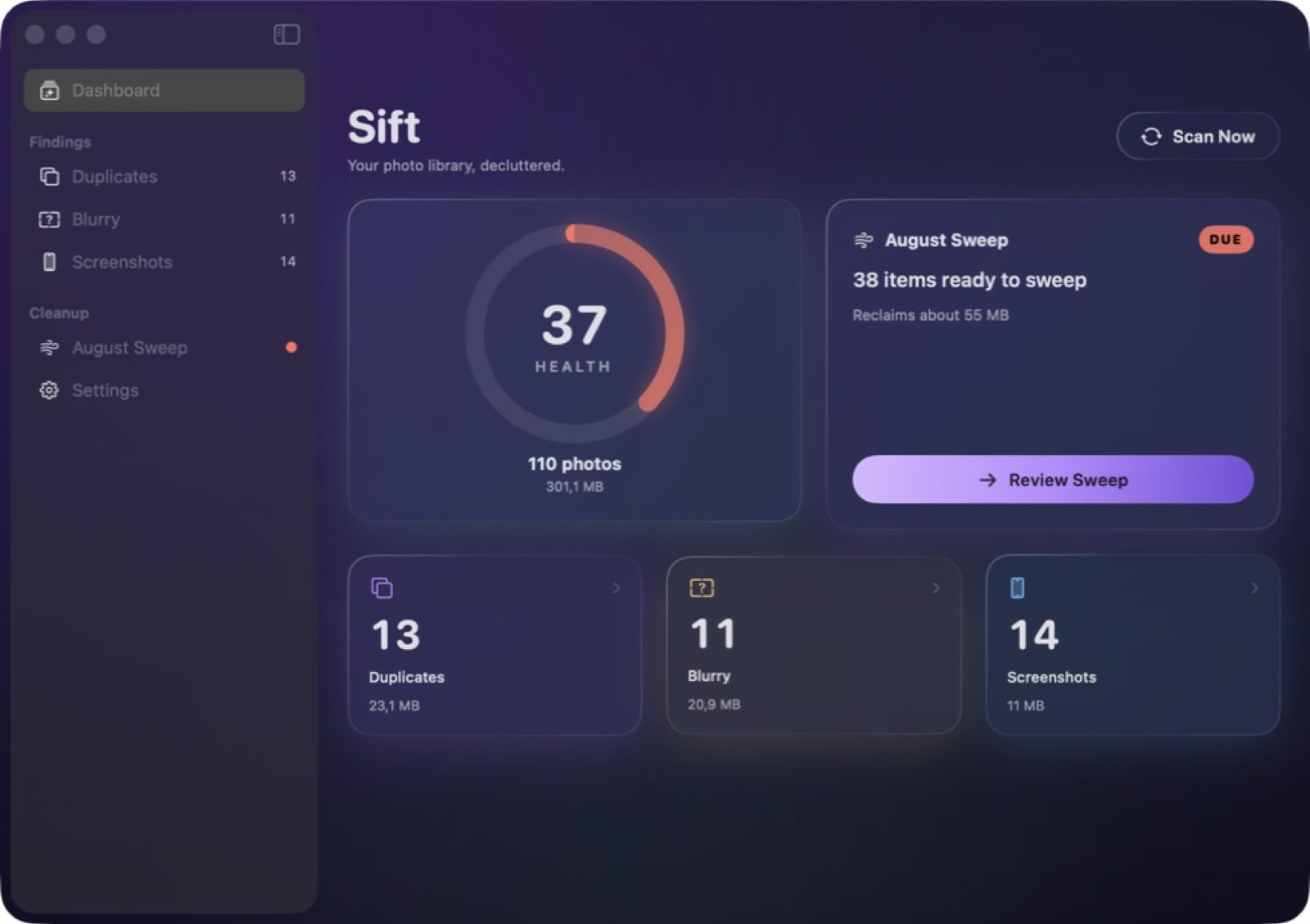
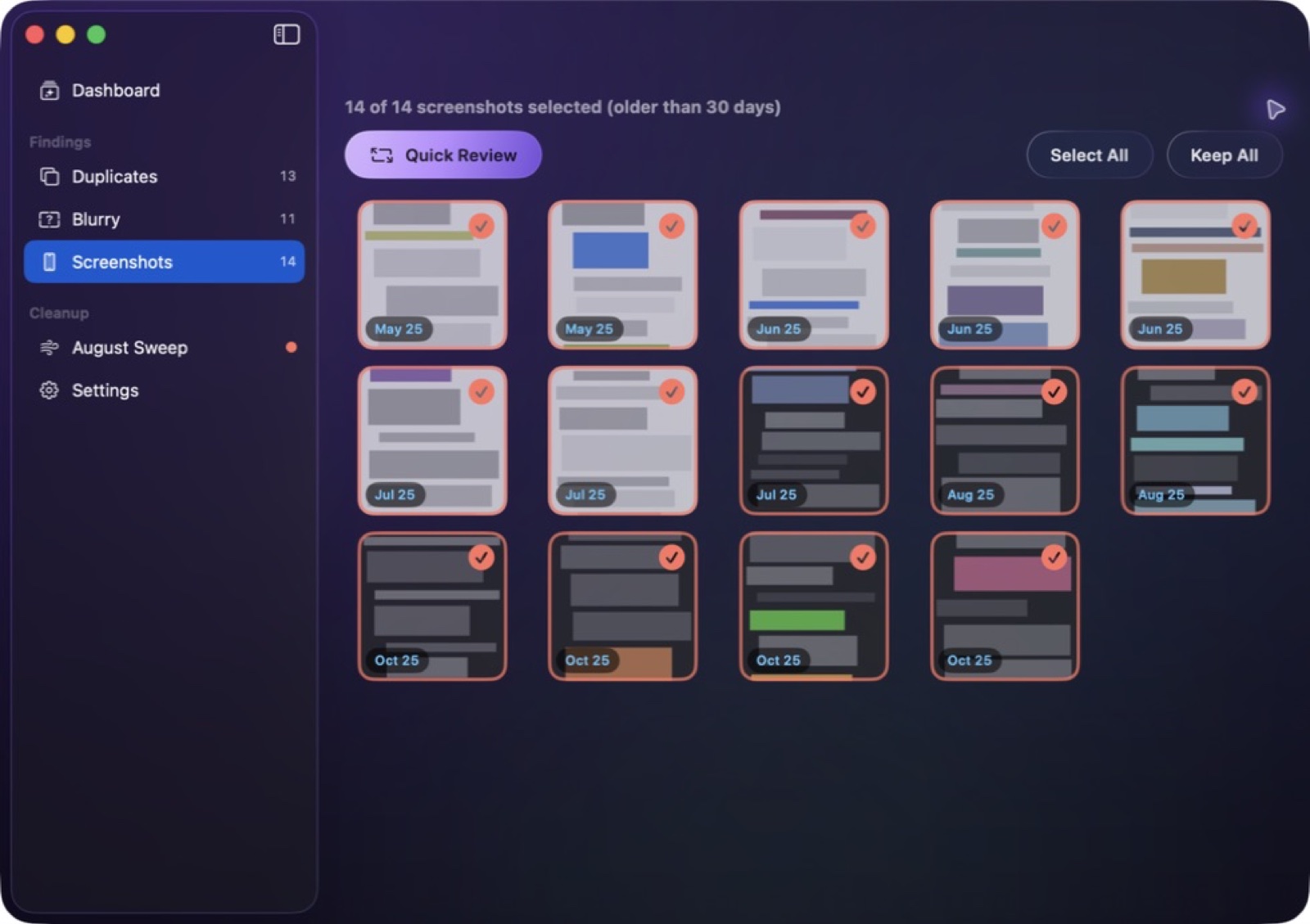
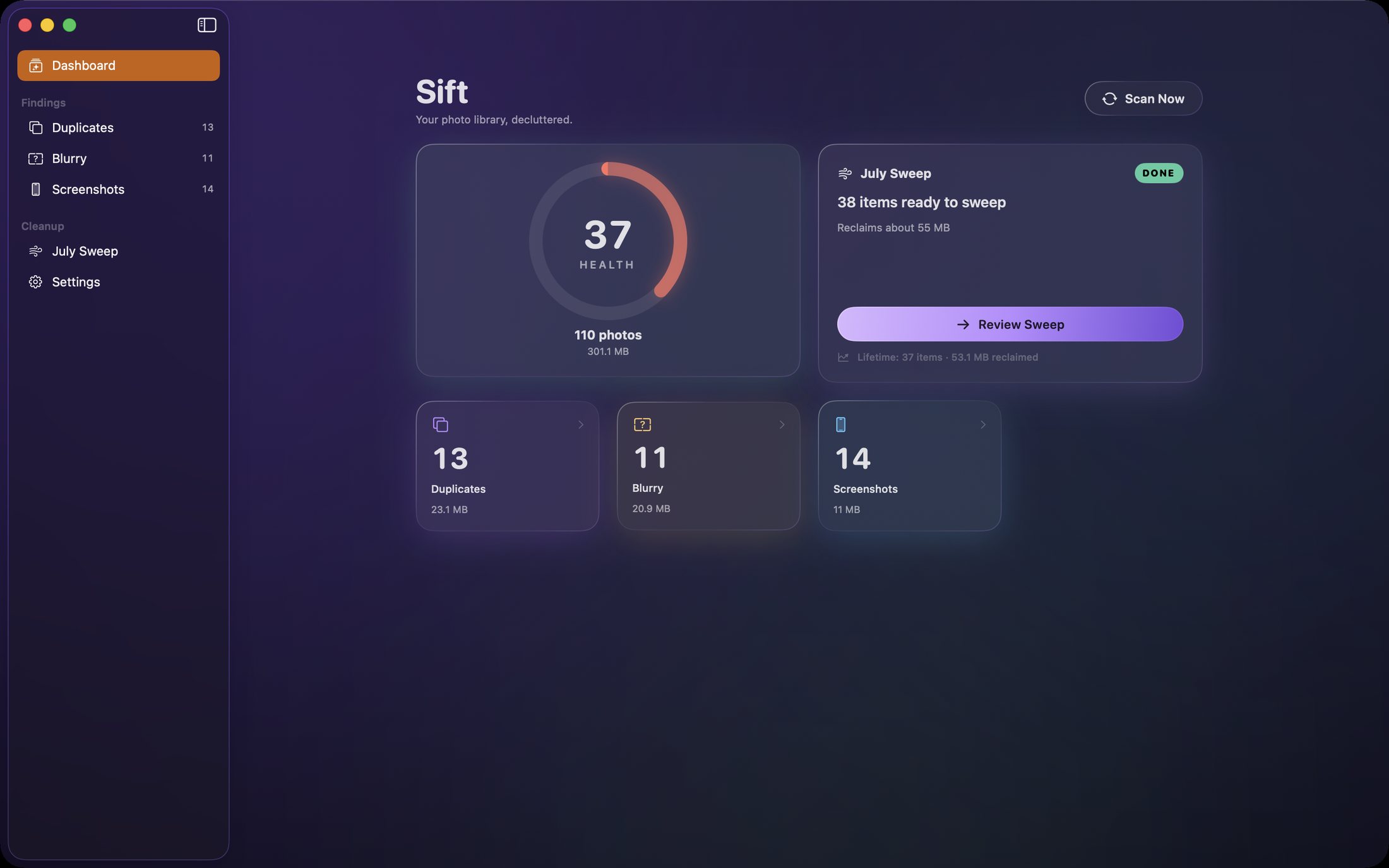
Finds the photos worth deleting — exact duplicates, near-duplicates, blurred frames and screenshots — using on-device vision, and shows you the comparison before anything is removed.

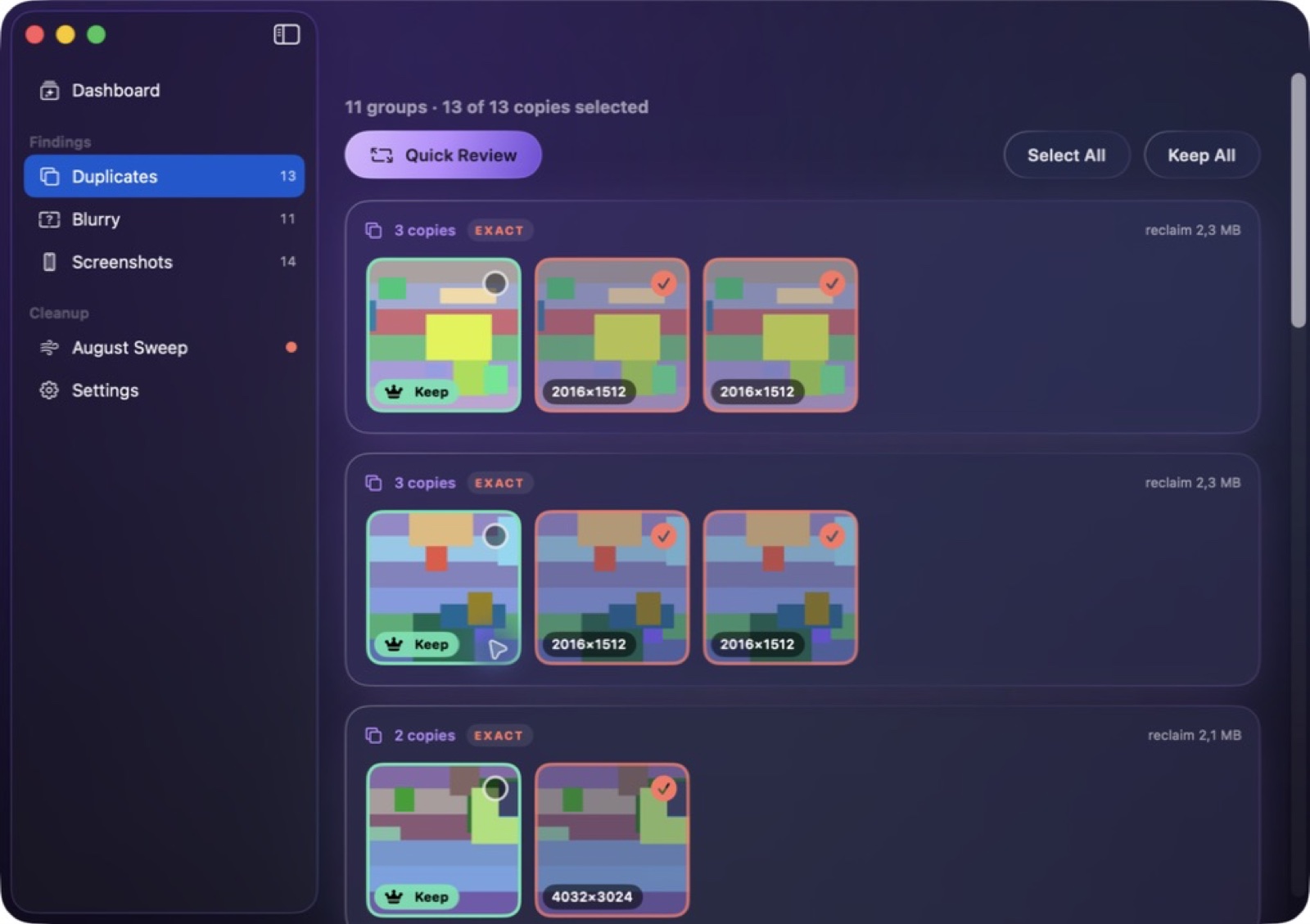
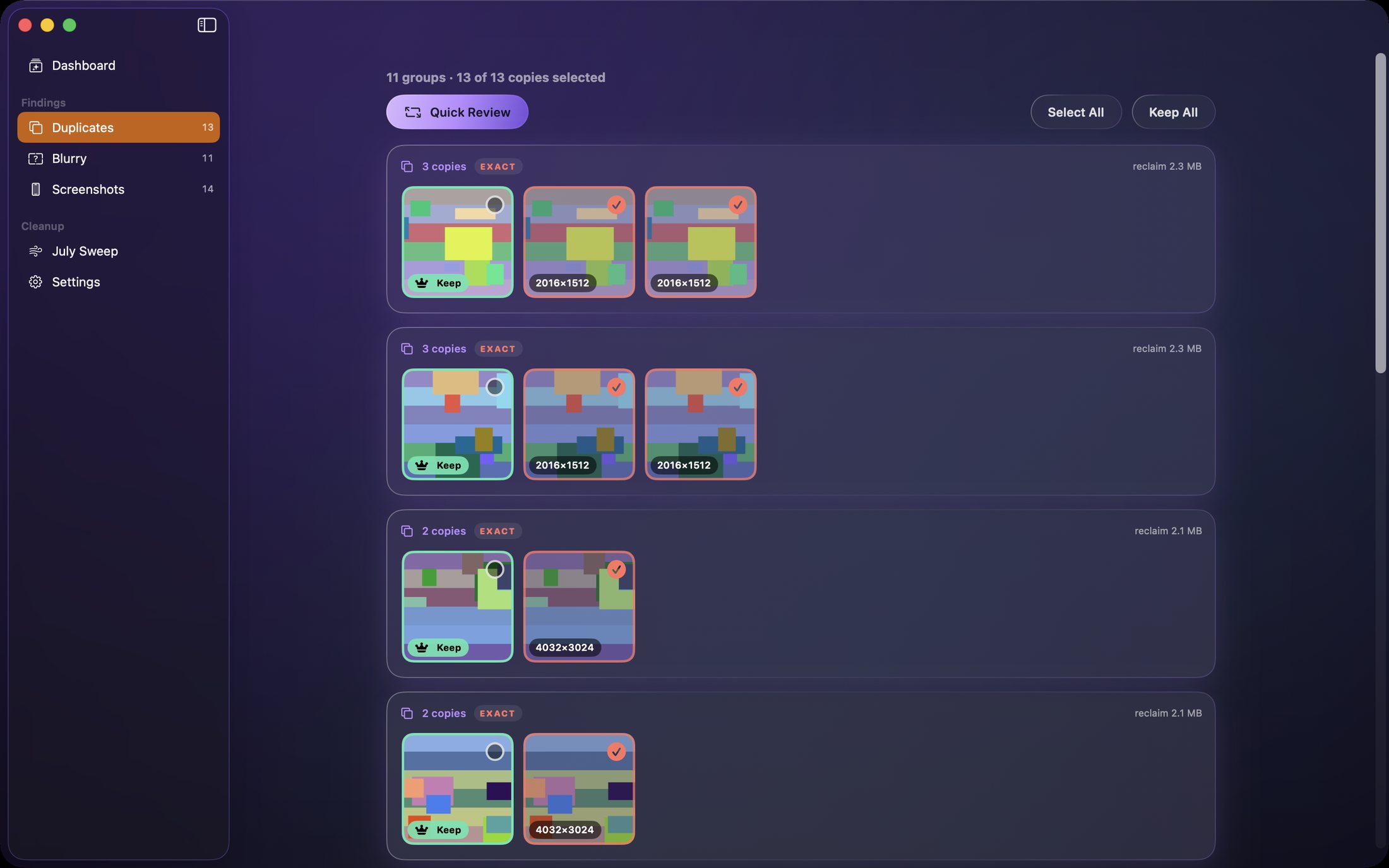
Duplicate detection is easy to get wrong, and the cost of getting it wrong is a deleted photo. Sift groups exact duplicates, near-duplicates, blurred frames and screenshots, and always shows the candidates side by side before you act.

All analysis runs on-device with Apple's vision frameworks. Your library is not uploaded for scoring.

How it does its job

Near-duplicate grouping

Burst frames and near-identical shots cluster together, not just byte-identical files.

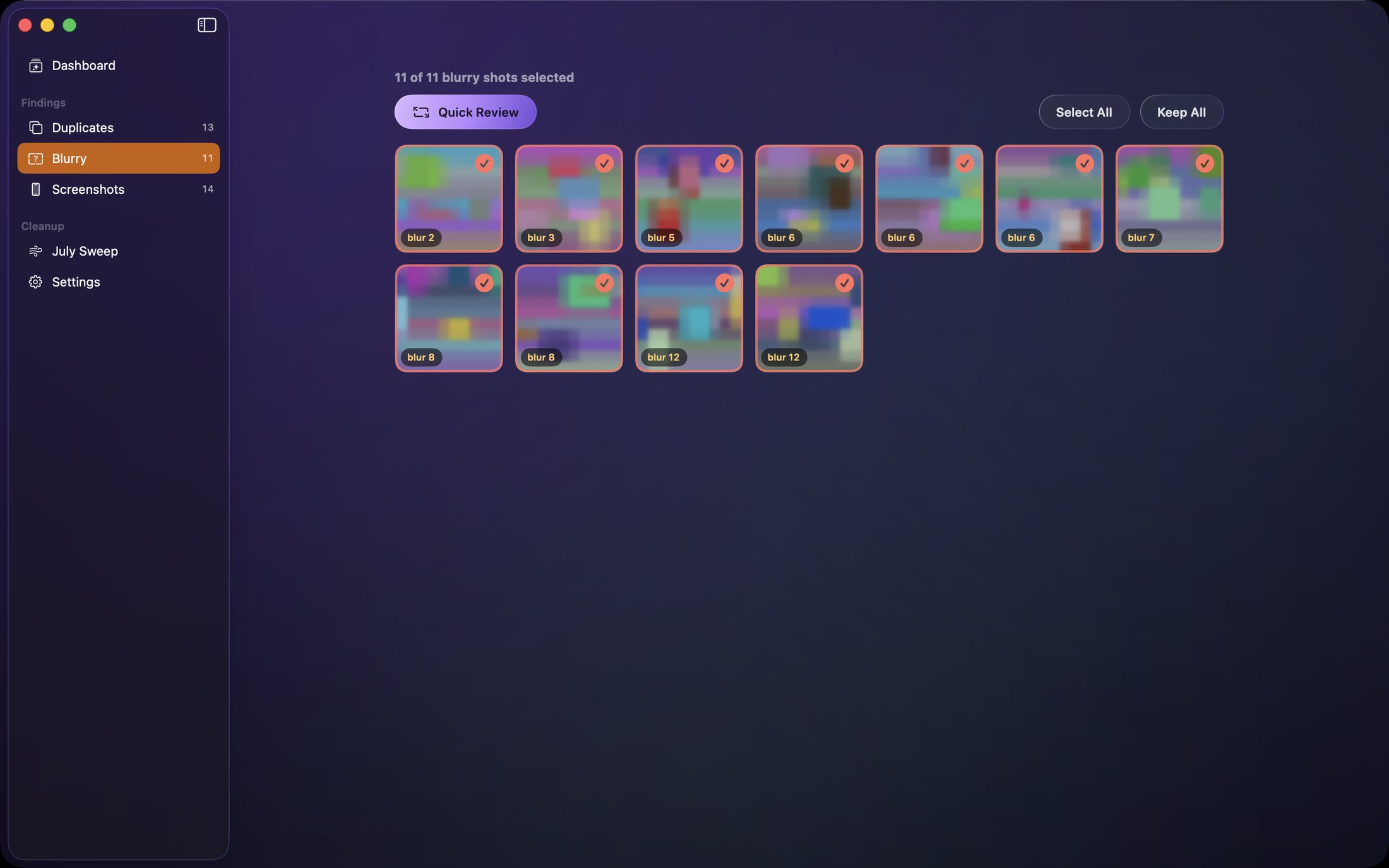
Blur and screenshot detection

Separate passes for the two most common kinds of clutter.

Review before delete

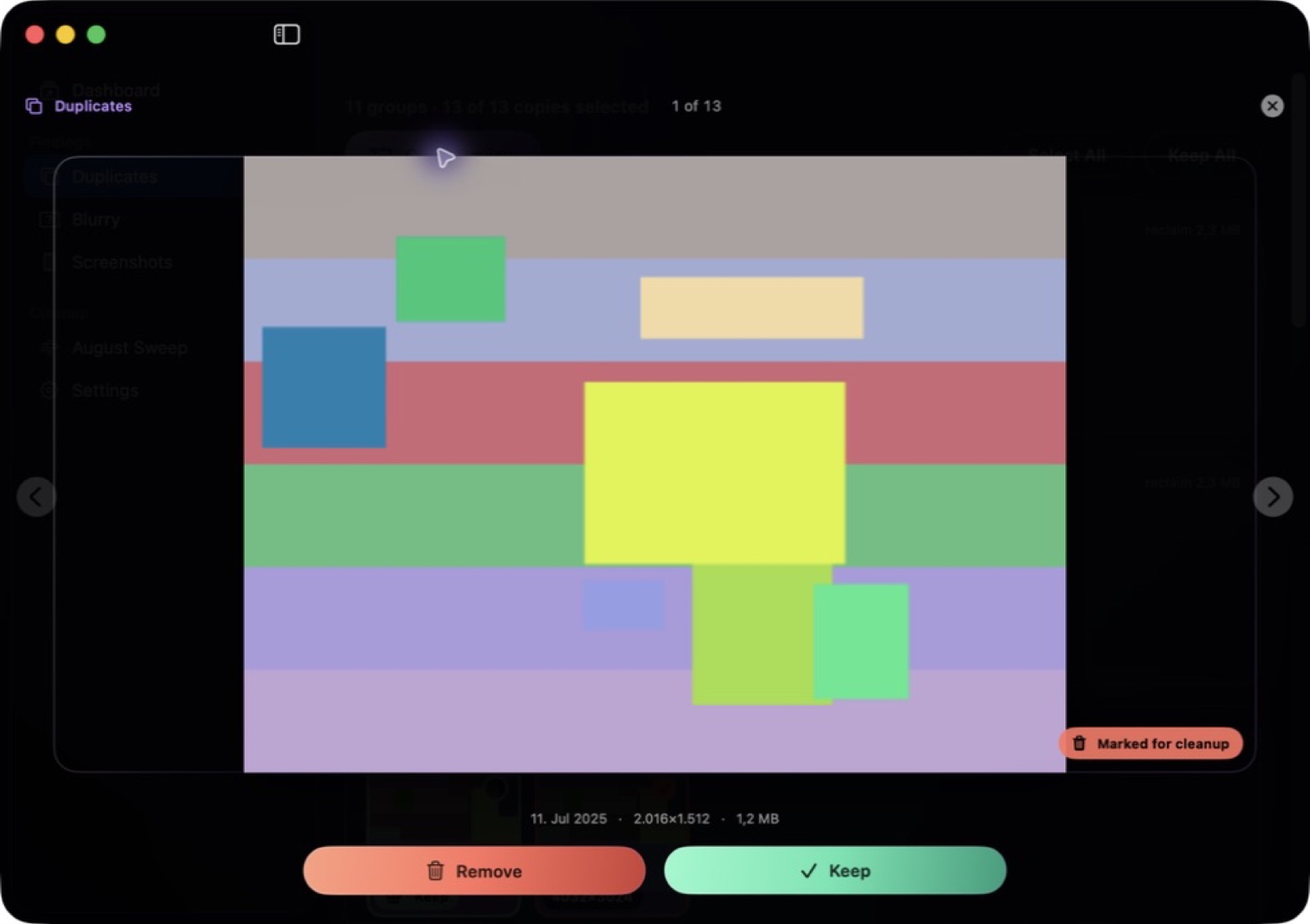
Side-by-side comparison; nothing is removed silently.

What it doesn't do

It suggests; you decide. There is no unattended cleanup mode by design.

Exact copies, similar frames and blur need different decisions

ExampleWhat to compareA sensible decision
The same image imported twiceFull-size image, resolution, edits and metadataKeep the version with the information you need; do not decide from the filename alone.
Two frames from a short burstExpression, focus and whether the sequence tells a storyKeep both when the difference matters. Similar is not the same as unwanted.
A soft portrait or motion shotSubject sharpness and artistic intentReview the flag yourself; intentional blur can be worth keeping.

These are illustrative review scenarios, not measured results from a customer library. The screenshot counts are examples, not a storage-saving promise.

Test recovery before a large cleanup

  1. Keep an independent backup of irreplaceable photos.
  2. Use a disposable photo to test removal and recovery in your library.
  3. Review candidates side by side and remove only those you have checked.
  4. Inspect Recently Deleted promptly; do not empty it while reviewing your choices.

Follow the full photo-review checklist or start with Apple Photos Duplicates. Recovery depends on the item still being retained; it is not a substitute for a backup.

Native, local-first, and yours

Sift is a native Mac app distributed as a complete, fully activated download. No subscription, no account, no locked features, no tracking.

Buy & download

Get Sift

Choose $10 for one app, $20 for two different apps, or $49 for every published app through Stripe's hosted checkout. Download on the confirmation page or open the delivery email on your Mac. Each link is single-use; your email shows its exact expiry. Keep the installer for future use. If your link expires or the download fails, ask for a replacement link with your receipt; do not buy again.

Common questions

What is Sift?

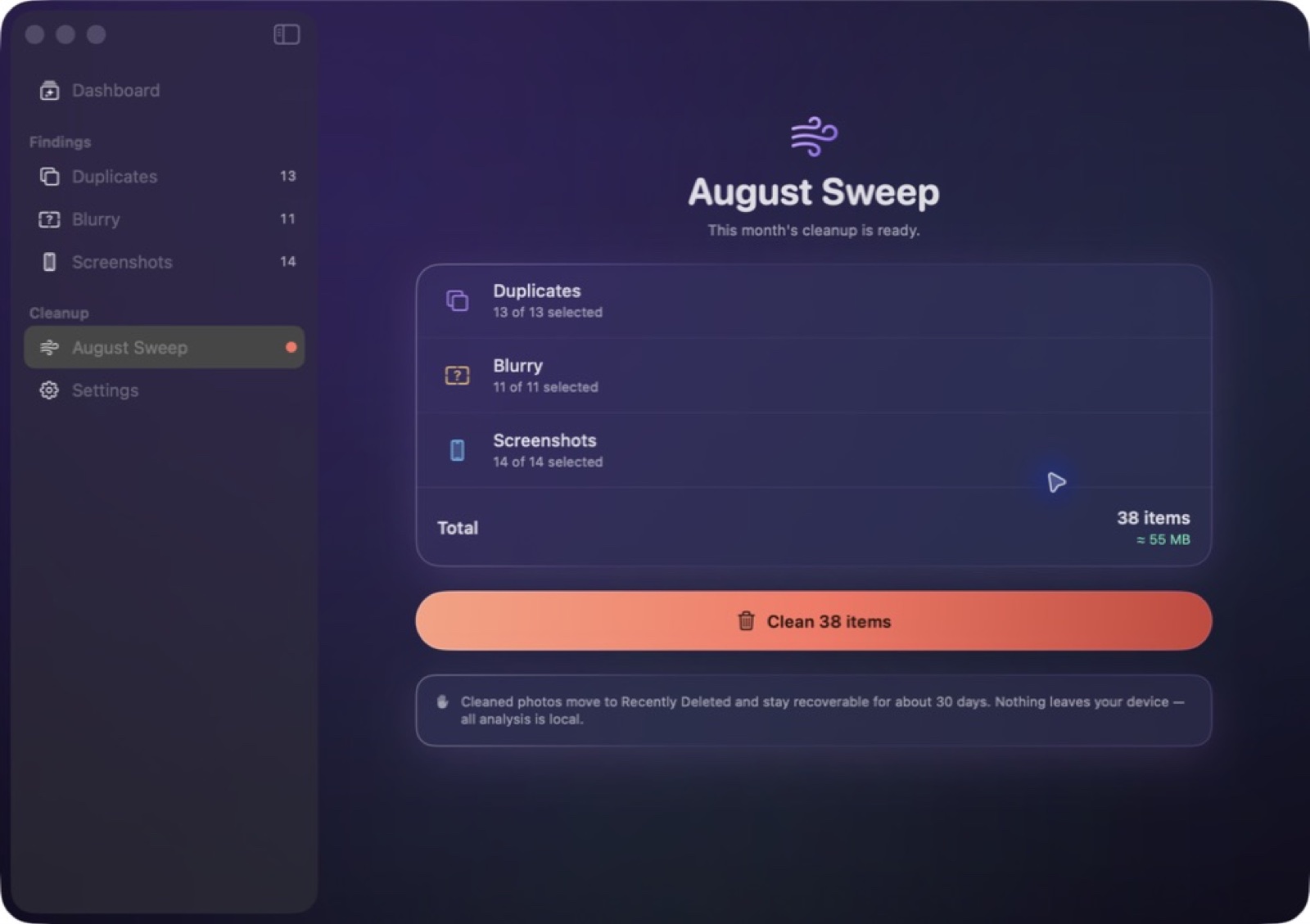
A native Mac photo declutterer: perceptual duplicate detection, real blur analysis, screenshot ageing, and one calm monthly sweep. Everything you remove stays recoverable for about 30 days, and nothing ever leaves your Mac.

Who is Sift for?

Sift is for Mac users looking for mac utilities. Finds duplicate, blurry and screenshot clutter in your photos on-device - and shows you before anything goes.

Are similar photos the same as exact duplicates?

No. Sift groups exact duplicates and near-duplicates separately from blurry images and screenshots. Compare candidates side by side and choose the version you want to keep before deleting anything.

Which Macs can run Sift?

Sift requires macOS 14 or later. Supported architecture: Apple silicon and Intel. Check About This Mac before purchasing.

Is this the same Sift edition as the Mac App Store version?

No. The Mac App Store edition can include Apple's in-app subscription system. The website Direct edition is a separately signed build with no StoreKit purchase flow: one website purchase unlocks the complete app with no recurring charge.

Is Sift the full version, or are features locked?

The download is the complete app. There is no subscription, no locked tier, no account, and no trial timer — every feature is included.

How do I get Sift?

Choose $10 for one app, $20 for two different apps, or $49 for every published app through Stripe's hosted checkout on this page. Download links are delivered on the confirmation page and by email. Each link is single-use; its exact expiry is shown in your delivery email. Keep the installer. If the link expires or a download fails, contact support@macossoftware.com with your receipt instead of buying again.

Is the Sift Direct edition notarized by Apple?

Yes. Version 1.0 is signed with a Developer ID certificate, notarized by Apple, and distributed with a stapled notarization ticket. Its published SHA-256 checksum is e323772e12a0ef41ca5f40f77e56e006d591f9bfdc79cafd923ede893b78d8d9.

Sift One purchase · from $10 Buy & download