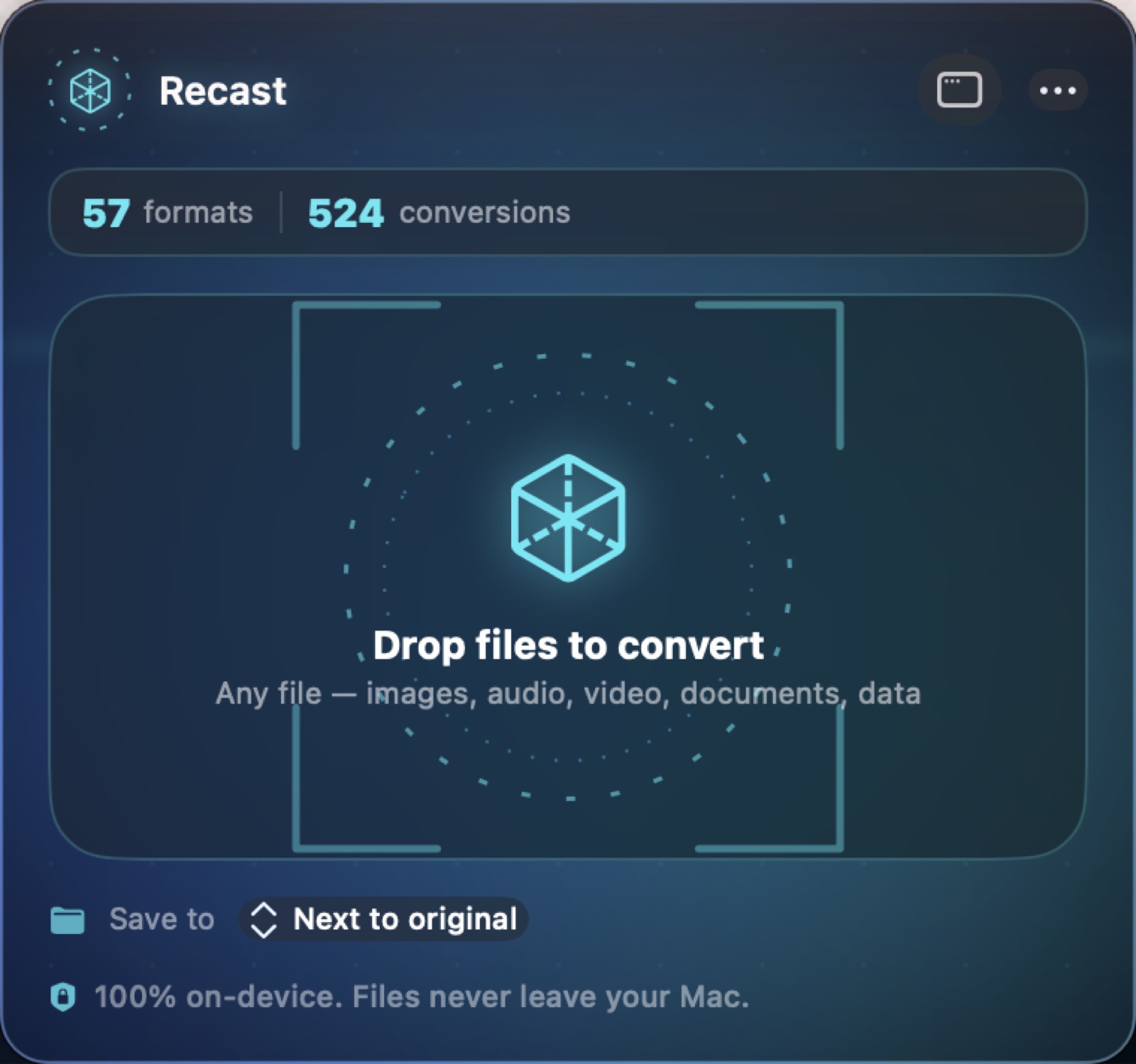
Recast logo

Recast

File conversion without the upload.

macOS 14 or later Apple silicon and Intel One purchase · $10 Complete app — nothing locked No account Apple notarizedDeveloper ID signed
See it running

A quick tour of Recast

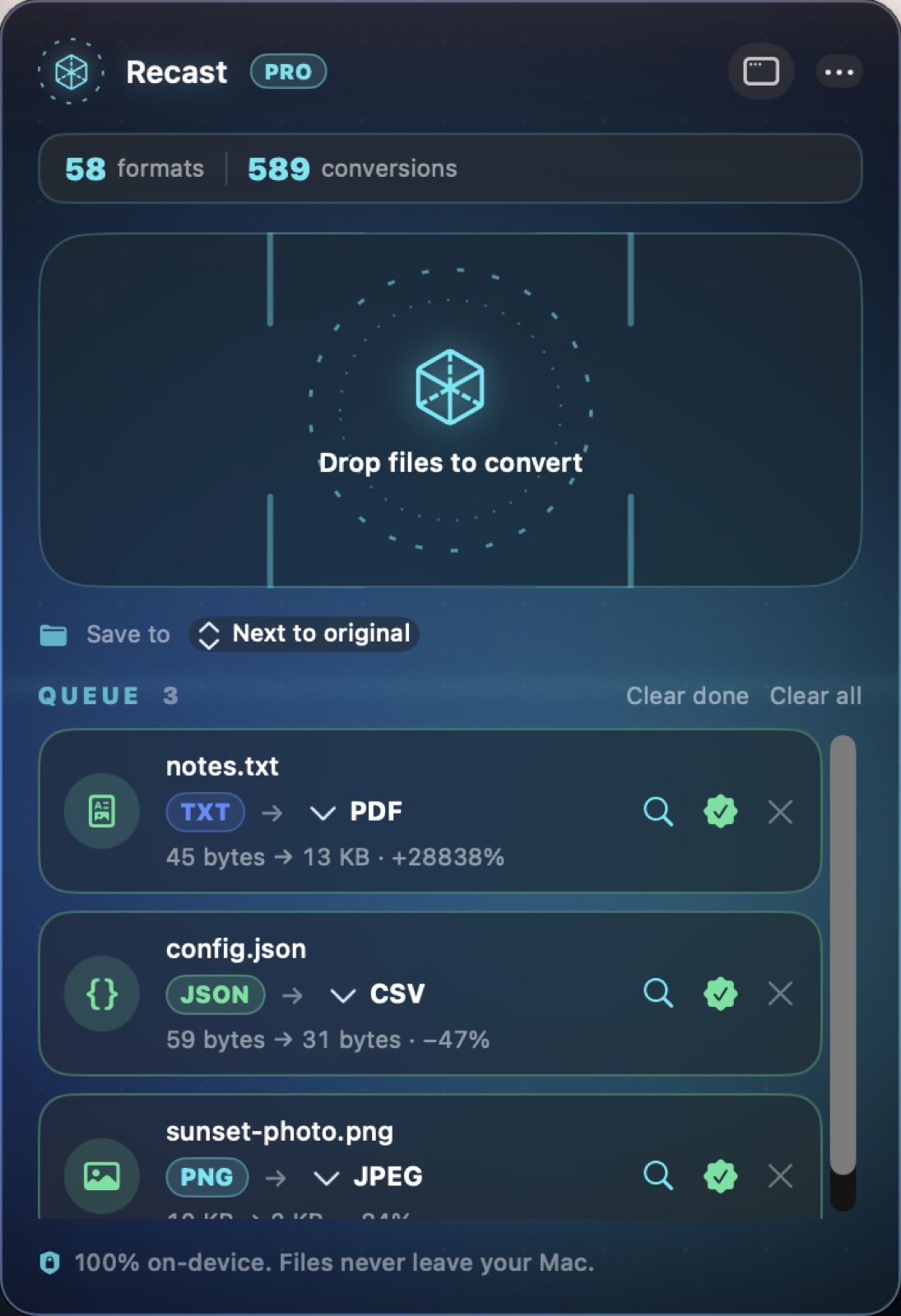
Converts between 58 file formats across 589 paths on your Mac, with local batch processing and no server upload. Practical limits depend on the format, memory and storage.

A silent screen tour of the shipping Recast app, across 3 real on-screen views.

Website Direct edition

Pay once. Fully unlocked. Verified by Apple.

This website download is a separate direct-distribution build from the Mac App Store edition. It contains no StoreKit purchase flow or subscription screen: every feature is available after the one-time website purchase.

Apple notarized this exact disk image after an automated malware check. It is signed with the publisher's Developer ID and its notarization ticket is stapled to the download, so Gatekeeper can verify it even when your Mac is offline.

How signing, notarization and installation work
Version
1.1 (build 123)
Released
2026-08-22
Requires
macOS 14 or later
Architecture
Apple silicon and Intel
Download
2.6 MB DMG
Apple check
Notarized · Developer ID signed
SHA-256
41165d4b8a11fa25e14c8cb6b085a266be13be4551fd6708e364b381d95a1923
What it is

What Recast does

Converts between 58 file formats across 589 paths on your Mac, with local batch processing and no server upload. Practical limits depend on the format, memory and storage.

Online converters ask you to upload the file. For anything confidential that is the end of the conversation. Recast performs 589 conversion paths across 58 formats locally.

No account or server-side queue. Available memory, storage and format support determine practical conversion limits.

How it does its job

589 conversion paths

Documents, images, audio and video across 58 formats.

Batch processing

Whole folders in one pass.

Zero uploads

Nothing leaves the machine, so confidential files stay convertible.

What it doesn't do

Some proprietary formats have no open decoder; where that is true it says so rather than producing a corrupt file.

Plan your conversion before buying

Recast is for recurring local conversion and batch work. A supported format count is not a promise that every input can become every output: codecs, encryption, document structure and export options matter.

Input familyDecide before conversionInspect in the result
ImagesSize, transparency, colour and metadata requirementsDimensions, transparent edges and appearance in the destination app
Audio and videoContainer, codec, channels and playback destinationBeginning, middle and end; audio sync and complete duration
Documents and dataWhether layout, editable text or structure matters mostPage breaks, fonts, tables, identifiers and character encoding

This is an output-review checklist, not a verified format-pair matrix. Ask about your exact source and target formats before buying if the pair is essential.

Text walkthrough: from one file to a batch

  1. Keep the originals and choose a separate output folder.
  2. Add one representative file and choose a target offered for that input.
  3. Run it, open the output in the app that will use it, and check what changed.
  4. Only then add the rest of the folder. Review failures and keep originals until the whole batch passes.

For the next step, follow the conversion and Shortcuts checklist. Compare Recast and Permute editions or local and online converters.

Native, local-first, and yours

Recast is a native Mac app distributed as a complete, fully activated download. No subscription, no account, no locked features, no tracking.

Buy & download

Get Recast

Choose $10 for one app, $20 for two different apps, or $49 for every published app through Stripe's hosted checkout. Download on the confirmation page or open the delivery email on your Mac. Each link is single-use; your email shows its exact expiry. Keep the installer for future use. If your link expires or the download fails, ask for a replacement link with your receipt; do not buy again.

Common questions

What is Recast?

A native Mac file converter that models conversions as a capability graph: give it a file and a target and it finds the best route - even multi-step - with batch queues, live progress, quality controls and a Shortcuts action. Compatible conversions stay on-device.

Who is Recast for?

Recast is for Mac users looking for mac utilities. Local file conversion with batch processing across 58 formats and 589 paths. Check your exact format pair before buying.

Do I have to upload files to convert them?

Recast performs its supported conversions locally on your Mac. Start with a copy of the source and inspect the output before deleting the original.

Can every supported format convert to every other format?

No. Recast lists 589 conversion paths across 58 formats. A supported input does not imply every output is available; check the specific input-to-output route in the app.

What should I check after a conversion?

Open the result in the app you intend to use. Check layout and fonts for documents, dimensions and transparency for images, and playback and duration for media. Keep the source when the destination format loses information.

Which Macs can run Recast?

Recast requires macOS 14 or later. Supported architecture: Apple silicon and Intel. Check About This Mac before purchasing.

Is this the same Recast edition as the Mac App Store version?

No. The Mac App Store edition can include Apple's in-app subscription system. The website Direct edition is a separately signed build with no StoreKit purchase flow: one website purchase unlocks the complete app with no recurring charge.

Is Recast the full version, or are features locked?

The download is the complete app. There is no subscription, no locked tier, no account, and no trial timer — every feature is included.

How do I get Recast?

Choose $10 for one app, $20 for two different apps, or $49 for every published app through Stripe's hosted checkout on this page. Download links are delivered on the confirmation page and by email. Each link is single-use; its exact expiry is shown in your delivery email. Keep the installer. If the link expires or a download fails, contact support@macossoftware.com with your receipt instead of buying again.

Is the Recast Direct edition notarized by Apple?

Yes. Version 1.1 is signed with a Developer ID certificate, notarized by Apple, and distributed with a stapled notarization ticket. Its published SHA-256 checksum is 41165d4b8a11fa25e14c8cb6b085a266be13be4551fd6708e364b381d95a1923.

Recast One purchase · from $10 Buy & download