
Tidyset
Turn a messy table into reusable clean data.
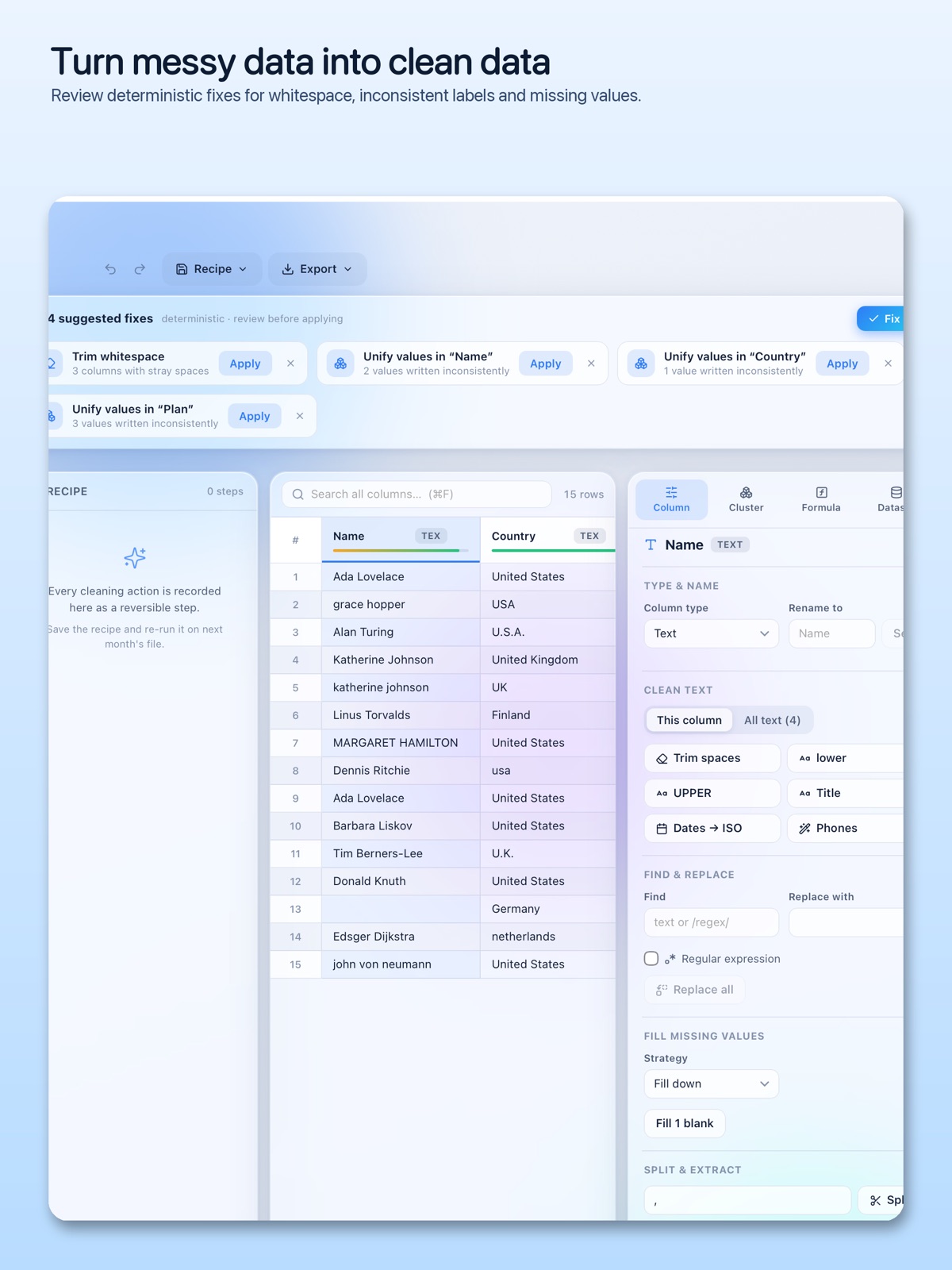
Profile your columns, review suggested fixes and bring inconsistent values into a clearer shape.
What you can do with Tidyset
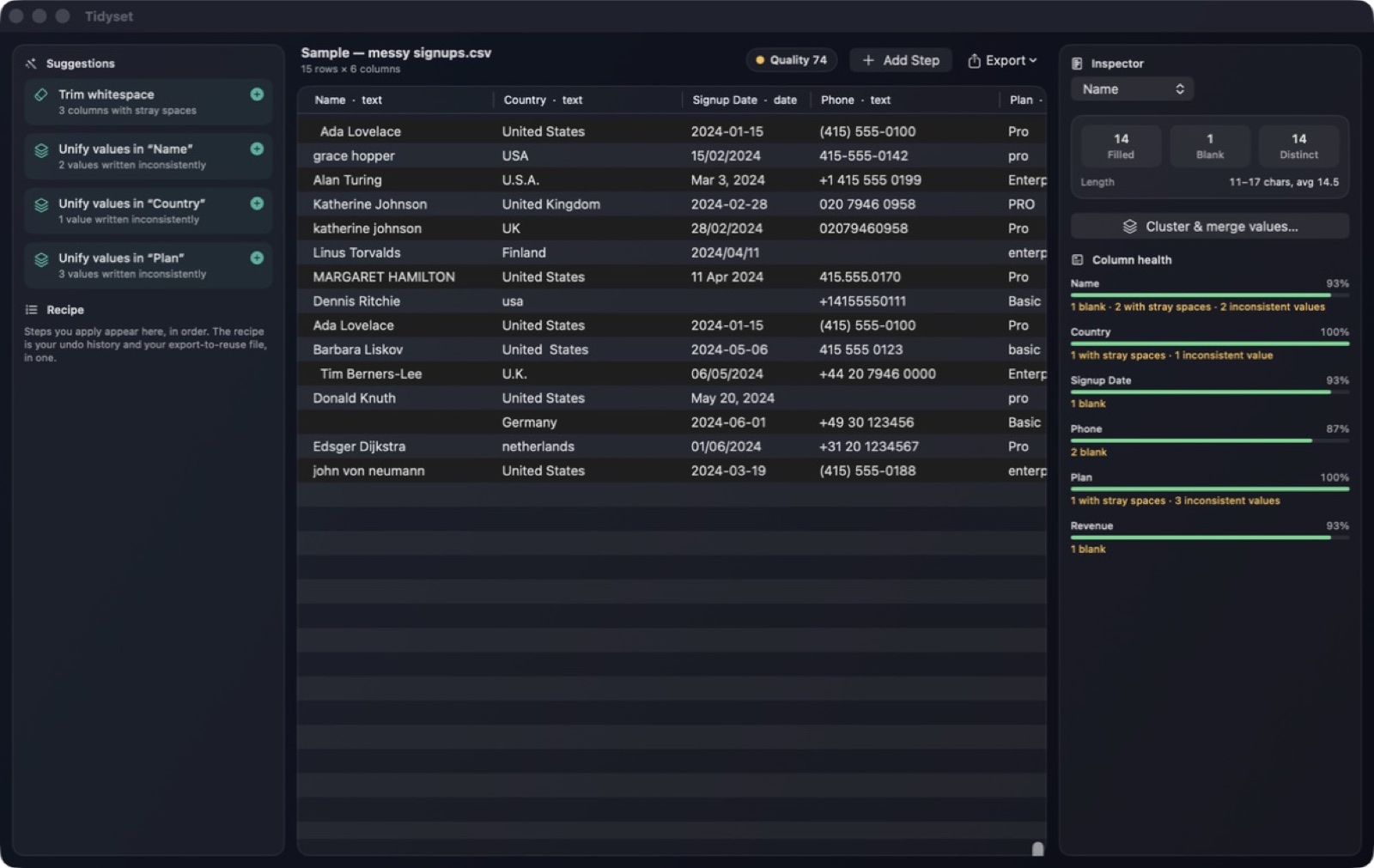
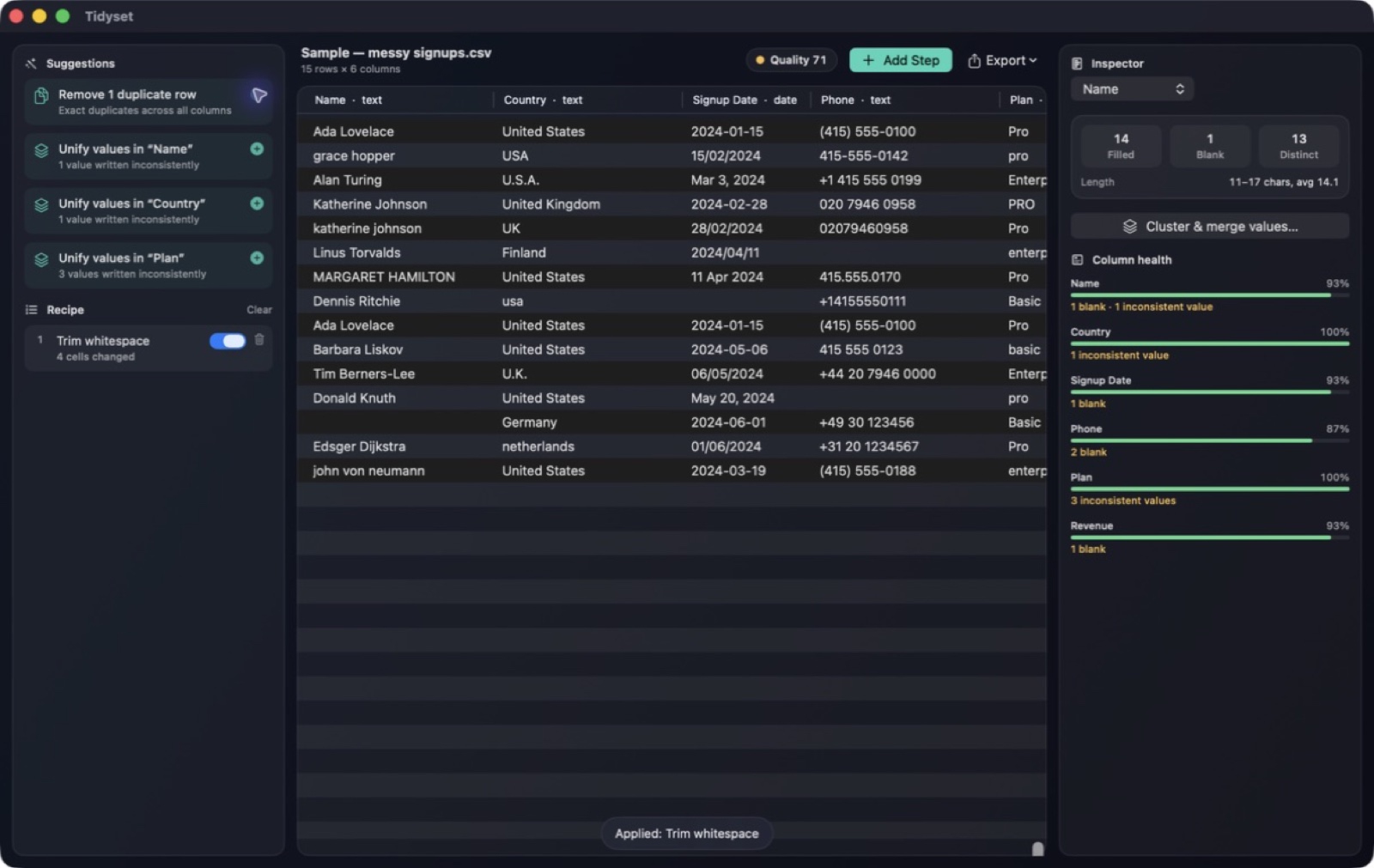
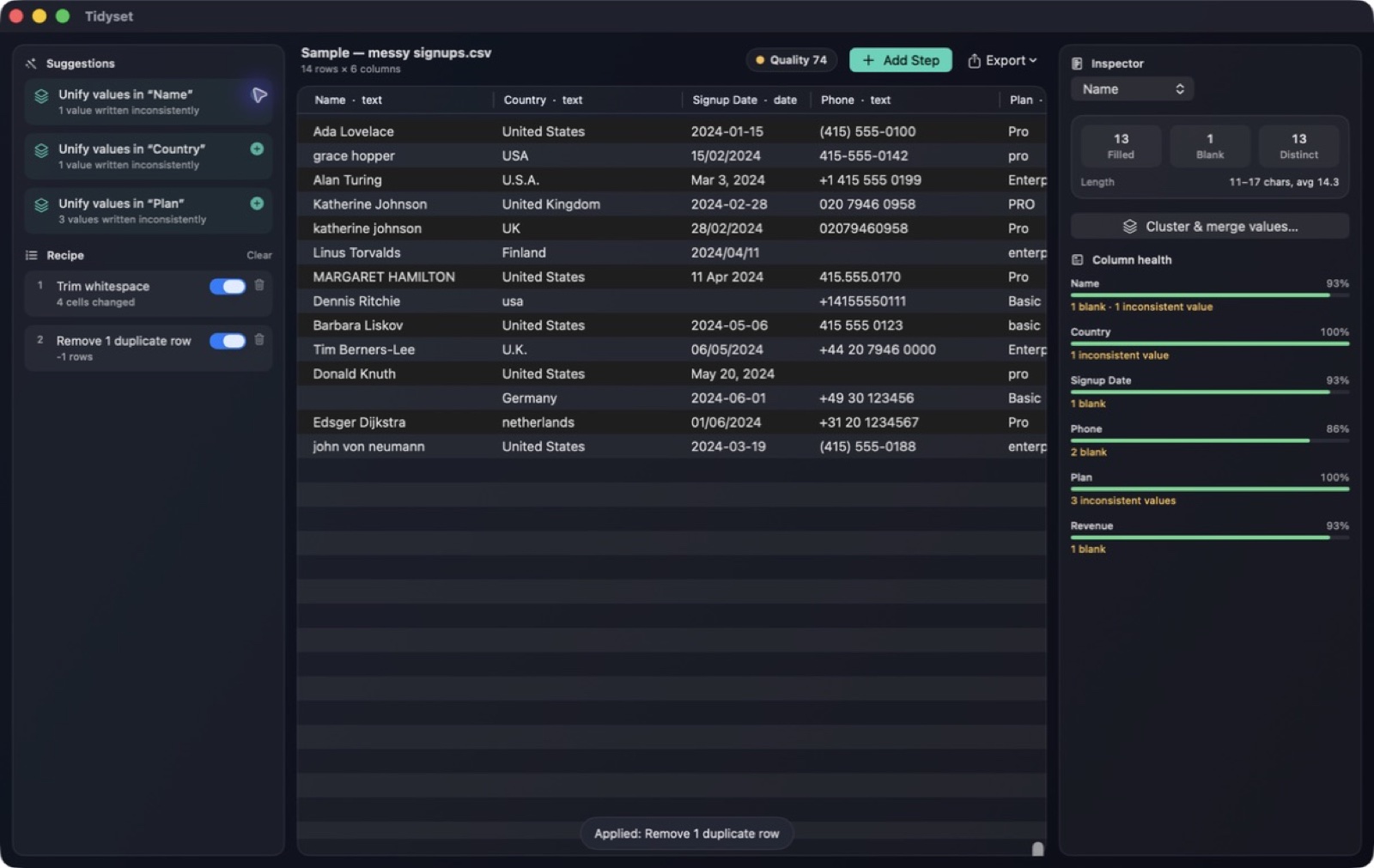
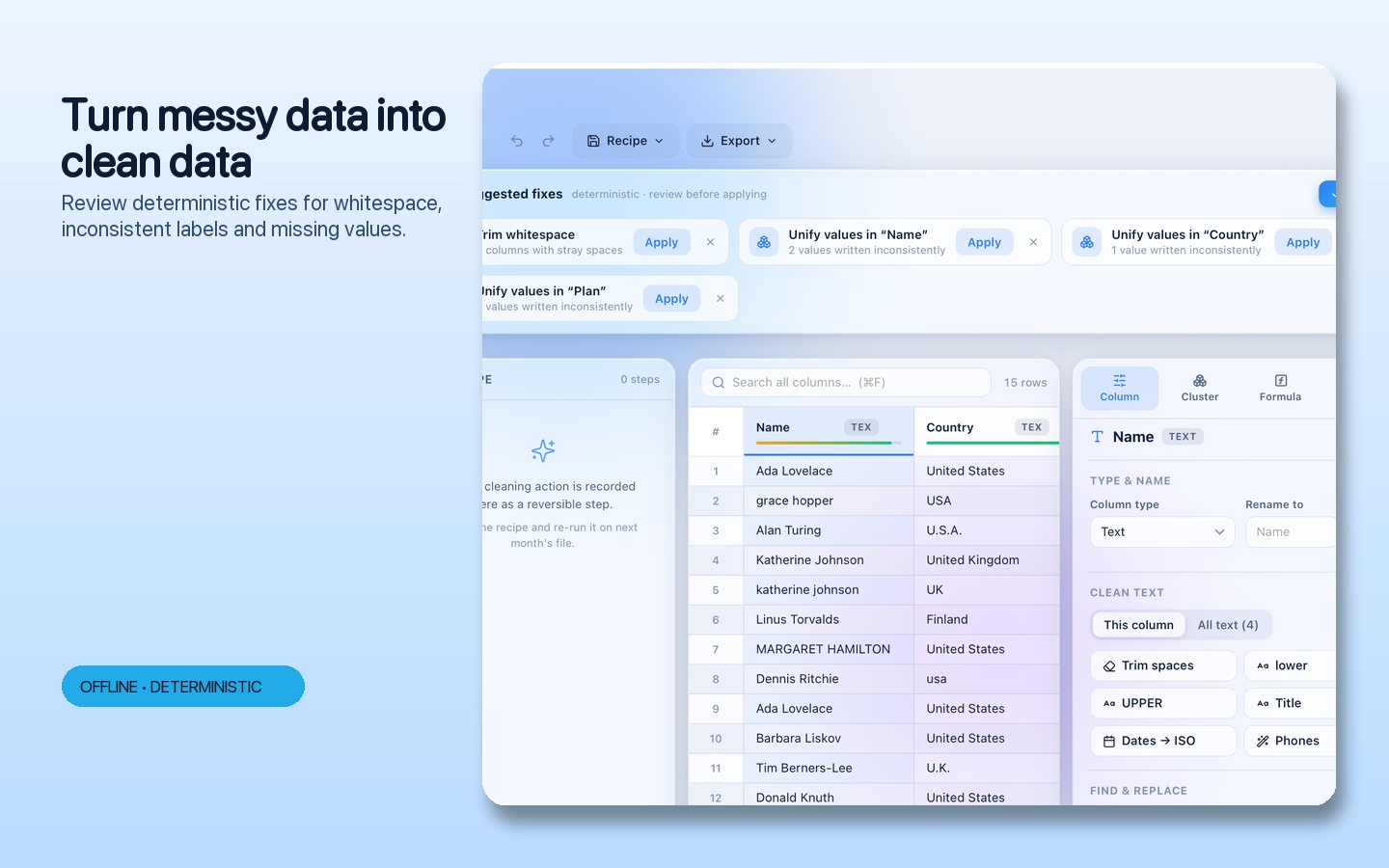
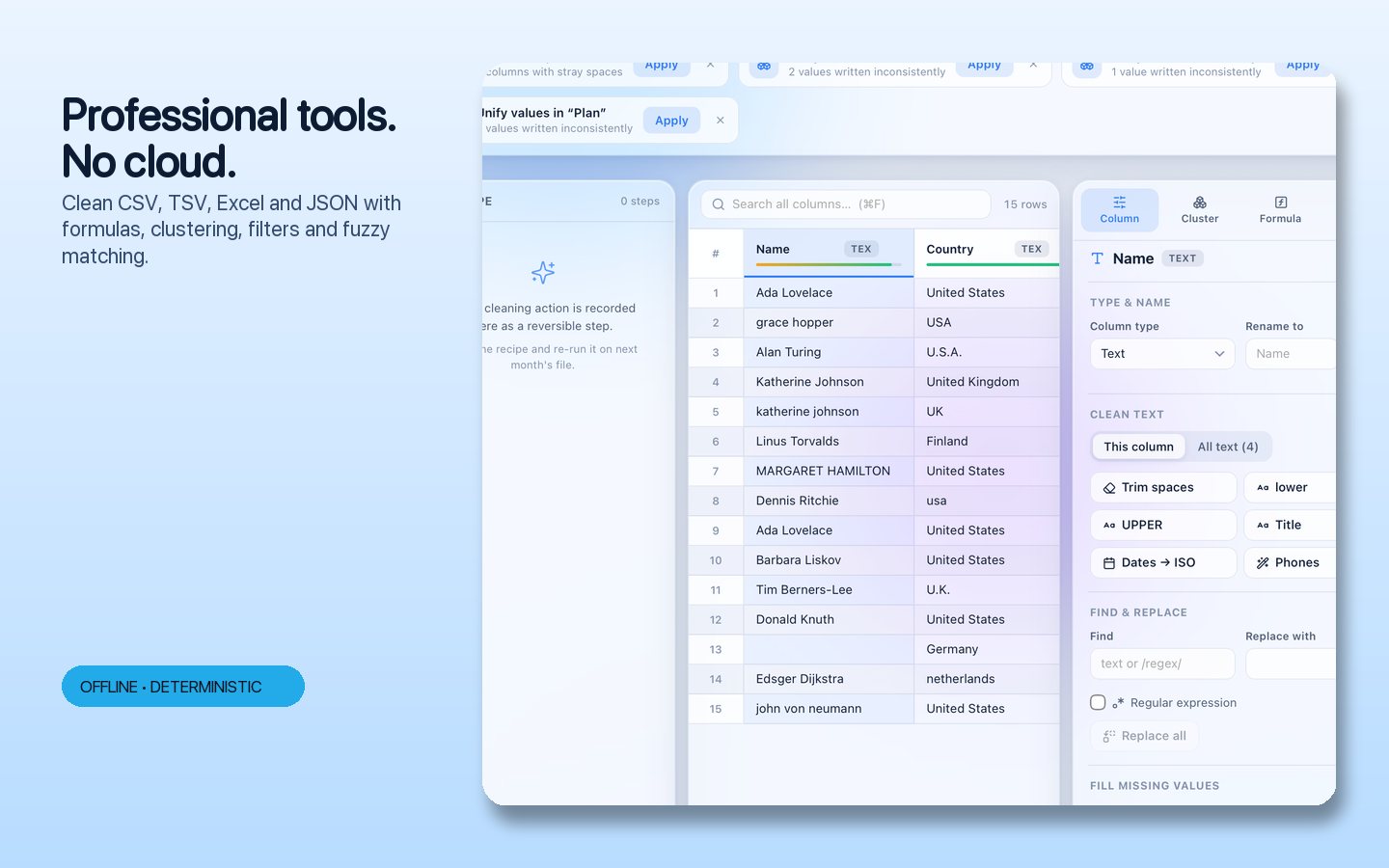
Profile your columns, review suggested fixes and bring inconsistent values into a clearer shape. Tidyset combines cleaning, clustering, formulas and repeatable recipes in a focused desktop workspace. See the effect of each change, refine the result and export a table that is ready for the next stage of your work. Review before-and-after changes for whitespace, labels and missing values, then reuse the recipe on the next table.
- See the shape of your data through column profiles
- Bring inconsistent values together for cleanup
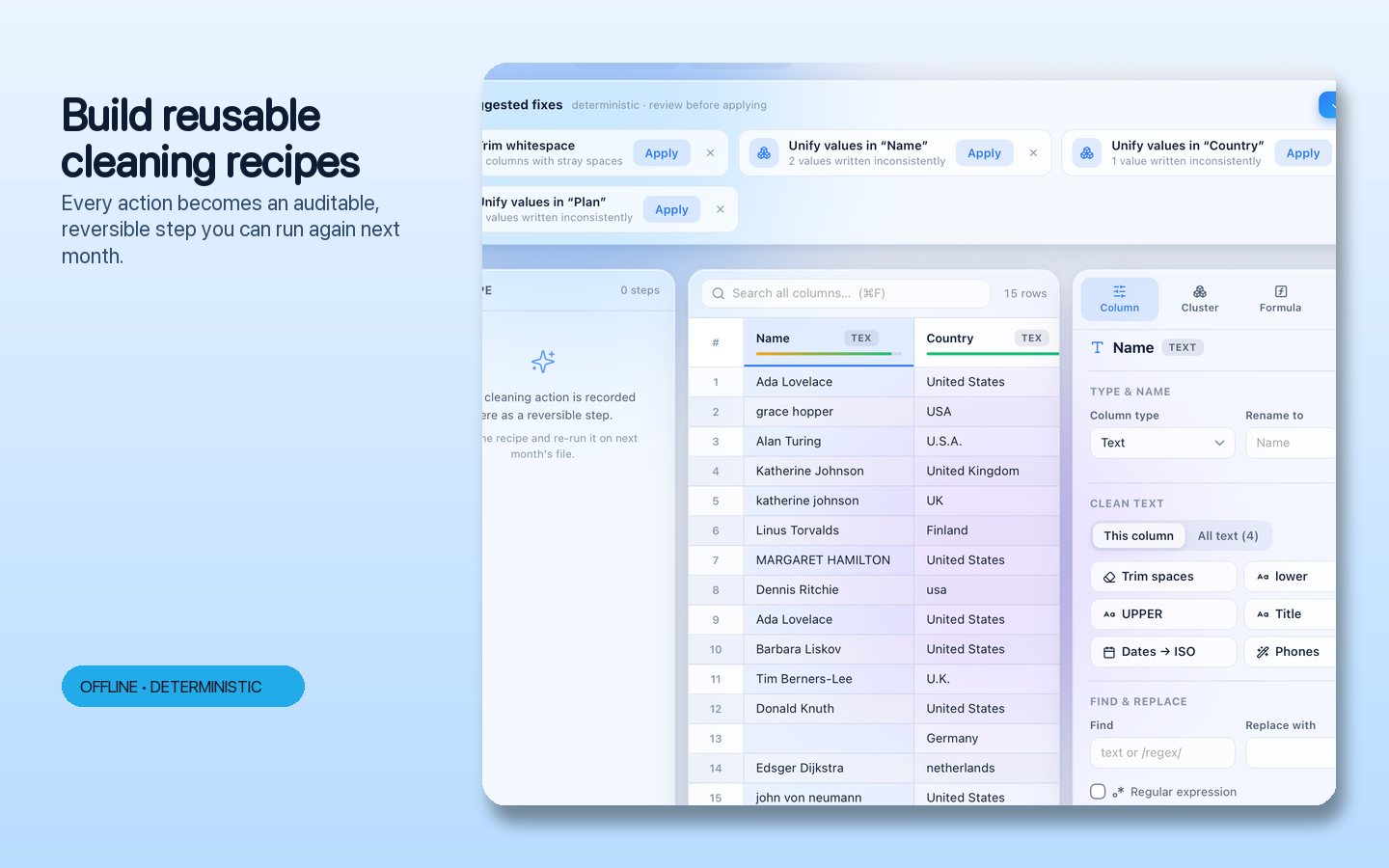
- Reuse the steps on your next table
See the workspace
Explore 5 more screenshots
A simple way to get started
Import and profile
Open a table and explore column profiles to find inconsistent values.
Preview your fixes
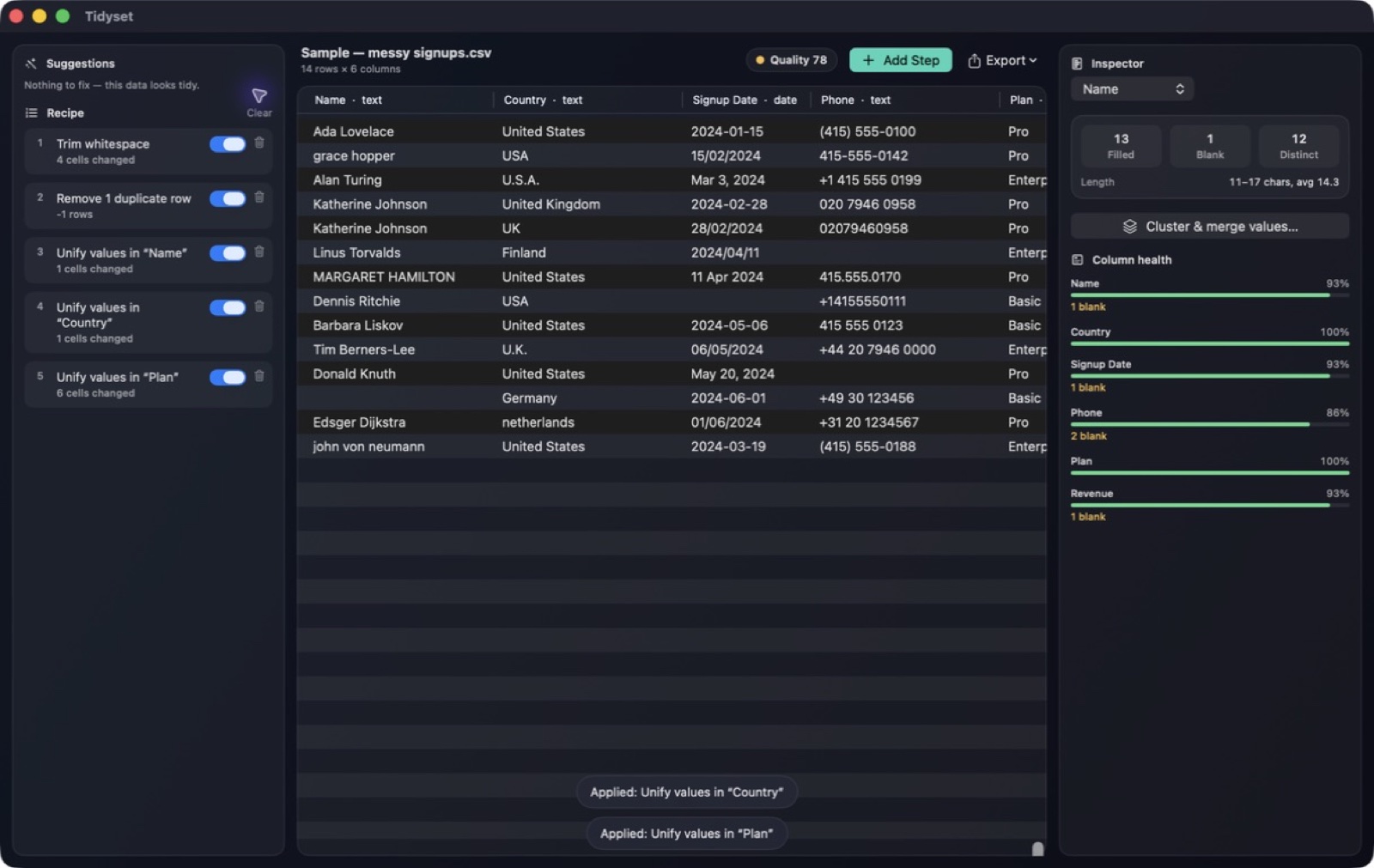
Review suggested changes, group similar labels and check the before-and-after differences.
Export and reuse
Export the cleaned table and reuse the recorded recipe on your next dataset.
Explore more features
- Reviewable smart suggestions with previewed diffs
- Column profiling, histograms and a dataset quality score
- Fuzzy clustering to normalize near-identical labels
- Recipes double as the undo history and re-run deterministically
Get Tidyset
Compatibility and installation details
- Requires
- macOS 14.4 or later
- Architecture
- Apple silicon and Intel
- Version
- 1.1
- Download
- 4.4 MB
- Publisher signature
- Developer ID Application
- Apple notarization
- Notarized
- SHA-256
c87b87506f36b9c24445b244940fa421b4db4cfe9a73cbed0d43d2da04d8a3c2
Download the Mac disk image from your receipt, open it and follow the included installation instructions.
Useful to know
What can I do with Tidyset?
Profile your columns, review suggested fixes and bring inconsistent values into a clearer shape. Tidyset combines cleaning, clustering, formulas and repeatable recipes in a focused desktop workspace. See the effect of each change, refine the result and export a table that is ready for the next stage of your work. Review before-and-after changes for whitespace, labels and missing values, then reuse the recipe on the next table.
How do I start?
Open a table and explore column profiles to find inconsistent values. Review suggested changes, group similar labels and check the before-and-after differences. Export the cleaned table and reuse the recorded recipe on your next dataset.
How do I receive my download?
After your purchase, the receipt page provides your download link. The exact expiry is shown with your delivery link. Keep your receipt and installer. If a link expires or a download fails, contact support with your receipt instead of buying again.
Where can I find setup help?
Compatibility and installation details are on this page. The installation guide and support team can help with the next step.