
Alembic
Prepare your source material for AI work.
Give training and retrieval data a dedicated preparation stage.
What you can do with Alembic
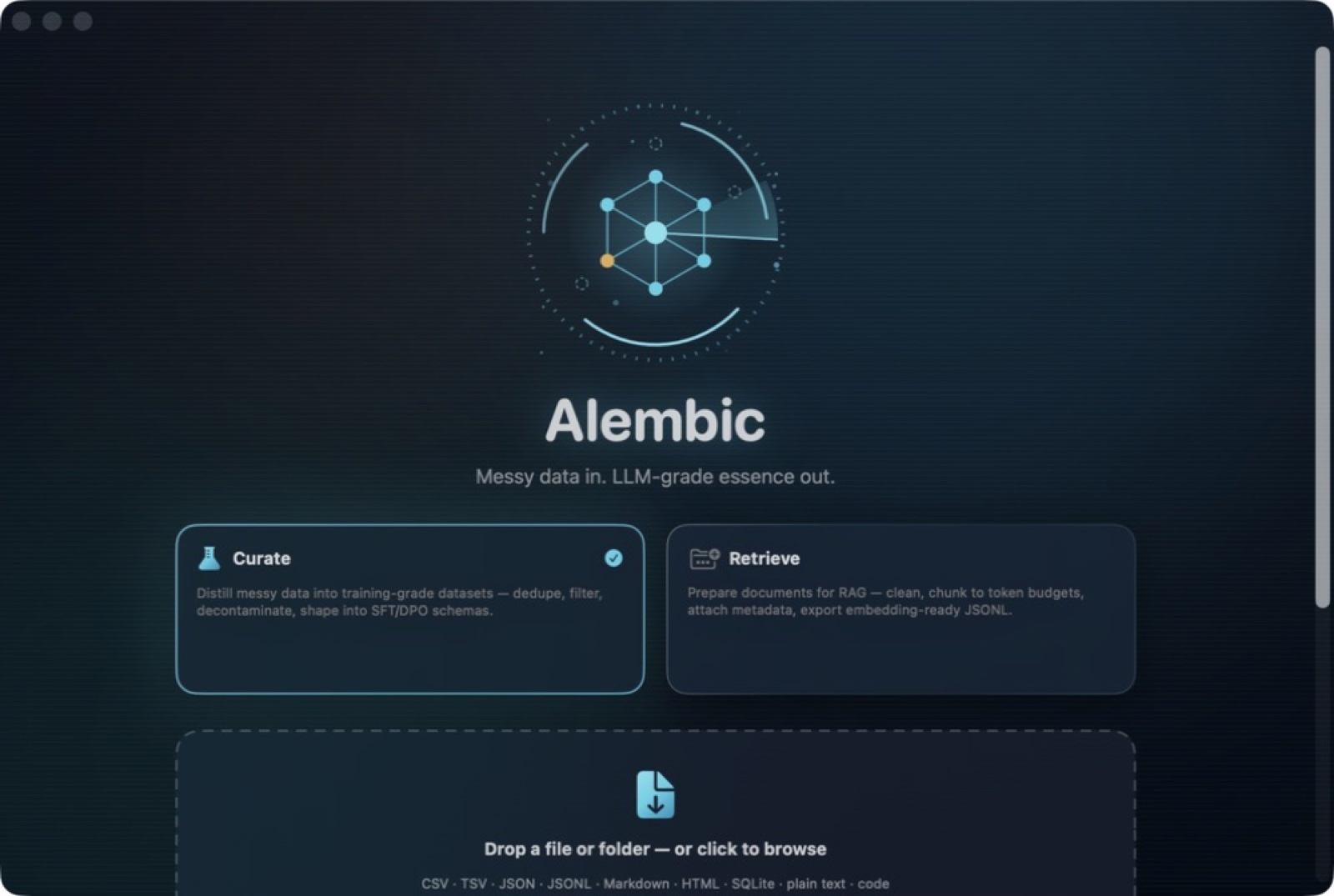
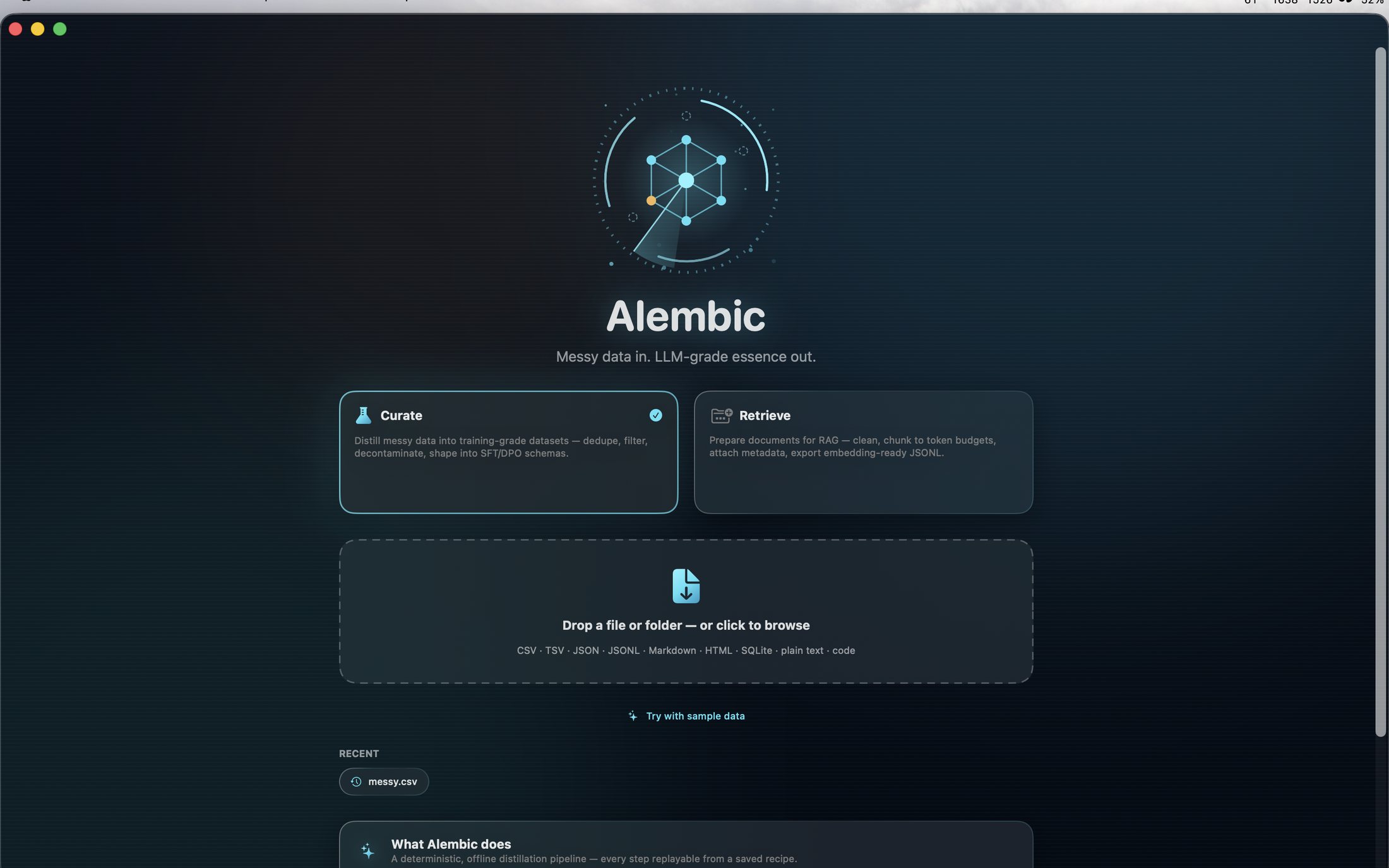
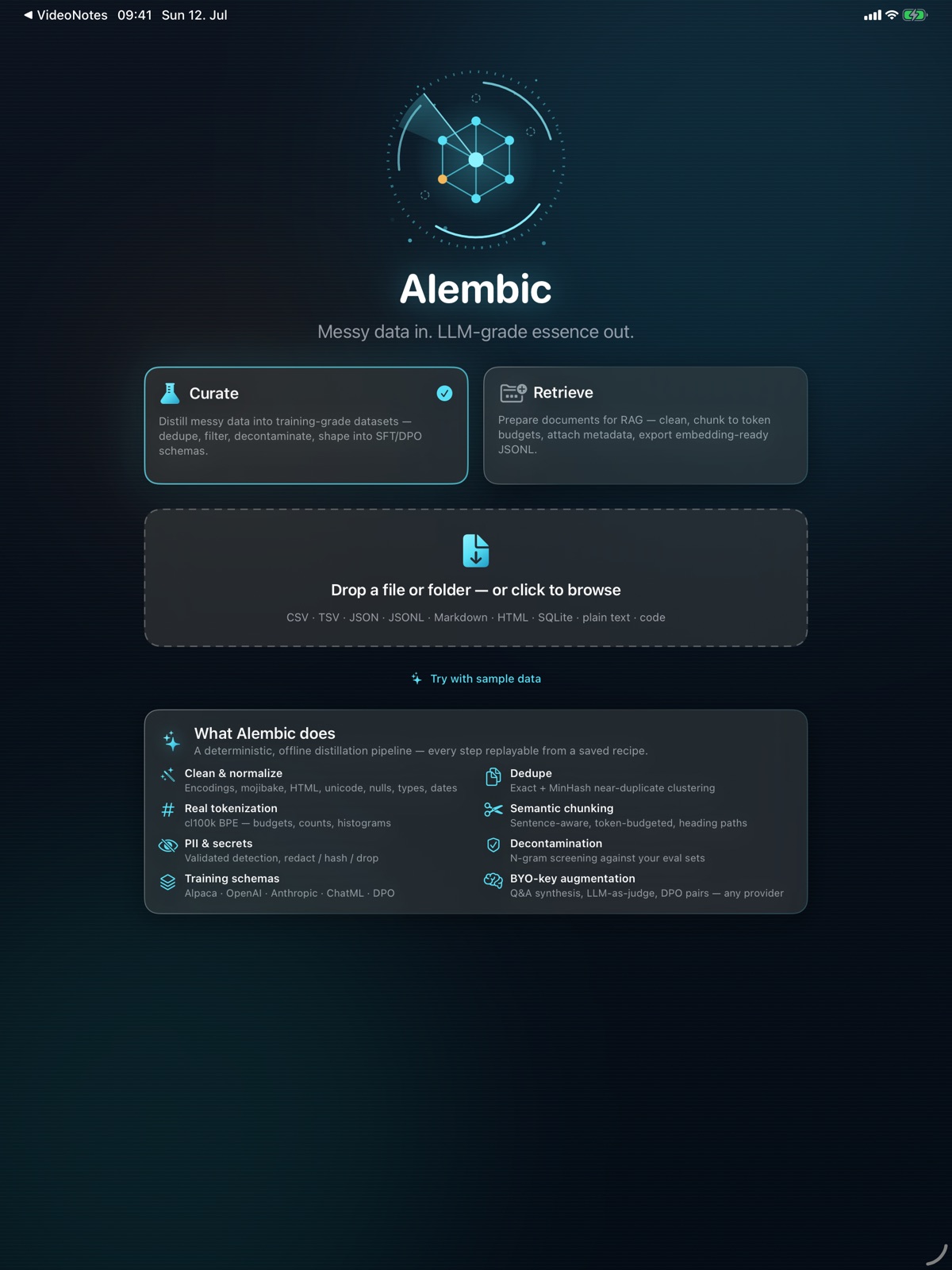
Give training and retrieval data a dedicated preparation stage. Alembic provides a local workspace for reviewing source material and shaping it for the next step in your AI workflow. Bring dataset preparation into a repeatable routine, with the material and its intended use considered together before export. On Mac, clean and deduplicate material, scrub personal information, create semantic chunks and export training or retrieval datasets through replayable recipes.
- Prepare local material for AI training
- Organise source data for retrieval workflows
- Keep dataset preparation in a focused workspace
See the workspace


Explore 5 more screenshots

A simple way to get started
Bring the task into focus
Choose the source material or dashboard layout you want to work with.
Shape the result
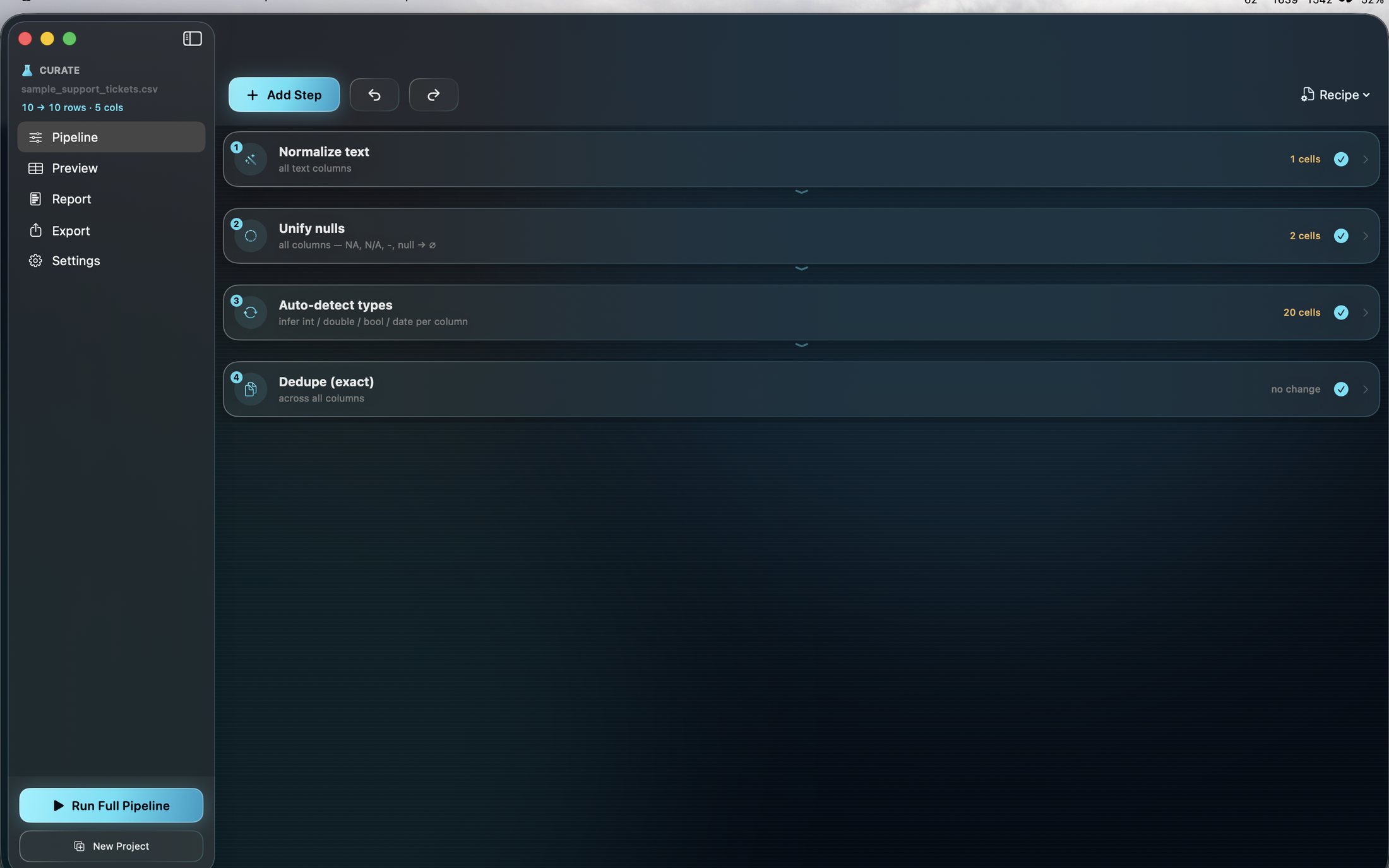
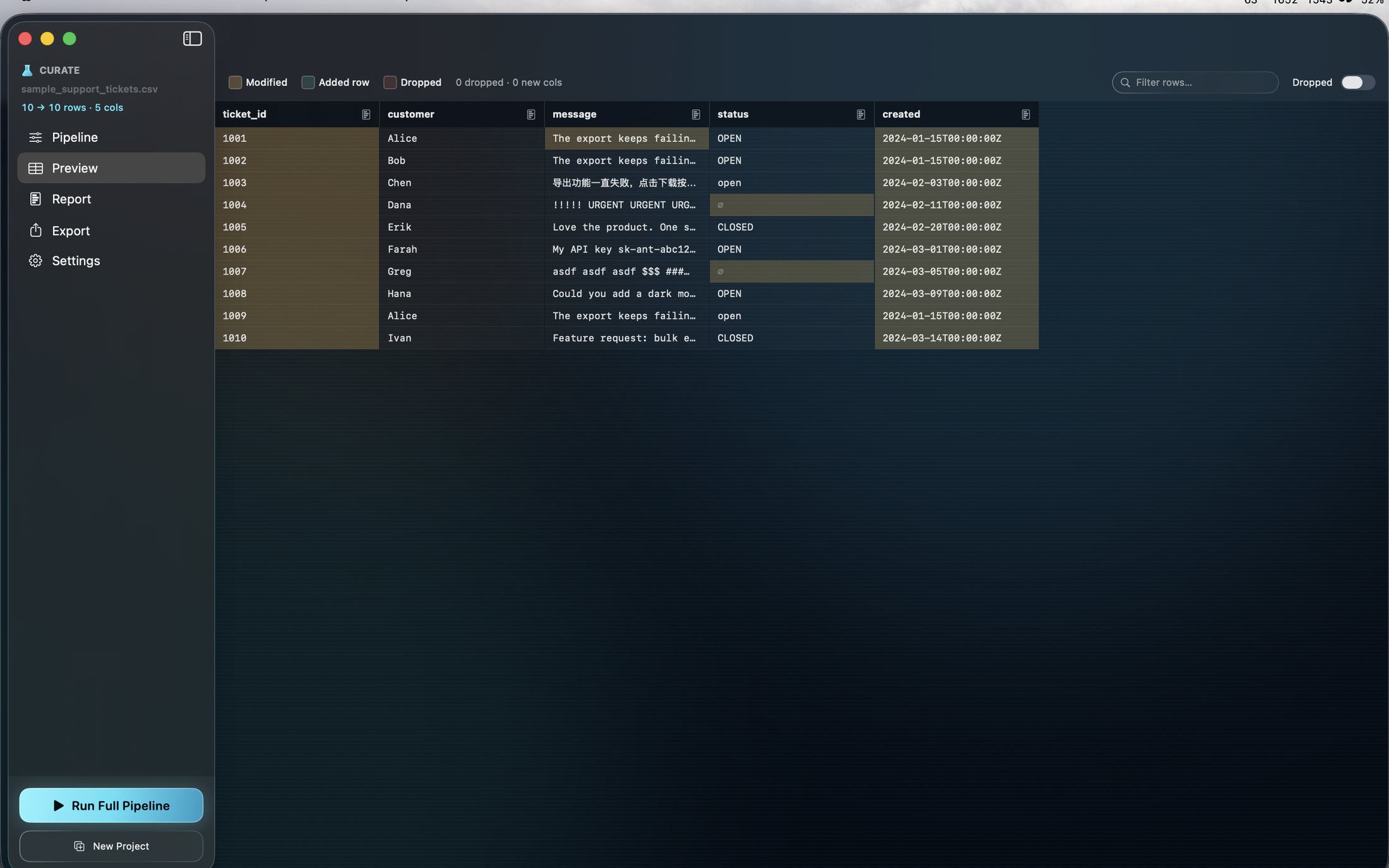
Use the focused tools to prepare and organise the work.
Prepare the handoff
Save or export the result for the next part of your workflow.
Explore more features
- Deterministic, inspectable pipeline steps you can reorder and replay
- MinHash near-duplicate removal and benchmark decontamination
- PII scrubbing, semantic chunking and cl100k token counting
- Eight export schemas for fine-tuning and RAG, plus dataset splits
Get Alembic
Compatibility and installation details
- Requires
- macOS 14 or later
- Architecture
- Apple silicon and Intel
- Version
- 1.1
- Download
- 5.0 MB
- Publisher signature
- Developer ID Application
- Apple notarization
- Notarized
- SHA-256
df2a656adebf399a0fe7d0ba6d20c5ea2cc307948e5dfdde2c4d7390a6bff5f5
Download the Mac disk image from your receipt, open it and follow the included installation instructions.
Useful to know
What can I do with Alembic?
Give training and retrieval data a dedicated preparation stage. Alembic provides a local workspace for reviewing source material and shaping it for the next step in your AI workflow. Bring dataset preparation into a repeatable routine, with the material and its intended use considered together before export. On Mac, clean and deduplicate material, scrub personal information, create semantic chunks and export training or retrieval datasets through replayable recipes.
How do I start?
Choose the source material or dashboard layout you want to work with. Use the focused tools to prepare and organise the work. Save or export the result for the next part of your workflow.
How do I receive my download?
After your purchase, the receipt page provides your download link. The exact expiry is shown with your delivery link. Keep your receipt and installer. If a link expires or a download fails, contact support with your receipt instead of buying again.
Where can I find setup help?
Compatibility and installation details are on this page. The installation guide and support team can help with the next step.