
Easy Reader
Make room for more comfortable reading.
Bring documents into a reflowable reading workspace with focus controls, annotations and read-aloud voices.
What you can do with Easy Reader
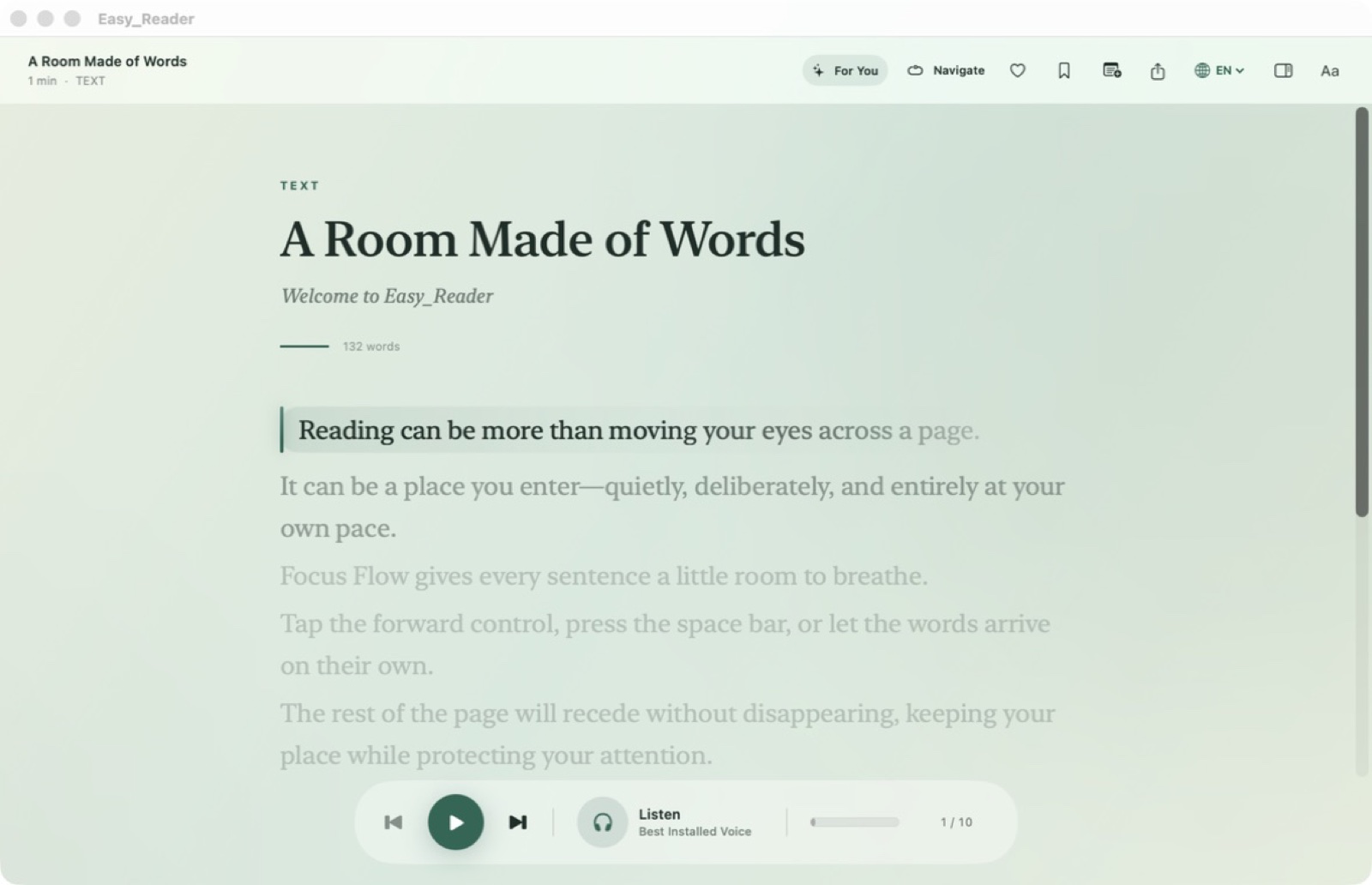
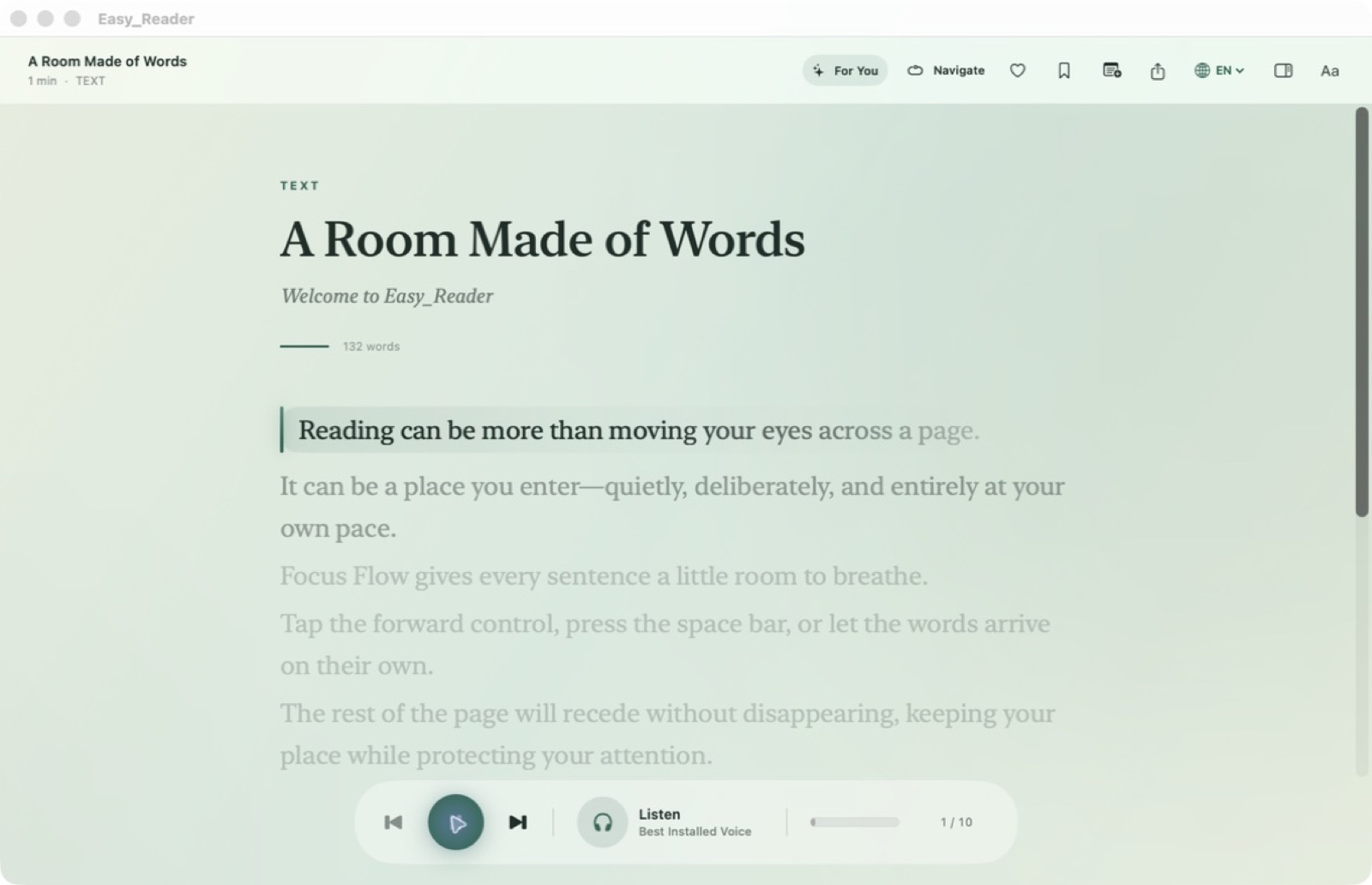
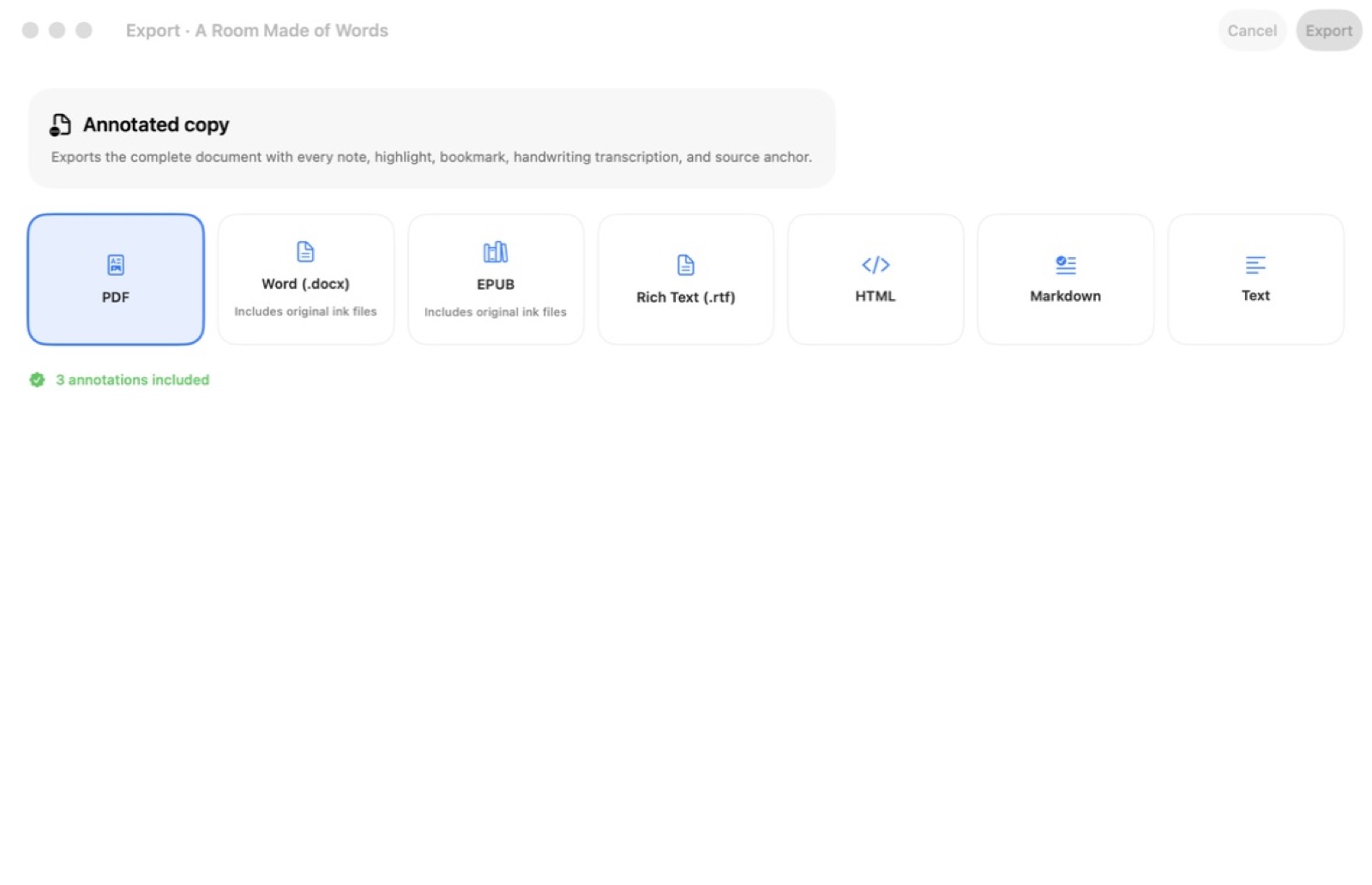
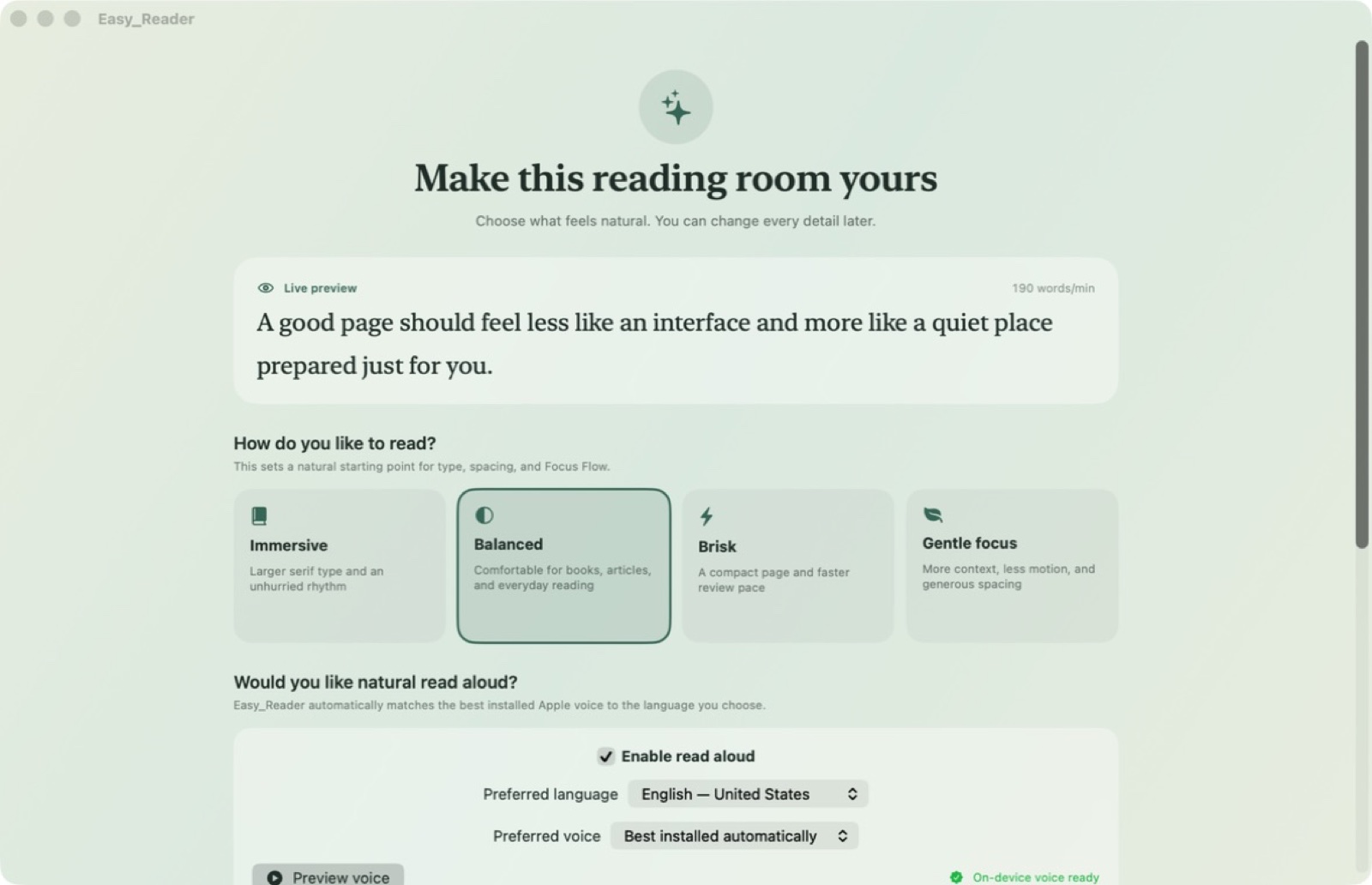
Bring documents into a reflowable reading workspace with focus controls, annotations and read-aloud voices. Easy Reader helps you choose a view that suits the material, mark useful passages and keep your place. OCR and portable exports extend the workflow from imported pages to notes you can use later. On Mac, adaptive Focus Flow, soundscapes and source-grounded navigation give longer reading sessions additional ways to stay comfortable.
- Choose a reading view that suits the document
- Mark useful passages and keep your place
- Use local voices for read-aloud sessions
See the workspace
Explore 2 more screenshots
A simple way to get started
Bring in your material
Start with the notes, pages or recording you want to work with.
Make it useful
Read, organise or shape the material in a focused workspace.
Return with context
Keep the useful details ready for your next session.
Explore more features
- PDF, EPUB, DOCX, RTF, HTML, Markdown, text and image import
- Semantic document graph with stable block anchors and page mappings
- Adaptive Focus Flow, on-device OCR, speech and soundscapes
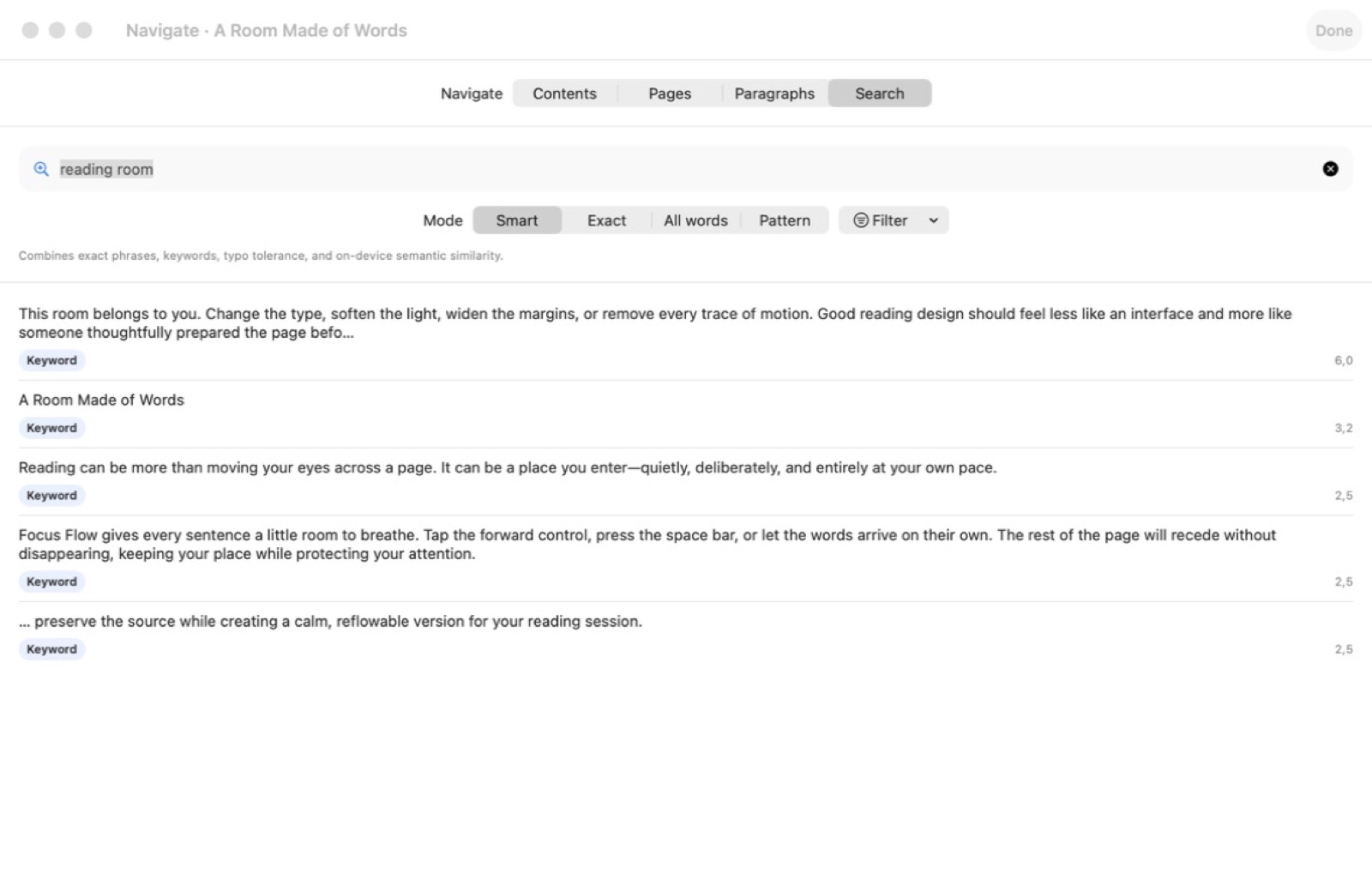
- Annotations, study tools and source-grounded navigation
Get Easy Reader
Compatibility and installation details
- Requires
- macOS 15 or later
- Architecture
- Apple silicon and Intel
- Version
- 1.2
- Download
- 5.7 MB
- Publisher signature
- Developer ID Application
- Apple notarization
- Notarized
- SHA-256
5f613a0c07a429d0904de763de6ca4f58c0fcae6d075687a86ba5b5b7ef0d5b5
Download the Mac disk image from your receipt, open it and follow the included installation instructions.
Useful to know
What can I do with Easy Reader?
Bring documents into a reflowable reading workspace with focus controls, annotations and read-aloud voices. Easy Reader helps you choose a view that suits the material, mark useful passages and keep your place. OCR and portable exports extend the workflow from imported pages to notes you can use later. On Mac, adaptive Focus Flow, soundscapes and source-grounded navigation give longer reading sessions additional ways to stay comfortable.
How do I start?
Start with the notes, pages or recording you want to work with. Read, organise or shape the material in a focused workspace. Keep the useful details ready for your next session.
How do I receive my download?
After your purchase, the receipt page provides your download link. The exact expiry is shown with your delivery link. Keep your receipt and installer. If a link expires or a download fails, contact support with your receipt instead of buying again.
Where can I find setup help?
Compatibility and installation details are on this page. The installation guide and support team can help with the next step.