
Verso
Turn your source material into a study routine.
Create editable flashcards from page images and notes, then review them with a schedule that brings material back over time.
What you can do with Verso
Create editable flashcards from page images and notes, then review them with a schedule that brings material back over time. Verso keeps cards connected to their source so you can revisit the original context. Shape the questions, practise recall and make each study session easier to pick up. On Mac and supported Apple devices, camera capture turns printed pages into cards, with spaced repetition guiding what returns for review.
- Turn source material into editable flashcards
- Keep questions connected to their original context
- Build a routine with scheduled recall practice
See the workspace
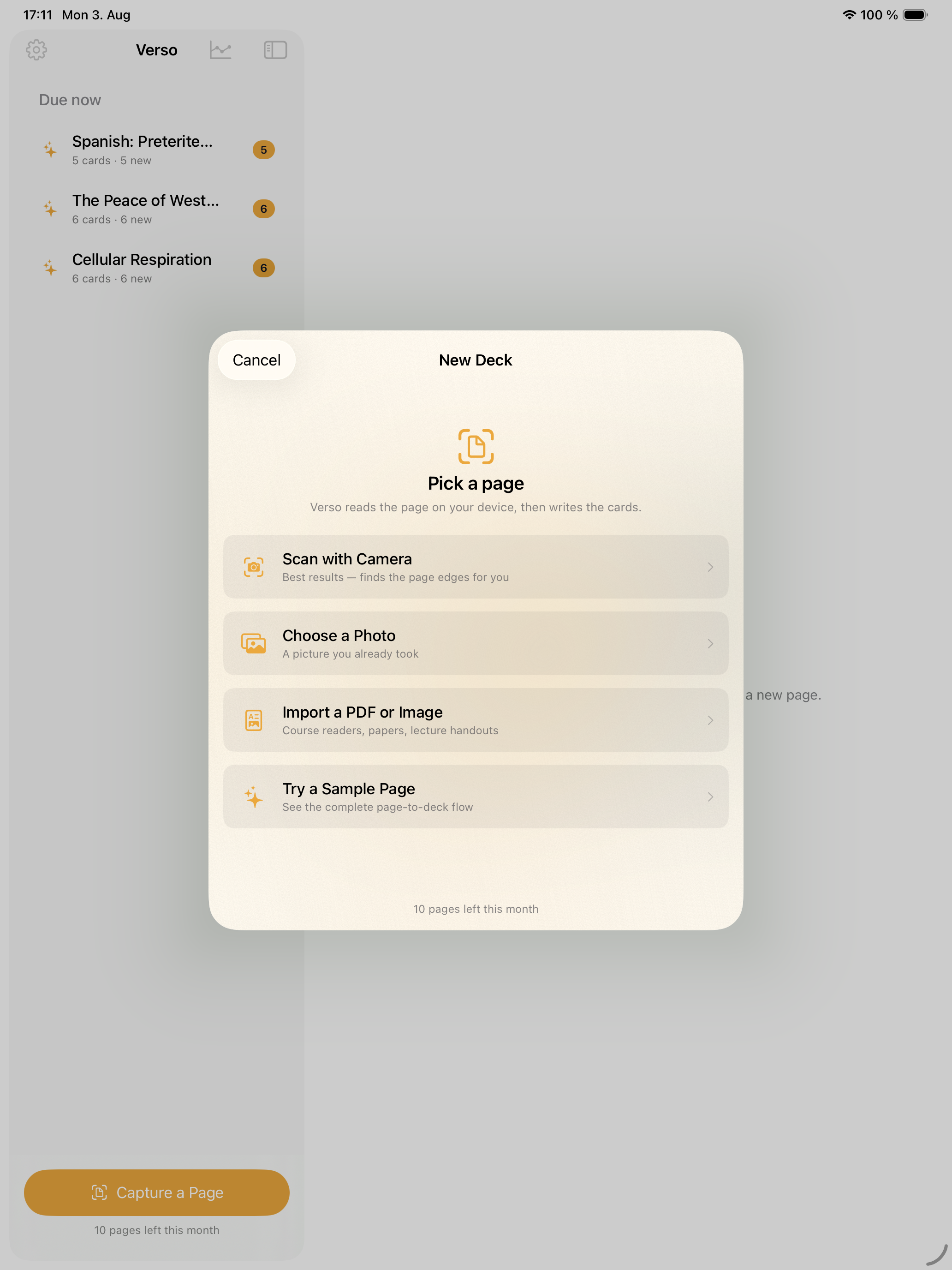
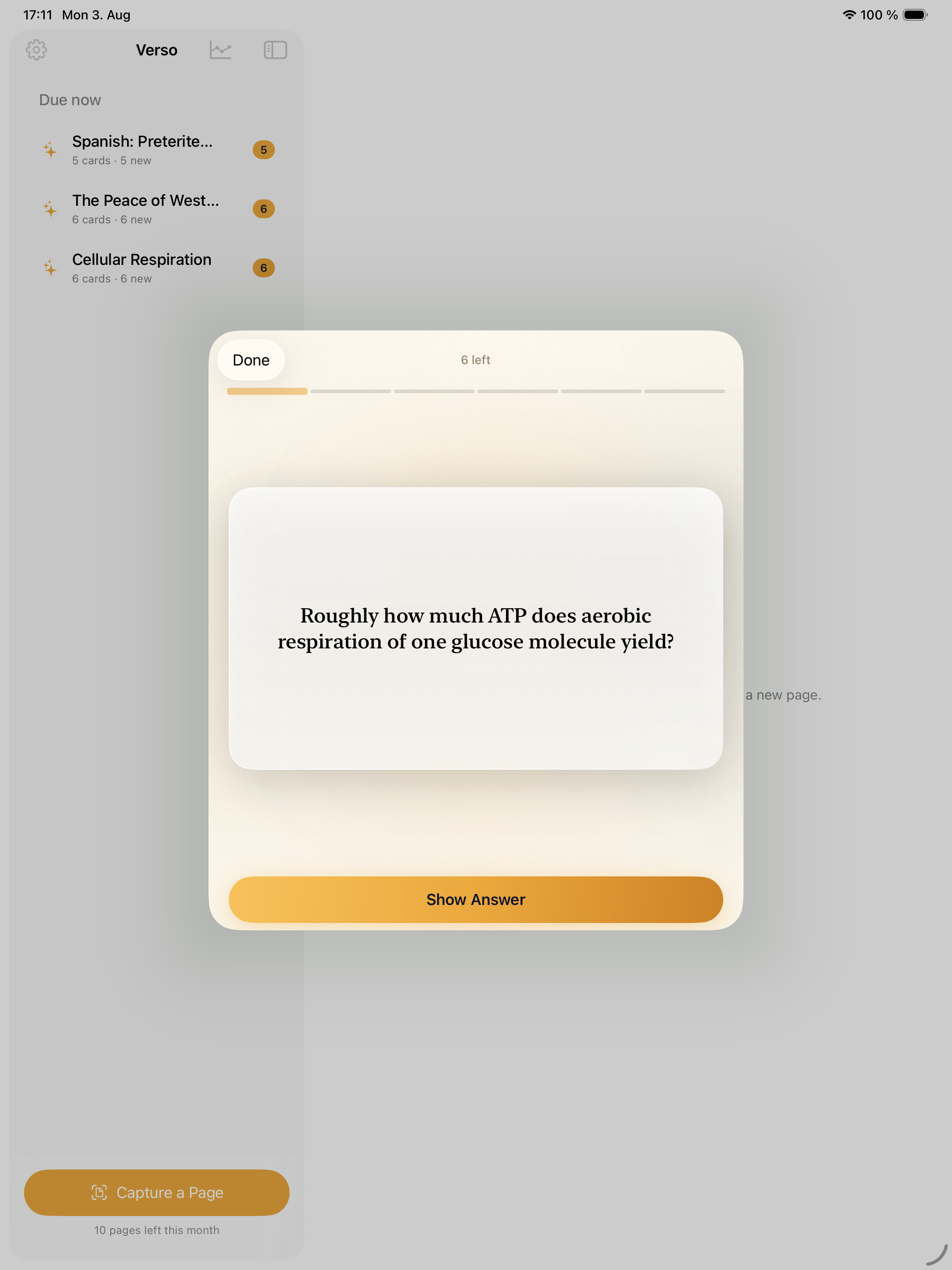
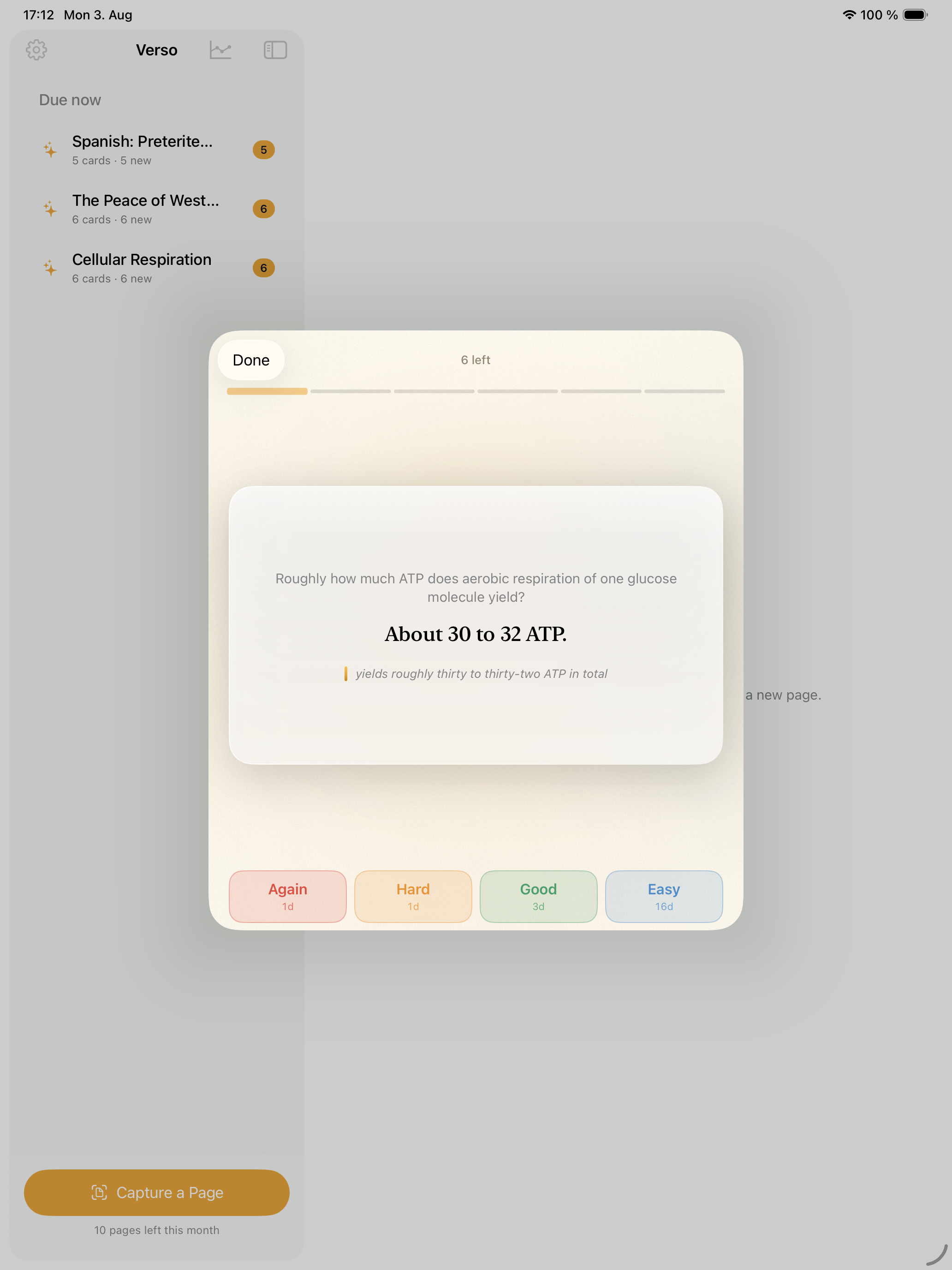
Explore 5 more screenshots
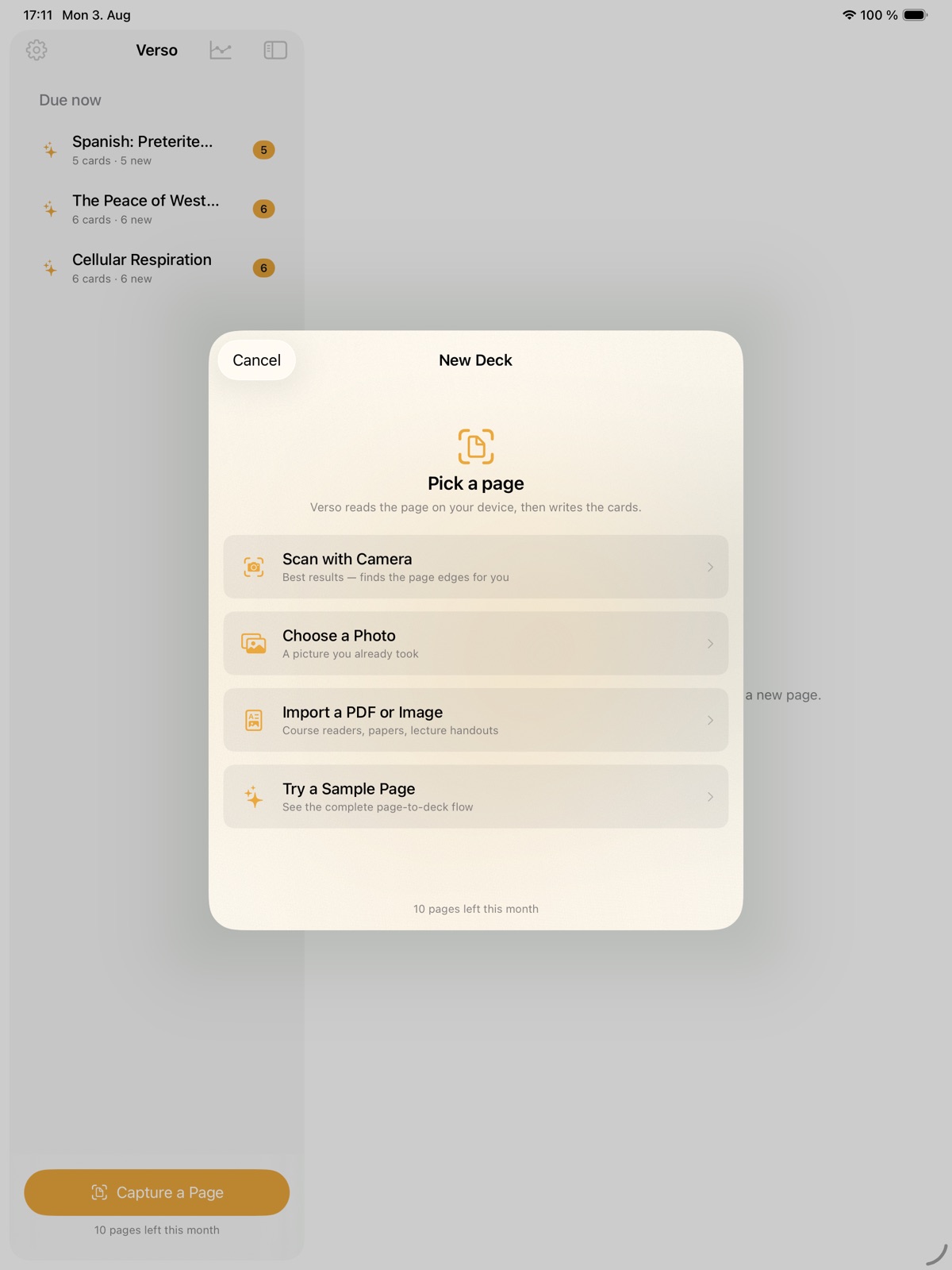
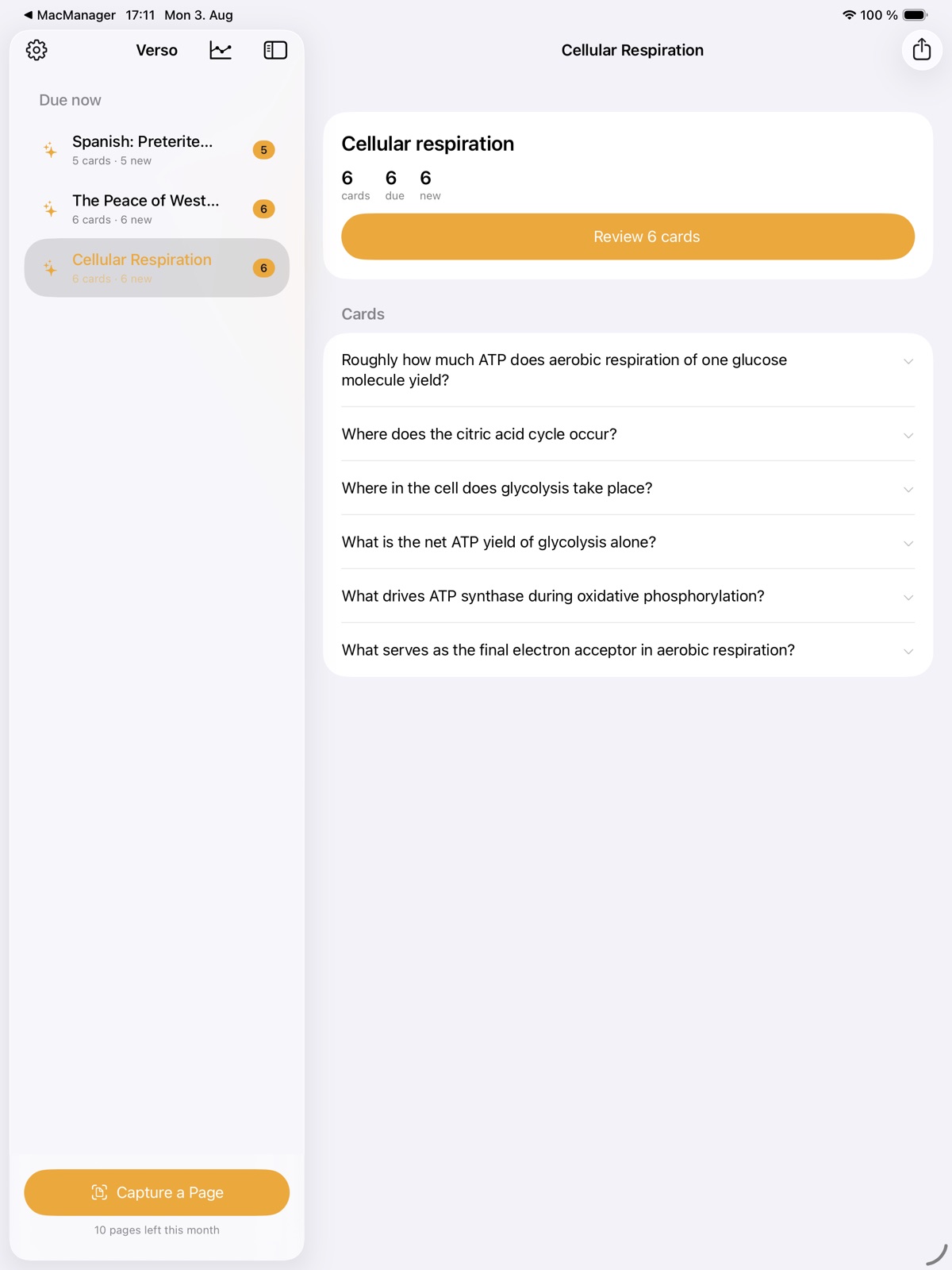
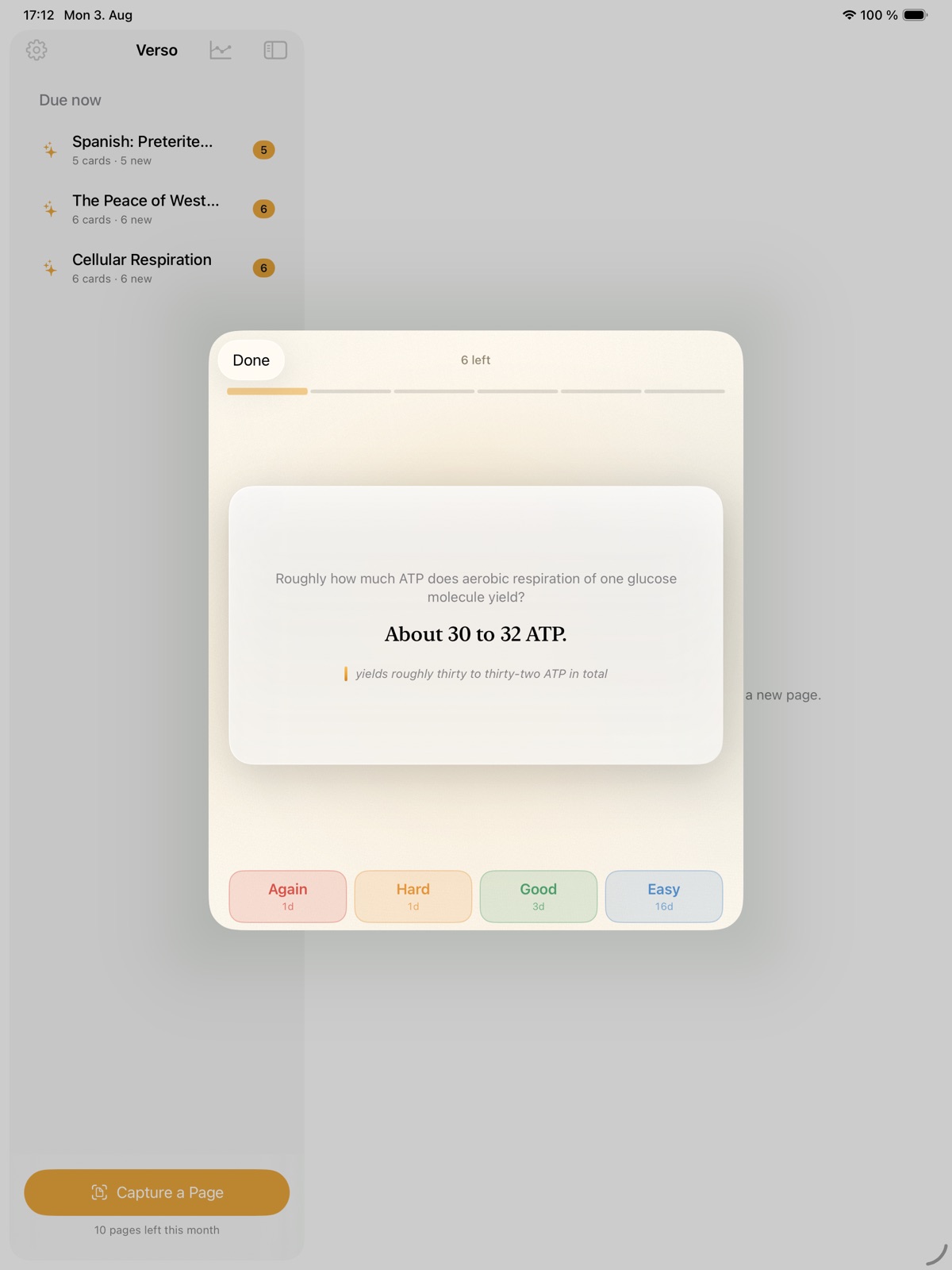
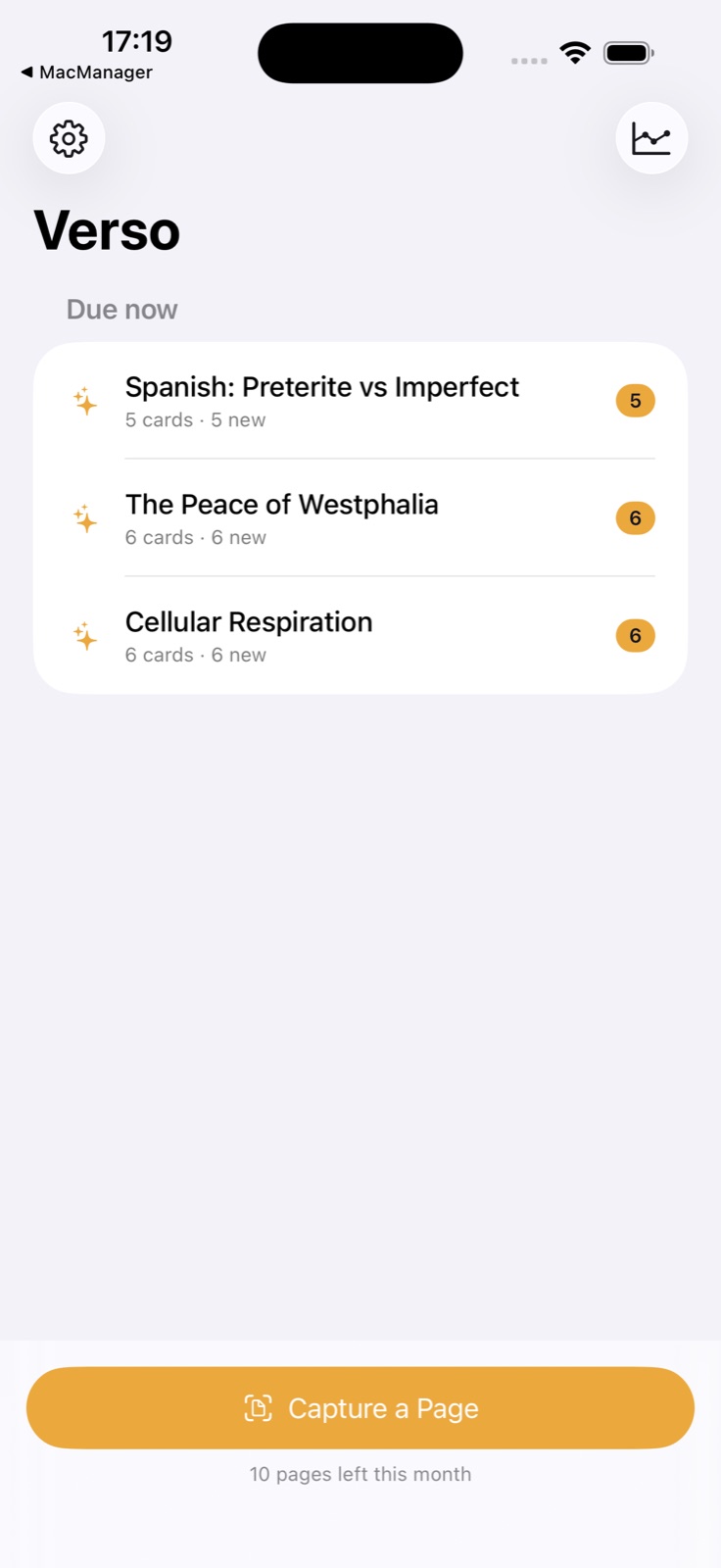
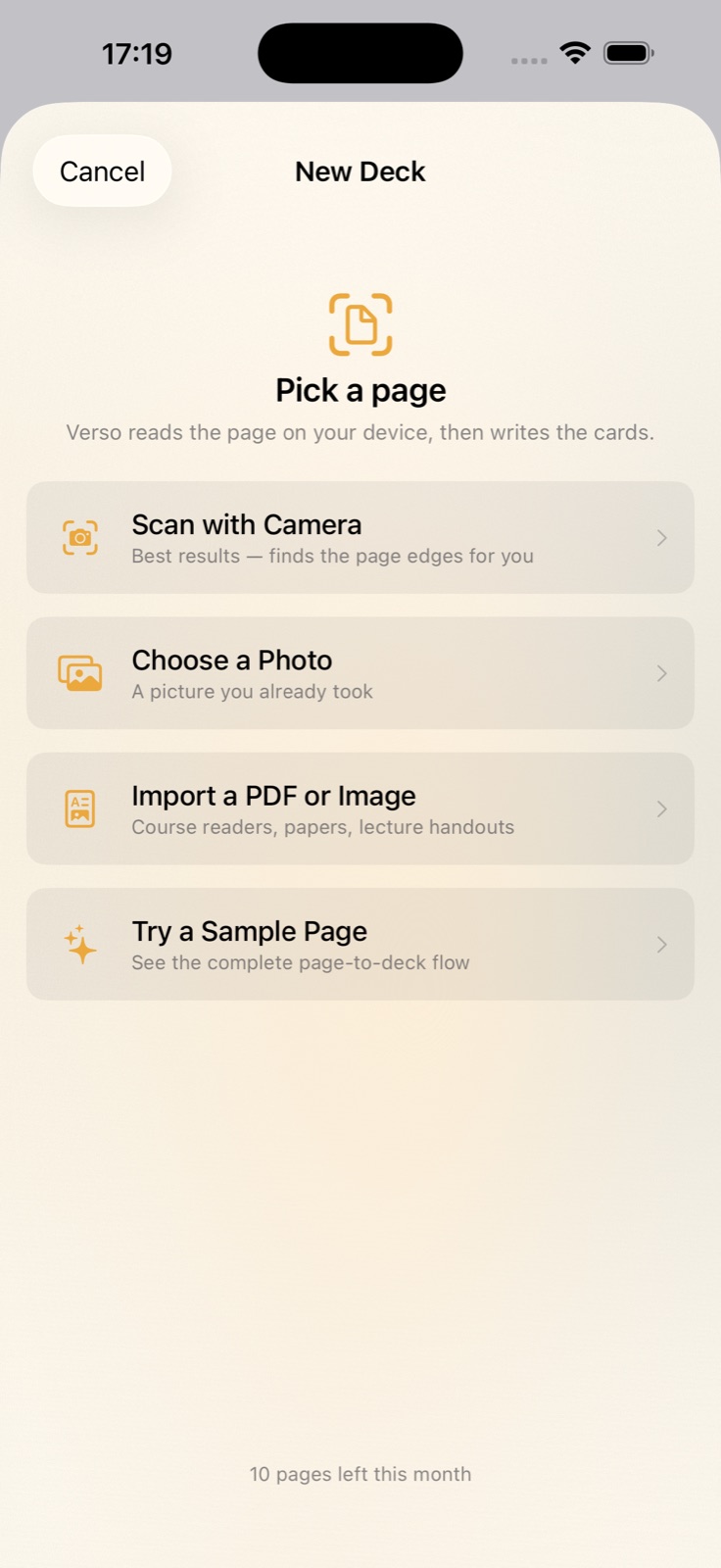
A simple way to get started
Bring in your material
Start with the notes, pages or recording you want to work with.
Make it useful
Read, organise or shape the material in a focused workspace.
Return with context
Keep the useful details ready for your next session.
Explore more features
- Camera capture from a physical page to a structured deck
- Spaced repetition scheduling built into the deck
- Native iOS, iPadOS and macOS
Get Verso
Compatibility and installation details
- Requires
- macOS 15 or later
- Architecture
- Apple silicon and Intel
- Version
- 1.0
- Download
- 2.8 MB
- Publisher signature
- Developer ID Application
- Apple notarization
- Notarized
- SHA-256
456c0bed8a81bf896169e3aafd7cb0fe30f33715c3d68af8c78864b11c70d45f
Download the Mac disk image from your receipt, open it and follow the included installation instructions.
Useful to know
What can I do with Verso?
Create editable flashcards from page images and notes, then review them with a schedule that brings material back over time. Verso keeps cards connected to their source so you can revisit the original context. Shape the questions, practise recall and make each study session easier to pick up. On Mac and supported Apple devices, camera capture turns printed pages into cards, with spaced repetition guiding what returns for review.
How do I start?
Start with the notes, pages or recording you want to work with. Read, organise or shape the material in a focused workspace. Keep the useful details ready for your next session.
How do I receive my download?
After your purchase, the receipt page provides your download link. The exact expiry is shown with your delivery link. Keep your receipt and installer. If a link expires or a download fails, contact support with your receipt instead of buying again.
Where can I find setup help?
Compatibility and installation details are on this page. The installation guide and support team can help with the next step.