Daily job seeker batch
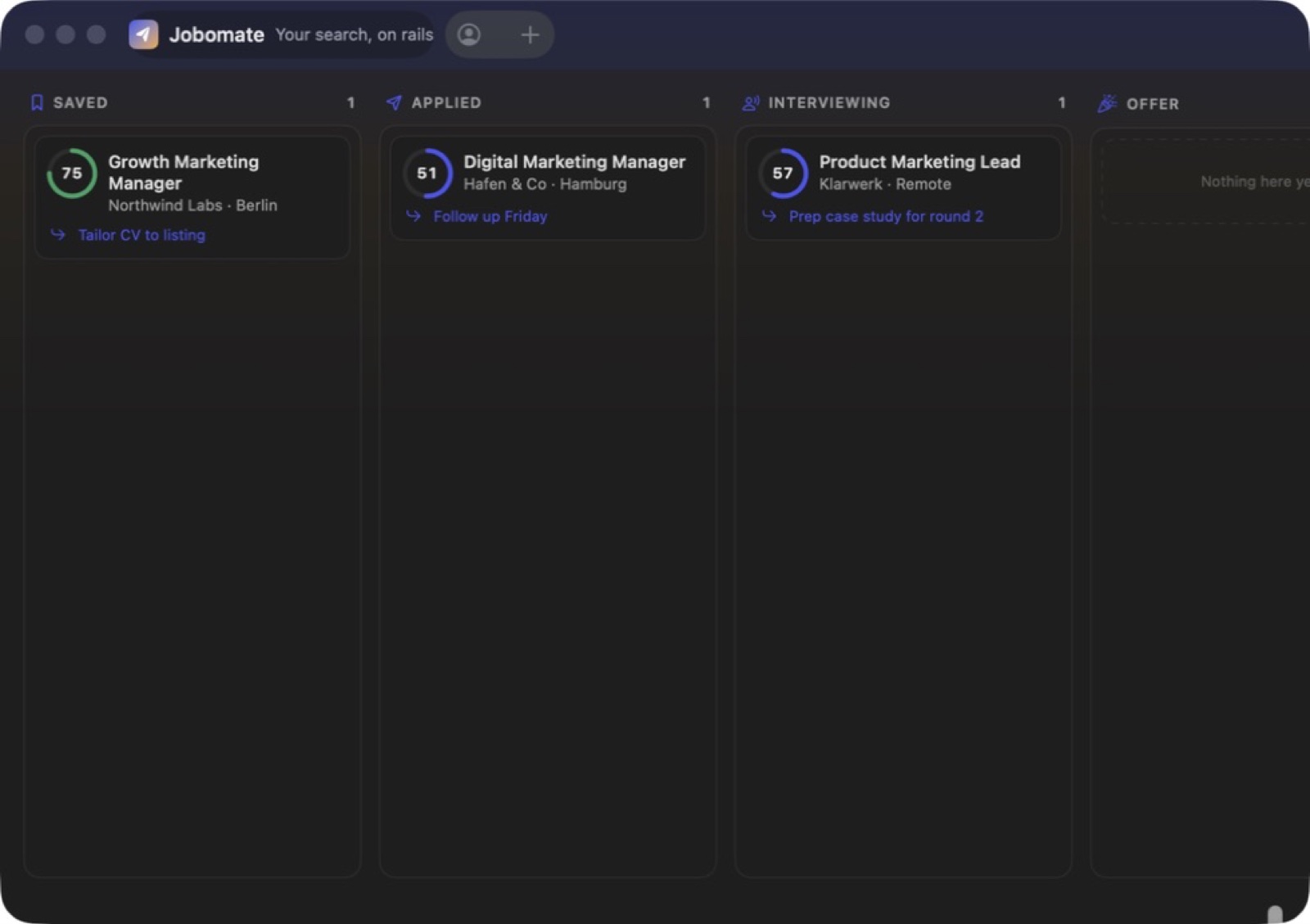
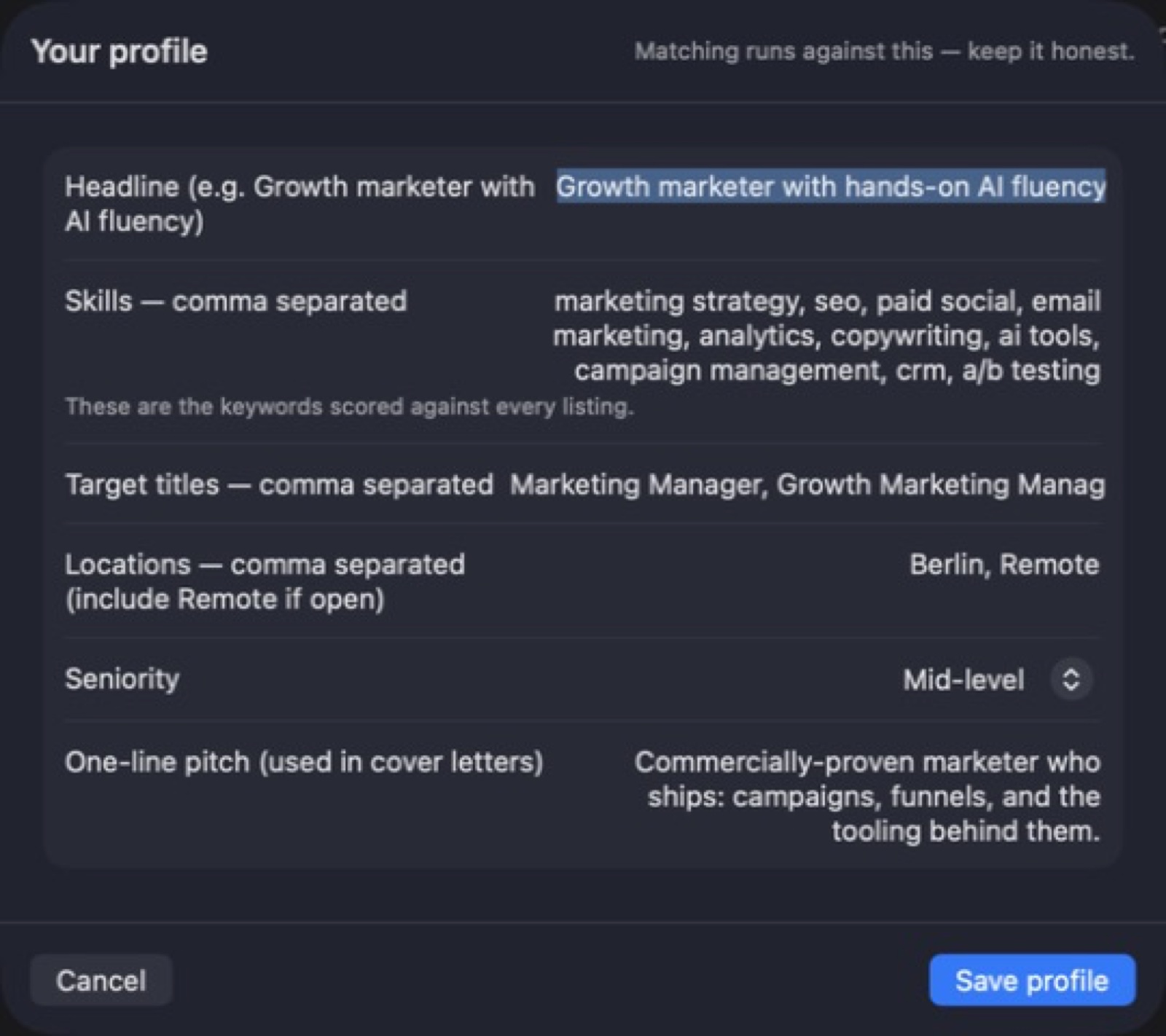
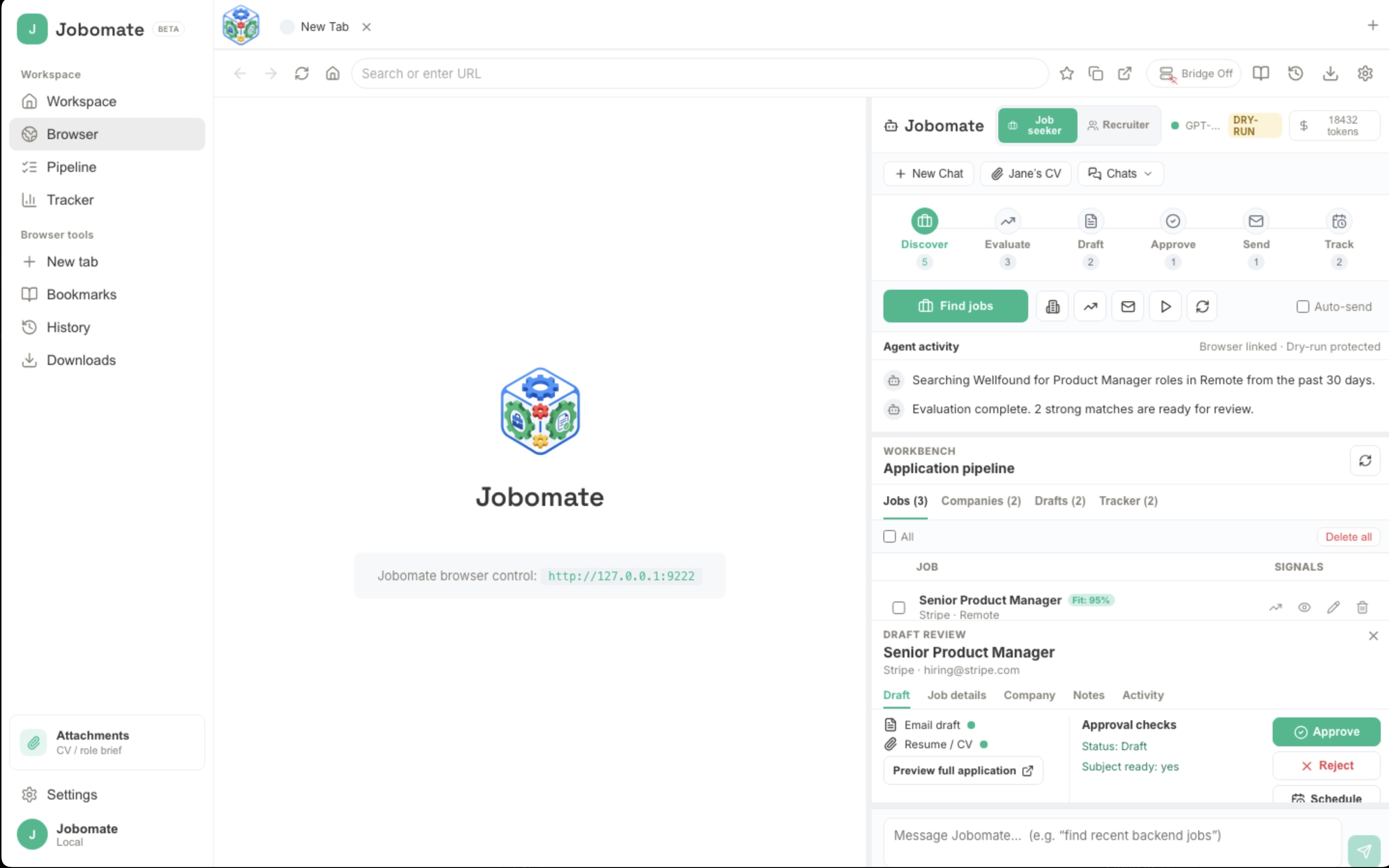
Attach a CV, collect five matching roles, score them, draft applications for the best three, review every claim, approve the strongest messages, and send from your own inbox.

Give your job search a clear next step.
Bring your profile, company research and application drafts into one organised workspace.
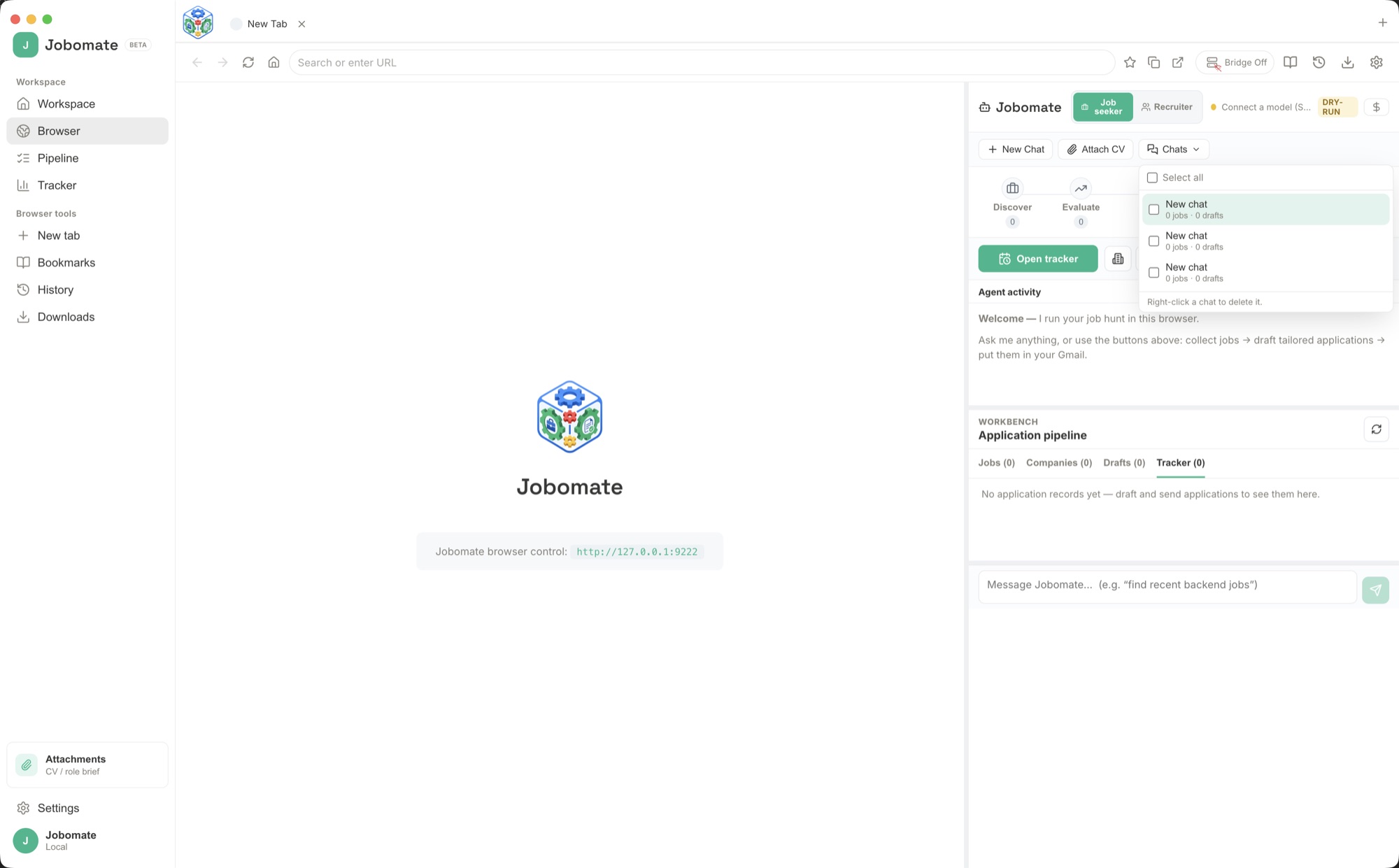
Bring your profile, company research and application drafts into one organised workspace. Jobomate helps you prepare relevant material for each opportunity and keep track of your progress. Review your wording with the context nearby, then move through your application work with a clearer view of what to do next. Bring AI-assisted research and drafting into the built-in browser, then review messages before sending from your own email account.
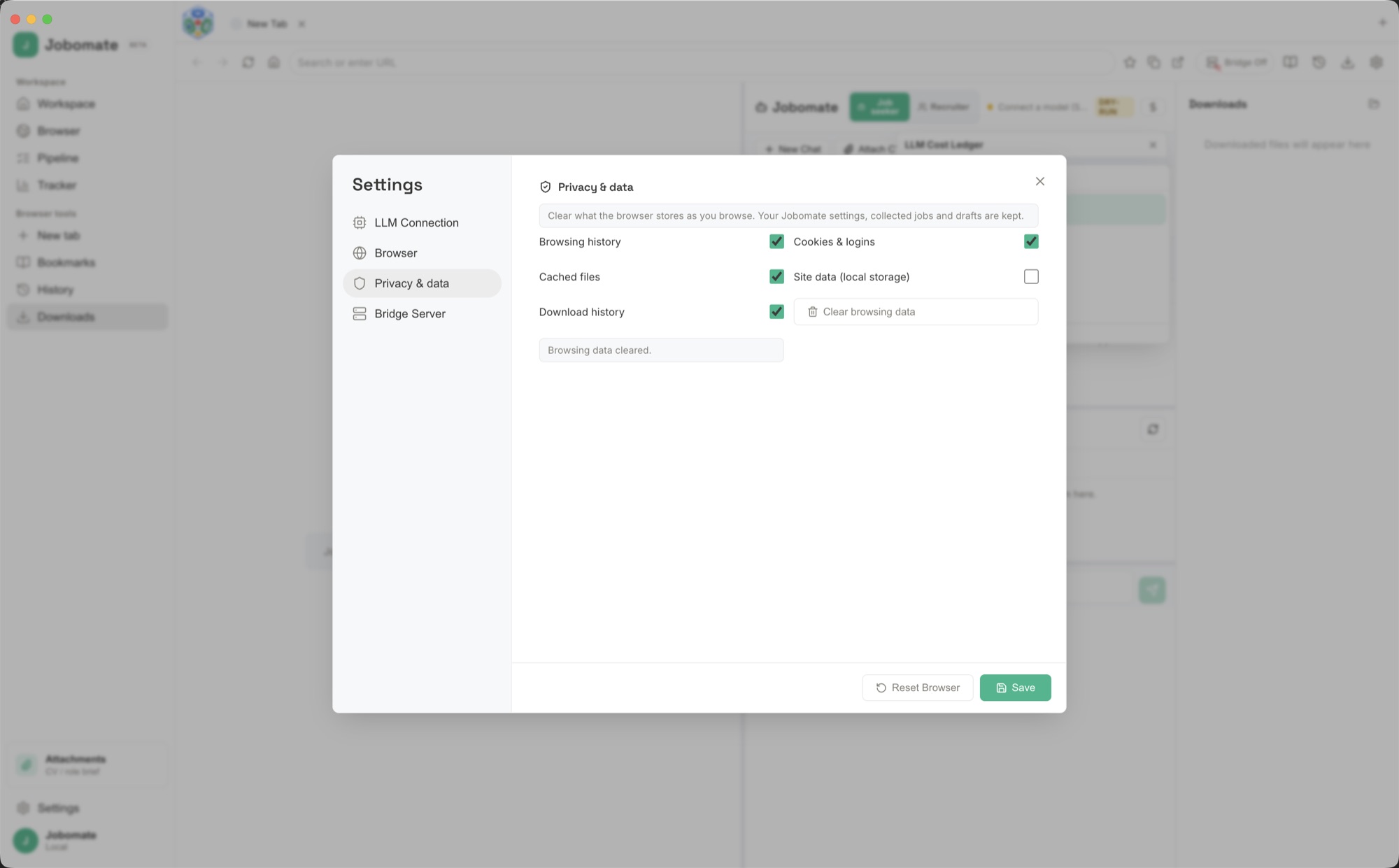
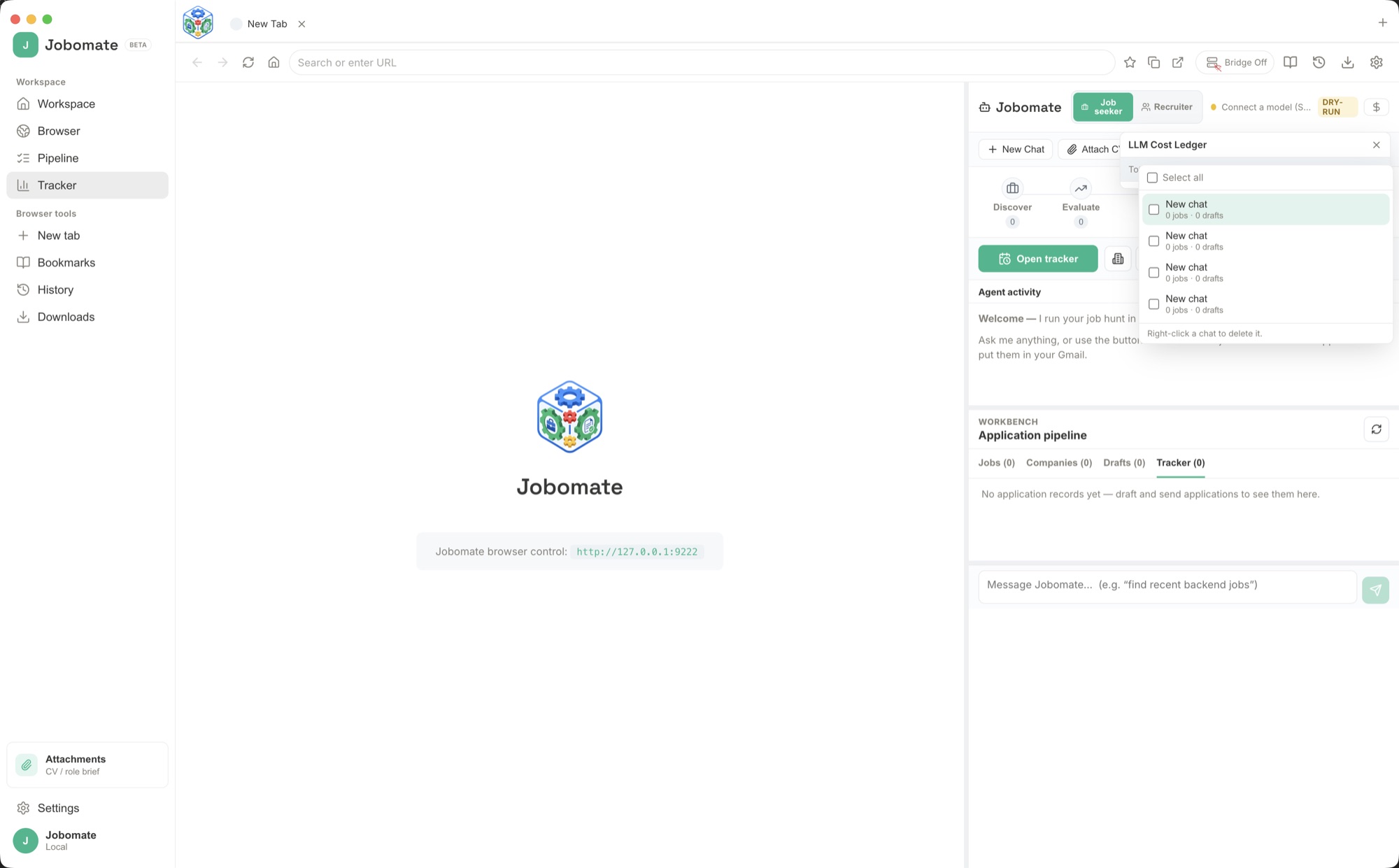
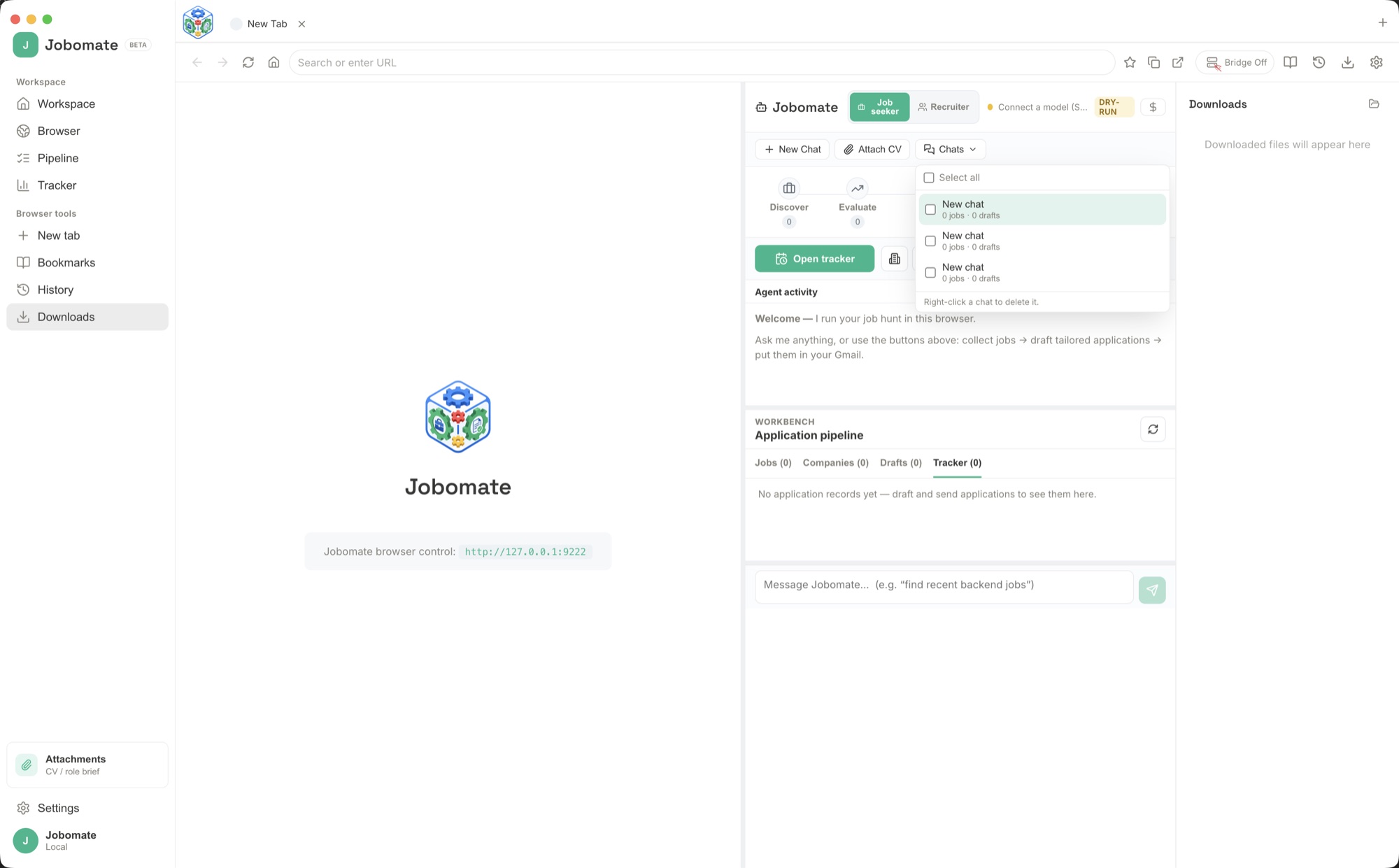
Start with the source material, brief or records for the task.
Use the focused workspace to compare, organise or draft the result.
Keep useful findings and copy ready for the next part of your work.
Attach a CV, collect five matching roles, score them, draft applications for the best three, review every claim, approve the strongest messages, and send from your own inbox.
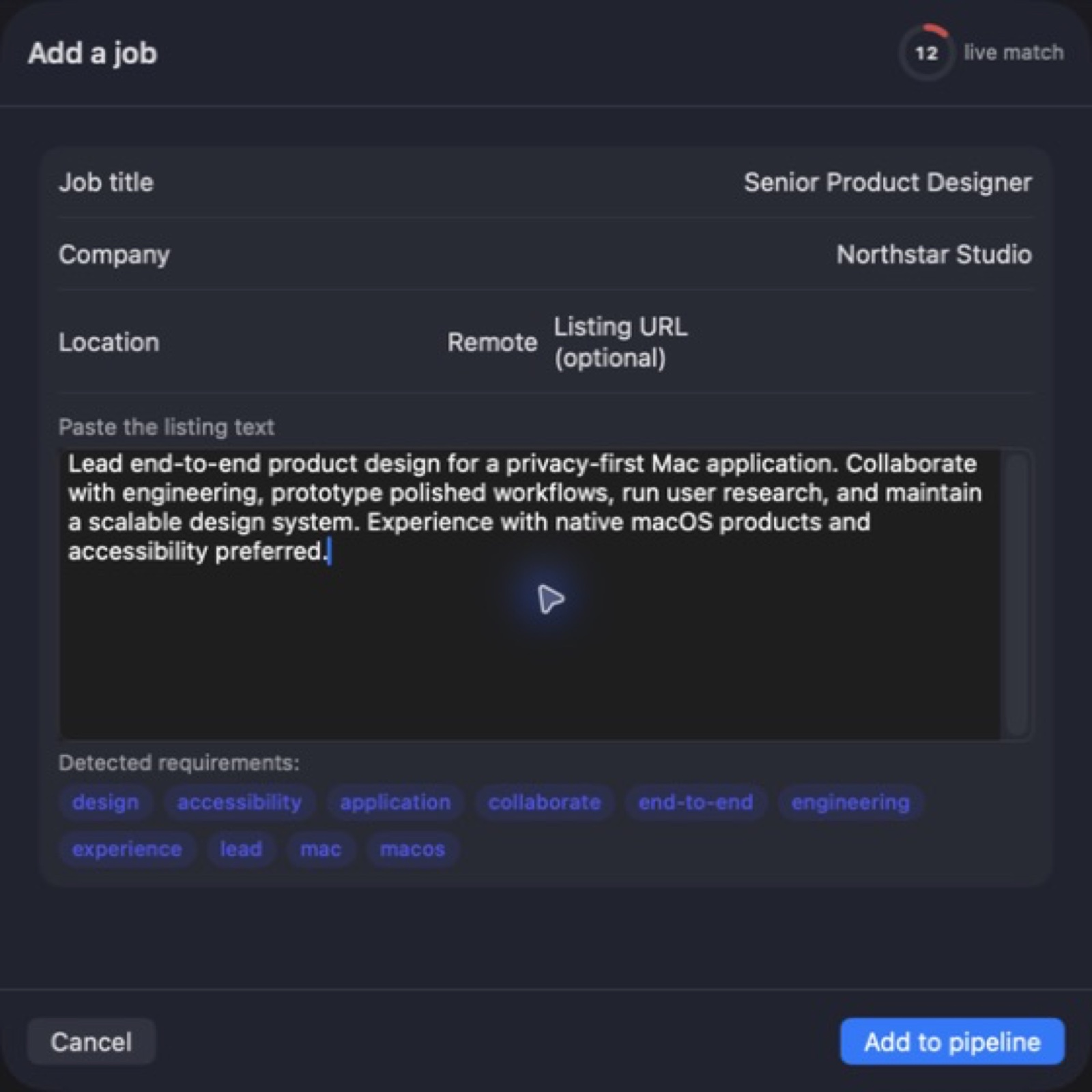
Open company career pages, collect relevant roles, save company notes, draft applications that mention specific teams or products, and track which companies deserve follow-up.
Load a role brief, find candidates with visible evidence, shortlist realistic matches, draft personal outreach, check each claim manually, and send only approved messages.
Connect Ollama, LM Studio, or a local GGUF model, test the connection, then run sensitive CV, role brief, and draft work without sending those details to a cloud AI provider.
Open the tracker, find applications or outreach with no reply, draft a short follow-up, keep the tone respectful, approve it, and schedule the next check-in.
Confirm every draft uses real facts from the CV or role brief, remove invented details, make the tone human, and approve only messages you would be comfortable sending yourself.
d607fe6b5e3a87e4cb849dcb3aa6ff2bf6f3db42662971b23f5bc37f792a7e7dDownload the Mac disk image from your receipt, open it and follow the included installation instructions.
Bring your profile, company research and application drafts into one organised workspace. Jobomate helps you prepare relevant material for each opportunity and keep track of your progress. Review your wording with the context nearby, then move through your application work with a clearer view of what to do next. Bring AI-assisted research and drafting into the built-in browser, then review messages before sending from your own email account.
Start with the source material, brief or records for the task. Use the focused workspace to compare, organise or draft the result. Keep useful findings and copy ready for the next part of your work.
After your purchase, the receipt page provides your download link. The exact expiry is shown with your delivery link. Keep your receipt and installer. If a link expires or a download fails, contact support with your receipt instead of buying again.
Compatibility and installation details are on this page. The installation guide and support team can help with the next step.