
GigaJob
Post the work. Shape the pitch. Track the agreement.
Post gigs, prepare structured pitches and track direct-payment agreements from one Mac workspace.
What you can do with GigaJob
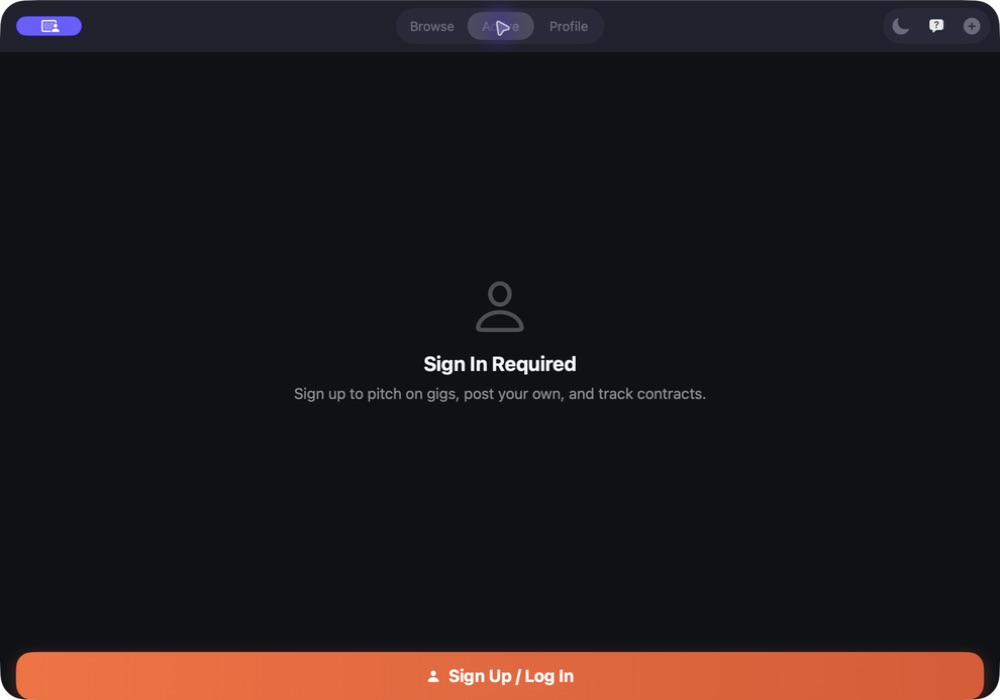
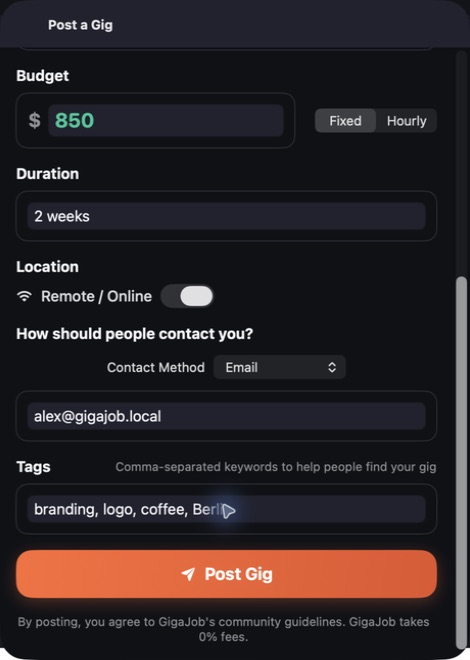
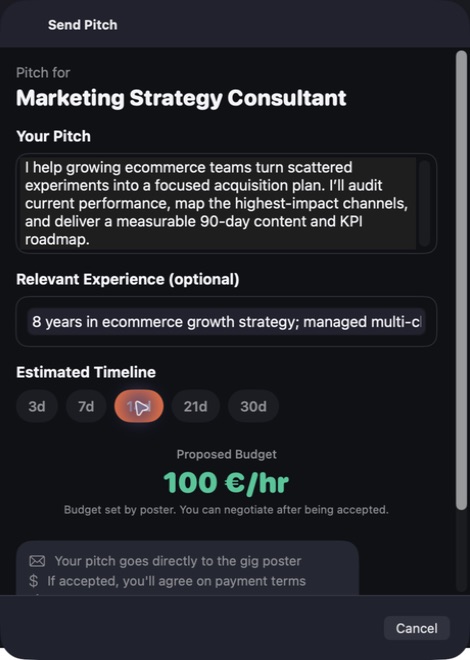
Bring both sides of freelance work into one Mac app. Post a detailed gig, browse opportunities and prepare a structured pitch with the context close at hand. GigaJob helps you keep the arrangement together from the first conversation through delivery, with payment settled directly between the people involved. Organise active work and return to the next step without rebuilding the story.
- Post gigs and browse work categories
- Prepare structured pitches and replies
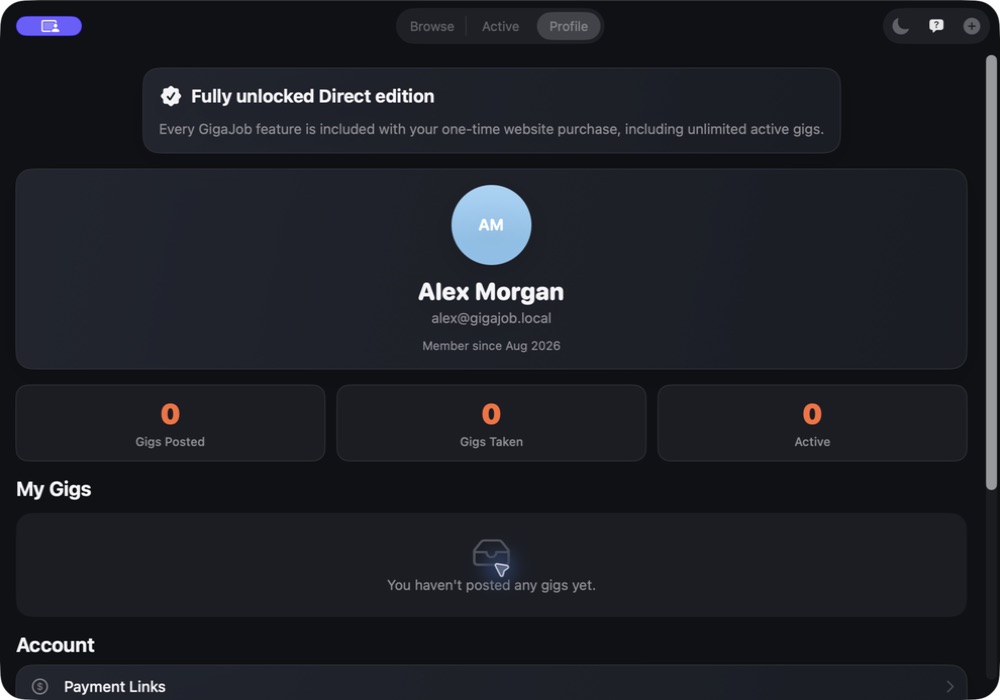
- Track agreements with direct settlement
See the workspace


Explore 4 more screenshots

A simple way to get started
Bring your context
Start with the source material, brief or records for the task.
Develop the work
Use the focused workspace to compare, organise or draft the result.
Prepare the next step
Keep useful findings and copy ready for the next part of your work.
Explore more features
- Browse and filter a rich local marketplace across 12 work categories
- Post detailed gigs and send structured pitches from one native Mac app
- Opportunity Coach and GigaBot help with faster replies, safer terms and delivery
- Direct 1:1 payment with 0% platform fees
Get GigaJob
Compatibility and installation details
- Requires
- macOS 14 or later
- Architecture
- Apple silicon and Intel
- Version
- 1.1
- Download
- 5.3 MB
- Publisher signature
- Developer ID Application
- Apple notarization
- Notarized
- SHA-256
204ec402b4a8972003df002c6ee7f0891f03912110491980fc29a685b7a40d83
Download the Mac disk image from your receipt, open it and follow the included installation instructions.
Useful to know
What can I do with GigaJob?
Bring both sides of freelance work into one Mac app. Post a detailed gig, browse opportunities and prepare a structured pitch with the context close at hand. GigaJob helps you keep the arrangement together from the first conversation through delivery, with payment settled directly between the people involved. Organise active work and return to the next step without rebuilding the story.
How do I start?
Start with the source material, brief or records for the task. Use the focused workspace to compare, organise or draft the result. Keep useful findings and copy ready for the next part of your work.
How do I receive my download?
After your purchase, the receipt page provides your download link. The exact expiry is shown with your delivery link. Keep your receipt and installer. If a link expires or a download fails, contact support with your receipt instead of buying again.
Where can I find setup help?
Compatibility and installation details are on this page. The installation guide and support team can help with the next step.