
DealZ
Bring your comparisons into one workspace.
Research products, travel and local services, then bring useful offers together for comparison.
What you can do with DealZ
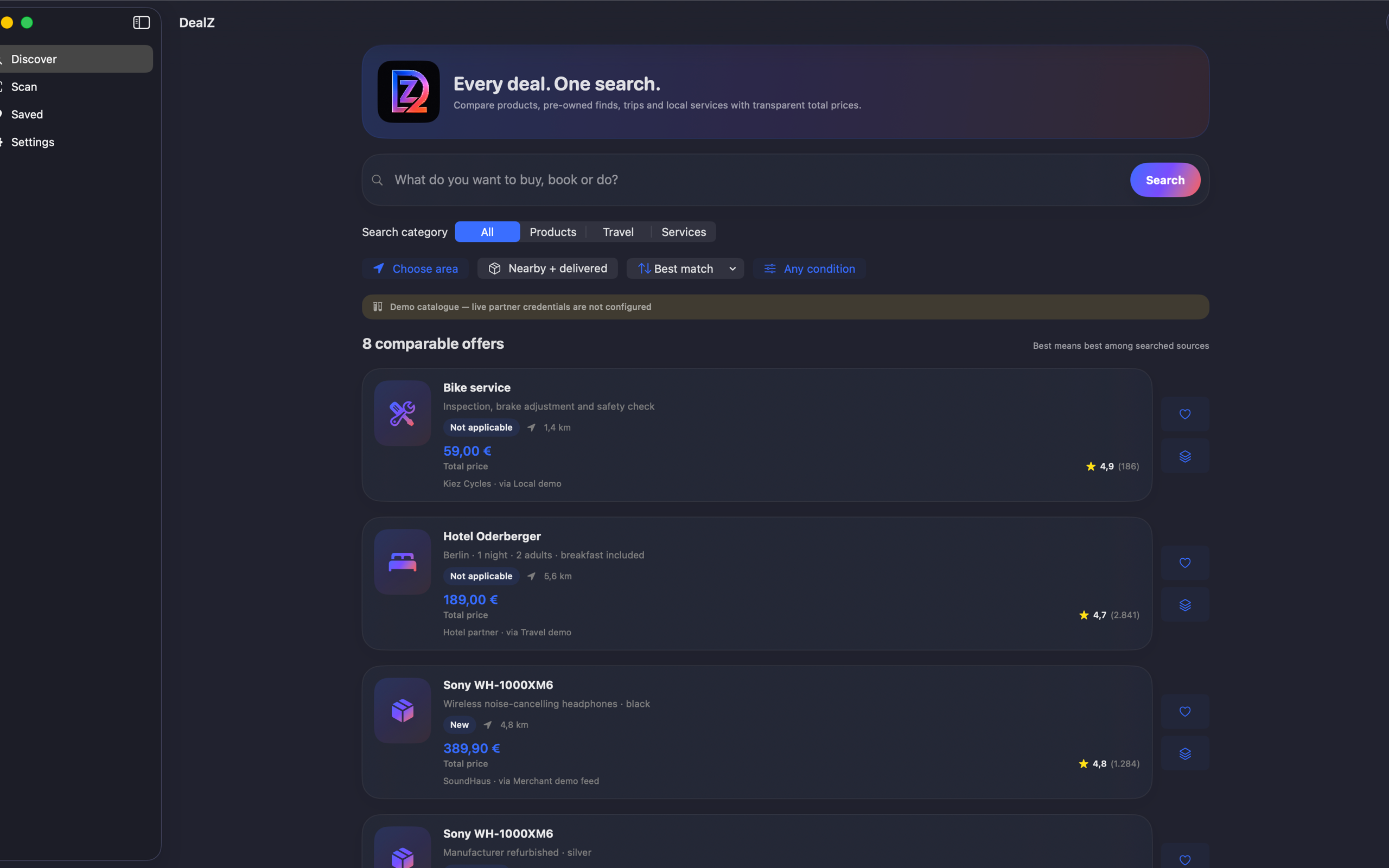
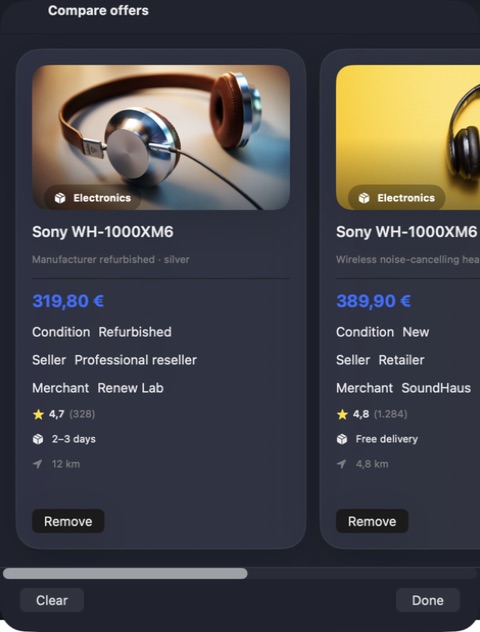
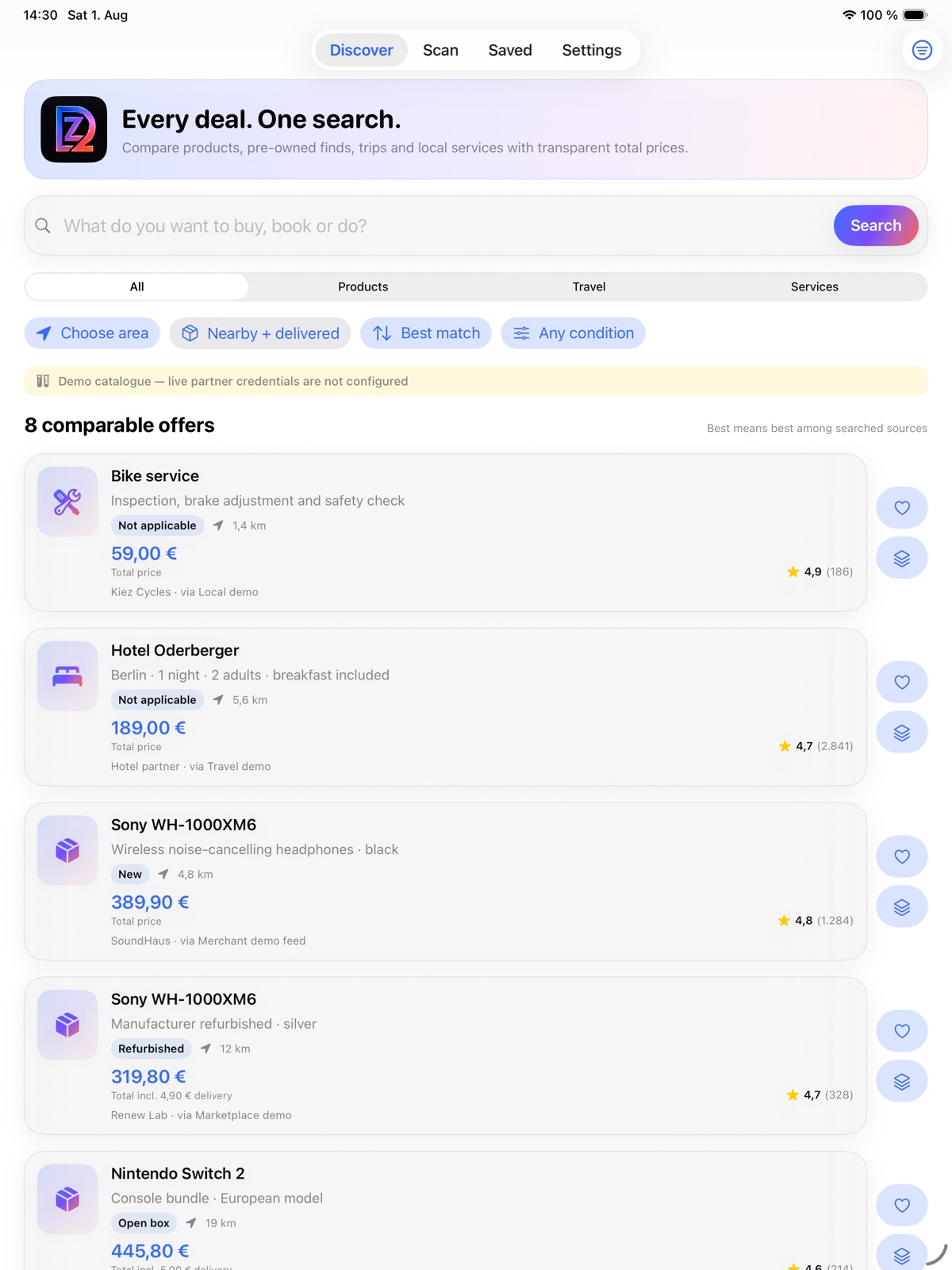
Research products, travel and local services, then bring useful offers together for comparison. DealZ helps you review prices, conditions and source details side by side, save favourites and keep a snapshot of what caught your eye. Spend less effort reconstructing a search when you are ready to choose. On Mac, compare new, refurbished and used listings with barcode or QR resolution and the terms beside each result.
- Bring shopping and travel offers into one workspace
- Compare prices with their terms and sources
- Save useful findings for a later decision
See the workspace

Explore 5 more screenshots



A simple way to get started
Bring your context
Start with the source material, brief or records for the task.
Develop the work
Use the focused workspace to compare, organise or draft the result.
Prepare the next step
Keep useful findings and copy ready for the next part of your work.
Explore more features
- New, refurbished, second-hand and private-sale listings in one comparison
- DealZ Guide turns everyday requests into focused searches and filters
- Side-by-side total-price comparison with condition, seller, delivery and distance
- Flights, stays and local services alongside products and barcode searches
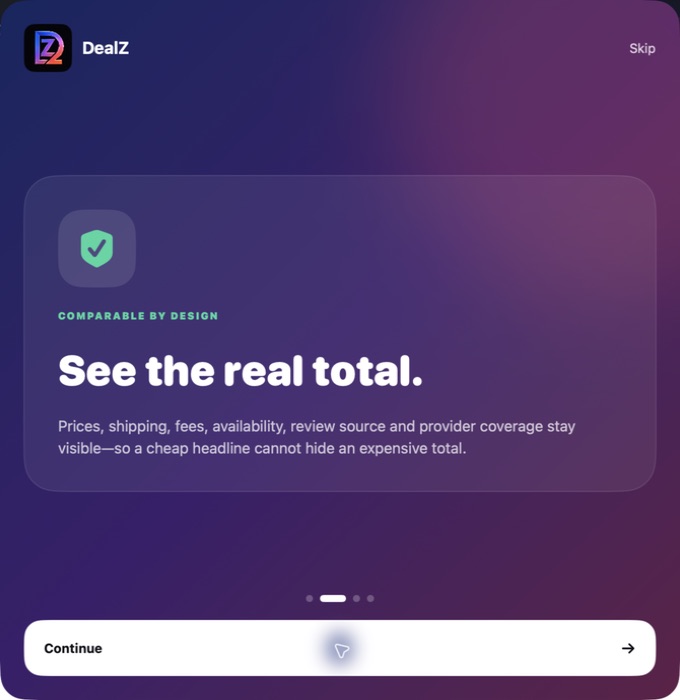
- Saved favourites, target-price alerts and transparent source coverage
Get DealZ
Compatibility and installation details
- Requires
- macOS 15 or later
- Architecture
- Apple silicon and Intel
- Version
- 1.0.0
- Download
- 5.9 MB
- Publisher signature
- Developer ID Application
- Apple notarization
- Notarized
- SHA-256
4fd9b0fb3c7c19195ded91ecedf53137398875107842941b4c9c9fc420c43bde
Download the Mac disk image from your receipt, open it and follow the included installation instructions.
Useful to know
What can I do with DealZ?
Research products, travel and local services, then bring useful offers together for comparison. DealZ helps you review prices, conditions and source details side by side, save favourites and keep a snapshot of what caught your eye. Spend less effort reconstructing a search when you are ready to choose. On Mac, compare new, refurbished and used listings with barcode or QR resolution and the terms beside each result.
How do I start?
Start with the source material, brief or records for the task. Use the focused workspace to compare, organise or draft the result. Keep useful findings and copy ready for the next part of your work.
How do I receive my download?
After your purchase, the receipt page provides your download link. The exact expiry is shown with your delivery link. Keep your receipt and installer. If a link expires or a download fails, contact support with your receipt instead of buying again.
Where can I find setup help?
Compatibility and installation details are on this page. The installation guide and support team can help with the next step.