
Better Notes
Give your ideas a page of their own.
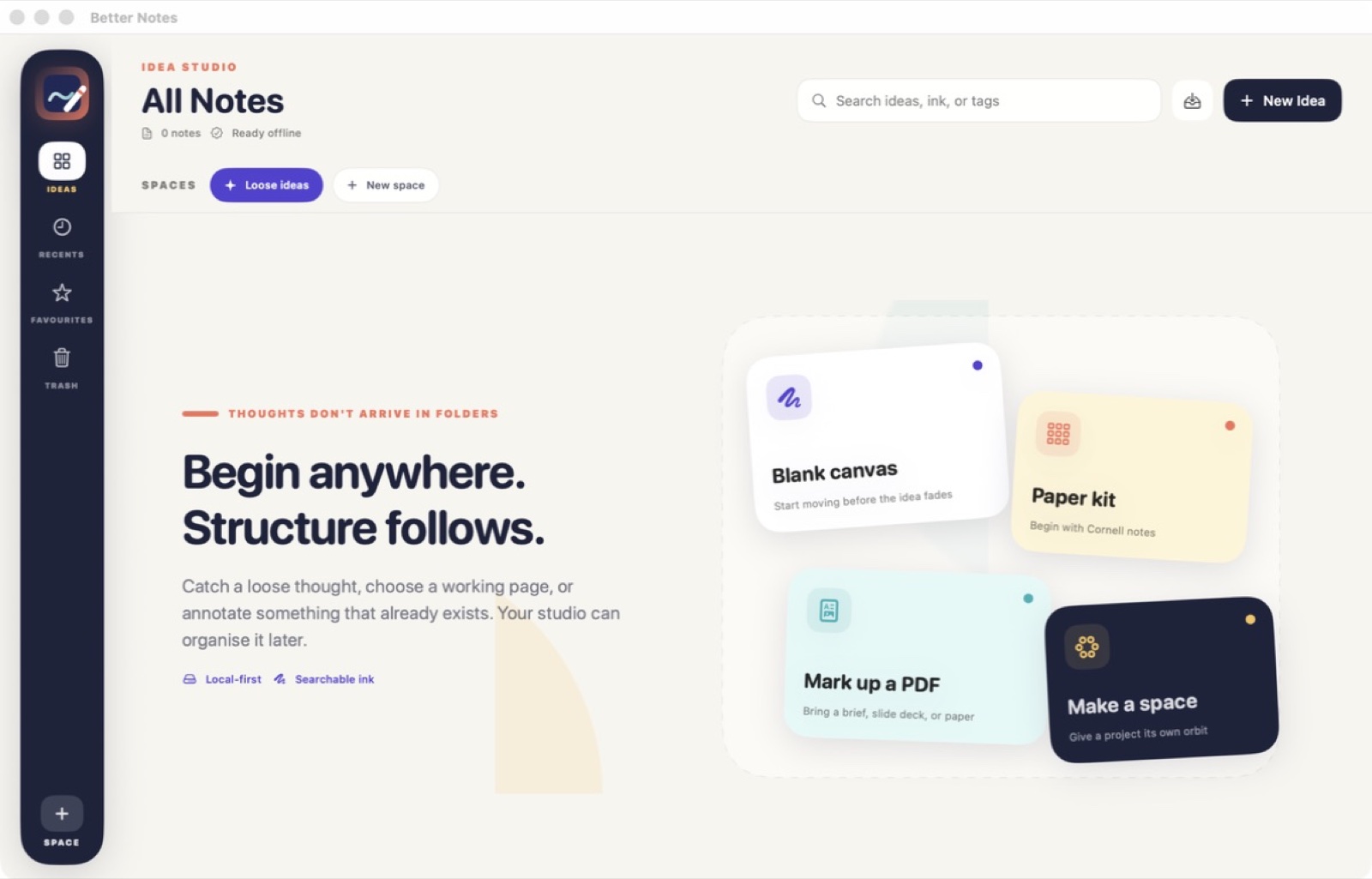
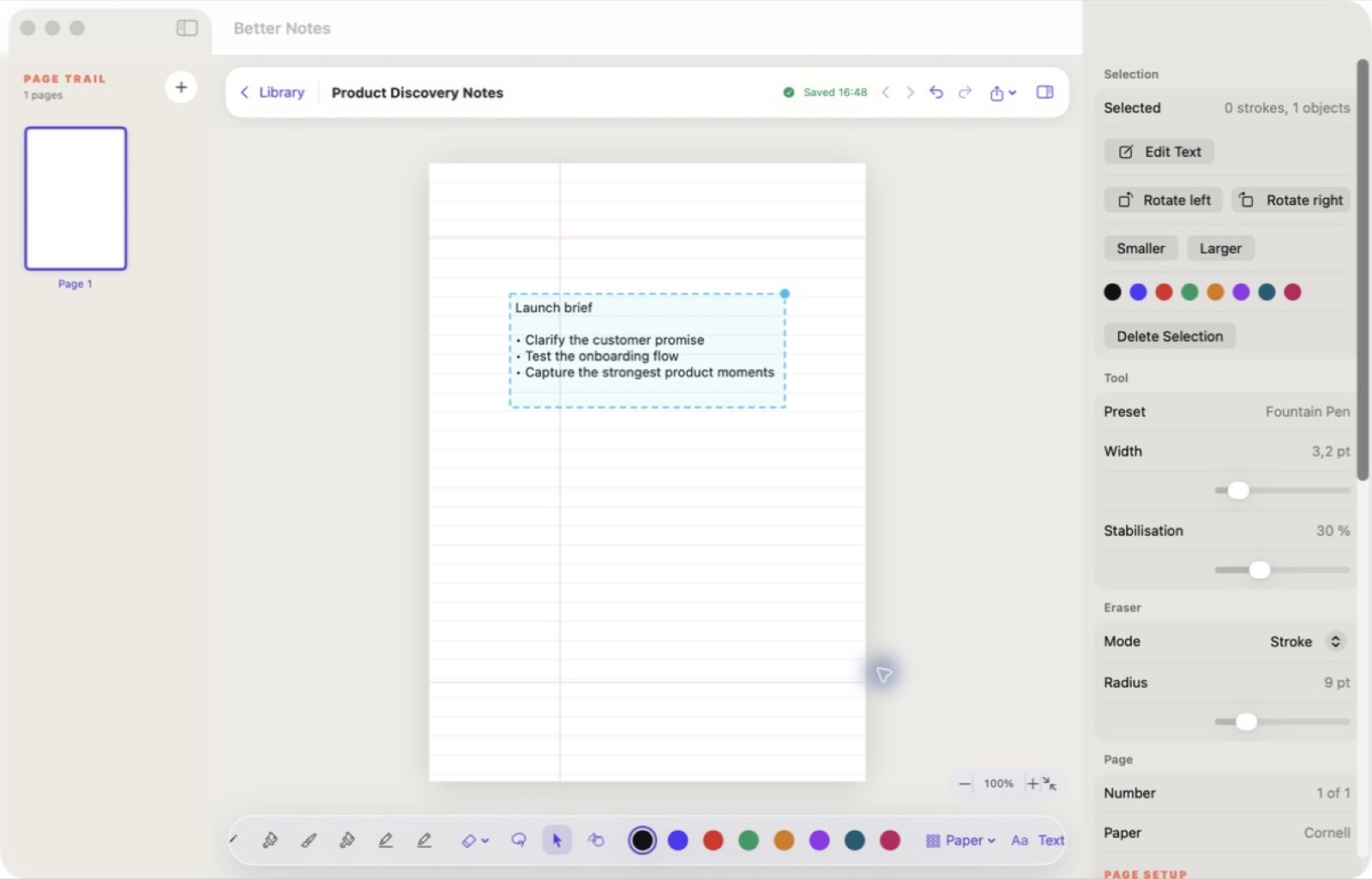
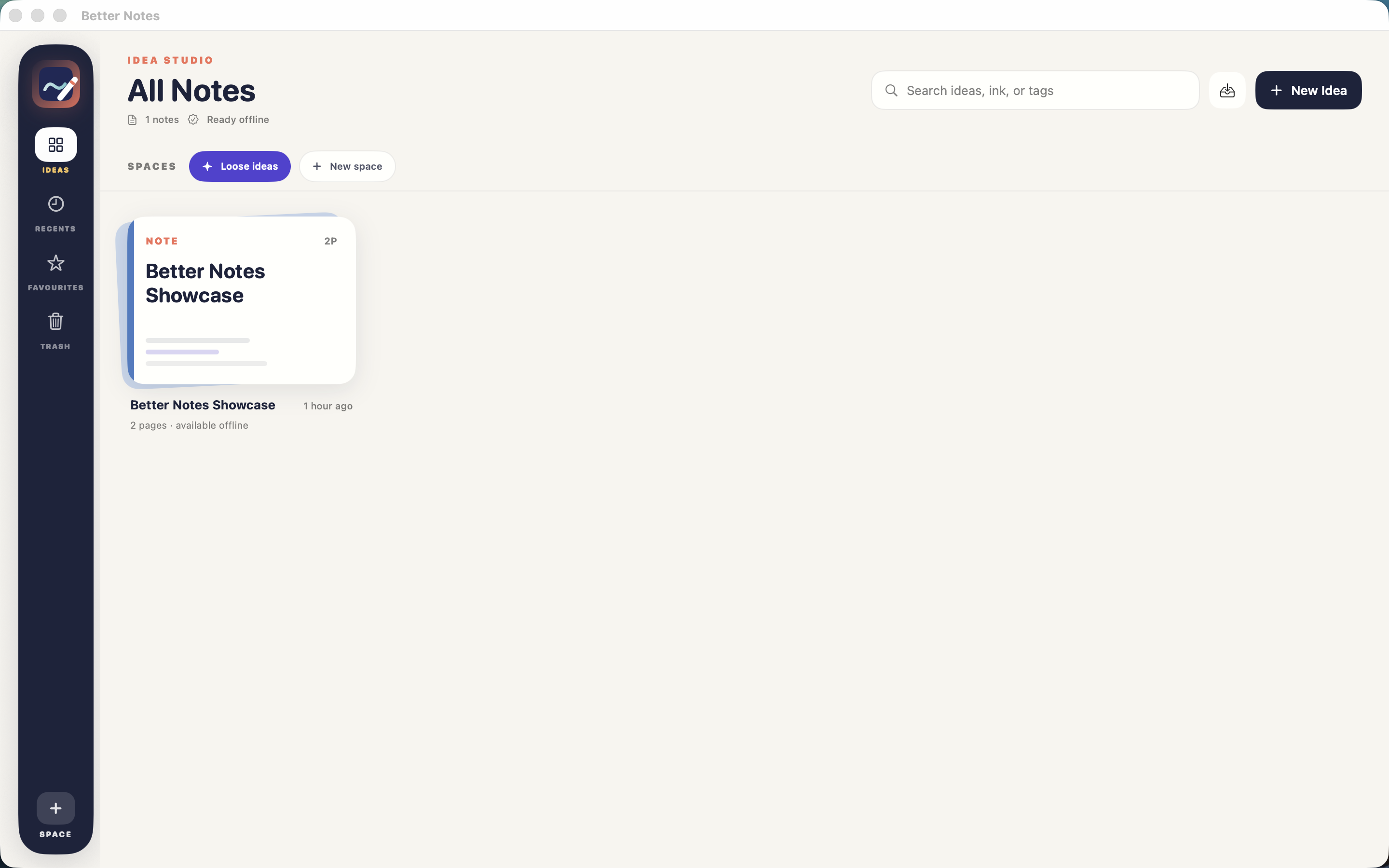
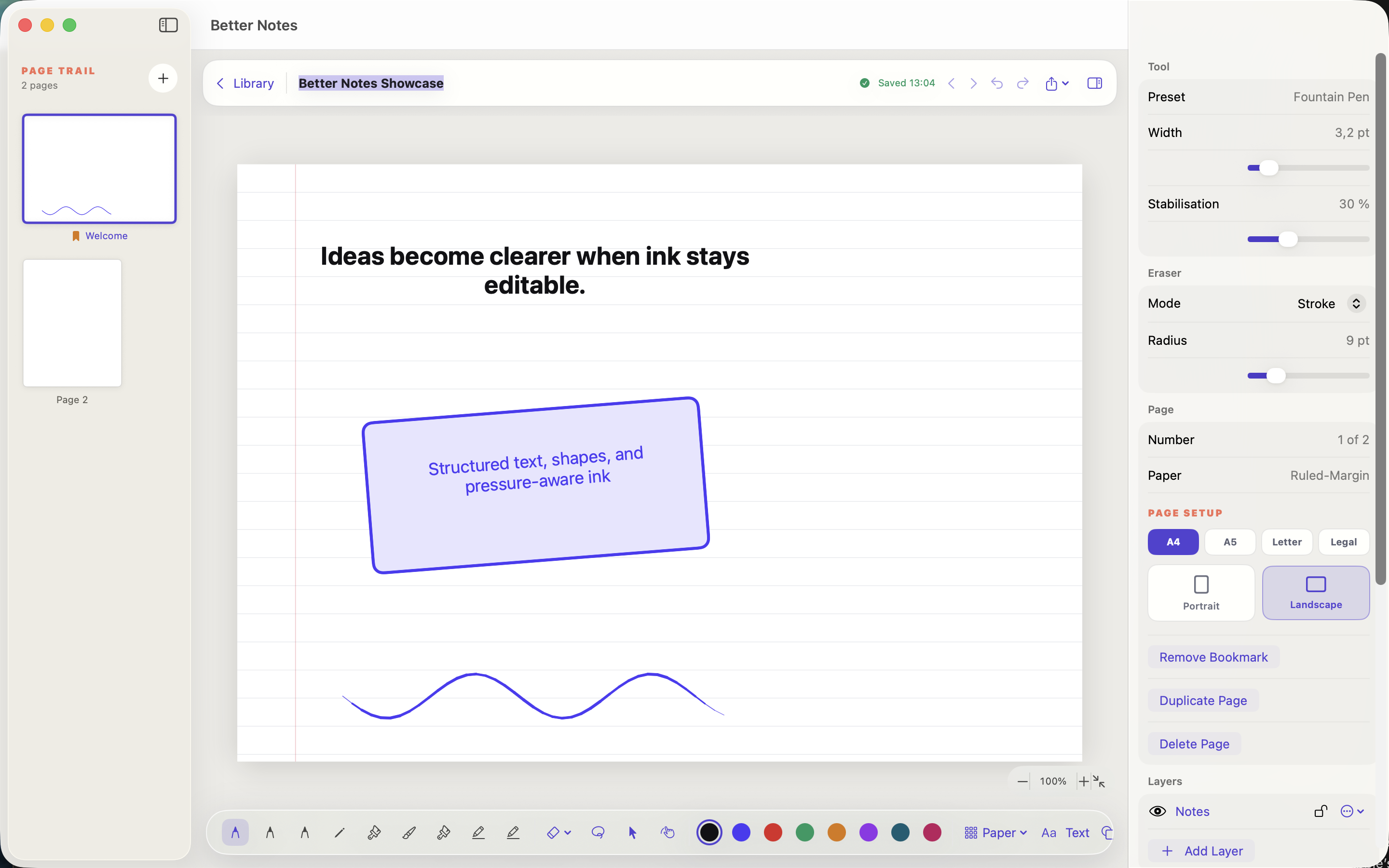
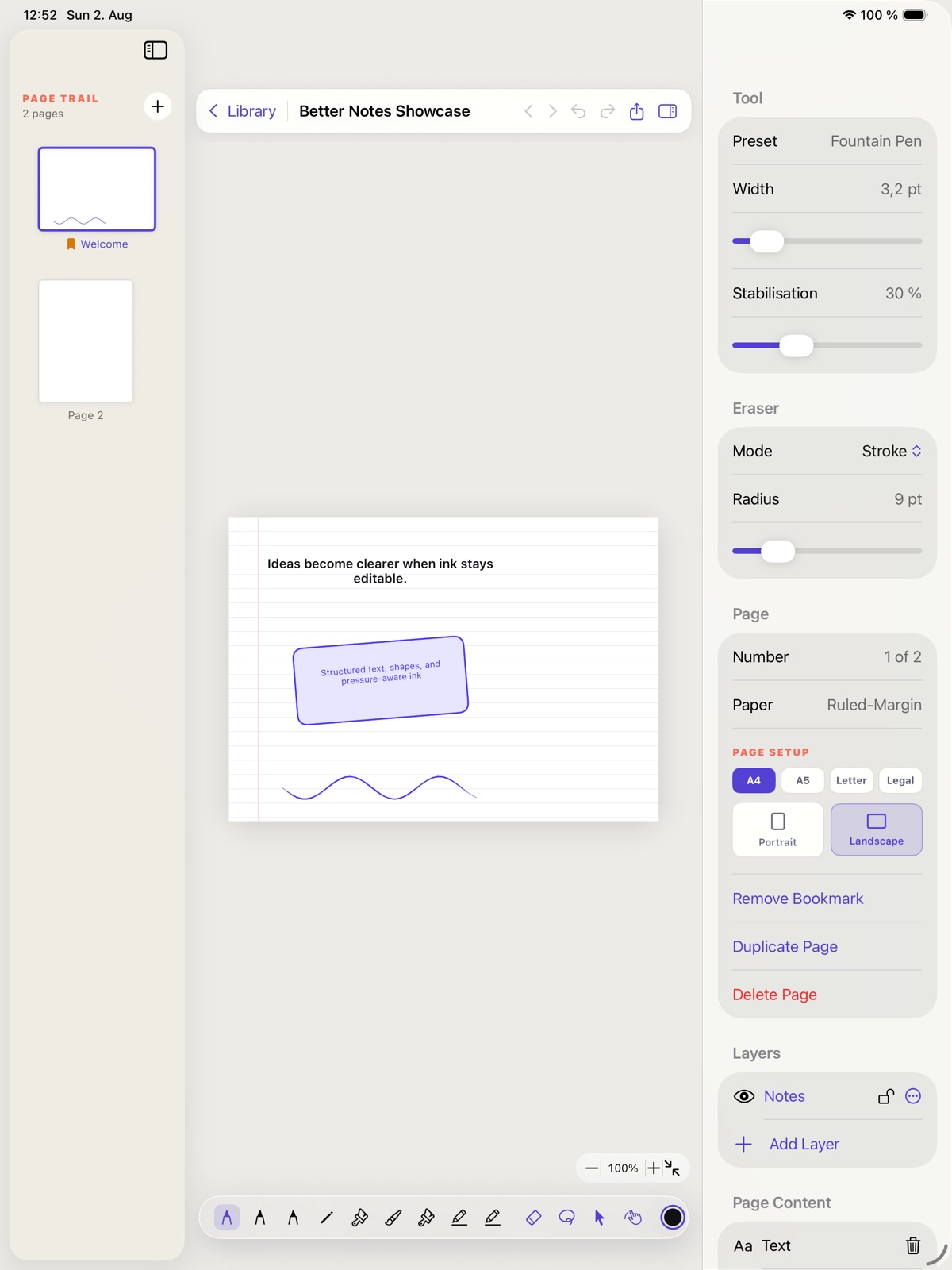
Combine typed notes, ink, images and imported PDFs in a notebook workspace made for working on a page.
What you can do with Better Notes
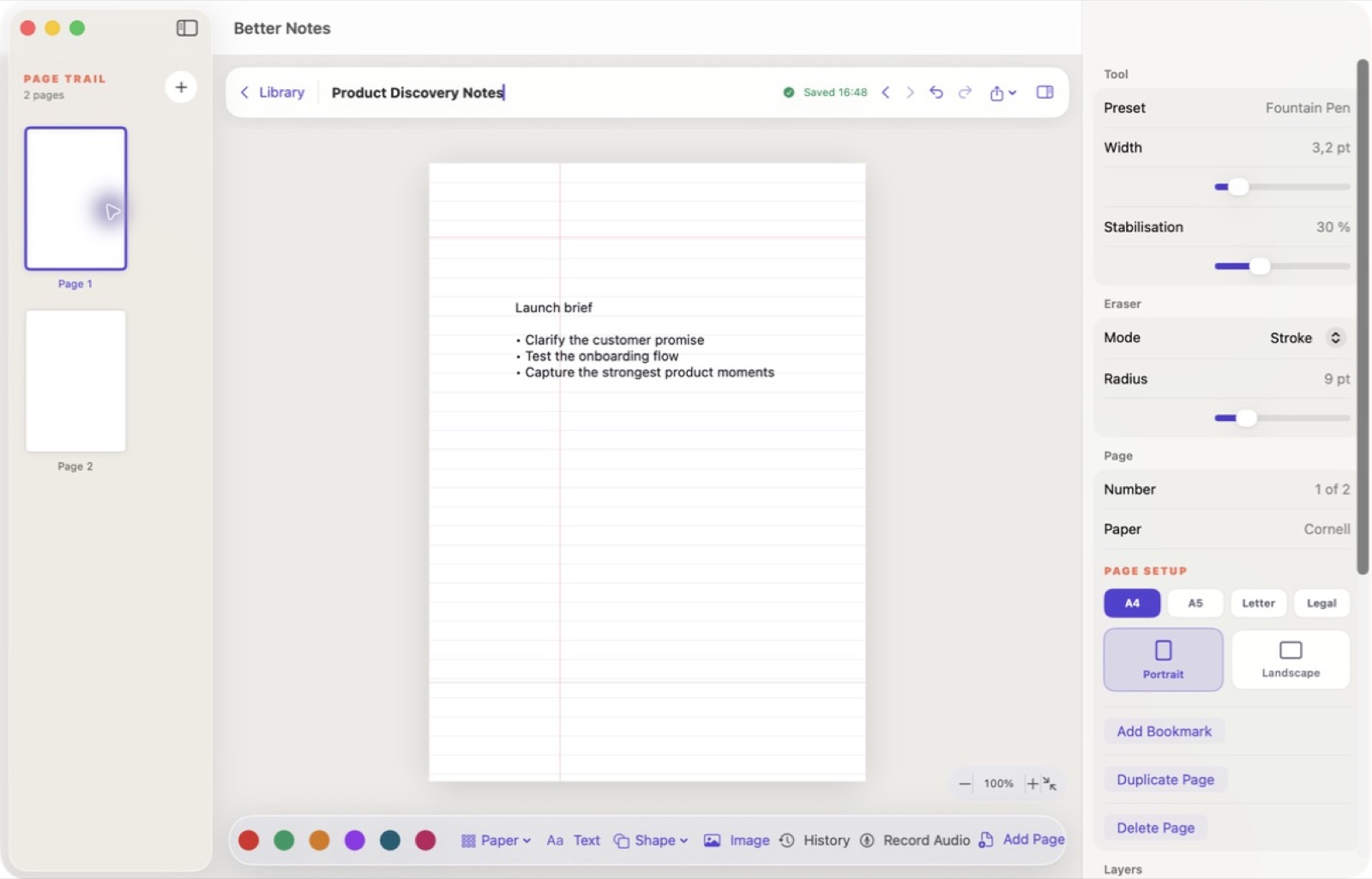
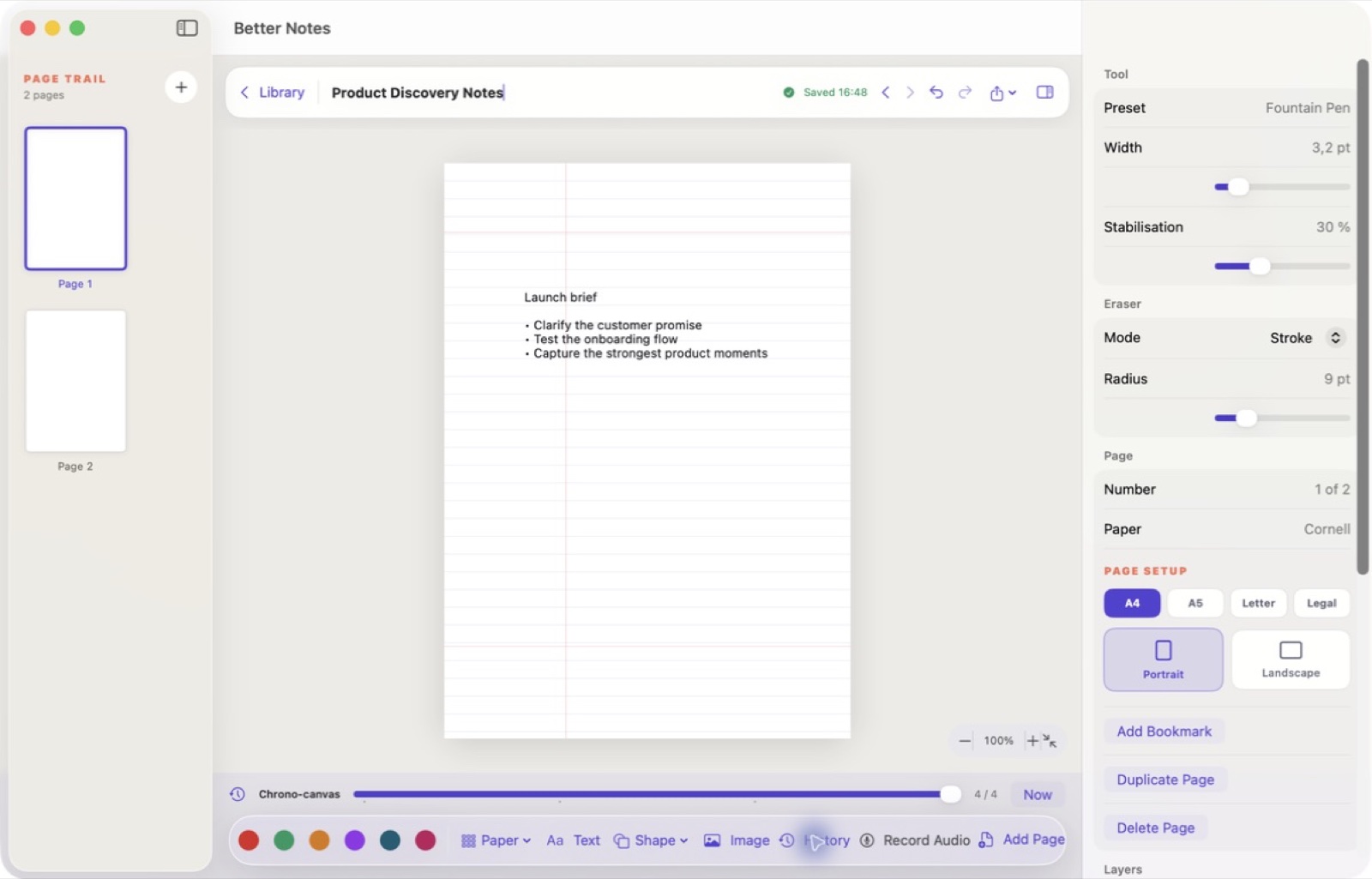
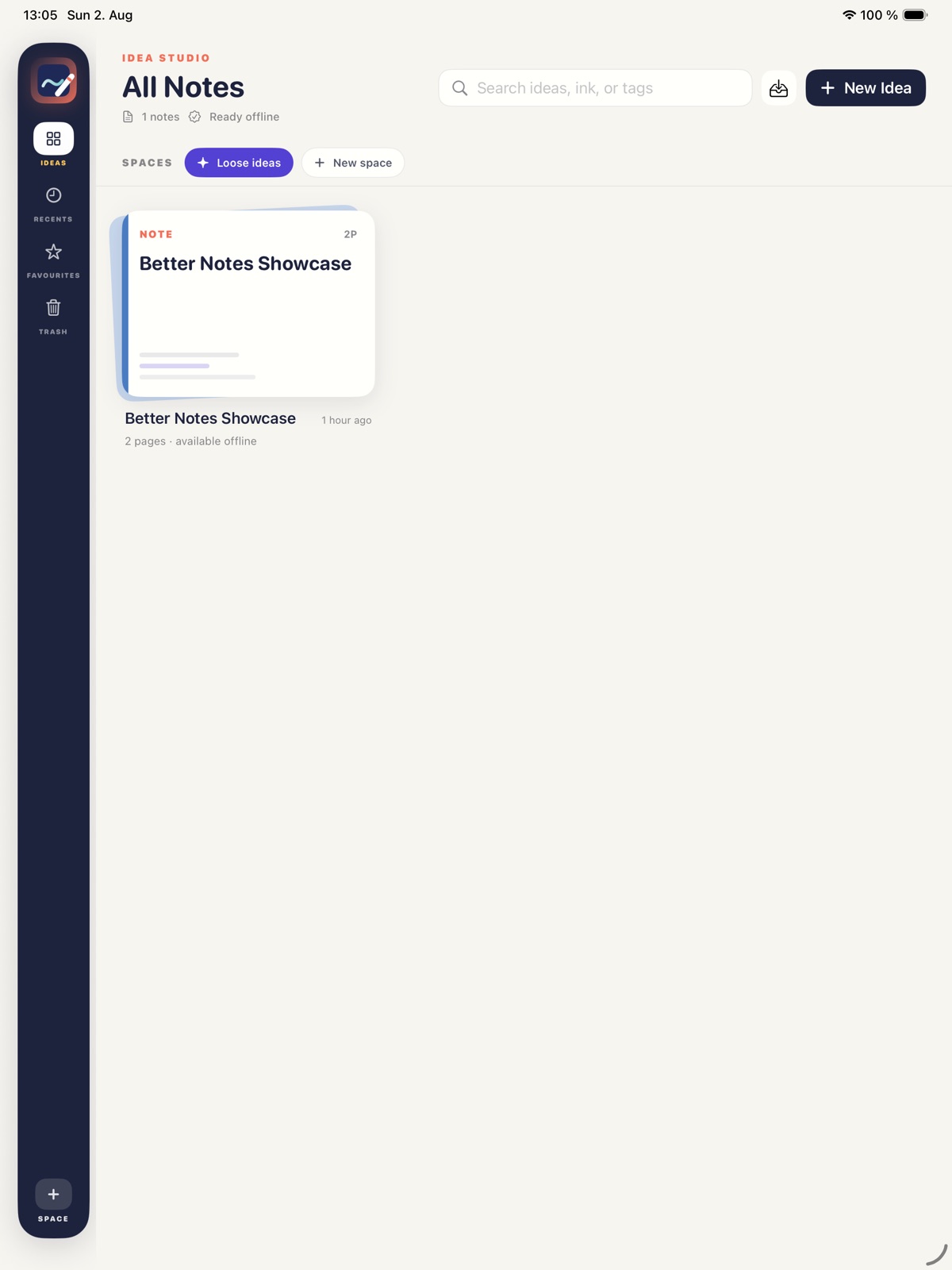
Combine typed notes, ink, images and imported PDFs in a notebook workspace made for working on a page. Use templates to start a layout, mark up source material and organise pages into a useful library. Better Notes brings freeform thinking and document annotation into the same everyday routine. On Mac and supported Apple devices, the page-first workspace keeps handwriting and PDF markup in local files you can organise and back up.
- Combine typed notes, ink and images on a page
- Mark up PDFs beside your own notes
- Organise pages into a useful notebook library
See the workspace
Explore 5 more screenshots
A simple way to get started
Bring in your material
Start with the notes, pages or recording you want to work with.
Make it useful
Read, organise or shape the material in a focused workspace.
Return with context
Keep the useful details ready for your next session.
Explore more features
- Handwriting, pages and PDF markup in one workspace
- Native SwiftUI across Mac, iPad, iPhone and Vision Pro
Get Better Notes
Compatibility and installation details
- Requires
- macOS 15 or later
- Architecture
- Apple silicon and Intel
- Version
- 1.0.0
- Download
- 6.0 MB
- Publisher signature
- Developer ID Application
- Apple notarization
- Notarized
- SHA-256
ca51fbc9fa8012dcfda94b4fc77db1e58ff57be87b09f66f8709a95b4854eb79
Download the Mac disk image from your receipt, open it and follow the included installation instructions.
Useful to know
What can I do with Better Notes?
Combine typed notes, ink, images and imported PDFs in a notebook workspace made for working on a page. Use templates to start a layout, mark up source material and organise pages into a useful library. Better Notes brings freeform thinking and document annotation into the same everyday routine. On Mac and supported Apple devices, the page-first workspace keeps handwriting and PDF markup in local files you can organise and back up.
How do I start?
Start with the notes, pages or recording you want to work with. Read, organise or shape the material in a focused workspace. Keep the useful details ready for your next session.
How do I receive my download?
After your purchase, the receipt page provides your download link. The exact expiry is shown with your delivery link. Keep your receipt and installer. If a link expires or a download fails, contact support with your receipt instead of buying again.
Where can I find setup help?
Compatibility and installation details are on this page. The installation guide and support team can help with the next step.