
Vantage Competitor Intel
See how competitors tell their story.
Bring competitor records and source text into a focused comparison workspace.
What you can do with Vantage Competitor Intel
Bring competitor records and source text into a focused comparison workspace. Vantage Competitor Intel helps you look across keywords, shared themes and messaging, then organise the findings into a briefing. Keep the evidence close as you consider how to describe your own product more clearly.
- Keep competitor messaging and references together
- Compare keywords and shared themes
- Turn source material into a competitive briefing
See the workspace
Explore 3 more screenshots
A simple way to get started
Bring your context
Start with the source material, brief or records for the task.
Develop the work
Use the focused workspace to compare, organise or draft the result.
Prepare the next step
Keep useful findings and copy ready for the next part of your work.
Explore more features
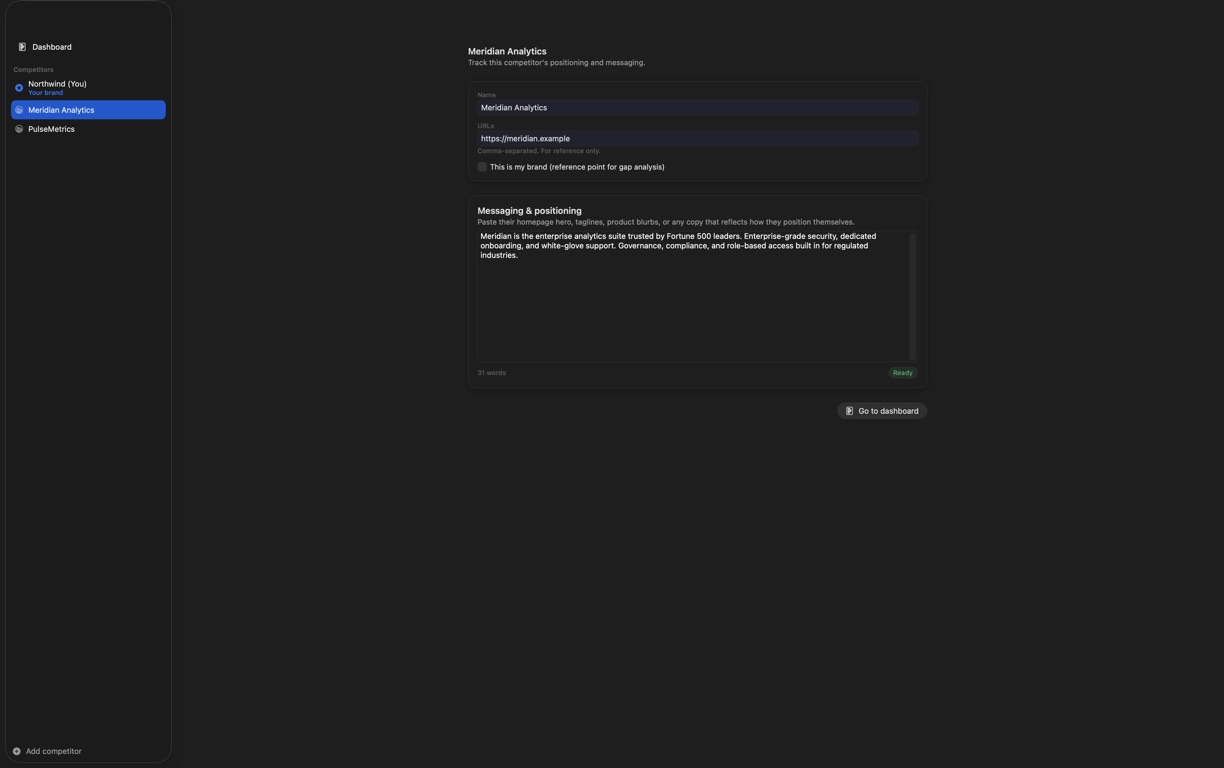
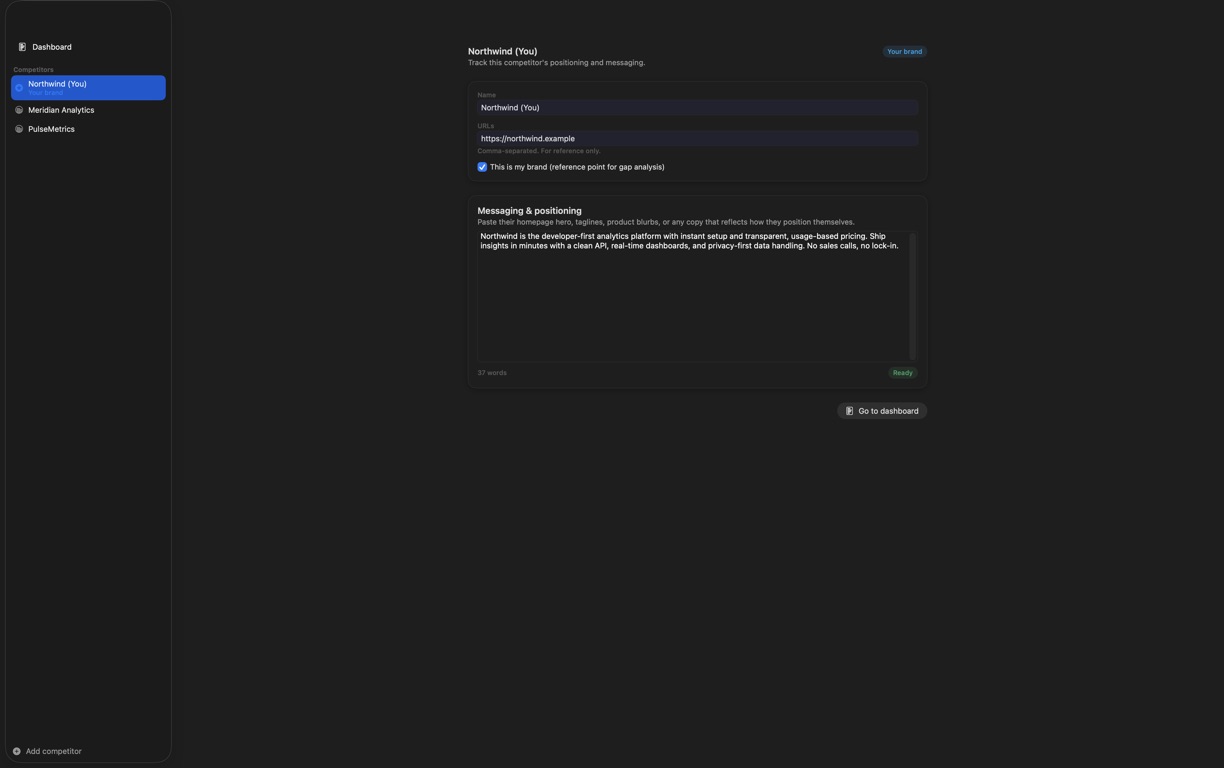
- Paste the positioning copy you have collected for your brand and each competitor; URLs are stored only as references
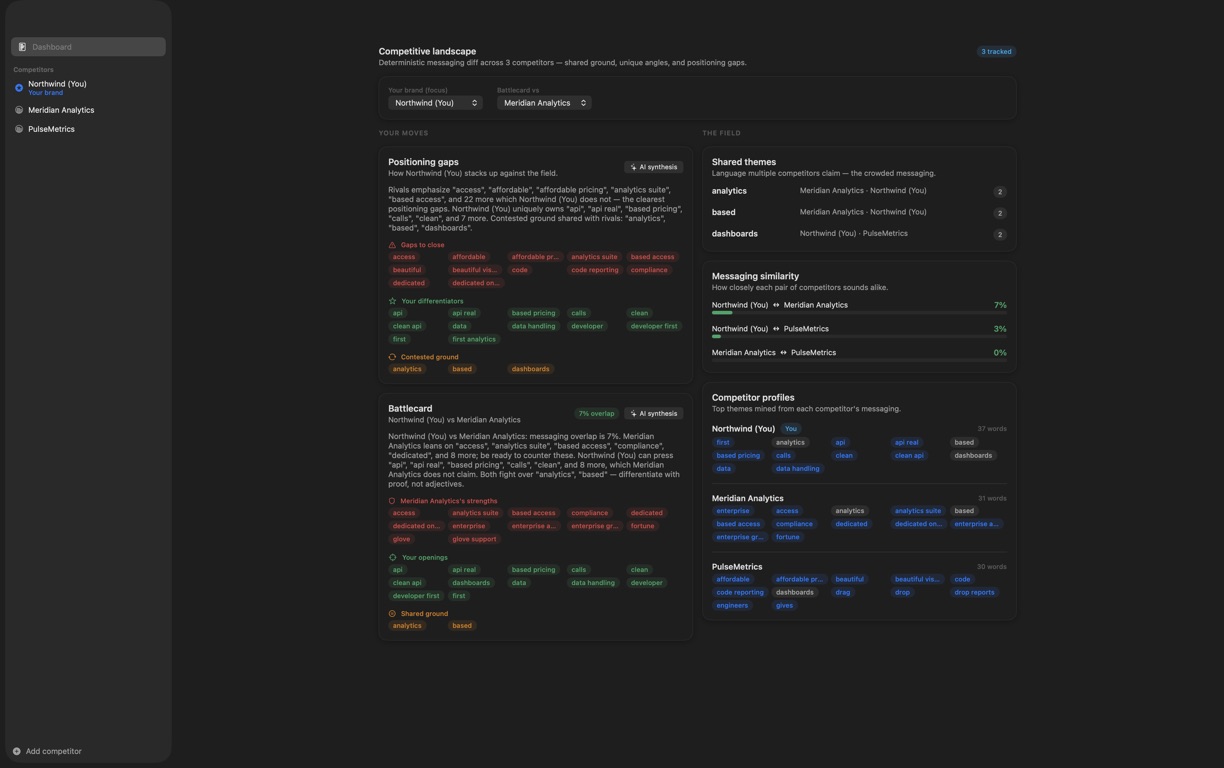
- Map shared themes, brand-specific angles and pairwise messaging similarity with a deterministic local analysis engine
- Mark your own brand as the focus, then separate gaps to close, differentiators to amplify and contested language
- Build a head-to-head battlecard with the rival's strengths, your openings, shared ground and a similarity score
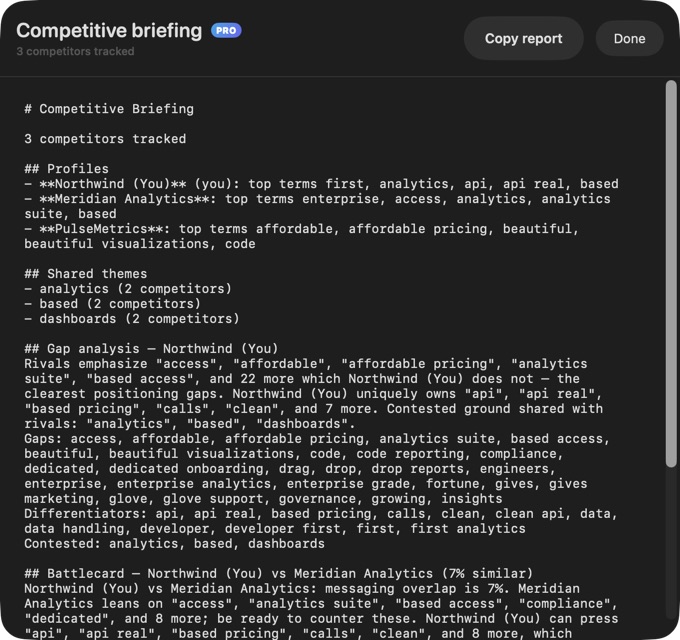
- Copy a complete Markdown competitive briefing that combines profiles, shared themes, gap analysis and a battlecard
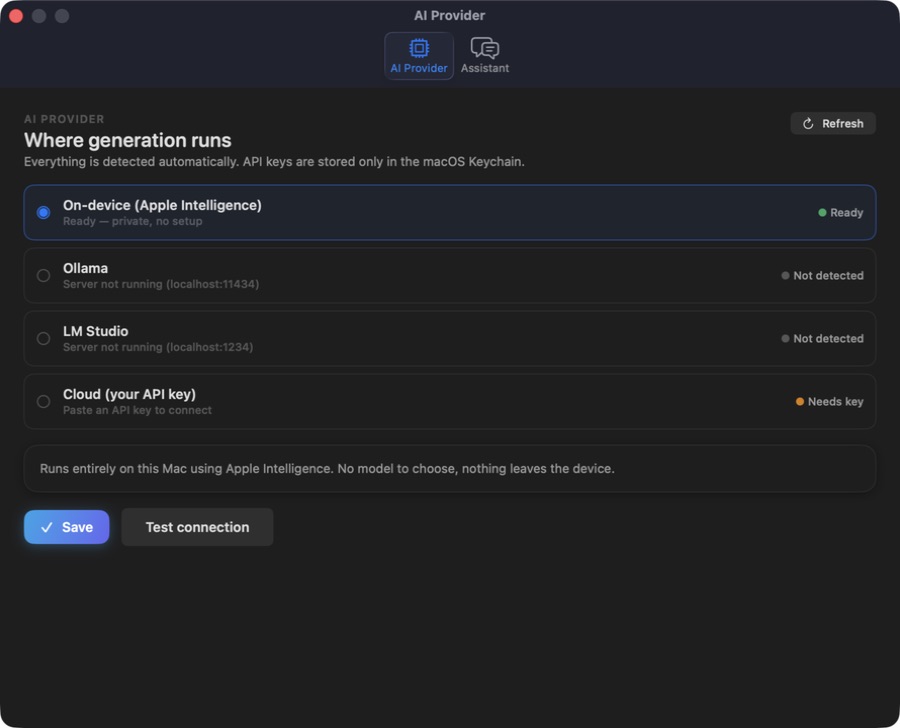
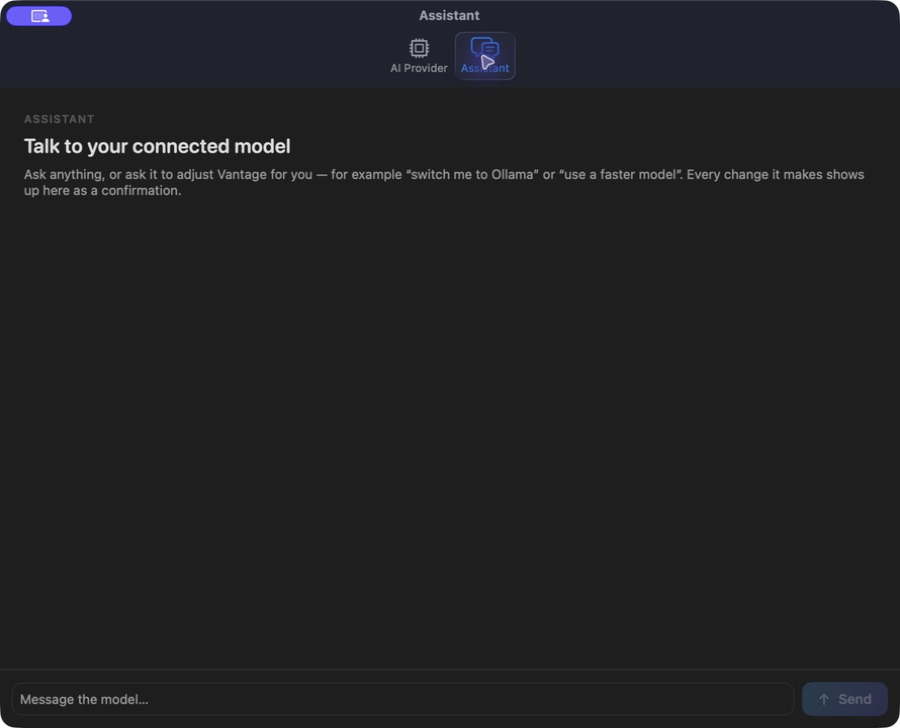
- Optionally enrich strategy summaries with Apple Intelligence, Ollama, LM Studio or a bring-your-own cloud key stored in Keychain
Get Vantage Competitor Intel
Compatibility and installation details
- Requires
- macOS 14 or later
- Architecture
- Apple silicon and Intel
- Version
- 1.0
- Download
- 3.4 MB
- Publisher signature
- Developer ID Application
- Apple notarization
- Notarized
- SHA-256
7ef18b5e7773606fac00d1d063b906ca3dee1cf504f55eafe65a6eaee4bb17fd
Download the Mac disk image from your receipt, open it and follow the included installation instructions.
Useful to know
What can I do with Vantage Competitor Intel?
Bring competitor records and source text into a focused comparison workspace. Vantage Competitor Intel helps you look across keywords, shared themes and messaging, then organise the findings into a briefing. Keep the evidence close as you consider how to describe your own product more clearly.
How do I start?
Start with the source material, brief or records for the task. Use the focused workspace to compare, organise or draft the result. Keep useful findings and copy ready for the next part of your work.
How do I receive my download?
After your purchase, the receipt page provides your download link. The exact expiry is shown with your delivery link. Keep your receipt and installer. If a link expires or a download fails, contact support with your receipt instead of buying again.
Where can I find setup help?
Compatibility and installation details are on this page. The installation guide and support team can help with the next step.
Watch the screenshot tour
. Watch the video and read a list of the views it shows before choosing the app.