
Presentation Space
Build a slide deck around your evidence
Compose slides with text, images and charts.
What you can do with Presentation Space
Compose slides with text, images and charts. Link a chart to a workbook and retain its last saved view when you present away from the source file.
- Create a deck and lay out your text and graphics.
- Link a chart to its source workbook and refresh the data.
- Review your slide sequence and presenter notes.
See the workspace
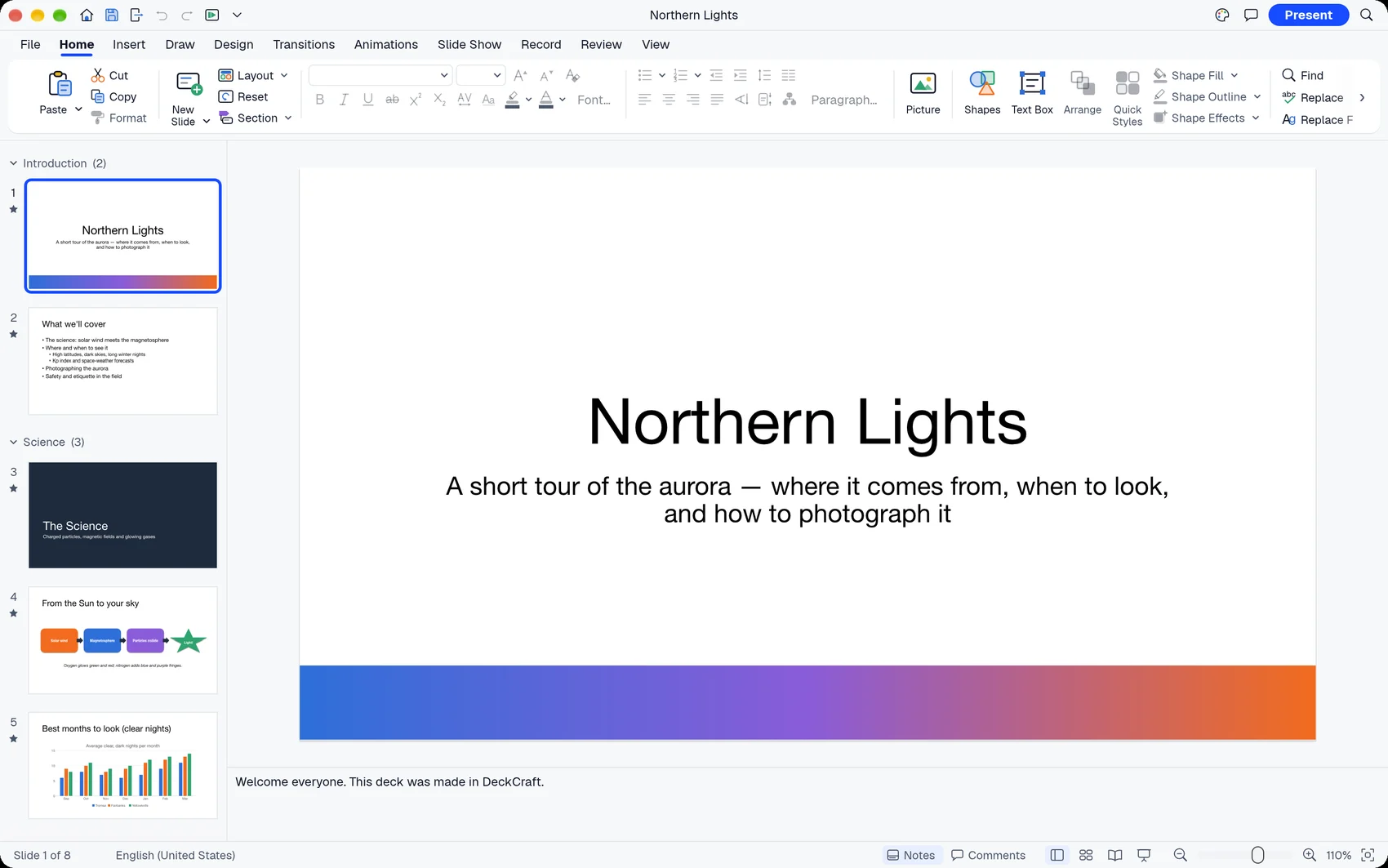

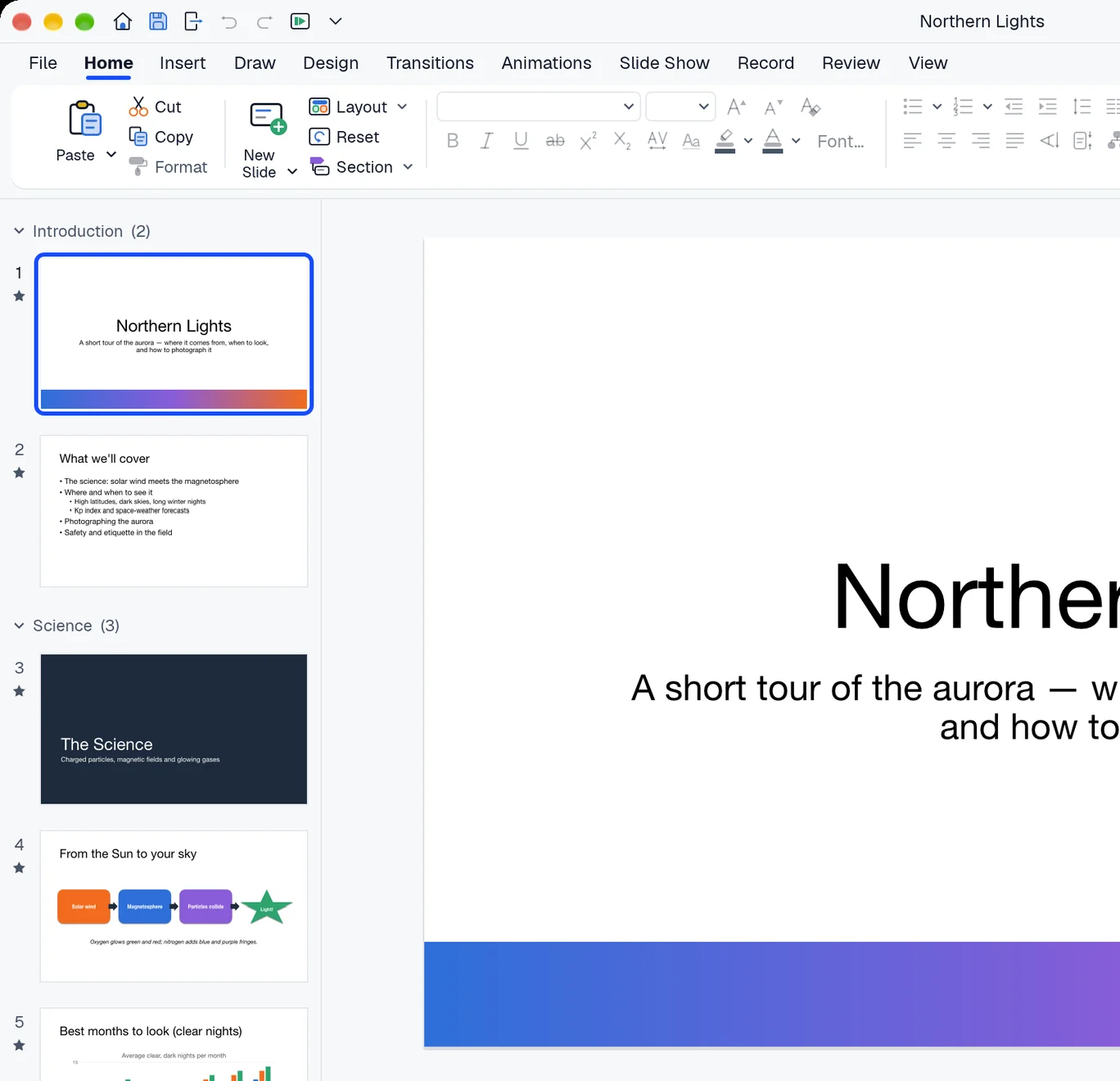
A simple way to get started
Arrange your slides
Create a deck and lay out your text and graphics.
Connect a chart
Link a chart to its source workbook and refresh the data.
Deliver the talk
Review your slide sequence and presenter notes.
Explore more features
- Arrange your slides
- Connect a chart
- Deliver the talk
Get Presentation Space
Compatibility and installation details
- Requires
- macOS 11.0 or later
- Architecture
- Apple silicon
- Version
- 0.19.0
- Download
- 24.0 MB
- Installer
- presentation-space-0.19.0-arm64.zip
- Publisher signature
- Developer ID Application
- Apple notarization
- Not notarized
- SHA-256
e25a62341ee174c319f129489be6882da1289d82aaaf588e1ab54ce21b9469a9
Expand the download and move Presentation Space to your Applications folder.
Download the ZIP archive from your receipt.
Useful to know
What can I do with Presentation Space?
Compose slides with text, images and charts. Link a chart to a workbook and retain its last saved view when you present away from the source file.
How do I start?
Create a deck and lay out your text and graphics. Link a chart to its source workbook and refresh the data. Review your slide sequence and presenter notes.
How do I receive my download?
After your purchase, the receipt page provides your download link. The exact expiry is shown with your delivery link. Keep your receipt and installer. If a link expires or a download fails, contact support with your receipt instead of buying again.
Where can I find setup help?
Compatibility and installation details are on this page. The installation guide and support team can help with the next step.