
PDF Space
Read and inspect PDF documents
Review PDF pages, work with supported forms and inspect tagged structure.
What you can do with PDF Space
Review PDF pages, work with supported forms and inspect tagged structure. Step through reading-order tags and hear available descriptions with macOS speech.
- Navigate to a page or choose a form field.
- Step through the tagged reading order.
- Check the entries in a supported form before saving your copy.
See the workspace
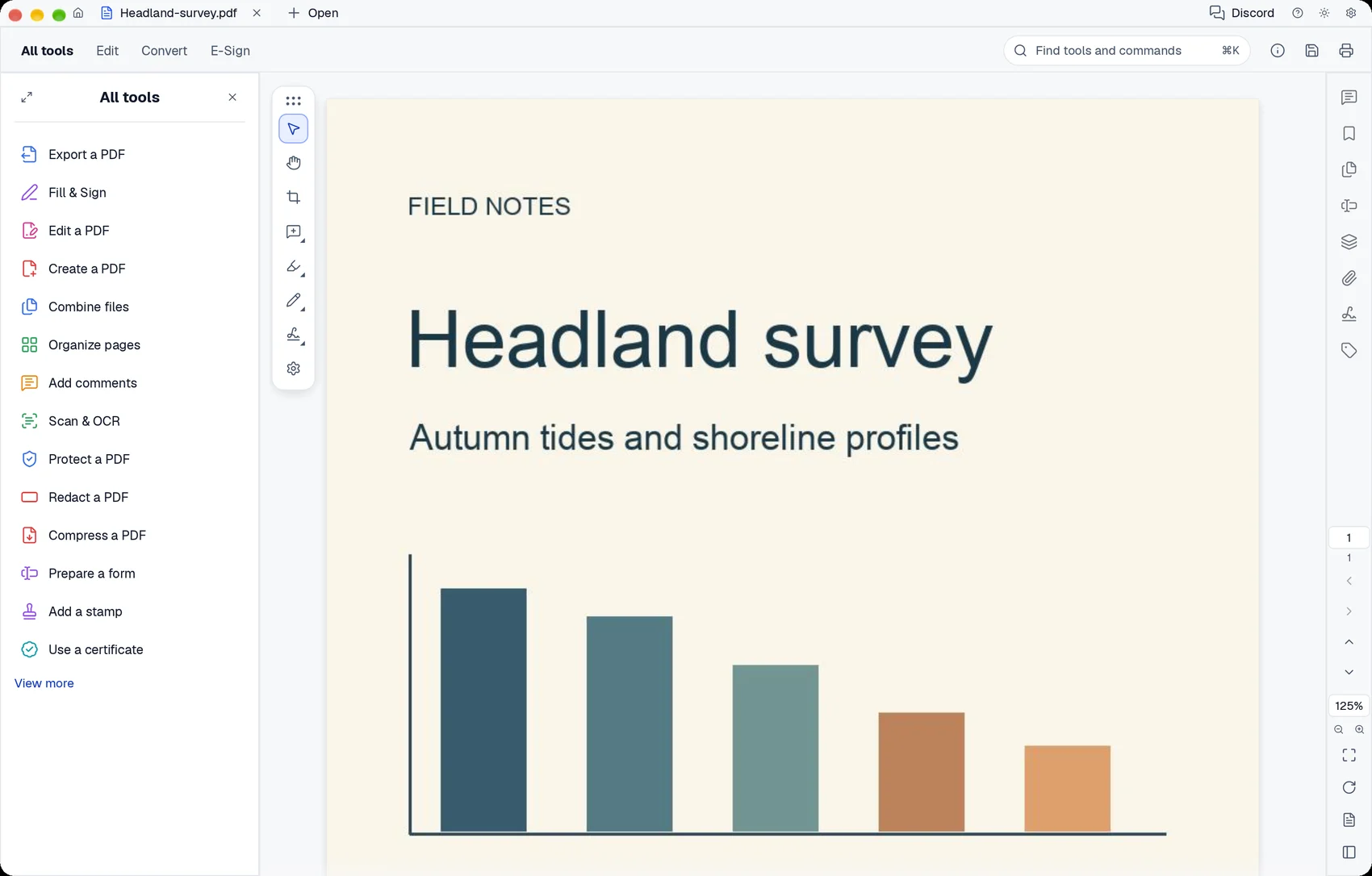
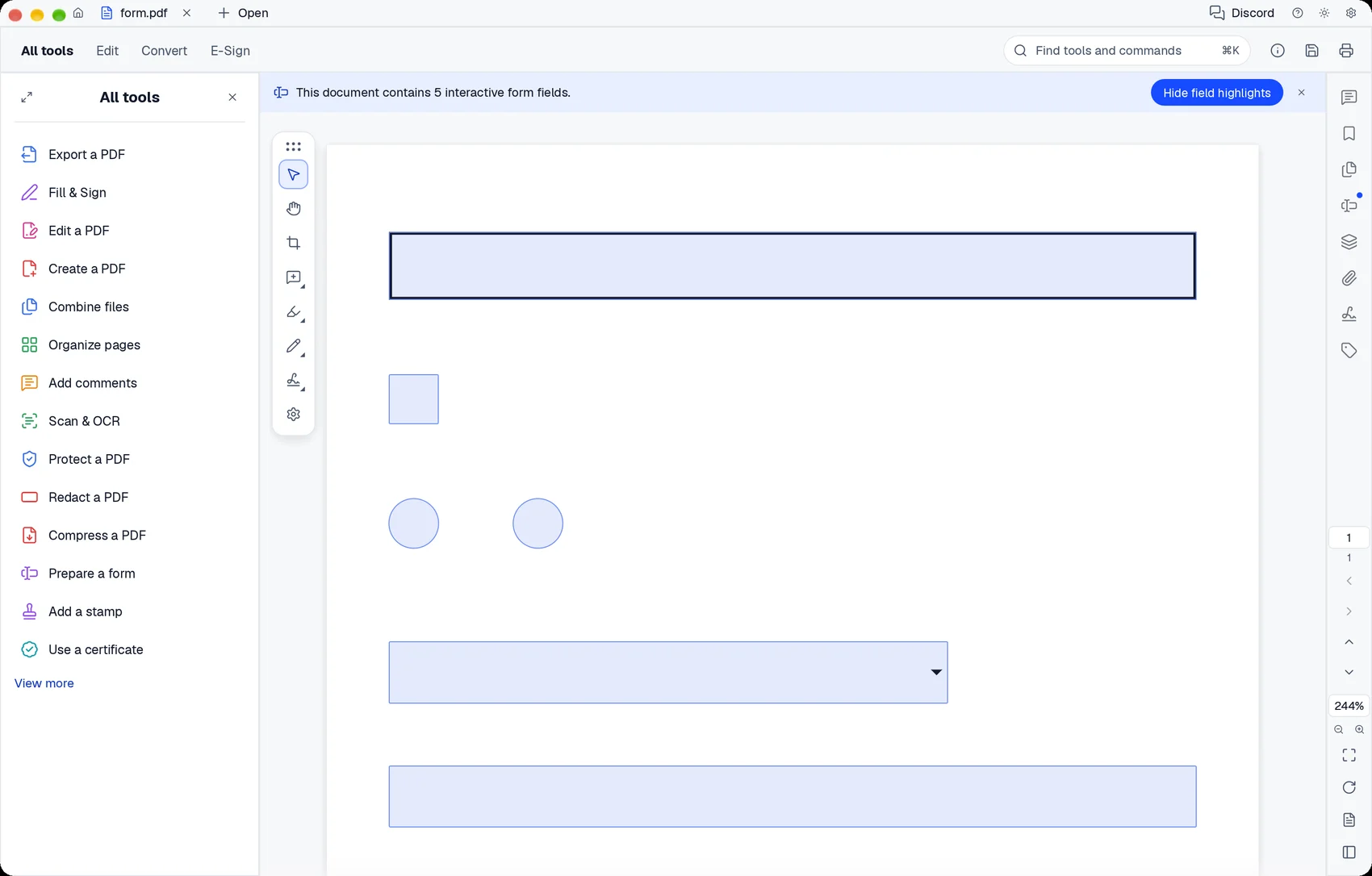
A simple way to get started
Open a PDF
Navigate to a page or choose a form field.
Inspect its structure
Step through the tagged reading order.
Review field values
Check the entries in a supported form before saving your copy.
Explore more features
- Open a PDF
- Inspect its structure
- Review field values
Get PDF Space
Compatibility and installation details
- Requires
- macOS 11.0 or later
- Architecture
- Apple silicon
- Version
- 0.21.1
- Download
- 33.9 MB
- Installer
- pdf-space-0.21.1-arm64.zip
- Publisher signature
- Developer ID Application
- Apple notarization
- Not notarized
- SHA-256
1be6e2b0ca4d595319200c30ddfef4600bc265b917349775b7534361462595bb
Expand the download and move PDF Space to your Applications folder.
Download the ZIP archive from your receipt.
Useful to know
What can I do with PDF Space?
Review PDF pages, work with supported forms and inspect tagged structure. Step through reading-order tags and hear available descriptions with macOS speech.
How do I start?
Navigate to a page or choose a form field. Step through the tagged reading order. Check the entries in a supported form before saving your copy.
How do I receive my download?
After your purchase, the receipt page provides your download link. The exact expiry is shown with your delivery link. Keep your receipt and installer. If a link expires or a download fails, contact support with your receipt instead of buying again.
Where can I find setup help?
Compatibility and installation details are on this page. The installation guide and support team can help with the next step.