
SteadyPath
Keep everyday care details close at hand.
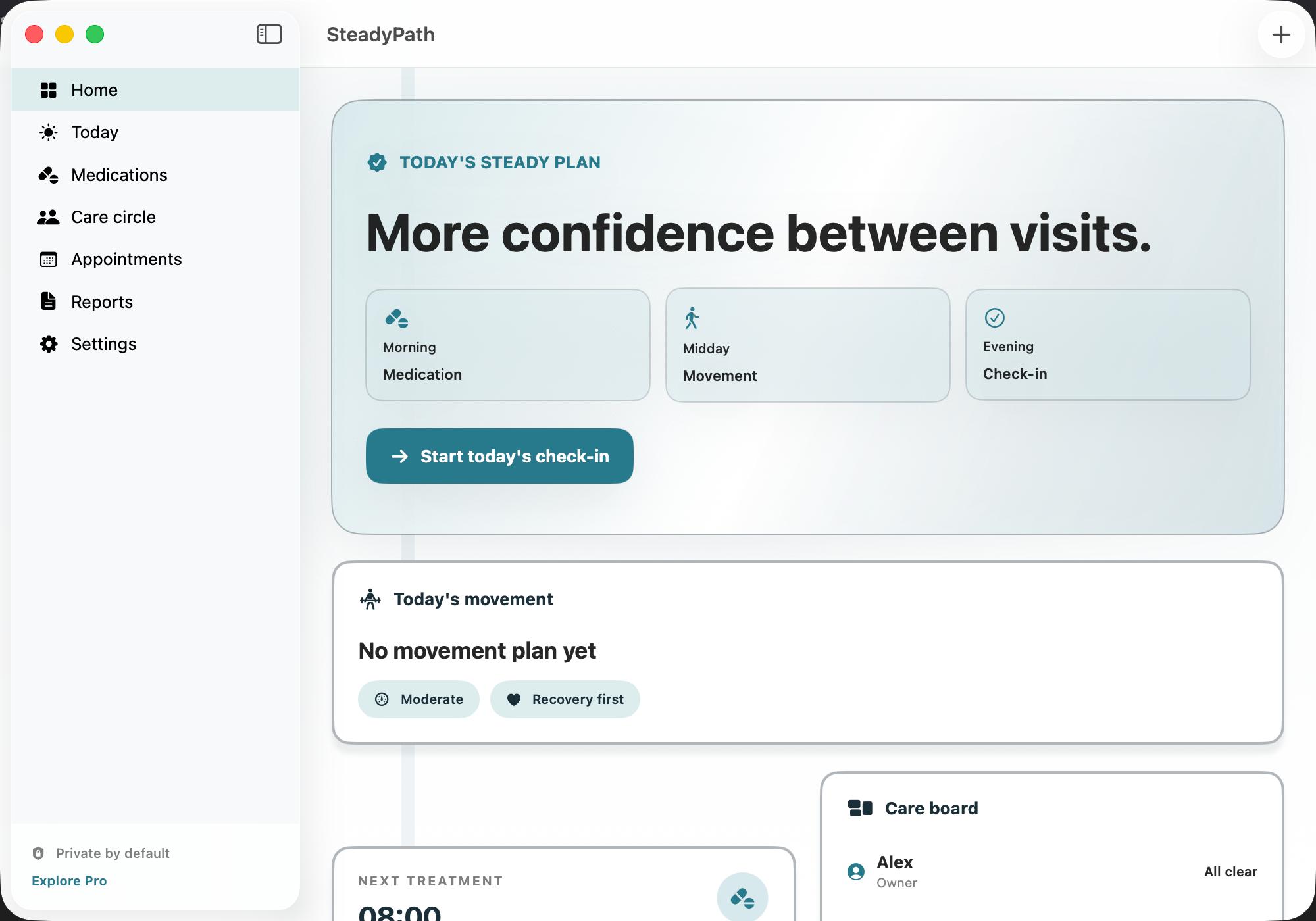
Bring movement notes, treatment records and support tasks into one private organiser for Parkinson’s care.
What you can do with SteadyPath
Bring movement notes, treatment records and support tasks into one private organiser for Parkinson’s care. SteadyPath helps you record useful examples as they happen and keep them ready for the next appointment. Review your timeline and prepare questions with the details of daily life in view.
- Record movement windows and their daily impact
- Keep medication timing beside movement observations
- Prepare concrete examples for your next appointment
See the workspace
A simple way to get started
Capture the details
Record the observations and context you want to remember.
Review your own history
Return to dated entries and keep useful details together.
Prepare a conversation
Gather the notes and questions you want to bring to an appointment.
Explore more features
- Record a movement window with timing, functional impact and steady, slow, freezing, tremor or medication-window context
- Keep medication schedules and observed on/off patterns beside the same local history
- Make routines and practical care-circle cues easier to share without removing autonomy
- Prepare concrete questions and examples before an appointment
- Generate a summary you review first, with local backup, restore and erase controls
Get SteadyPath
Compatibility and installation details
- Requires
- macOS 15 or later
- Architecture
- Apple silicon and Intel
- Version
- 1.0.0
- Download
- 3.4 MB
- Publisher signature
- Developer ID Application
- Apple notarization
- Notarized
- SHA-256
30ada848ba38c059f103c43ec86ac340b12df7274606865cdca9039502b02f74
Download the Mac disk image from your receipt, open it and follow the included installation instructions.
Useful to know
What can I do with SteadyPath?
Bring movement notes, treatment records and support tasks into one private organiser for Parkinson’s care. SteadyPath helps you record useful examples as they happen and keep them ready for the next appointment. Review your timeline and prepare questions with the details of daily life in view.
How do I start?
Record the observations and context you want to remember. Return to dated entries and keep useful details together. Gather the notes and questions you want to bring to an appointment.
How do I receive my download?
After your purchase, the receipt page provides your download link. The exact expiry is shown with your delivery link. Keep your receipt and installer. If a link expires or a download fails, contact support with your receipt instead of buying again.
Where can I find setup help?
Compatibility and installation details are on this page. The installation guide and support team can help with the next step.