
Kinward
Keep family care easier to coordinate.
Bring care people, assignments and handover notes into one organised record.
What you can do with Kinward
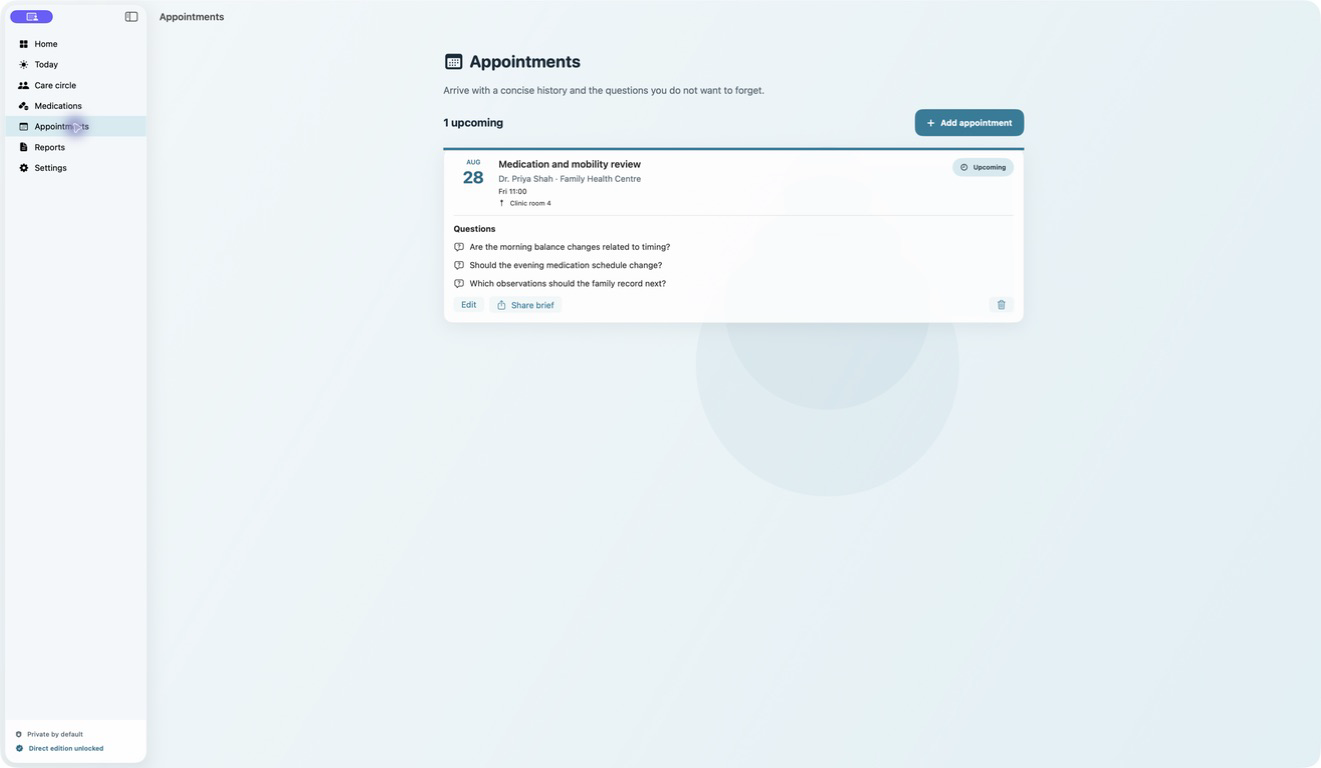
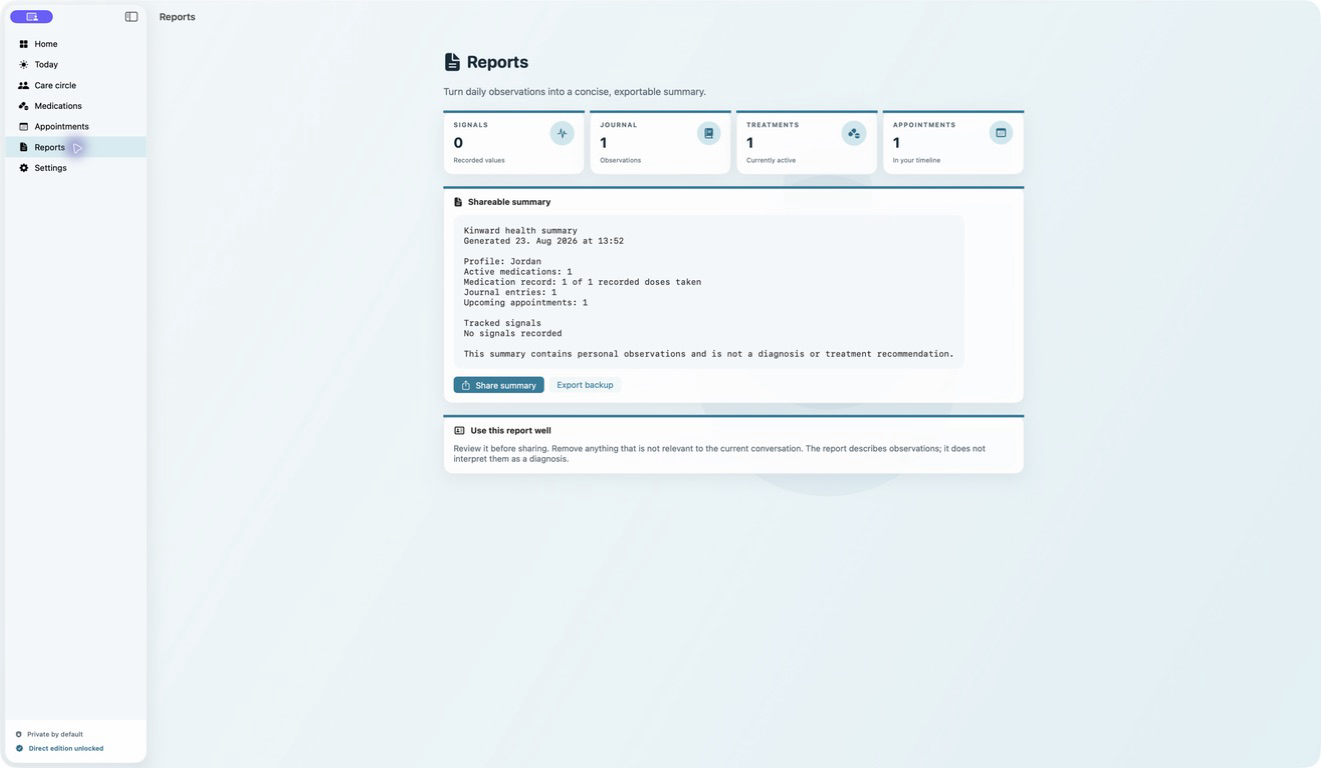
Bring care people, assignments and handover notes into one organised record. Kinward helps you keep the practical details of family care visible, from a task that needs attention to context for the next appointment. Review what has been recorded and prepare a useful summary for a conversation.
- Give care tasks a named owner and due date
- Keep medicines, doses and appointments together
- Prepare a care-circle summary with shared context
See the workspace
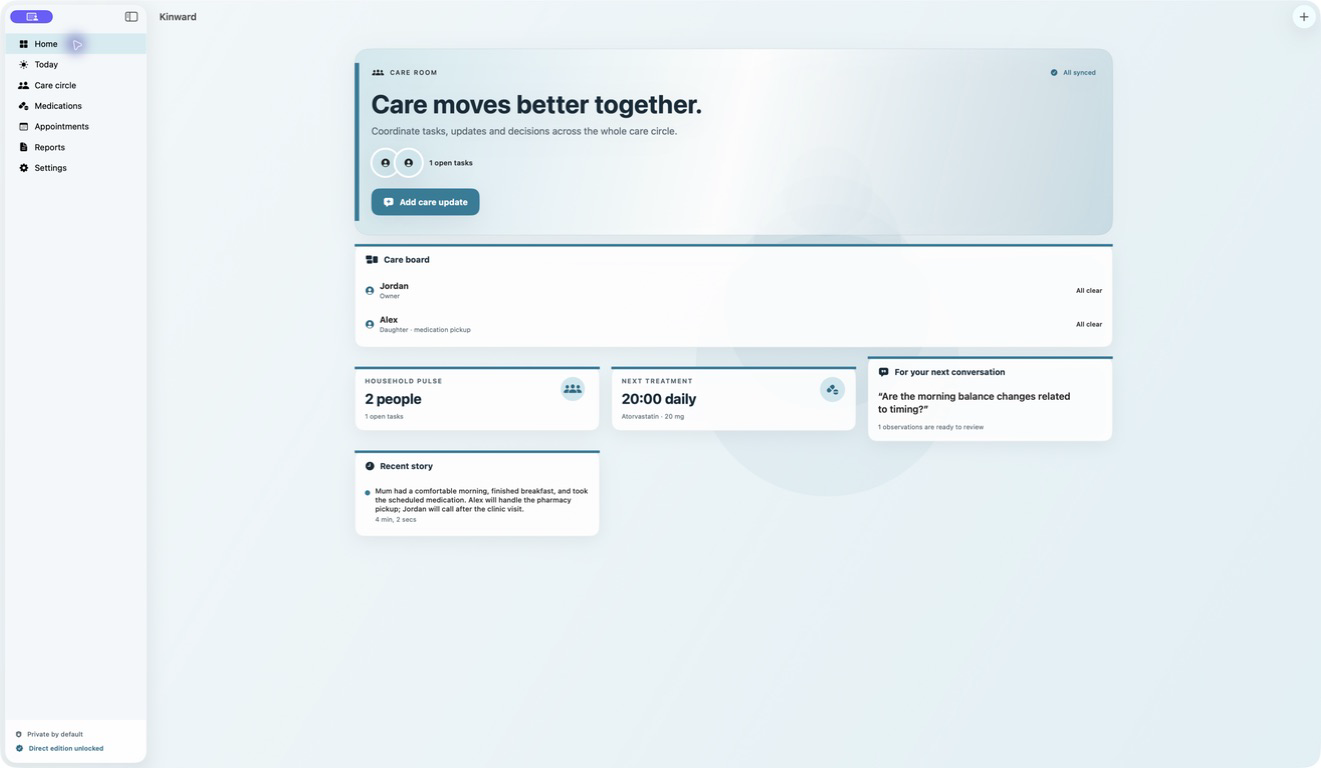
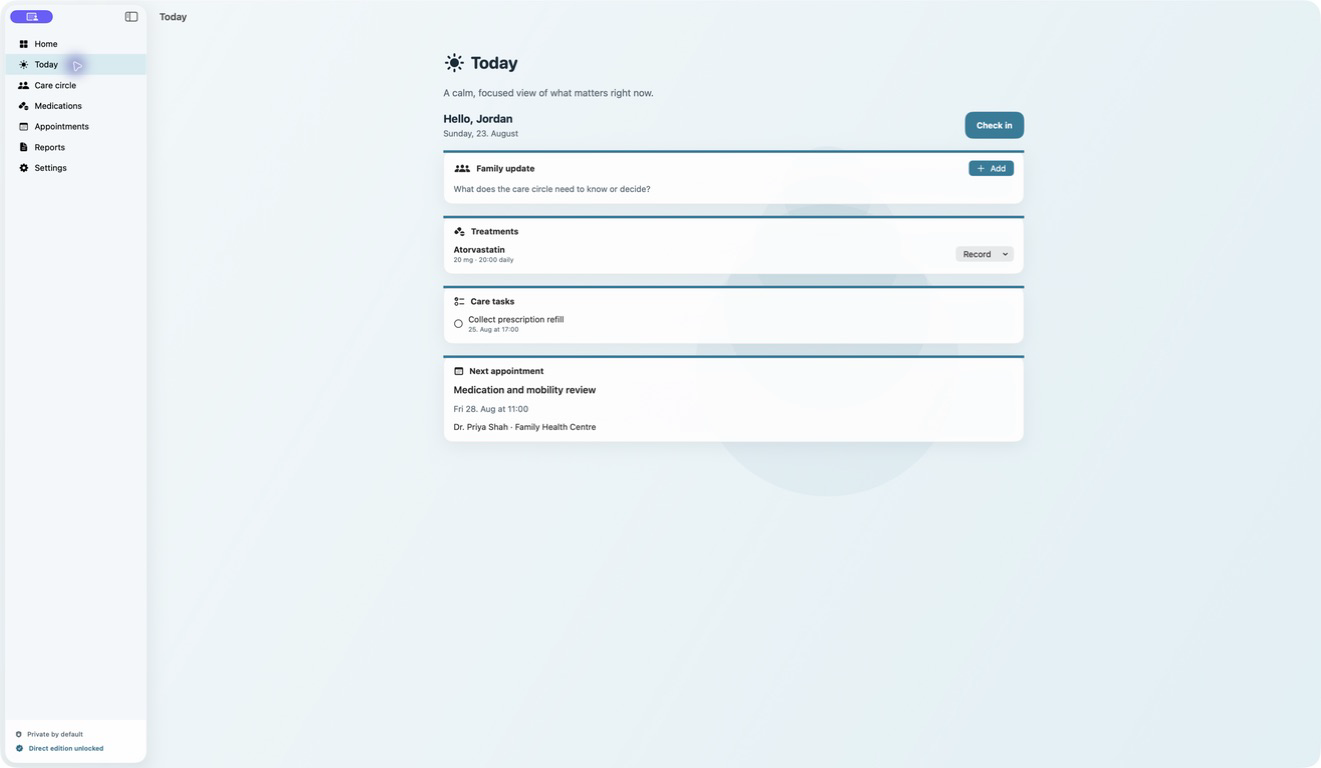
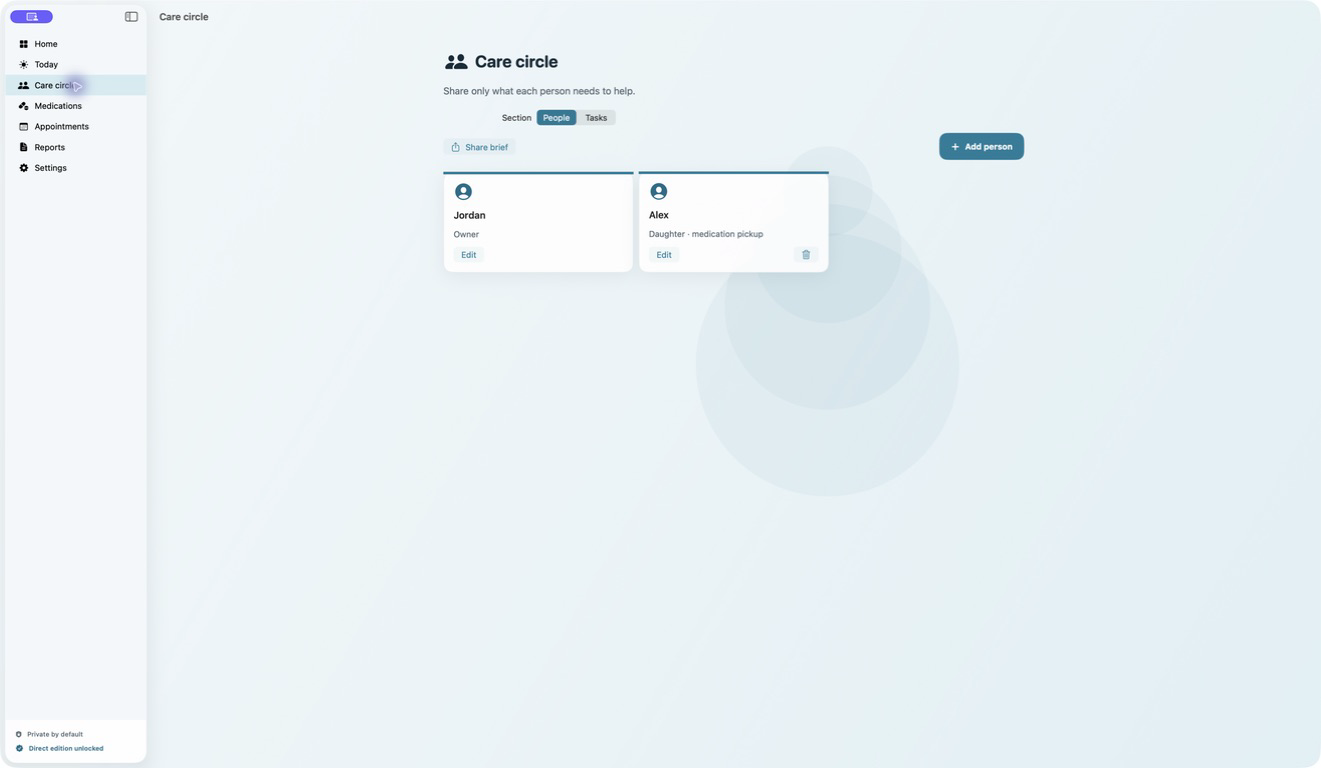
Explore 4 more screenshots
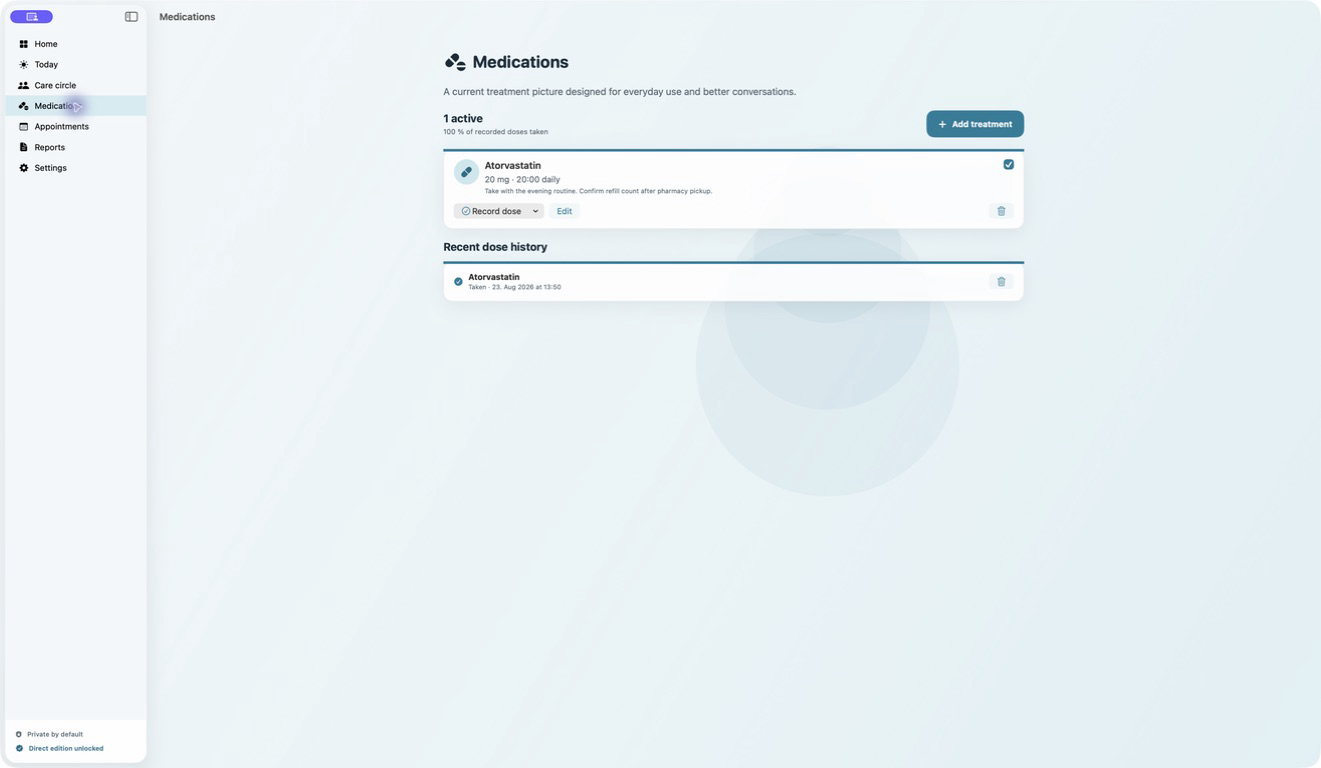
A simple way to get started
Capture the details
Record the observations and context you want to remember.
Review your own history
Return to dated entries and keep useful details together.
Prepare a conversation
Gather the notes and questions you want to bring to an appointment.
Explore more features
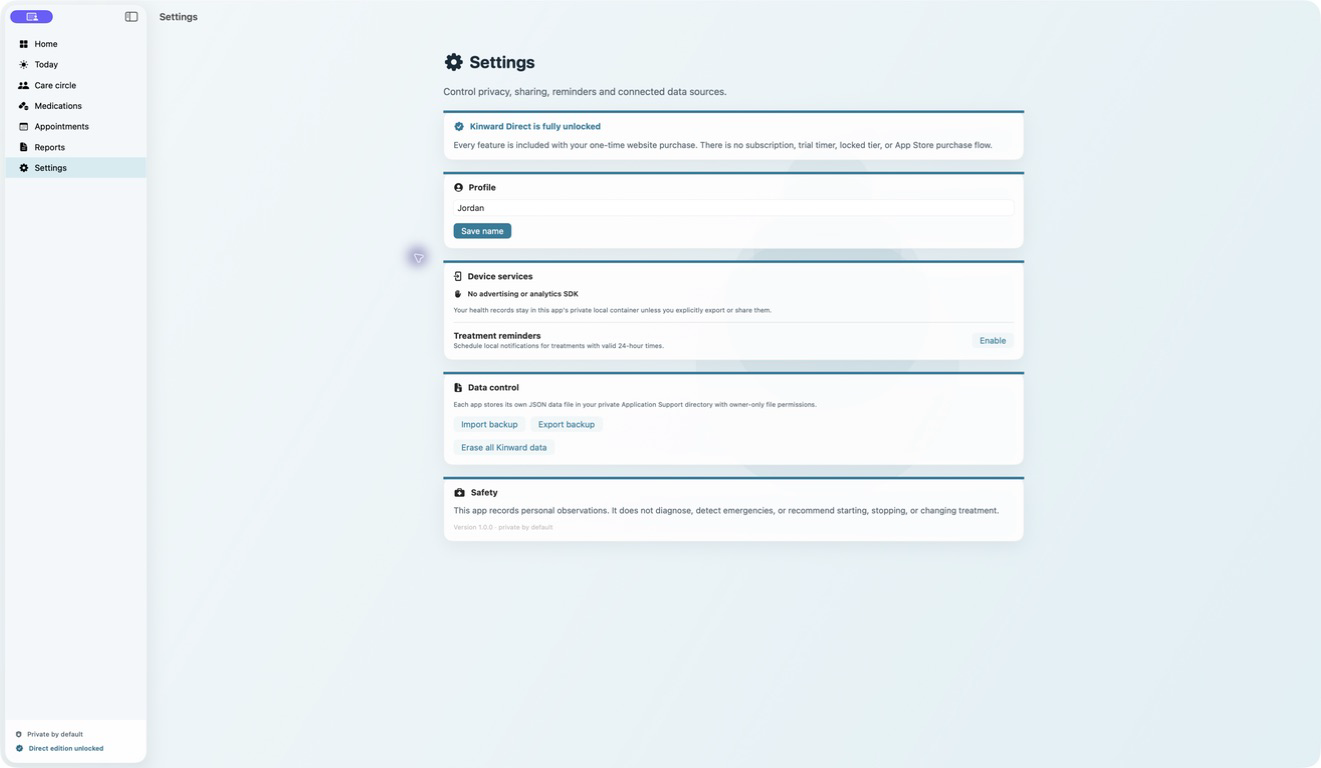
- Keep family members, roles and need-to-know care updates in one private care circle
- Assign follow-ups, refills, forms and preparation tasks with owners and due dates
- Maintain active medications, schedules, instructions and taken, late or skipped dose history
- Prepare appointments with provider details, questions and follow-up notes
- Generate a concise, reviewable summary before sharing with family or a clinician
Get Kinward
Compatibility and installation details
- Requires
- macOS 15 or later
- Architecture
- Apple silicon and Intel
- Version
- 1.0.0
- Download
- 3.4 MB
- Publisher signature
- Developer ID Application
- Apple notarization
- Notarized
- SHA-256
fe51bb1771e883cb79dbe4f4b71ba9fbe8bcacb8a750a7e0aac194d46853376d
Download the Mac disk image from your receipt, open it and follow the included installation instructions.
Useful to know
What can I do with Kinward?
Bring care people, assignments and handover notes into one organised record. Kinward helps you keep the practical details of family care visible, from a task that needs attention to context for the next appointment. Review what has been recorded and prepare a useful summary for a conversation.
How do I start?
Record the observations and context you want to remember. Return to dated entries and keep useful details together. Gather the notes and questions you want to bring to an appointment.
How do I receive my download?
After your purchase, the receipt page provides your download link. The exact expiry is shown with your delivery link. Keep your receipt and installer. If a link expires or a download fails, contact support with your receipt instead of buying again.
Where can I find setup help?
Compatibility and installation details are on this page. The installation guide and support team can help with the next step.