
Metra
Bring your daily check-ins into focus.
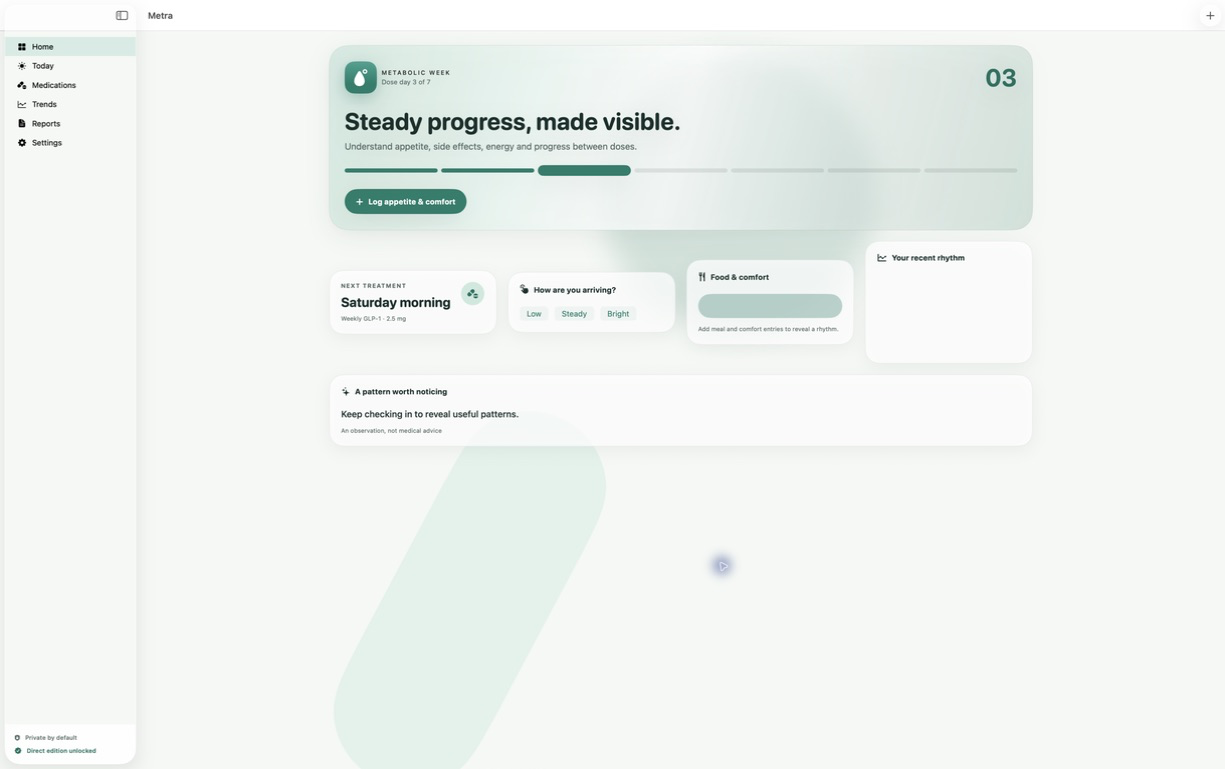
Keep measurements, personal observations and treatment context together in a private record.
What you can do with Metra
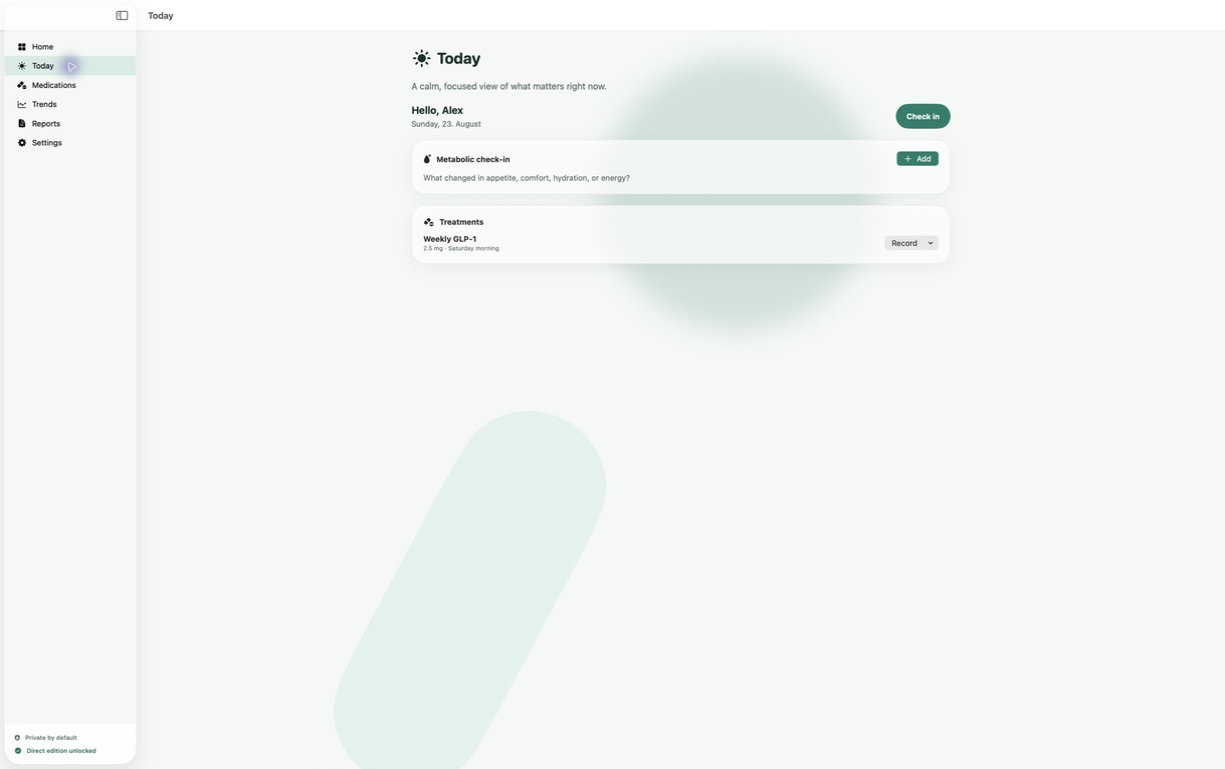
Keep measurements, personal observations and treatment context together in a private record. Metra helps you build a timeline you can revisit, see how your entries change over time and gather the details you want for an appointment. Turn scattered notes into a clearer account of your everyday experience.
- Keep appetite, hydration and energy check-ins together
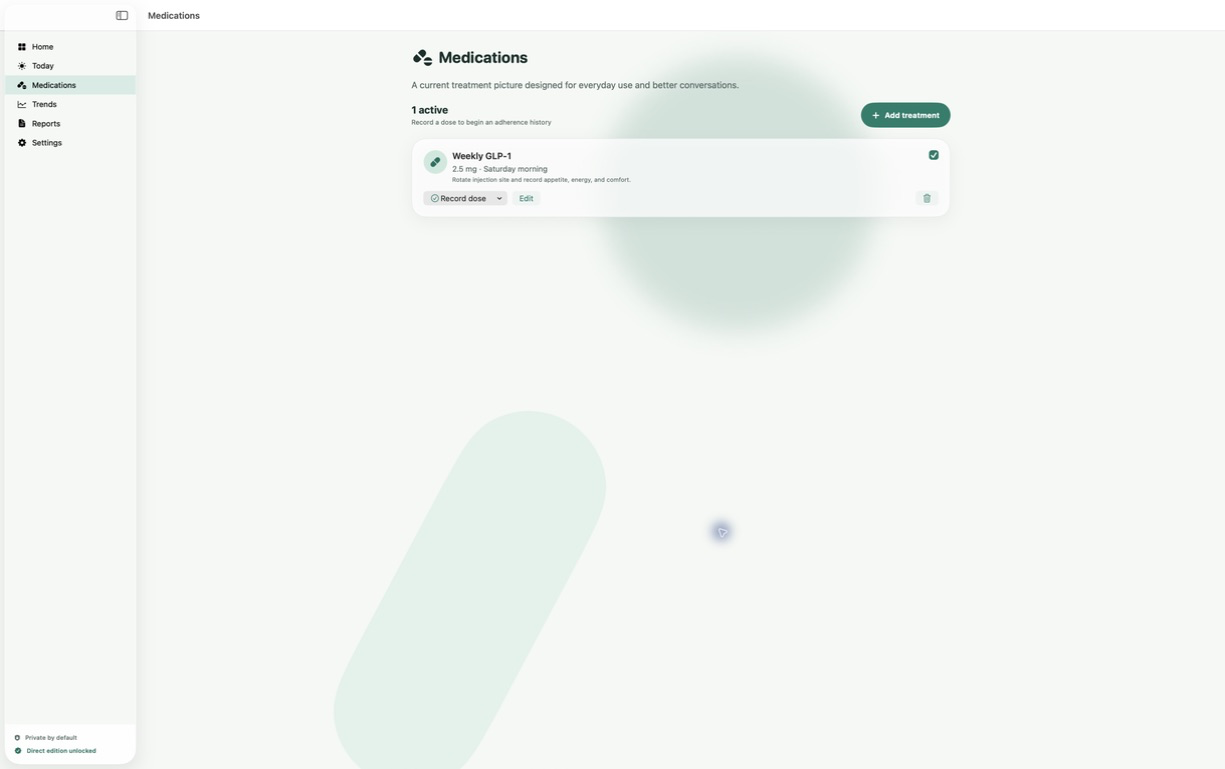
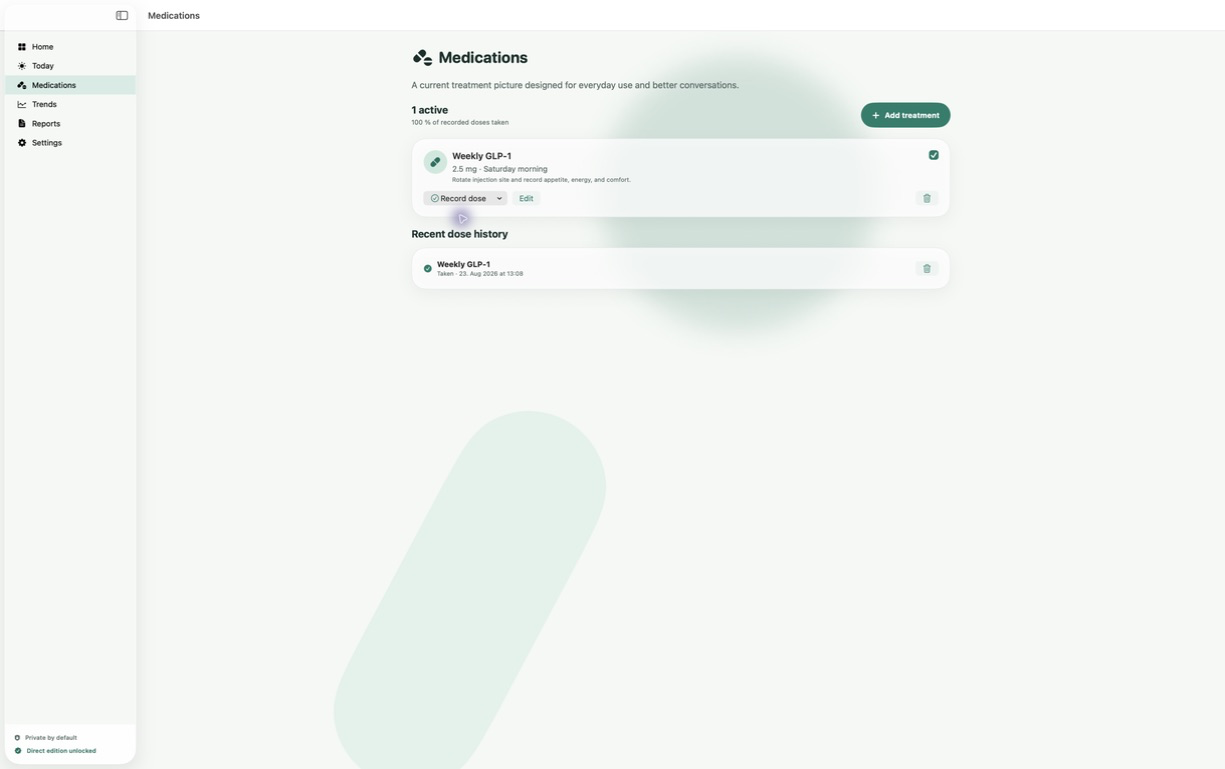
- Record treatment schedules and dose history
- Bring a concise GLP-1 record to care conversations
See the workspace
Explore 4 more screenshots
A simple way to get started
Capture the details
Record the observations and context you want to remember.
Review your own history
Return to dated entries and keep useful details together.
Prepare a conversation
Gather the notes and questions you want to bring to an appointment.
Explore more features
- Track appetite, comfort, hydration, energy and other personal observations
- Keep medications, schedules, dose notes and adherence history together
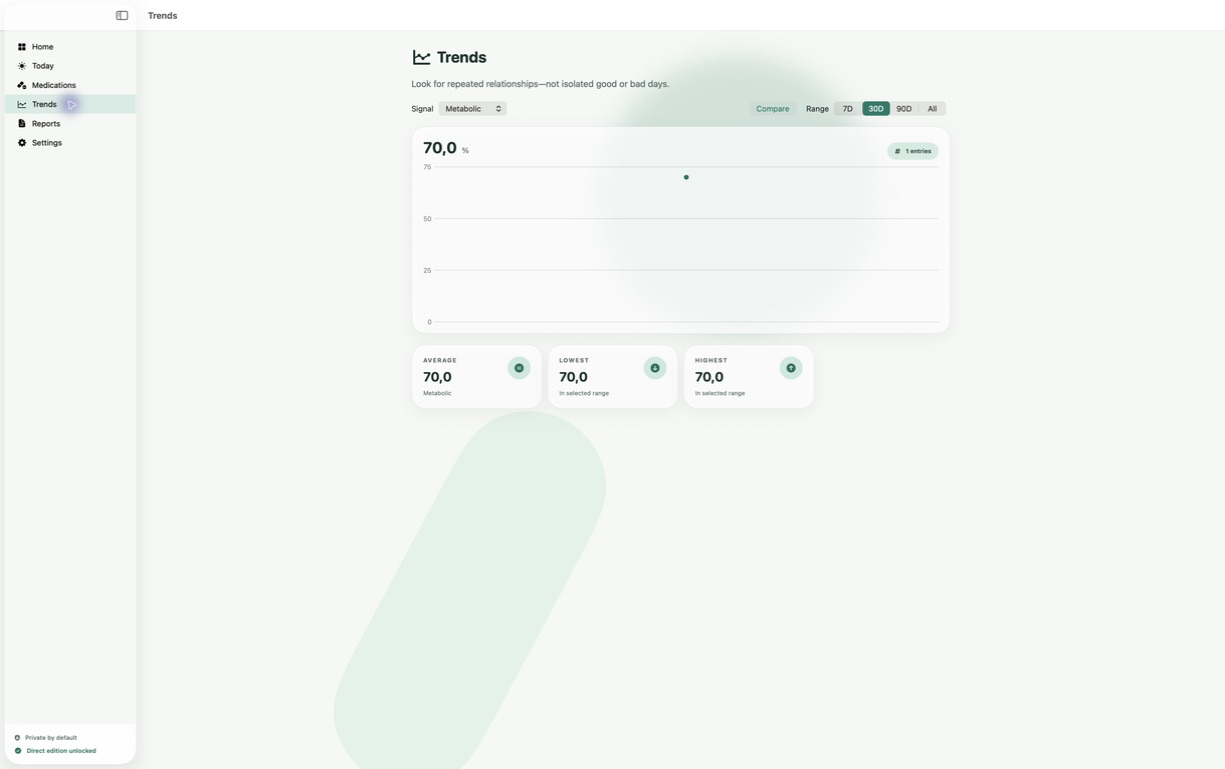
- Review 7-day, 30-day, 90-day and all-time signal trends
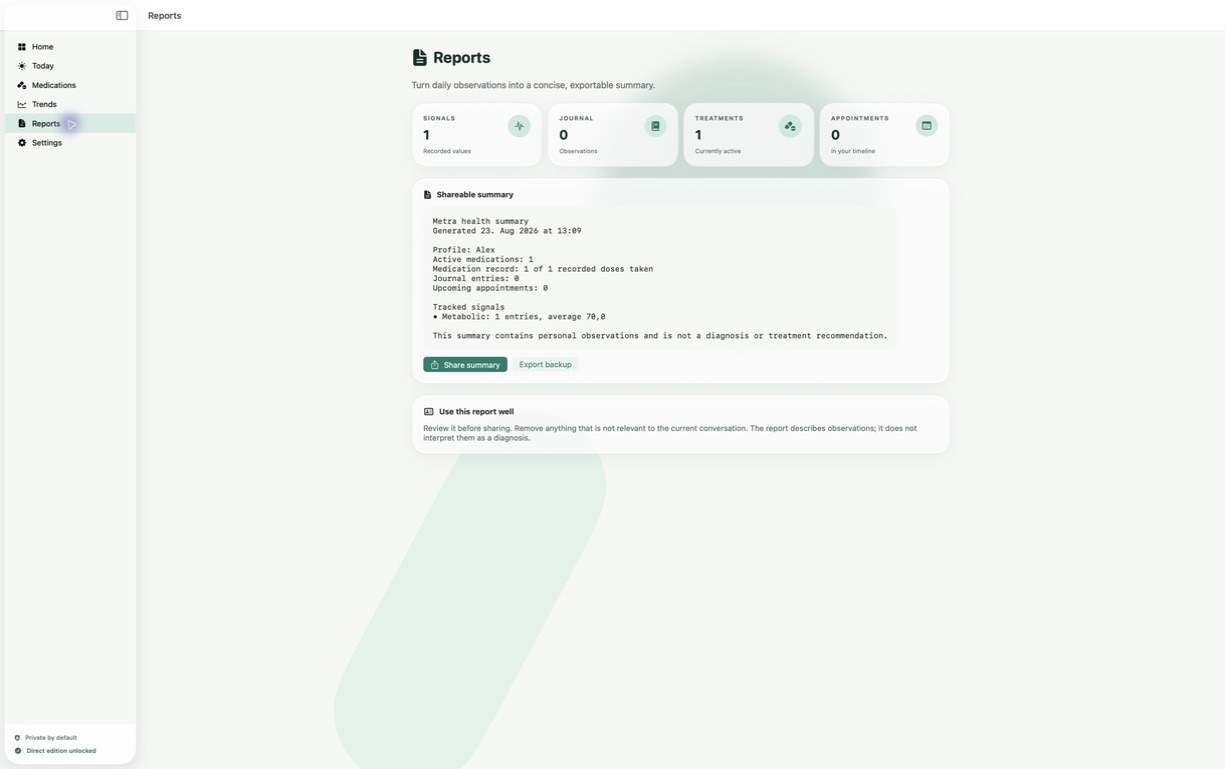
- Create a concise, reviewable summary for care conversations
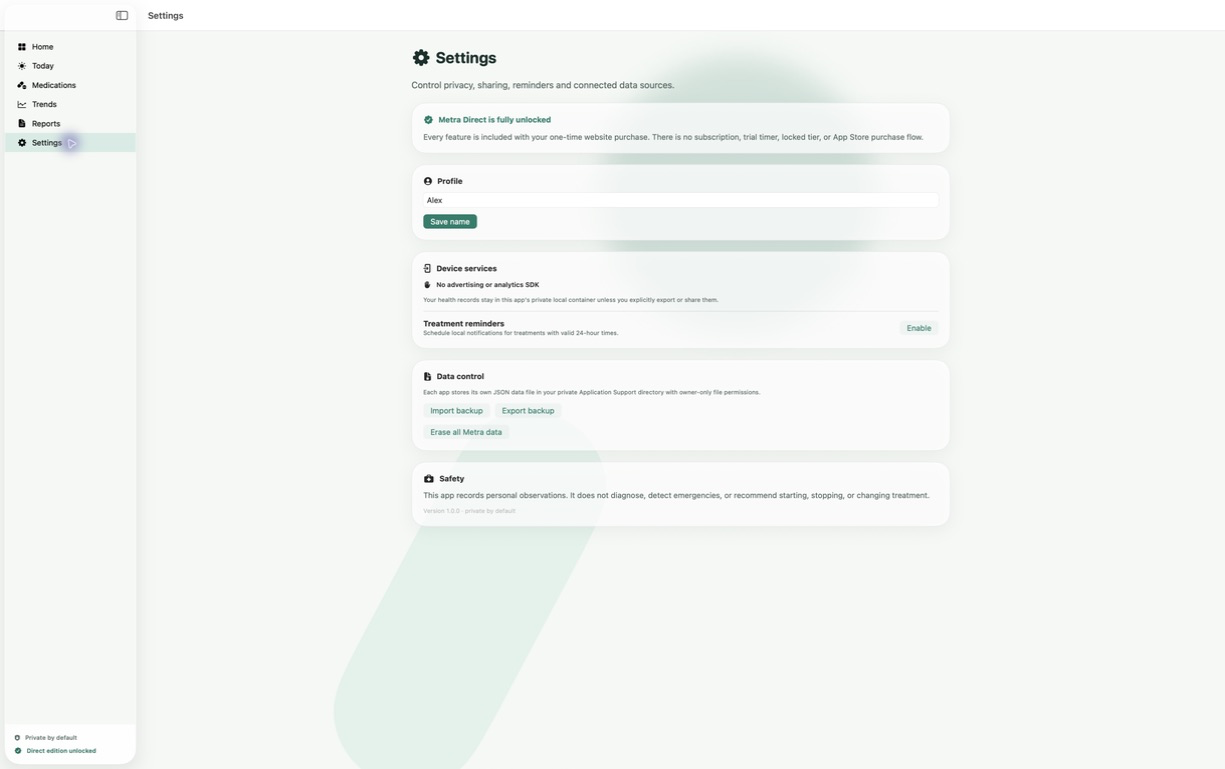
- Private local storage with explicit export, backup and erase controls
Get Metra
Compatibility and installation details
- Requires
- macOS 15 or later
- Architecture
- Apple silicon and Intel
- Version
- 1.0.0
- Download
- 3.4 MB
- Publisher signature
- Developer ID Application
- Apple notarization
- Notarized
- SHA-256
e428275803e8268392d8dc13ca31081840fea70680cdd1918f01214cb62656c8
Download the Mac disk image from your receipt, open it and follow the included installation instructions.
Useful to know
What can I do with Metra?
Keep measurements, personal observations and treatment context together in a private record. Metra helps you build a timeline you can revisit, see how your entries change over time and gather the details you want for an appointment. Turn scattered notes into a clearer account of your everyday experience.
How do I start?
Record the observations and context you want to remember. Return to dated entries and keep useful details together. Gather the notes and questions you want to bring to an appointment.
How do I receive my download?
After your purchase, the receipt page provides your download link. The exact expiry is shown with your delivery link. Keep your receipt and installer. If a link expires or a download fails, contact support with your receipt instead of buying again.
Where can I find setup help?
Compatibility and installation details are on this page. The installation guide and support team can help with the next step.