
Spreadsheet Space
Explore the numbers behind a chart
Build workbooks with formulas, cell formatting and charts.
What you can do with Spreadsheet Space
Build workbooks with formulas, cell formatting and charts. Trace the cells behind a result and share a chart with Presentation Space.
- Choose a sample or start with your own sheet.
- Select a calculated cell and follow its precedents.
- Build a chart from the values you want to share.
See the workspace
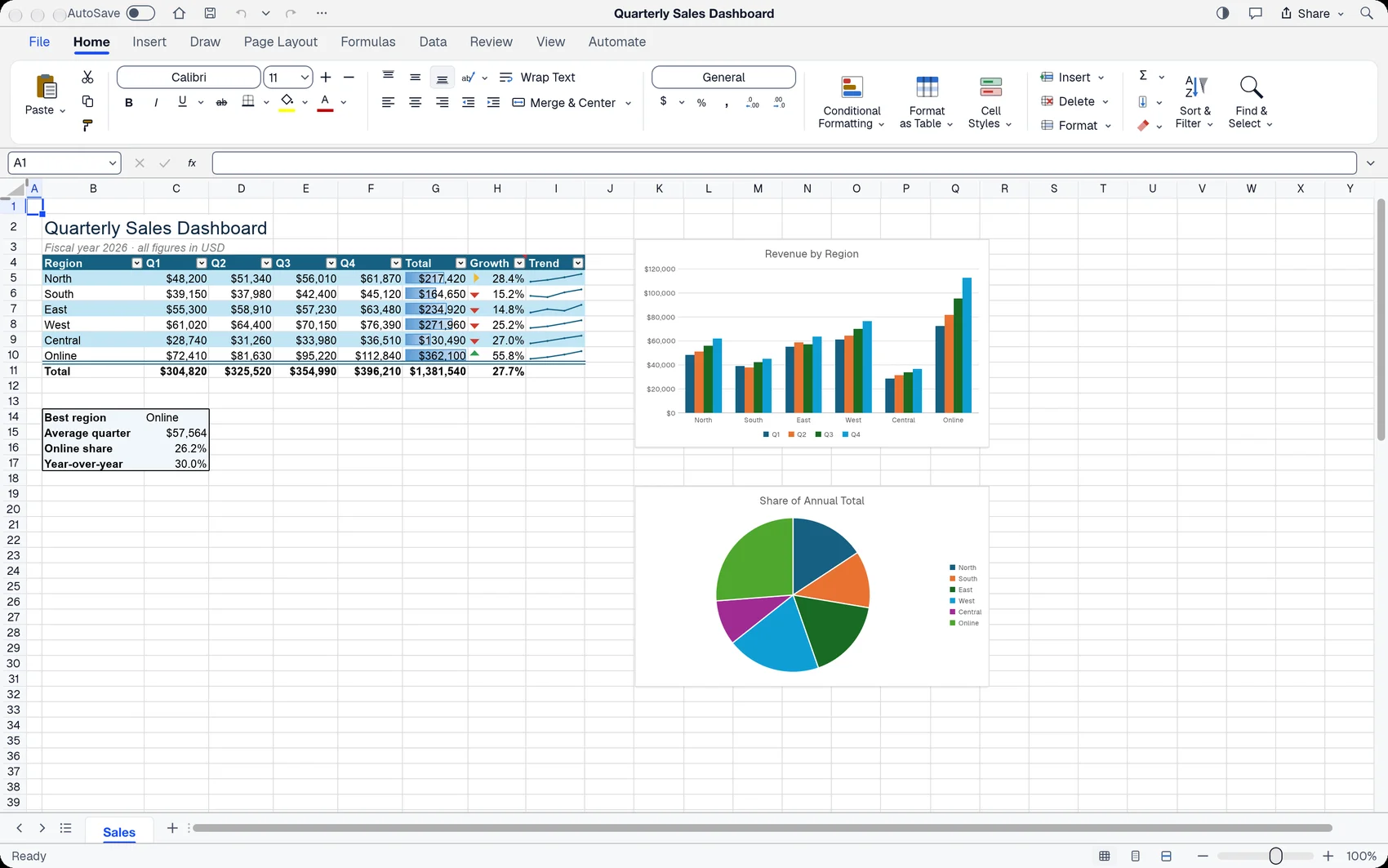
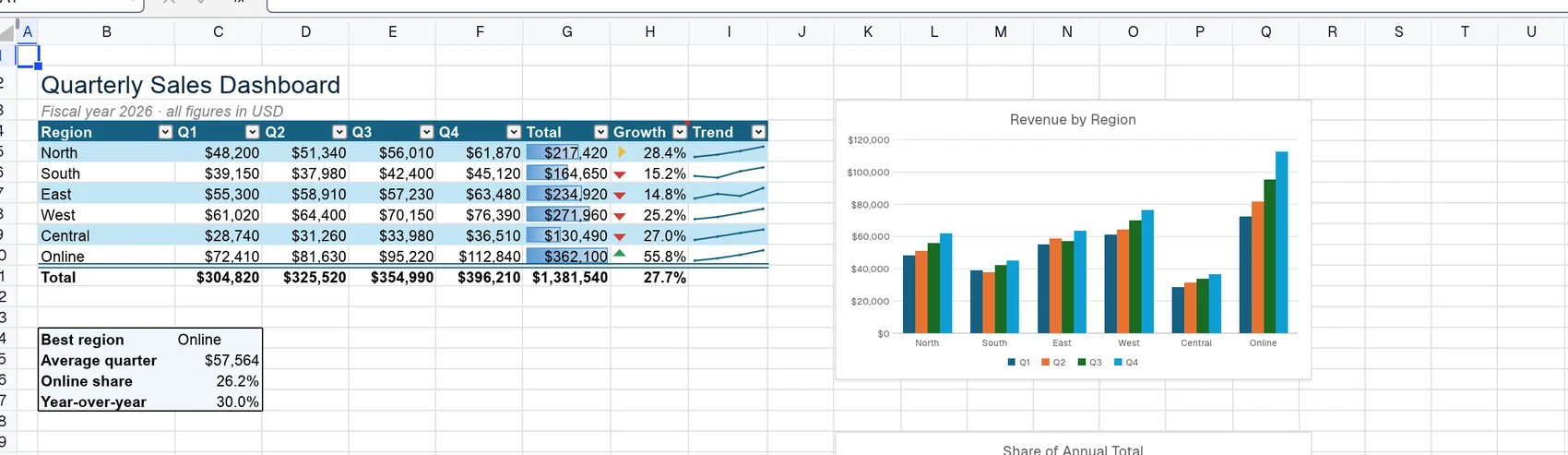
A simple way to get started
Open a workbook
Choose a sample or start with your own sheet.
Inspect a formula
Select a calculated cell and follow its precedents.
Present the result
Build a chart from the values you want to share.
Explore more features
- Open a workbook
- Inspect a formula
- Present the result
Get Spreadsheet Space
Compatibility and installation details
- Requires
- macOS 11.0 or later
- Architecture
- Apple silicon
- Version
- 0.19.1
- Download
- 18.6 MB
- Installer
- spreadsheet-space-0.19.1-arm64.zip
- Publisher signature
- Developer ID Application
- Apple notarization
- Not notarized
- SHA-256
eacc45398889170937ae9aeb78f472955a51de9b323f4d672719ec874f8311c8
Expand the download and move Spreadsheet Space to your Applications folder.
Download the ZIP archive from your receipt.
Useful to know
What can I do with Spreadsheet Space?
Build workbooks with formulas, cell formatting and charts. Trace the cells behind a result and share a chart with Presentation Space.
How do I start?
Choose a sample or start with your own sheet. Select a calculated cell and follow its precedents. Build a chart from the values you want to share.
How do I receive my download?
After your purchase, the receipt page provides your download link. The exact expiry is shown with your delivery link. Keep your receipt and installer. If a link expires or a download fails, contact support with your receipt instead of buying again.
Where can I find setup help?
Compatibility and installation details are on this page. The installation guide and support team can help with the next step.