
SomaTrace
Keep sensations, feelings and context together.
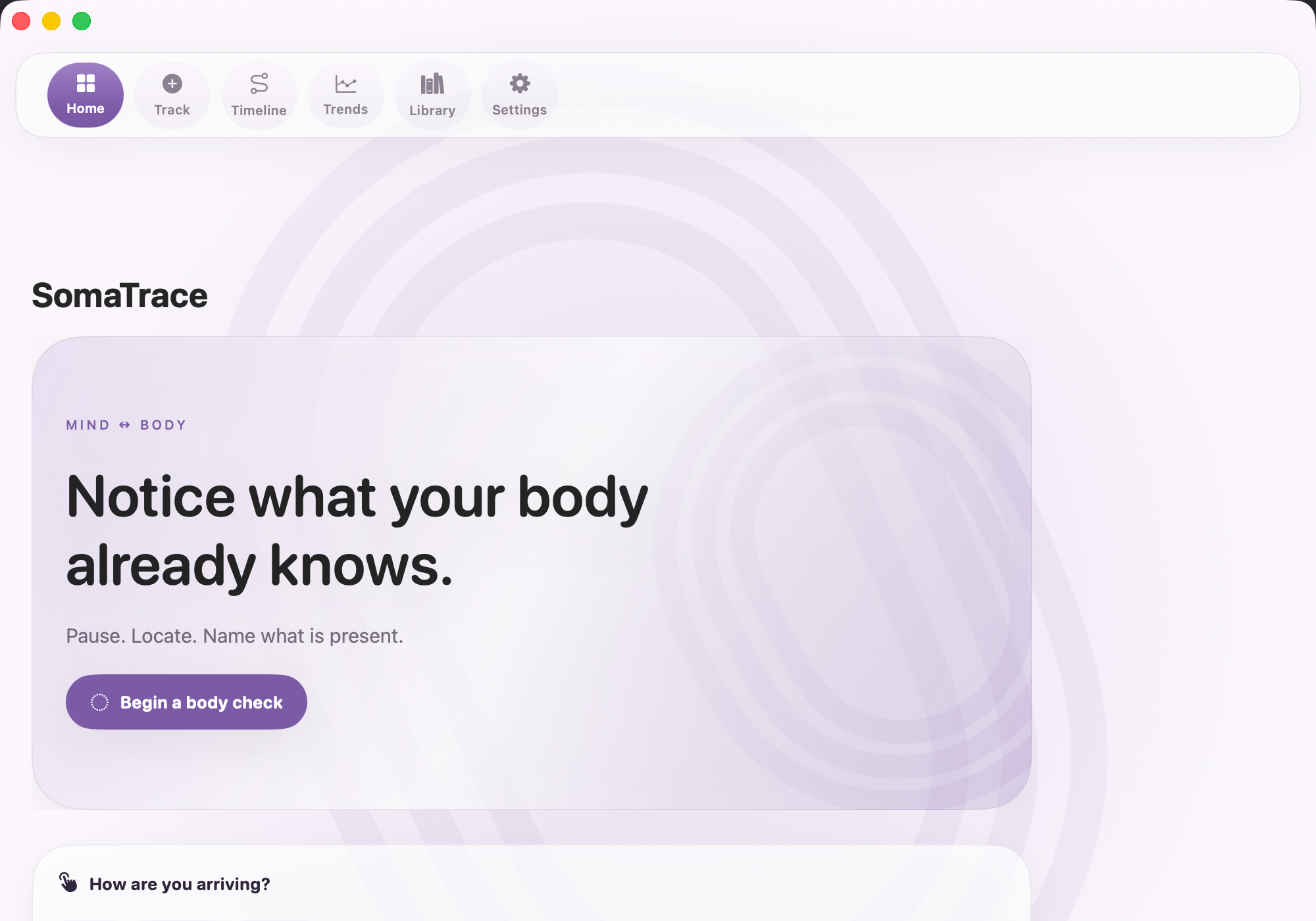
Build a private record of sensation notes, journal entries and the details around them.
What you can do with SomaTrace
Build a private record of sensation notes, journal entries and the details around them. SomaTrace gives your observations a consistent place so you can revisit them over time and reflect with the context intact. Keep a clearer account of your own experience and gather the notes you want to share.
- Capture sensation location, quality and intensity
- Keep mood, stress, sleep and energy context nearby
- Use repeatable check-ins to revisit your own experience
See the workspace
A simple way to get started
Capture the details
Record the observations and context you want to remember.
Review your own history
Return to dated entries and keep useful details together.
Prepare a conversation
Gather the notes and questions you want to bring to an appointment.
Explore more features
- Create a sensation trace with location, quality, intensity and surrounding context
- Use the same short questions repeatedly so changes are easier to notice over time
- Keep mood, stress, energy and sleep observations together in one chronological local record
- Review patterns as prompts for reflection rather than diagnoses or causal claims
- Use a focused guidance library and retain control with backup, restore and erase tools
Get SomaTrace
Compatibility and installation details
- Requires
- macOS 15 or later
- Architecture
- Apple silicon and Intel
- Version
- 1.0.0
- Download
- 3.4 MB
- Publisher signature
- Developer ID Application
- Apple notarization
- Notarized
- SHA-256
3ed0e1201099faea02401ee0b4ec5f772f3d3f4161f82ebf70cd14772e7824c1
Download the Mac disk image from your receipt, open it and follow the included installation instructions.
Useful to know
What can I do with SomaTrace?
Build a private record of sensation notes, journal entries and the details around them. SomaTrace gives your observations a consistent place so you can revisit them over time and reflect with the context intact. Keep a clearer account of your own experience and gather the notes you want to share.
How do I start?
Record the observations and context you want to remember. Return to dated entries and keep useful details together. Gather the notes and questions you want to bring to an appointment.
How do I receive my download?
After your purchase, the receipt page provides your download link. The exact expiry is shown with your delivery link. Keep your receipt and installer. If a link expires or a download fails, contact support with your receipt instead of buying again.
Where can I find setup help?
Compatibility and installation details are on this page. The installation guide and support team can help with the next step.