
Meridian 45
Turn midlife notes into a focused review.
Keep weekly markers, plans and personal observations together in a private workspace.
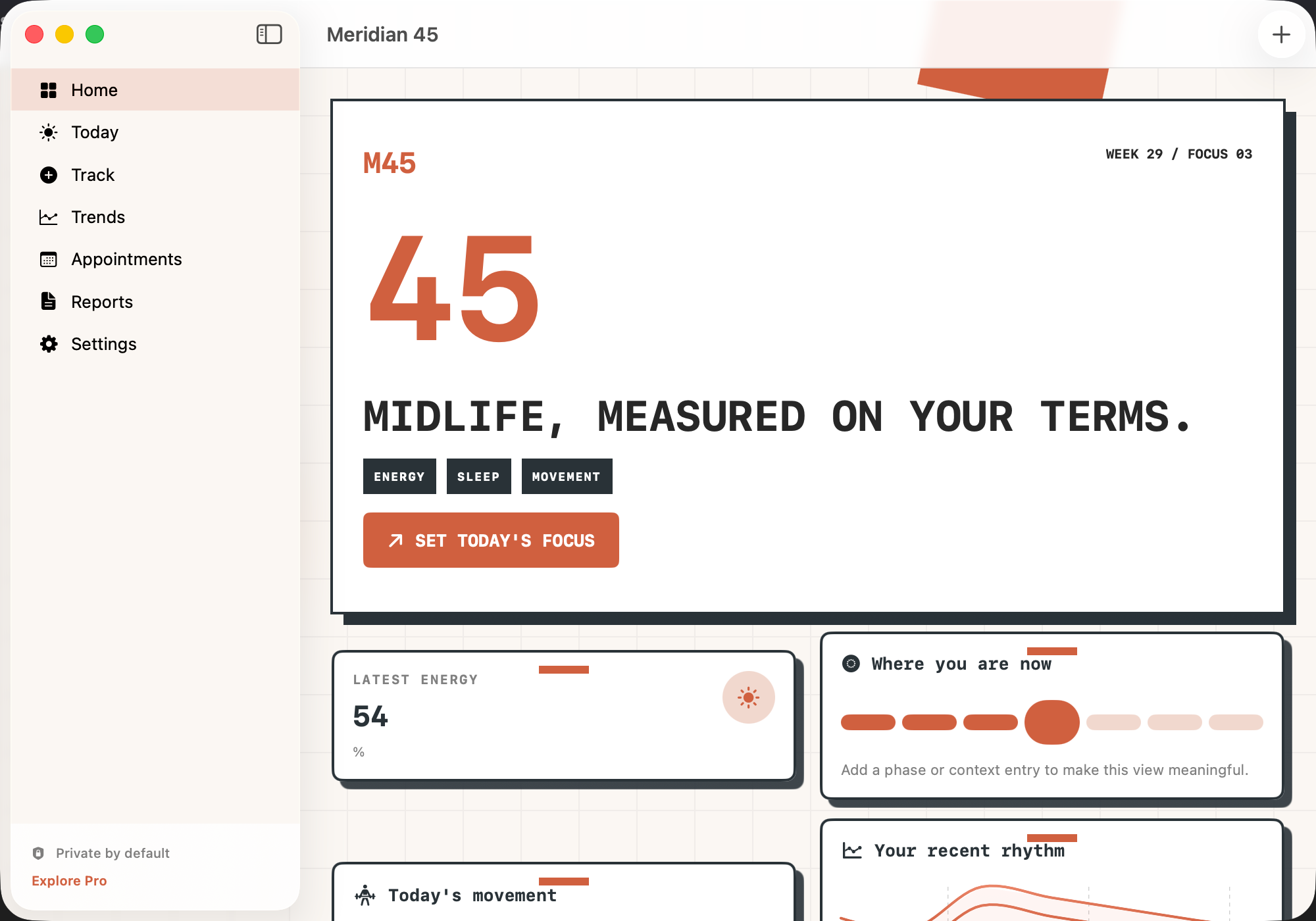
What you can do with Meridian 45
Keep weekly markers, plans and personal observations together in a private workspace. Meridian 45 helps you return to what matters, review your own record and organise a few useful priorities. Bring the context from everyday life into a clearer weekly routine and prepare questions for your next appointment.
- Keep energy, sleep and movement in a midlife dashboard
- Set focused weekly and 90-day priorities
- Gather a practical summary for your next appointment
See the workspace
A simple way to get started
Capture the details
Record the observations and context you want to remember.
Review your own history
Return to dated entries and keep useful details together.
Prepare a conversation
Gather the notes and questions you want to bring to an appointment.
Explore more features
- Record a weekly midlife marker across energy, strength, sleep, metabolic health and preventive priorities
- Keep hormone, movement and recovery context together instead of treating one score as the whole story
- Choose a small set of priorities and practical next actions for the coming week or 90 days
- Review repeated signals over useful time ranges without turning association into diagnosis
- Prepare appointment questions and a concise summary you control
Get Meridian 45
Compatibility and installation details
- Requires
- macOS 15 or later
- Architecture
- Apple silicon and Intel
- Version
- 1.0.0
- Download
- 3.4 MB
- Publisher signature
- Developer ID Application
- Apple notarization
- Notarized
- SHA-256
b52d6fe283104c89a665581b2fa90e152766883ae174e17c19a347a2e81fef56
Download the Mac disk image from your receipt, open it and follow the included installation instructions.
Useful to know
What can I do with Meridian 45?
Keep weekly markers, plans and personal observations together in a private workspace. Meridian 45 helps you return to what matters, review your own record and organise a few useful priorities. Bring the context from everyday life into a clearer weekly routine and prepare questions for your next appointment.
How do I start?
Record the observations and context you want to remember. Return to dated entries and keep useful details together. Gather the notes and questions you want to bring to an appointment.
How do I receive my download?
After your purchase, the receipt page provides your download link. The exact expiry is shown with your delivery link. Keep your receipt and installer. If a link expires or a download fails, contact support with your receipt instead of buying again.
Where can I find setup help?
Compatibility and installation details are on this page. The installation guide and support team can help with the next step.