
LumaRest
Give sleep and energy a useful daily record.
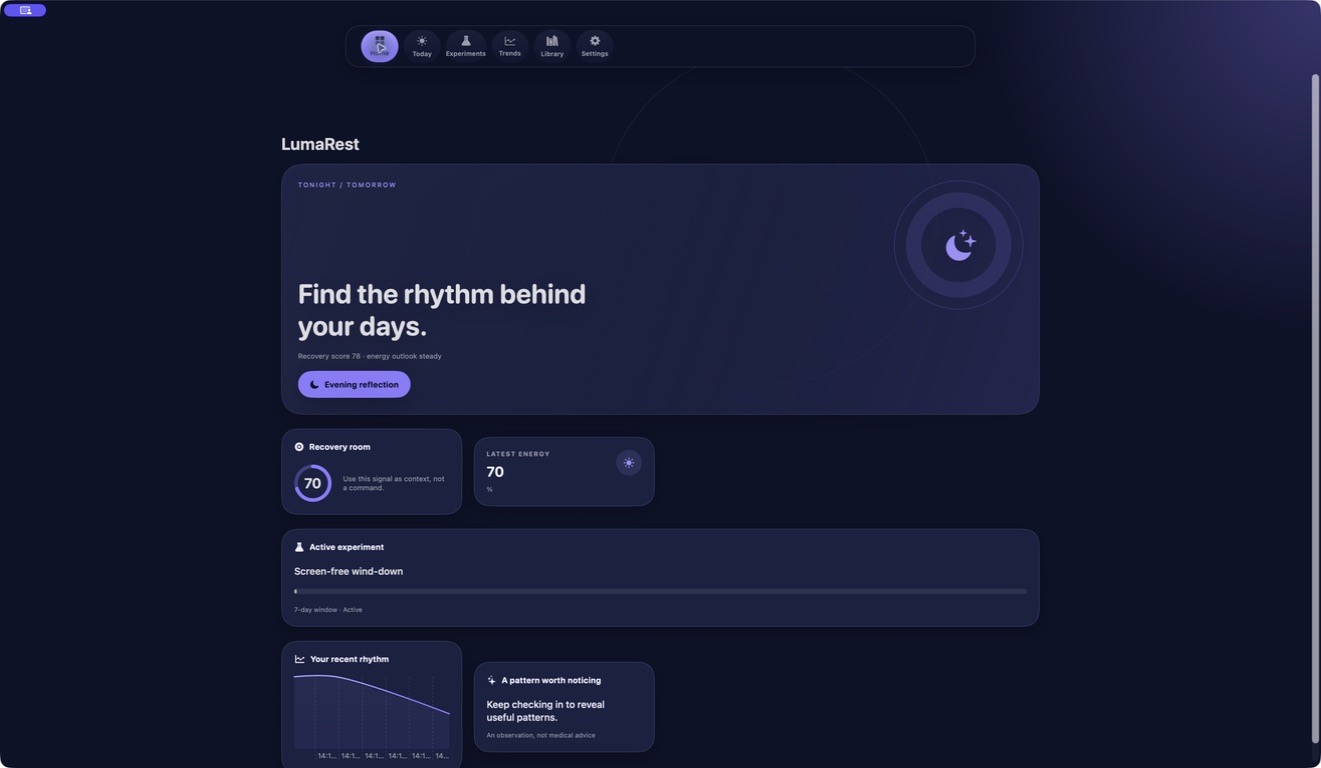
Bring sleep notes, restoration ratings and everyday context together in one private journal.
What you can do with LumaRest
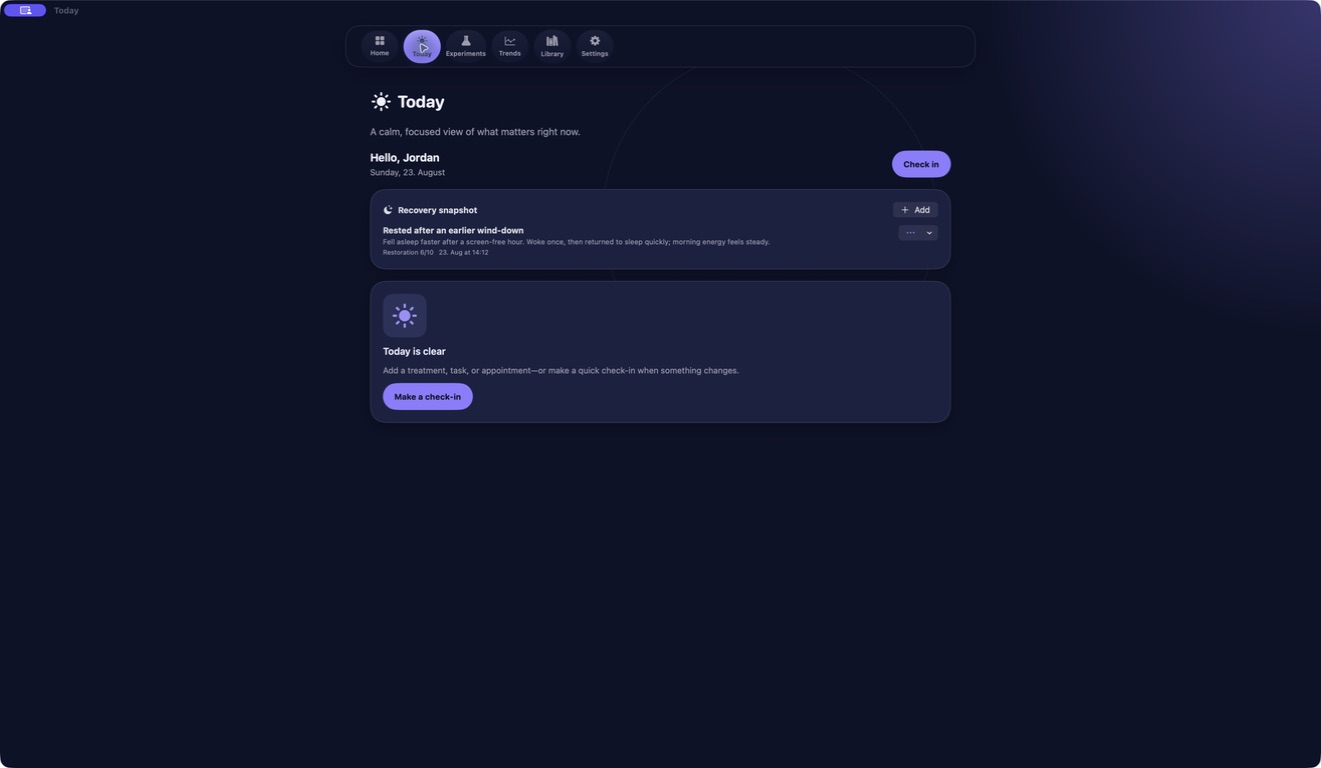
Bring sleep notes, restoration ratings and everyday context together in one private journal. LumaRest helps you look back at your own entries and compare how different days felt. Keep the details that are easy to forget, then use your record to shape questions and a more considered routine.
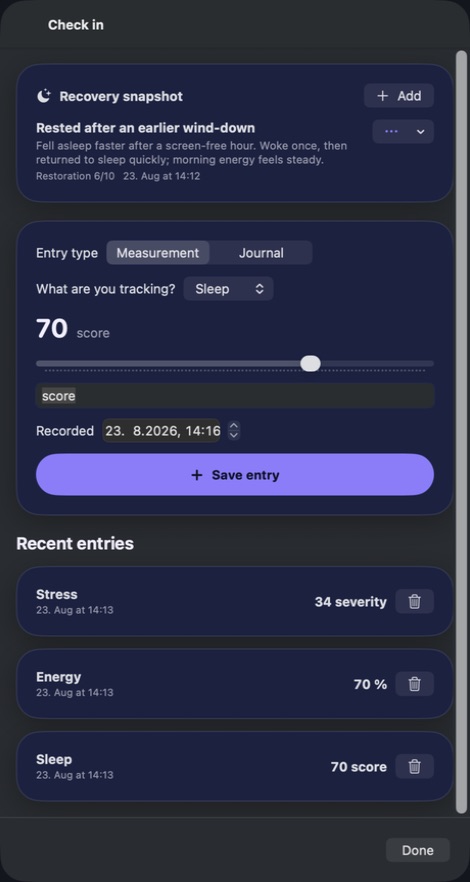
- Keep sleep quality, awakenings and energy together
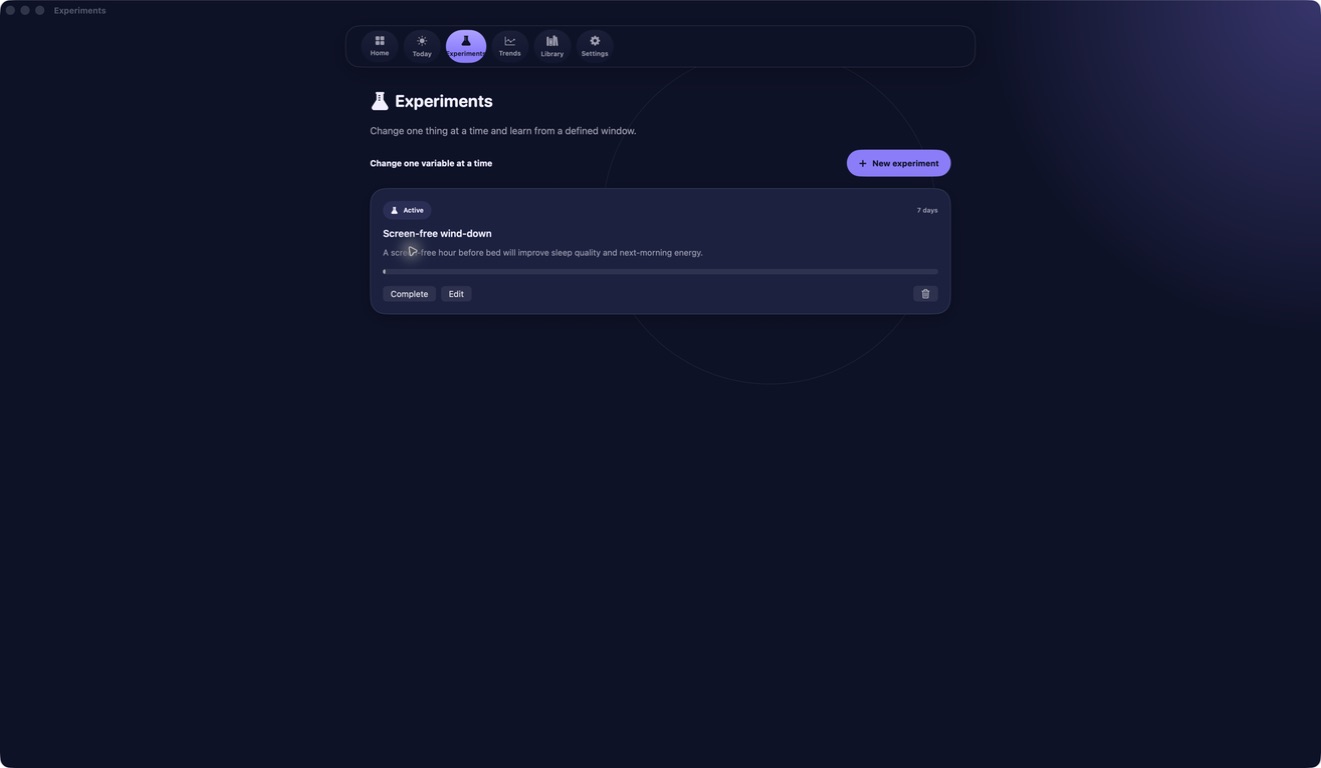
- Plan a focused routine experiment
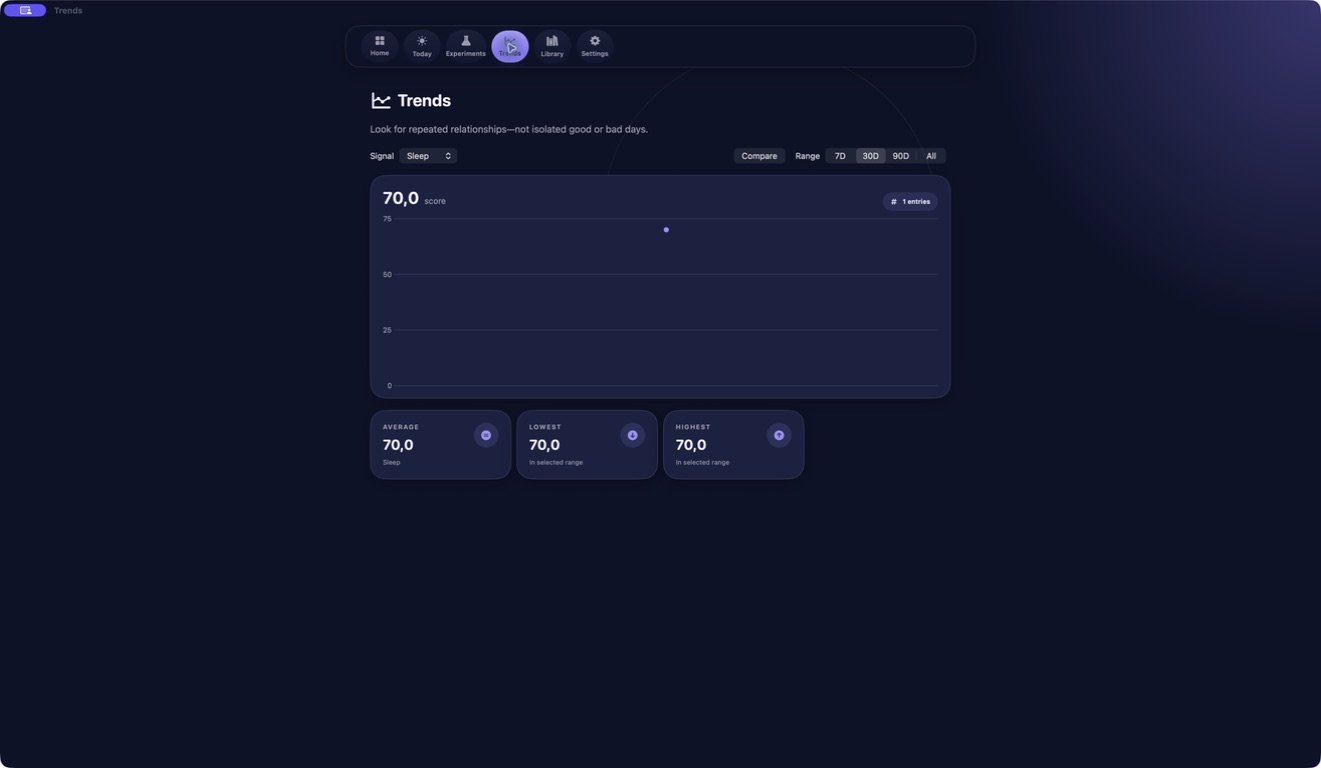
- Review restoration and stress across your recorded history
See the workspace
Explore 4 more screenshots
A simple way to get started
Capture the details
Record the observations and context you want to remember.
Review your own history
Return to dated entries and keep useful details together.
Prepare a conversation
Gather the notes and questions you want to bring to an appointment.
Explore more features
- Record sleep quality, stress, recovery and next-day energy in one private daily rhythm
- Add restorative context such as late nights, awakenings, exercise and caffeine
- Run defined routine experiments with a hypothesis, primary signal and fixed observation window
- Review sleep, stress and energy trends across 7-day, 30-day, 90-day and all-time ranges
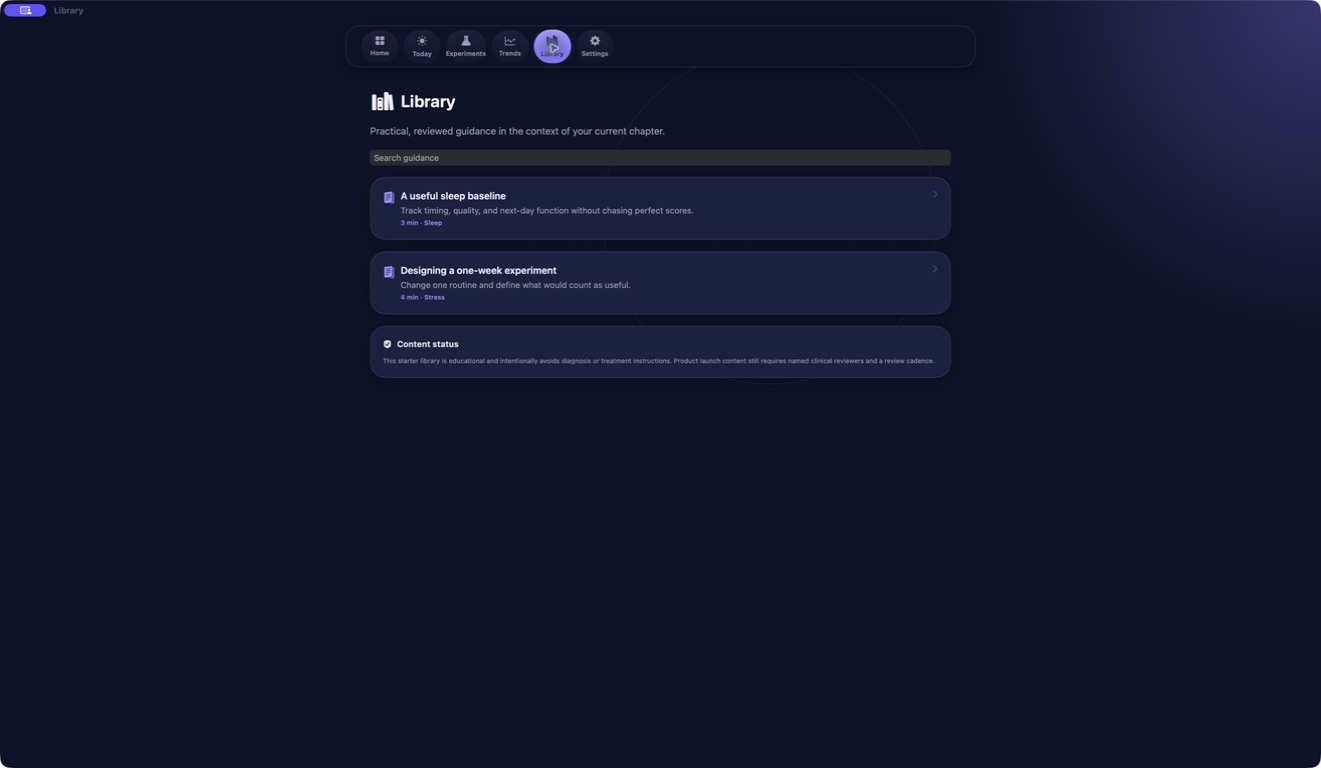
- Use a practical educational library without diagnosis or treatment instructions
Get LumaRest
Compatibility and installation details
- Requires
- macOS 15 or later
- Architecture
- Apple silicon and Intel
- Version
- 1.0.0
- Download
- 3.4 MB
- Publisher signature
- Developer ID Application
- Apple notarization
- Notarized
- SHA-256
7ad84f5d8e8edb775bb467b9e5906422ac60fabacdf831c2e80c9b405ce67d4f
Download the Mac disk image from your receipt, open it and follow the included installation instructions.
Useful to know
What can I do with LumaRest?
Bring sleep notes, restoration ratings and everyday context together in one private journal. LumaRest helps you look back at your own entries and compare how different days felt. Keep the details that are easy to forget, then use your record to shape questions and a more considered routine.
How do I start?
Record the observations and context you want to remember. Return to dated entries and keep useful details together. Gather the notes and questions you want to bring to an appointment.
How do I receive my download?
After your purchase, the receipt page provides your download link. The exact expiry is shown with your delivery link. Keep your receipt and installer. If a link expires or a download fails, contact support with your receipt instead of buying again.
Where can I find setup help?
Compatibility and installation details are on this page. The installation guide and support team can help with the next step.