
HerSpan
Give each life stage a place in your record.
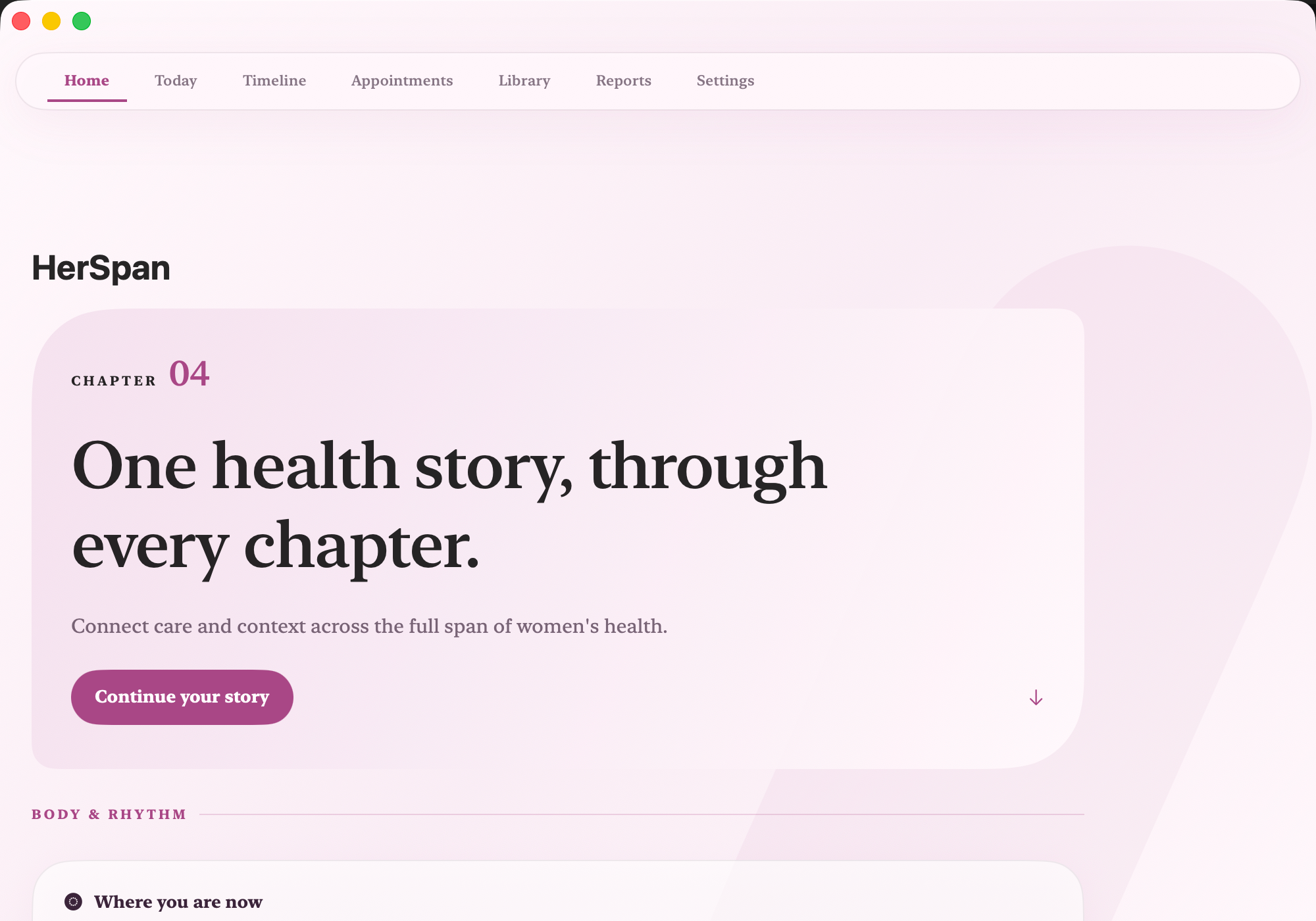
Keep health chapters, observations and appointment notes together in a private timeline.
What you can do with HerSpan
Keep health chapters, observations and appointment notes together in a private timeline. HerSpan helps you preserve the context around changing priorities and return to earlier entries when they become relevant. Bring the long view into focus as you prepare questions and organise the details that matter to you.
- Keep cycle, pregnancy and midlife chapters connected
- Preserve the context around health transitions
- Prepare preventive-care questions from your longer history
See the workspace
A simple way to get started
Capture the details
Record the observations and context you want to remember.
Review your own history
Return to dated entries and keep useful details together.
Prepare a conversation
Gather the notes and questions you want to bring to an appointment.
Explore more features
- Record a health chapter or transition with its date, context, impact and relevant life-stage tags
- Keep hormone, mood, movement, recovery and sleep observations beside the same long-term story
- Review milestones, treatments and appointments chronologically across life stages
- Prepare preventive-care questions and concise context before a health appointment
- Create a report you review first, with local backup, restore and erase controls
Get HerSpan
Compatibility and installation details
- Requires
- macOS 15 or later
- Architecture
- Apple silicon and Intel
- Version
- 1.0.0
- Download
- 3.5 MB
- Publisher signature
- Developer ID Application
- Apple notarization
- Notarized
- SHA-256
adcc526eb986befbadfc43426510b347720559d68758f2ce386dc5d5f327989d
Download the Mac disk image from your receipt, open it and follow the included installation instructions.
Useful to know
What can I do with HerSpan?
Keep health chapters, observations and appointment notes together in a private timeline. HerSpan helps you preserve the context around changing priorities and return to earlier entries when they become relevant. Bring the long view into focus as you prepare questions and organise the details that matter to you.
How do I start?
Record the observations and context you want to remember. Return to dated entries and keep useful details together. Gather the notes and questions you want to bring to an appointment.
How do I receive my download?
After your purchase, the receipt page provides your download link. The exact expiry is shown with your delivery link. Keep your receipt and installer. If a link expires or a download fails, contact support with your receipt instead of buying again.
Where can I find setup help?
Compatibility and installation details are on this page. The installation guide and support team can help with the next step.