
Fourth Bloom
Make space for your postpartum recovery notes.
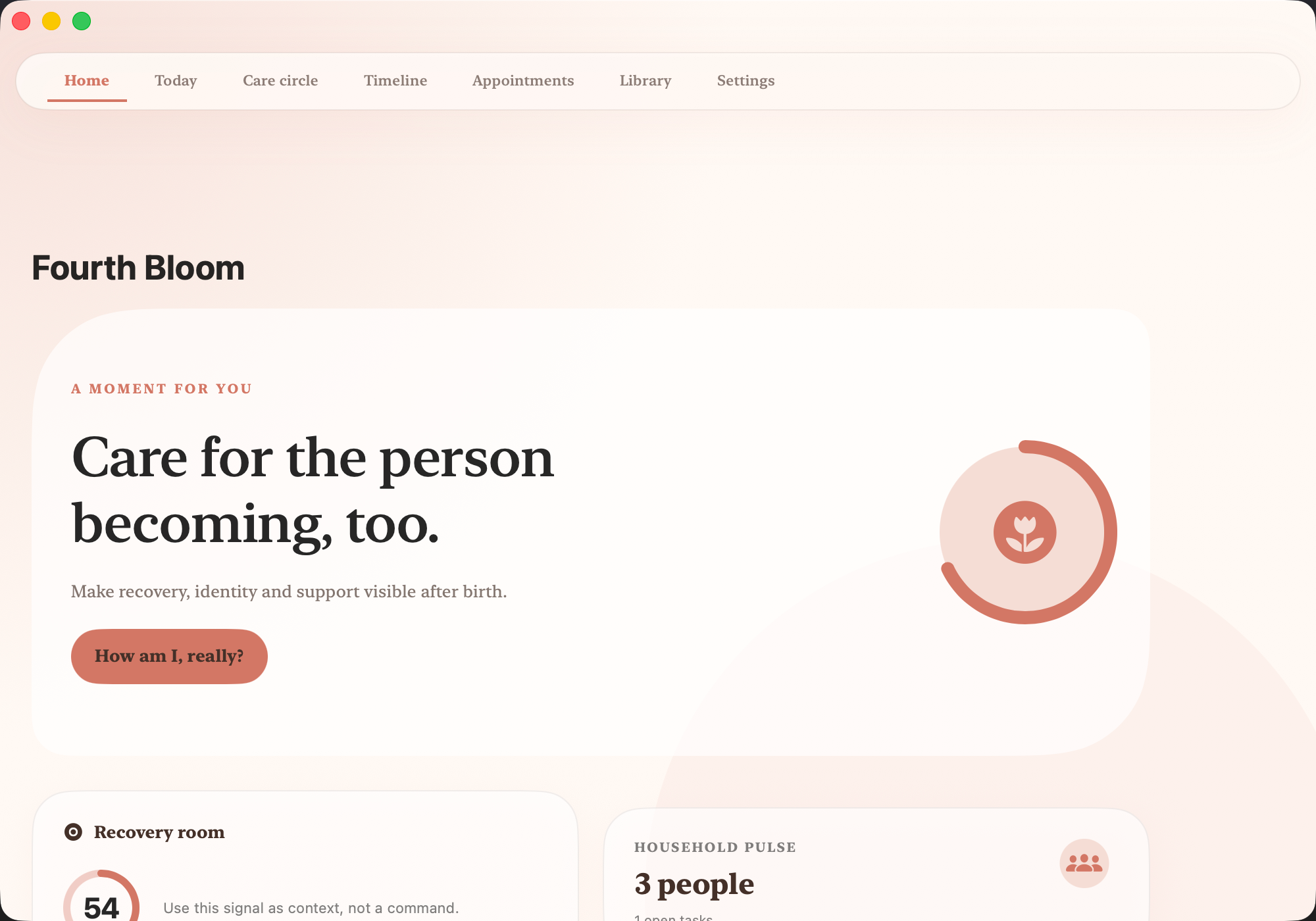
Keep recovery observations, support tasks and appointments together in one private organiser.
What you can do with Fourth Bloom
Keep recovery observations, support tasks and appointments together in one private organiser. Fourth Bloom helps you record how you are feeling and make practical needs easier to see. Return to your timeline and gather the context you want for a conversation, while keeping your own recovery part of the daily picture.
- Record comfort, mobility, mood and sleep during recovery
- Keep support needs beside care-circle tasks
- Prepare a recovery timeline for appointments
See the workspace
A simple way to get started
Capture the details
Record the observations and context you want to remember.
Review your own history
Return to dated entries and keep useful details together.
Prepare a conversation
Gather the notes and questions you want to bring to an appointment.
Explore more features
- Create a recovery checkpoint for comfort, mobility, mood, sleep or support and rate current capacity
- Keep daily recovery context and caregiving demands visible without turning a score into a medical verdict
- Coordinate practical care-circle tasks and support alongside the postpartum person's own needs
- Review recovery checkpoints, appointments and support changes in one chronological local timeline
- Use a focused educational library and retain control with private backup, restore and erase tools
Get Fourth Bloom
Compatibility and installation details
- Requires
- macOS 15 or later
- Architecture
- Apple silicon and Intel
- Version
- 1.0.0
- Download
- 3.4 MB
- Publisher signature
- Developer ID Application
- Apple notarization
- Notarized
- SHA-256
a6c34c792dbfd08b0f1ab494c18d4e4882375390695c066660ebc3c2ff088708
Download the Mac disk image from your receipt, open it and follow the included installation instructions.
Useful to know
What can I do with Fourth Bloom?
Keep recovery observations, support tasks and appointments together in one private organiser. Fourth Bloom helps you record how you are feeling and make practical needs easier to see. Return to your timeline and gather the context you want for a conversation, while keeping your own recovery part of the daily picture.
How do I start?
Record the observations and context you want to remember. Return to dated entries and keep useful details together. Gather the notes and questions you want to bring to an appointment.
How do I receive my download?
After your purchase, the receipt page provides your download link. The exact expiry is shown with your delivery link. Keep your receipt and installer. If a link expires or a download fails, contact support with your receipt instead of buying again.
Where can I find setup help?
Compatibility and installation details are on this page. The installation guide and support team can help with the next step.