
Foldline
Build your landing-page story from one brief.
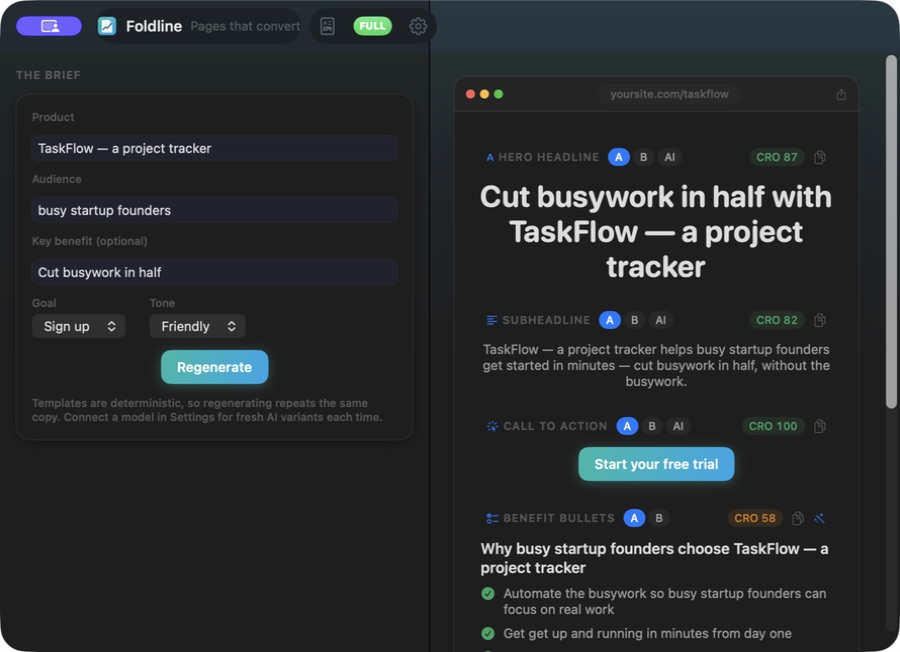
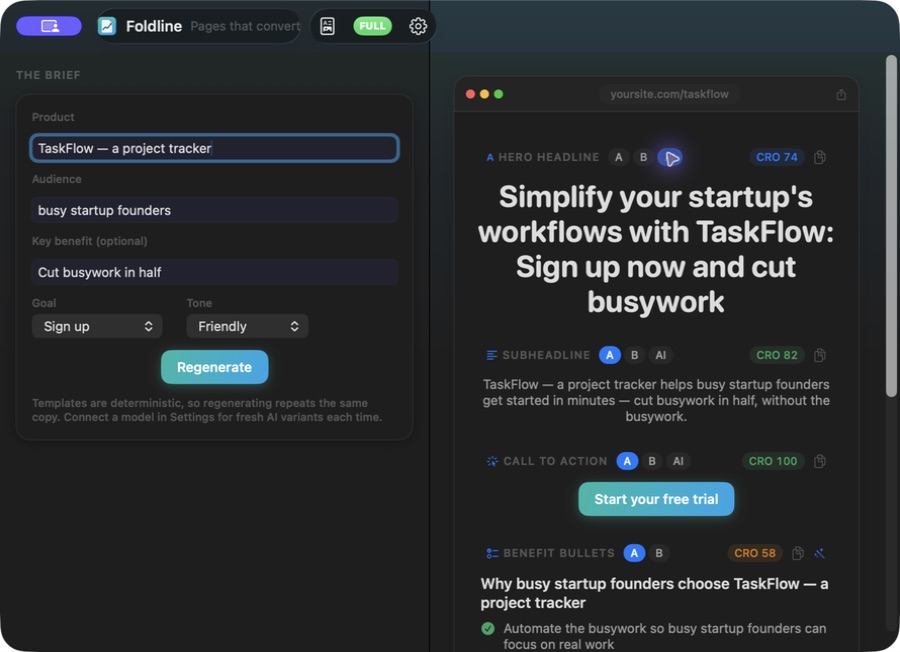
Bring the product, audience and goal together, then draft the hero, benefits, call to action and FAQ in one workspace.
What you can do with Foldline
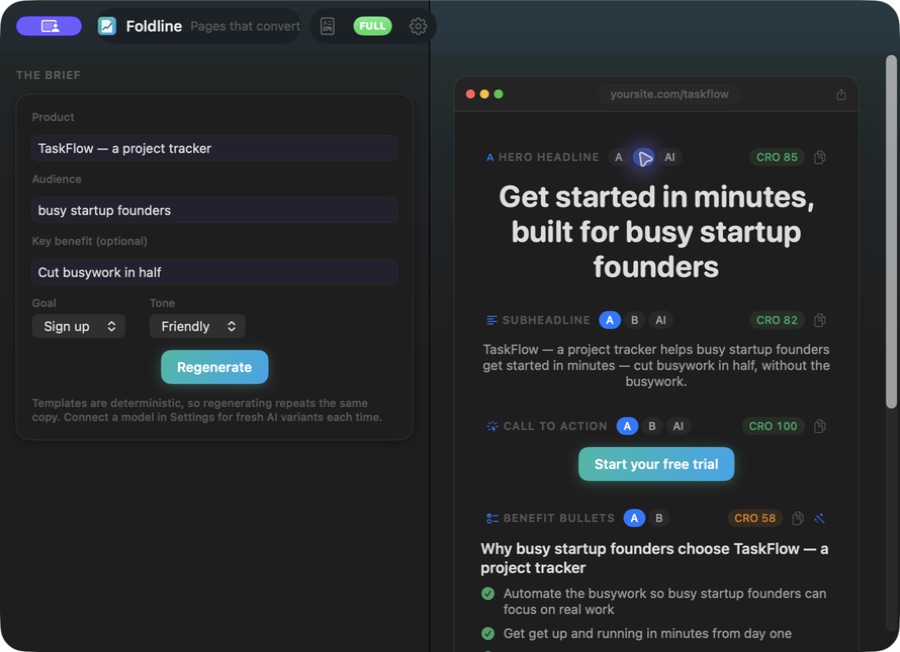
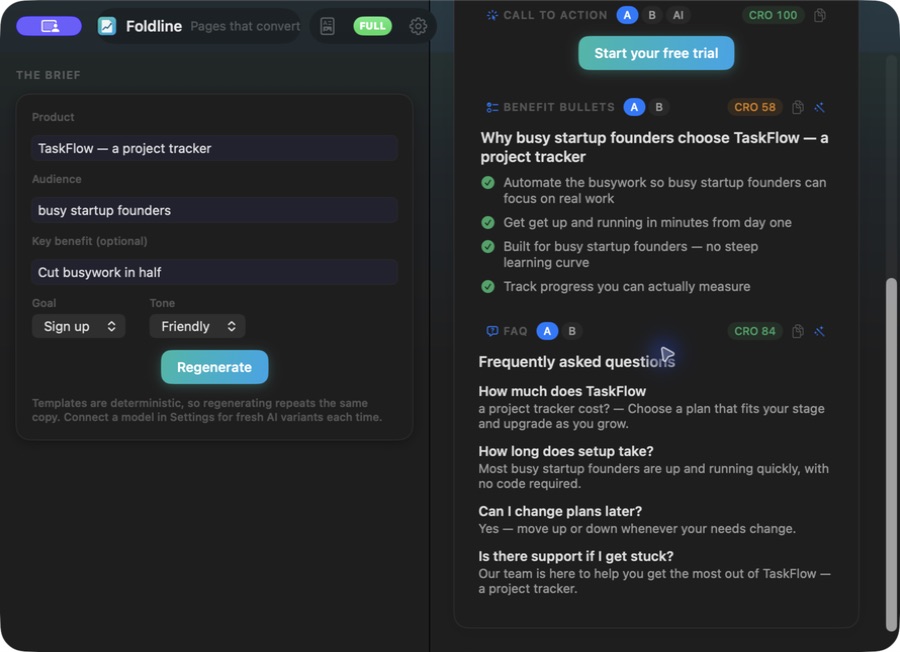
Bring the product, audience and goal together, then draft the hero, benefits, call to action and FAQ in one workspace. Foldline lets you compare alternative wording section by section and refine the page as a whole. Keep useful variants and export the copy when your story is ready for design. The Mac edition offers independent A/B choices for each block and visible scoring notes for clarity, benefits and call-to-action wording.
- Draft the hero, benefits, CTA and FAQ together
- Compare alternative wording section by section
- Export a complete landing-page copy set
See the workspace
Explore 3 more screenshots
A simple way to get started
Write the brief
Bring together the product, audience and goal for the page.
Compare the sections
Develop the hero, benefits, call to action and FAQ with alternative wording.
Take the copy forward
Refine the page-shaped result and export the copy for design.
Explore more features
- Describe the product, audience and optional key benefit, then choose a conversion goal and friendly, professional, bold, playful or urgent tone
- Generate a page-shaped draft with hero headline, subheadline, call to action, benefit bullets and FAQ blocks
- Switch between deterministic A/B variants for every block and add optional AI-written variants when a supported provider is available
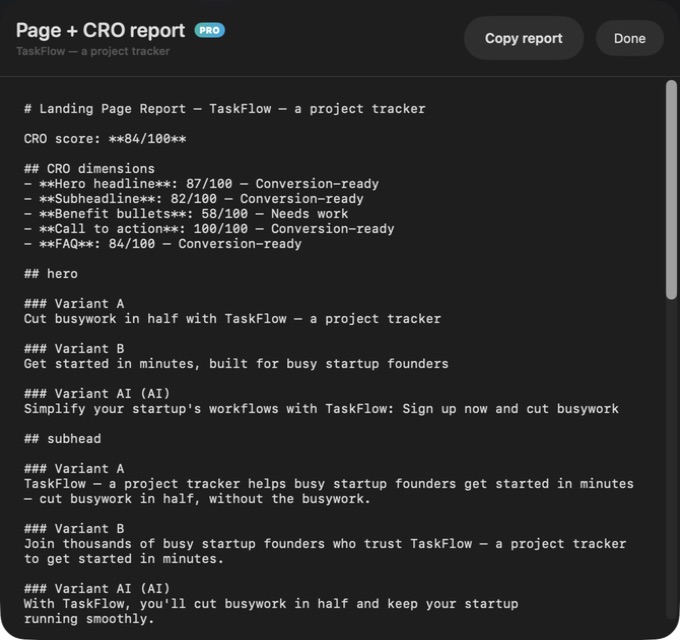
- Review a disclosed 0–100 CRO heuristic for each selected block and a weighted page score covering clarity, benefit orientation, readability, CTA strength, specificity and objection coverage
- Copy individual blocks or a complete Markdown page-and-CRO report containing every generated variant and the score breakdown
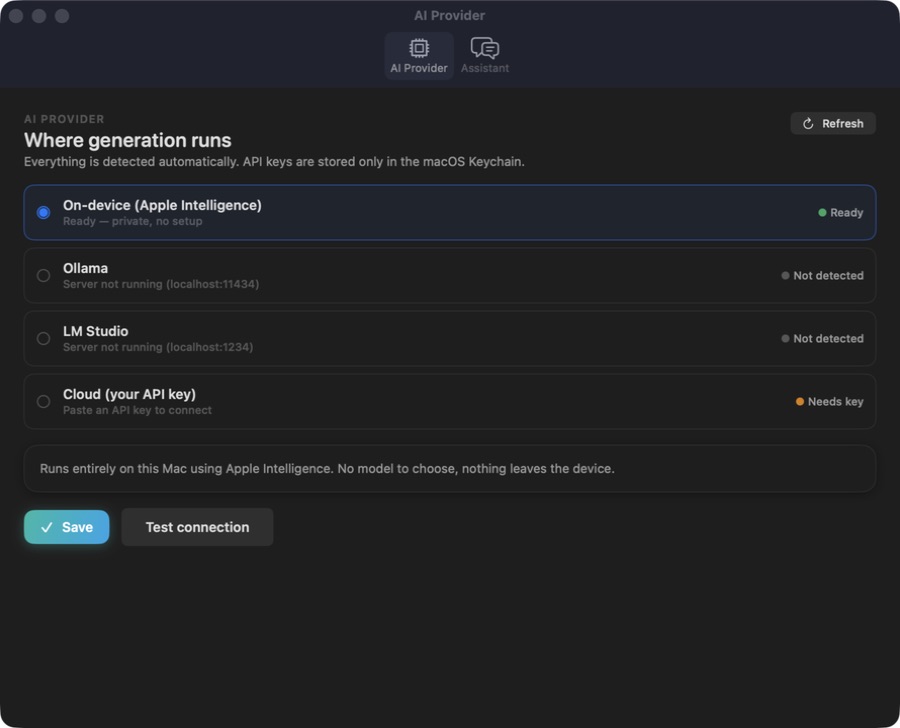
- Use the deterministic generator without a model, or optionally connect Apple Intelligence, Ollama, LM Studio or a bring-your-own cloud provider
Get Foldline
Compatibility and installation details
- Requires
- macOS 14 or later
- Architecture
- Apple silicon and Intel
- Version
- 1.0
- Download
- 2.7 MB
- Publisher signature
- Developer ID Application
- Apple notarization
- Notarized
- SHA-256
f7fe0f041ad2d0d298b4950d58e8a84b0e385fec34ac3504d847a4b2d8f24b3d
Download the Mac disk image from your receipt, open it and follow the included installation instructions.
Useful to know
What can I do with Foldline?
Bring the product, audience and goal together, then draft the hero, benefits, call to action and FAQ in one workspace. Foldline lets you compare alternative wording section by section and refine the page as a whole. Keep useful variants and export the copy when your story is ready for design. The Mac edition offers independent A/B choices for each block and visible scoring notes for clarity, benefits and call-to-action wording.
How do I start?
Bring together the product, audience and goal for the page. Develop the hero, benefits, call to action and FAQ with alternative wording. Refine the page-shaped result and export the copy for design.
How do I receive my download?
After your purchase, the receipt page provides your download link. The exact expiry is shown with your delivery link. Keep your receipt and installer. If a link expires or a download fails, contact support with your receipt instead of buying again.
Where can I find setup help?
Compatibility and installation details are on this page. The installation guide and support team can help with the next step.
Watch the screenshot tour
. Watch the video and read a list of the views it shows before choosing the app.