Milestones with meaning
Record a dated milestone, diagnosis, treatment, transition or decision, rate its significance and add the context future you may need.

Give every chapter of your health story the context that makes it useful later.
This website download is a separate direct-distribution build from the Mac App Store edition. It contains no StoreKit purchase flow or subscription screen: every feature is available after the one-time website purchase.
Apple notarized this exact disk image after an automated malware check. It is signed with the publisher's Developer ID and its notarization ticket is stapled to the download, so Gatekeeper can verify it even when your Mac is offline.
How signing, notarization and installation workbe5c3a42876d83cafd0d251f8a30cbf60698134b9691daf5ab63067451e18c5eA private longitudinal health timeline that keeps milestones, transitions, treatments, appointments and changing context together across life stages.
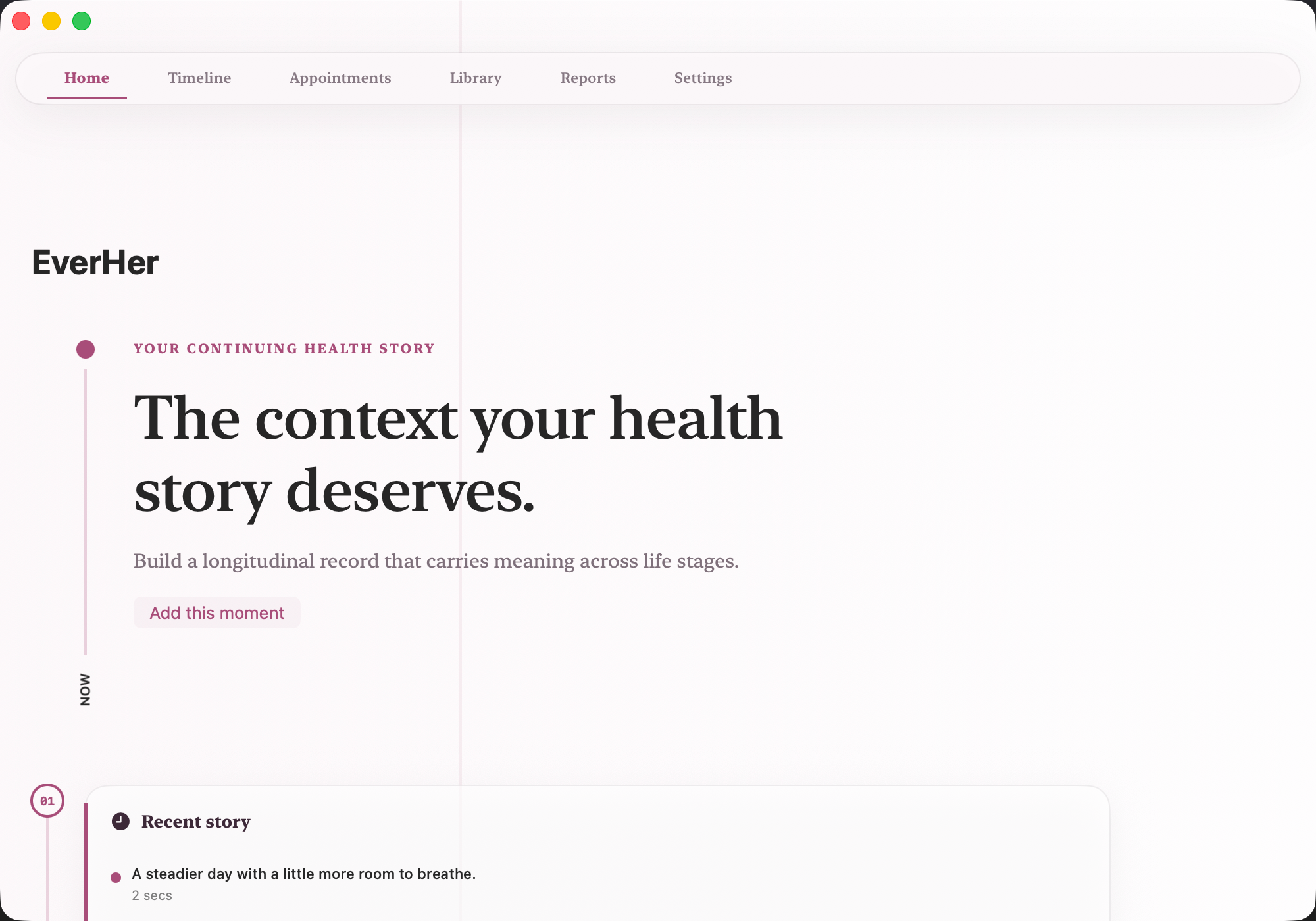
EverHer gives a long health story one durable home. Add a milestone, diagnosis, treatment, transition or decision with its date, significance and surrounding context, then keep hormone, recovery, mood, medication and sleep observations beside the same history. An optional image can preserve a useful document or visual reference when the event calls for one.
The timeline keeps observations, treatments, appointments and decisions in chronological order across life stages. Appointment preparation helps gather priorities and questions before a conversation, while longer trends and a concise report make the record easier to review. EverHer preserves what happened and what mattered to you; it does not infer what a transition means or why a change occurred.
The website Direct edition is separately signed and Apple-notarized, with every advanced feature included after one purchase and no subscription, trial timer, locked tier, StoreKit screen, advertising SDK or analytics SDK.
Record a dated milestone, diagnosis, treatment, transition or decision, rate its significance and add the context future you may need.
Review observations, treatments, appointments and decisions together instead of reconstructing their order from scattered notes.
Keep hormone, recovery, mood, medication and sleep details beside the life stage or event that shaped them.
Gather priorities, questions and relevant history before a care conversation, then decide what you want to share.
Review longer trends and a concise summary, export or restore a portable backup, and erase the local record when you choose.
EverHer records and organizes personal health history. It does not diagnose conditions, interpret tests, predict transitions or fertility, determine causation, detect emergencies, assess whether medication is safe or effective, or recommend treatment. Seek qualified medical or emergency care when appropriate.
 MetraTrack GLP-1 doses, appetite, comfort and energy privately, then review trends and a care-ready summary.
 AureliaTrack midlife health changes privately, compare patterns, and prepare clearer questions for care visits.
 KinwardCoordinate the family care circle, tasks, medications and appointments privately from one clear workspace.
Website edition purchased once and fully unlocked; the separate App Store edition retains its subscription purchase flow.
Buy & downloadA private longitudinal health timeline for keeping milestones, transitions, treatments, appointments and changing context in one local record that stays useful across life stages.
EverHer is for Mac users looking for health & wellbeing. Build a private health timeline whose milestones, transitions and decisions keep their context across life stages.
EverHer requires macOS 15 or later. Supported architecture: Apple silicon and Intel. Check About This Mac before purchasing.
No. The Mac App Store edition can include Apple's in-app purchase system. The website Direct edition is a separately signed build with no StoreKit purchase flow: one website purchase unlocks the complete app with no recurring charge.
The download is the complete app. There is no subscription, no locked tier, no account, and no trial timer — every feature is included.
Choose $10 for one app, $20 for two different apps, or $49 for every published app through Stripe's hosted checkout on this page. Download links are delivered on the confirmation page and by email. Each link is single-use; its exact expiry is shown in your delivery email. Keep the installer. If the link expires or a download fails, contact support@macossoftware.com with your receipt instead of buying again.
Yes. Version 1.0.0 is signed with a Developer ID certificate, notarized by Apple, and distributed with a stapled notarization ticket. Its published SHA-256 checksum is be5c3a42876d83cafd0d251f8a30cbf60698134b9691daf5ab63067451e18c5e.