
Cadence Cycle
Keep movement, energy and cycle context together.
Record workouts, energy and recovery in a rhythm that is easy to return to.
What you can do with Cadence Cycle
Record workouts, energy and recovery in a rhythm that is easy to return to. Cadence Cycle brings exercise notes and cycle context into one local history, helping you reflect on your own experience over time. Keep useful details close as you plan what you want to focus on next.
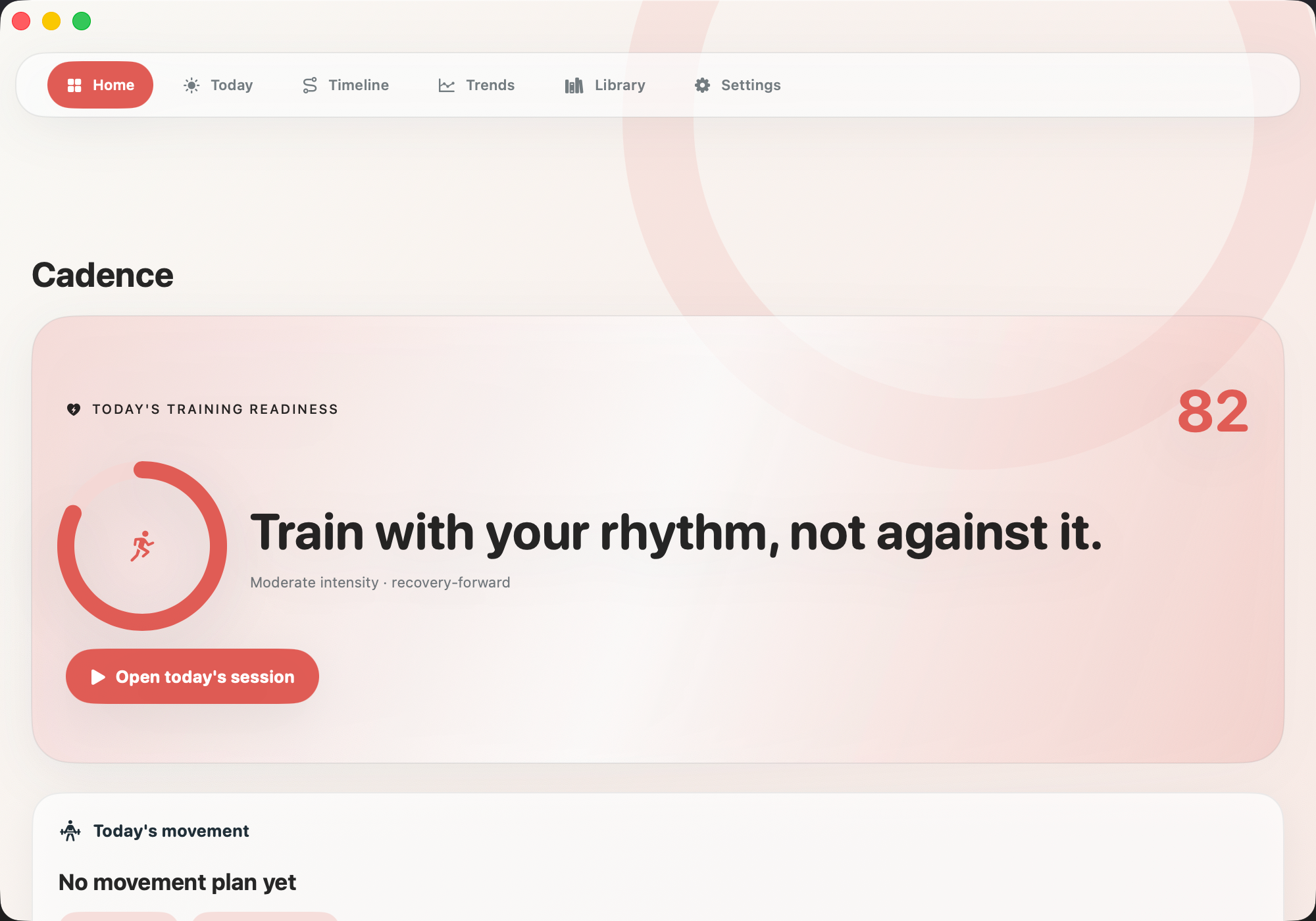
- Keep workouts beside energy, recovery and cycle context
- Shape a daily movement plan around your check-in
- Review your own training history across time
See the workspace
A simple way to get started
Capture the details
Record the observations and context you want to remember.
Review your own history
Return to dated entries and keep useful details together.
Prepare a conversation
Gather the notes and questions you want to bring to an appointment.
Explore more features
- Record how strength, cardio or recovery sessions fit current energy, recovery and cycle context
- Shape a practical movement plan around today's readiness without treating a score as a command
- Keep workouts, energy observations and cycle context together in one private timeline
- Compare repeated movement, energy, hormone and recovery signals across practical time ranges
- Use an educational training library and create a concise report you review before sharing
Get Cadence Cycle
Compatibility and installation details
- Requires
- macOS 15 or later
- Architecture
- Apple silicon and Intel
- Version
- 1.1
- Download
- 3.5 MB
- Publisher signature
- Developer ID Application
- Apple notarization
- Notarized
- SHA-256
136149fff03e22e0684a7126319f9b9f4293c02a18209e614377ff951adb82c9
Download the Mac disk image from your receipt, open it and follow the included installation instructions.
Useful to know
What can I do with Cadence Cycle?
Record workouts, energy and recovery in a rhythm that is easy to return to. Cadence Cycle brings exercise notes and cycle context into one local history, helping you reflect on your own experience over time. Keep useful details close as you plan what you want to focus on next.
How do I start?
Record the observations and context you want to remember. Return to dated entries and keep useful details together. Gather the notes and questions you want to bring to an appointment.
How do I receive my download?
After your purchase, the receipt page provides your download link. The exact expiry is shown with your delivery link. Keep your receipt and installer. If a link expires or a download fails, contact support with your receipt instead of buying again.
Where can I find setup help?
Compatibility and installation details are on this page. The installation guide and support team can help with the next step.