
Sparky
Build a steady practice habit in four languages.
Explore Chinese, Japanese, German and Serbian through courses, vocabulary and varied learning activities.
What you can do with Sparky
Explore Chinese, Japanese, German and Serbian through courses, vocabulary and varied learning activities. Sparky brings reading and active practice into one workspace so you can move between learning a pattern and trying it yourself. Revisit useful material and keep your study routine close at hand. The Mac edition adds spaced review, focused mistake practice and a local progress record across its four language paths.
- Study Chinese, Japanese, German and Serbian
- Mix reading with active language practice
- Return to vocabulary and review activities
See the workspace
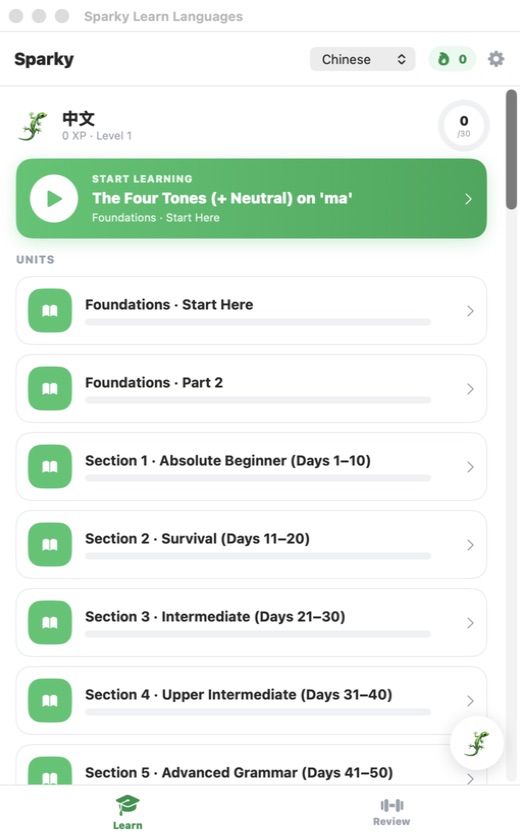
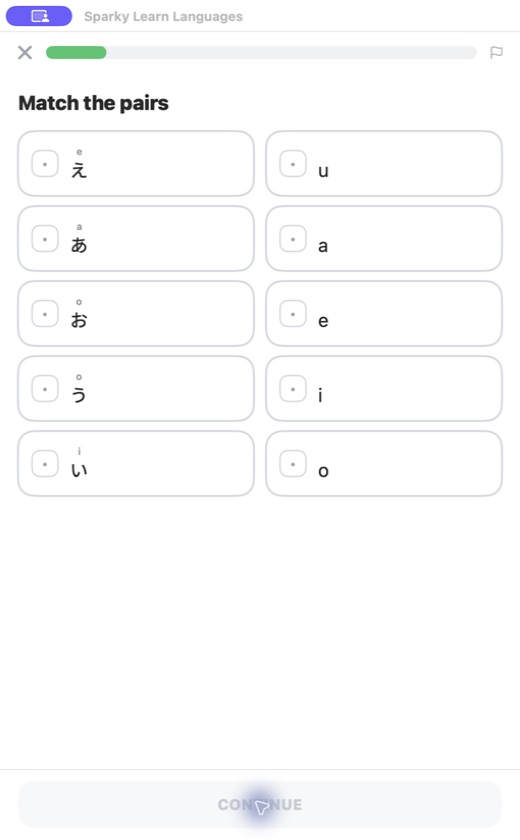
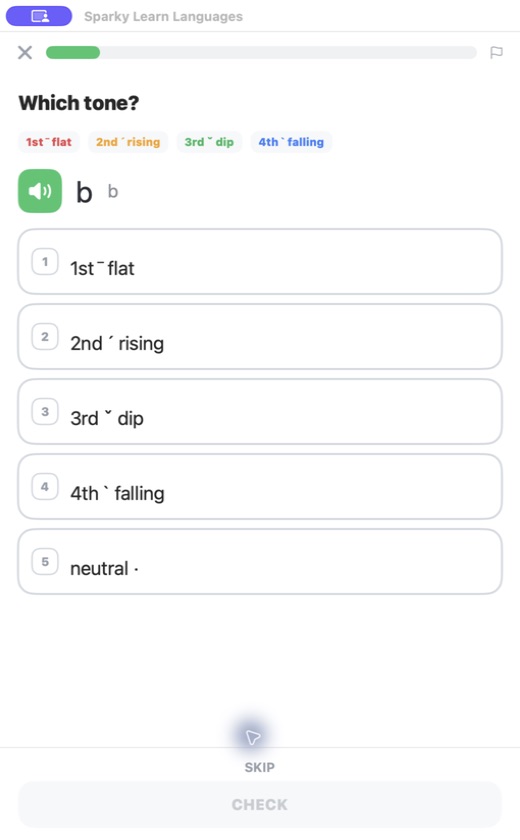
Explore 5 more screenshots
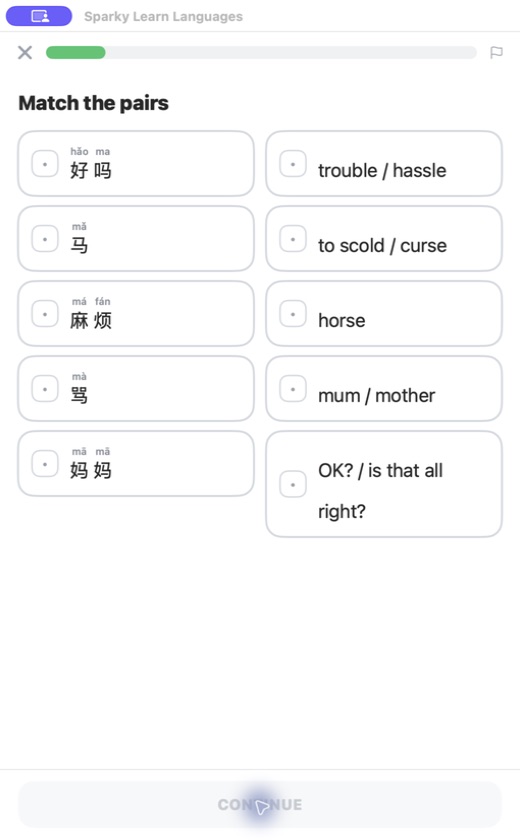
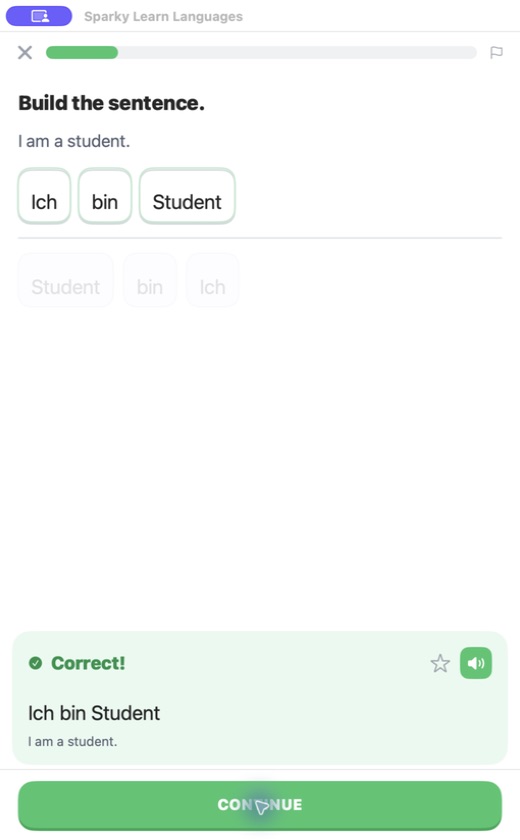
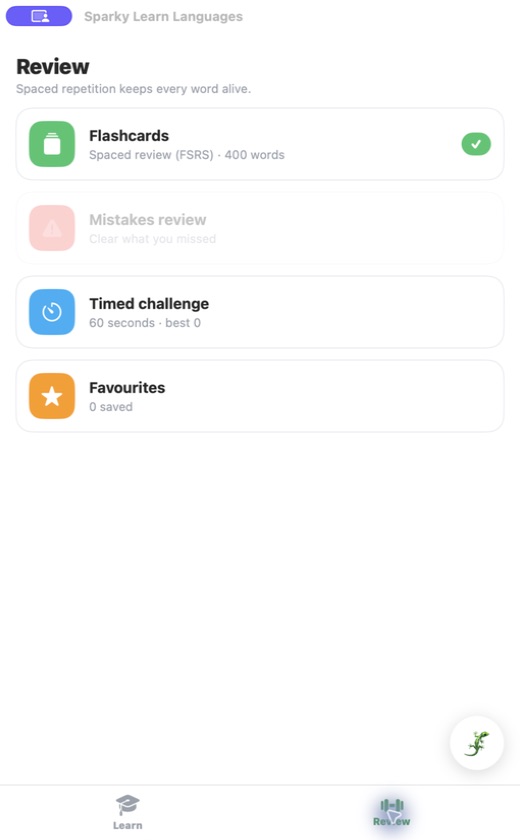
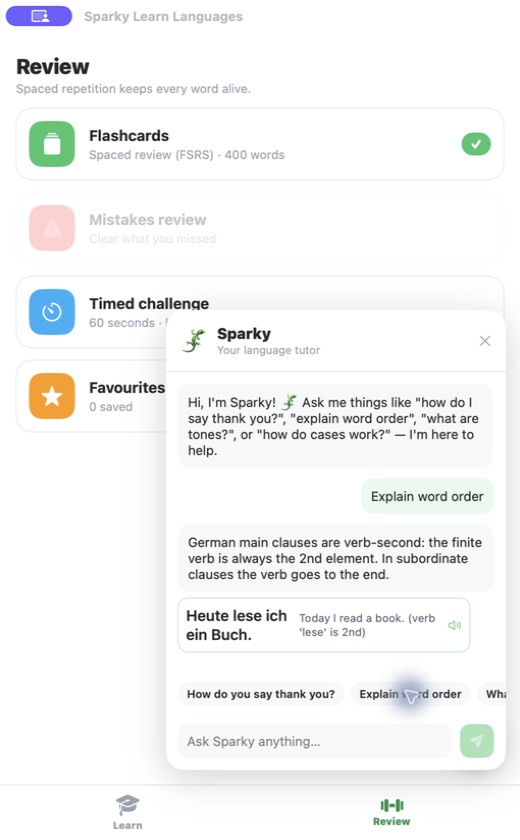
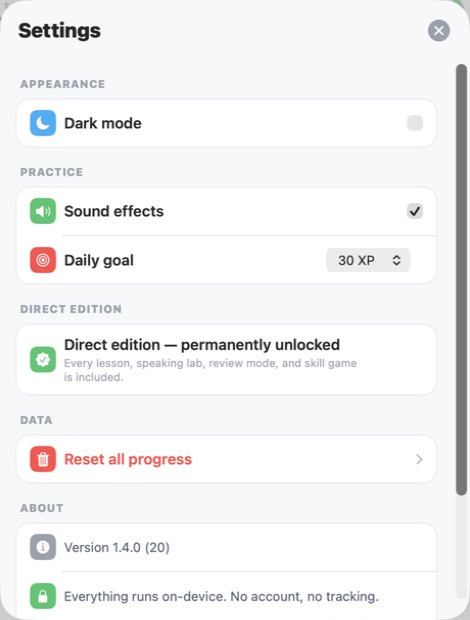
A simple way to get started
Choose your focus
Pick the language, sound or situation you want to practise.
Make it an active session
Work with the available listening, speaking and recall activities.
Return to useful practice
Revisit the material and keep building a routine that fits your day.
Explore more features
- Choose a structured local learning path for Chinese, Japanese, German or Serbian, with foundations, essentials, reading and expansion material
- Practise through listening, matching, sentence builders, cloze questions, speaking, shadowing, readings, flashcards, character trace, stroke and tone activities
- Use FSRS-spaced flashcard review, focused mistake drills, favourites and a timed challenge to revisit material deliberately
- Hear course material through installed macOS system voices and use system speech recognition for optional transcript-based speaking practice
- Ask the built-in fixed, rule-based Sparky tutor about common phrases, pronunciation, word order, tones, particles, cases and study habits
- Keep XP, streaks, daily goals, course progress, favourites and review state locally on the current Mac with no learner account or sync service
Get Sparky
Compatibility and installation details
- Requires
- macOS 14 or later
- Architecture
- Apple silicon and Intel
- Version
- 1.4.0
- Download
- 41.8 MB
- Publisher signature
- Developer ID Application
- Apple notarization
- Notarized
- SHA-256
8324a662303bc8f4513dcc158b2d818346fe10578d863ebe8a3f8054a947ffee
Download the Mac disk image from your receipt, open it and follow the included installation instructions.
Useful to know
What can I do with Sparky?
Explore Chinese, Japanese, German and Serbian through courses, vocabulary and varied learning activities. Sparky brings reading and active practice into one workspace so you can move between learning a pattern and trying it yourself. Revisit useful material and keep your study routine close at hand. The Mac edition adds spaced review, focused mistake practice and a local progress record across its four language paths.
How do I start?
Pick the language, sound or situation you want to practise. Work with the available listening, speaking and recall activities. Revisit the material and keep building a routine that fits your day.
How do I receive my download?
After your purchase, the receipt page provides your download link. The exact expiry is shown with your delivery link. Keep your receipt and installer. If a link expires or a download fails, contact support with your receipt instead of buying again.
Where can I find setup help?
Compatibility and installation details are on this page. The installation guide and support team can help with the next step.
Watch the screenshot tour
. Watch the video and read a list of the views it shows before choosing the app.