
Mimic
Make speech practice easier to hear and see.
Focus on the rhythm, stress and articulation that shape spoken language.
What you can do with Mimic
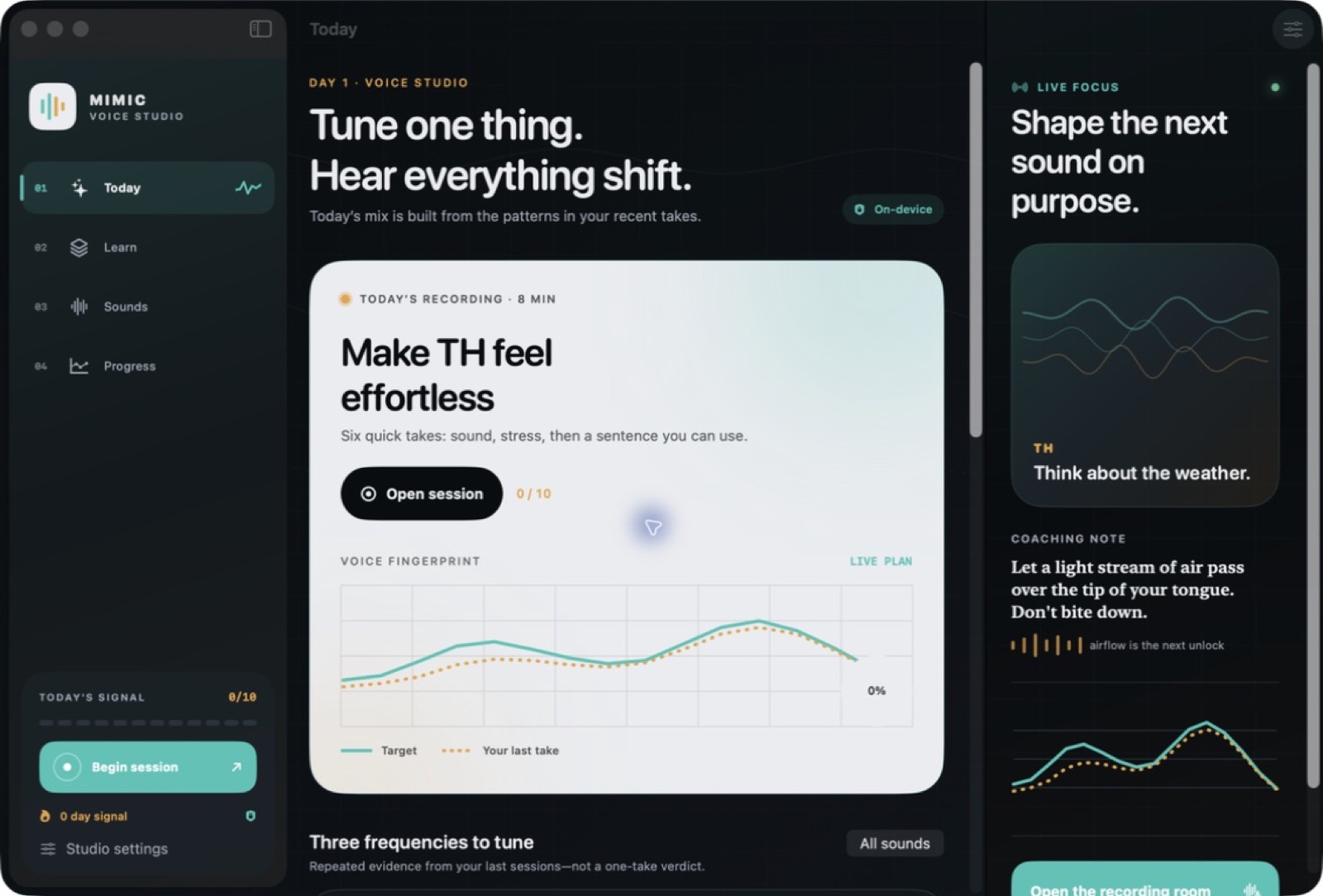
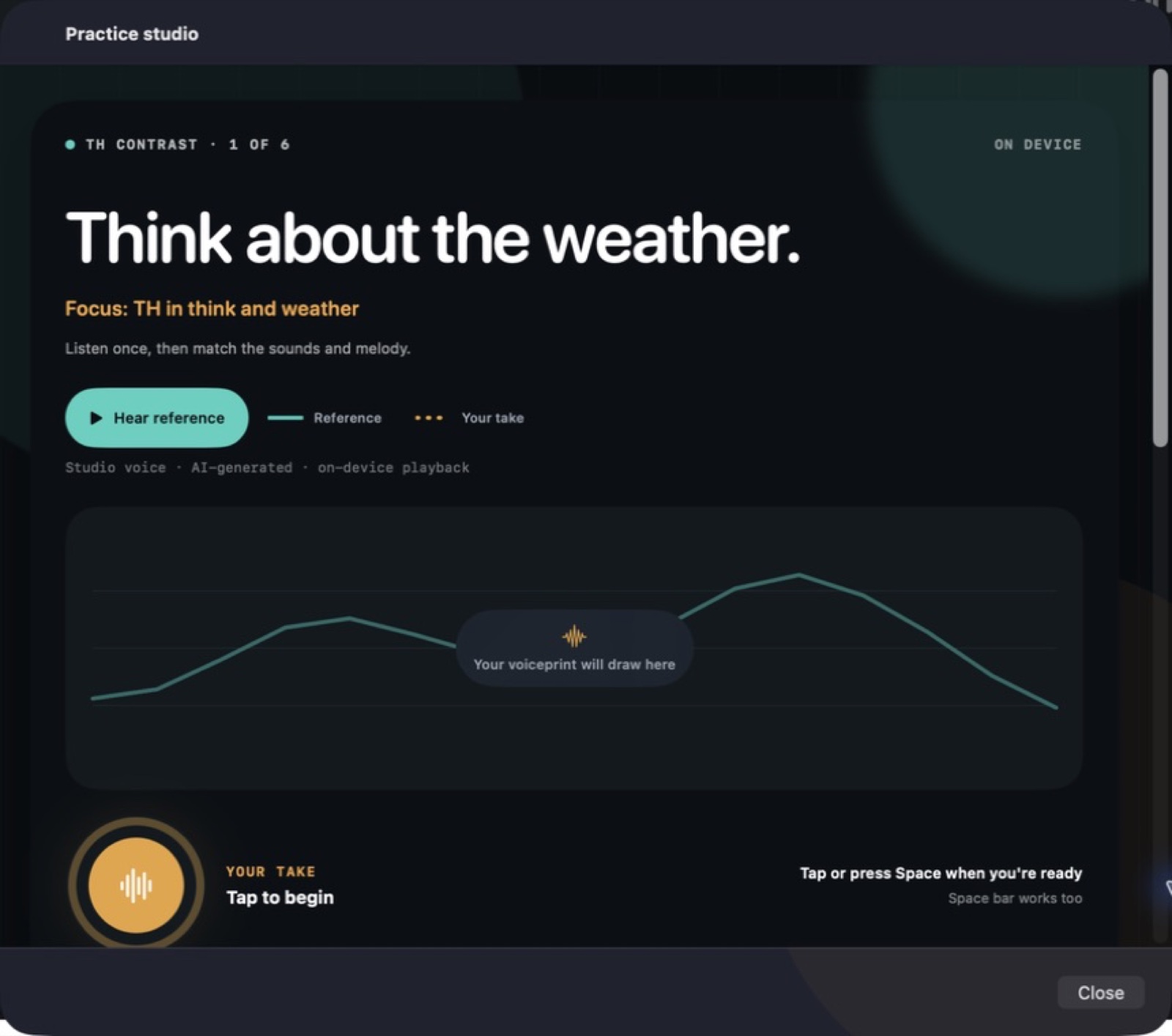
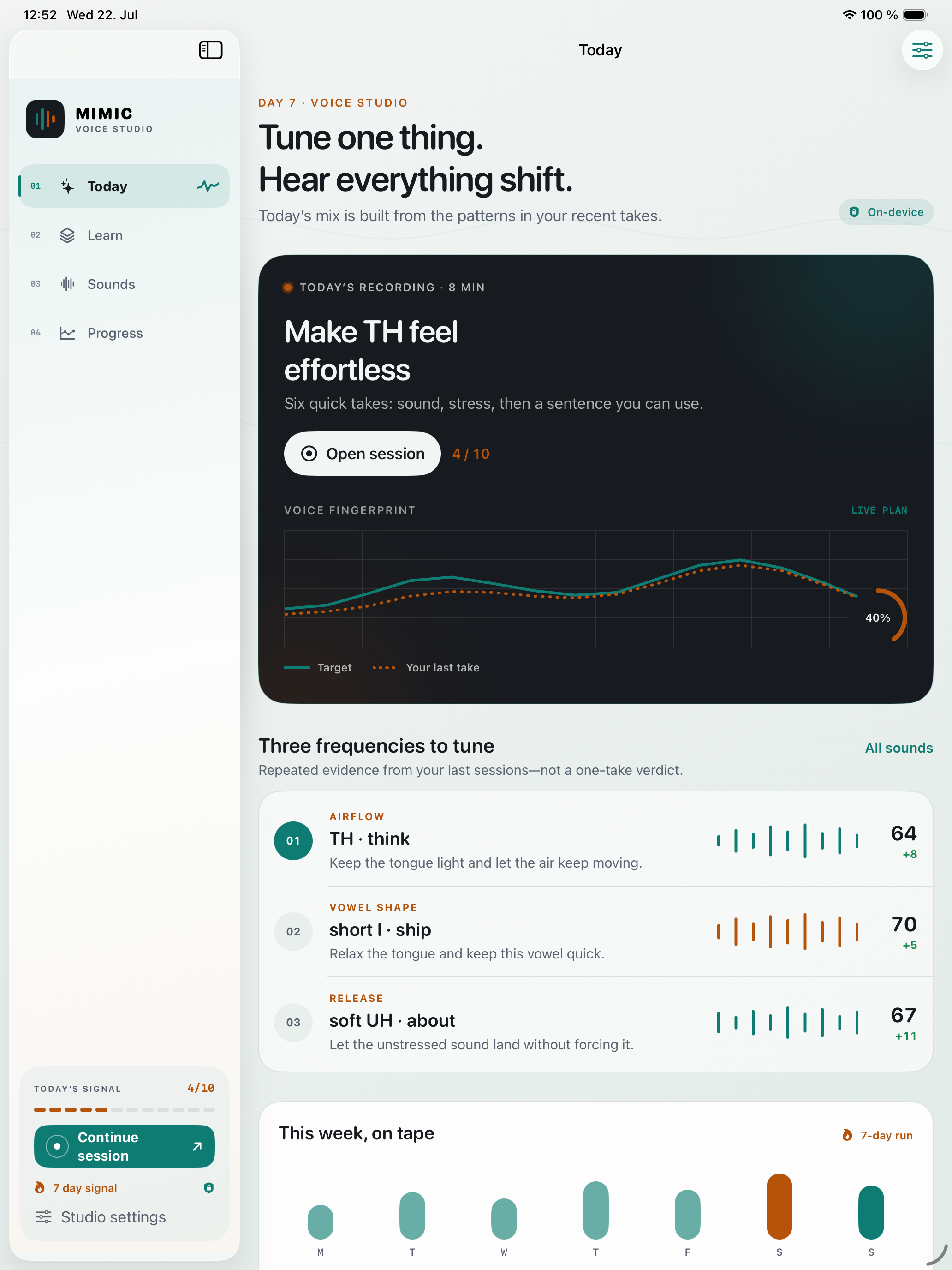
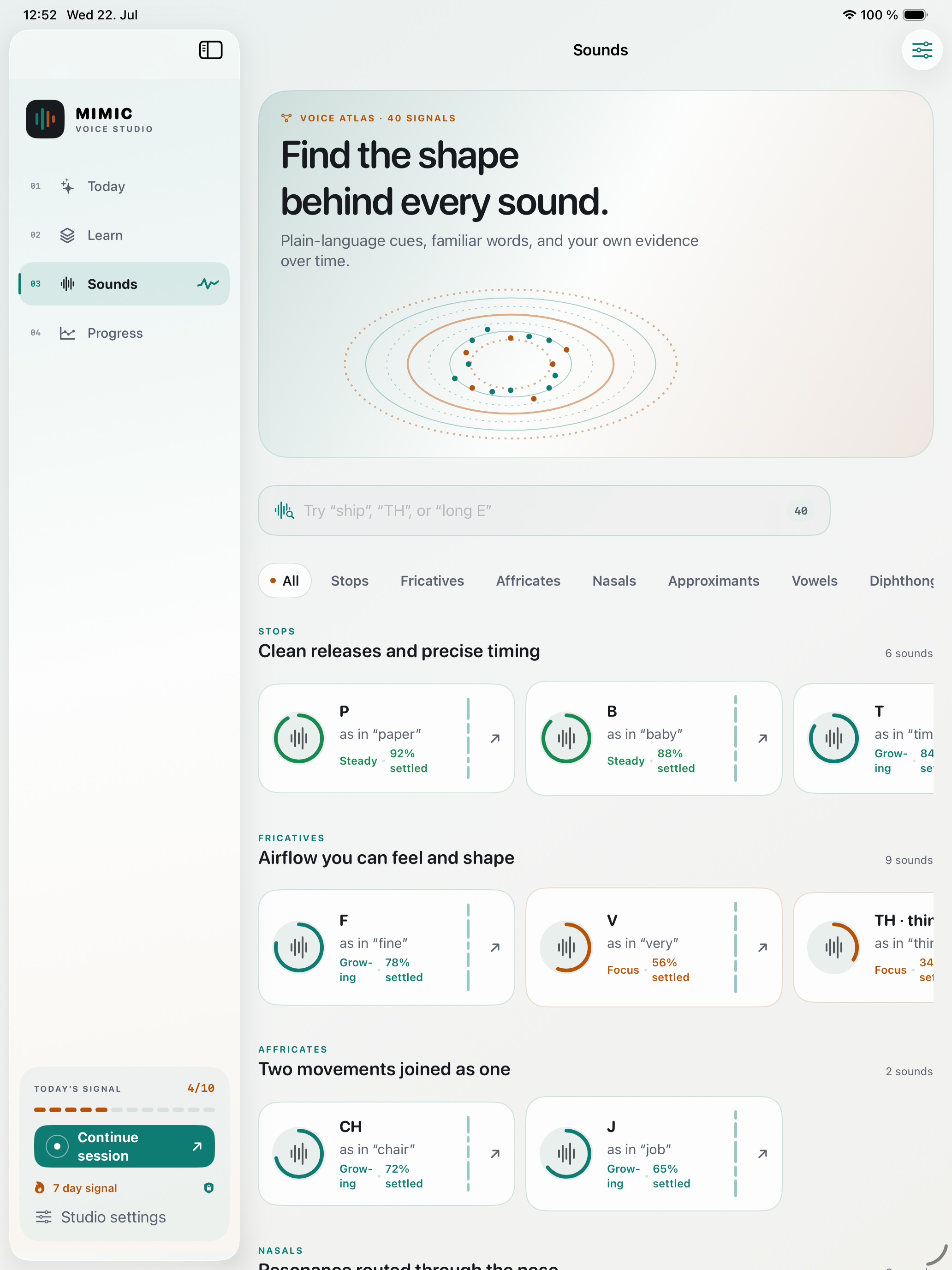
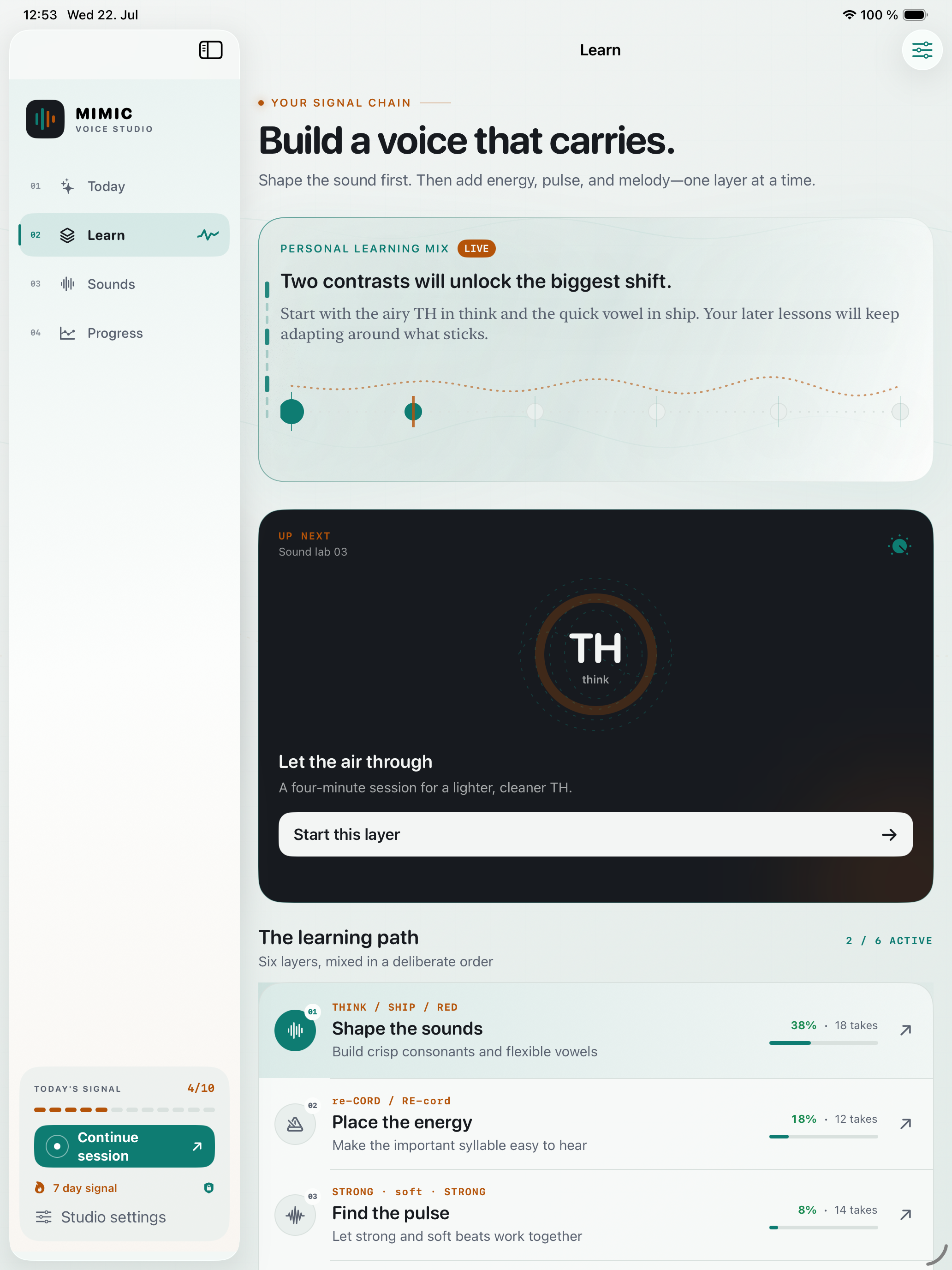
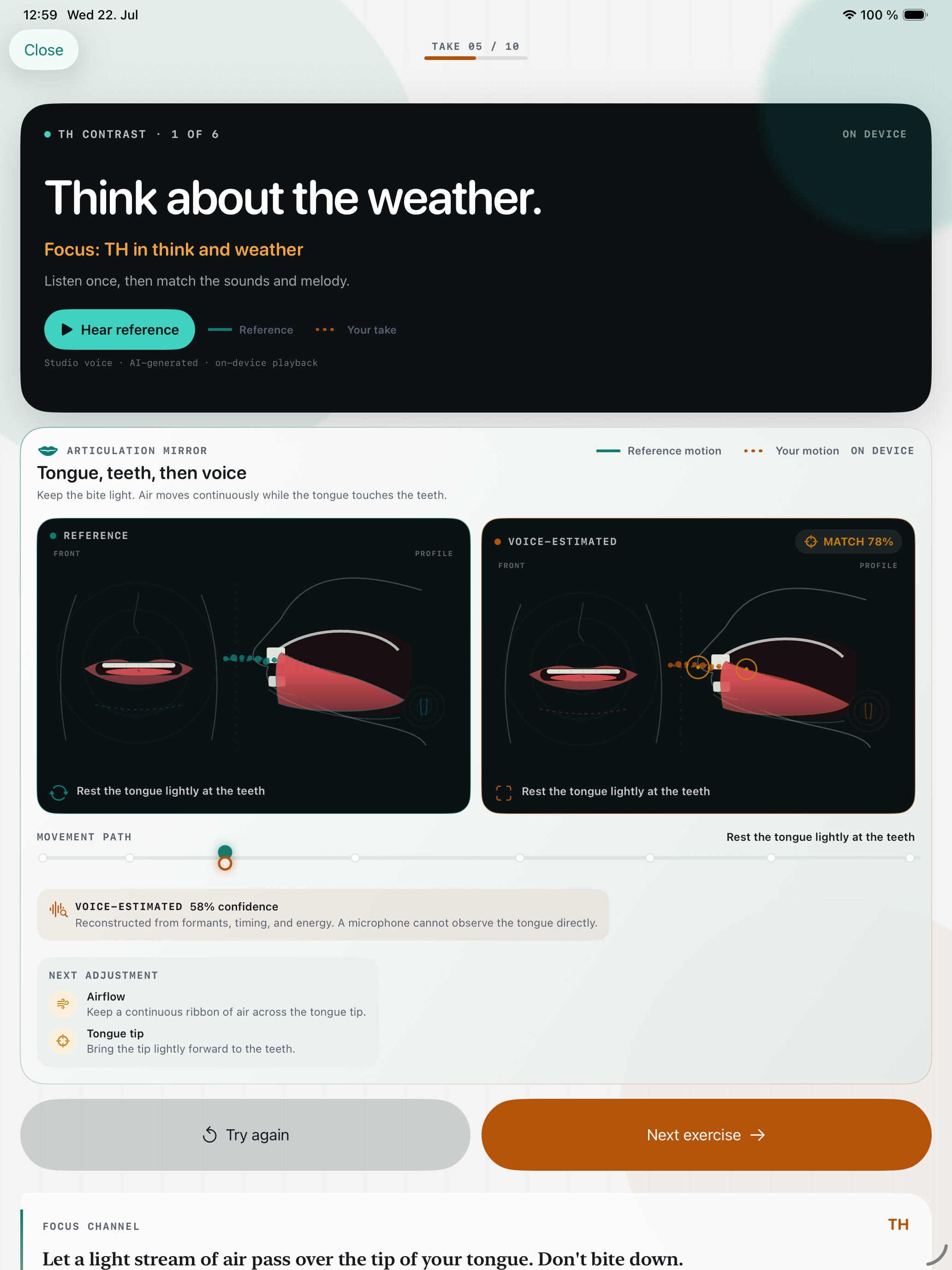
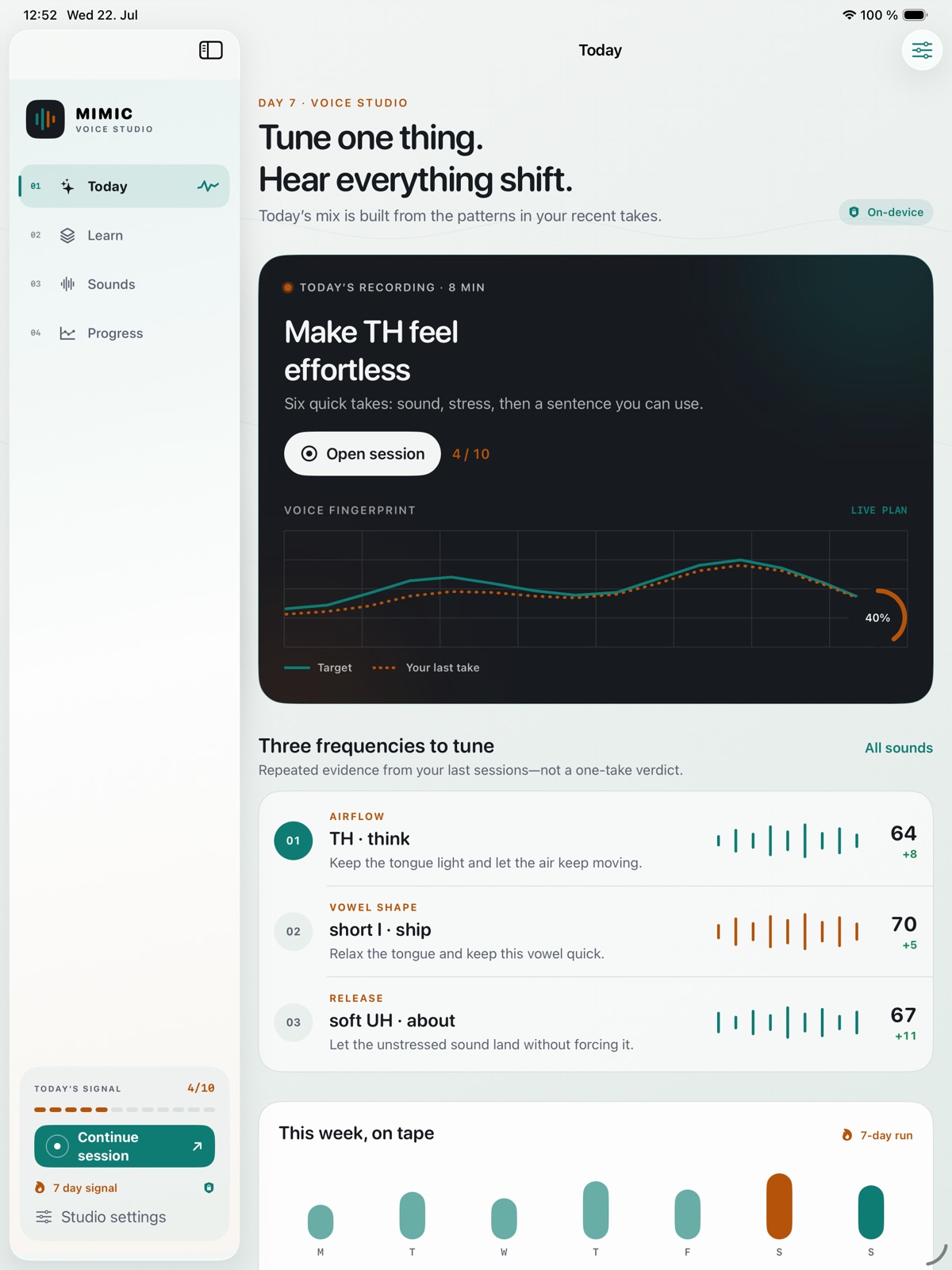
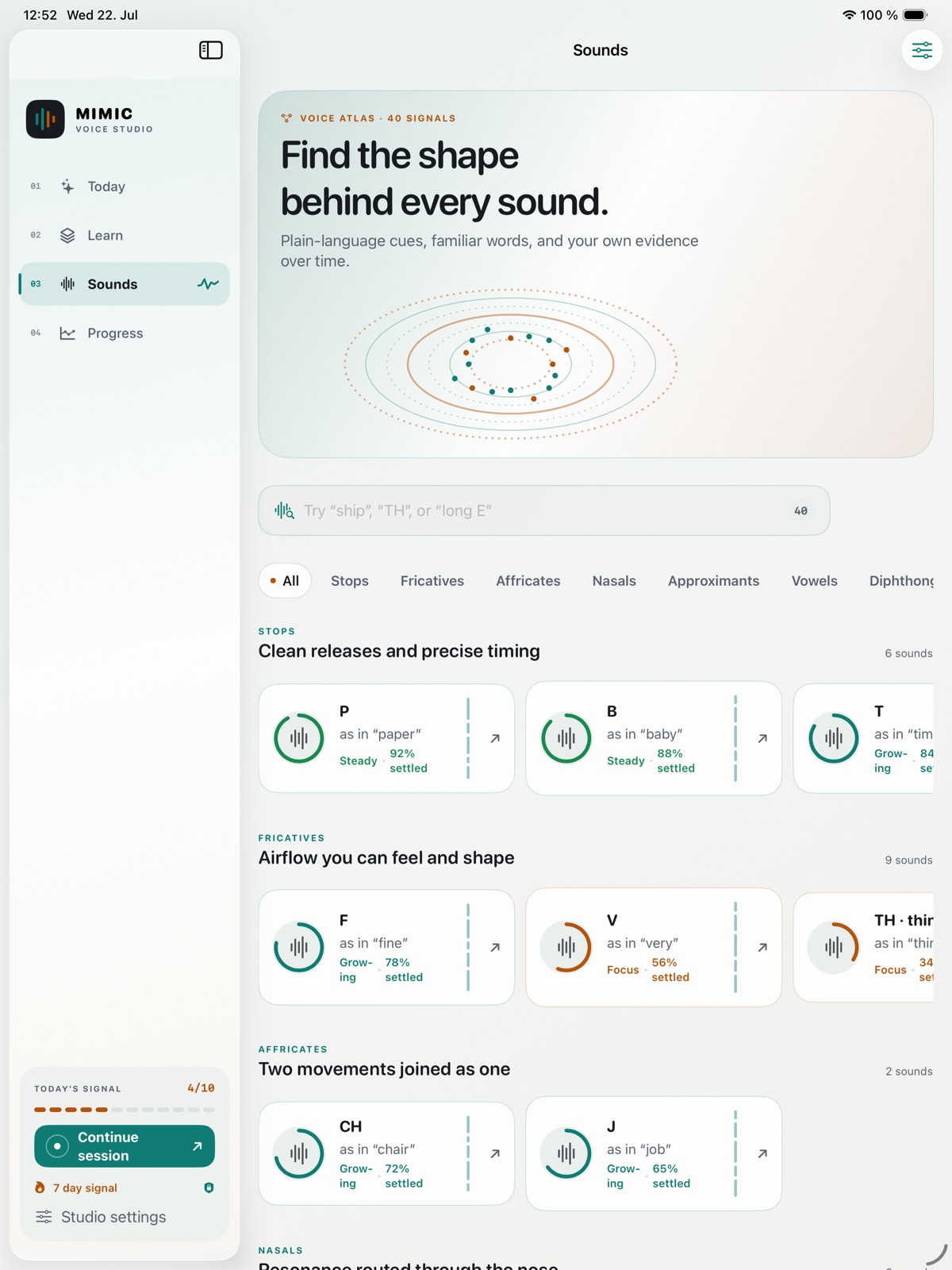
Focus on the rhythm, stress and articulation that shape spoken language. Mimic brings reference material and recorded practice together, helping you listen closely, repeat a phrase and refine how you deliver it. Work with specific sounds and connected speech as part of a focused personal practice routine. On Mac, side-by-side pitch and rhythm contours make aspects of your delivery visible alongside articulation feedback.
- Focus on rhythm, stress and articulation
- Work with reference speech and recorded attempts
- Use repetition to refine a specific phrase
See the workspace
Explore 5 more screenshots
A simple way to get started
Choose your focus
Pick the language, sound or situation you want to practise.
Make it an active session
Work with the available listening, speaking and recall activities.
Return to useful practice
Revisit the material and keep building a routine that fits your day.
Explore more features
- Visible pitch, rhythm, delivery and articulation feedback
- Native reference against learner recording, side by side
Get Mimic
Compatibility and installation details
- Requires
- macOS 14 or later
- Architecture
- Apple silicon and Intel
- Version
- 1.1
- Download
- 5.8 MB
- Publisher signature
- Developer ID Application
- Apple notarization
- Notarized
- SHA-256
68eda8dea274ef74effe3bee73c4527458cc7db9007964f7012a5f4c04c0c2a8
Download the Mac disk image from your receipt, open it and follow the included installation instructions.
Useful to know
What can I do with Mimic?
Focus on the rhythm, stress and articulation that shape spoken language. Mimic brings reference material and recorded practice together, helping you listen closely, repeat a phrase and refine how you deliver it. Work with specific sounds and connected speech as part of a focused personal practice routine. On Mac, side-by-side pitch and rhythm contours make aspects of your delivery visible alongside articulation feedback.
How do I start?
Pick the language, sound or situation you want to practise. Work with the available listening, speaking and recall activities. Revisit the material and keep building a routine that fits your day.
How do I receive my download?
After your purchase, the receipt page provides your download link. The exact expiry is shown with your delivery link. Keep your receipt and installer. If a link expires or a download fails, contact support with your receipt instead of buying again.
Where can I find setup help?
Compatibility and installation details are on this page. The installation guide and support team can help with the next step.