
Shorts
Shape your next short-form video in one place.
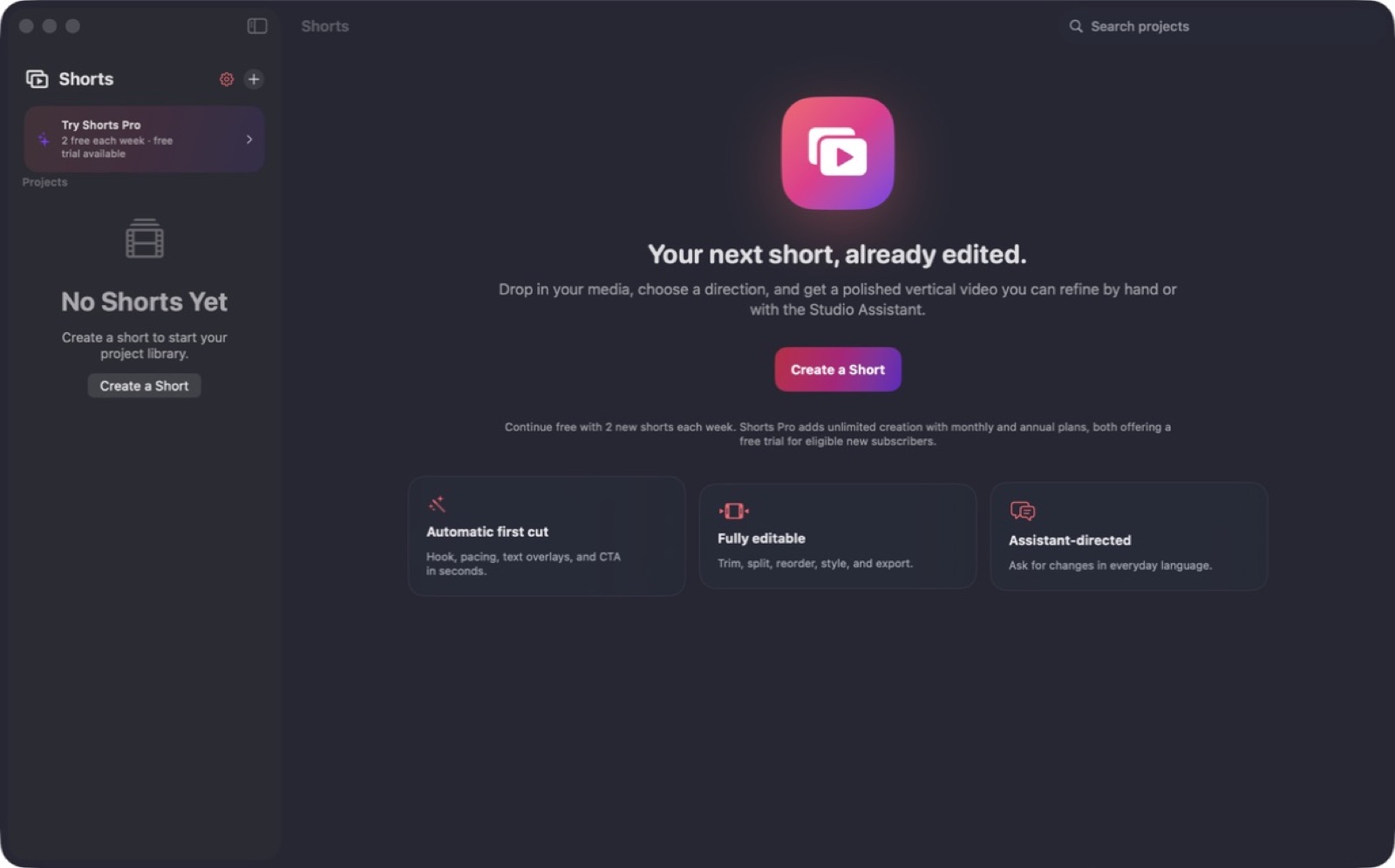
Bring your media into a focused short-form editing workspace and turn it into a finished video.
What you can do with Shorts
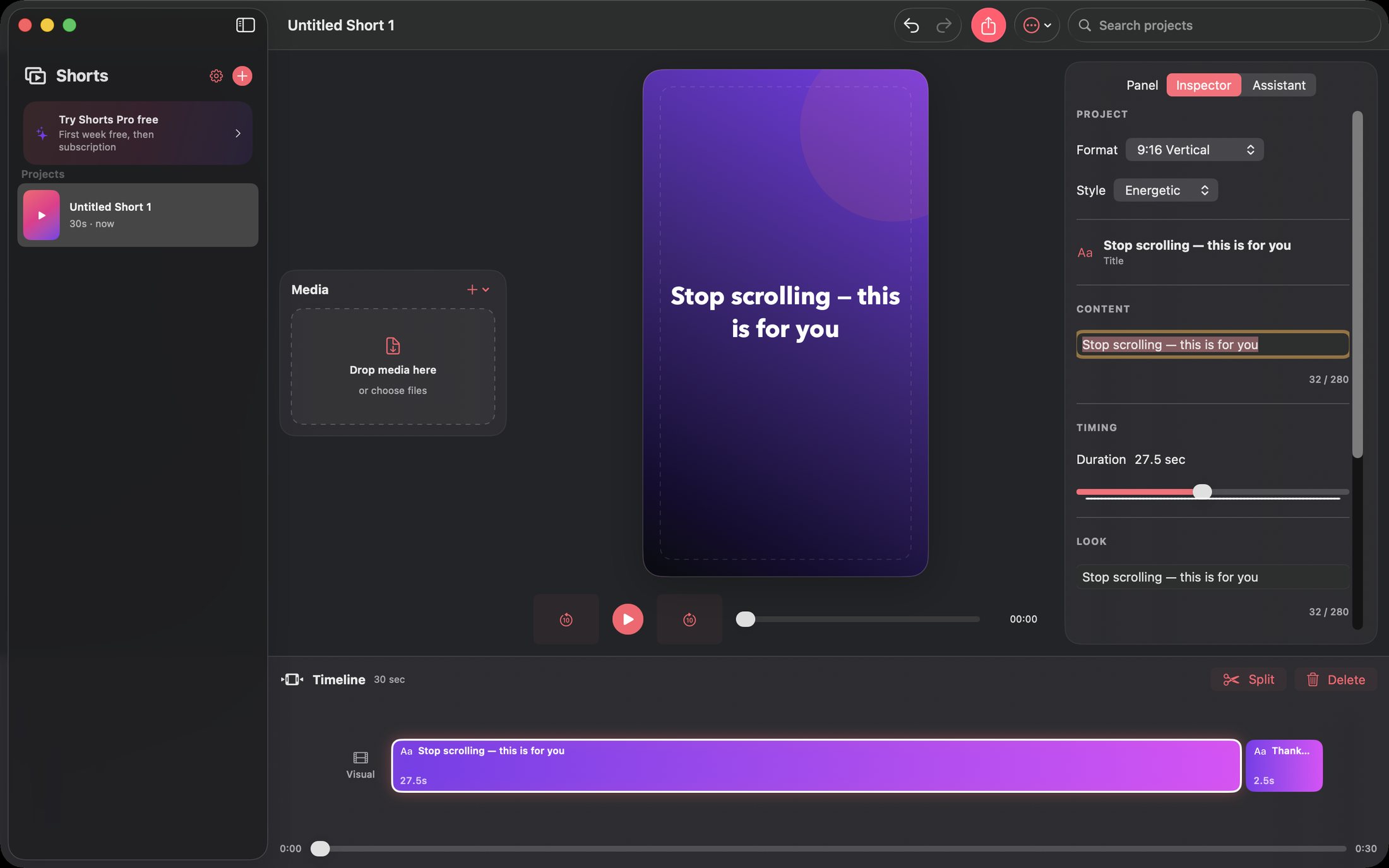
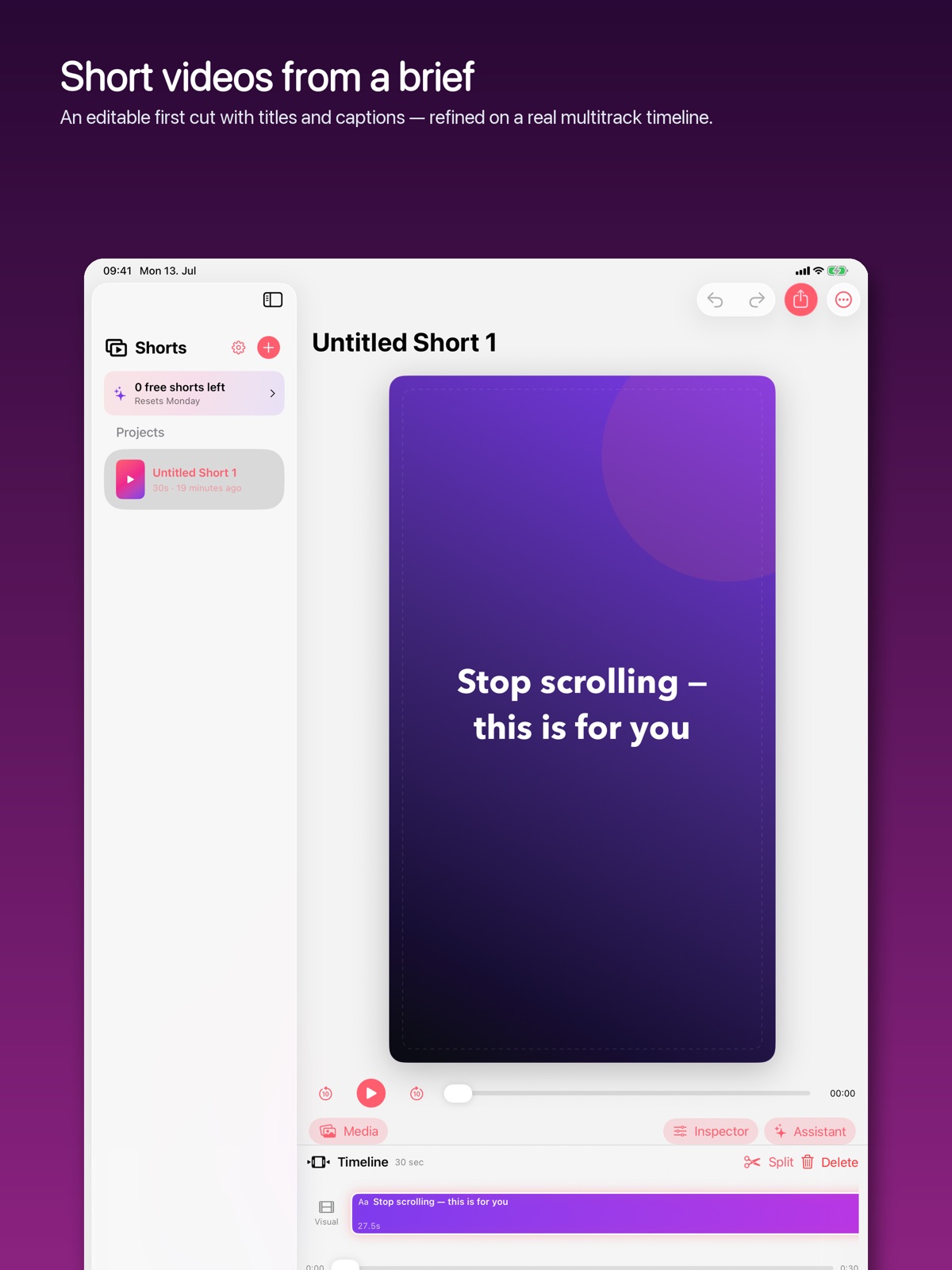
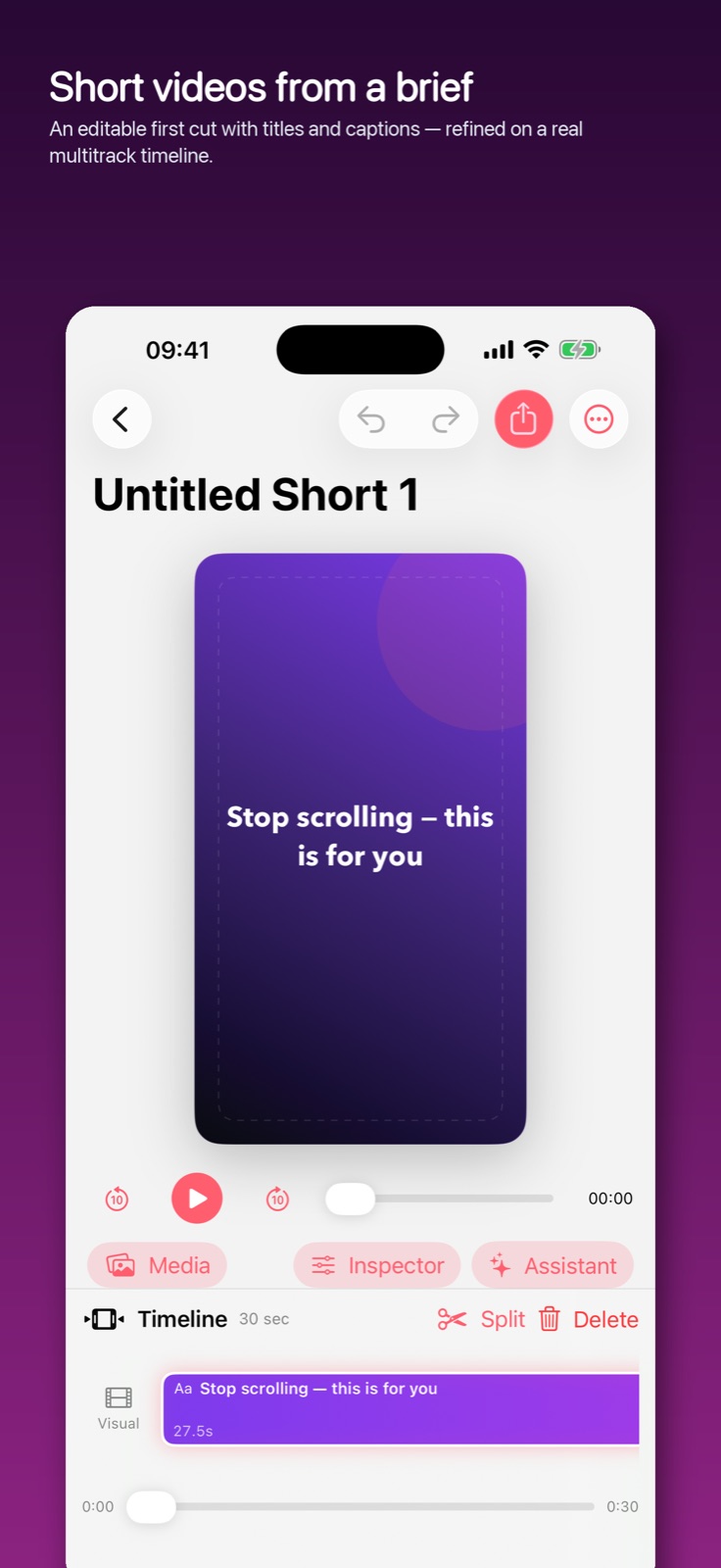
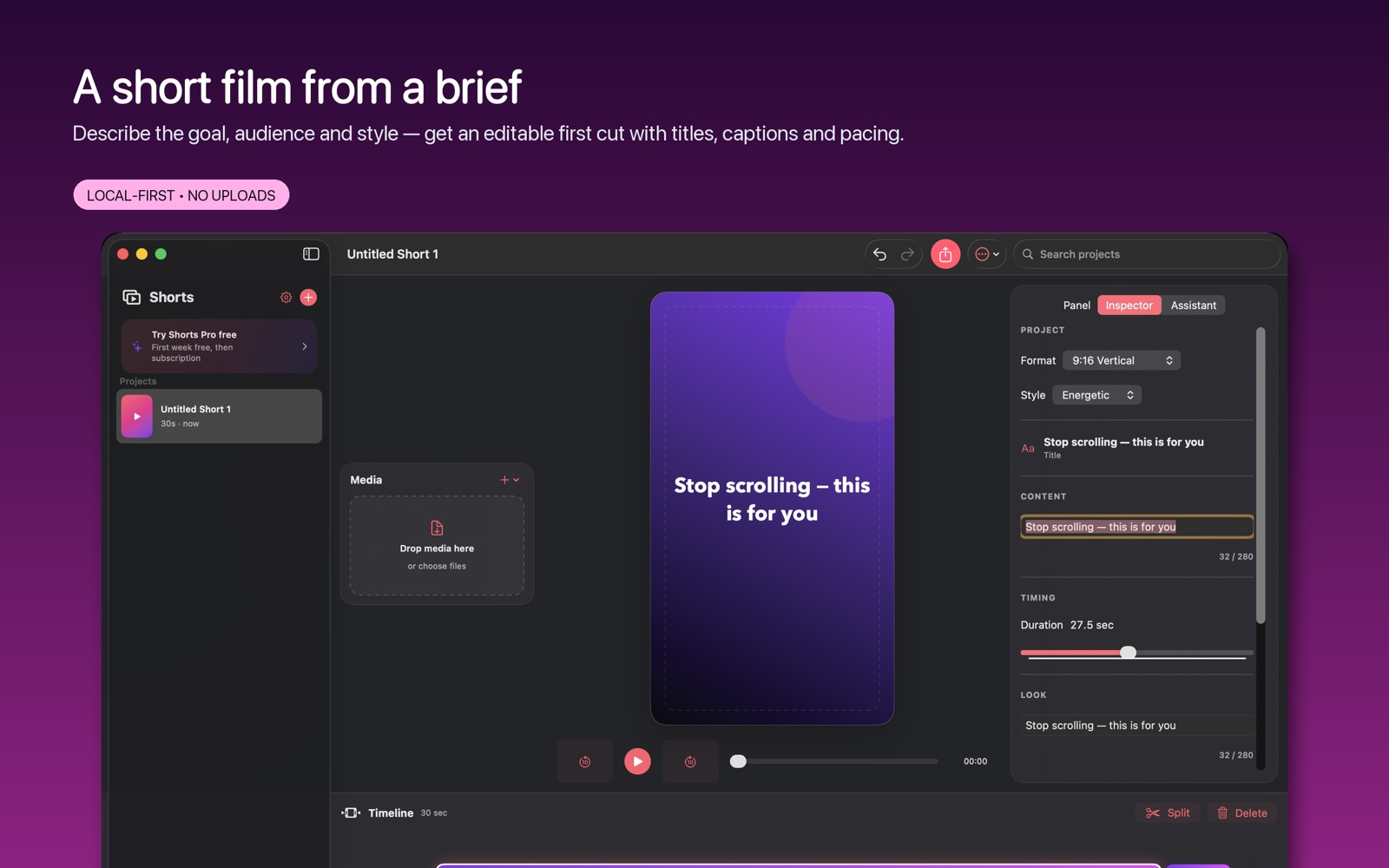
Bring your media into a focused short-form editing workspace and turn it into a finished video. Keep your project together as you arrange the material, refine the sequence and prepare an export. Shorts gives quick video ideas a dedicated place to become something you can share. On Mac, describe the goal, audience and style to create an editable first cut with titles and captions, then finish the sequence on a multitrack timeline.
- Keep media organised in a local video project
- Shape a short-form sequence in a focused editor
- Export the finished video for sharing
See the workspace
Explore 5 more screenshots
A simple way to get started
Start with your material
Open a project and bring in the material you want to shape.
Refine the details
Use the app’s editing controls to develop the result.
Keep the work ready
Save the project or use the supported output for your next step.
Explore more features
- 9:16, 1:1 and 16:9 projects with an automatic, editable first cut
- Multitrack timeline: trim, split, captions, transitions, audio mix
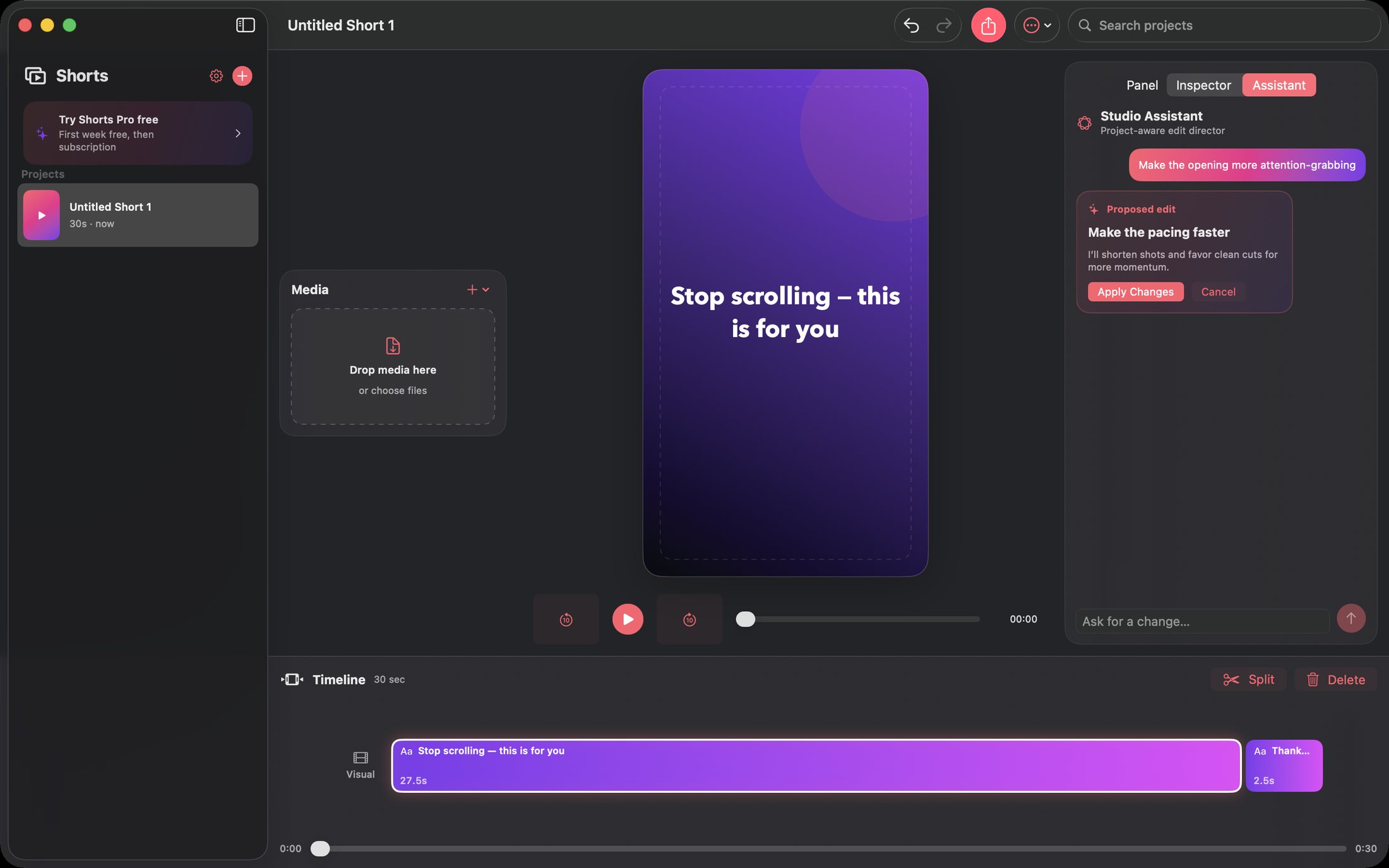
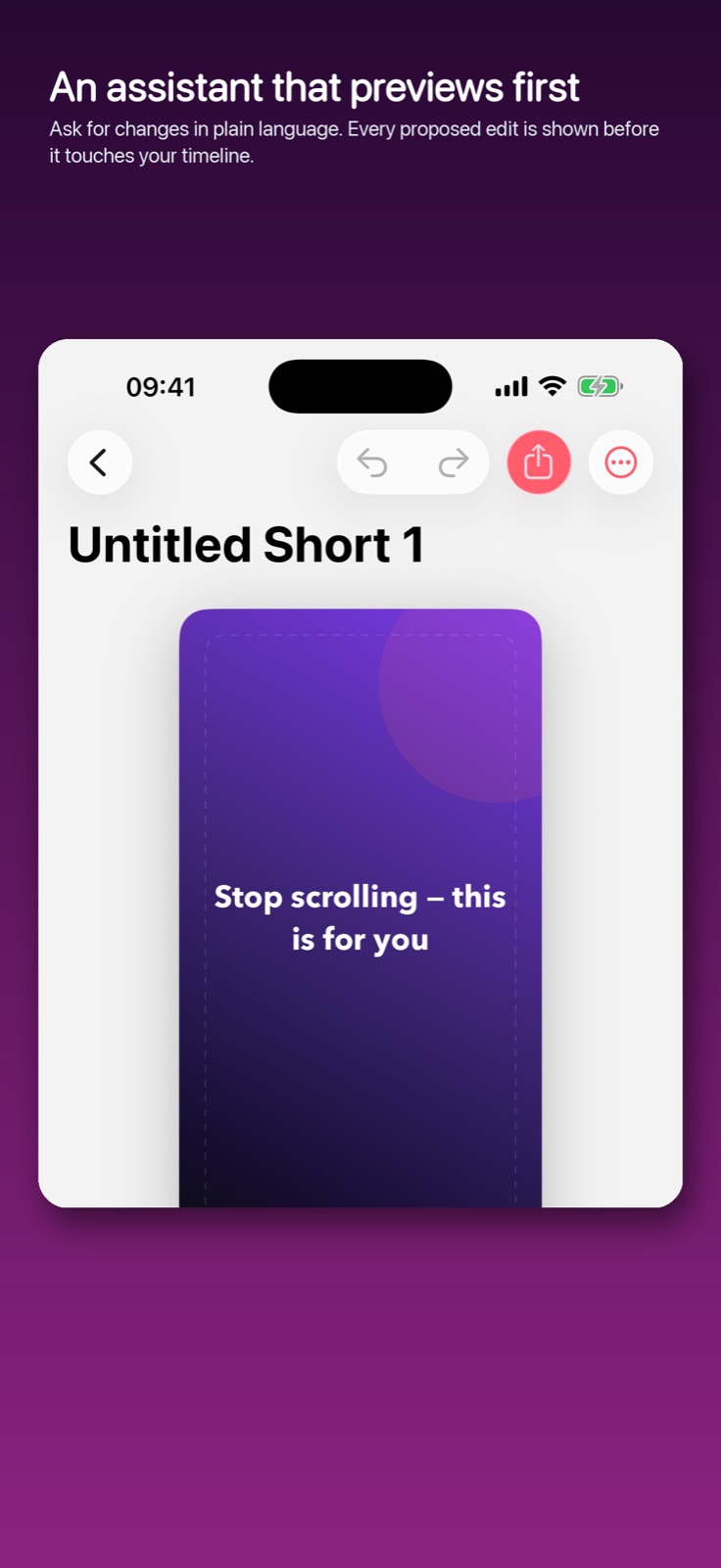
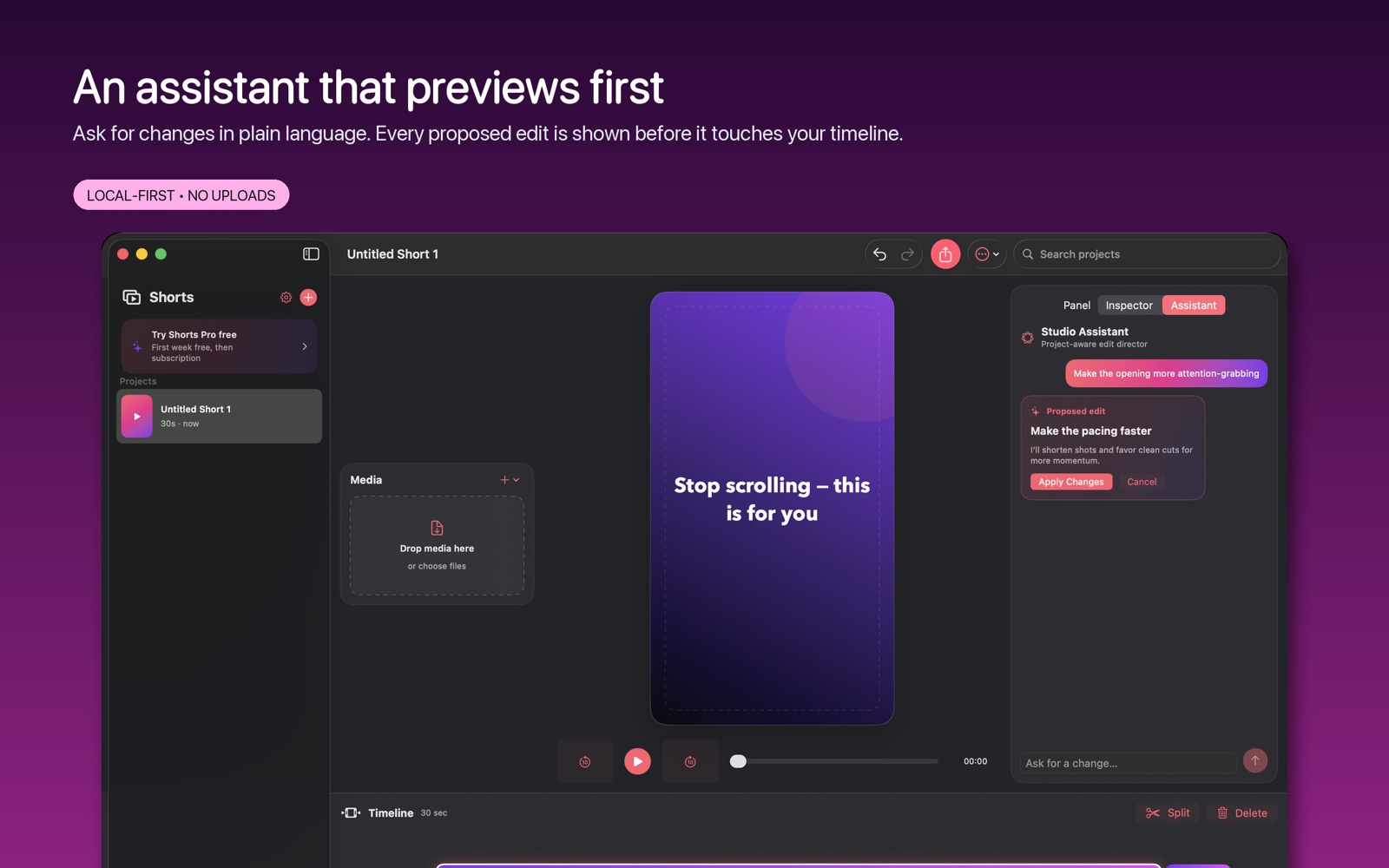
- Studio Assistant proposes edits in plain language and previews them first
- Strict export preflight, H.264 MP4 at 24/30/60 fps
Get Shorts
Compatibility and installation details
- Requires
- macOS 14 or later
- Architecture
- Apple silicon and Intel
- Version
- 1.2
- Download
- 4.8 MB
- Publisher signature
- Developer ID Application
- Apple notarization
- Notarized
- SHA-256
010cde8015960a117aa652c5b67c8fbf58f6d3245584f6182e5237a5f3465ef7
Download the Mac disk image from your receipt, open it and follow the included installation instructions.
Useful to know
What can I do with Shorts?
Bring your media into a focused short-form editing workspace and turn it into a finished video. Keep your project together as you arrange the material, refine the sequence and prepare an export. Shorts gives quick video ideas a dedicated place to become something you can share. On Mac, describe the goal, audience and style to create an editable first cut with titles and captions, then finish the sequence on a multitrack timeline.
How do I start?
Open a project and bring in the material you want to shape. Use the app’s editing controls to develop the result. Save the project or use the supported output for your next step.
How do I receive my download?
After your purchase, the receipt page provides your download link. The exact expiry is shown with your delivery link. Keep your receipt and installer. If a link expires or a download fails, contact support with your receipt instead of buying again.
Where can I find setup help?
Compatibility and installation details are on this page. The installation guide and support team can help with the next step.