
Fluency Simulator
Rehearse conversations before you need them.
Step into a professional or everyday scenario and practise a conversation with an offline AI counterpart.
What you can do with Fluency Simulator
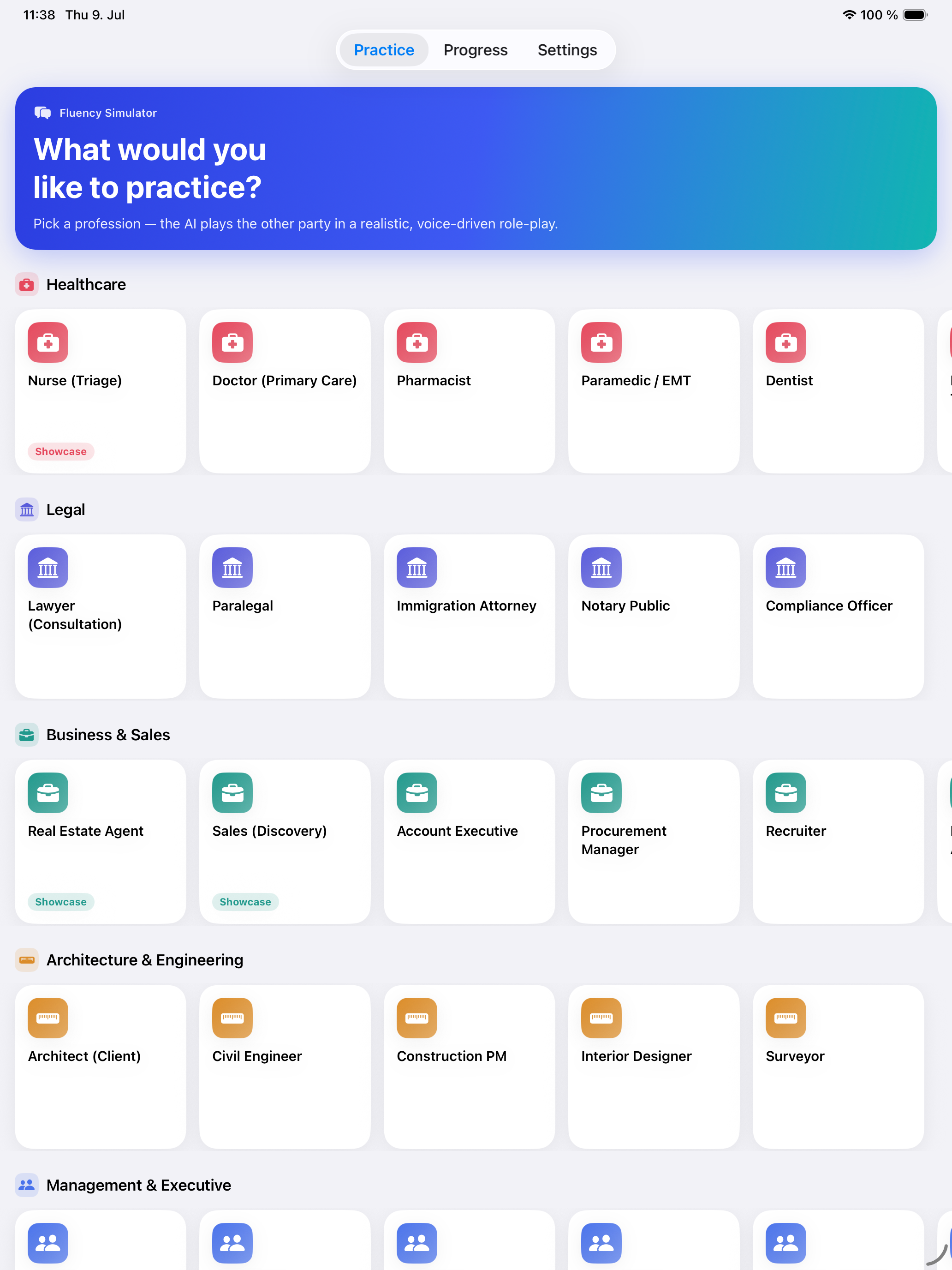
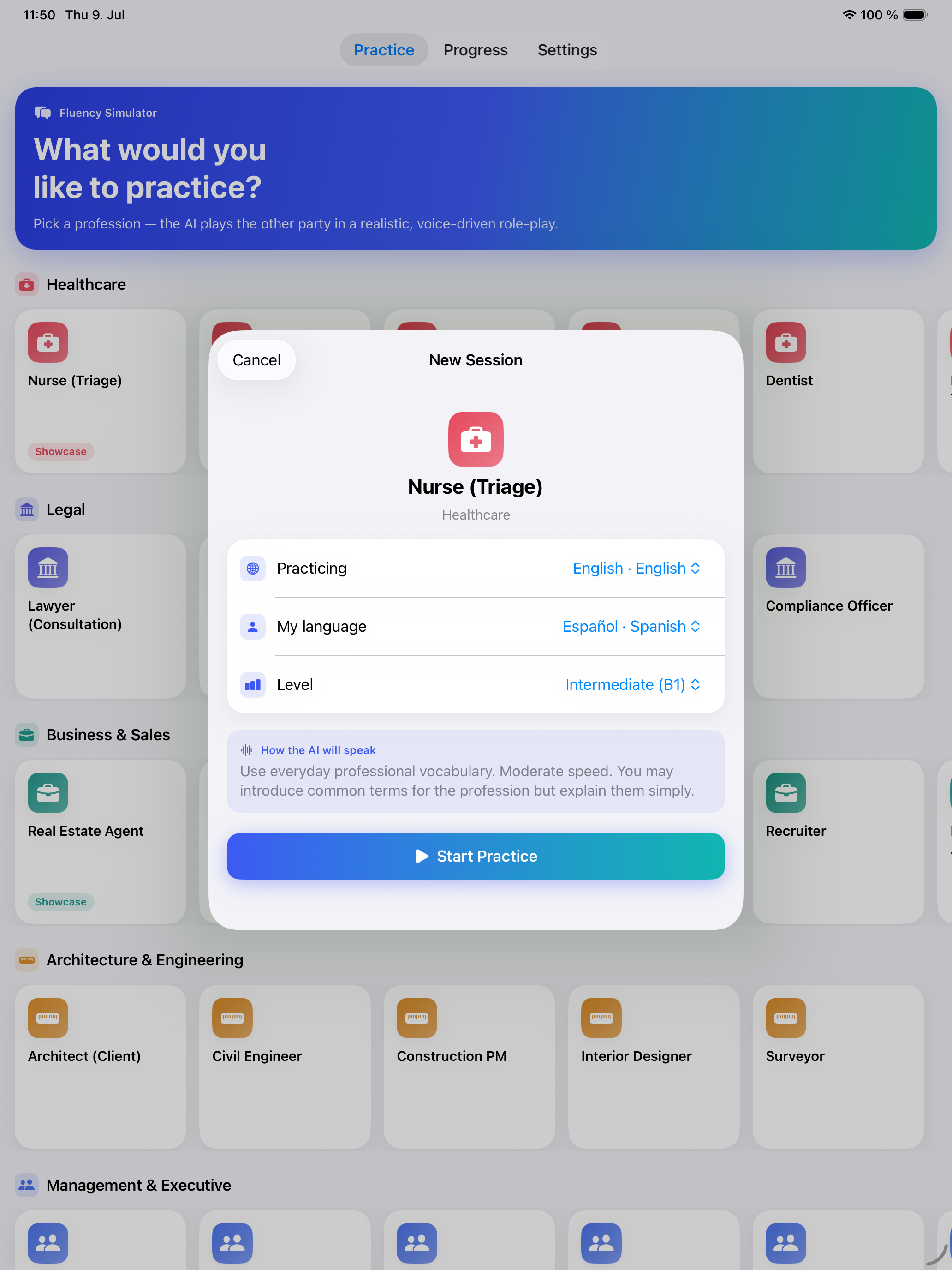
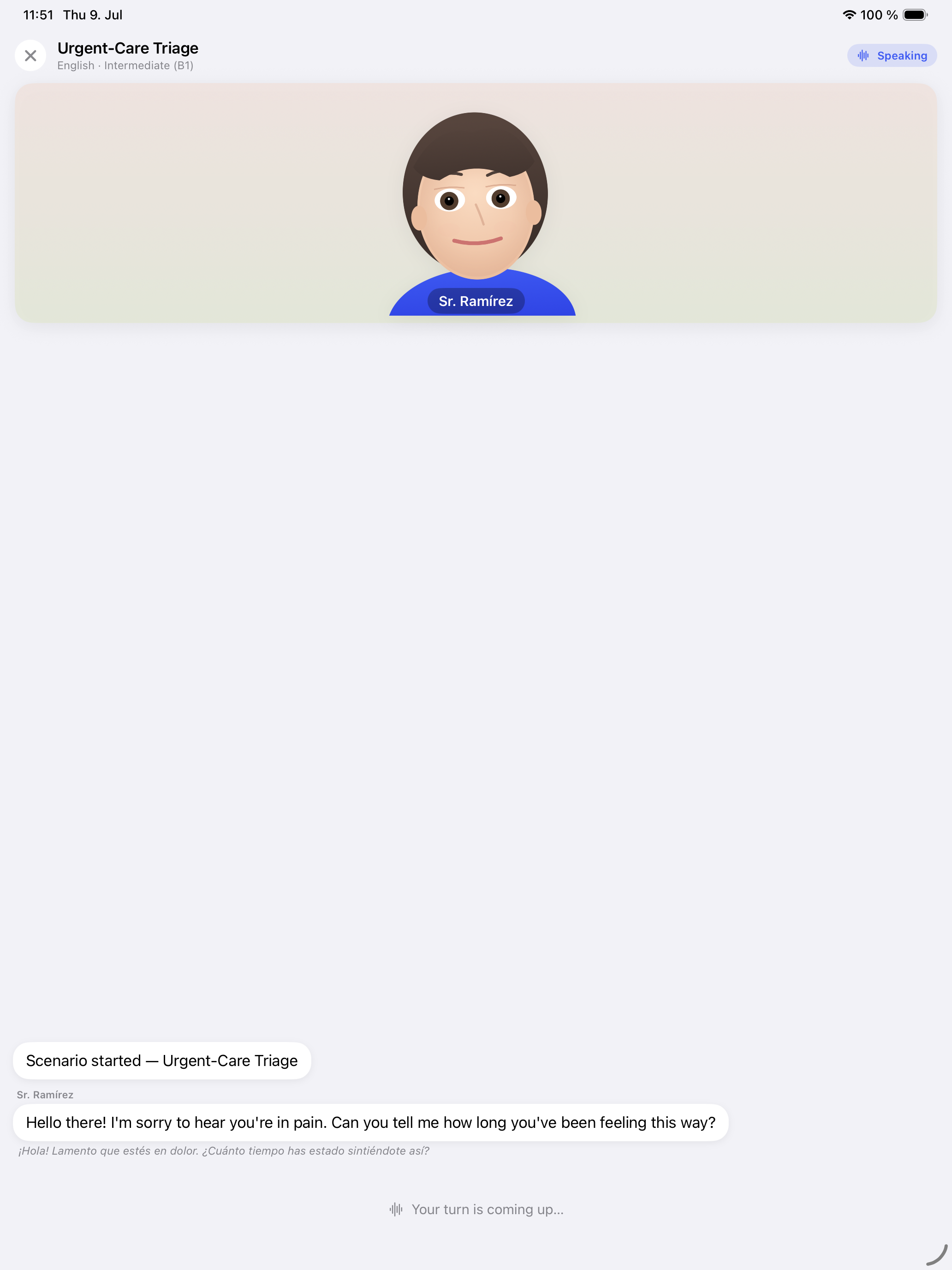
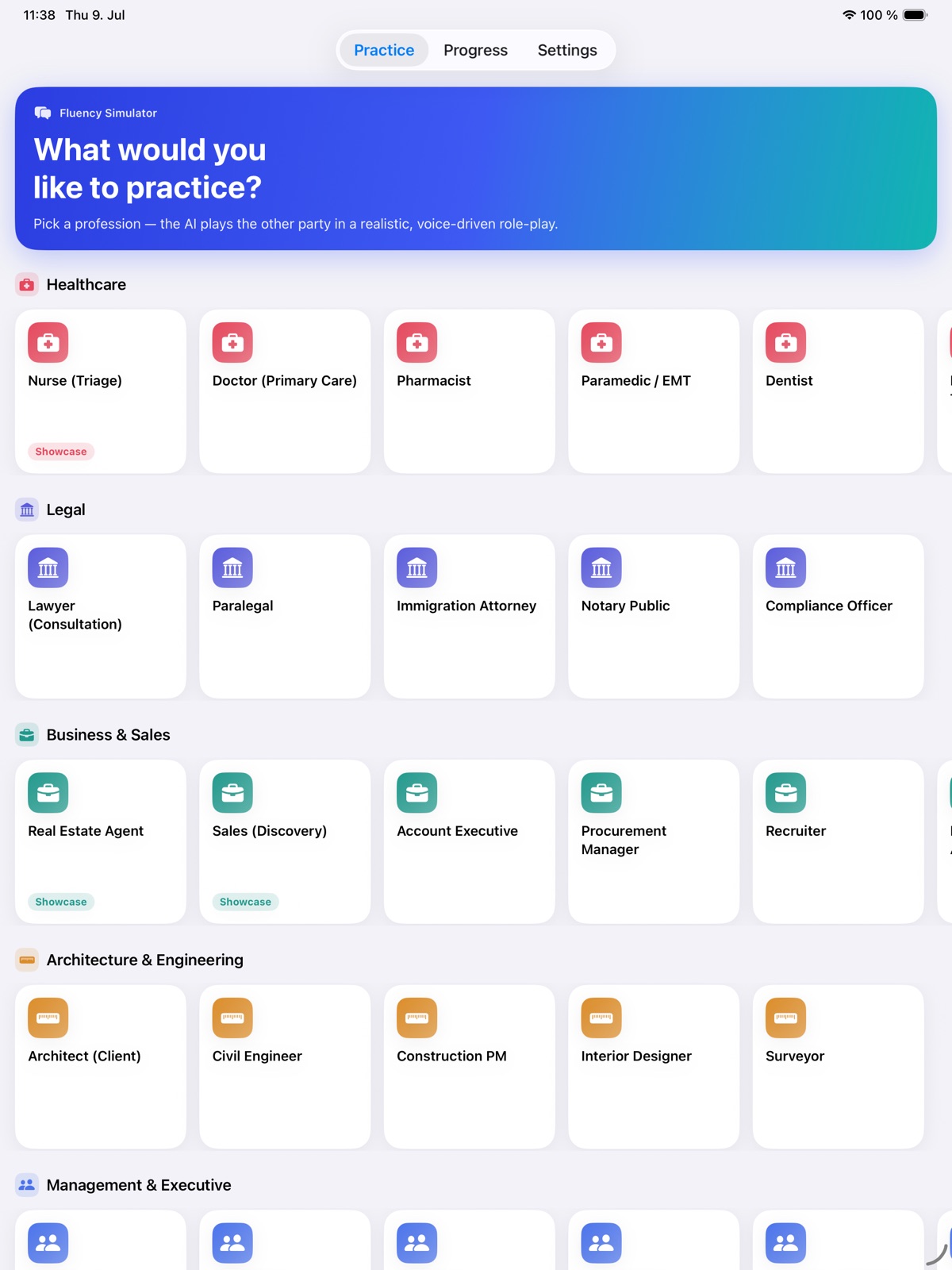
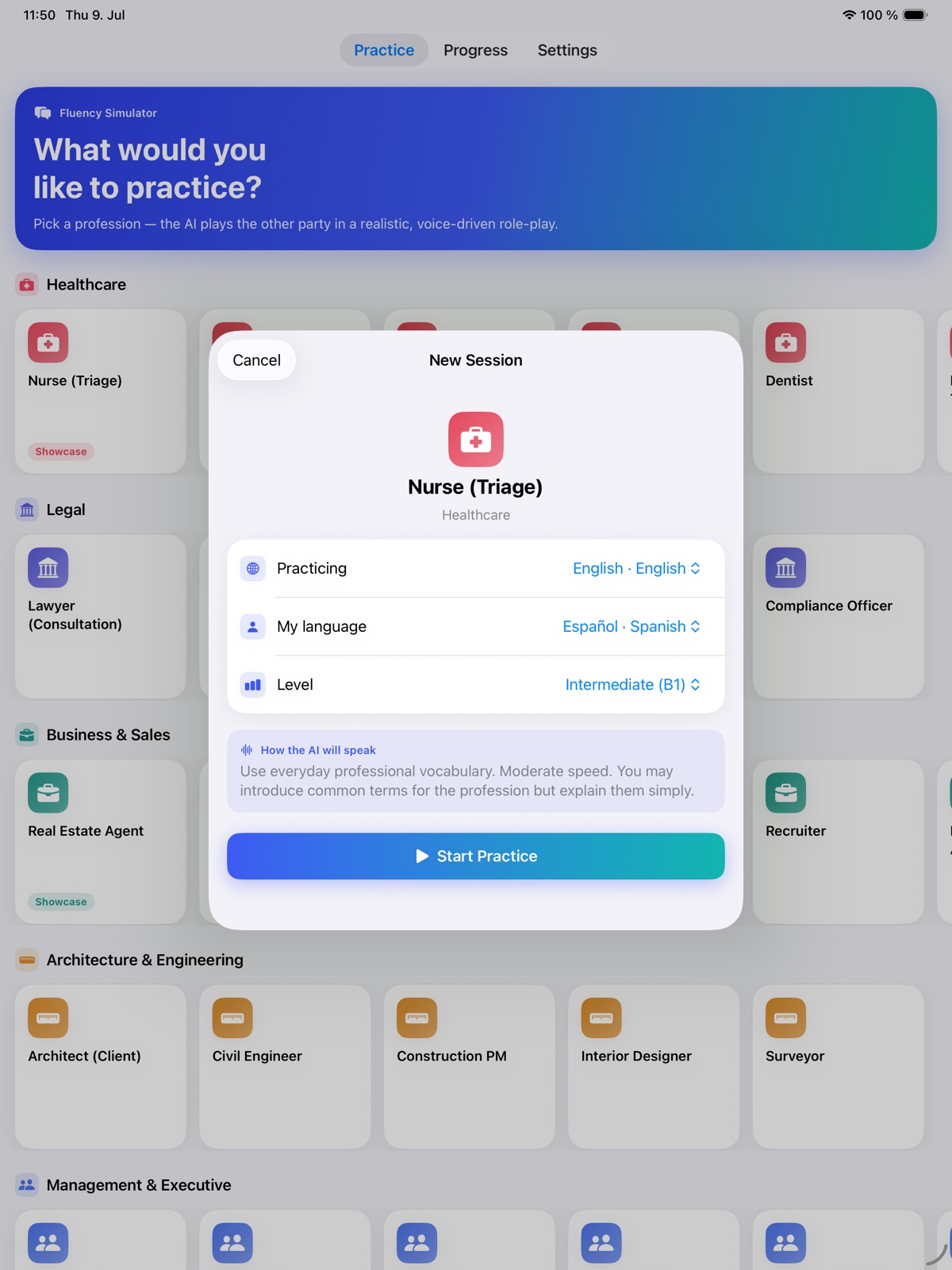
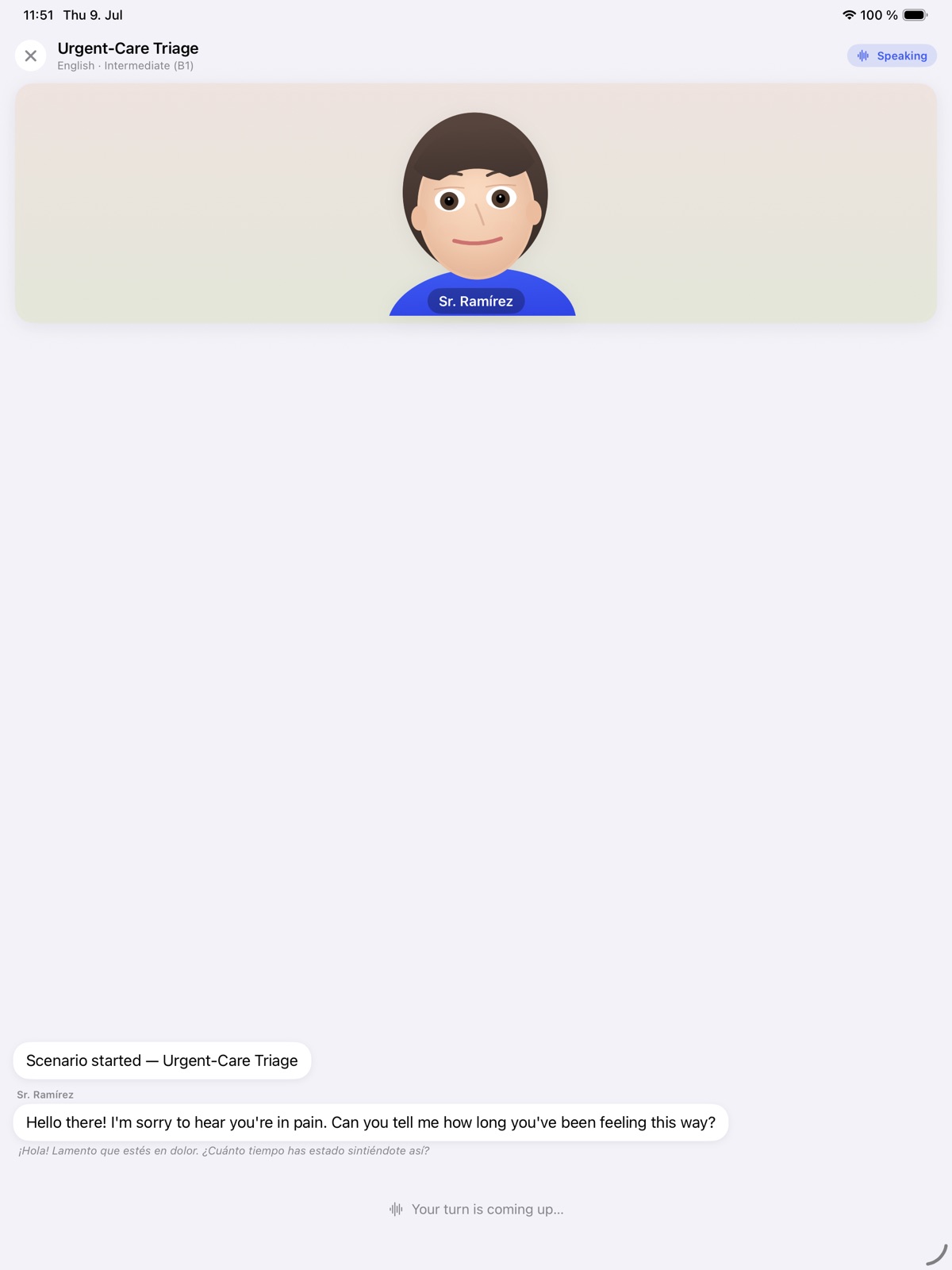
Step into a professional or everyday scenario and practise a conversation with an offline AI counterpart. Type or speak your reply, review the transcript and continue from a saved session. Fluency Simulator gives you space to try different wording and build familiarity with situations you want to handle more comfortably. On Mac, professional scenarios and an animated avatar bring spoken practice into a fully local conversation workflow.
- Rehearse professional and everyday situations
- Reply by typing or recording your voice
- Review transcripts and continue saved conversations
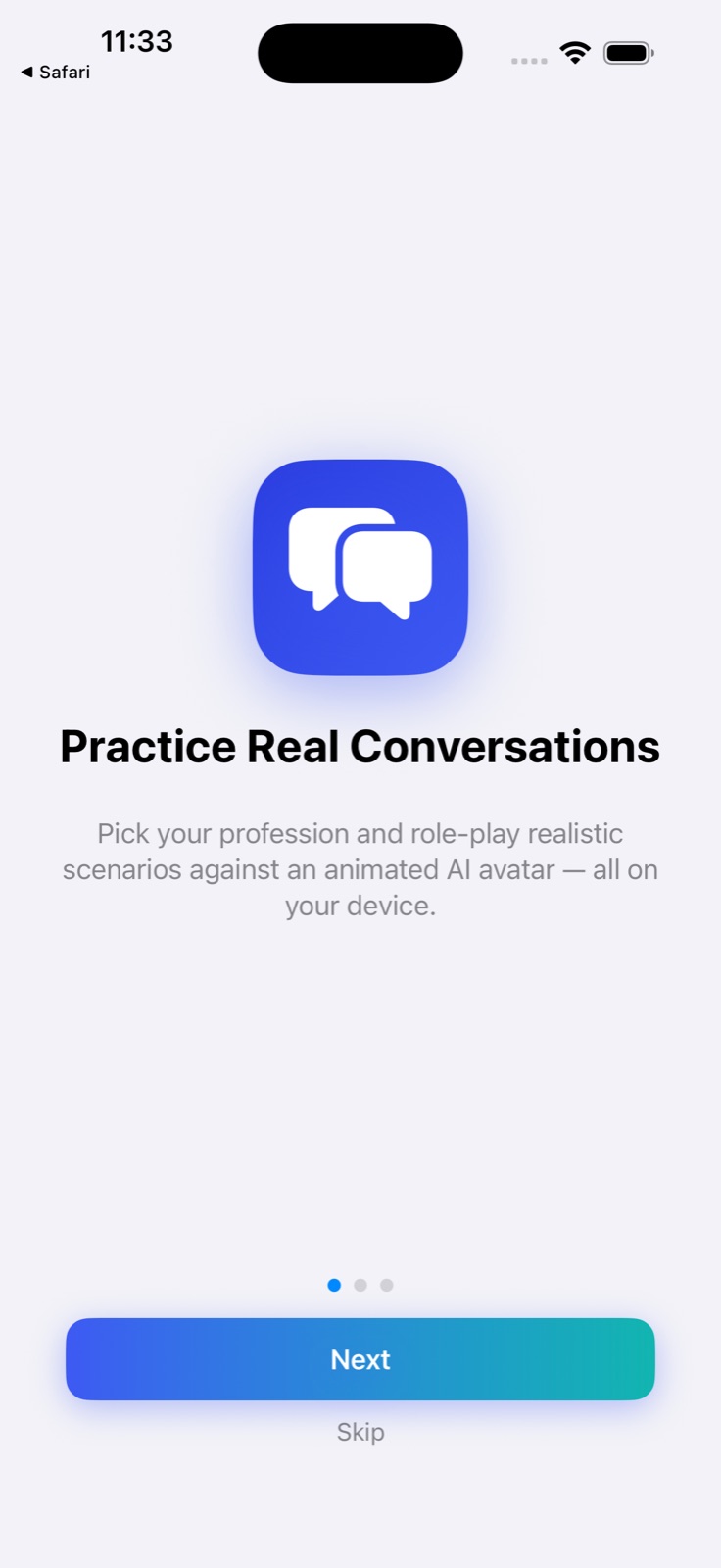
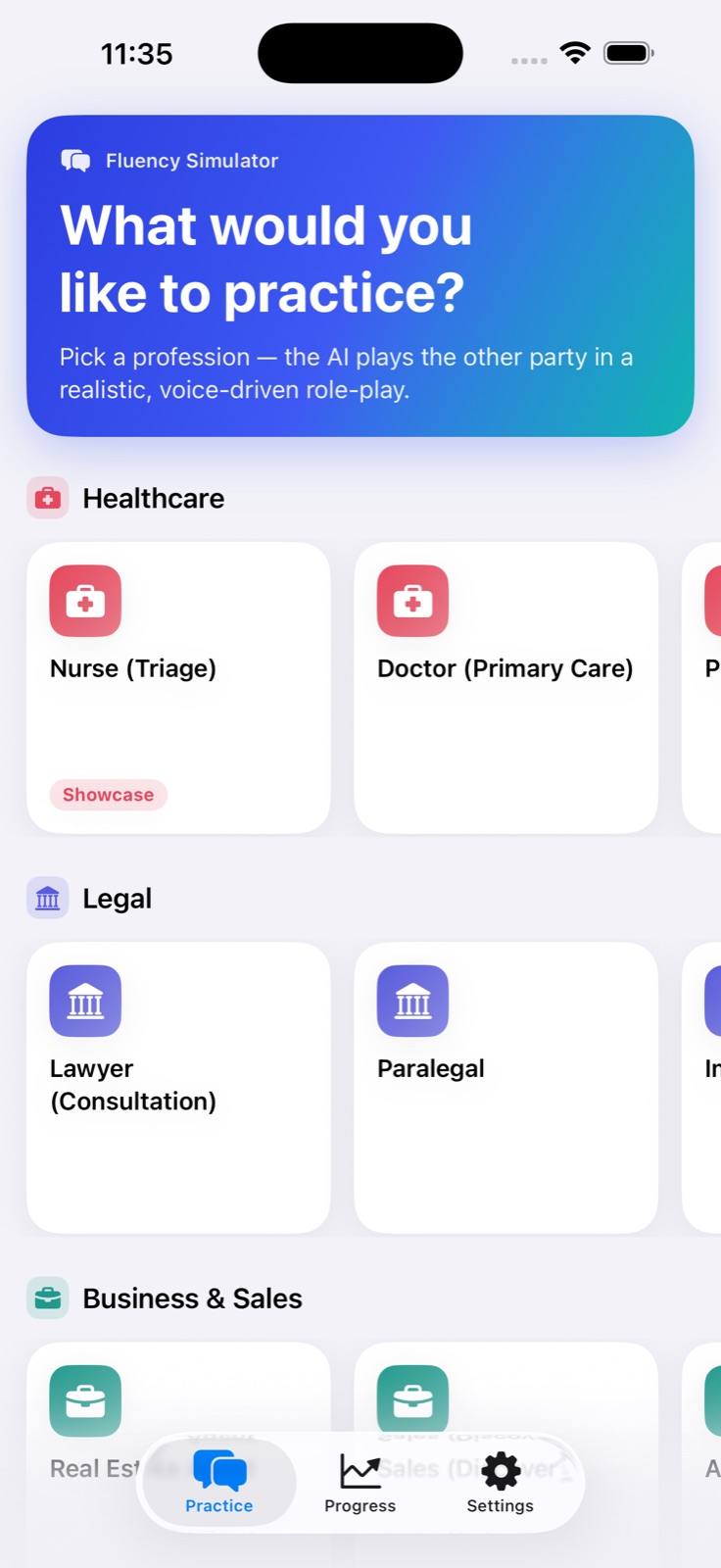
See the workspace
Explore 5 more screenshots
A simple way to get started
Choose your focus
Pick the language, sound or situation you want to practise.
Make it an active session
Work with the available listening, speaking and recall activities.
Return to useful practice
Revisit the material and keep building a routine that fits your day.
Explore more features
- 100% offline — engine, speech recognition, synthesis and AI all on device
- Animated on-device avatar for face-to-face practice
- Scenario practice written for real professional situations
- No API keys and no per-token cost
Get Fluency Simulator
Compatibility and installation details
- Requires
- macOS 26 or later
- Architecture
- Apple silicon and Intel
- Version
- 1.1
- Download
- 2.1 MB
- Publisher signature
- Developer ID Application
- Apple notarization
- Notarized
- SHA-256
c3a424c5be63835f7a6dc18f665b8943d5242700ded02865ddf3e7e01f73fc45
Download the Mac disk image from your receipt, open it and follow the included installation instructions.
Useful to know
What can I do with Fluency Simulator?
Step into a professional or everyday scenario and practise a conversation with an offline AI counterpart. Type or speak your reply, review the transcript and continue from a saved session. Fluency Simulator gives you space to try different wording and build familiarity with situations you want to handle more comfortably. On Mac, professional scenarios and an animated avatar bring spoken practice into a fully local conversation workflow.
How do I start?
Pick the language, sound or situation you want to practise. Work with the available listening, speaking and recall activities. Revisit the material and keep building a routine that fits your day.
How do I receive my download?
After your purchase, the receipt page provides your download link. The exact expiry is shown with your delivery link. Keep your receipt and installer. If a link expires or a download fails, contact support with your receipt instead of buying again.
Where can I find setup help?
Compatibility and installation details are on this page. The installation guide and support team can help with the next step.