
SpaceLens
See where your storage goes.
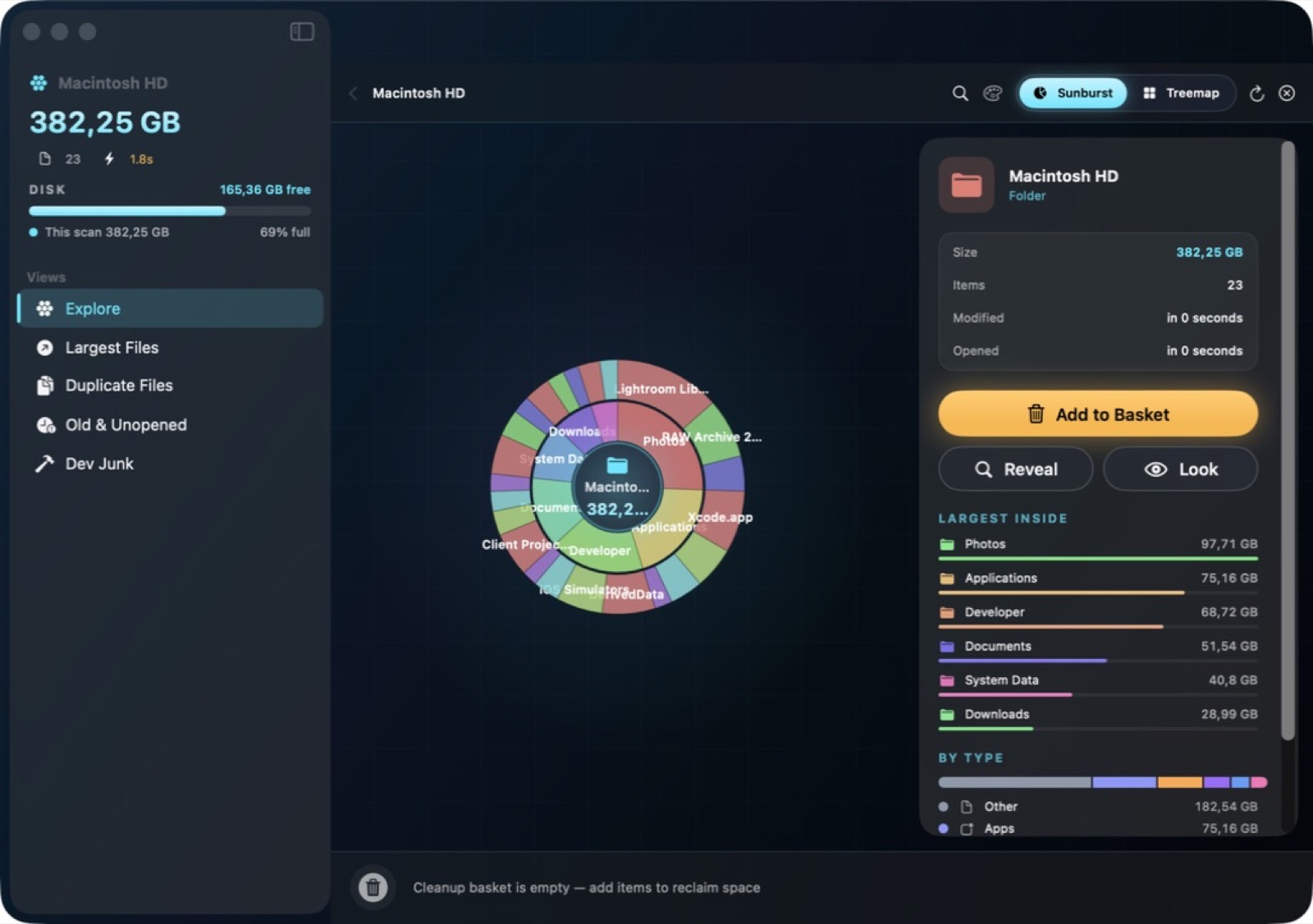
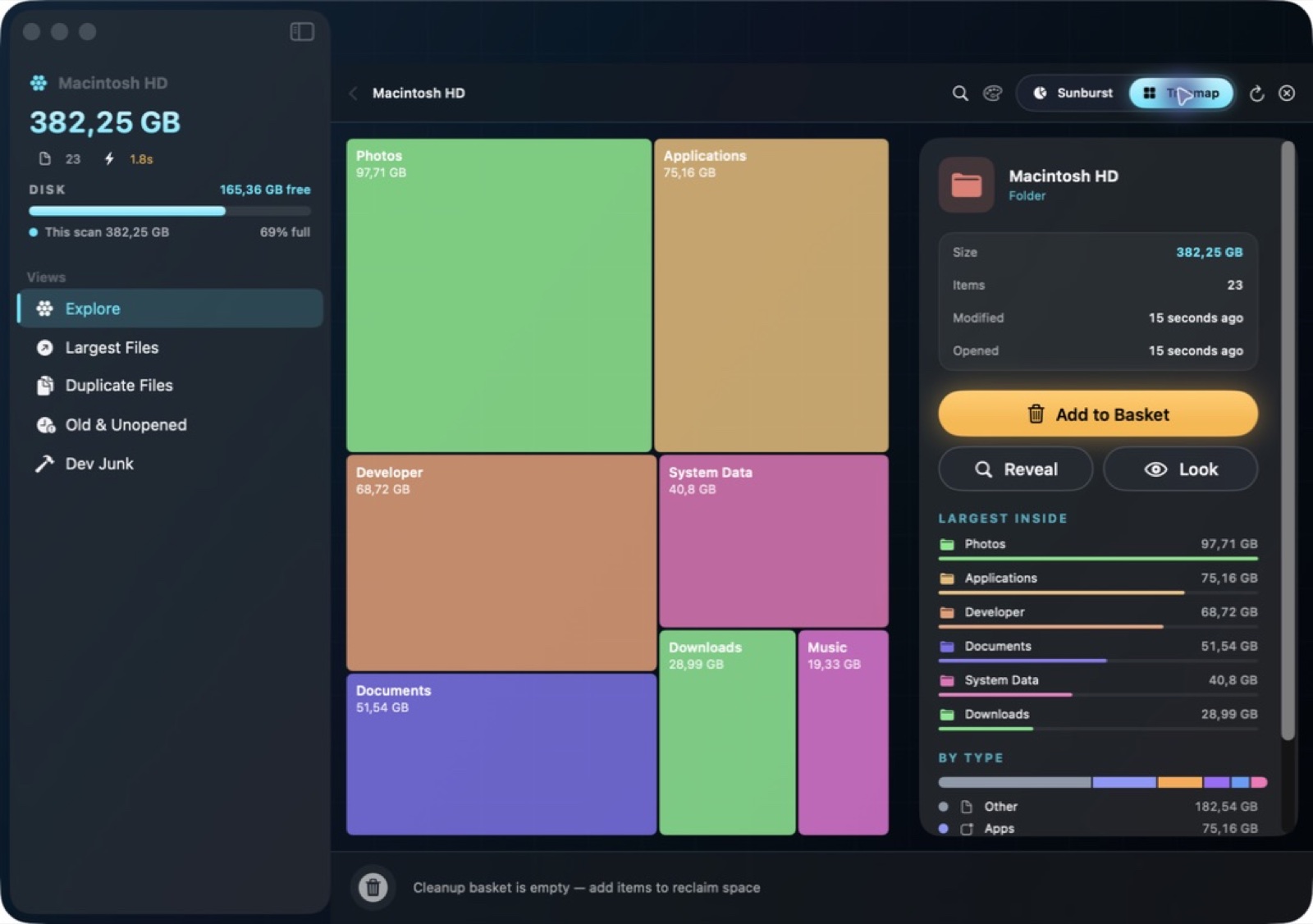
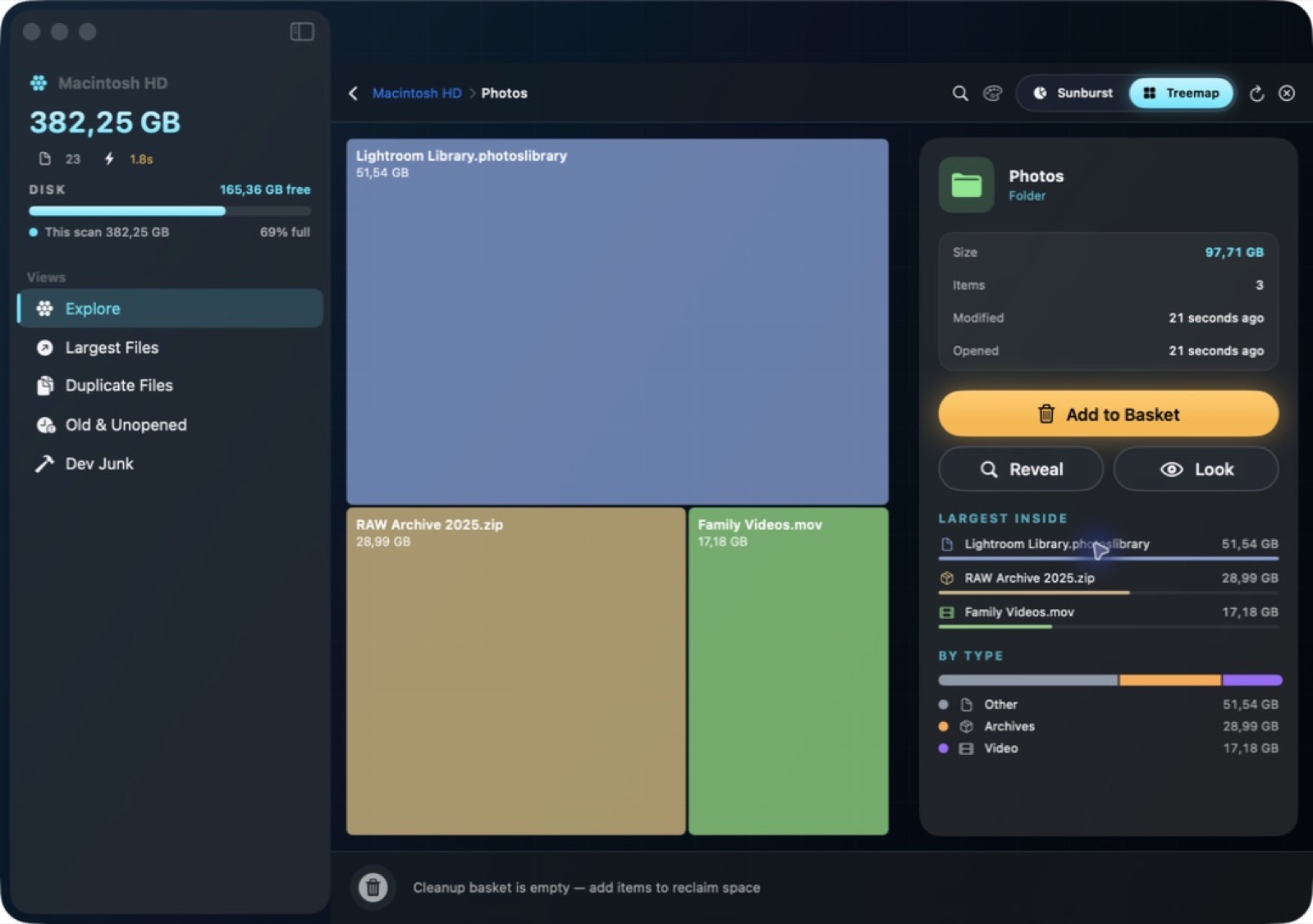
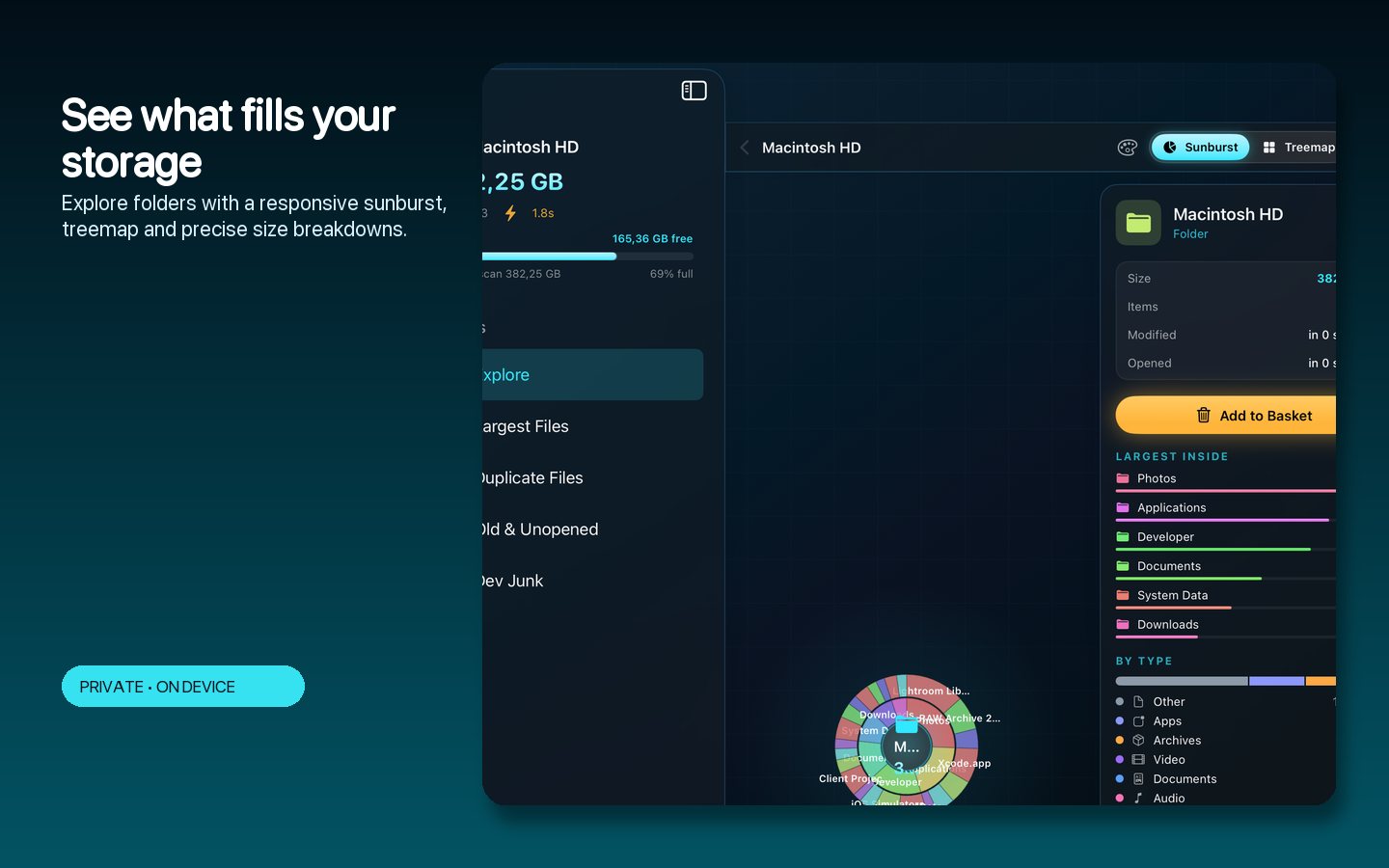
Explore a folder through sunburst and treemap views that make its largest contents easy to spot.
What you can do with SpaceLens
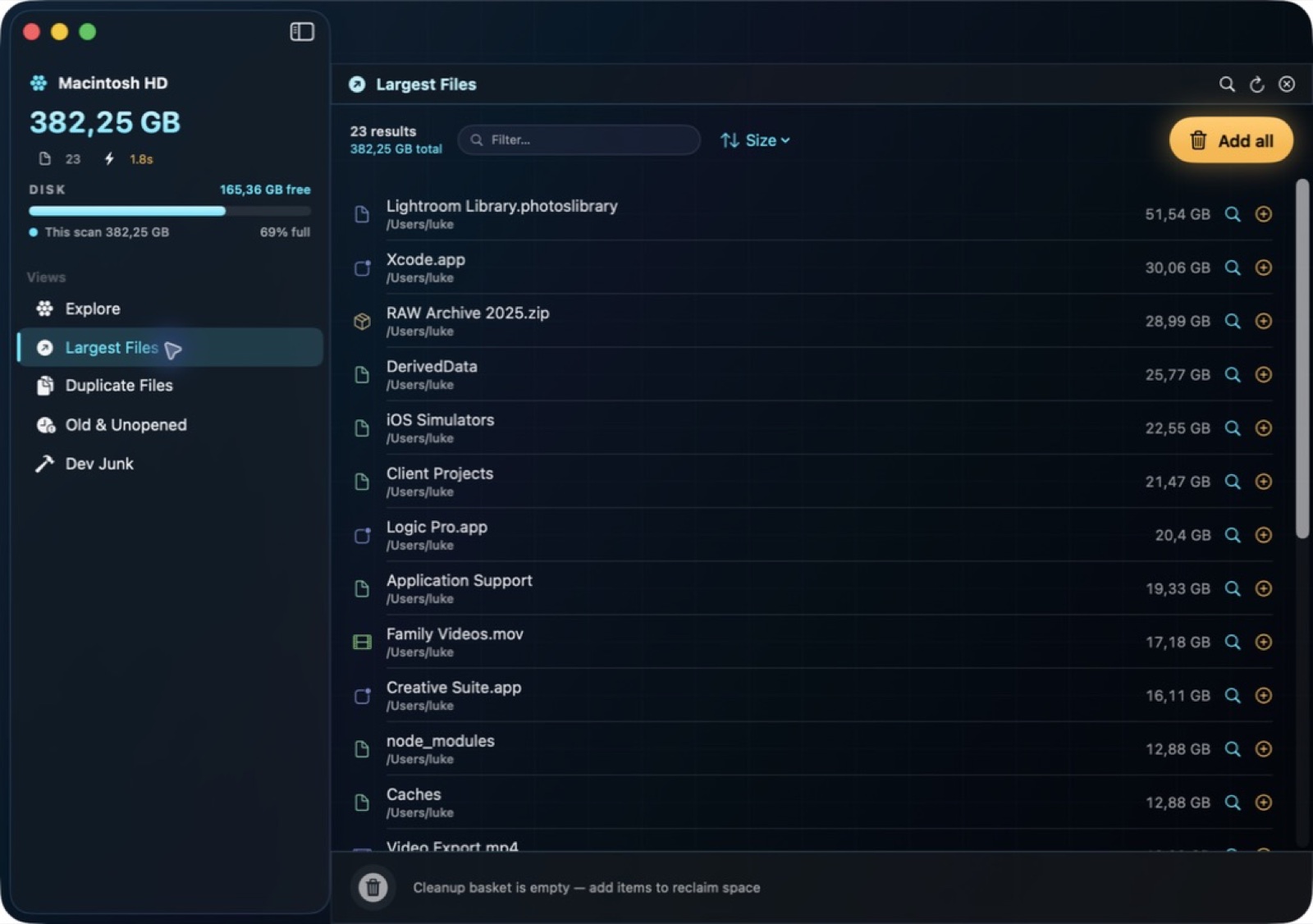
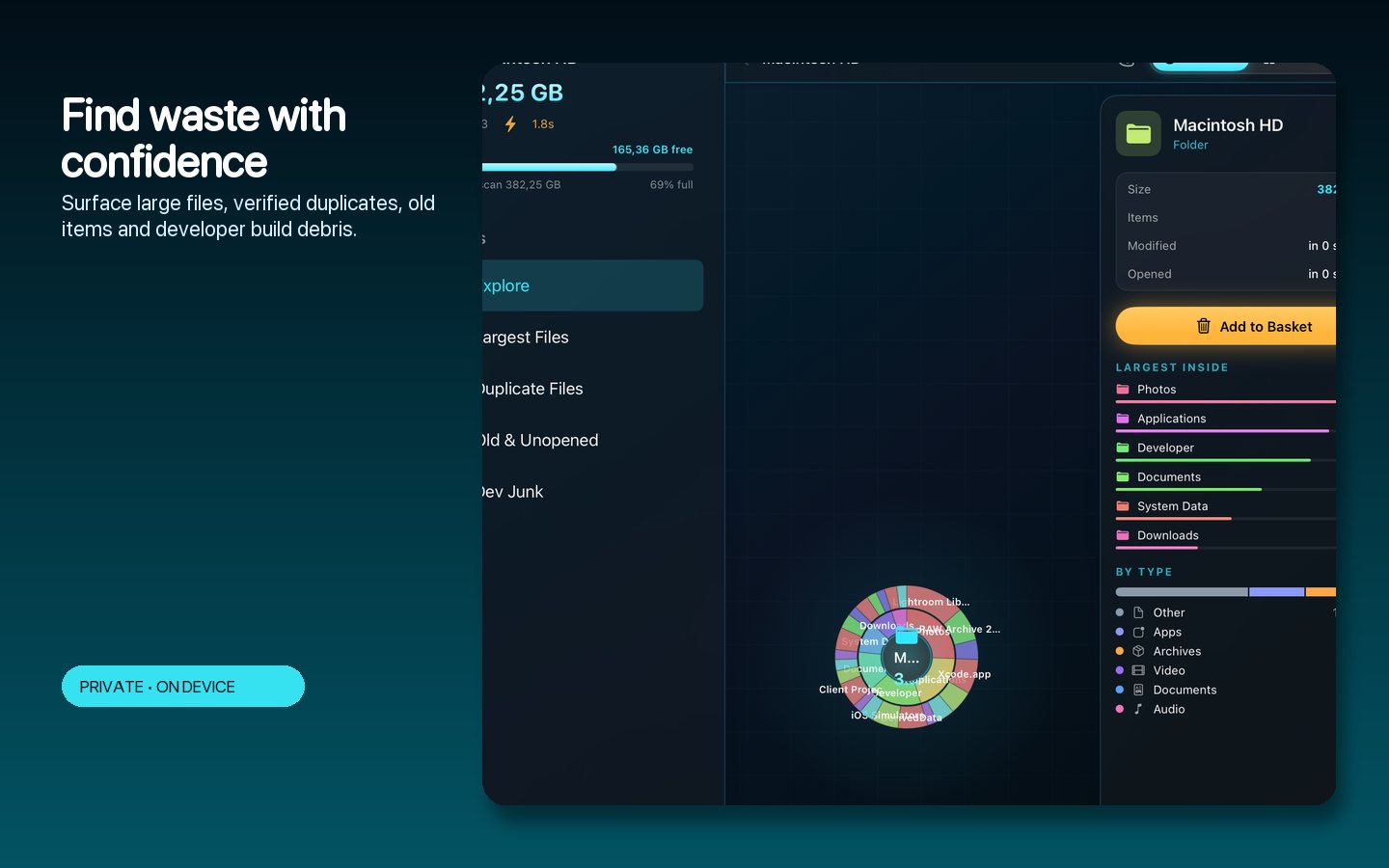
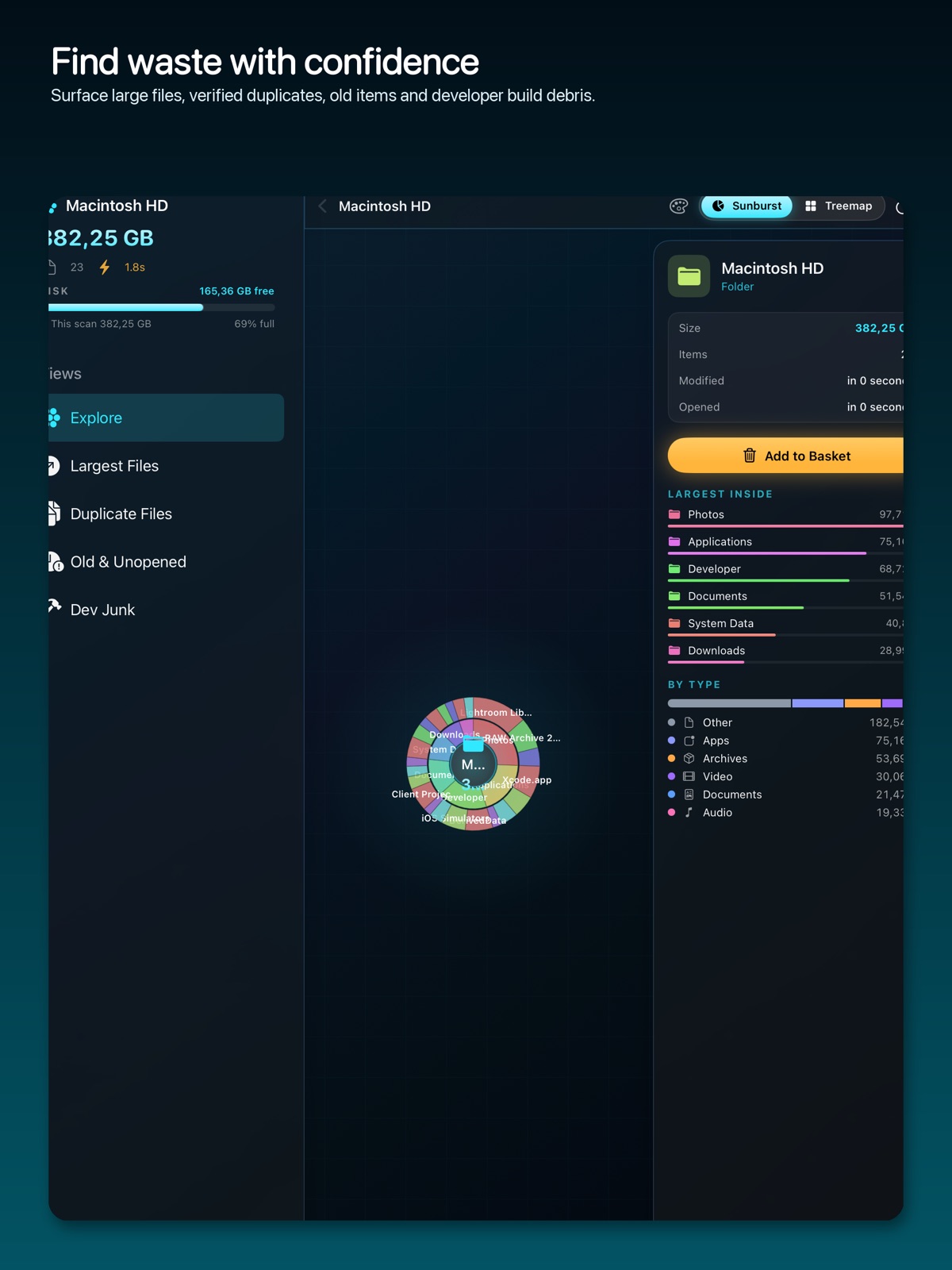
Explore a folder through sunburst and treemap views that make its largest contents easy to spot. SpaceLens brings file sizes, large-item review and duplicate findings together, then lets you gather selected items into a cleanup basket. Understand the shape of your storage before deciding what to keep or clear. On Mac, explore disk usage, large files, duplicates and build debris through a visual map and a reviewable cleanup workflow.
- See folder sizes through an interactive visual map
- Bring large files and duplicate findings into view
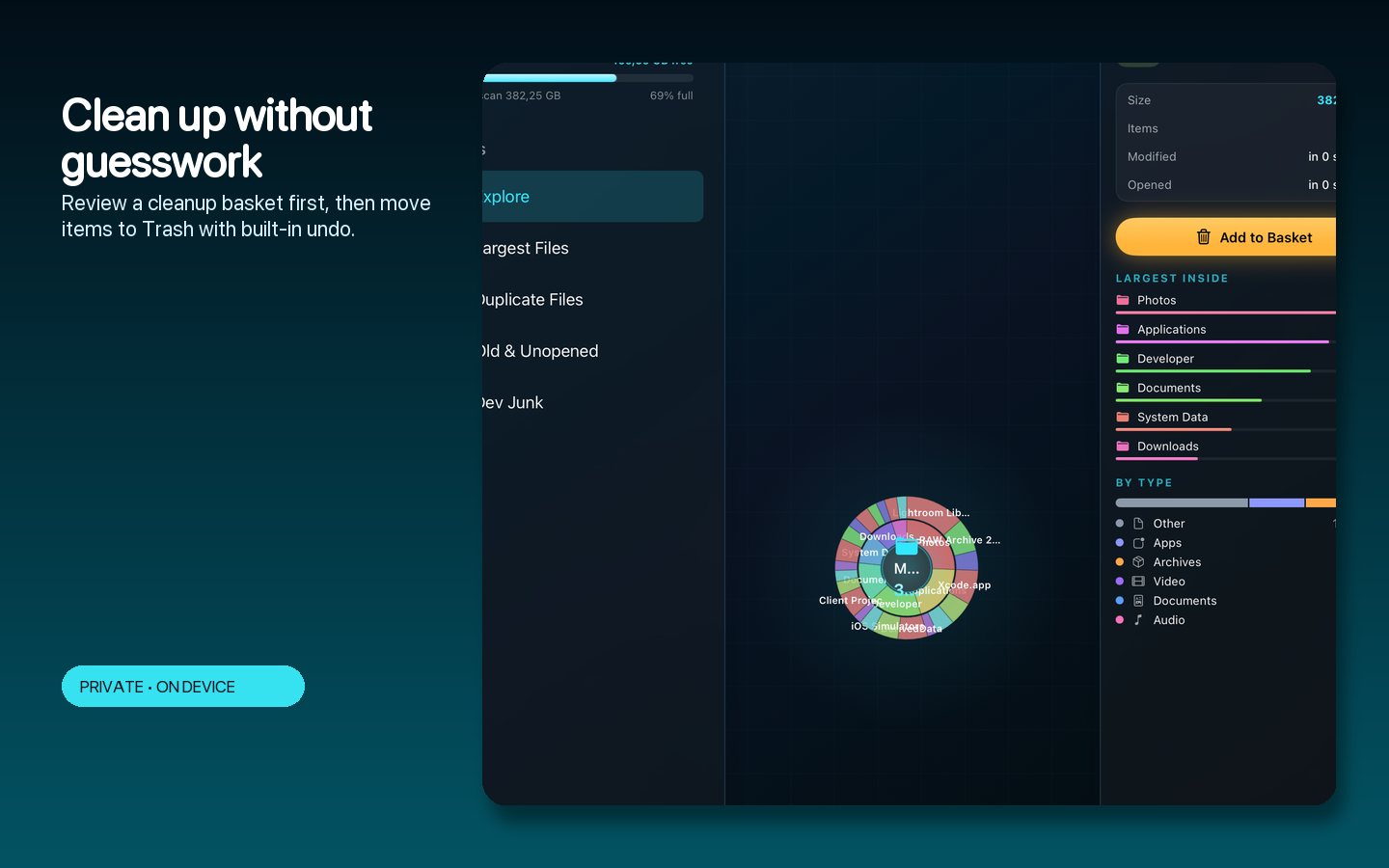
- Gather chosen items into a cleanup basket
See the workspace
Explore 5 more screenshots
A simple way to get started
Choose a location
Select the folder or storage location you want to inspect.
Explore the map
Use sunburst or treemap views to find large contents and review duplicate findings.
Gather your choices
Put selected items into the cleanup workflow with the context visible.
Explore more features
- Bulk filesystem scanning at hundreds of thousands of files per second
- Sunburst and treemap views with exact, verified sizes
- Smart finders for large files, duplicates and developer debris
- Reviewable cleanup basket with Trash-based undo
Get SpaceLens
Compatibility and installation details
- Requires
- macOS 14 or later
- Architecture
- Apple silicon and Intel
- Version
- 1.0
- Download
- 2.6 MB
- Publisher signature
- Developer ID Application
- Apple notarization
- Notarized
- SHA-256
b2afe0abb5c9439feca645dc6ae55820f6aa9c2534b2634fa3ce49dec96be3a8
Download the Mac disk image from your receipt, open it and follow the included installation instructions.
Useful to know
What can I do with SpaceLens?
Explore a folder through sunburst and treemap views that make its largest contents easy to spot. SpaceLens brings file sizes, large-item review and duplicate findings together, then lets you gather selected items into a cleanup basket. Understand the shape of your storage before deciding what to keep or clear. On Mac, explore disk usage, large files, duplicates and build debris through a visual map and a reviewable cleanup workflow.
How do I start?
Select the folder or storage location you want to inspect. Use sunburst or treemap views to find large contents and review duplicate findings. Put selected items into the cleanup workflow with the context visible.
How do I receive my download?
After your purchase, the receipt page provides your download link. The exact expiry is shown with your delivery link. Keep your receipt and installer. If a link expires or a download fails, contact support with your receipt instead of buying again.
Where can I find setup help?
Compatibility and installation details are on this page. The installation guide and support team can help with the next step.