
CodeMonkey: Python Quest
Learn Python by making your code move.
Solve coding quests with real local Python execution and see your solution play out.
What you can do with CodeMonkey: Python Quest
Solve coding quests with real local Python execution and see your solution play out. Work through loops, functions and data structures, use hints when you need a nudge, and connect each line of code with the actions it creates. Python Quest gives programming practice a clear goal and a visible result. The Mac edition includes 300 puzzle levels powered by embedded Python, with Codey replaying the action in the game world.
- Run real Python locally as you solve each puzzle
- Follow 300 levels across ten Python chapters
- Watch Codey replay the actions your code produced
See the workspace
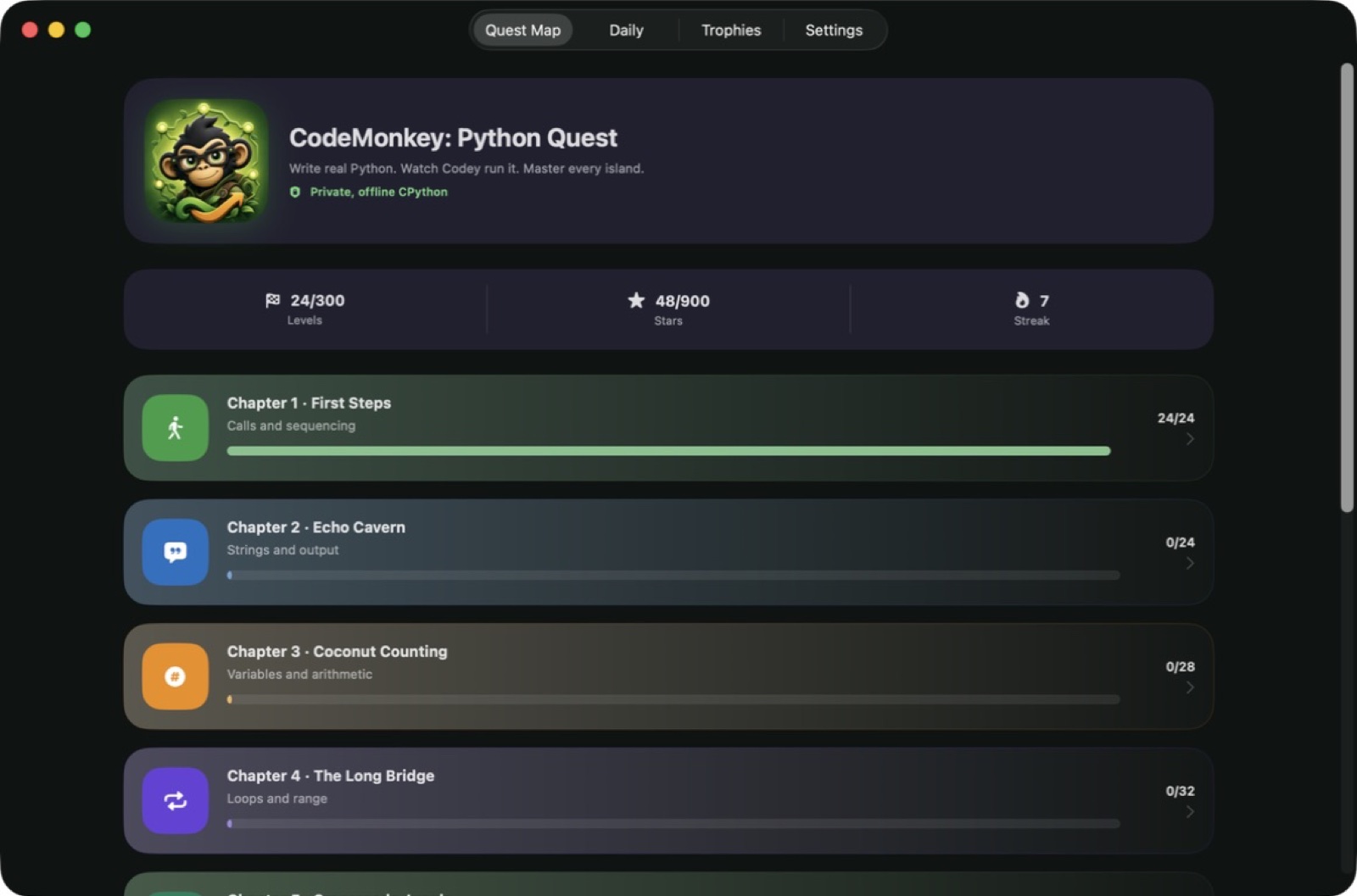
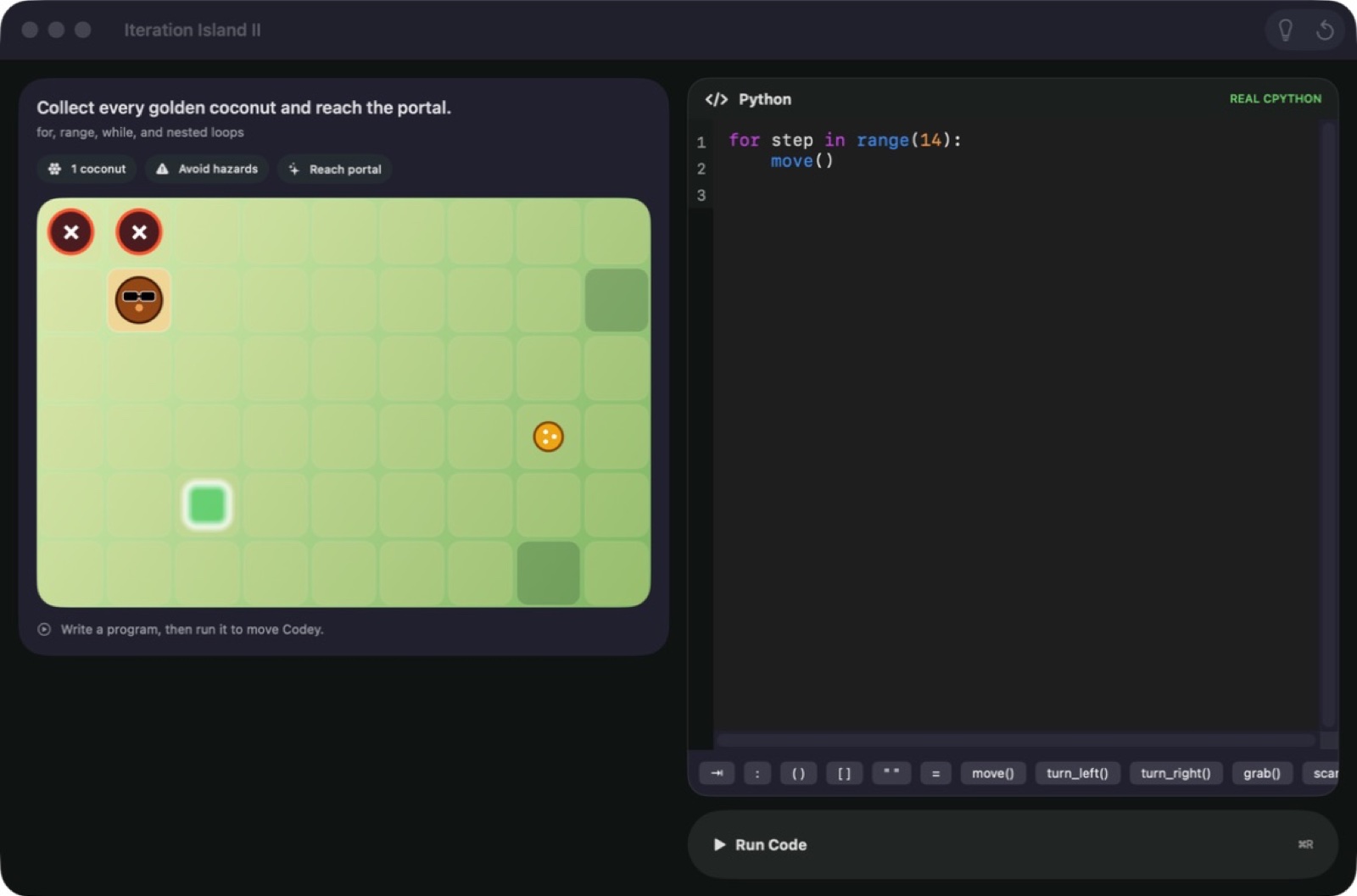
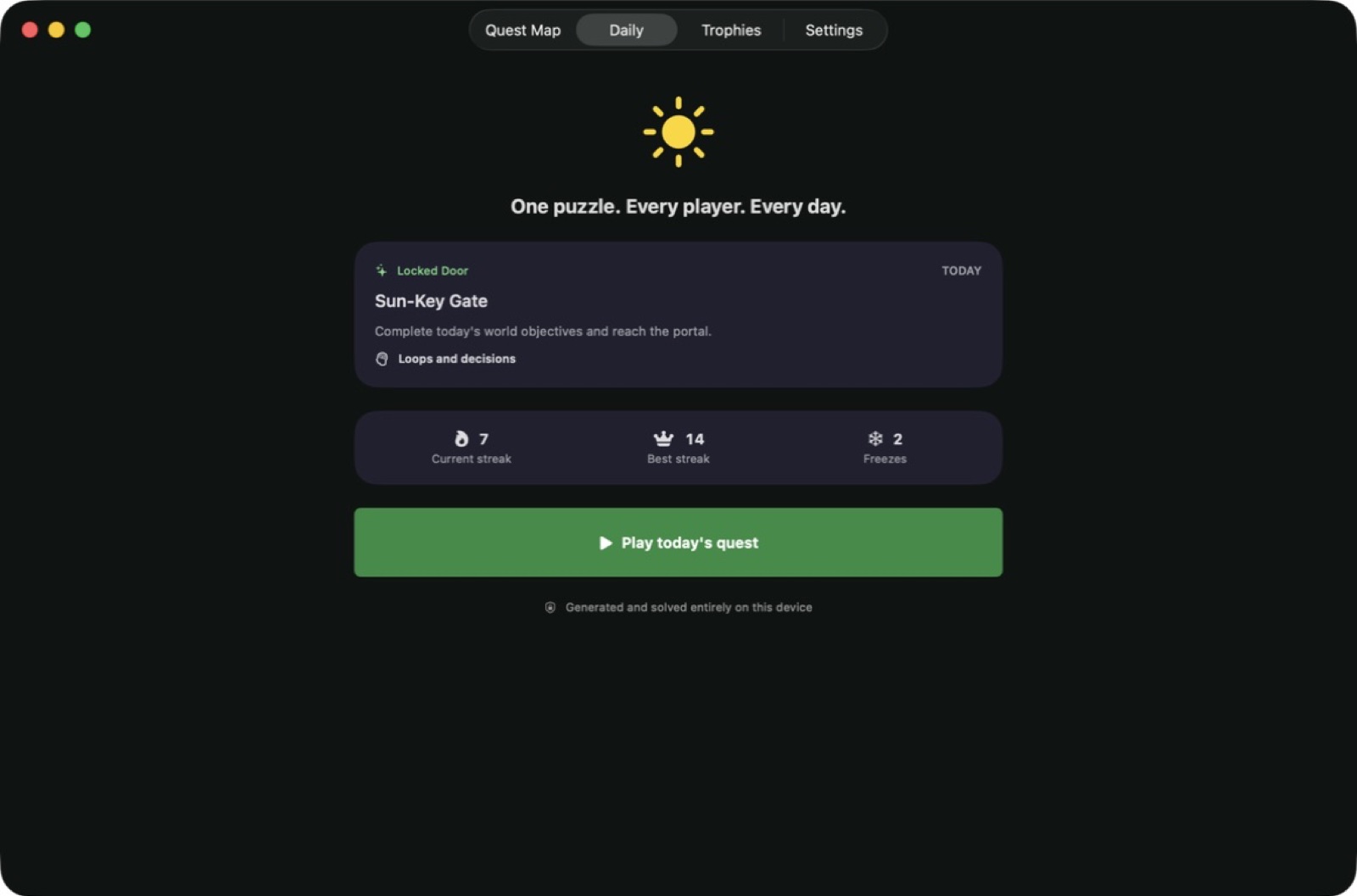
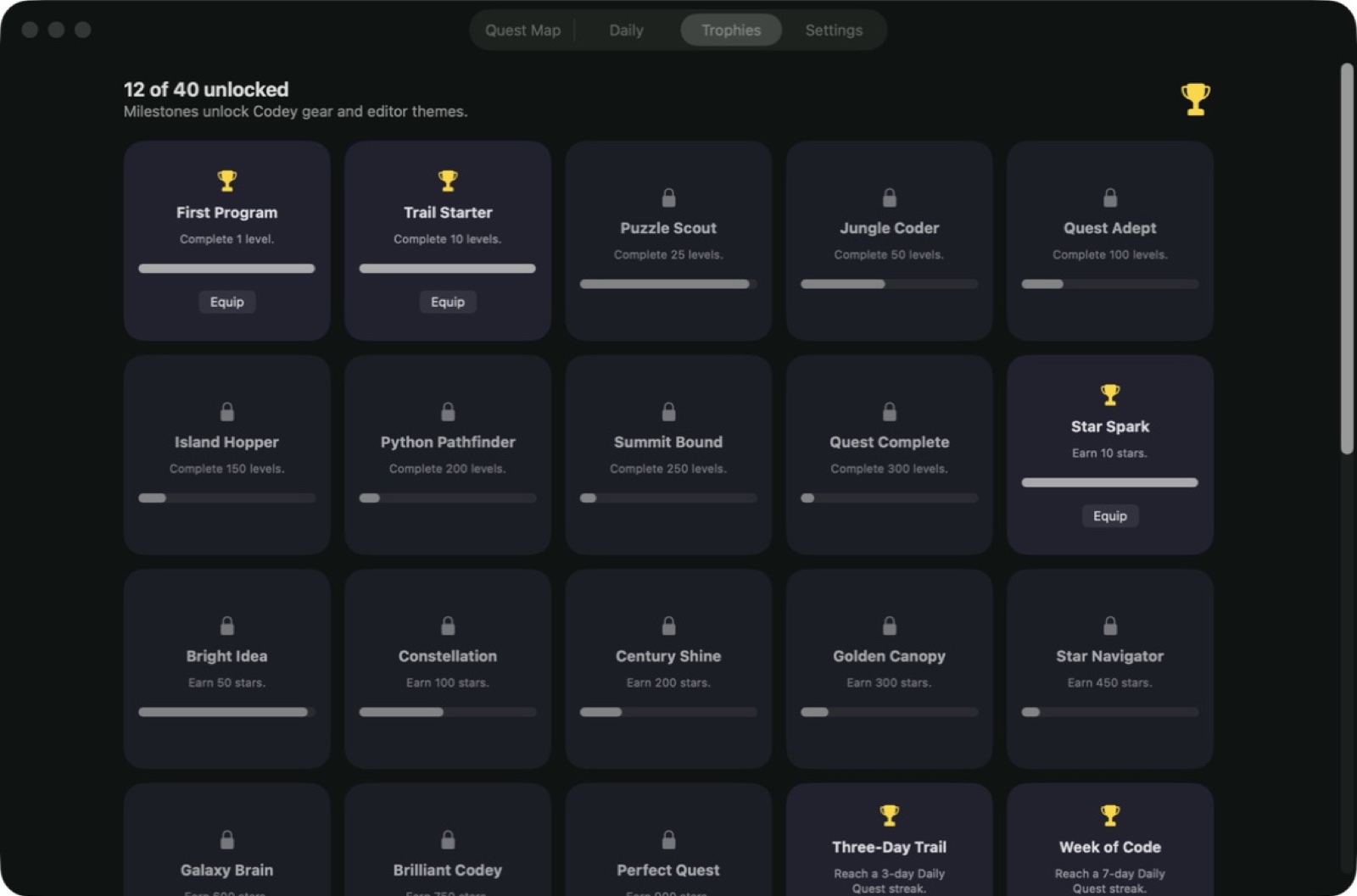
Explore 5 more screenshots
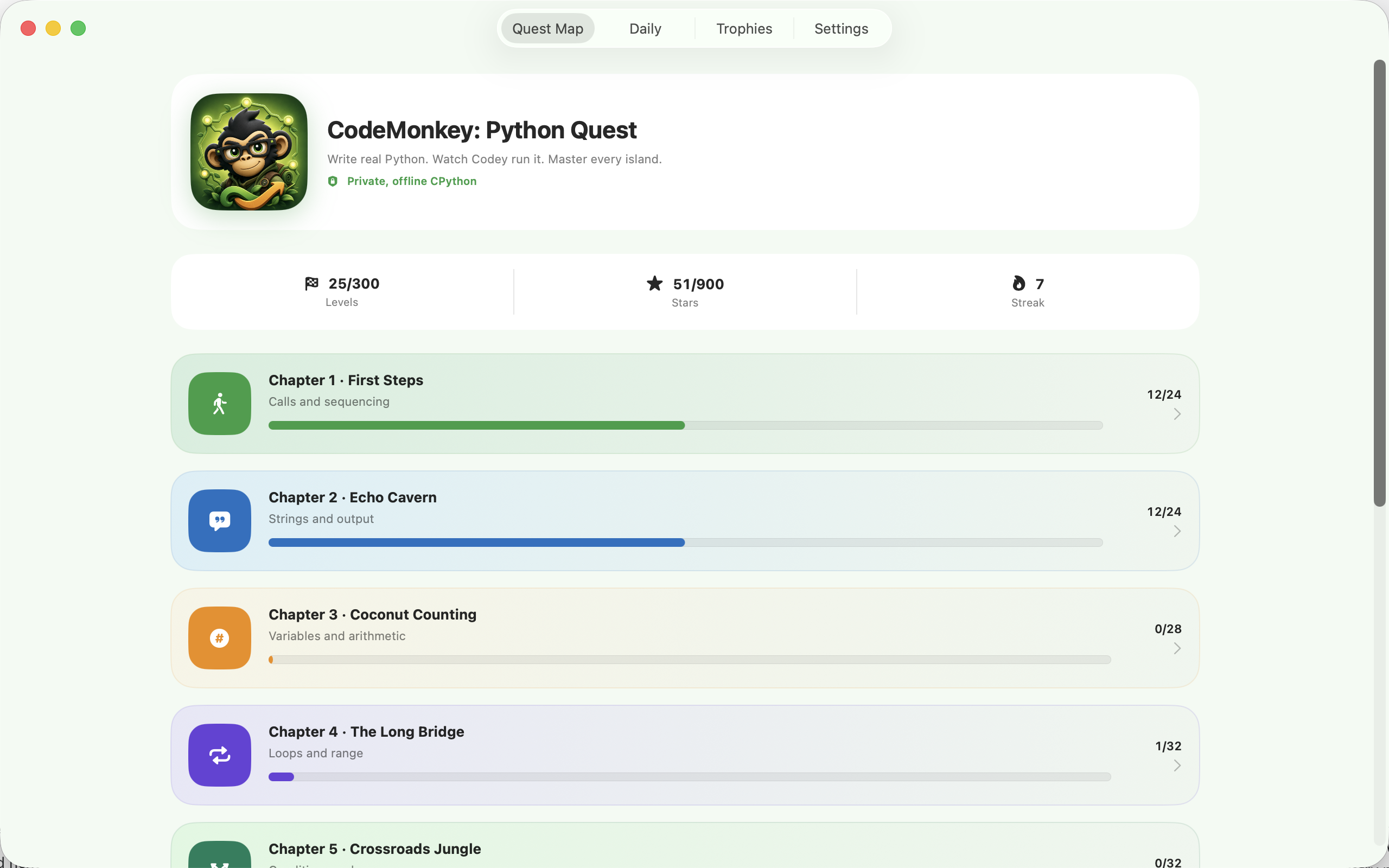
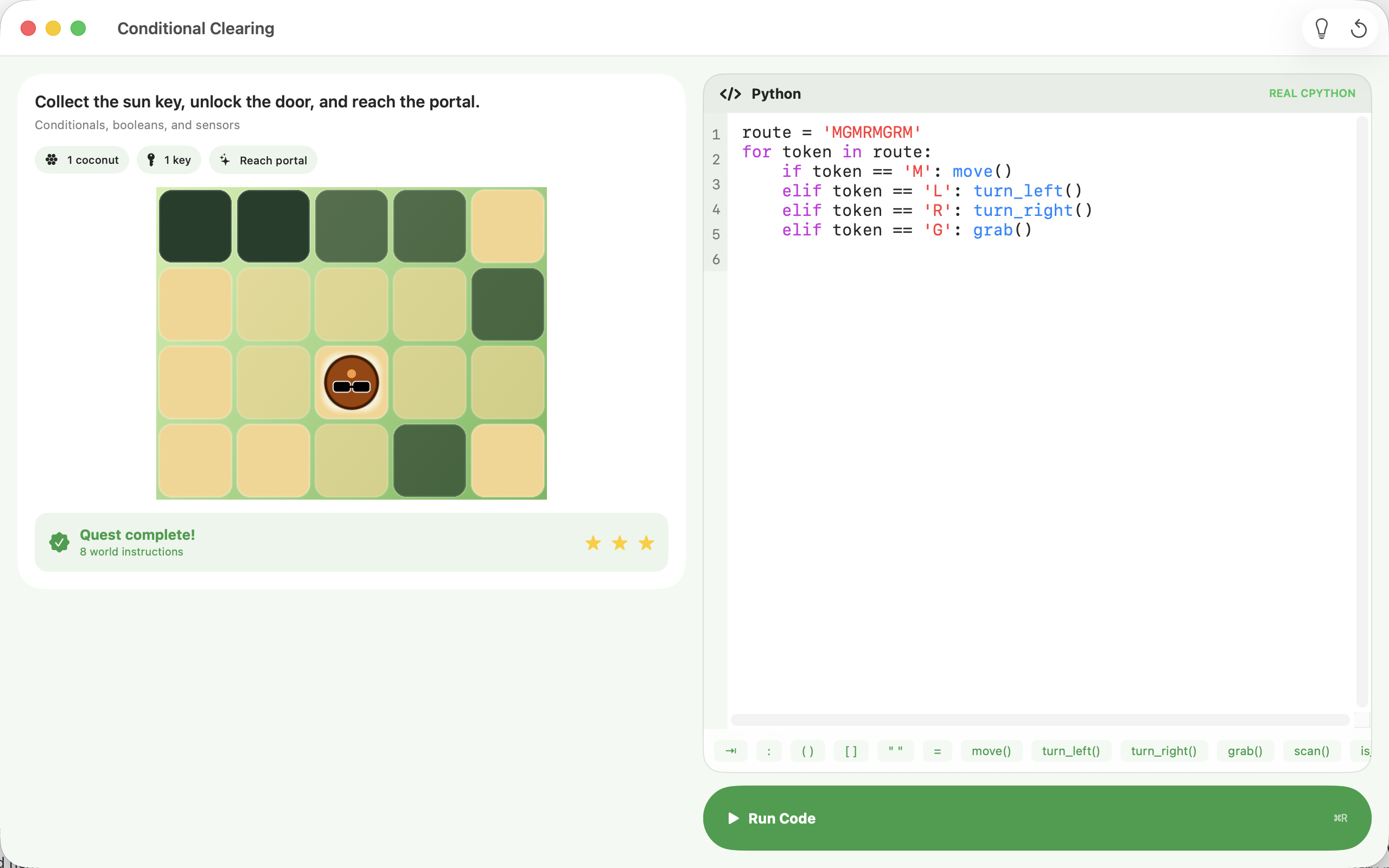
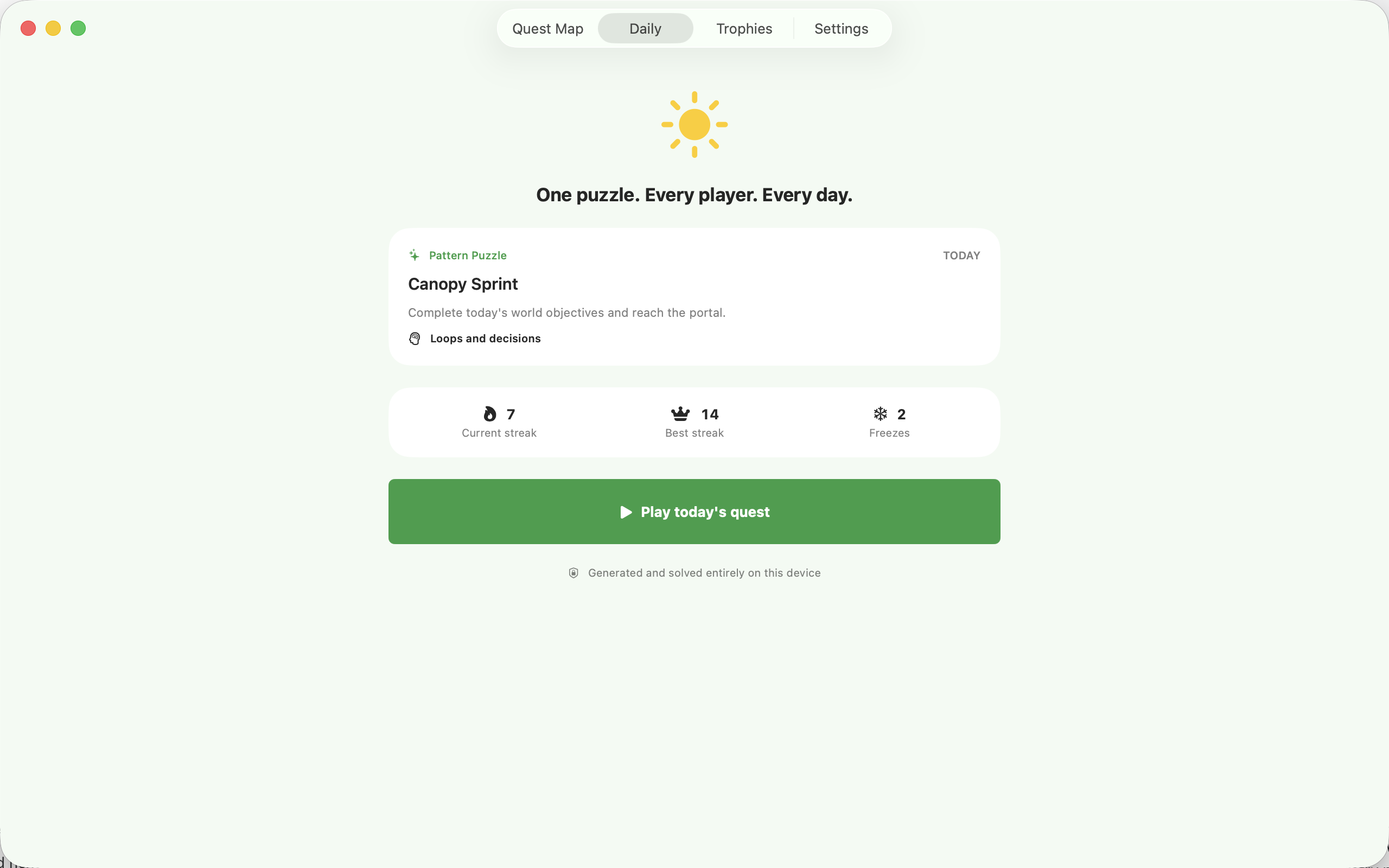
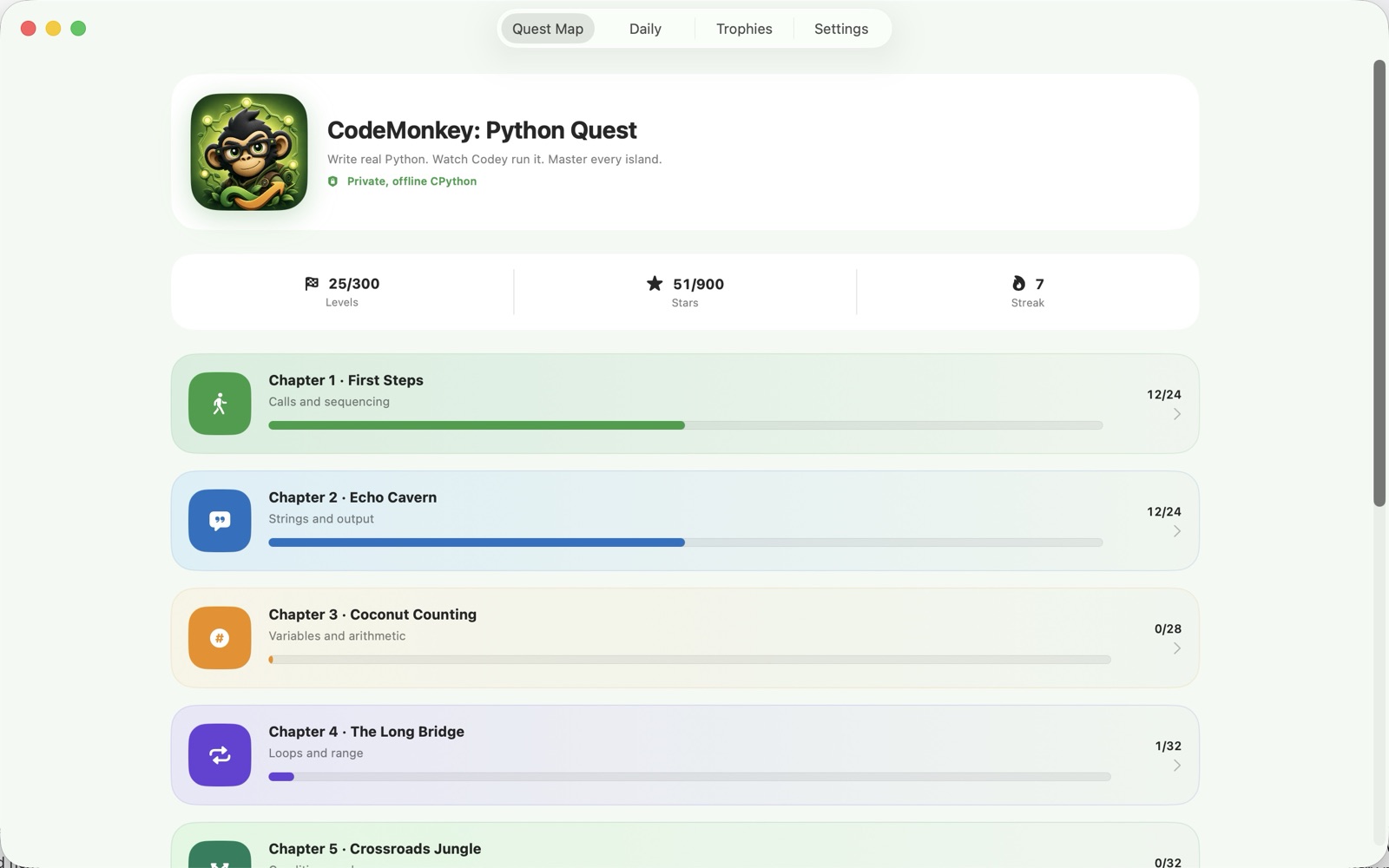
A simple way to get started
Choose a coding quest
Open a quest and read the goal before writing your Python solution.
Run and replay
Execute your code locally and watch how its actions play out in the puzzle.
Build on your progress
Use the hints to refine a solution and move into the next programming challenge.
Explore more features
- 300 deterministic, machine-verified levels across 10 Python chapters
- 10 puzzle modes plus an always-free dated Daily Quest
- SpriteKit world replaying the exact action stream your code produced
Get CodeMonkey: Python Quest
Compatibility and installation details
- Requires
- macOS 14 or later
- Architecture
- Apple silicon and Intel
- Version
- 1.0.0
- Download
- 60.1 MB
- Publisher signature
- Developer ID Application
- Apple notarization
- Notarized
- SHA-256
a42e0b2ae18fb49cd1eb81b17f3b8f683bd545d96a02417723d81db14f10d269
Download the Mac disk image from your receipt, open it and follow the included installation instructions.
Useful to know
What can I do with CodeMonkey: Python Quest?
Solve coding quests with real local Python execution and see your solution play out. Work through loops, functions and data structures, use hints when you need a nudge, and connect each line of code with the actions it creates. Python Quest gives programming practice a clear goal and a visible result. The Mac edition includes 300 puzzle levels powered by embedded Python, with Codey replaying the action in the game world.
How do I start?
Open a quest and read the goal before writing your Python solution. Execute your code locally and watch how its actions play out in the puzzle. Use the hints to refine a solution and move into the next programming challenge.
How do I receive my download?
After your purchase, the receipt page provides your download link. The exact expiry is shown with your delivery link. Keep your receipt and installer. If a link expires or a download fails, contact support with your receipt instead of buying again.
Where can I find setup help?
Compatibility and installation details are on this page. The installation guide and support team can help with the next step.