
Prototyping Space
Connect interface designs into a prototype
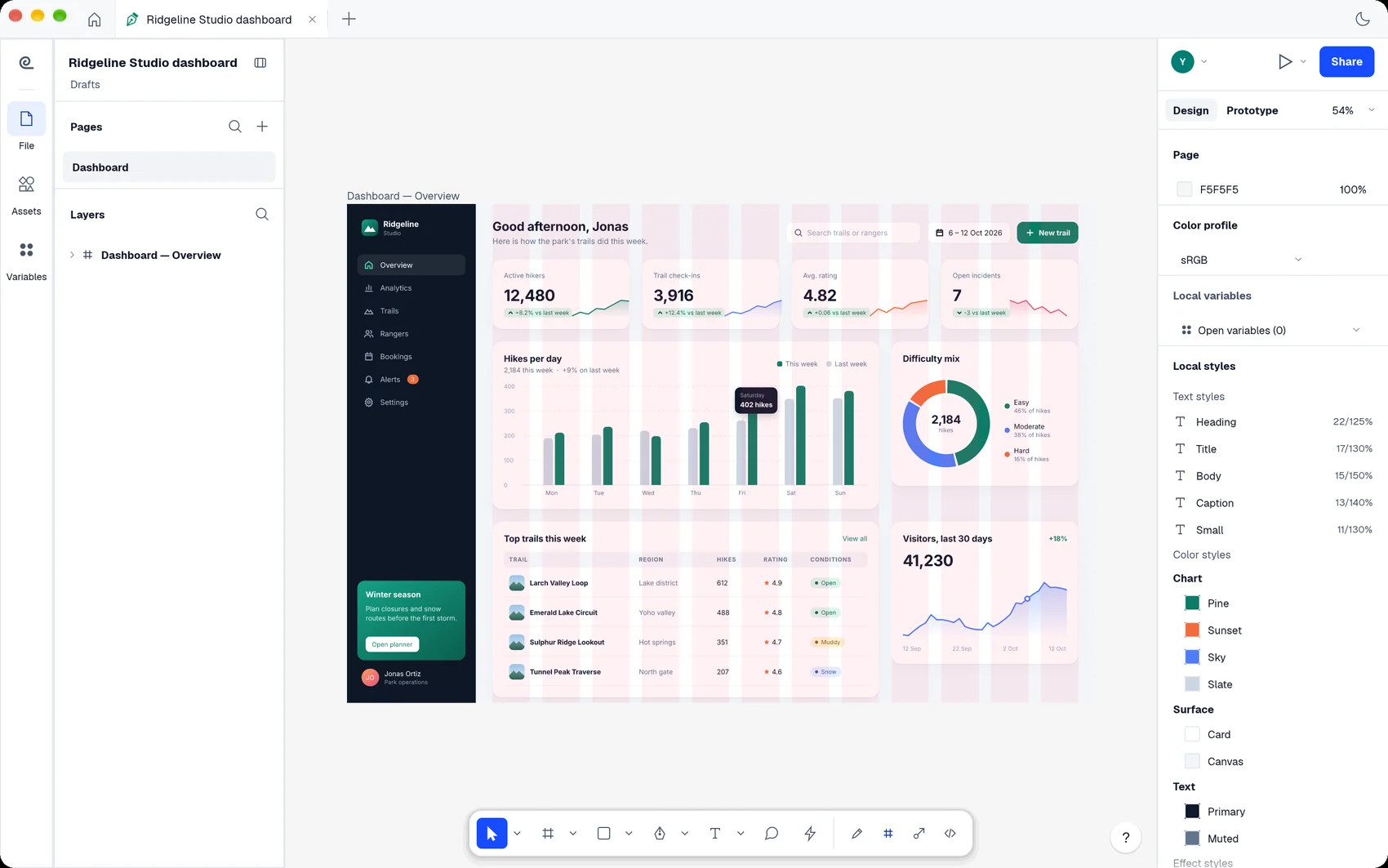
Lay out screens, connect interactions and review design changes.
What you can do with Prototyping Space
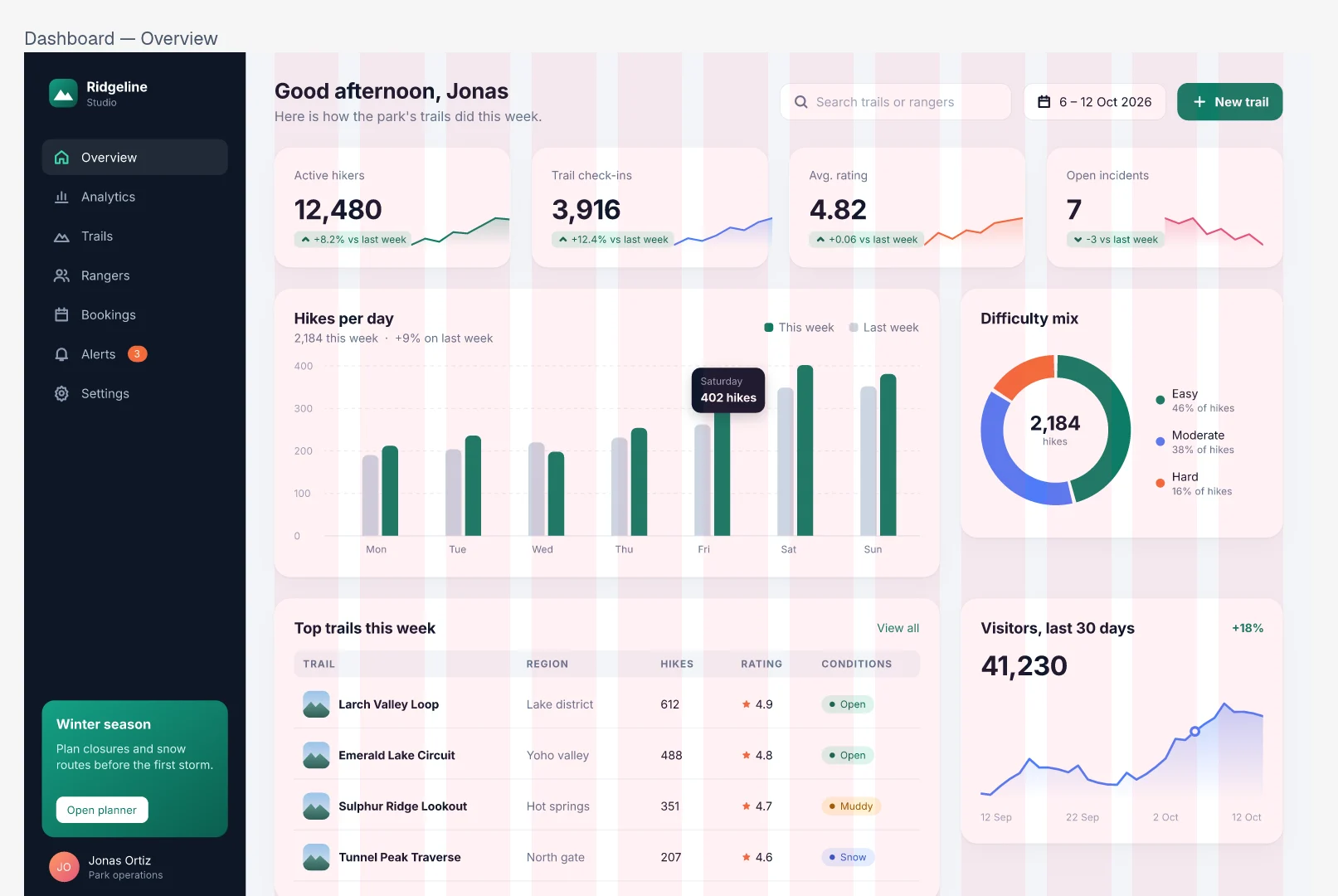
Lay out screens, connect interactions and review design changes. Pin a comment to its saved revision so a later edit can be compared with the screen under discussion.
- Arrange interface elements in frames.
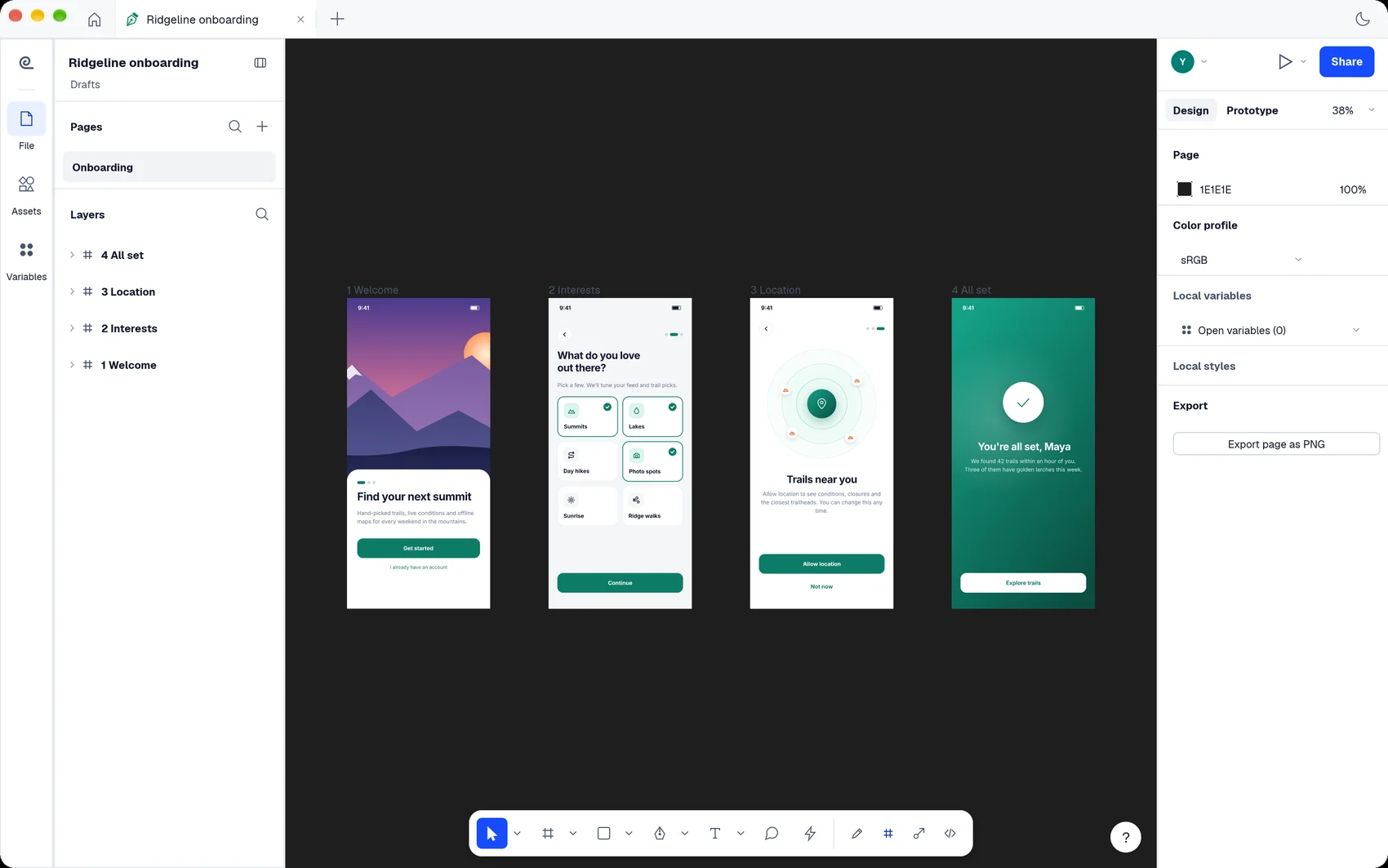
- Link screens into a navigable prototype.
- Use a pinned comment to revisit the saved layout.
See the workspace
A simple way to get started
Design a screen
Arrange interface elements in frames.
Connect interactions
Link screens into a navigable prototype.
Review a version
Use a pinned comment to revisit the saved layout.
Explore more features
- Design a screen
- Connect interactions
- Review a version
Get Prototyping Space
Compatibility and installation details
- Requires
- macOS 11.0 or later
- Architecture
- Apple silicon
- Version
- 0.18.1
- Download
- 29.4 MB
- Installer
- prototyping-space-0.18.1-arm64.zip
- Publisher signature
- Developer ID Application
- Apple notarization
- Not notarized
- SHA-256
94a5a3bc2dec0e2bbddf0947bcfe4041e36158fcc073426ae9ae6fad9a61bdc3
Expand the download and move Prototyping Space to your Applications folder.
Download the ZIP archive from your receipt.
Useful to know
What can I do with Prototyping Space?
Lay out screens, connect interactions and review design changes. Pin a comment to its saved revision so a later edit can be compared with the screen under discussion.
How do I start?
Arrange interface elements in frames. Link screens into a navigable prototype. Use a pinned comment to revisit the saved layout.
How do I receive my download?
After your purchase, the receipt page provides your download link. The exact expiry is shown with your delivery link. Keep your receipt and installer. If a link expires or a download fails, contact support with your receipt instead of buying again.
Where can I find setup help?
Compatibility and installation details are on this page. The installation guide and support team can help with the next step.