
ML Engineering
Take machine learning from concepts to projects.
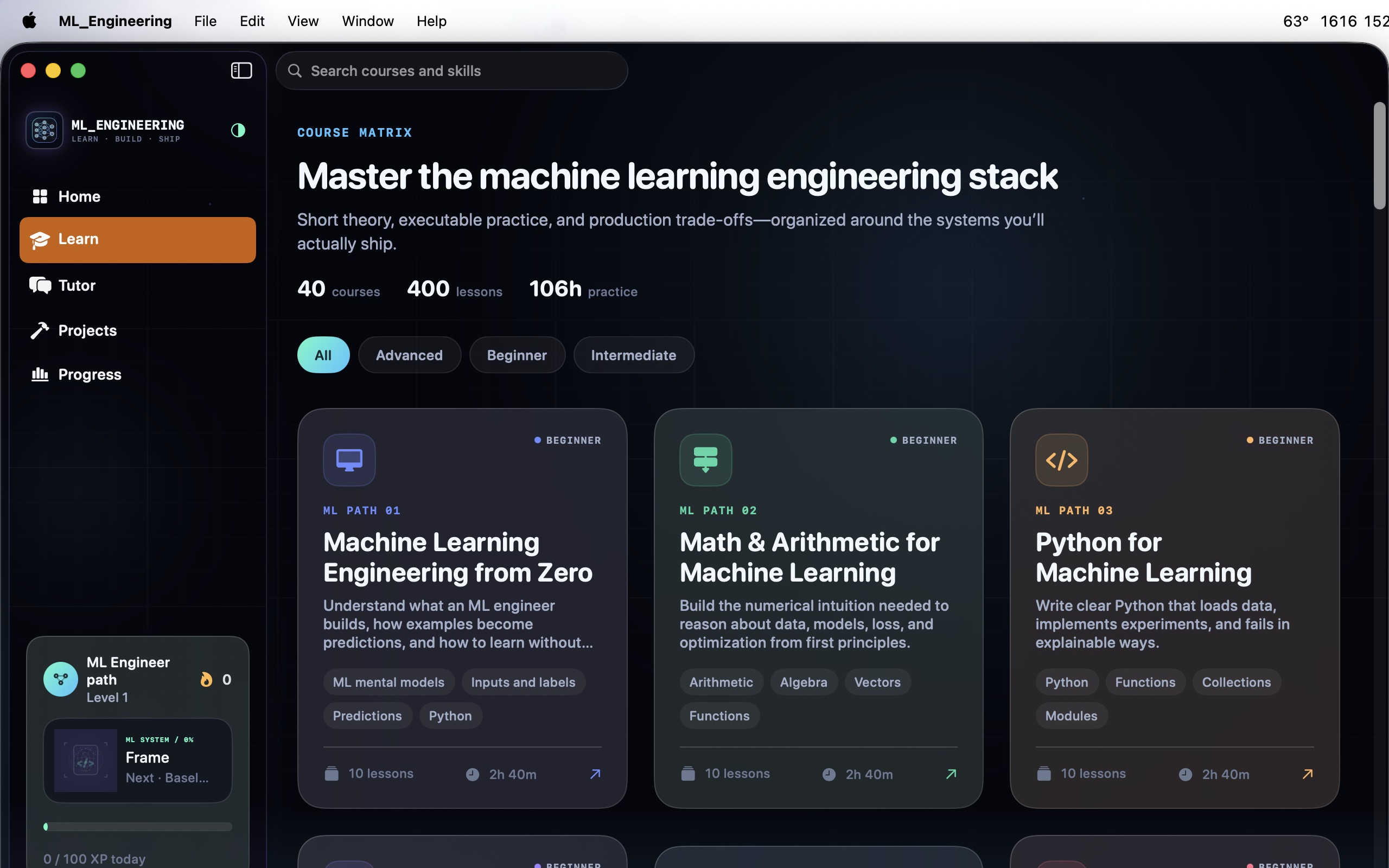
Develop your understanding of machine-learning engineering through 40 courses and 400 lessons.
What you can do with ML Engineering
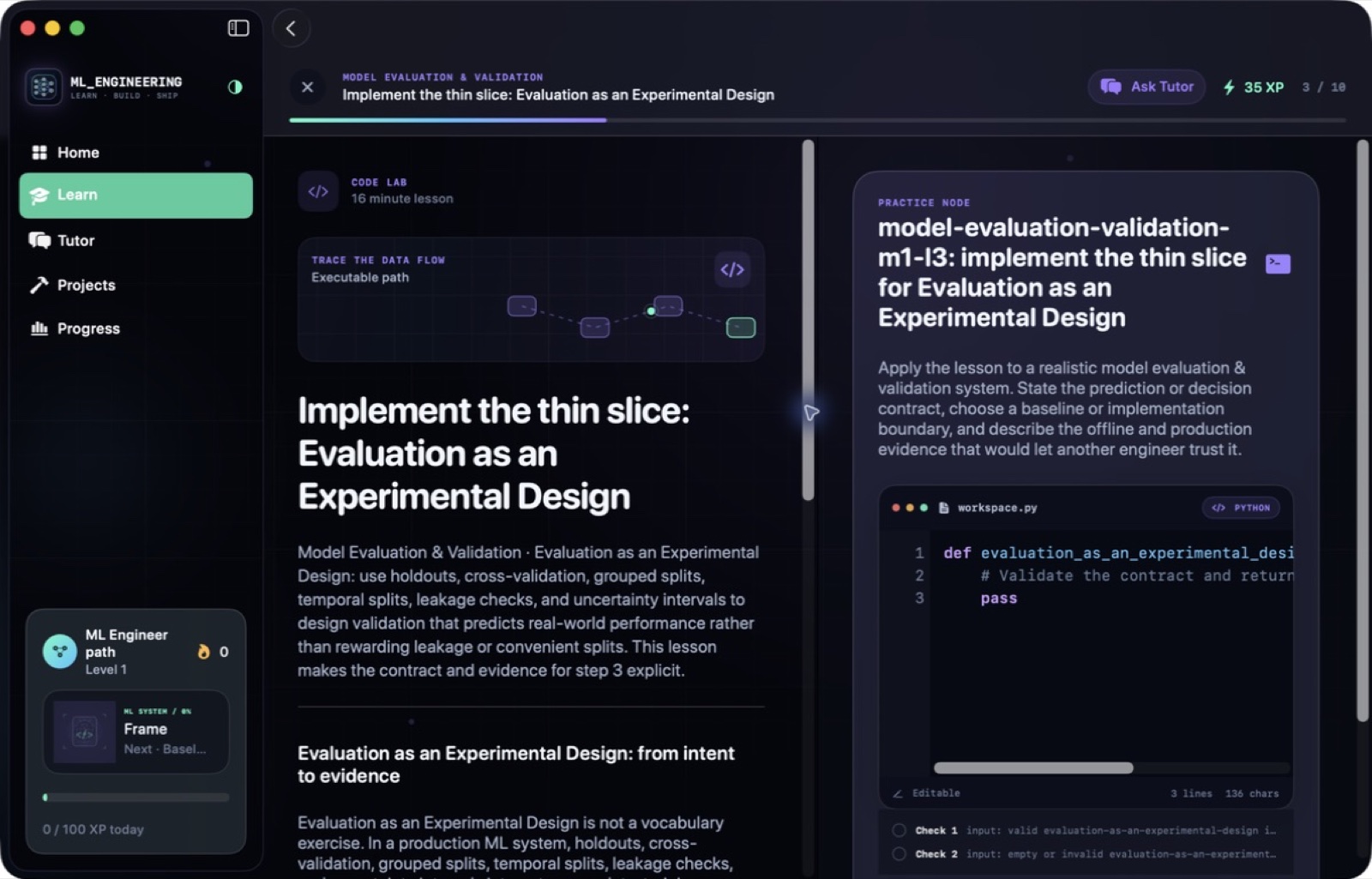
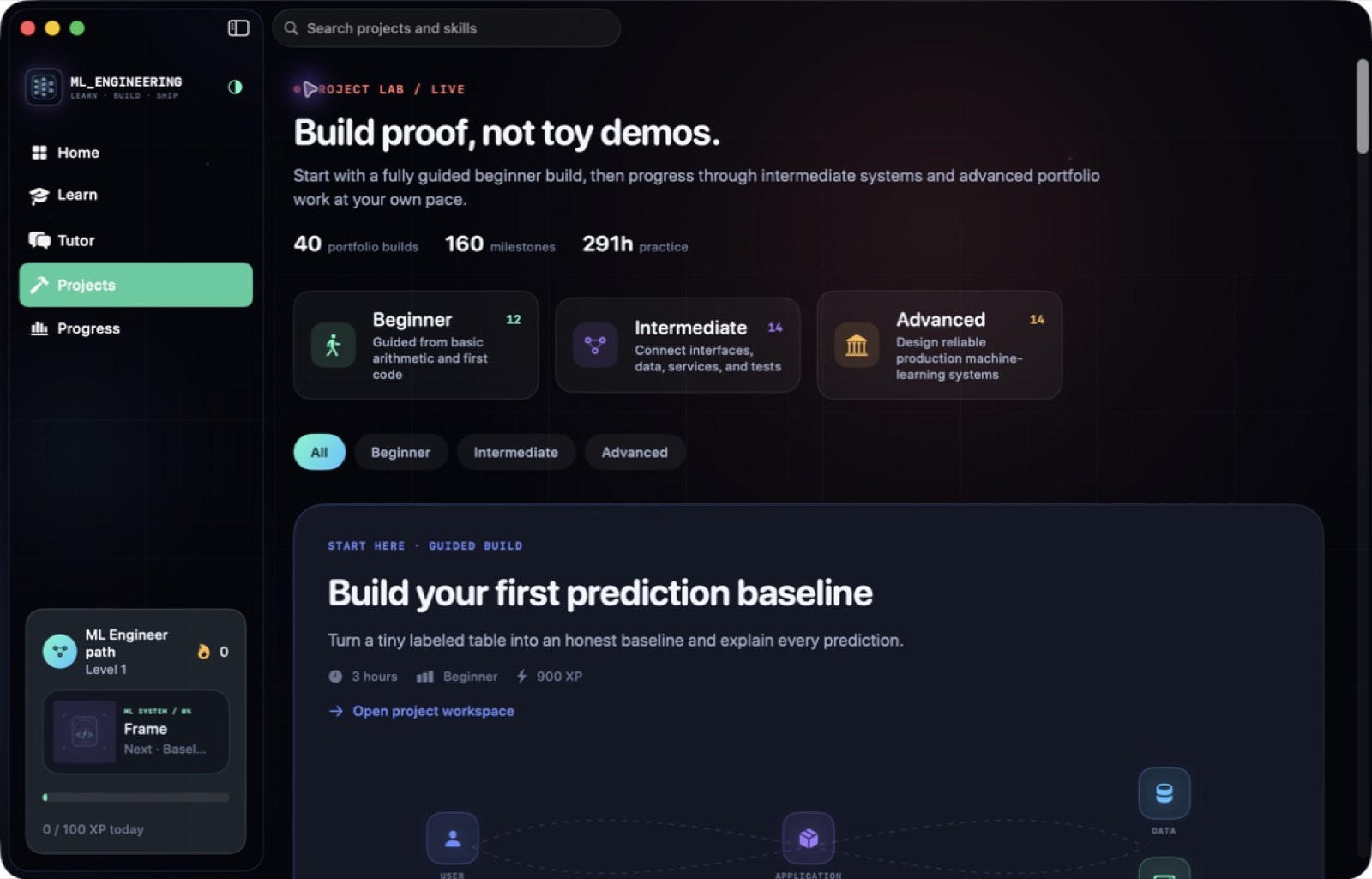
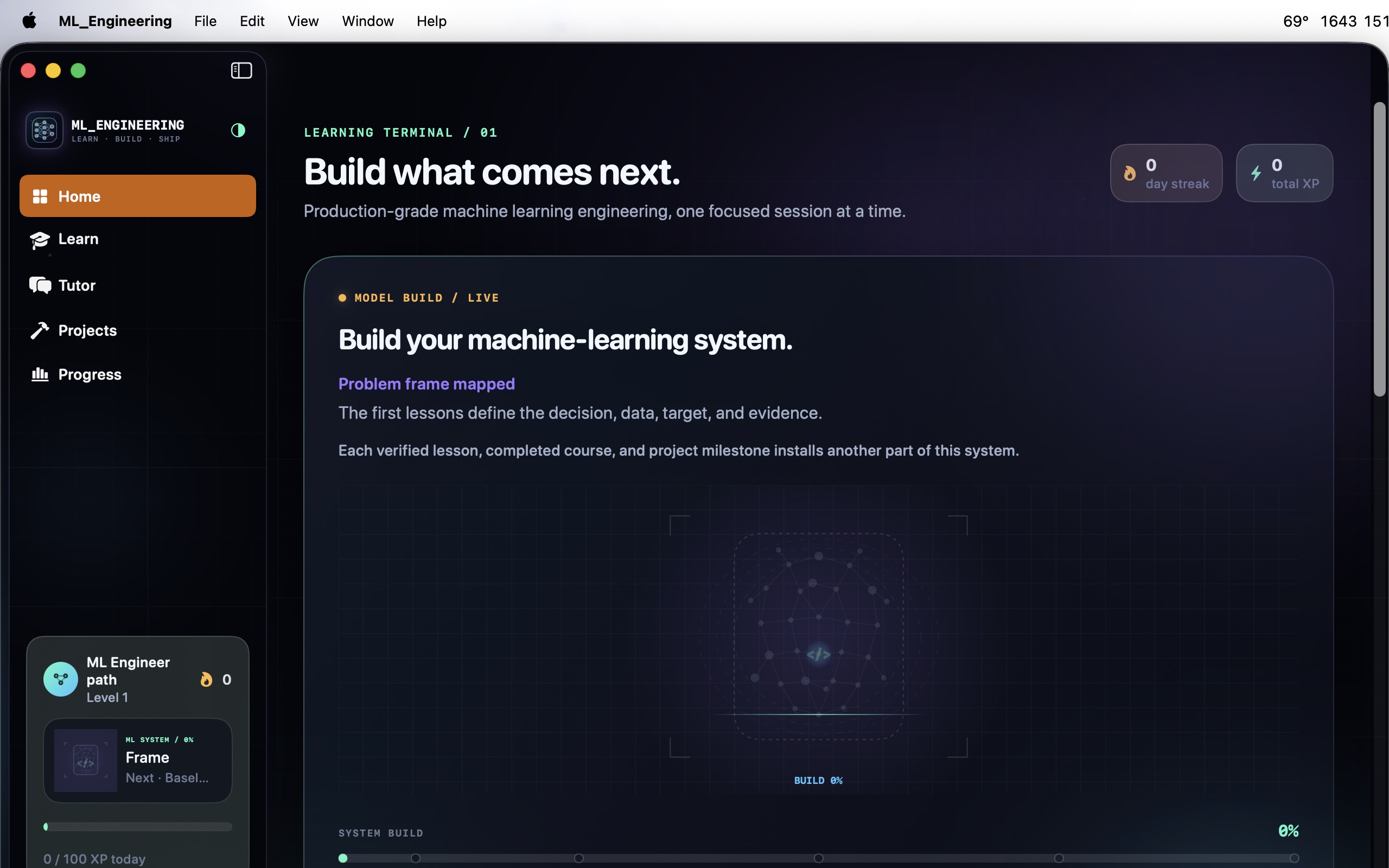
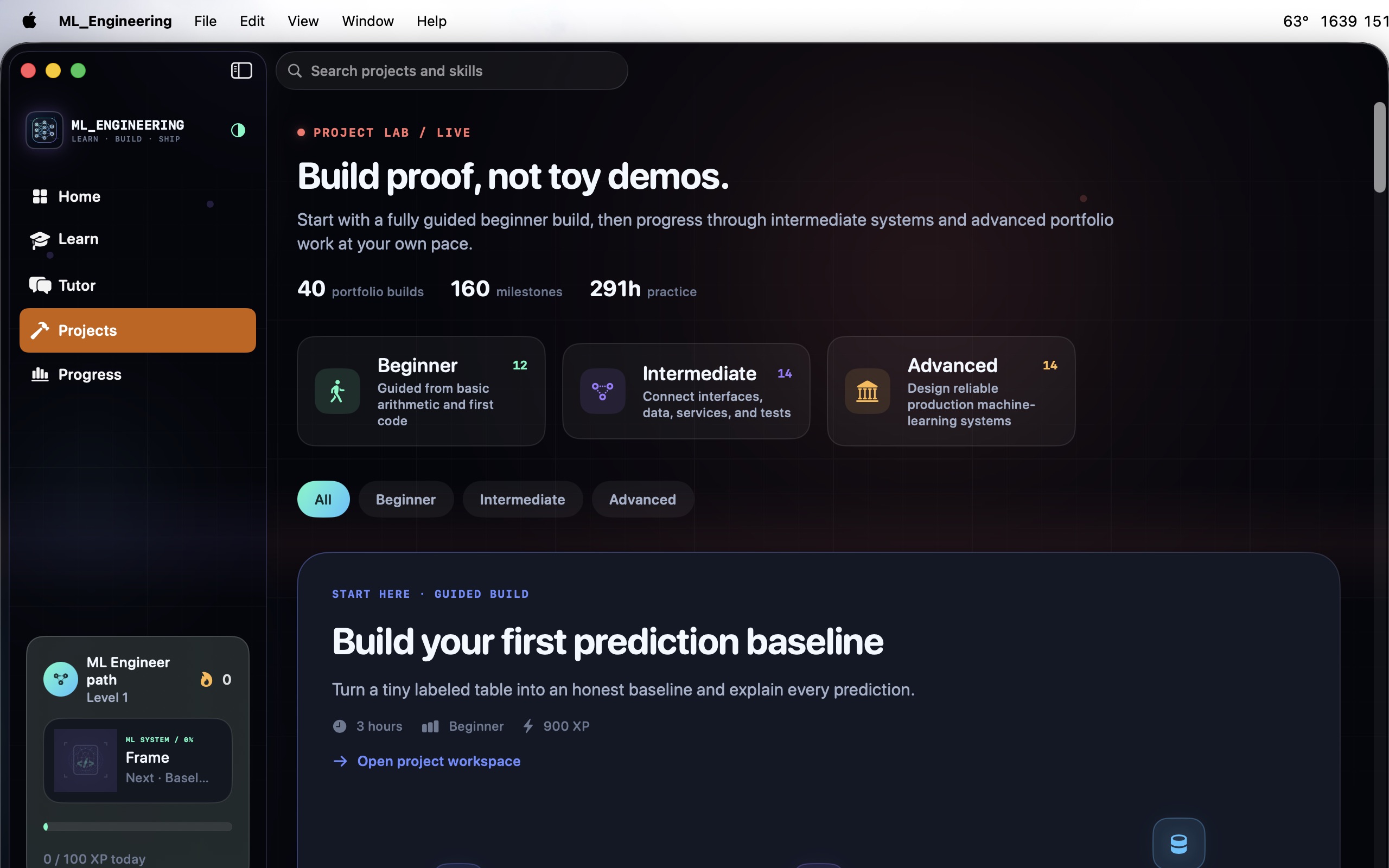
Develop your understanding of machine-learning engineering through 40 courses and 400 lessons. Combine concept study with code exercises, knowledge checks and architecture practice, then follow project briefs that connect the material to practical engineering work. Keep your learning path and project milestones together as your skills grow. Work through PyTorch, computer vision, NLP, serving and MLOps, with editable labs and an offline tutor to support your study.
- Work through machine-learning concepts in sequence
- Practise code and architecture choices
- Connect lessons to project milestones
See the workspace
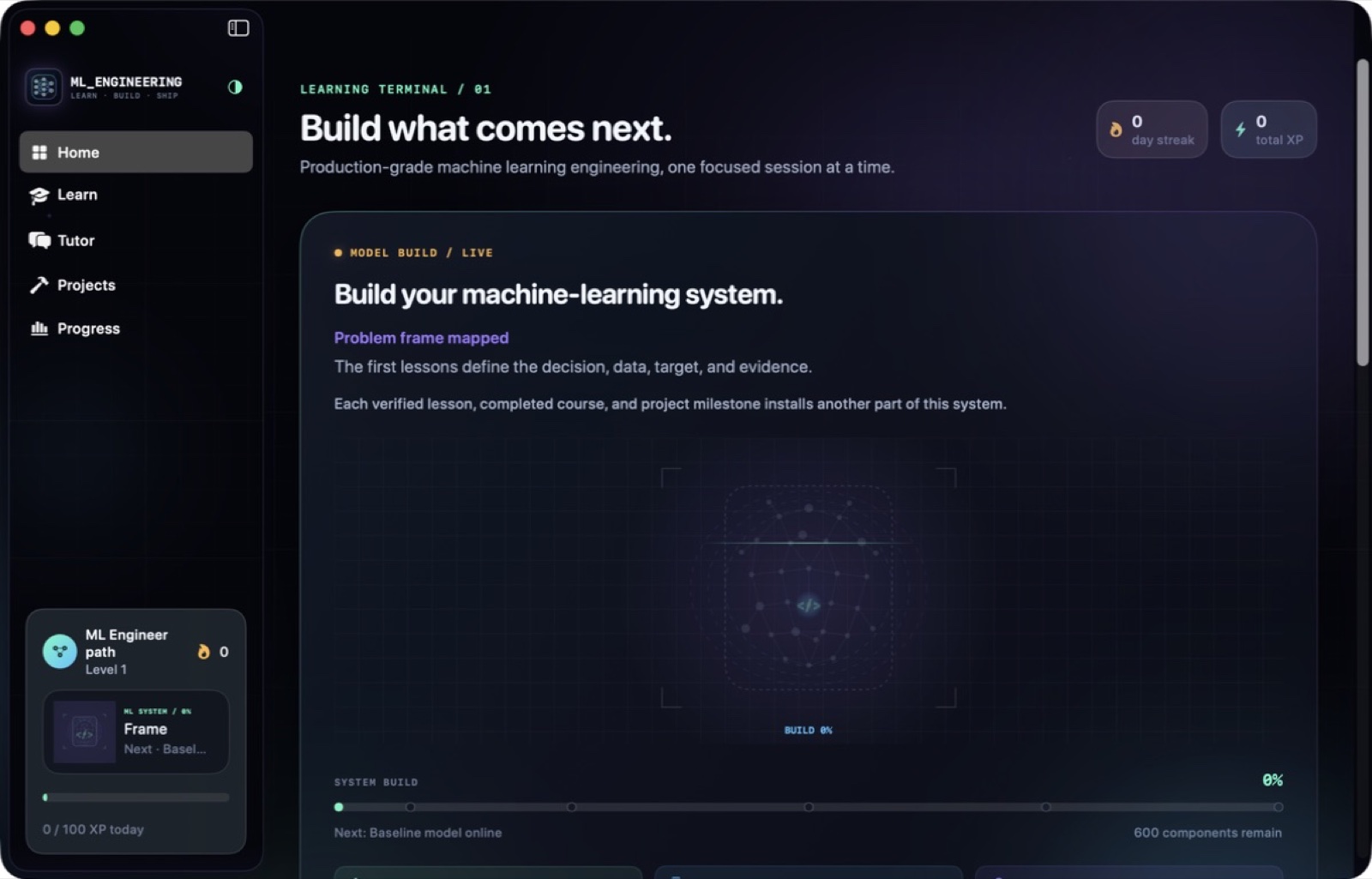
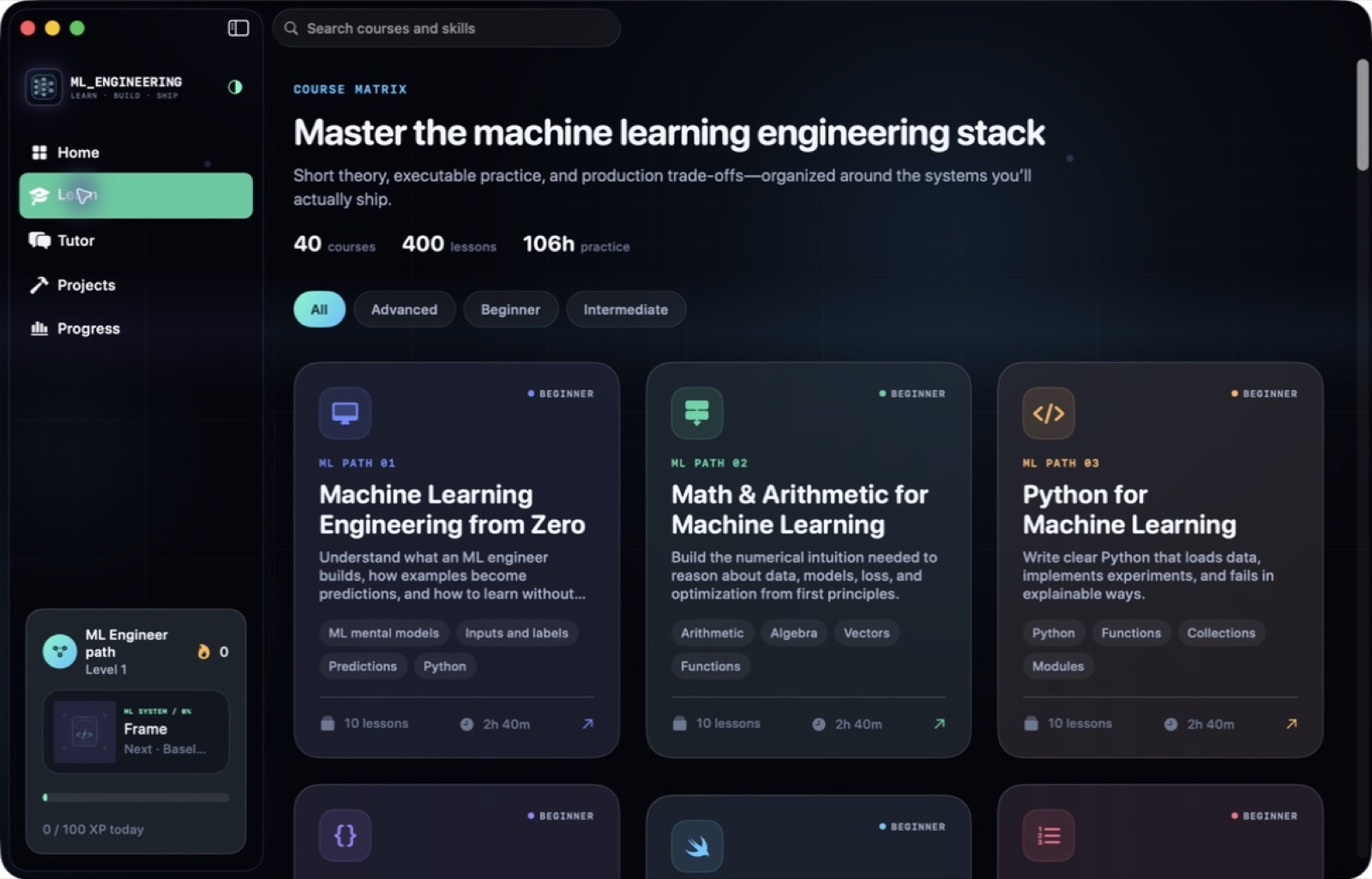
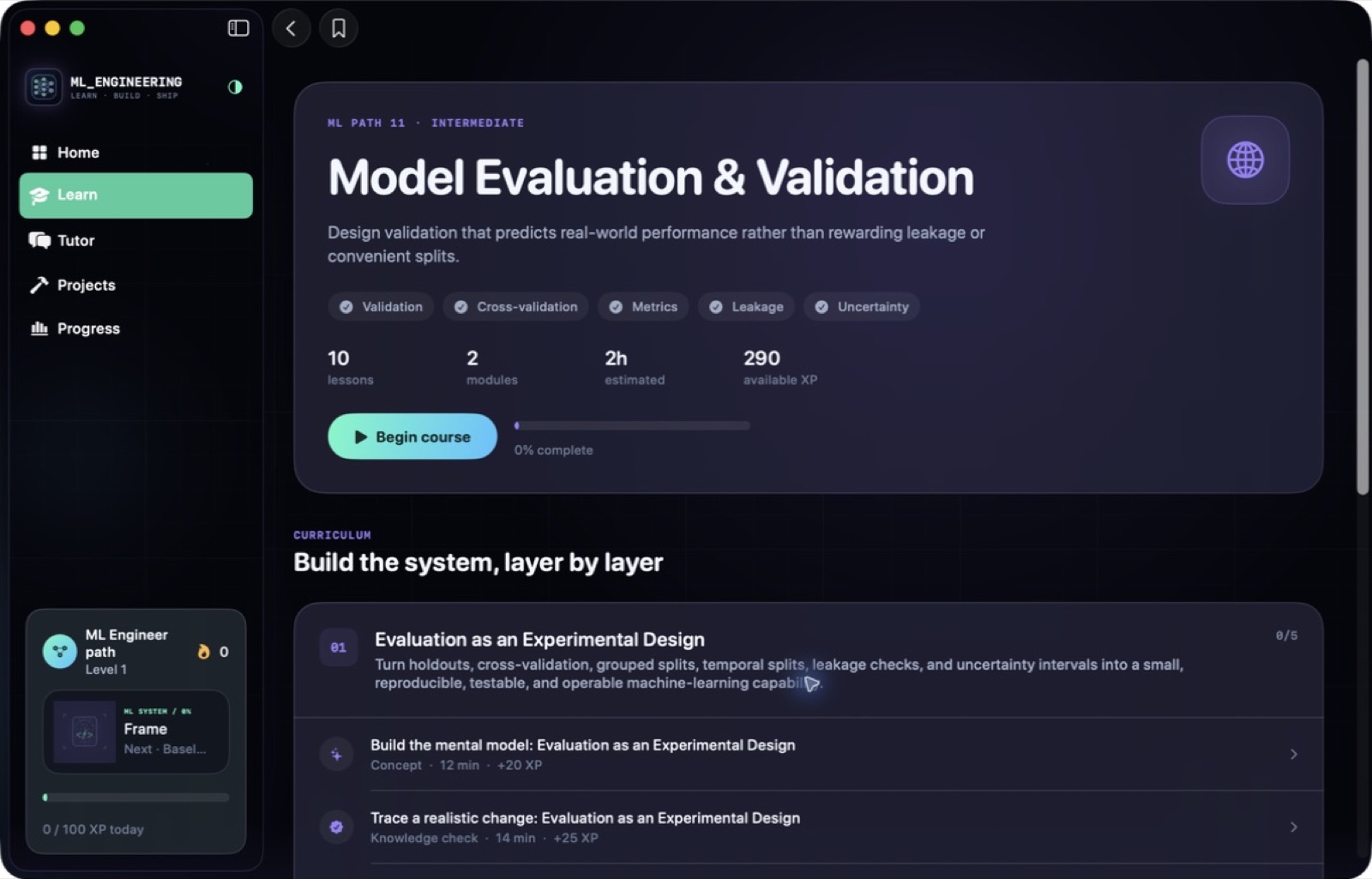
Explore 5 more screenshots
A simple way to get started
Choose a topic
Begin with the skill or project you want to understand.
Try it yourself
Work through the available exercises, examples and project activities.
Build on the session
Return to the material and carry the ideas into your next task.
Explore more features
- 40 courses, 80 modules, and 400 substantive interactive lessons, from first Python to principal ML engineer
- 140 syntax-highlighted editable code labs, 100 quizzes, 80 architecture decisions, and 80 guided exercises
- Covers NumPy, pandas, supervised and unsupervised learning, PyTorch, CV, NLP, pipelines, feature stores, serving, MLOps, and drift
- 40 portfolio projects with editable workspaces, milestones, and validation
- Tutor Core: a private AI tutor that runs fully offline, with optional on-device or bring-your-own providers
Get ML Engineering
Compatibility and installation details
- Requires
- macOS 14 or later
- Architecture
- Apple silicon and Intel
- Version
- 1.1
- Download
- 5.5 MB
- Publisher signature
- Developer ID Application
- Apple notarization
- Notarized
- SHA-256
4a6b82abd72c757ef26180a4cbfe1284e7538c23b4083f66df701226e614ad9e
Download the Mac disk image from your receipt, open it and follow the included installation instructions.
Useful to know
What can I do with ML Engineering?
Develop your understanding of machine-learning engineering through 40 courses and 400 lessons. Combine concept study with code exercises, knowledge checks and architecture practice, then follow project briefs that connect the material to practical engineering work. Keep your learning path and project milestones together as your skills grow. Work through PyTorch, computer vision, NLP, serving and MLOps, with editable labs and an offline tutor to support your study.
How do I start?
Begin with the skill or project you want to understand. Work through the available exercises, examples and project activities. Return to the material and carry the ideas into your next task.
How do I receive my download?
After your purchase, the receipt page provides your download link. The exact expiry is shown with your delivery link. Keep your receipt and installer. If a link expires or a download fails, contact support with your receipt instead of buying again.
Where can I find setup help?
Compatibility and installation details are on this page. The installation guide and support team can help with the next step.