
Gravity
Arrange your desktop around the way you work.
Give each task a clear place on your screen.
What you can do with Gravity
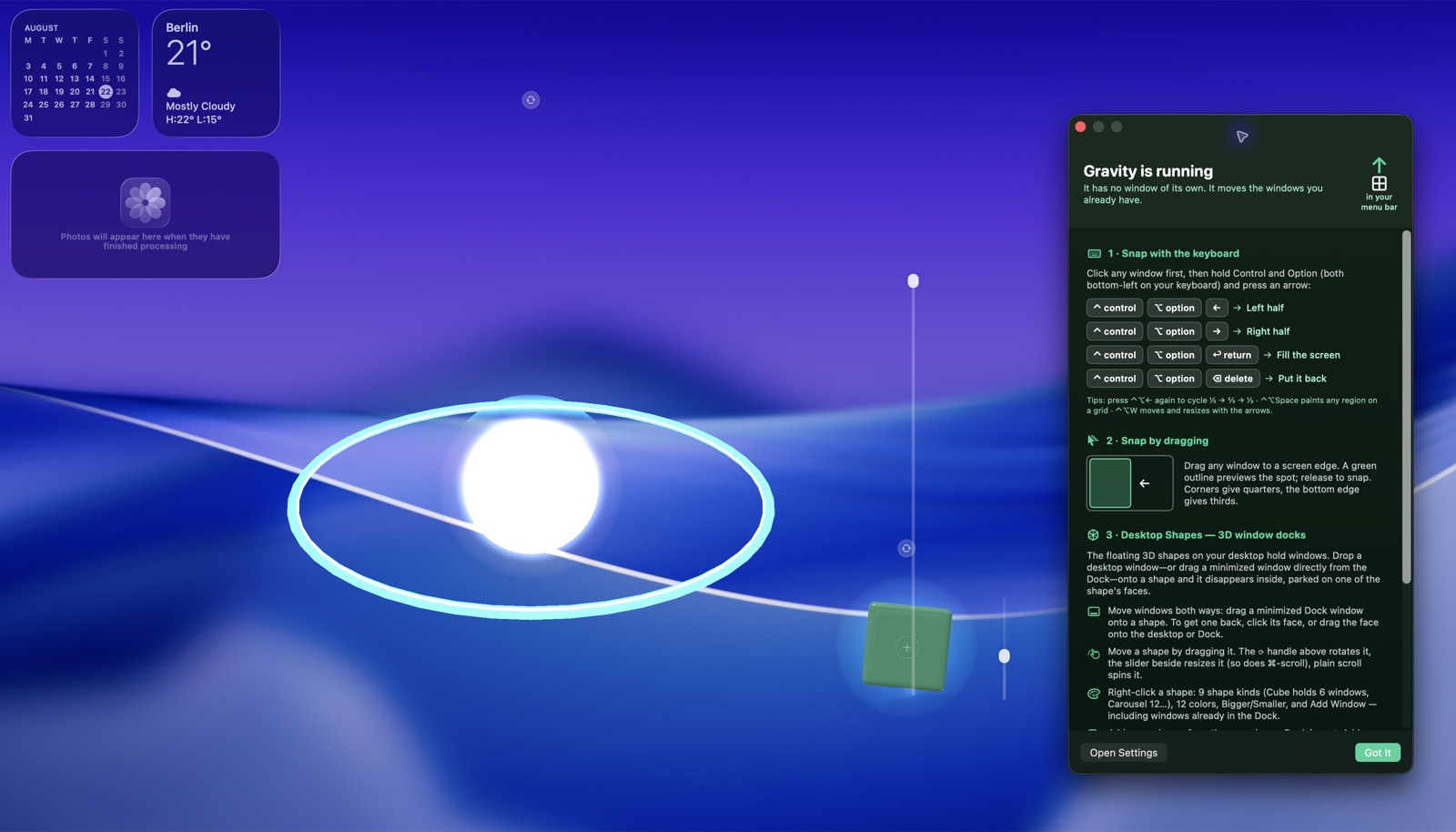
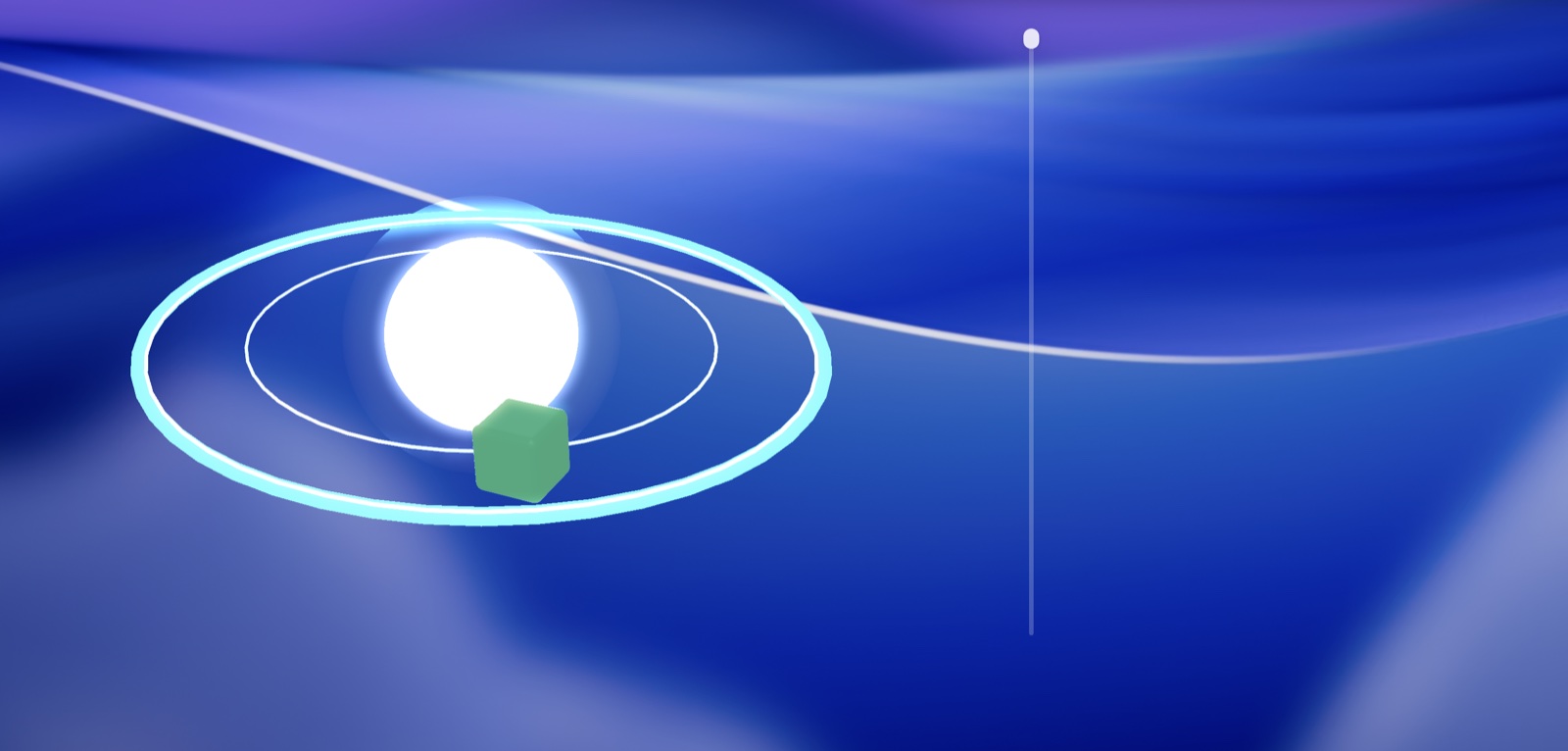
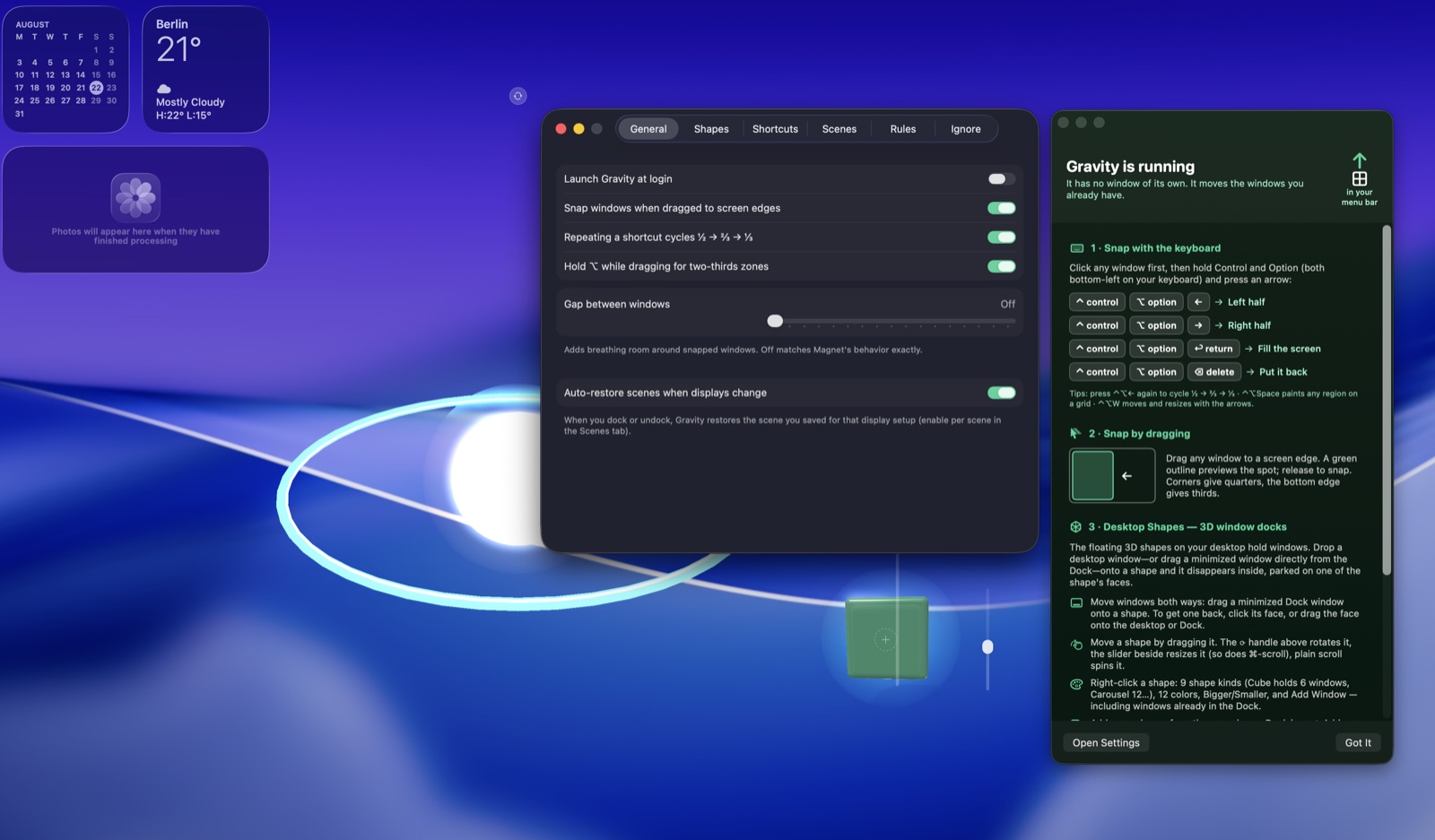
Give each task a clear place on your screen. Gravity brings window arrangement, reusable scenes and spatial docking together so you can organise applications into a workspace that suits the job. Save a useful layout and return to it when you are ready to pick up that work again. On Mac, snap cycling moves between useful window widths, while cube faces and orbital layouts give your desktop a more spatial form.
- Arrange windows around the task at hand
- Save useful desktop layouts as scenes
- Explore a more spatial way to organise windows
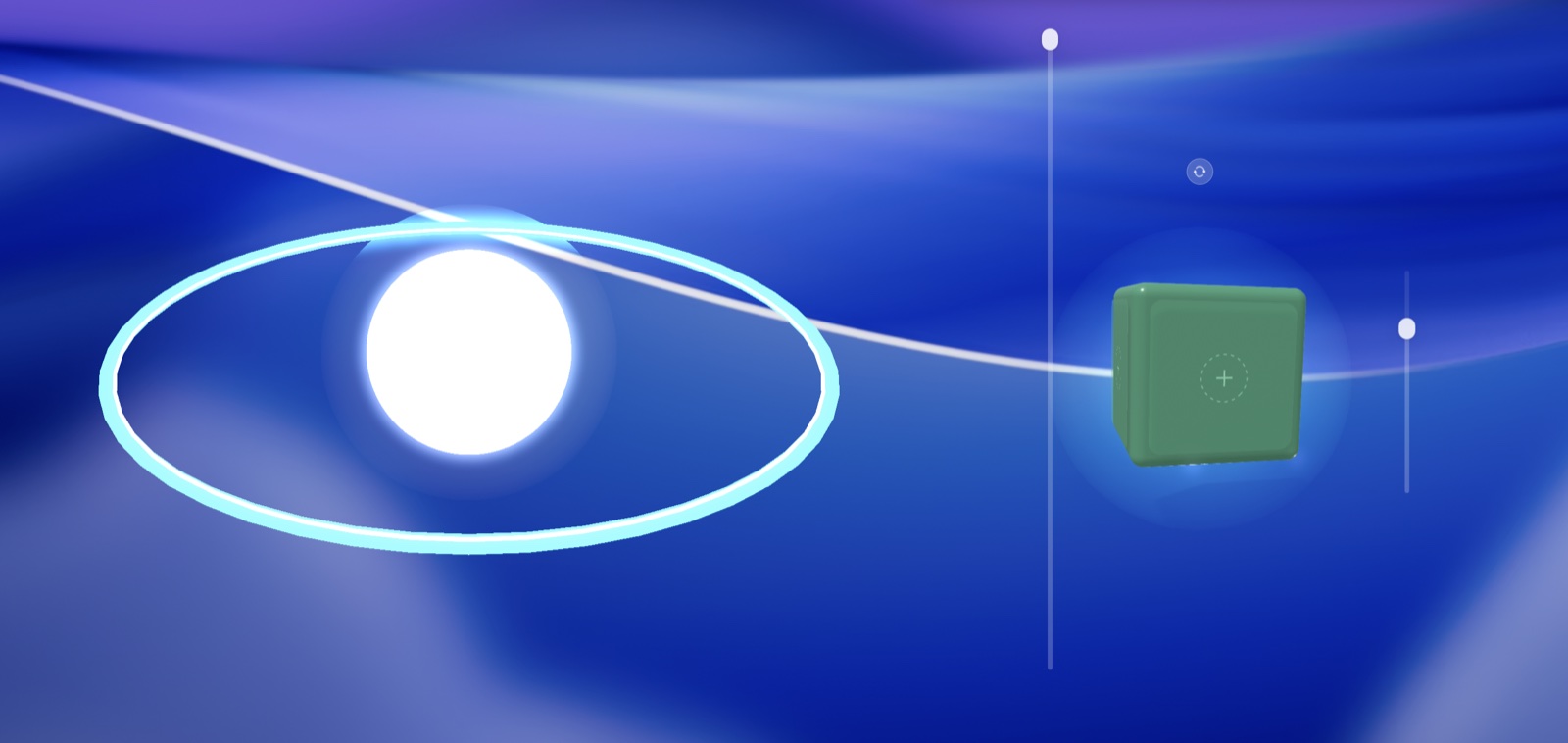
See the workspace
Explore 3 more screenshots
A simple way to get started
Arrange your windows
Place the apps for your current task into a useful screen layout.
Save a scene
Keep the arrangement as a reusable scene for that kind of work.
Return to your workspace
Restore the saved layout when you are ready to pick up the task again.
Explore more features
- Snap zones: halves, quarters, thirds, two-thirds, sixths, maximize, center
- Drag to any screen edge or corner with a live glass preview
- Magnet-identical shortcuts, all remappable
- Snap cycling — press a half shortcut again to step 1/2 to 2/3 to 1/3
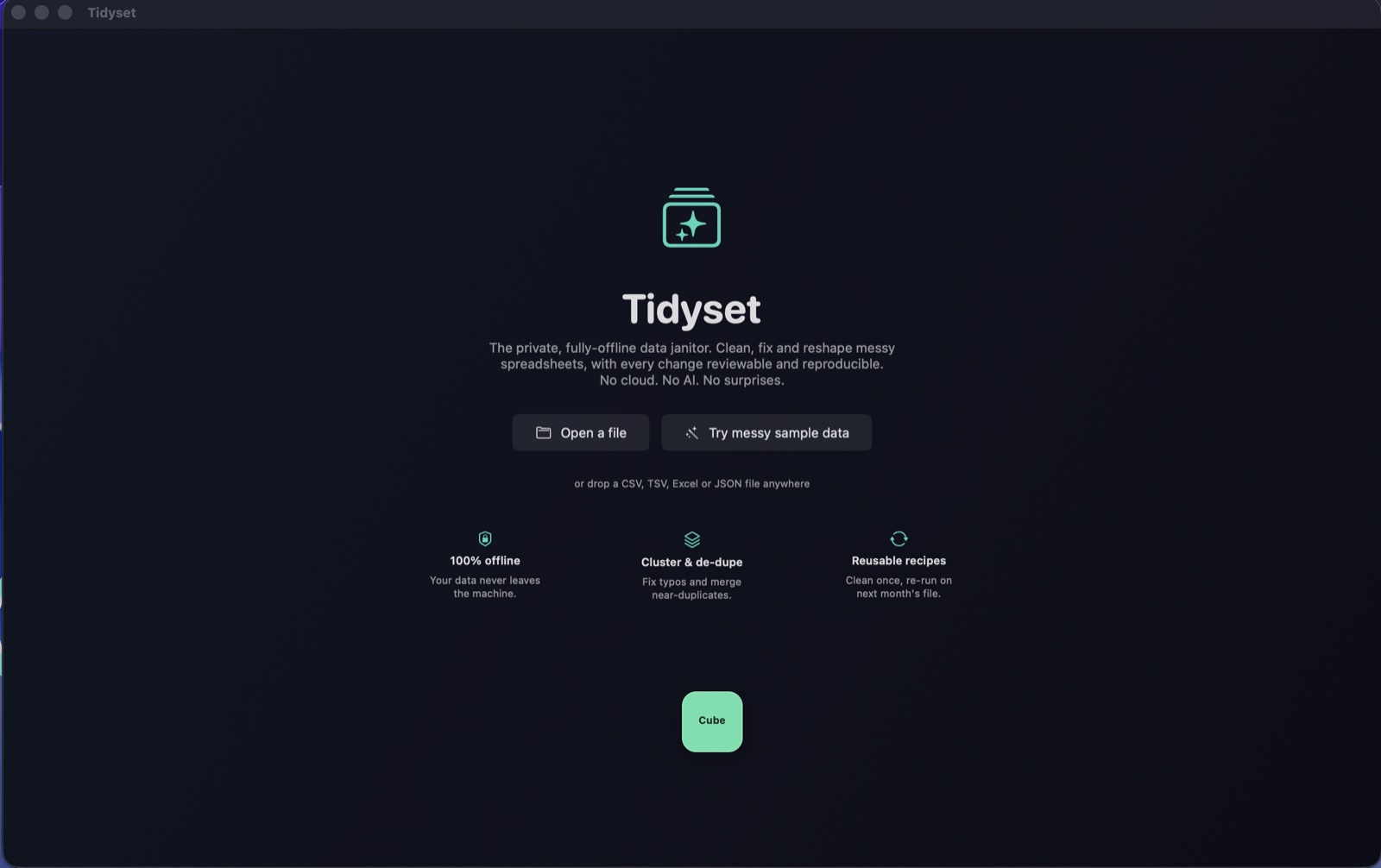
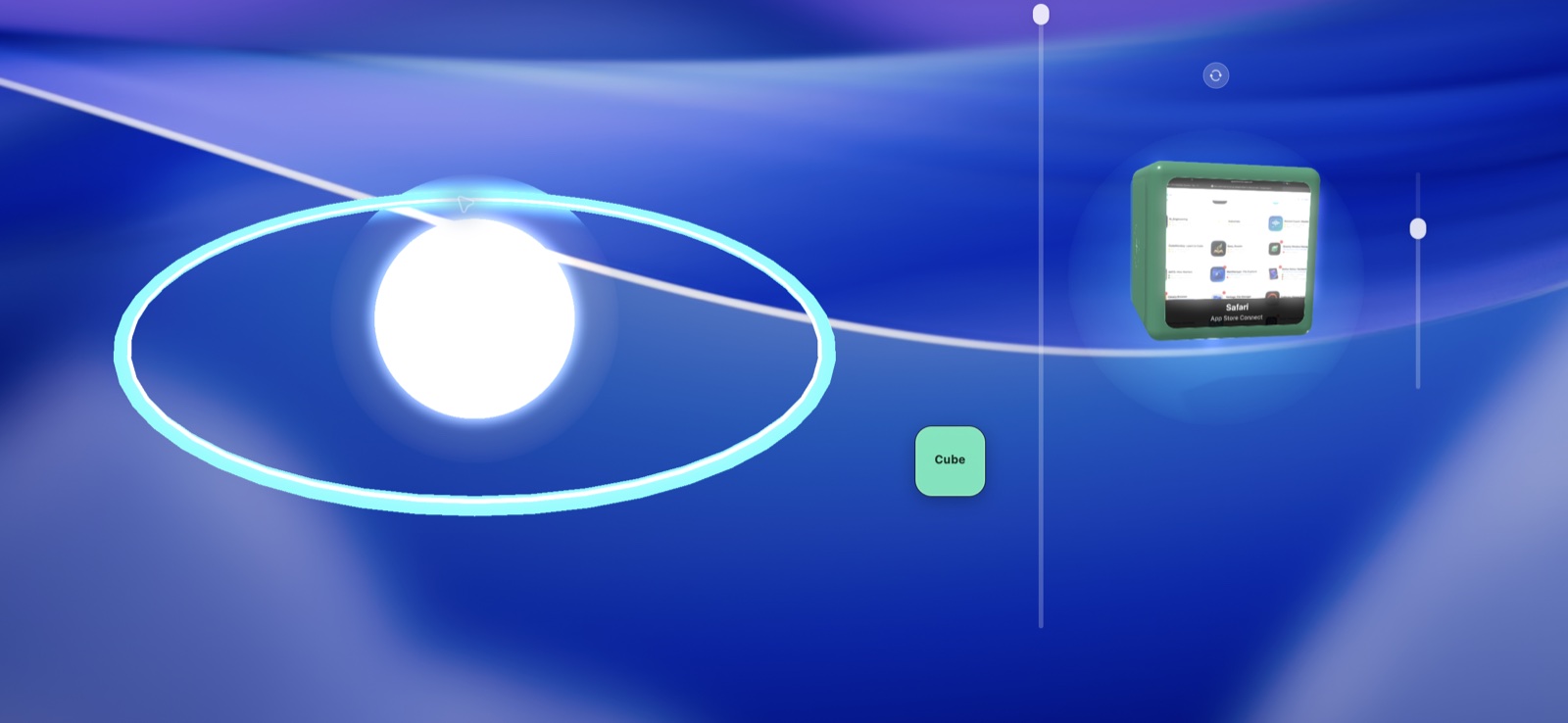
- Dock open app windows onto 3D cube faces and restore them later
- Put populated window cubes into orbit around the desktop solar system
Get Gravity
Compatibility and installation details
- Requires
- macOS 14 or later
- Architecture
- Apple silicon and Intel
- Version
- 1.0
- Download
- 2.3 MB
- Publisher signature
- Developer ID Application
- Apple notarization
- Notarized
- SHA-256
a4540f916daa5c7a1d05070217bd95415f63e19691cfa2903725f4ad4eeafef2
Download the Mac disk image from your receipt, open it and follow the included installation instructions.
Useful to know
What can I do with Gravity?
Give each task a clear place on your screen. Gravity brings window arrangement, reusable scenes and spatial docking together so you can organise applications into a workspace that suits the job. Save a useful layout and return to it when you are ready to pick up that work again. On Mac, snap cycling moves between useful window widths, while cube faces and orbital layouts give your desktop a more spatial form.
How do I start?
Place the apps for your current task into a useful screen layout. Keep the arrangement as a reusable scene for that kind of work. Restore the saved layout when you are ready to pick up the task again.
How do I receive my download?
After your purchase, the receipt page provides your download link. The exact expiry is shown with your delivery link. Keep your receipt and installer. If a link expires or a download fails, contact support with your receipt instead of buying again.
Where can I find setup help?
Compatibility and installation details are on this page. The installation guide and support team can help with the next step.