
Effects Space
Composite layers and render image sequences
Animate layers and effects in a composition, then render the result frame by frame.
What you can do with Effects Space
Animate layers and effects in a composition, then render the result frame by frame. Supported self-contained compositions can reuse verified frames when you resume a render.
- Stack layers and add effects.
- Adjust timing and preview the result.
- Export frames and resume eligible interrupted jobs.
See the workspace
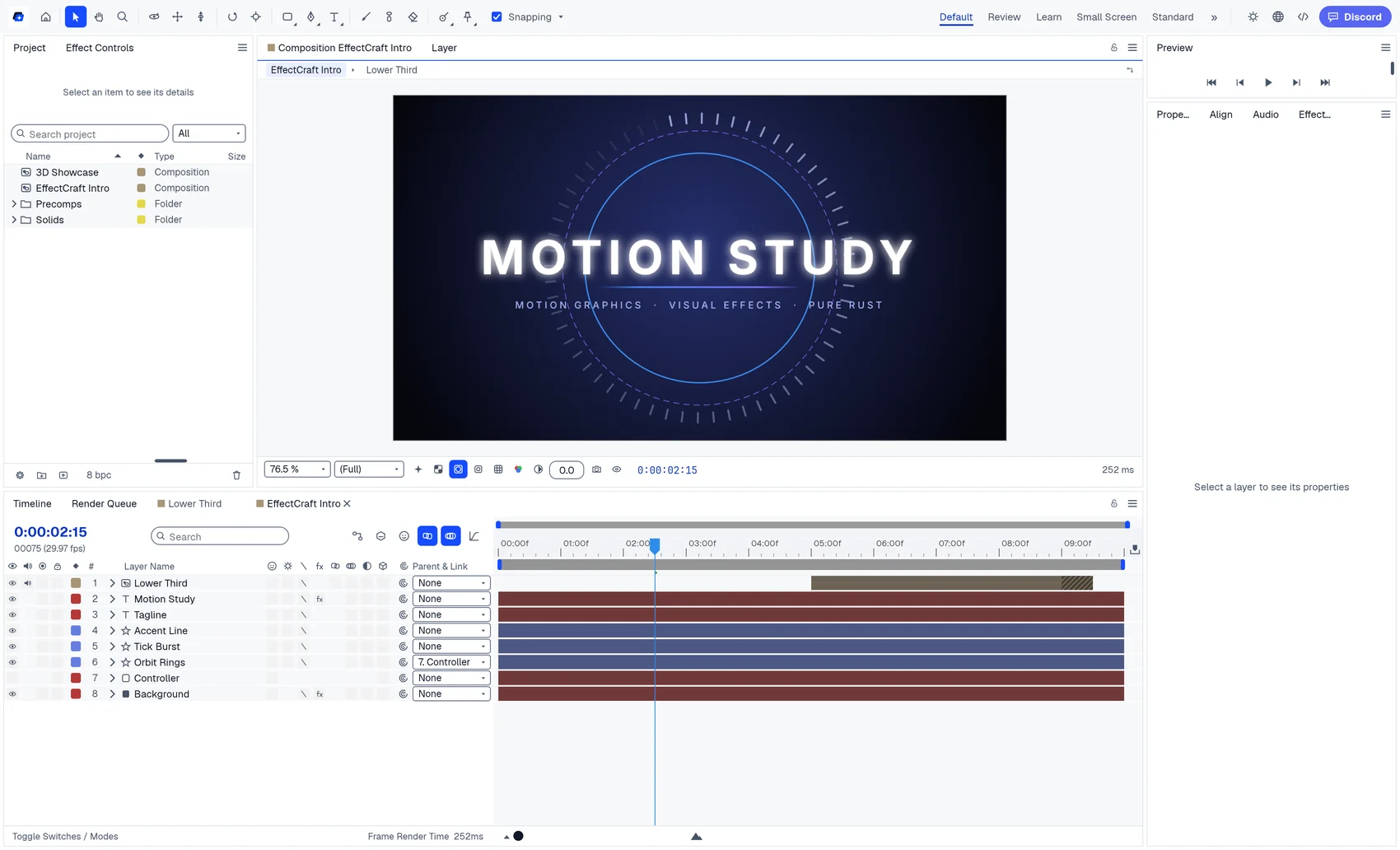
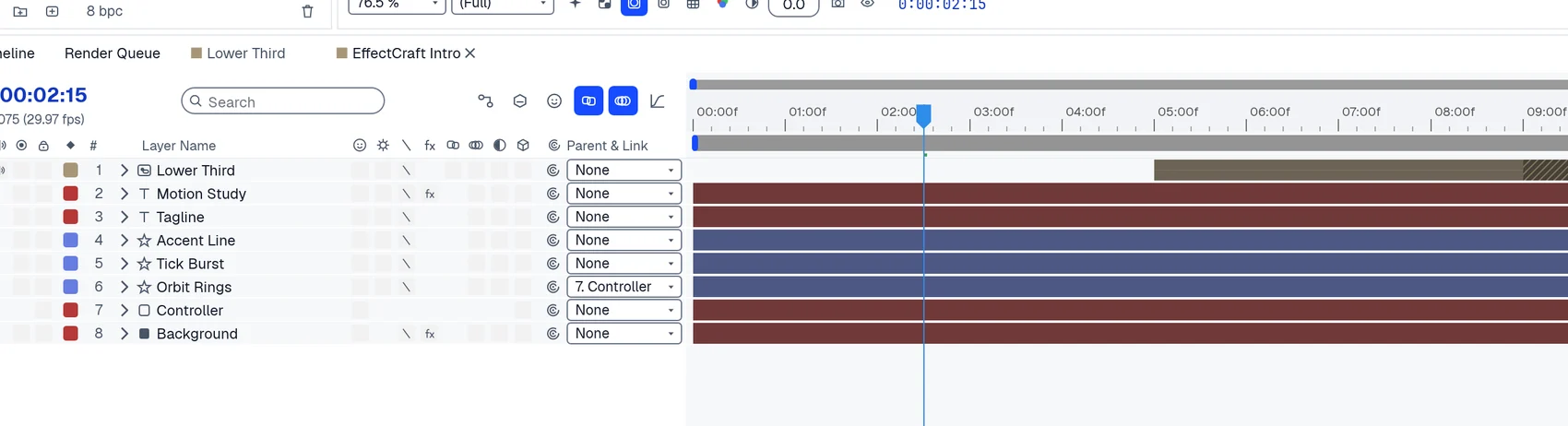
A simple way to get started
Build a composition
Stack layers and add effects.
Set the motion
Adjust timing and preview the result.
Render a sequence
Export frames and resume eligible interrupted jobs.
Explore more features
- Build a composition
- Set the motion
- Render a sequence
Get Effects Space
Compatibility and installation details
- Requires
- macOS 11.0 or later
- Architecture
- Apple silicon
- Version
- 0.24.1
- Download
- 42.3 MB
- Installer
- effects-space-0.24.1-arm64.zip
- Publisher signature
- Developer ID Application
- Apple notarization
- Not notarized
- SHA-256
4ca5b9d1f814e68aa6cb61fb43229a2f8e96c71c37bffb9f047a0d6821adc56f
Expand the download and move Effects Space to your Applications folder.
Download the ZIP archive from your receipt.
Useful to know
What can I do with Effects Space?
Animate layers and effects in a composition, then render the result frame by frame. Supported self-contained compositions can reuse verified frames when you resume a render.
How do I start?
Stack layers and add effects. Adjust timing and preview the result. Export frames and resume eligible interrupted jobs.
How do I receive my download?
After your purchase, the receipt page provides your download link. The exact expiry is shown with your delivery link. Keep your receipt and installer. If a link expires or a download fails, contact support with your receipt instead of buying again.
Where can I find setup help?
Compatibility and installation details are on this page. The installation guide and support team can help with the next step.