
DevMonkey
Learn web development by building real pages.
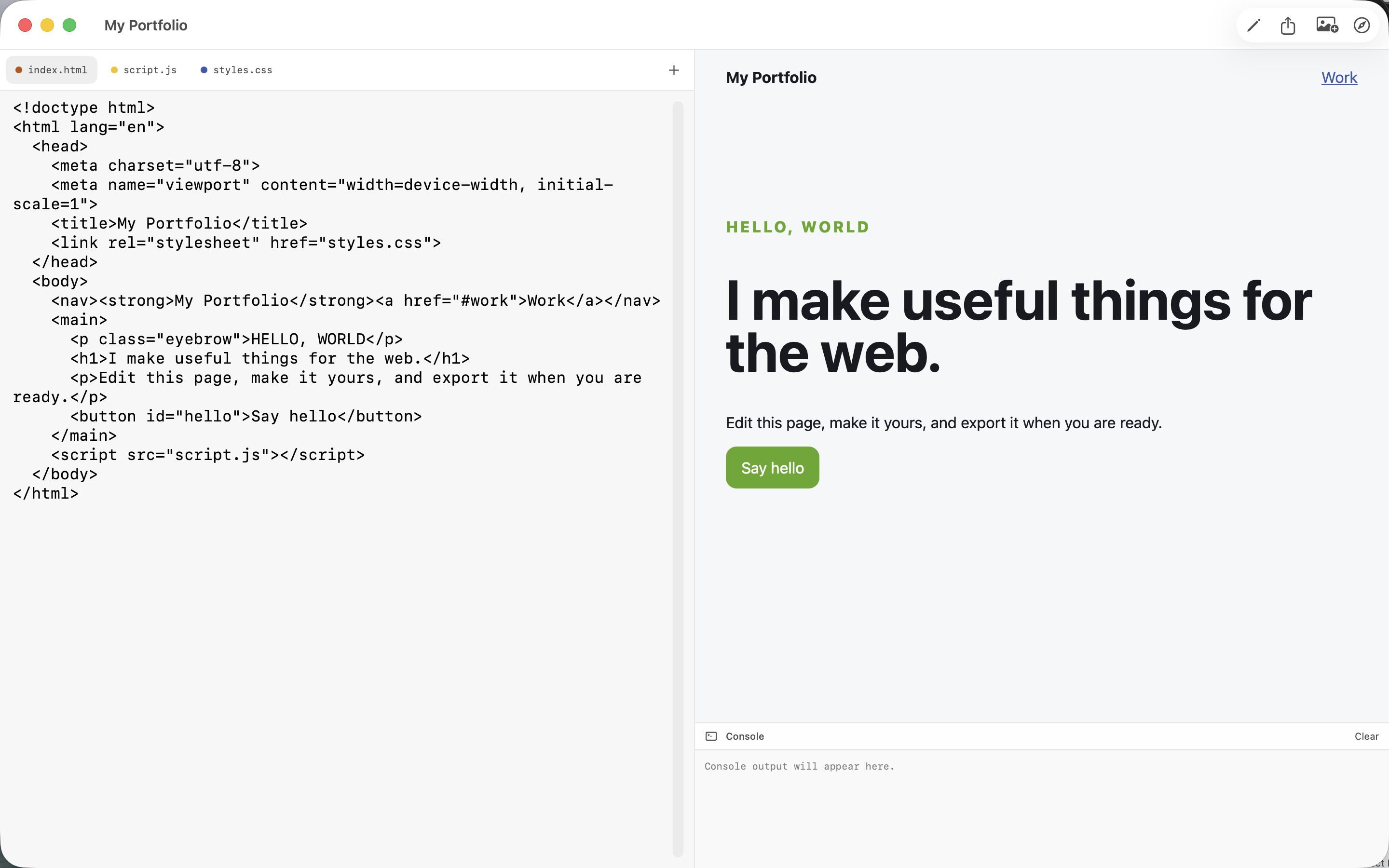
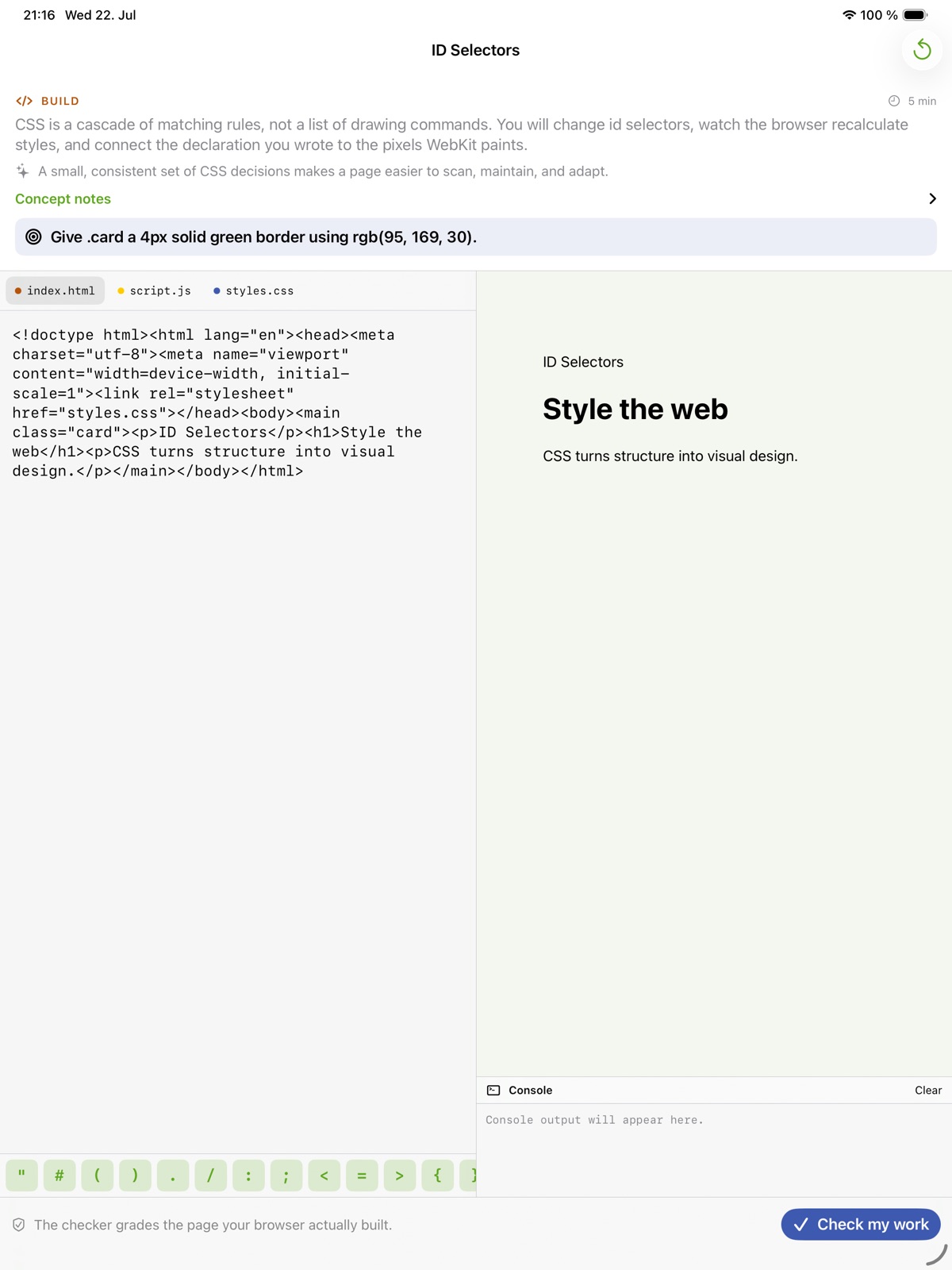
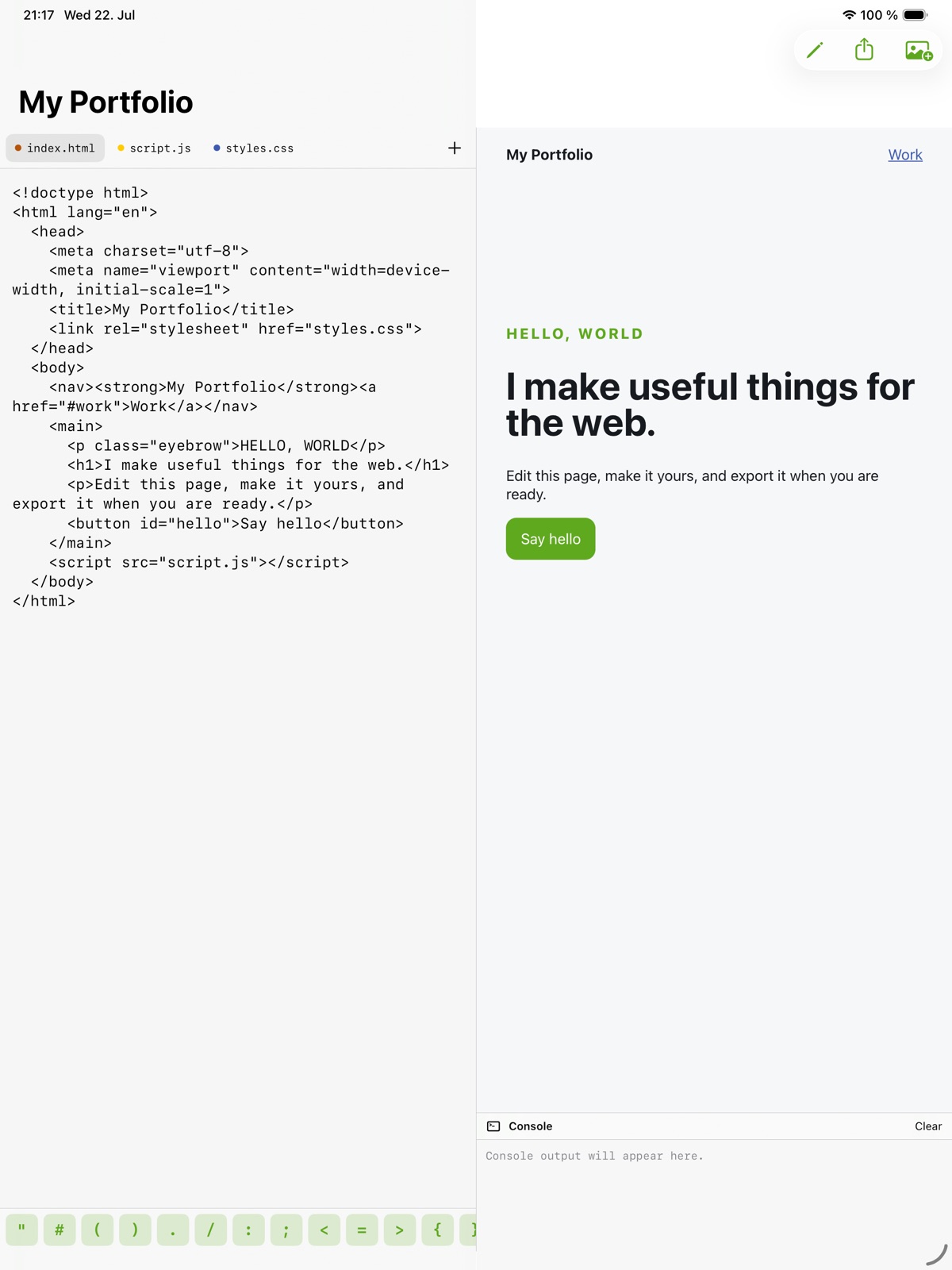
Write HTML, CSS and JavaScript, then see the result in a local browser preview.
What you can do with DevMonkey
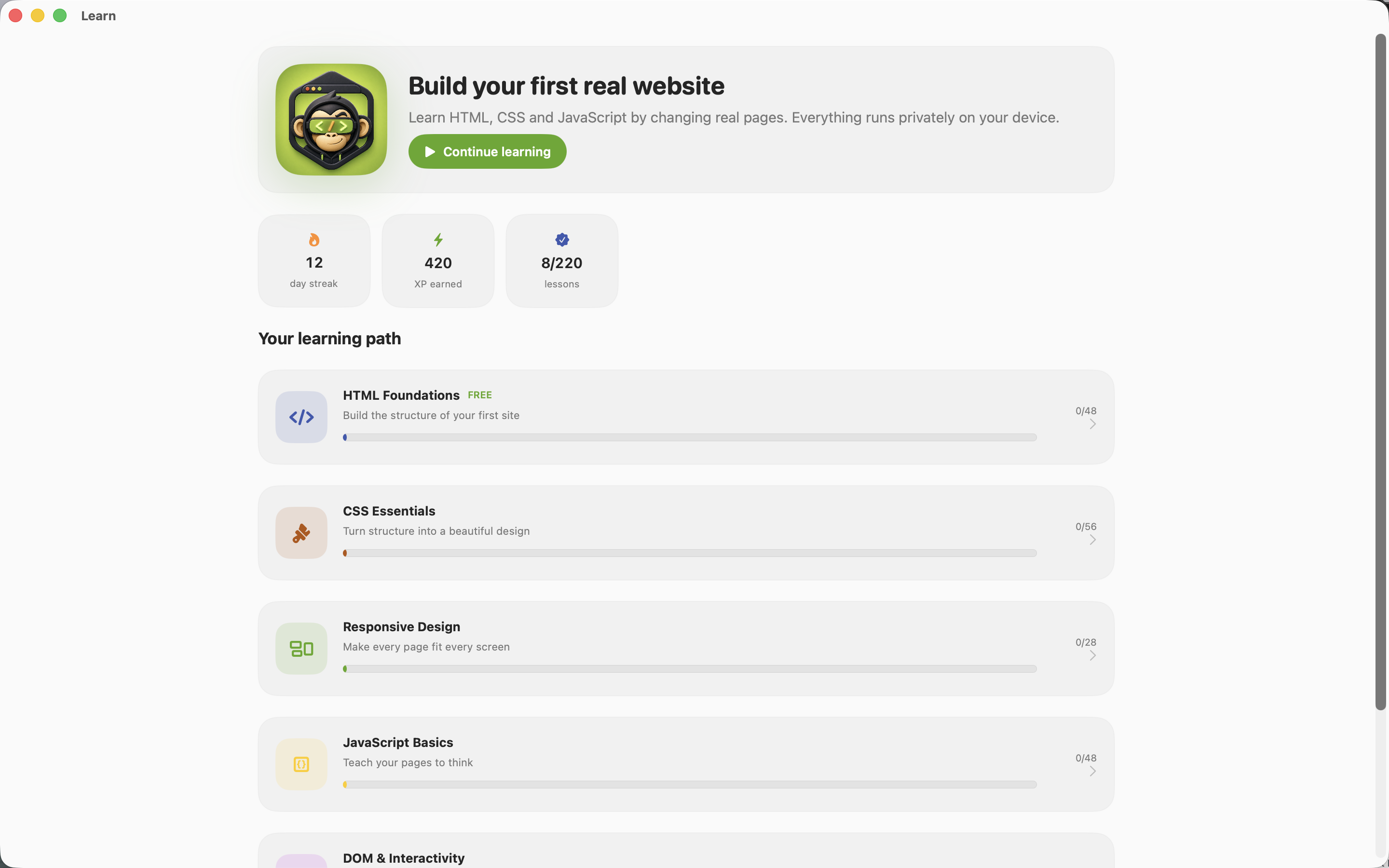
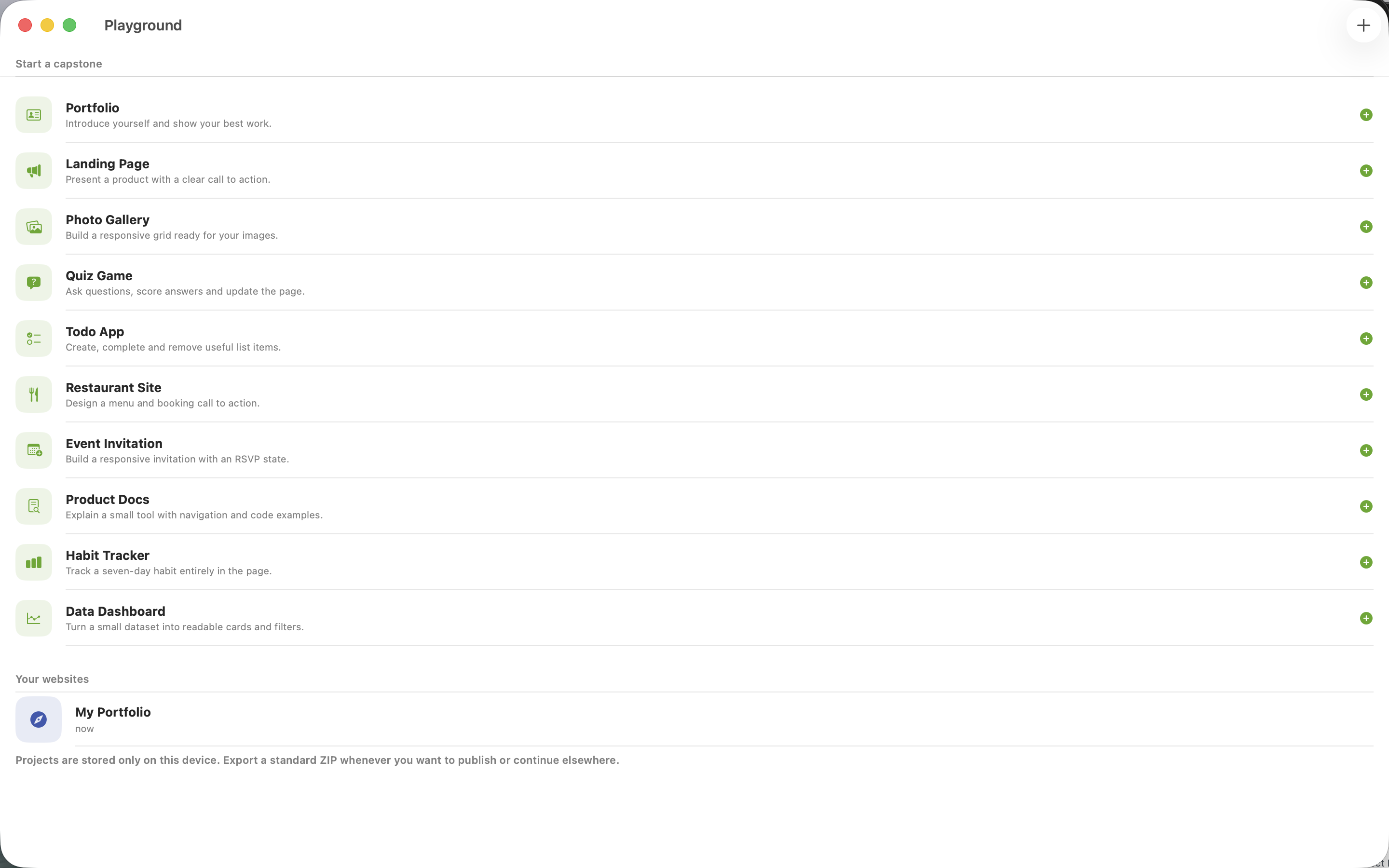
Write HTML, CSS and JavaScript, then see the result in a local browser preview. DevMonkey puts lessons and practical page building together, with checks that help you understand what your code produces. Move from a small exercise to a multi-file project and keep developing the page as your skills grow. The Mac edition checks the rendered page and its computed styles, with ten capstone starters to develop into larger projects.
- See HTML, CSS and JavaScript in a live preview
- Learn from checks on the rendered page
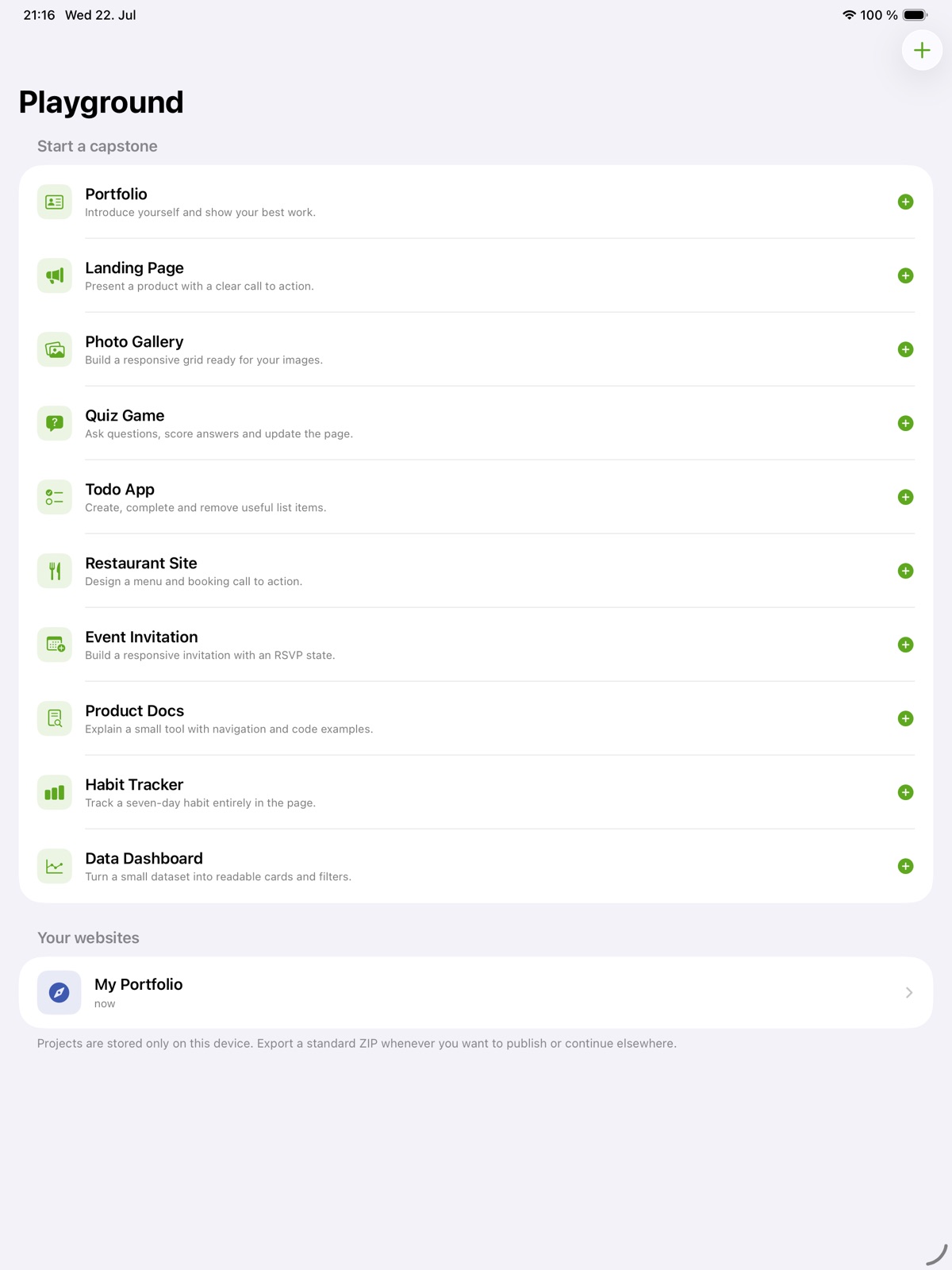
- Develop ideas into multi-file projects
See the workspace
Explore 5 more screenshots
A simple way to get started
Choose a topic
Begin with the skill or project you want to understand.
Try it yourself
Work through the available exercises, examples and project activities.
Build on the session
Return to the material and carry the ideas into your next task.
Explore more features
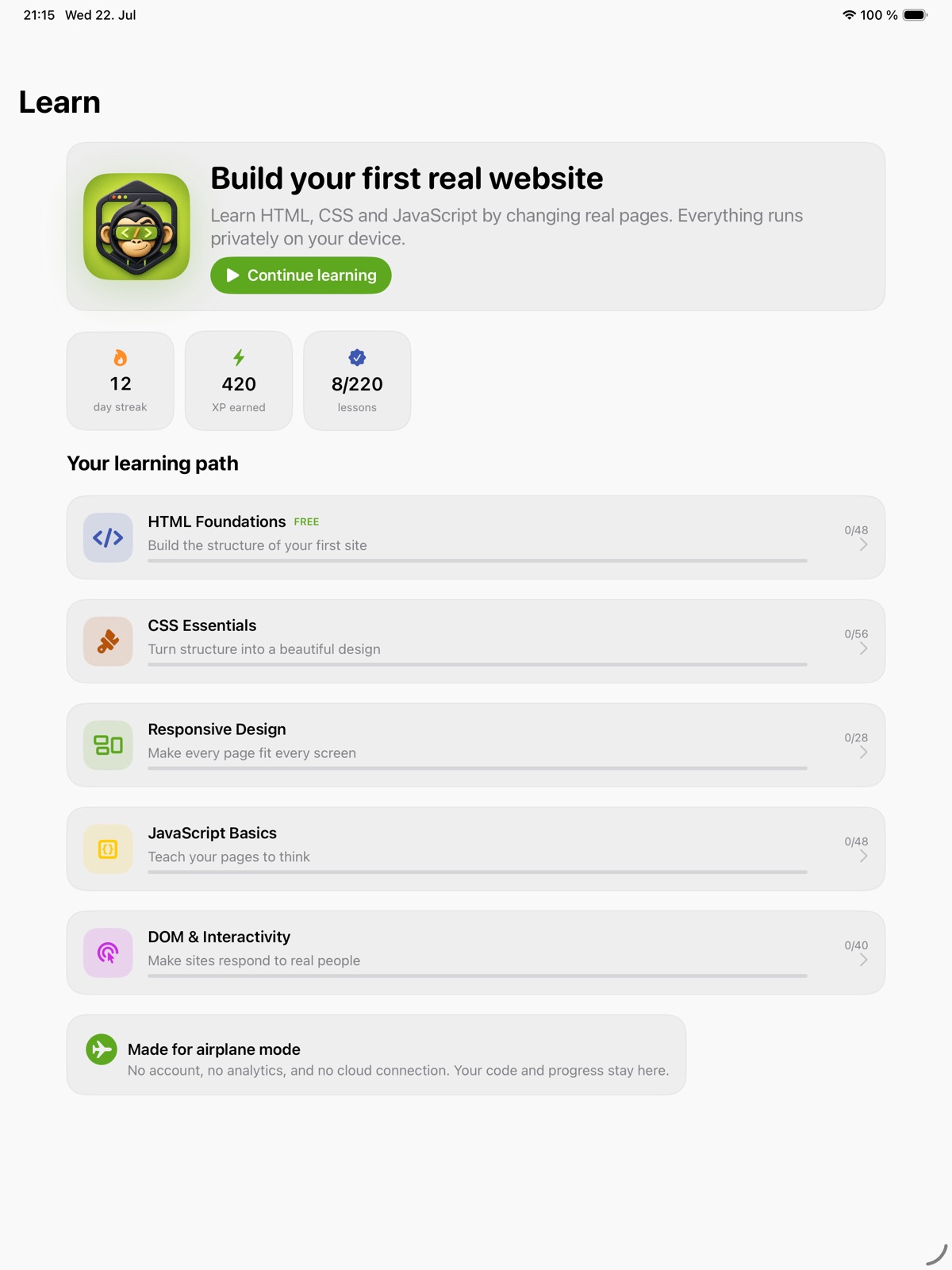
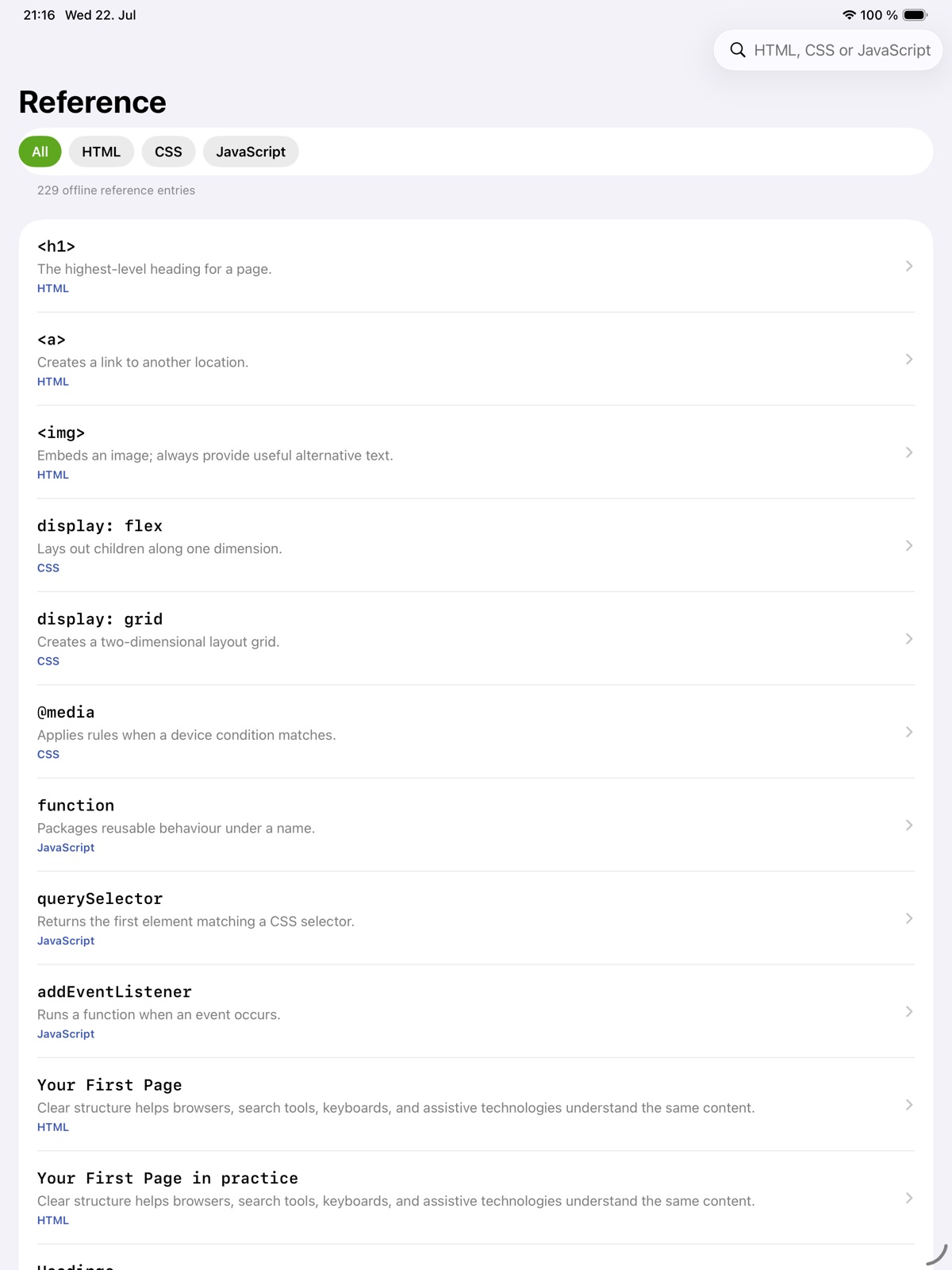
- 220 lessons across HTML, CSS, responsive design, JavaScript and the DOM
- 10 substantial capstone starters with offline HTML, CSS and JavaScript
- Native code editor with a live offline WebKit preview and console
- DOM and computed-style lesson checker
Get DevMonkey
Compatibility and installation details
- Requires
- macOS 14 or later
- Architecture
- Apple silicon and Intel
- Version
- 1.0.0
- Download
- 10.4 MB
- Publisher signature
- Developer ID Application
- Apple notarization
- Notarized
- SHA-256
5947ad5a2af61c6cfb7ffb5eda1ddc6184b9672f62d3da8bb61b01268203560d
Download the Mac disk image from your receipt, open it and follow the included installation instructions.
Useful to know
What can I do with DevMonkey?
Write HTML, CSS and JavaScript, then see the result in a local browser preview. DevMonkey puts lessons and practical page building together, with checks that help you understand what your code produces. Move from a small exercise to a multi-file project and keep developing the page as your skills grow. The Mac edition checks the rendered page and its computed styles, with ten capstone starters to develop into larger projects.
How do I start?
Begin with the skill or project you want to understand. Work through the available exercises, examples and project activities. Return to the material and carry the ideas into your next task.
How do I receive my download?
After your purchase, the receipt page provides your download link. The exact expiry is shown with your delivery link. Keep your receipt and installer. If a link expires or a download fails, contact support with your receipt instead of buying again.
Where can I find setup help?
Compatibility and installation details are on this page. The installation guide and support team can help with the next step.