
CAD Space
Draft geometry and check a DWG round trip
Create technical drawings and inspect how the supported DWG writer handles your geometry.
What you can do with CAD Space
Create technical drawings and inspect how the supported DWG writer handles your geometry. Locate changed entities after a round-trip check and save a separate working copy.
- Start with a sample or bring in your own drawing.
- Use drafting tools to select and modify entities.
- Inspect reported differences before saving a delivery copy.
See the workspace
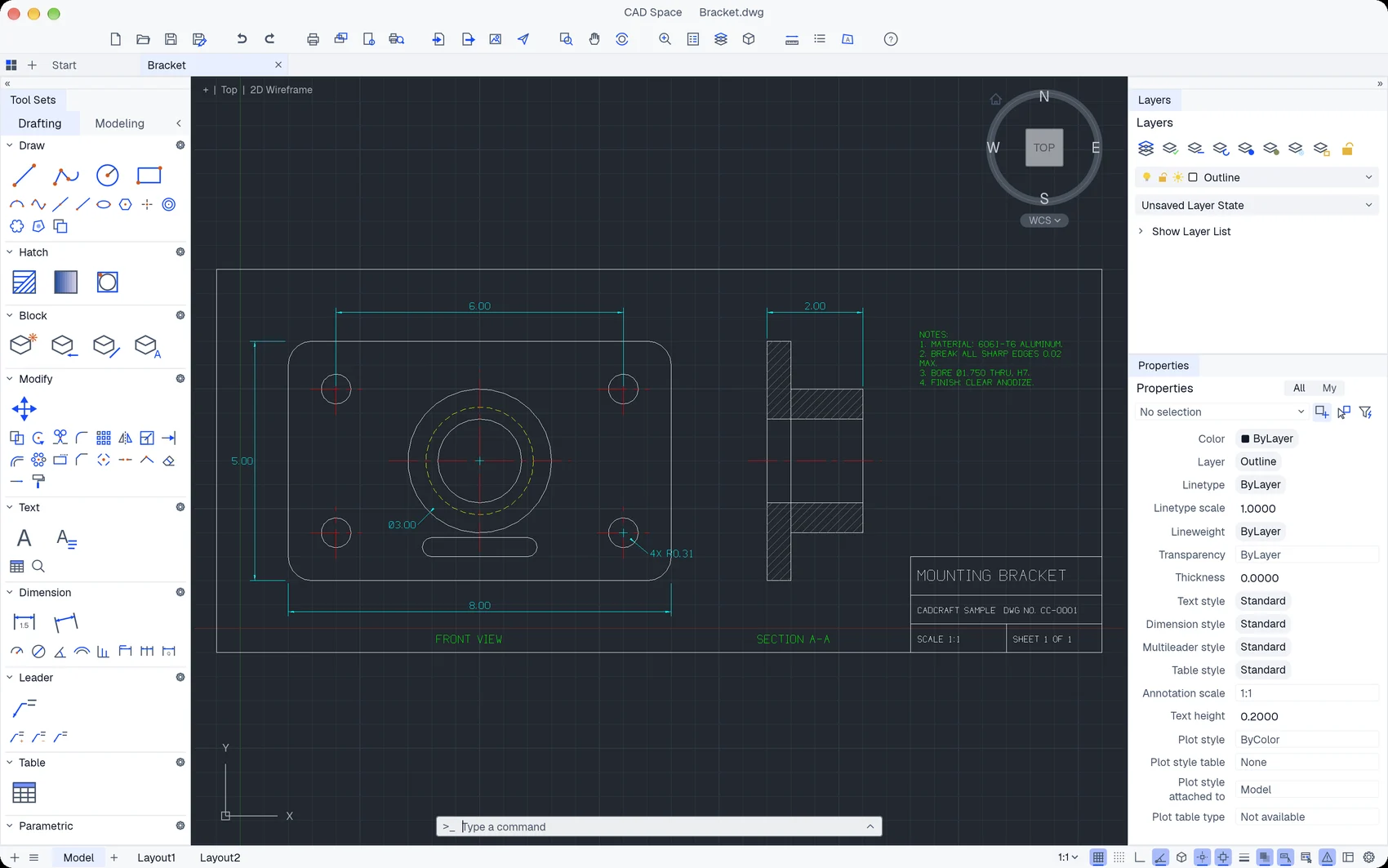
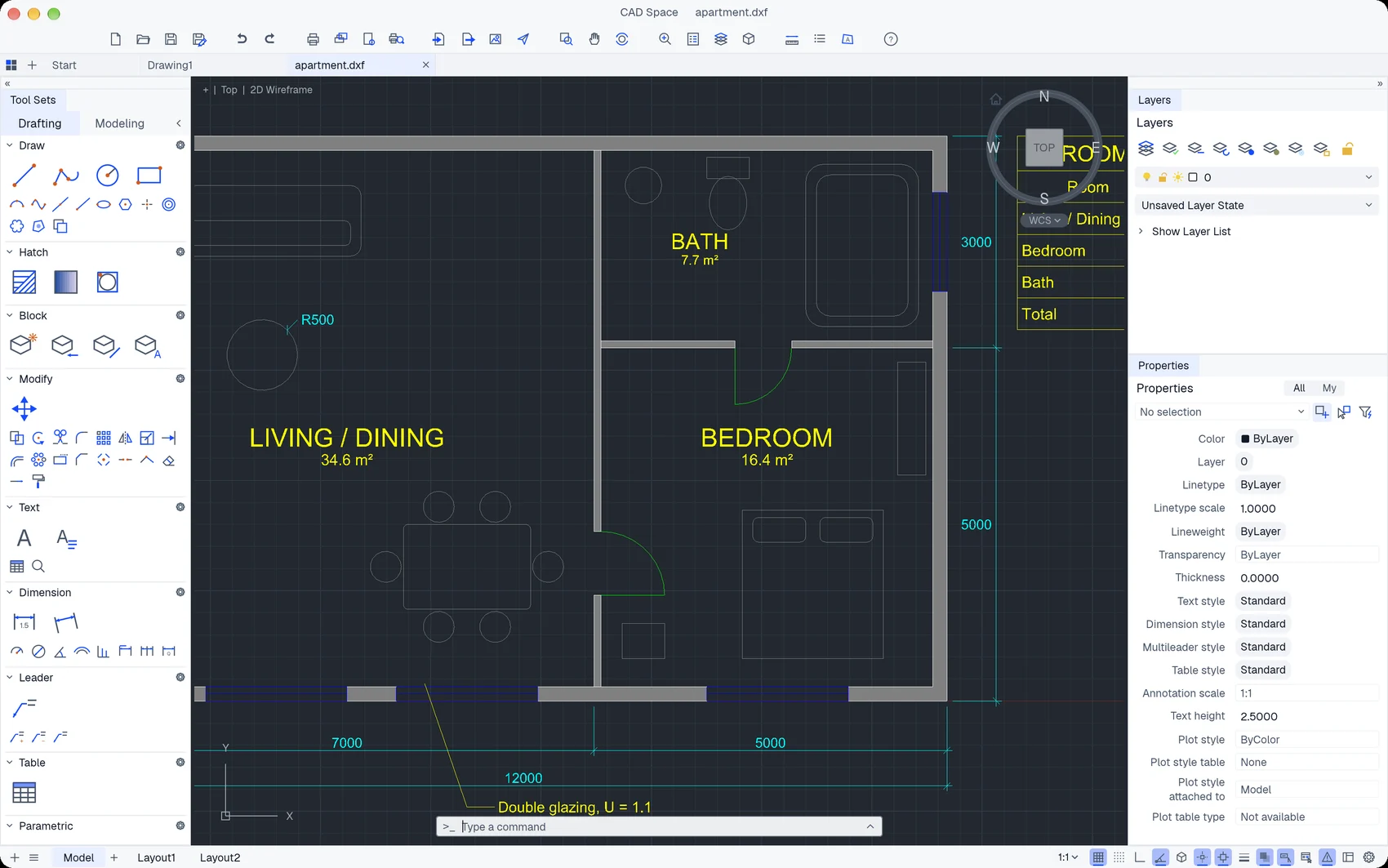
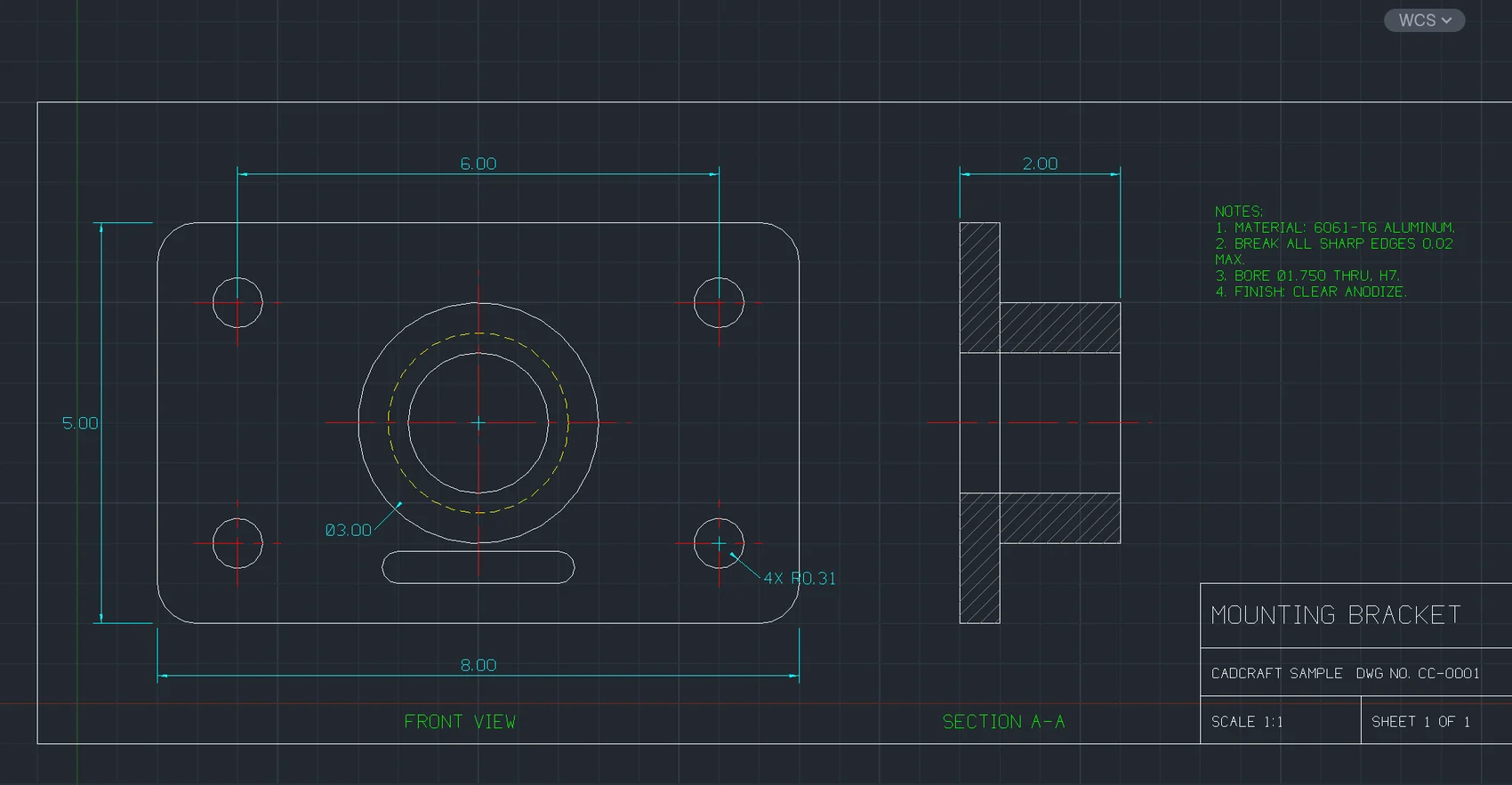
A simple way to get started
Open a drawing
Start with a sample or bring in your own drawing.
Edit the geometry
Use drafting tools to select and modify entities.
Check the exchange
Inspect reported differences before saving a delivery copy.
Explore more features
- Open a drawing
- Edit the geometry
- Check the exchange
Get CAD Space
Compatibility and installation details
- Requires
- macOS 11.0 or later
- Architecture
- Apple silicon
- Version
- 0.21.0
- Download
- 26.9 MB
- Installer
- cad-space-0.21.0-arm64.zip
- Publisher signature
- Developer ID Application
- Apple notarization
- Not notarized
- SHA-256
2ee1cb4dc542fadf0cde71ad7d1be1767b96187ddce50f8ced435f10fe041a93
Expand the download and move CAD Space to your Applications folder.
Download the ZIP archive from your receipt.
Useful to know
What can I do with CAD Space?
Create technical drawings and inspect how the supported DWG writer handles your geometry. Locate changed entities after a round-trip check and save a separate working copy.
How do I start?
Start with a sample or bring in your own drawing. Use drafting tools to select and modify entities. Inspect reported differences before saving a delivery copy.
How do I receive my download?
After your purchase, the receipt page provides your download link. The exact expiry is shown with your delivery link. Keep your receipt and installer. If a link expires or a download fails, contact support with your receipt instead of buying again.
Where can I find setup help?
Compatibility and installation details are on this page. The installation guide and support team can help with the next step.